A Unified Interface for Multi-Pipeline Development
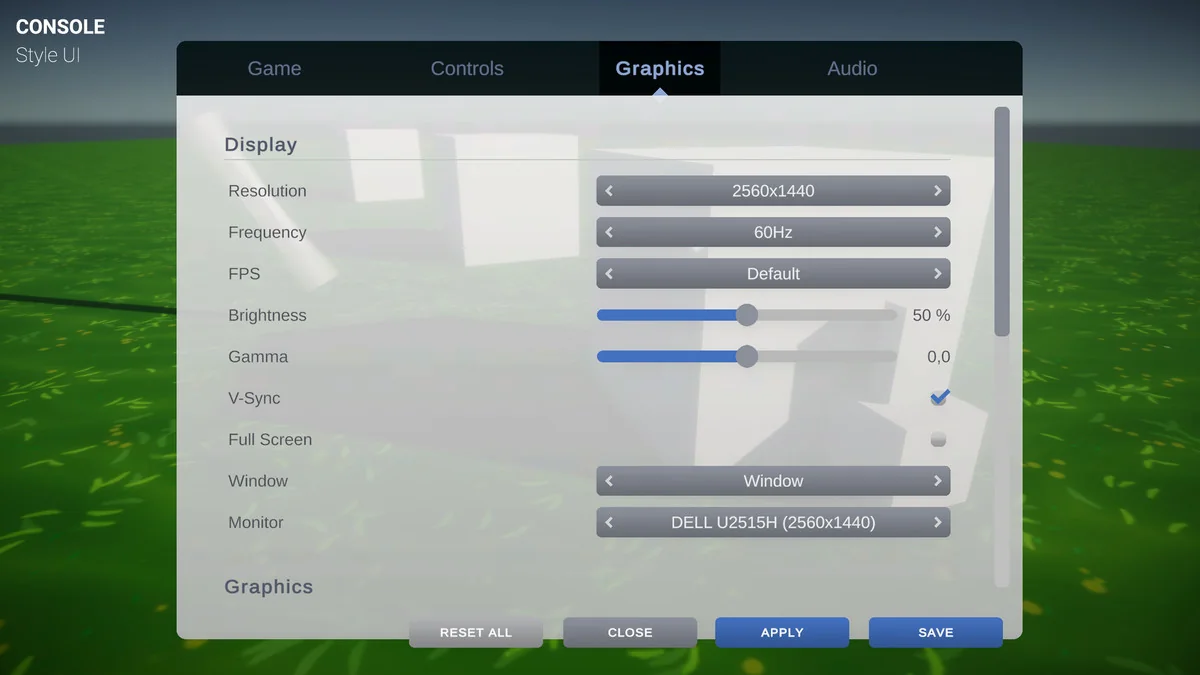
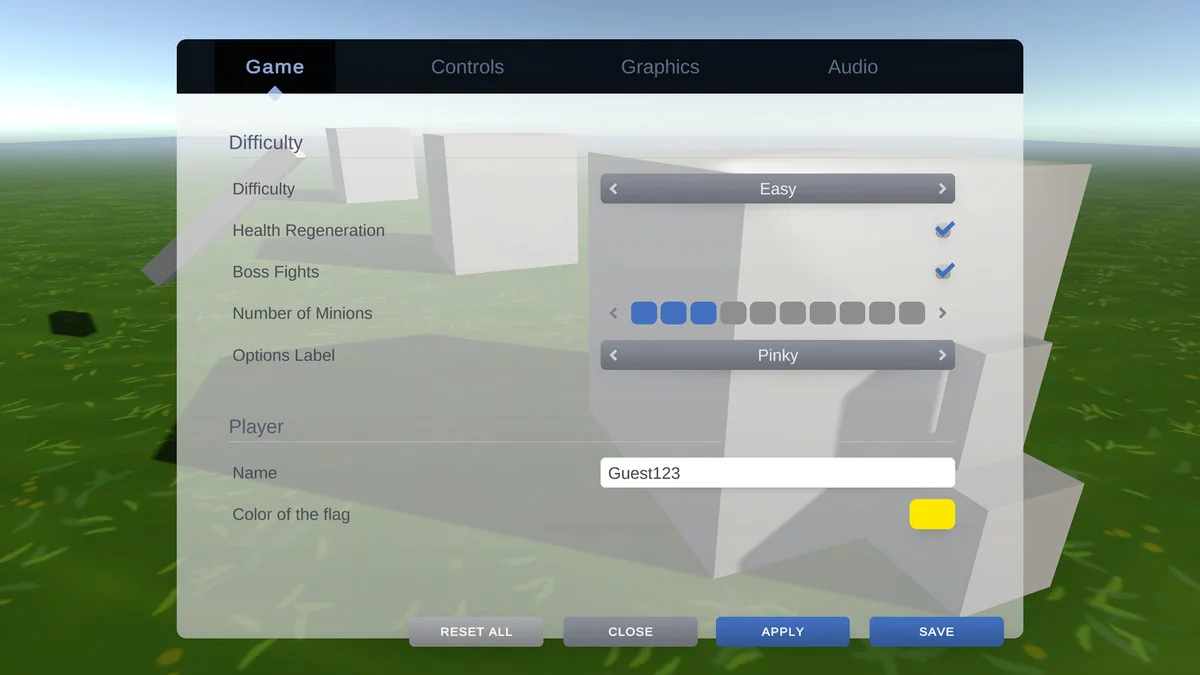
Managing game settings across different rendering environments often requires distinct implementations for specific features. Settings & Game Options – Unified Menu Generator addresses this by providing a single API and a unified interface that functions across the Universal Render Pipeline (URP), High Definition Render Pipeline (HDRP), and the Built-in Render Pipeline. This structure ensures that regardless of the chosen pipeline, the logic for applying graphics and gameplay settings remains consistent.
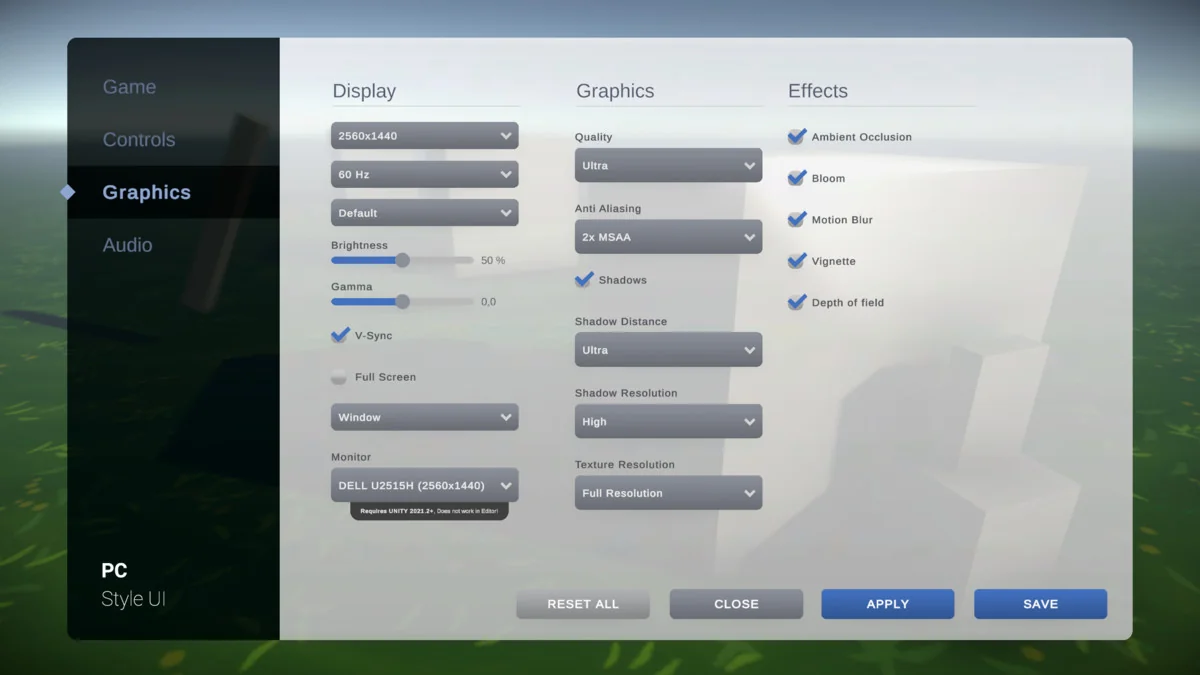
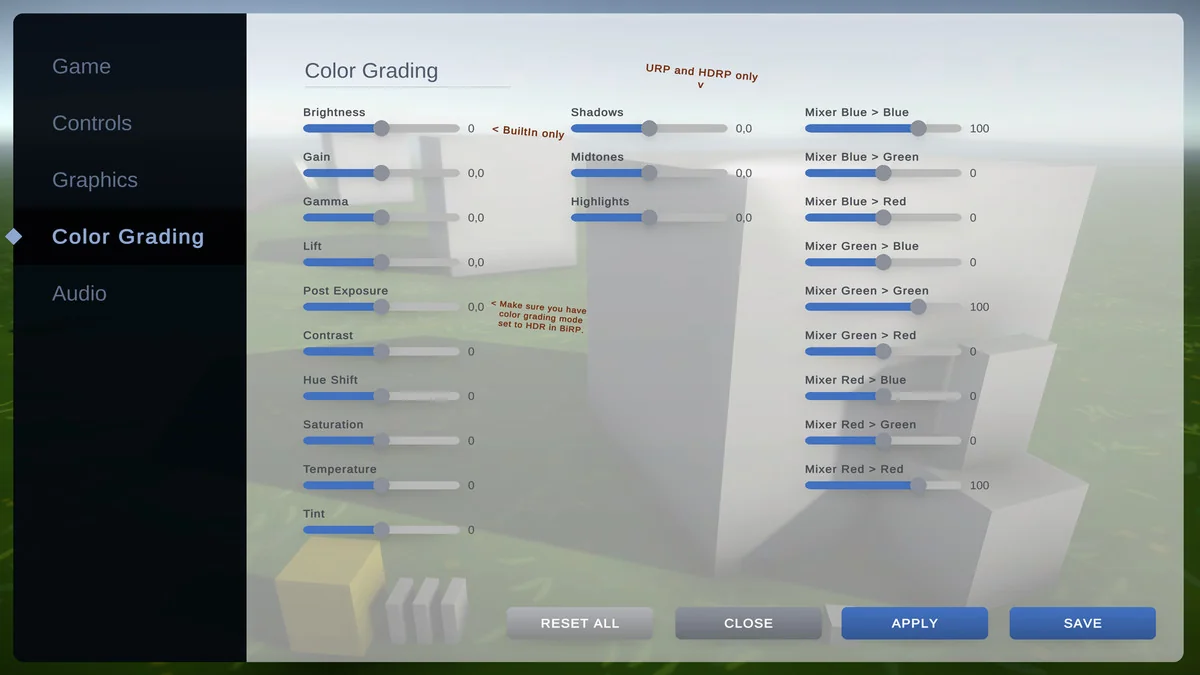
For developers working with the Built-in renderer, the tool accommodates specific post-processing effects such as Gamma, Ambient Occlusion, and Motion Blur through the PostProcessing Stack (V2). By centralizing these interactions, the asset removes the need for pipeline-specific branching in the menu logic, allowing settings to be applied effortlessly across different project configurations.
Input Flexibility and Binding Systems
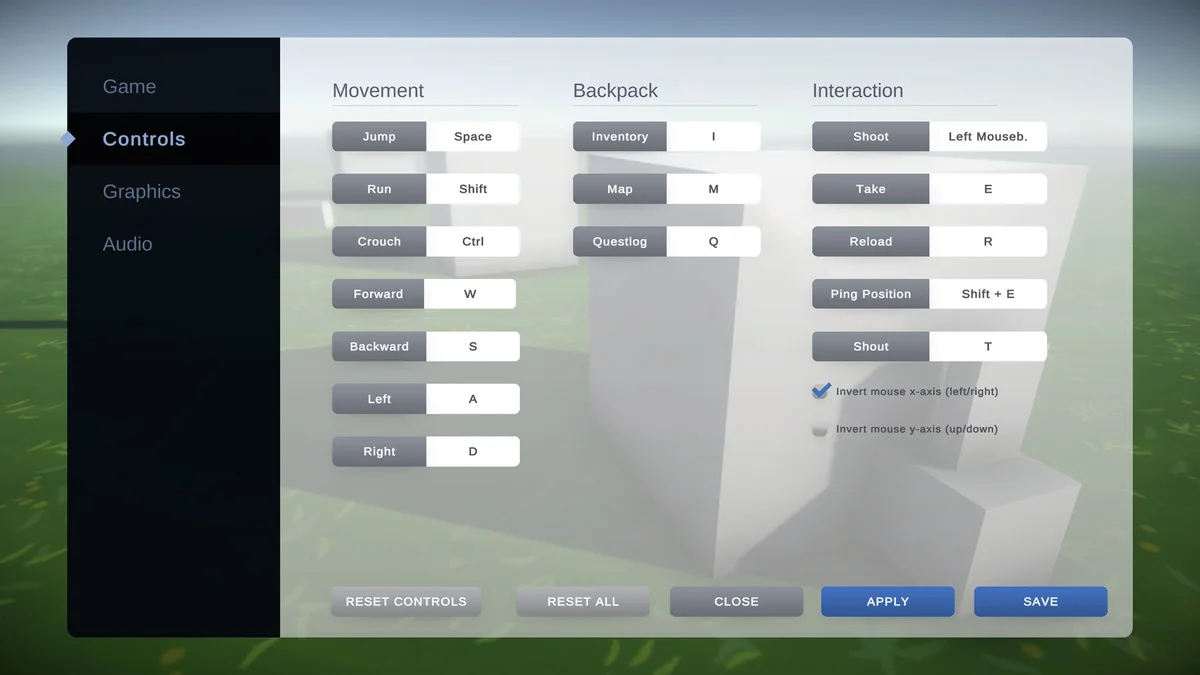
The system is designed to handle a broad range of hardware configurations, including mouse, keyboard, controller, gamepad, and touch inputs. It supports both the legacy Unity Input Manager and the newer Input System Package. This dual support is particularly relevant for projects transitioning between systems or those requiring specific compatibility for various platforms.
Input binding is a core feature, allowing players to save and edit their key configurations. The implementation is described as battle-tested, aimed at providing a reliable foundation for rebindable controls. This functionality extends to both PC and console-style setups, ensuring that the input logic remains robust regardless of the player’s hardware choice.
ScriptableObject-Based Workflow and Logic
The tool provides a workflow that does not strictly require coding skills, utilizing a ScriptableObject-based architecture. Through the use of a Generic Connector, developers can hook the menu logic into any property, field, or method within their project. This allows for a code-free bridge between the UI and the underlying game systems.
For those who prefer visual scripting, the asset includes support for Unity’s native visual scripting tools and PlayMaker. While these may require a short manual setup, they offer an alternative for developers who wish to avoid traditional C# scripting. Conversely, a full Scripting API and the complete source code are included for programmers who need to extend the system or integrate it deeply into custom architectures.
Modular UI Architecture and Customization
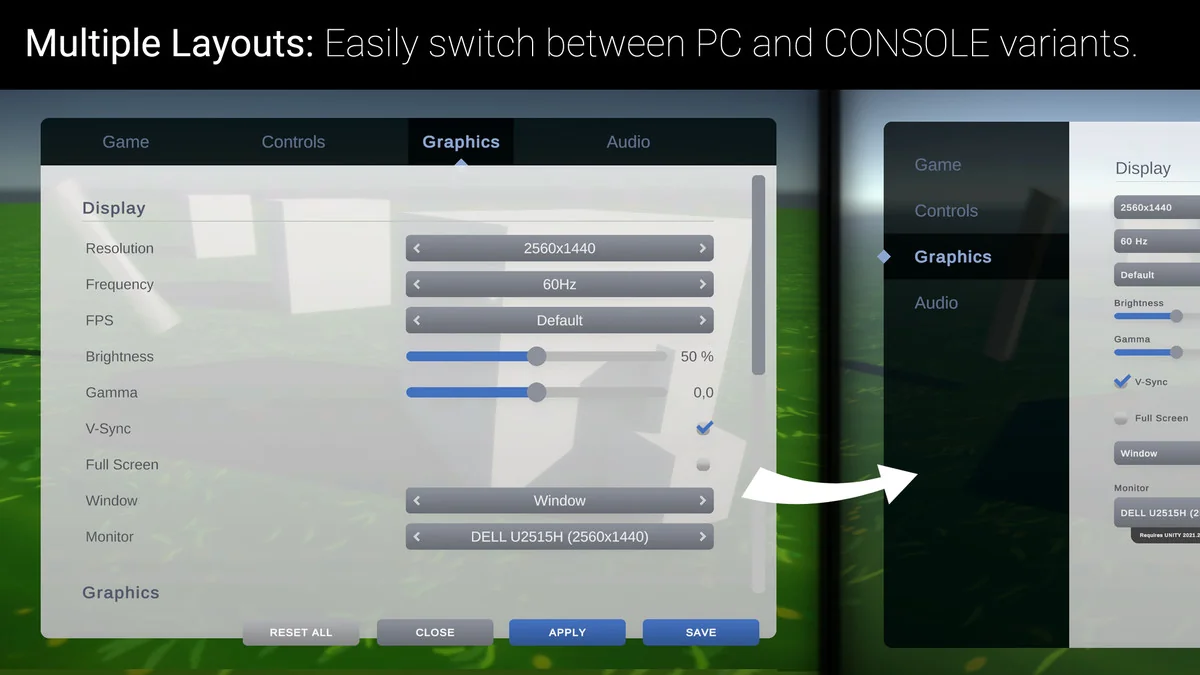
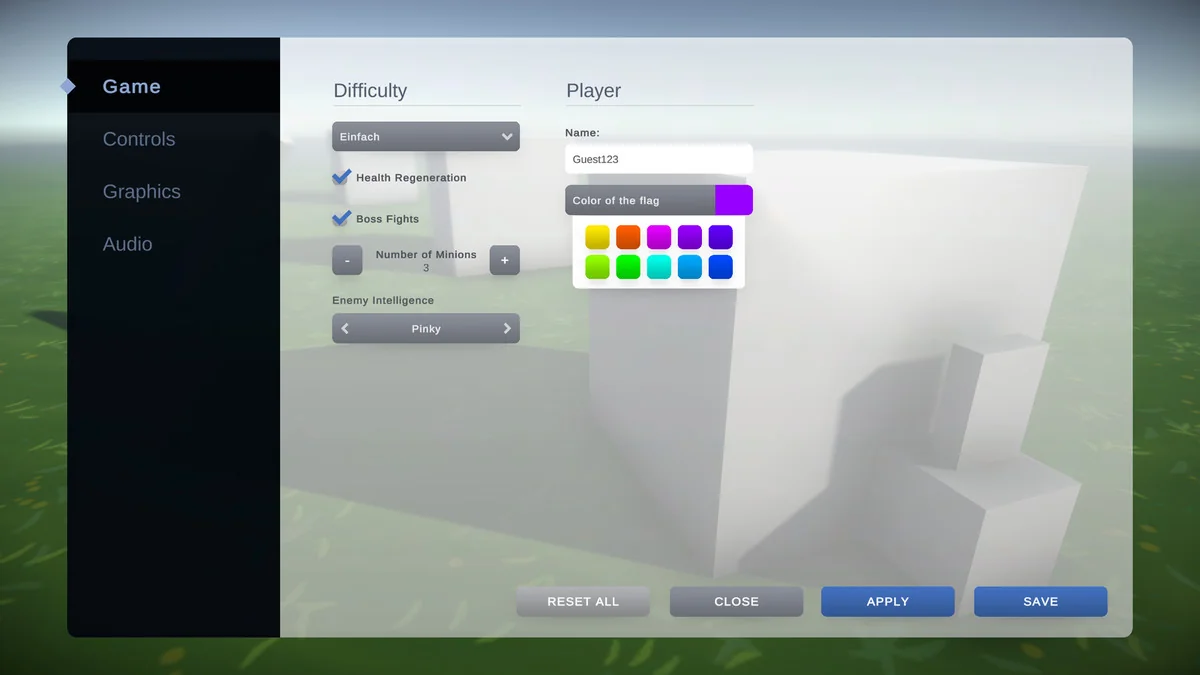
The user interface is built on a modular prefab library, allowing for significant visual flexibility. Developers can choose between PC and console-style prefabs, which can be swapped via a right-click menu without needing to reconfigure the underlying logic. This modularity means the UI can be used as-is, tweaked to fit a specific aesthetic, or entirely replaced while retaining the core logic.
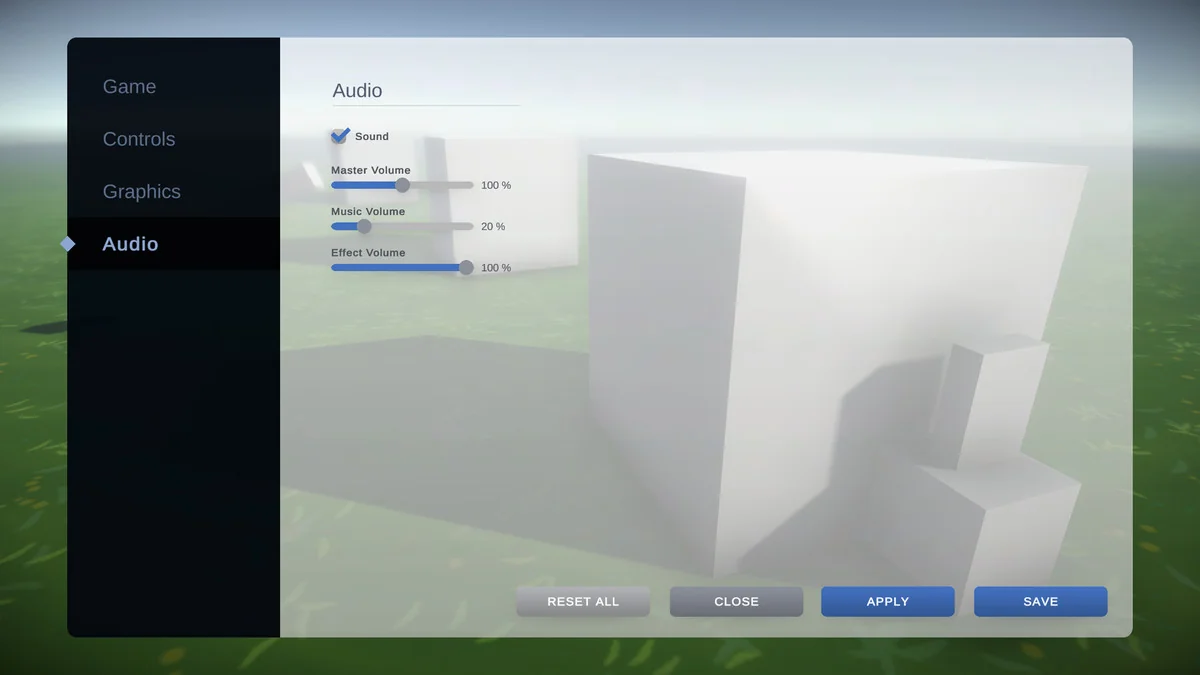
In addition to standard uGUI support, the asset is compatible with UI Toolkit in Unity 2021.2 and later versions. This ensures that projects utilizing the newer UI framework can still leverage the asset’s settings logic. The inclusion of Event Components further allows the scene to react to setting changes—such as audio volume shifts or resolution adjustments—without writing custom listeners.
Data Management and Localization
Settings persistence is handled through multiple avenues. By default, the tool can save user configurations via PlayerPrefs or as JSON files. For developers using third-party save solutions like Easy Save, the asset provides code hooks to facilitate integration into those systems. An auto-save feature is also available, though it remains disabled by default to allow for manual control over when data is written.
Localization is integrated directly into the tool, featuring predefined translations that can be extended. It is designed to work alongside dedicated localization assets like I2 Localization, ensuring that the settings menu can be adapted for global audiences without rebuilding the interface for every language.
Implementation and Compatibility Notes
The asset supports a wide range of Unity versions, from Unity 2020 through Unity 6. While a legacy version exists for Unity 2020 and 2021.1, the developer recommends using 2021.2 or newer to access the latest feature updates. The tool is designed as an all-in-one solution, meaning all necessary logic and UI components are contained within the package, requiring no additional purchases to function across the supported pipelines.
Because the source code is fully included, the system can be adapted to highly specific project needs, such as custom save paths or unique hardware requirements. The ability to rip out the UI and keep only the logic provides a foundation for developers who have already established a visual style but require a backend to manage the complexity of modern game options.
Asset Gallery
Protected download
Access this resource
All resources are 100% manually reviewed to eliminate all risks.