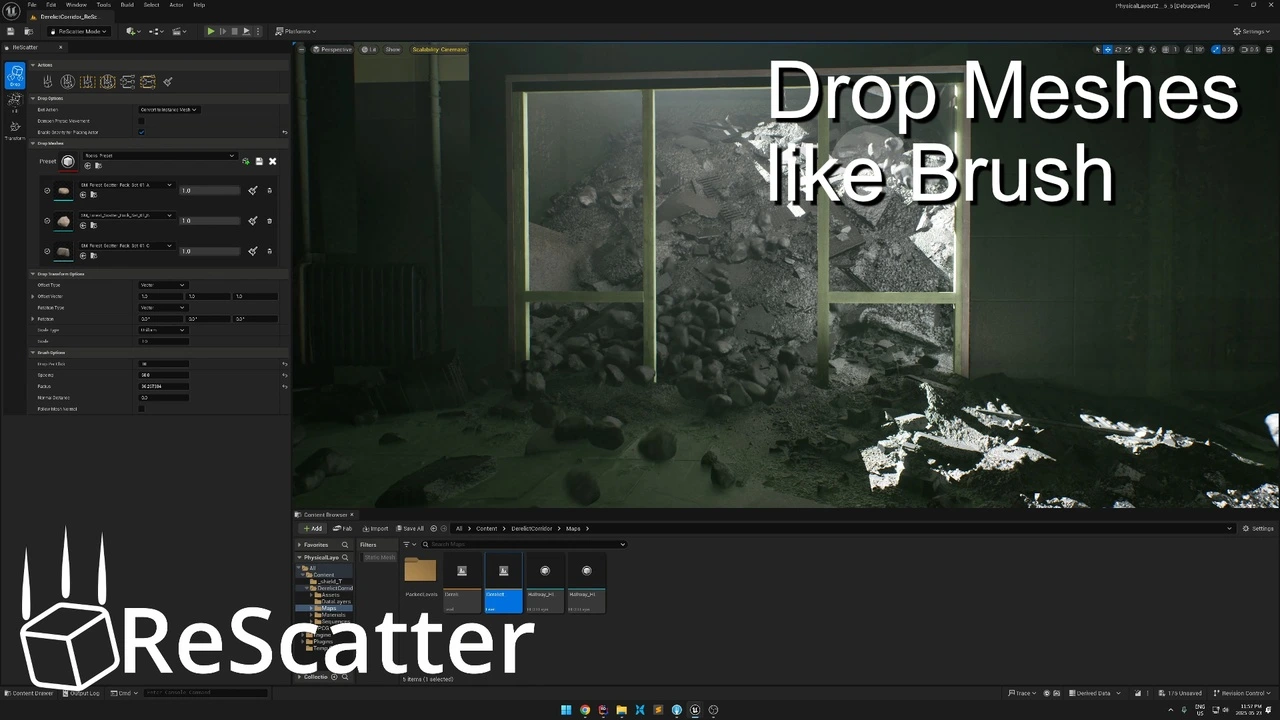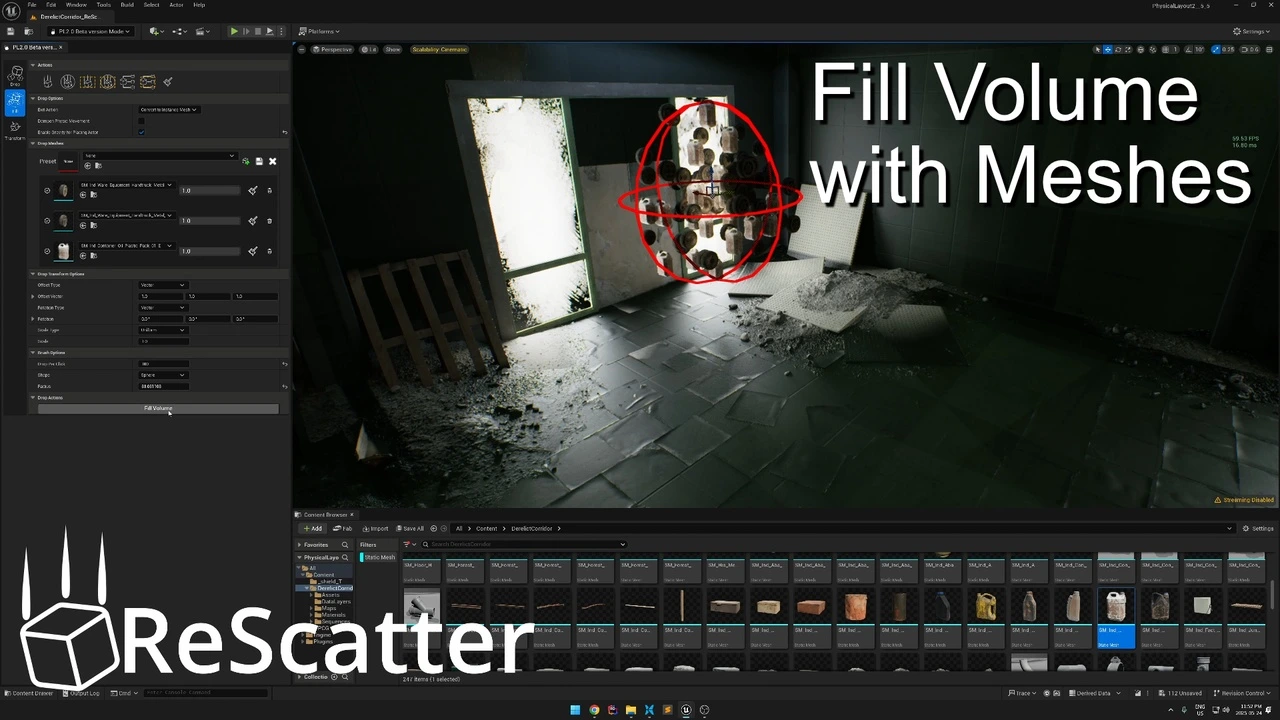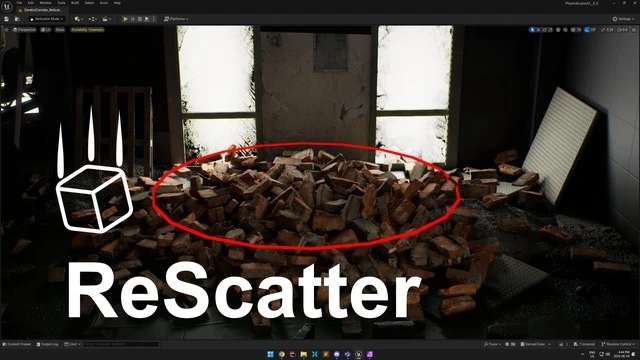
From the creator of the massively popular “Physical Layout” tool, downloaded over 200,000 times, comes its powerful and completely rebuilt successor: ReScatter. We listened to your feedback, learned from the past, and engineered a brand-new tool from the ground up using Unreal Engine’s modern interactive UI framework and the powerful Chaos Physics engine.
The result is a robust, intuitive, and—most importantly—safe way to populate your worlds with physically simulated objects, giving you incredible results without ever messing up your map.
A Modern Tool, Rebuilt for You
We’ve focused on solving the biggest challenges of procedural asset placement to create a tool that feels great to use and delivers professional results.
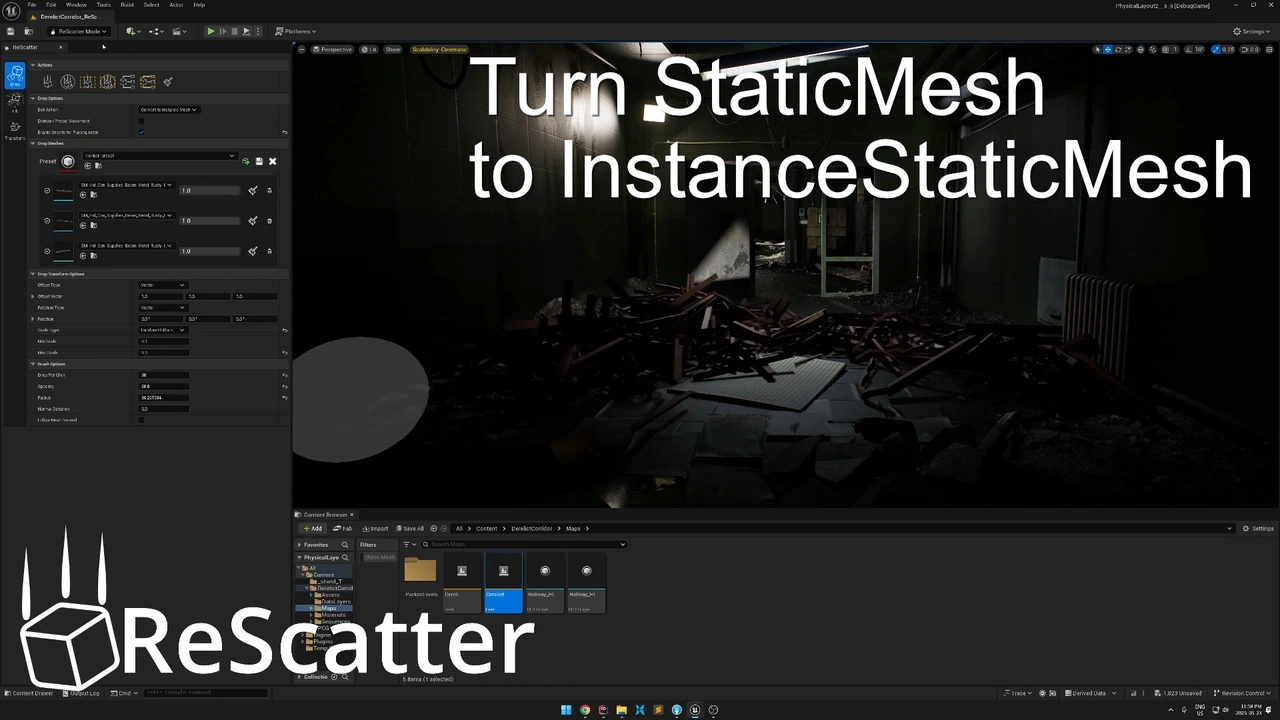
- Safe & Non-Destructive Workflow: First and foremost, ReScatter works without altering your objects’ original states. You can paint, simulate, and scatter assets with the confidence that your original level layout remains perfectly intact. In addition, full support for Unreal’s Undo/Redo system means you can experiment freely and without fear.
- Unprecedented Artistic Control: Go beyond simple scattering. ReScatter gives you powerful new ways to direct your layouts:
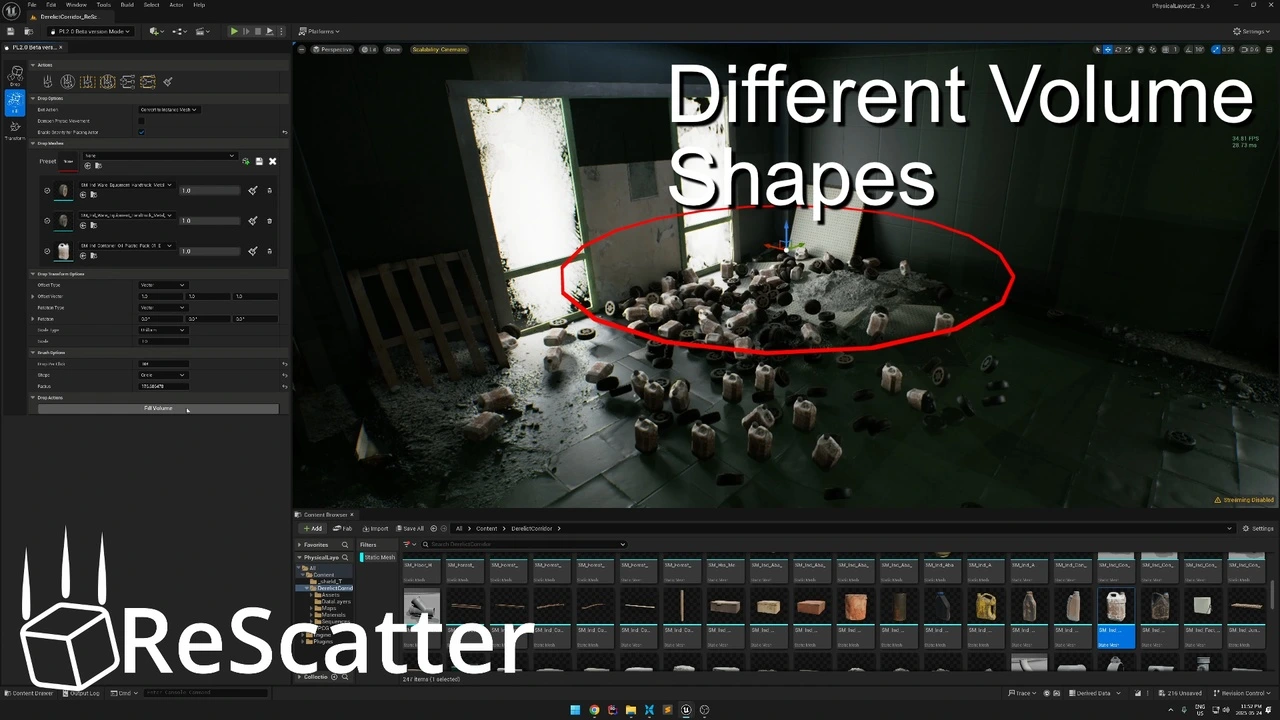
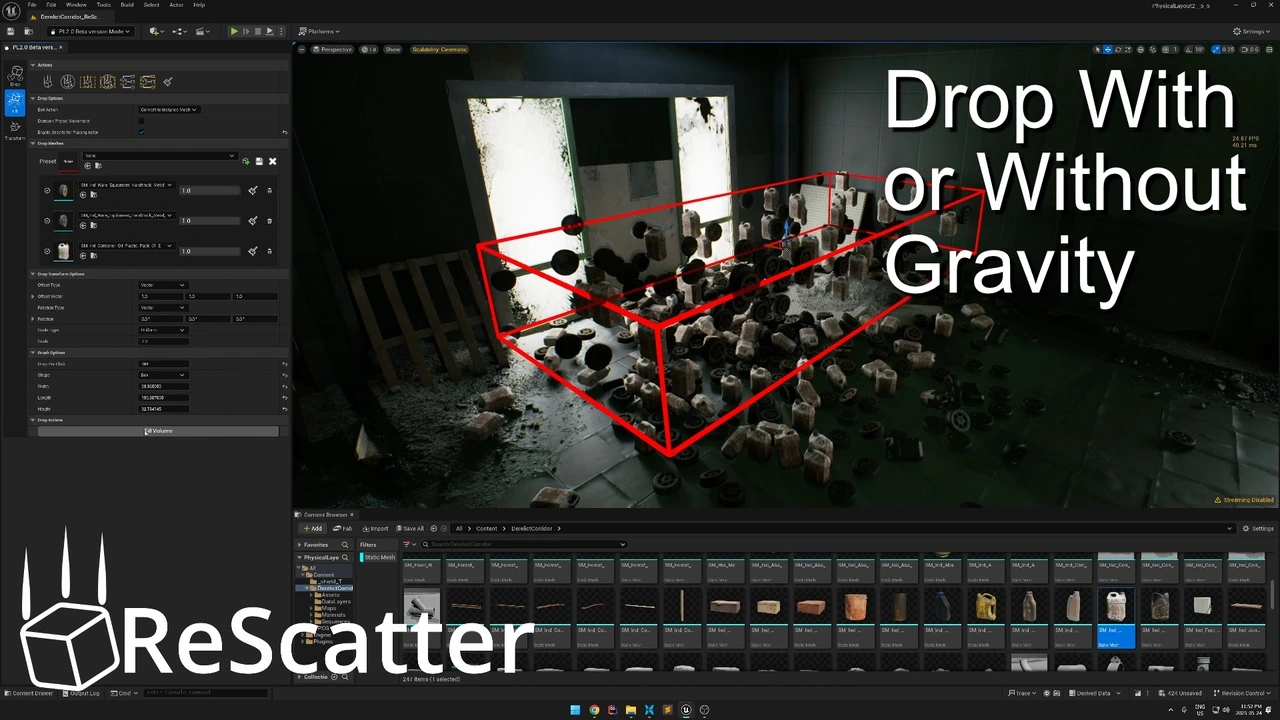
- Shape Volumes: Scatter objects within a defined Sphere, Cube, or Circle to create natural-looking piles and clusters.
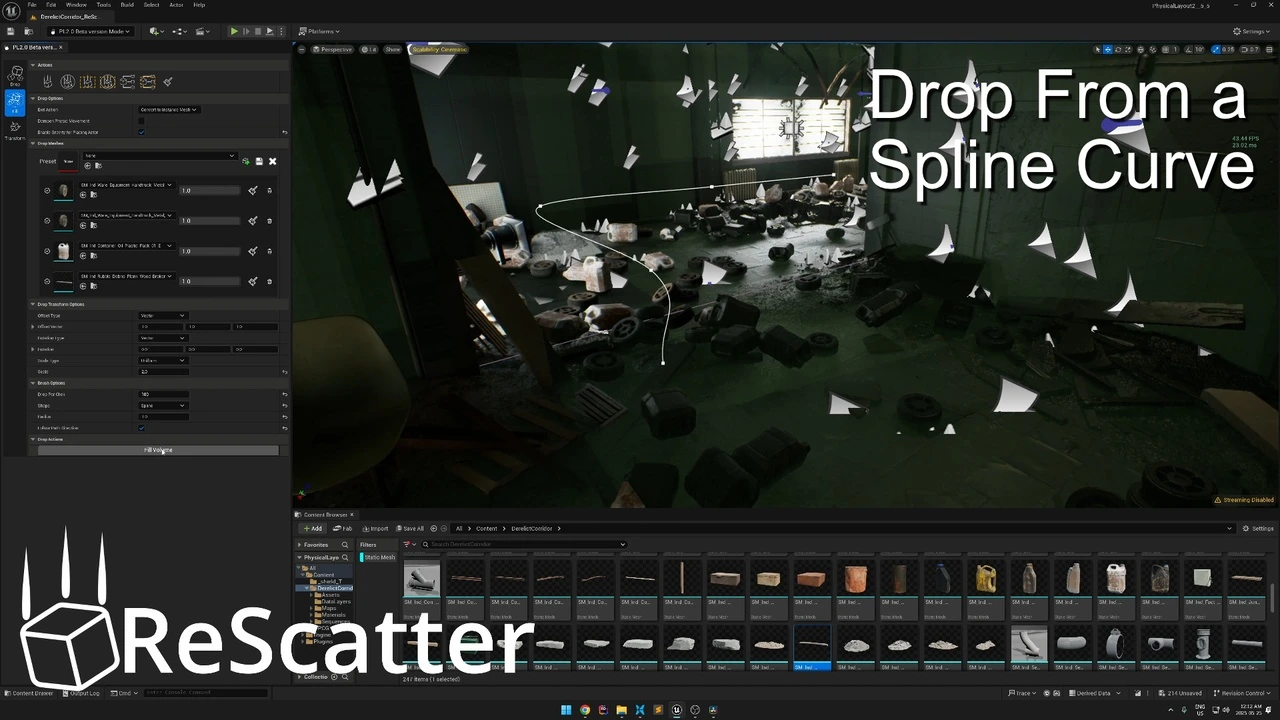
- Spline Scattering: Precisely place and simulate objects along any spline curve, perfect for creating trails of debris, fallen fences, or decorative paths.
- Work Faster with Presets: Found the perfect combination of meshes and brush settings for creating a forest floor or a rubble pile? Now you can save your entire setup as a preset and recall it instantly in any project, saving you an enormous amount of time and ensuring consistency.
- Powered by Chaos Physics: By leveraging Unreal Engine’s native Chaos Physics system, ReScatter delivers highly realistic, predictable, and performant simulations for believable and dynamic results every time.
Your New Essential Level Design Tool
ReScatter isn’t just an update; it’s a complete reimagining of what a scattering tool should be. It’s faster, more powerful, and designed for the modern Unreal Engine developer. Stop placing assets by hand and start creating complex, organic, and believable environments in a fraction of the time.
Download ReScatter today and revolutionize your environment creation workflow!
Click here to view the full details of the resource.:URL