Collision-driven mesh changes that stay close to the object
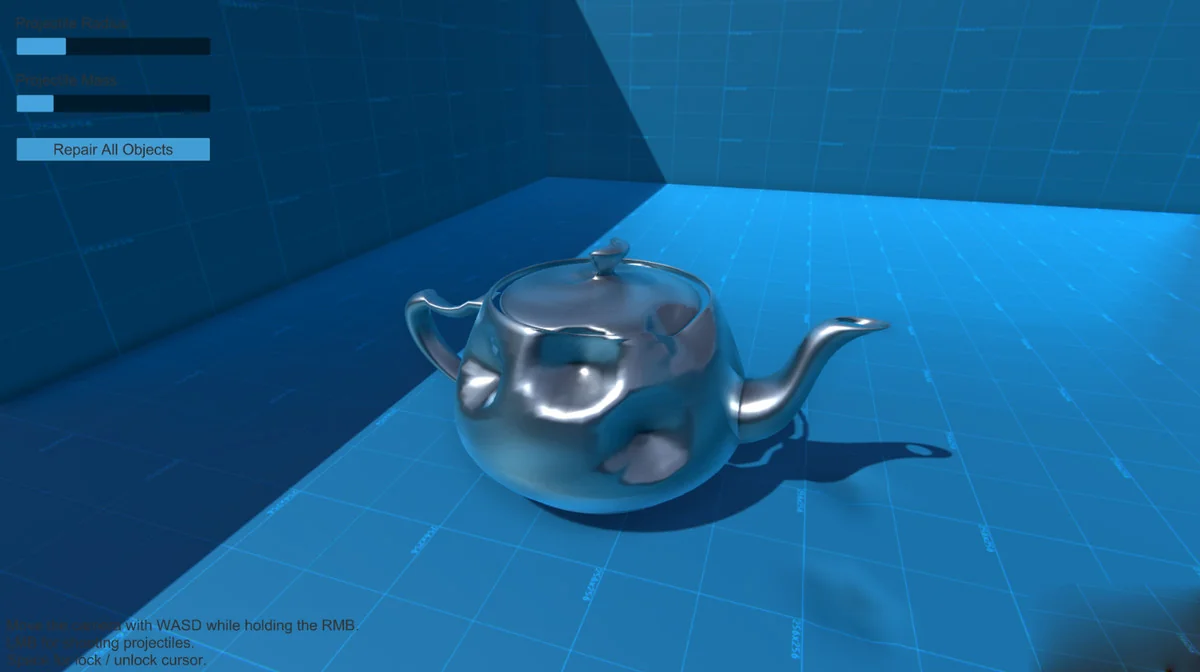
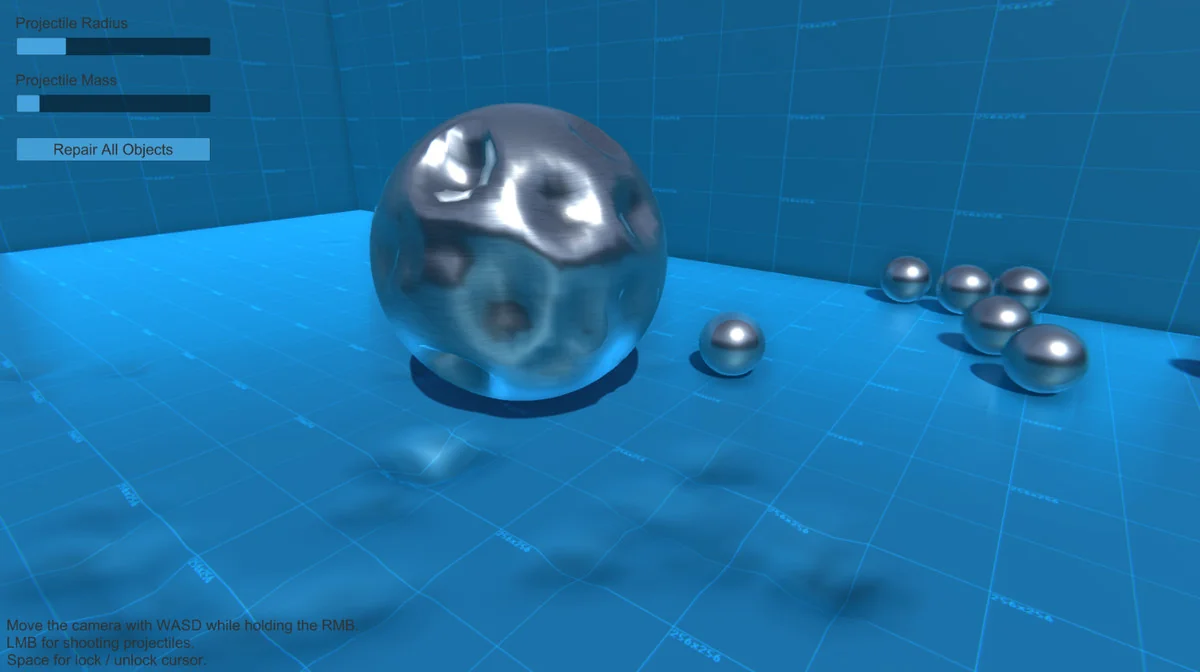
Realistic Mesh Deformation fits scenes where meshes need to react the moment a collision happens. The setup stays direct: attach it to the game objects you want to deform, and the script handles the deformation at runtime. It works on any object, but the wireframe topology needs to be in good condition for the deformation method to hold up properly.
The implementation uses the same deformation methods found in Realistic Car Controller, but in a version that is described as more customizable and more stable. That makes the workflow easy to place into a project without turning it into a separate system that needs a lot of extra handling. The focus stays on letting the object respond in real time while keeping the deformation logic manageable.
Choosing which meshes react
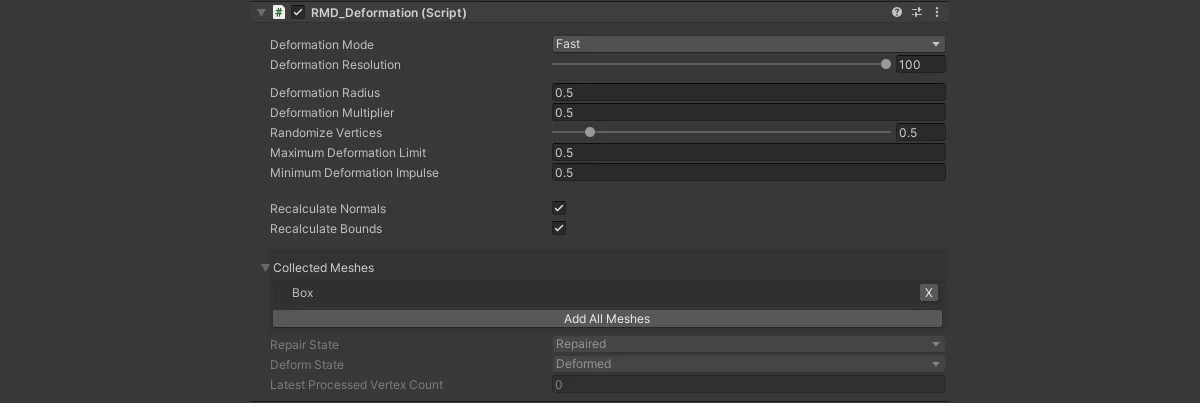
Not every mesh on a model has to move. Meshes can be selected individually, or the script can take all of them at once. That gives the setup a practical range: one object can react as a whole, or only the parts that matter can be included in the deformation pass.
Customizable deform settings sit at the center of that workflow. Instead of forcing every mesh into the same behavior, the asset leaves room to adjust how the deformation is handled. The combination of per-mesh selection and adjustable settings makes it easier to line up the effect with the structure of the model being used.
This is also where the assetâs tags and feature set line up with the work it supports: realtime deformation, meshes, damage, wireframe, and lowpoly use cases are all part of the picture. The goal is not a broad effects suite, but a focused tool for mesh reaction when a collision needs to leave a visible result.
Working through scripts, code, and editor support
Several parts of the workflow can be handled through code. The feature set includes deforming and repairing with code, so the mesh state does not have to be locked to one direction of change. If a project needs deformation to be restored or adjusted through script, that path is already part of the tool.
The supporting pieces are practical rather than decorative. Commented scripts and editor extensions are included, and an API is available as part of the package. Those details make the setup easier to read and extend without having to treat the deformer as a black box.
- Deforming and repairing with code
- Commented scripts
- Editor extensions
- API access
That combination makes the asset feel geared toward projects where the deformation needs to be controlled, inspected, and adjusted instead of only turned on once and left untouched.
Performance, package details, and project fit
The package is presented as lightweight and performance friendly, which matters for a runtime deformation system that needs to stay attached to game objects in motion. The file size is 3.4 MB, and the asset count is 27. Its latest version is 1.2, with the latest release dated Jun 03, 2025. The package type is unitypackage.
Unity compatibility is centered on the original Unity version 2021.3.2. Render pipeline compatibility is listed for Built-in, HDRP, and URP under 2021.3.2f1. The release notes point to updated documentation, updated scripts and prefabs, improved performance, and fixes for minor bugs.
For projects that need meshes to react to collisions without a heavy setup, the strongest fit is a model with clean wireframe topology and a clear idea of which objects should deform. When the geometry is ready and the targets are known, the script can be attached directly and the deformation work stays close to the scene itself.
Project Screenshots
Protected download
Access this resource
All resources are 100% manually reviewed to eliminate all risks.