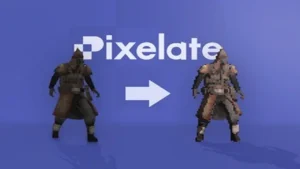
Paint sprites where the scene is already open
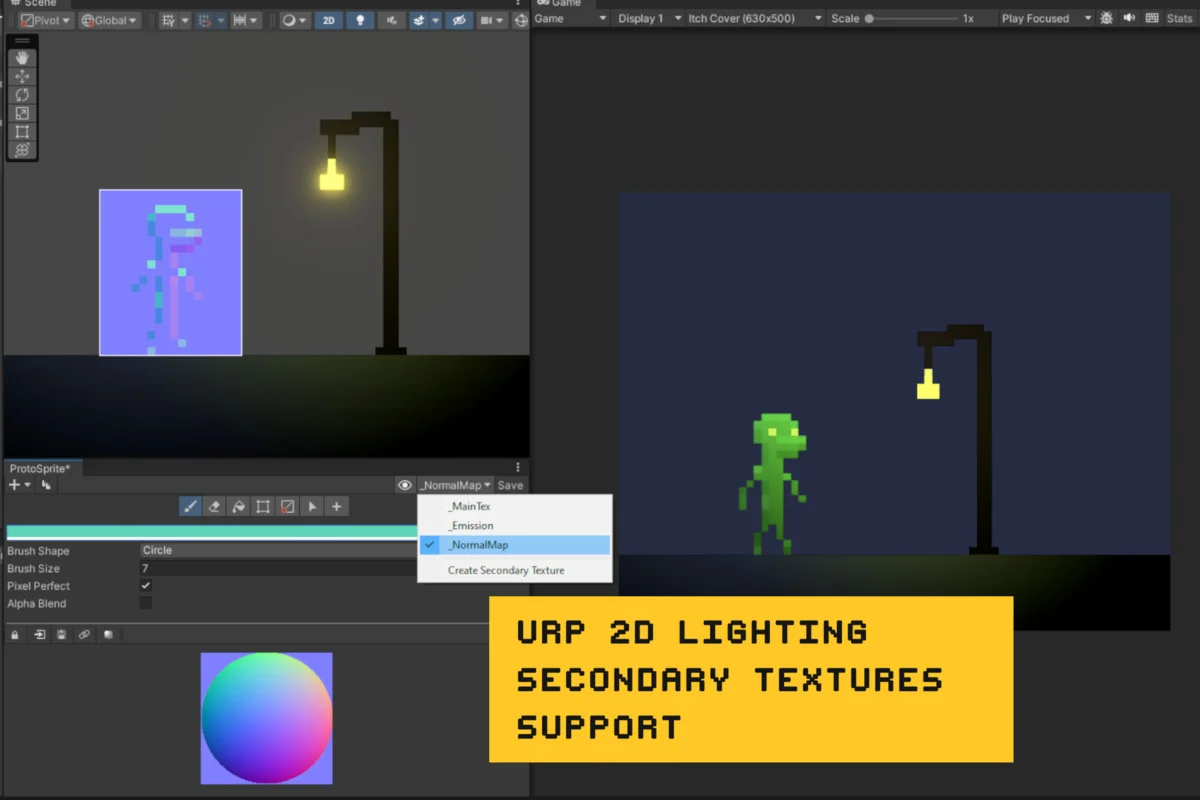
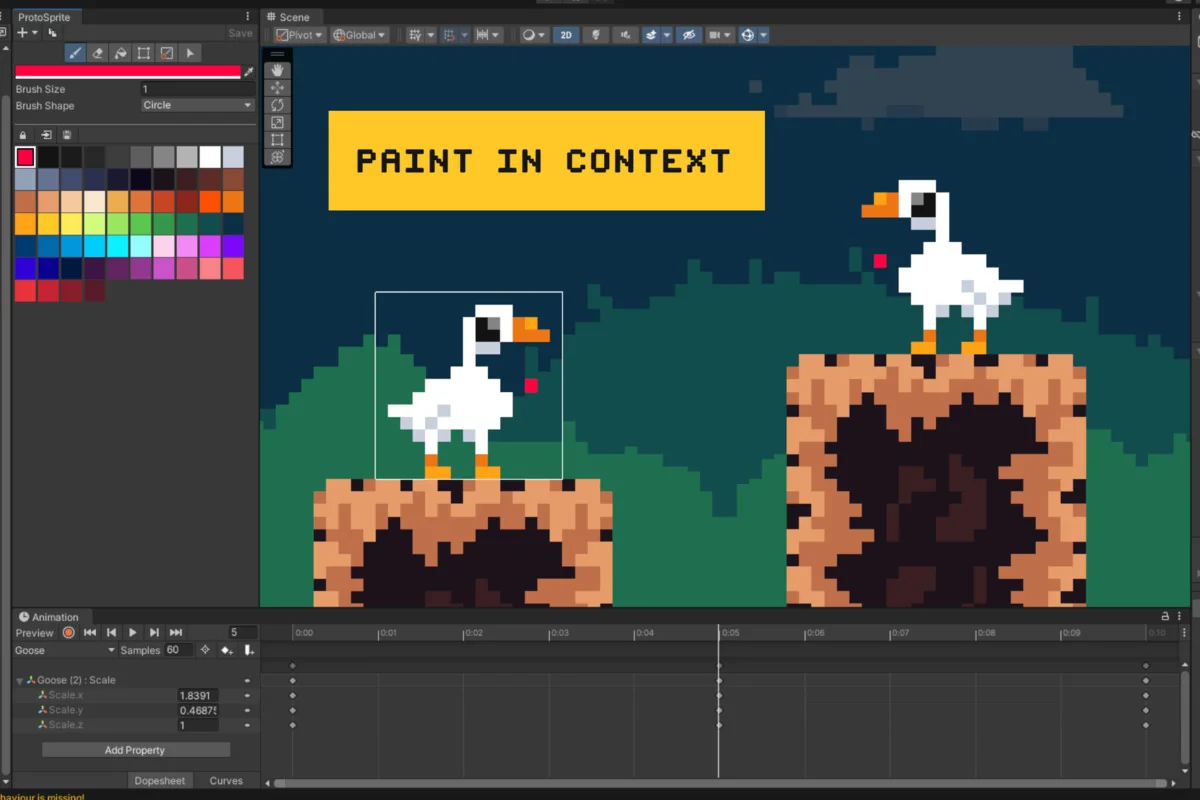
ProtoSprite lets sprites be created, drawn, and edited directly in Unityâs Scene View, in the context of the current scene. That makes it a practical fit for quick 2D world prototyping, where the art, placement, and scene layout need to change together instead of living in separate steps.
The workflow stays focused on PNG texture files, which keeps the art in a format that is widely compatible with other software. There are no custom file formats or extra components to manage, and the tool integrates into a project without adding clutter. Even if external art software is already part of the process, ProtoSprite is set up to speed up the handoff between rough sketching and scene-based editing.
Start with a SpriteRenderer, then branch into variants
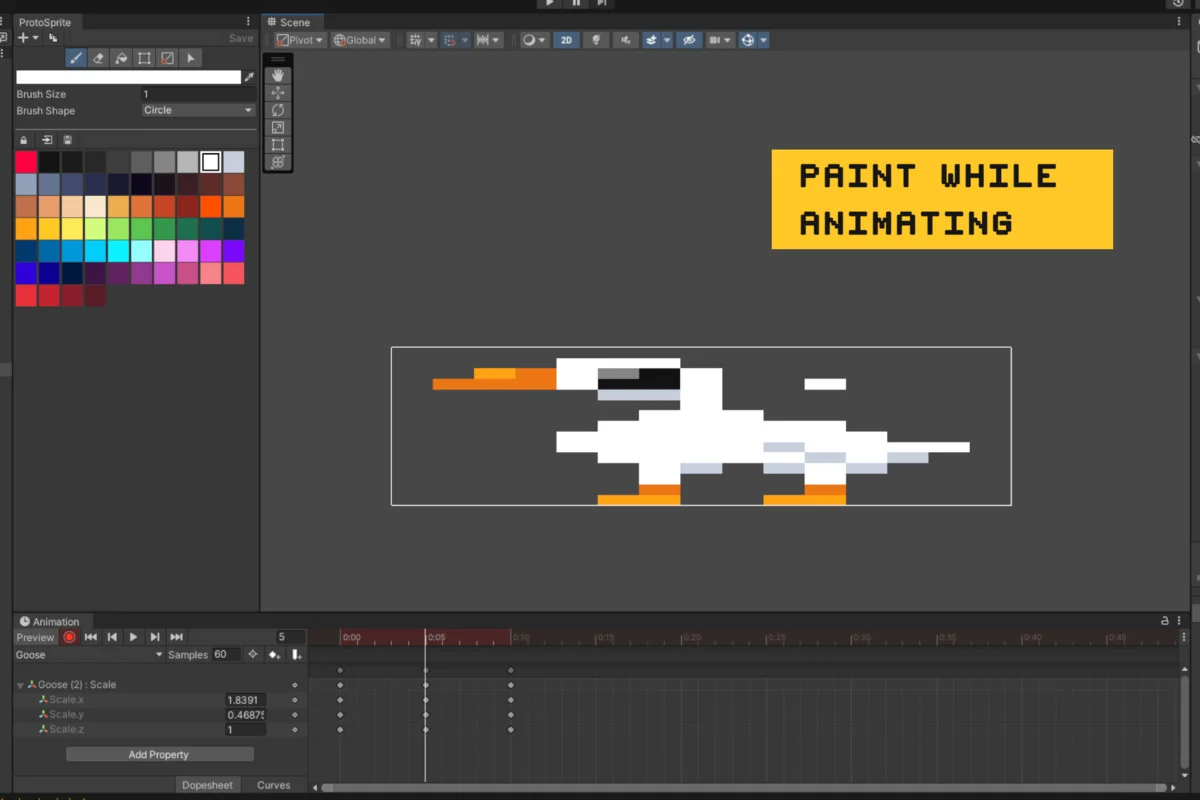
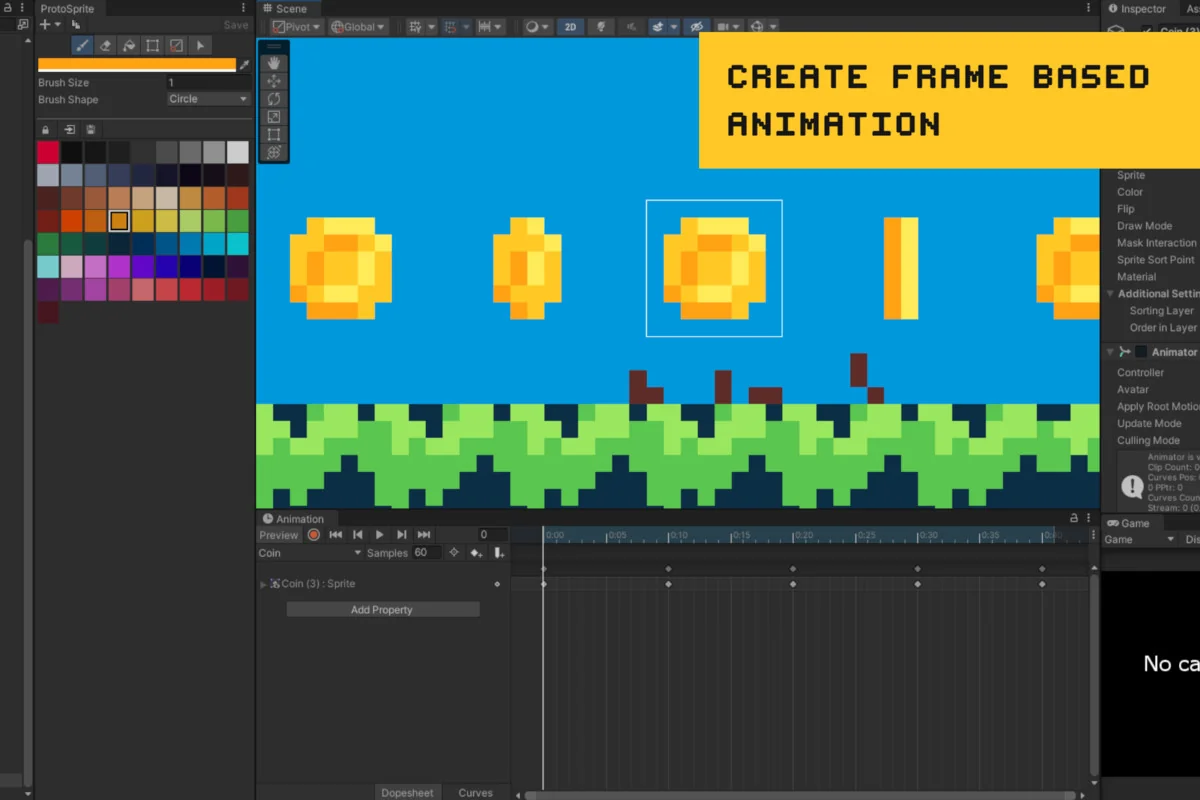
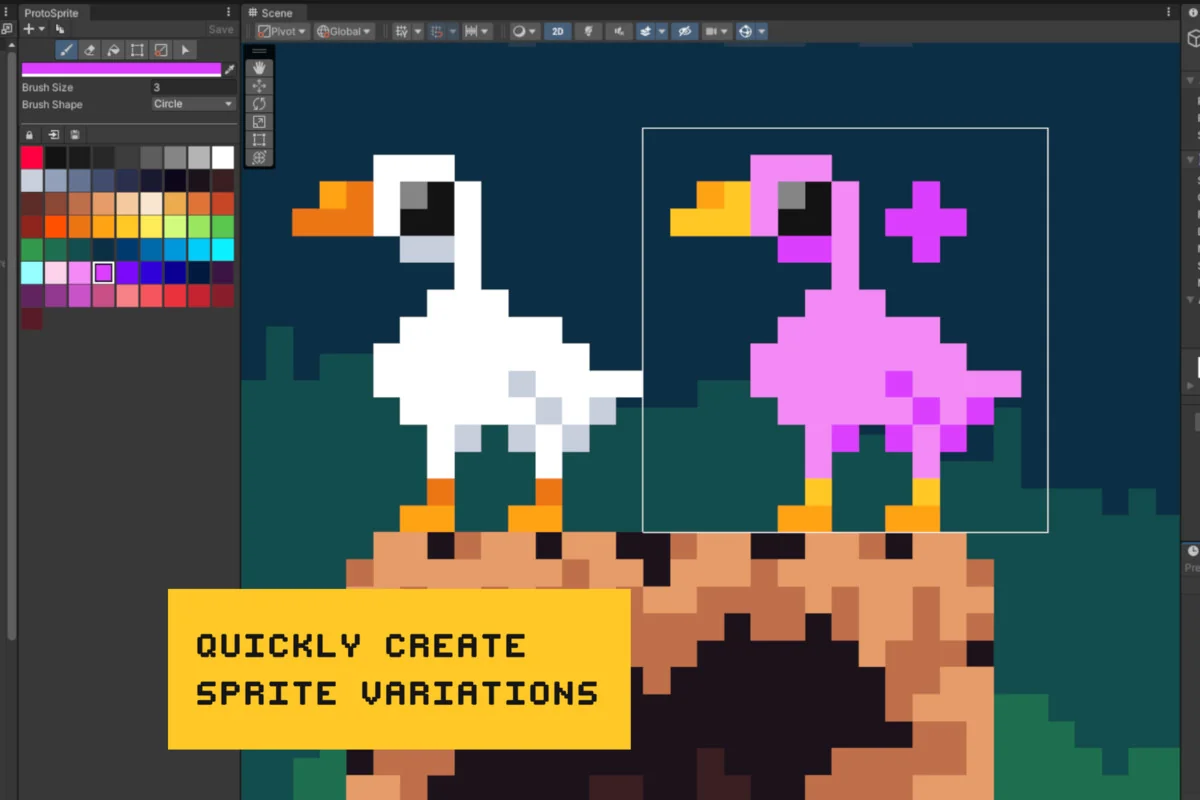
A new GameObject can be created with a SpriteRenderer and a linked texture file. From there, the duplicate button copies the texture so a sprite can branch into variants or frame-based animation. That keeps the work close to the object being edited rather than forcing a separate texture setup step.
This approach is especially useful when a single prop needs several versions or when a simple animation needs multiple frames prepared from the same starting point. Because the texture stays linked, the scene and the art remain connected while the sprite is being refined. It is a straightforward way to move from an initial placeholder to something more deliberate without changing tools.
Draw, erase, and fill without leaving Unity
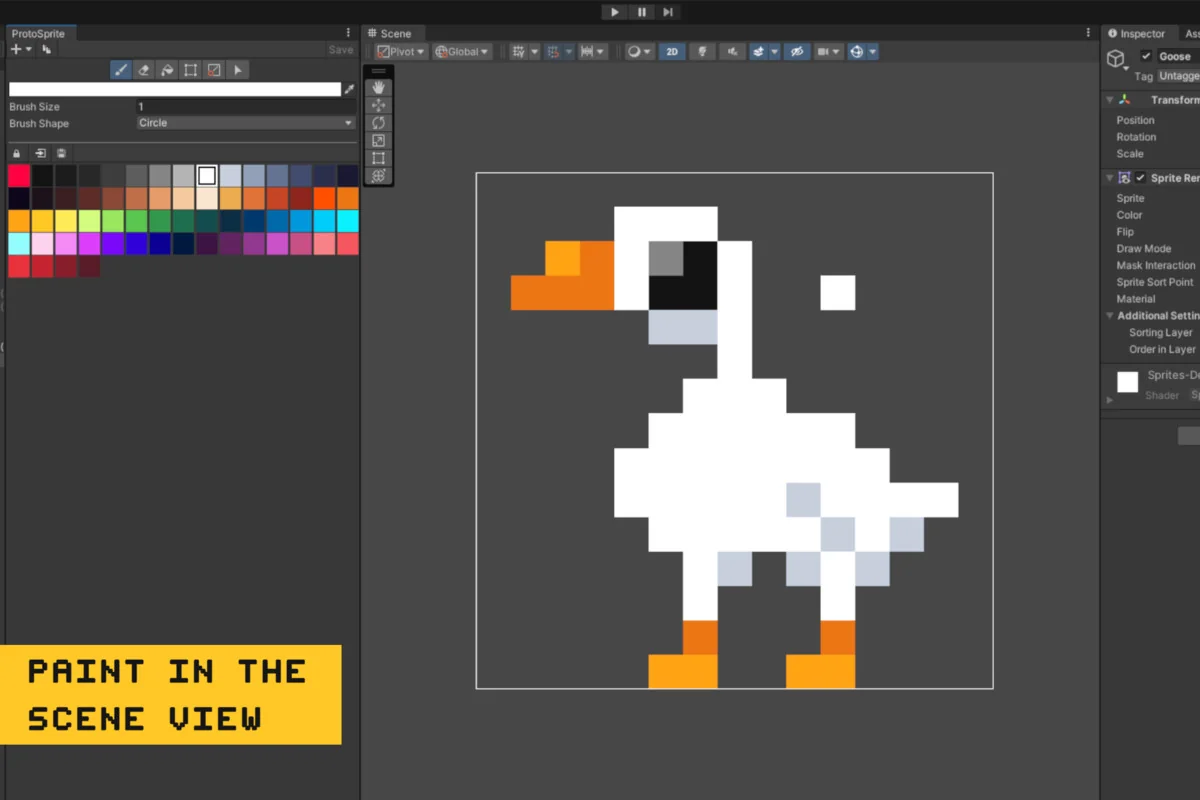
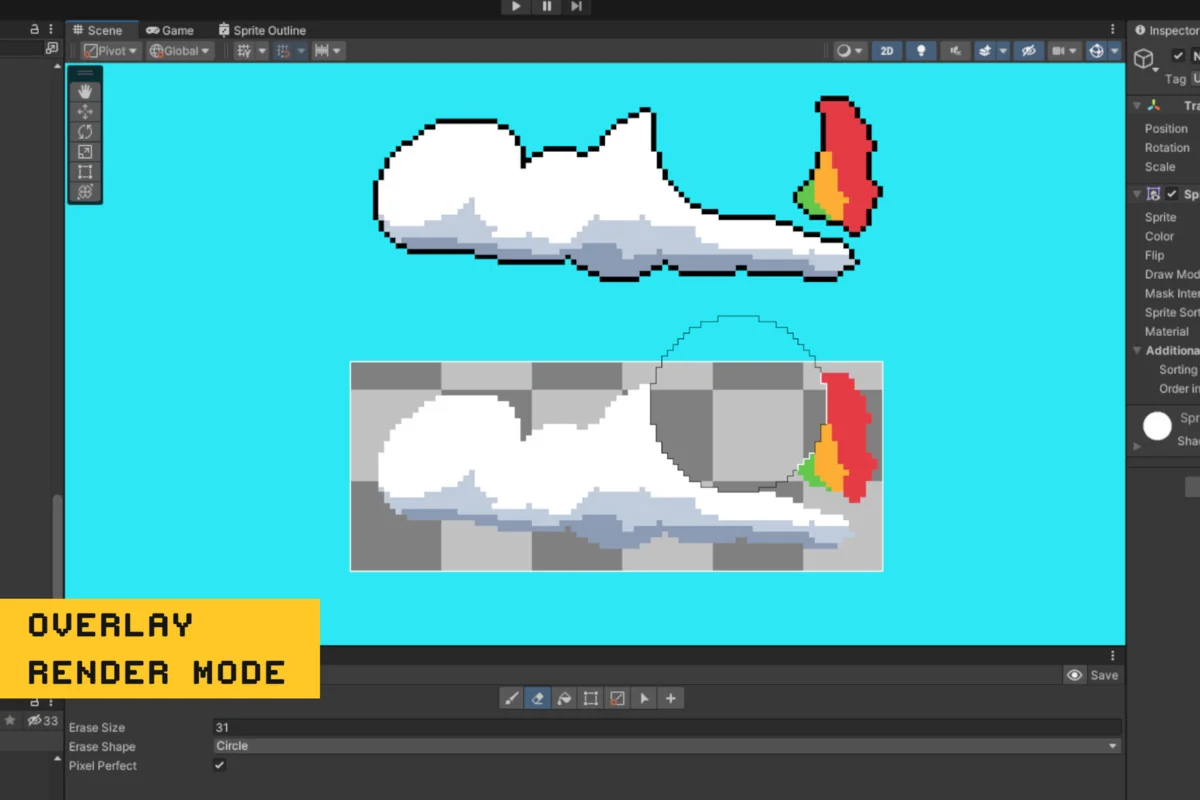
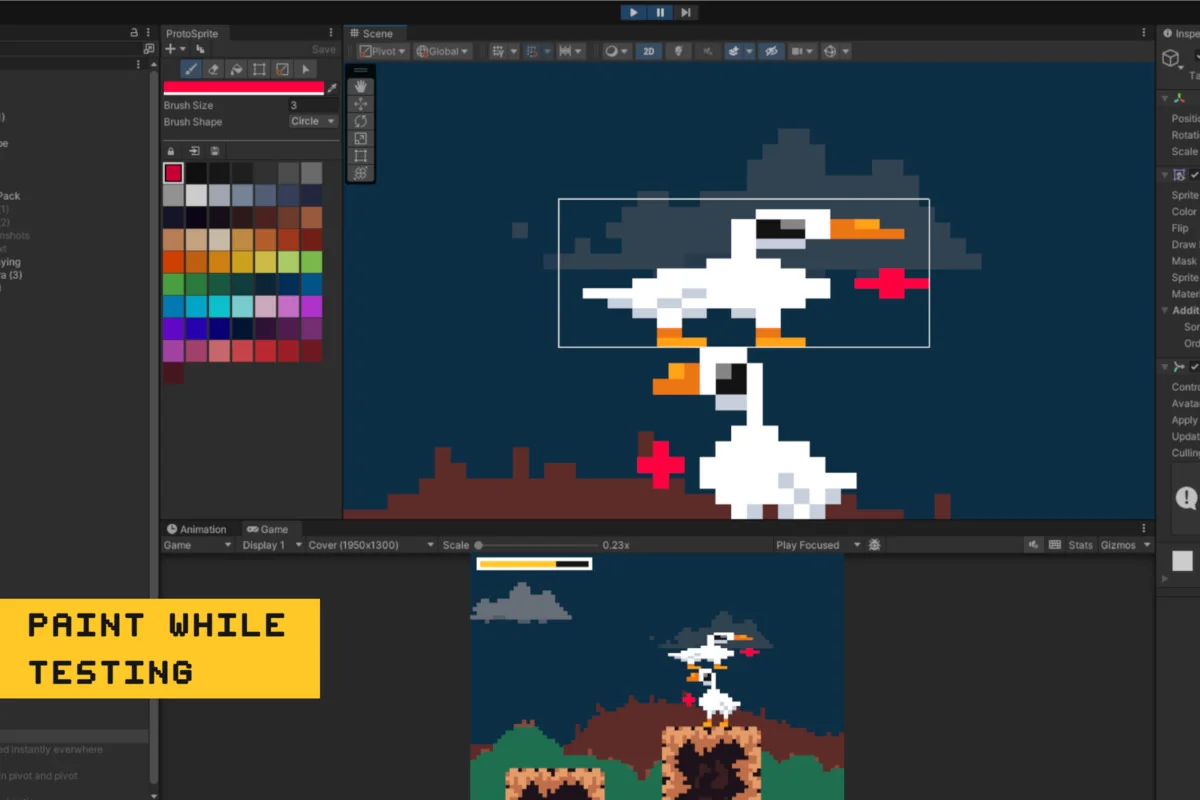
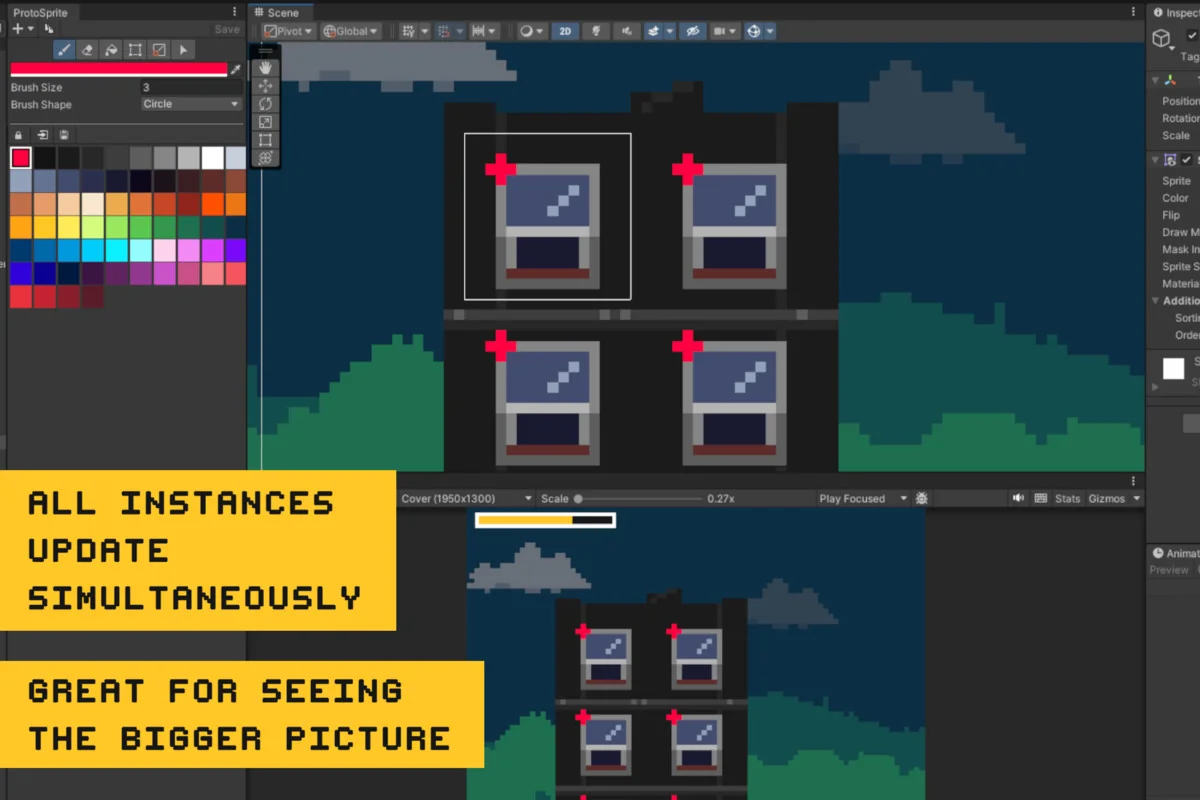
Painting happens directly on the spriteâs texture in the Scene View. The available drawing tools include paint, erase, and fill, so edits can be made while looking at the object in its actual scene context. Changes update immediately across every instance of the texture, which makes shared props much easier to keep in sync.
That immediate feedback matters when the same rock, tree, or other prop appears in multiple places. Adjusting one texture changes all of the linked instances at once, so the result can be checked in the scene as it is being built. A pixel perfect mode is also included, making it possible to freehand draw pixel-perfect lines when the work needs a sharper, more controlled edge.
Resize edges, shift pivots, and move selected pixels
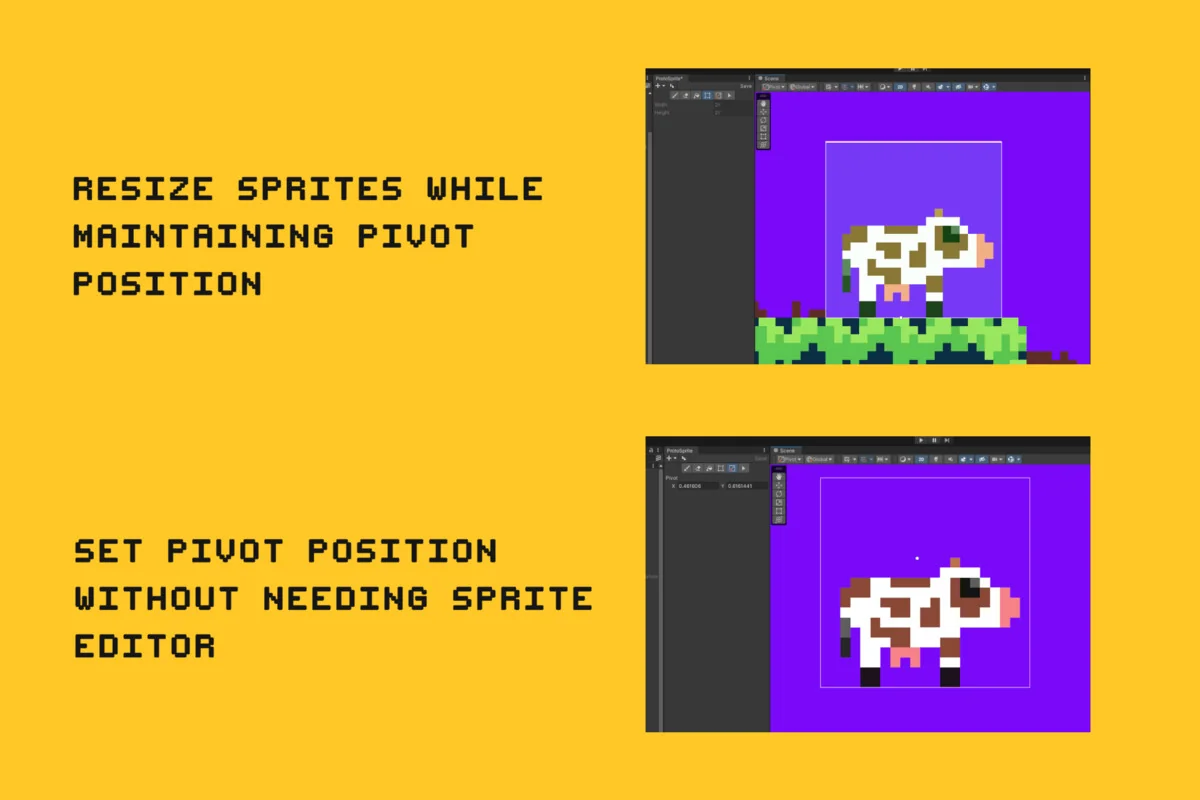
ProtoSprite includes resizing tools that let each edge of the SpriteRenderer be moved to increase or decrease the size of the associated texture. When that happens, the spriteâs pivot point updates automatically so it stays in the same place relative to where it was before the resize. That makes size changes feel less disruptive when a sprite already sits in a scene position that matters.
The pivot itself can also be adjusted directly, with optional snapping to pixel perfect intervals. For more surgical edits, a rectangle selection can be made on the sprite, and the selected pixels can then be moved around the sprite. The same selection workflow supports rotating 90 degrees, flipping horizontally or vertically, and copying, pasting, or cutting with Ctrl/Cmd + C, V, and X. Those controls make it easier to nudge draft art into shape without rebuilding the whole texture.
Fits into Unity projects that need fast 2D iteration
The package targets Unity version 2022.2 or higher, with the original Unity version listed as 2022.3.4. Render pipeline compatibility is shown for Built-in, HDRP, URP, and Custom SRP on 2022.3.4f1, and all source code is included. The latest version is 1.2.92.
That makes it a practical tool for projects where 2D art needs to be drafted, adjusted, and tested in place rather than passed around as a separate step. It fits especially well when the task is to sketch scene props, refine sprite shapes, adjust pivots, or shape simple texture variants while staying inside Unityâs workflow.
Asset Gallery
Protected download
Access this resource
All resources are 100% manually reviewed to eliminate all risks.