Introduction to Procedural Terrain Generator v2
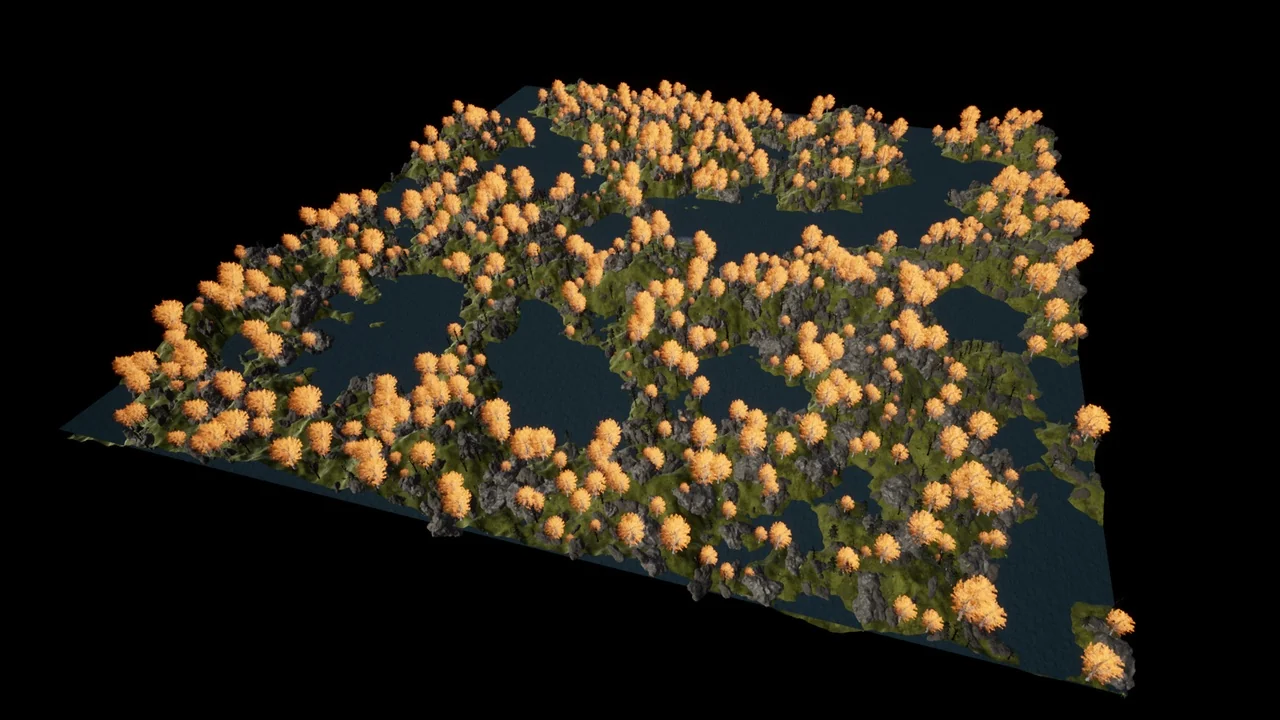
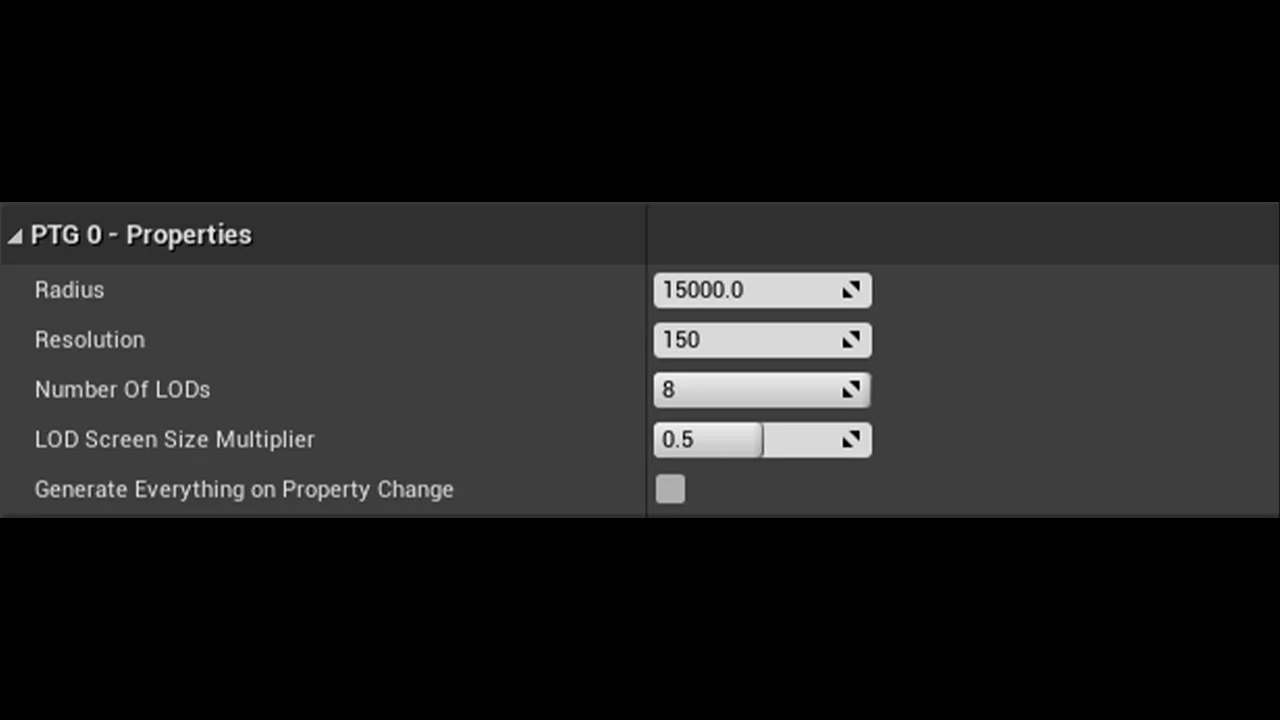
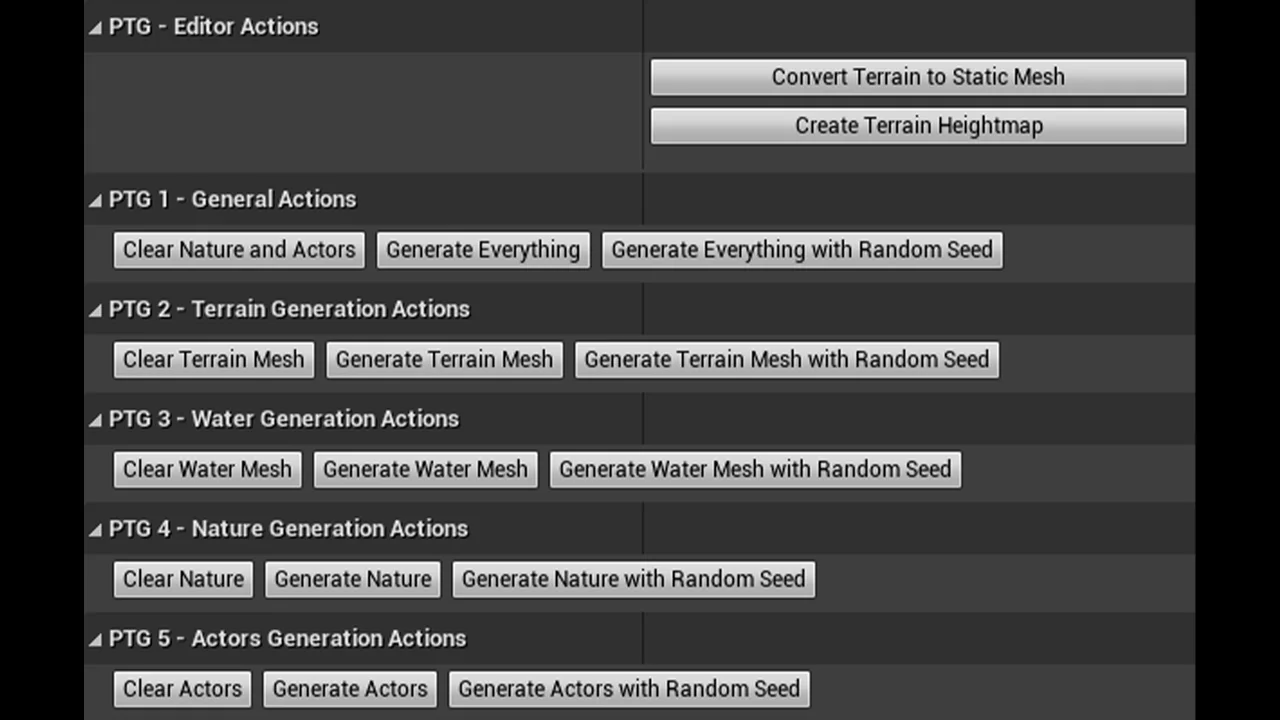
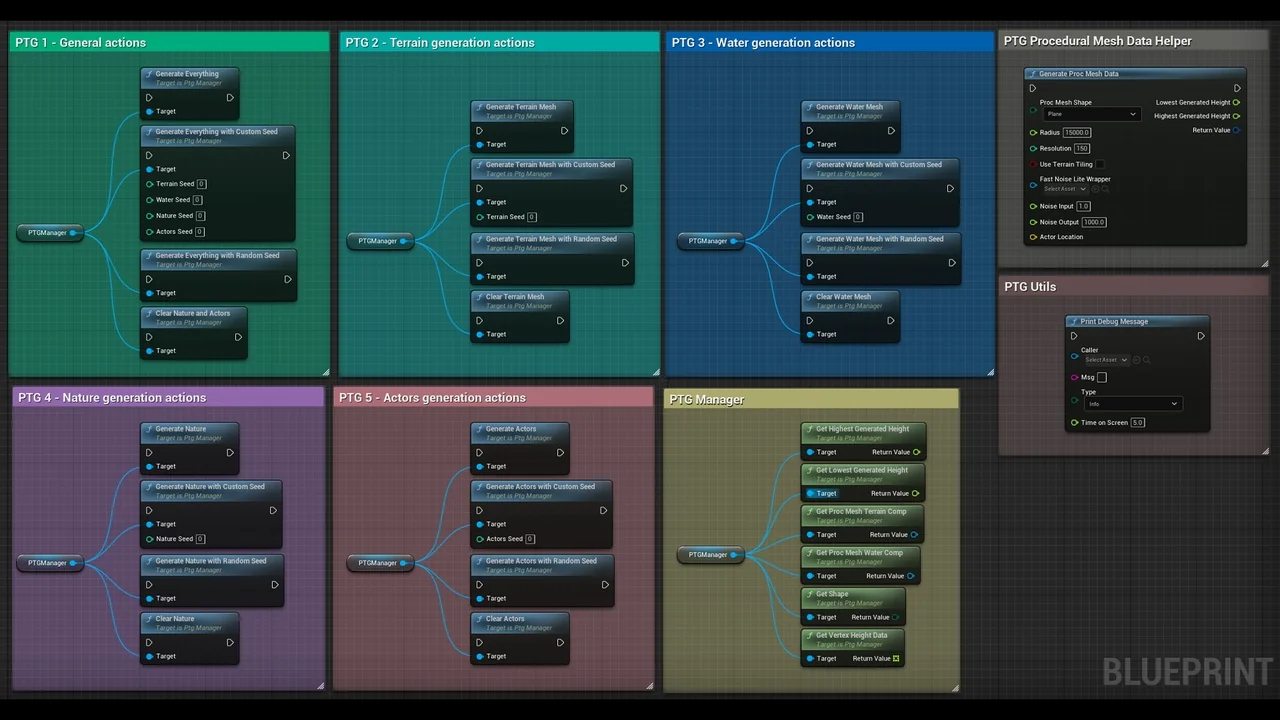
Procedural Terrain Generator v2 is an editor code plugin designed to assist developers by procedurally creating terrains within the editor environment. This tool streamlines the world-building process, allowing for the rapid generation of environments. Consequently, users can save significant time by automating the placement of thousands of assets. The plugin is built to handle complex tasks in just a few seconds, utilizing the developer’s own assets to maintain creative control.
Versatile Terrain Shapes and Customization
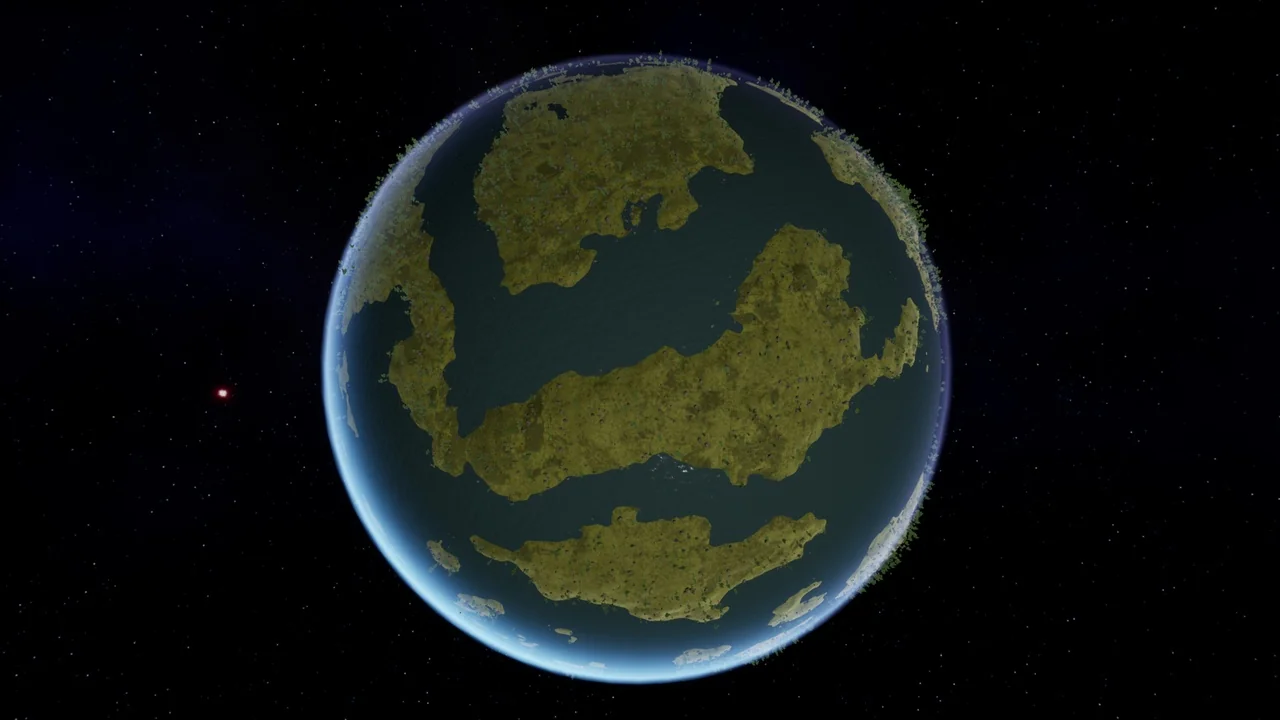
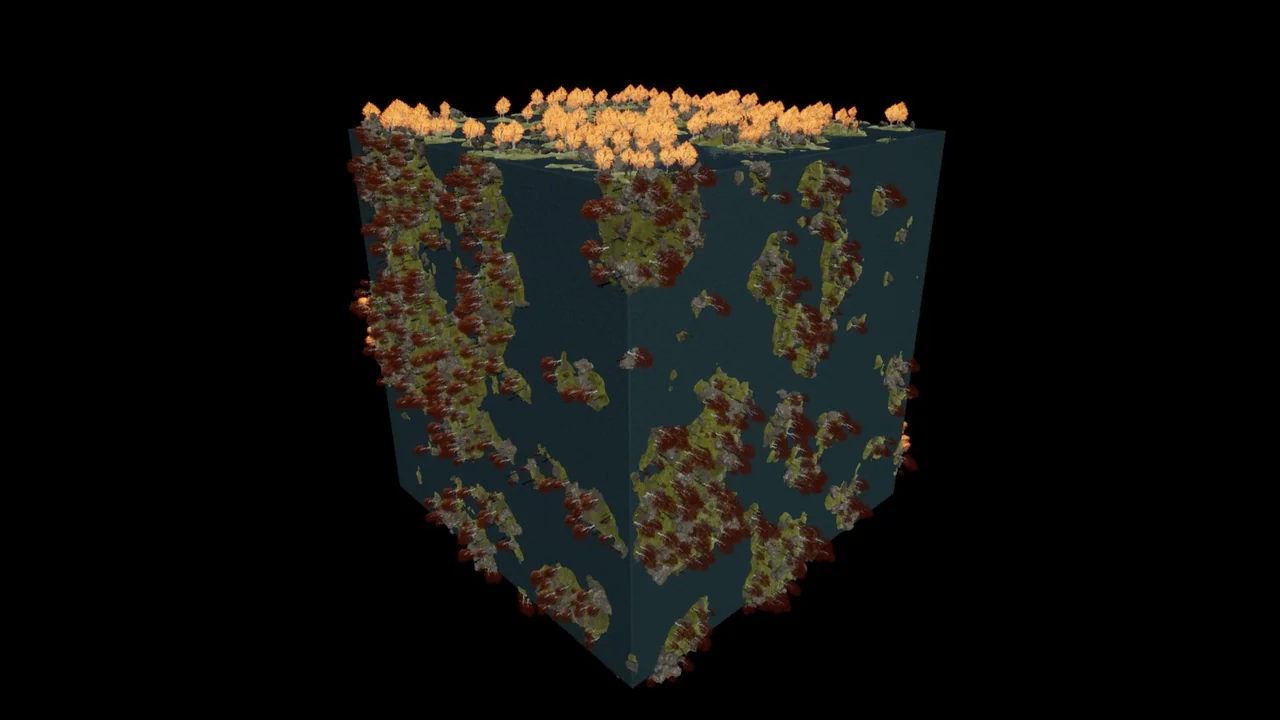
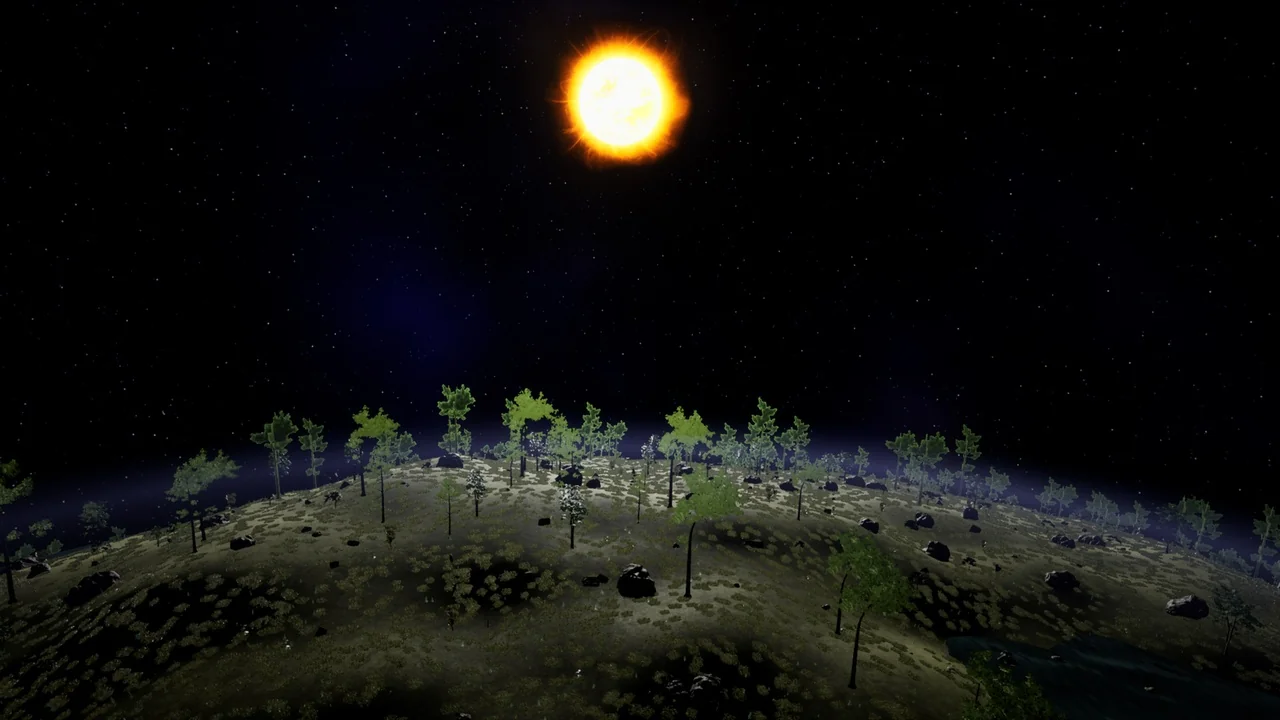
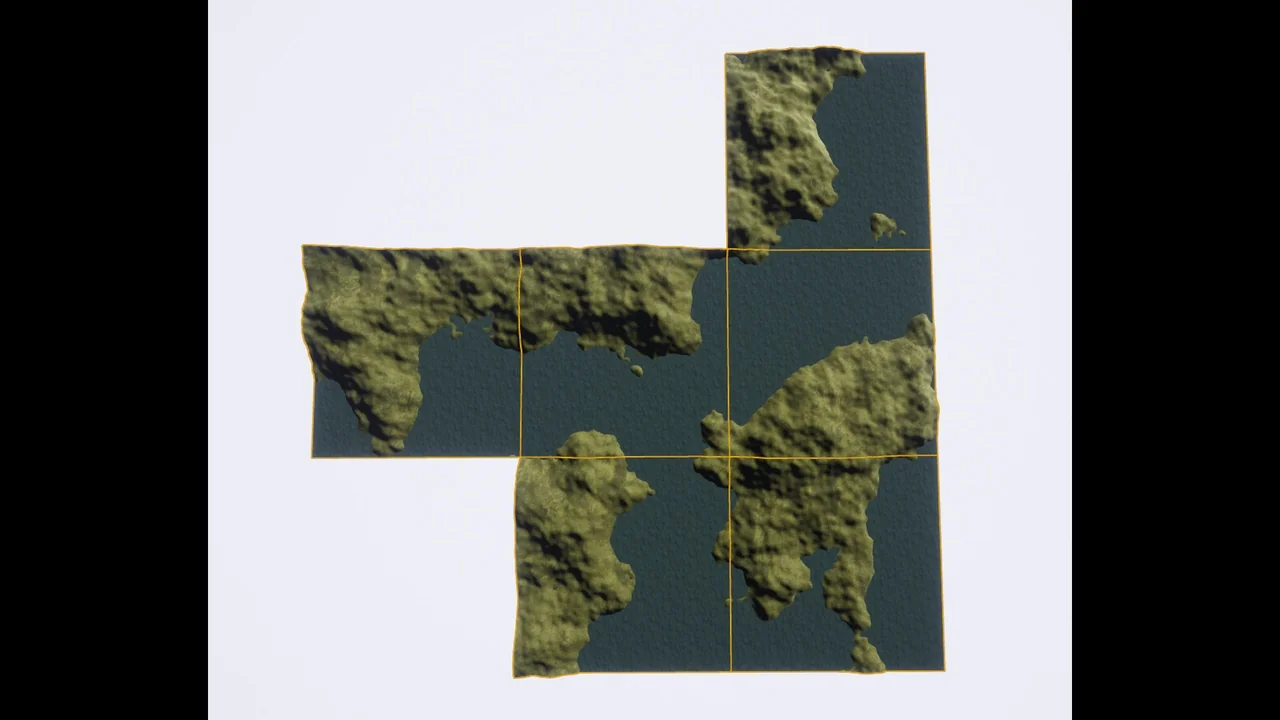
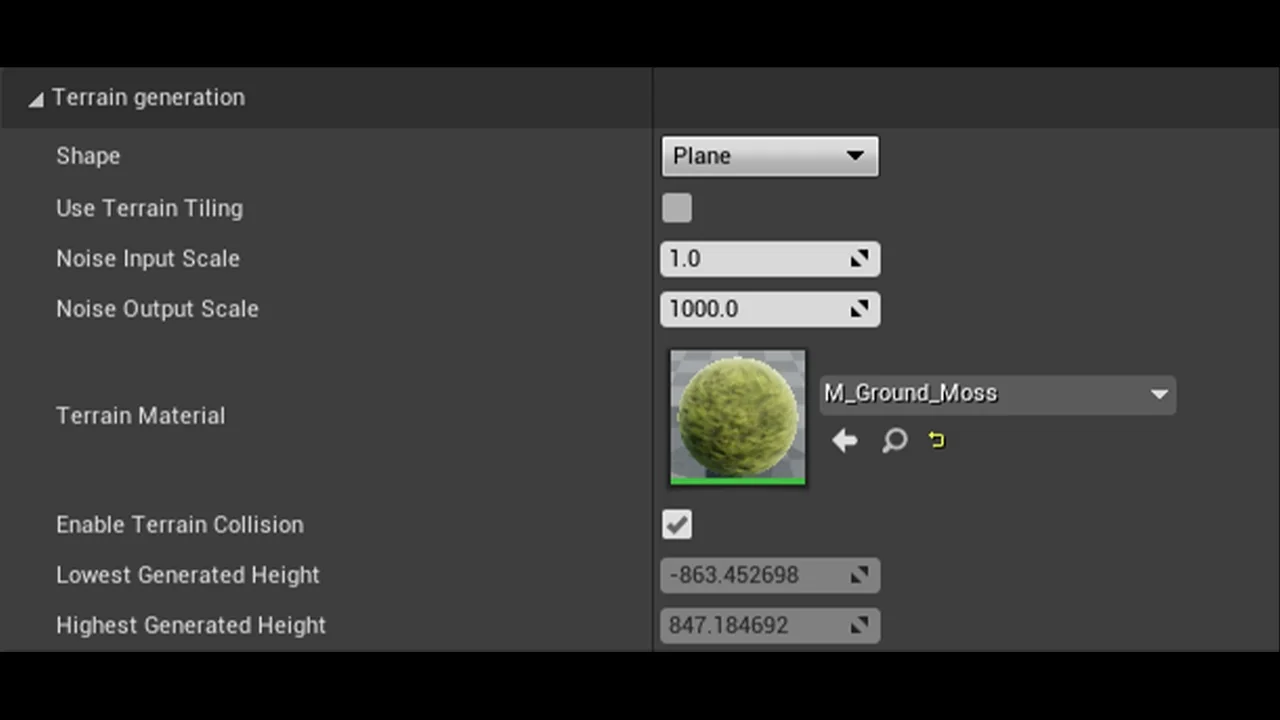
The Procedural Terrain Generator v2 offers flexibility in the base geometry of the generated world. Users can choose from different shapes, including planes, spheres, or cubes. Therefore, the tool is suitable for a wide variety of project types, from standard flat landscapes to unique spherical planets. This versatility allows developers to establish the foundation of their environment quickly before moving on to more detailed population tasks.
Efficient Asset Population with HISMs
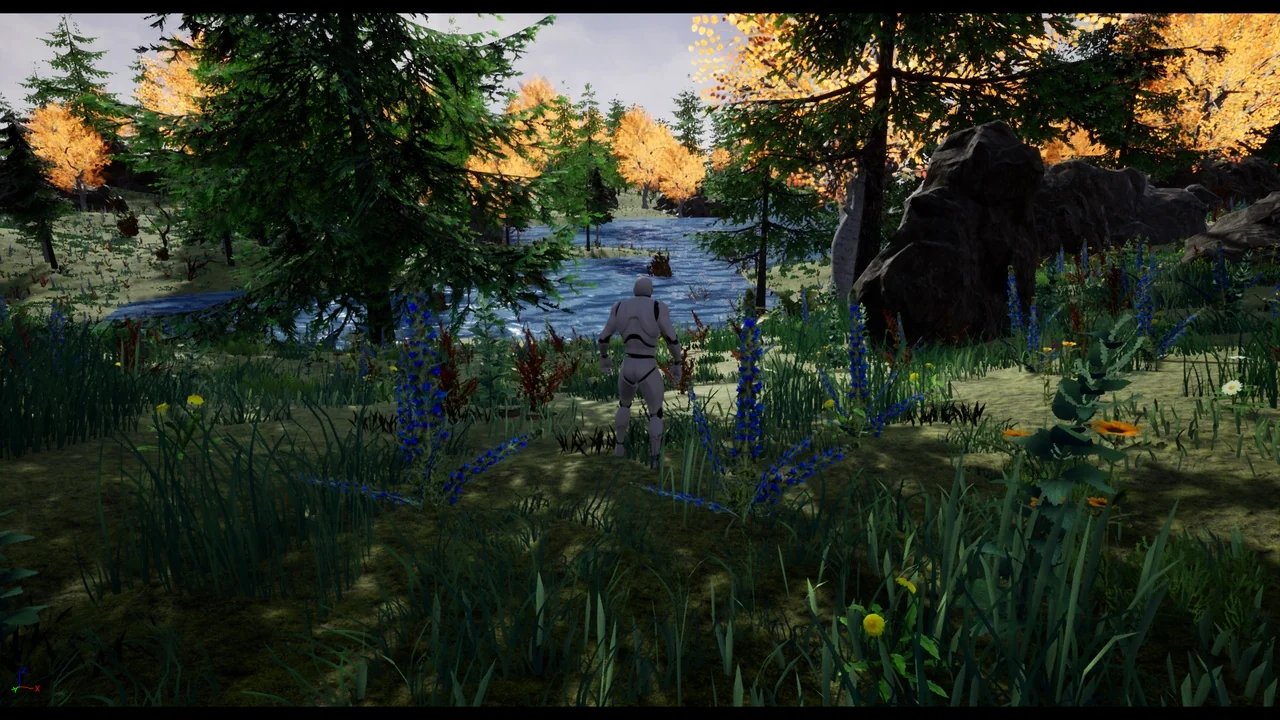
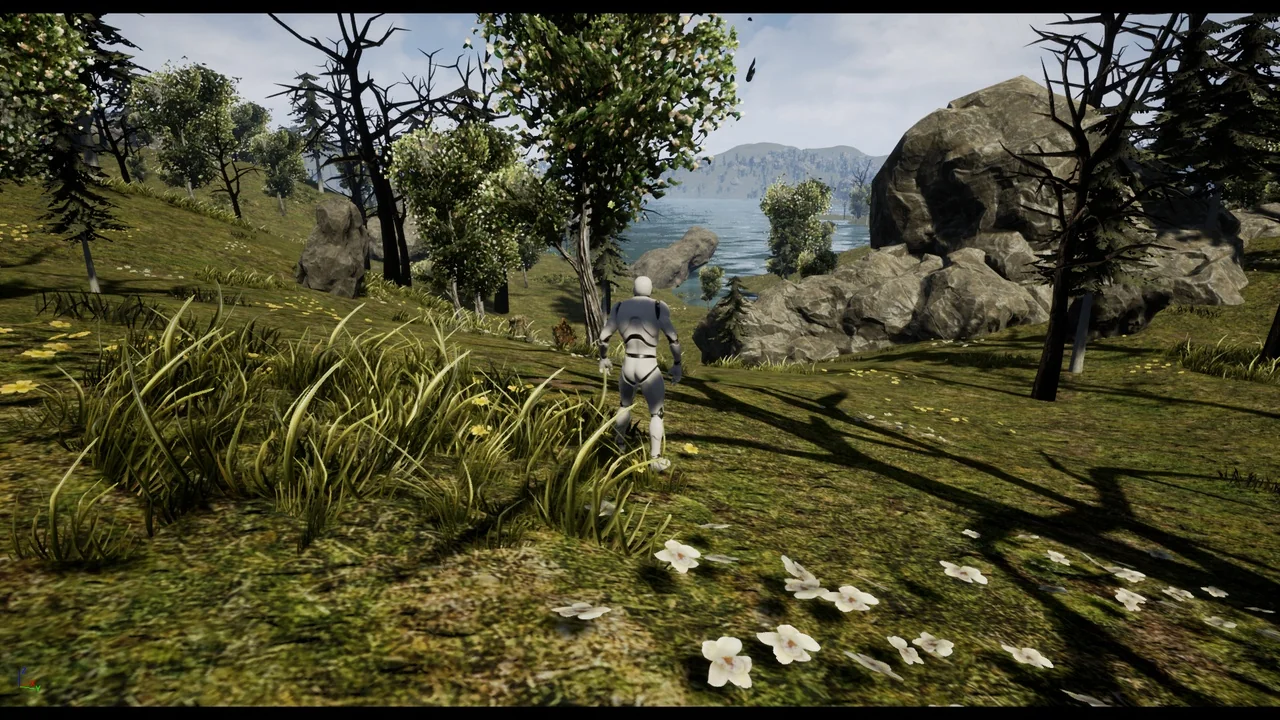
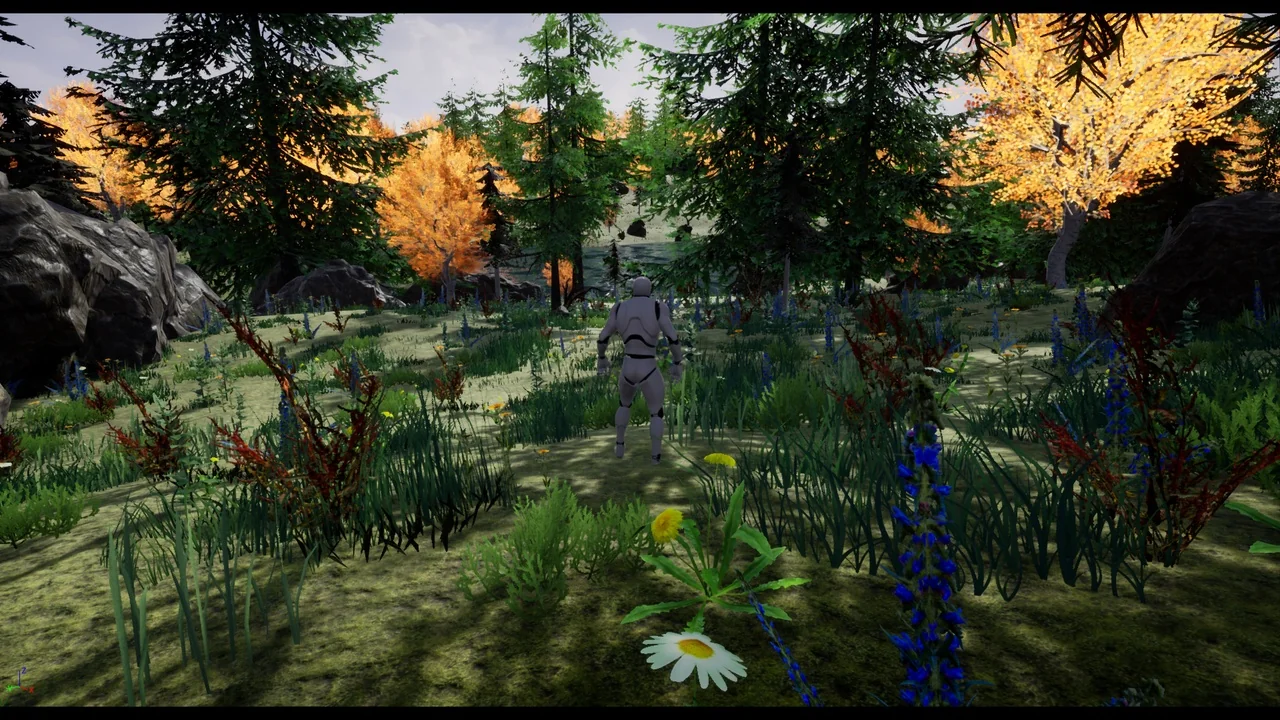
One of the core strengths of this plugin is its ability to populate terrains with thousands of nature meshes and actors. It utilizes Hierarchical Instanced Static Meshes (HISMs) to ensure that the generation process is both fast and efficient. Furthermore, this system allows for the dense placement of vegetation and other objects without compromising the editor’s performance. Because it uses your own assets, the resulting terrain remains consistent with the specific art style of your project.
Advanced Modifiers and Settings
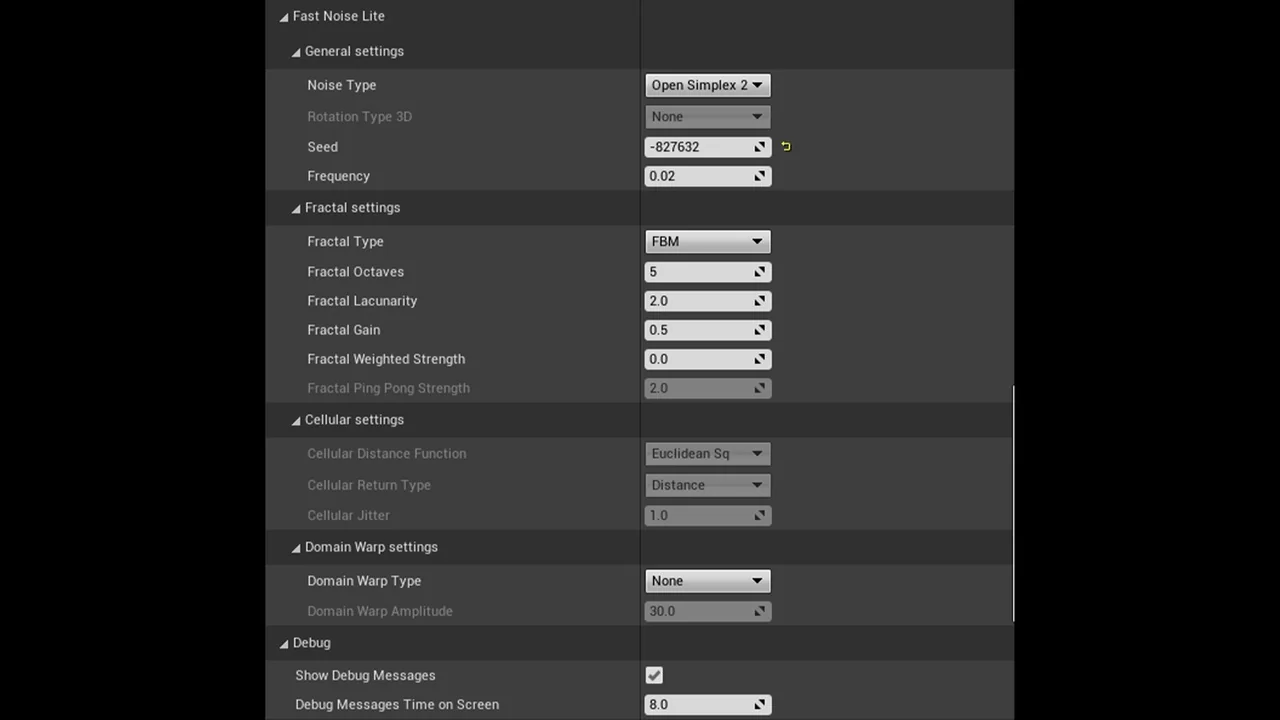
To provide more control over the procedural process, the Procedural Terrain Generator v2 includes various modifiers and settings. These features allow users to create specific exceptions on the terrain for asset generation. For example, a developer can configure the plugin to place grass across a surface while specifically avoiding trees in a defined area or at a certain height. Moreover, these settings ensure that the automated placement logic respects the intended layout of the scene.
Technical Considerations and Compatibility
There are several technical details to consider when using the Procedural Terrain Generator v2. It is important to note that the generated terrain is not a landscape actor. Therefore, it cannot be edited using the standard landscape tool within the engine. Additionally, the plugin is not designed to generate infinite chunks of a map during runtime; its primary function is for editor-side generation. The tool is currently available for use with version UE4.26 and beyond.
Conclusion
The Procedural Terrain Generator v2 provides a robust solution for developers looking to automate terrain creation and asset placement. By offering multiple base shapes and advanced modifiers, it balances procedural speed with manual control. However, users should remember that it functions as a specialized editor tool rather than a standard landscape actor. This plugin is an excellent resource for those needing to build detailed environments quickly and efficiently.
Screenshots & Gallery