Portal visuals that can carry a scene quickly
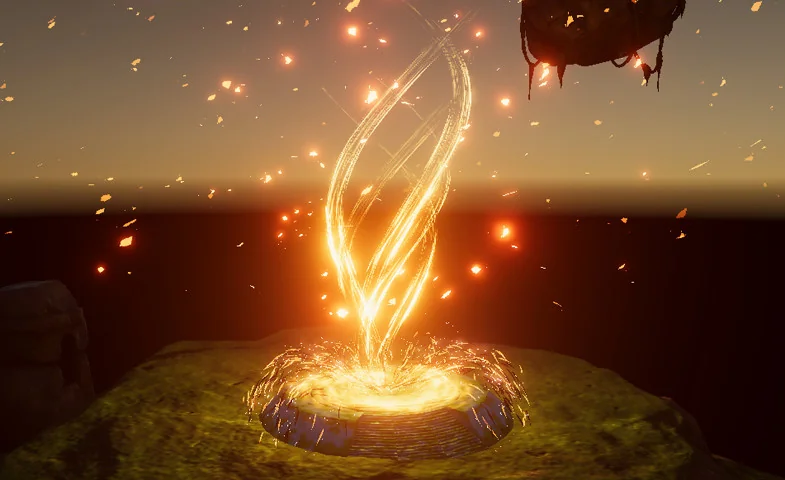
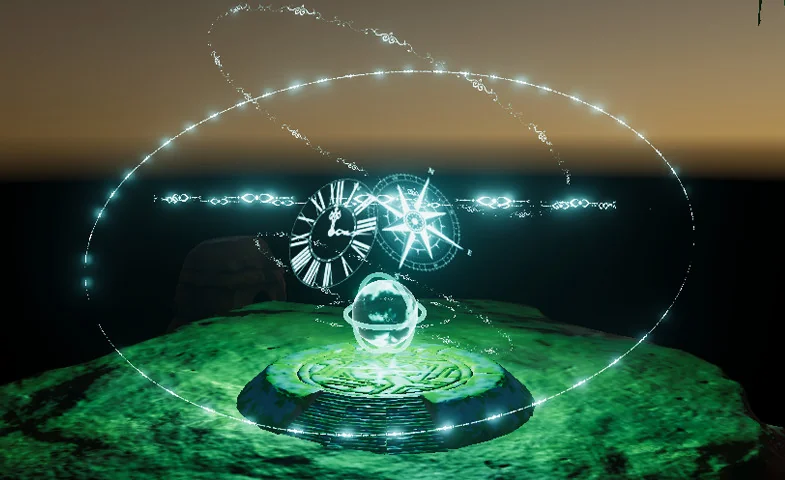
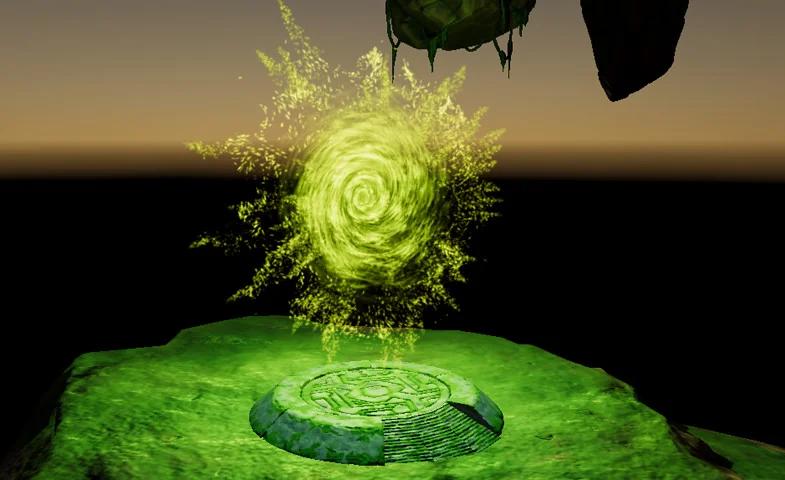
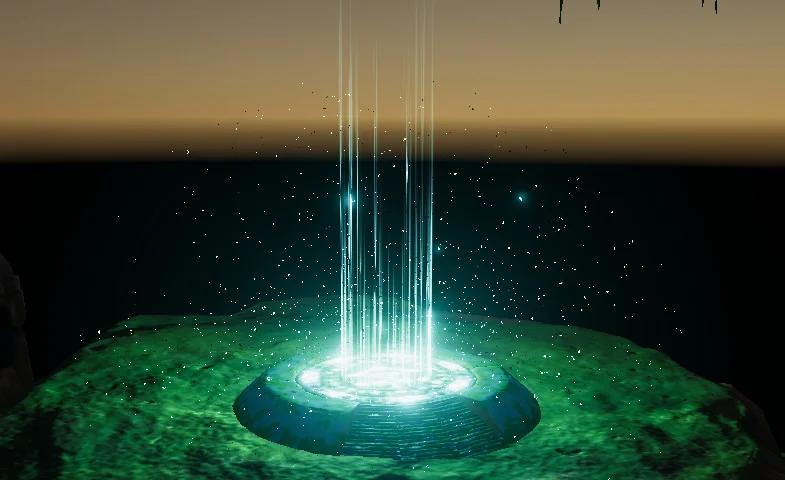
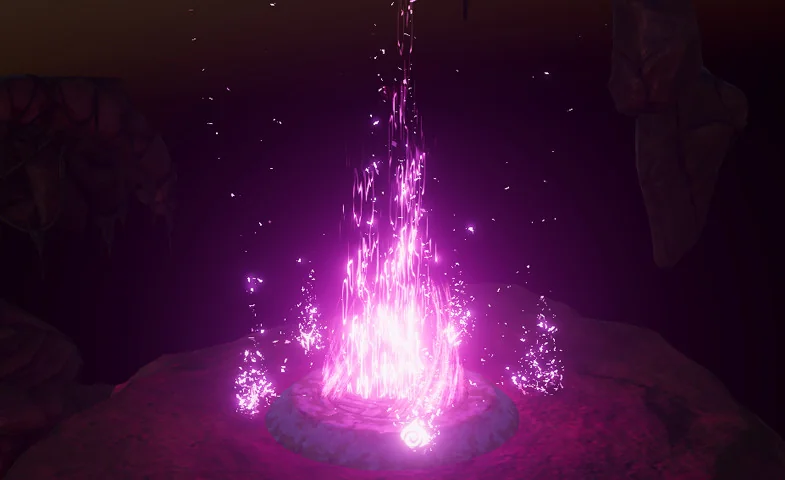
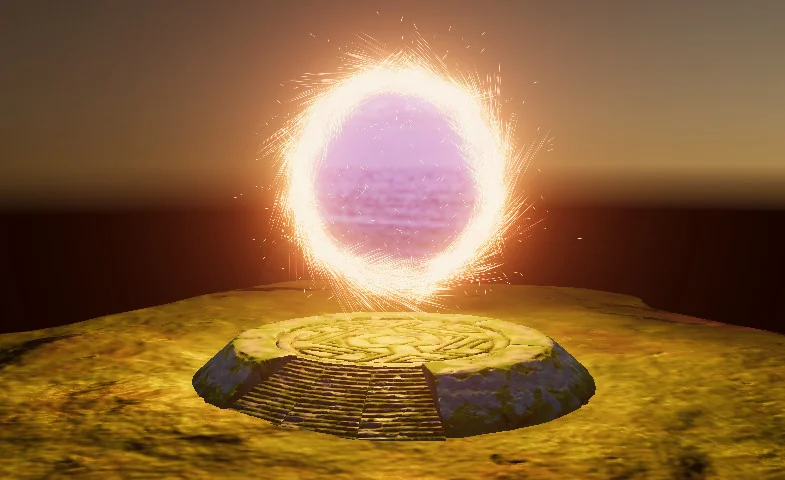
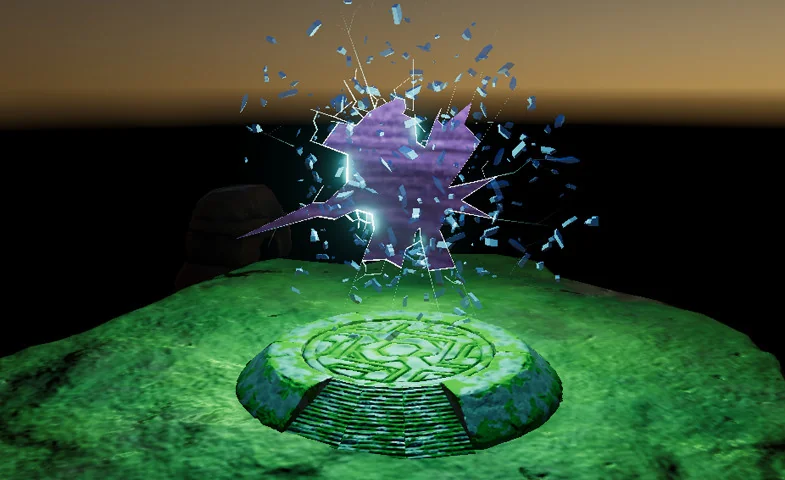
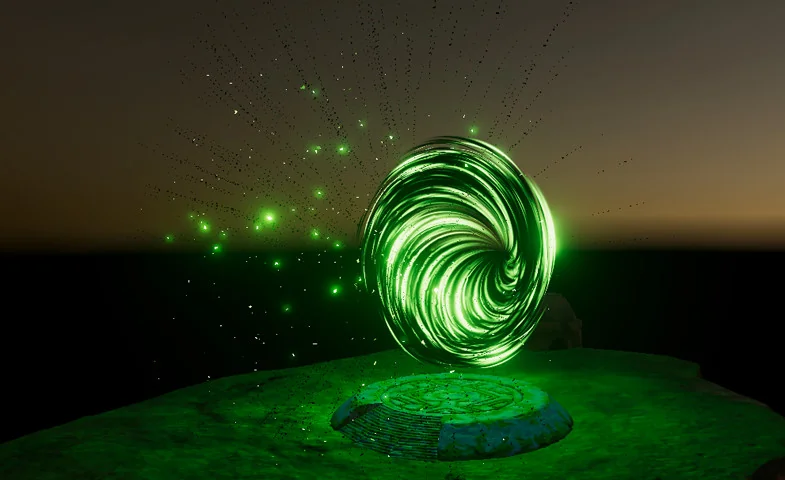
Portal effects tend to work best when they read clearly the moment they appear, and Portals package 2 stays focused on that need. The package includes 8 portal effects, giving a project a compact set of visual options centered on one theme rather than a wide mix of unrelated effects. That narrow scope makes the package easier to place in a scene without having to sort through extra material that does not serve the same visual purpose.
The package also works with both 2D and 3D, which keeps the portal effects usable across different scene structures. A flat composition can use the effect as a strong graphic element, while a three-dimensional scene can place it into a more spatial setup. The resource does not try to solve every visual problem in a project; it stays with portal imagery and lets that visual carry the scene where needed.
Setup stays direct instead of heavy
One of the clearest implementation notes is the setup itself: the package works out of the box with drag and drop. That means the first step is simple placement rather than a long chain of setup work. For a portal effect, that matters because the visual often needs to be tested quickly in context, especially when a scene is being assembled or a prototype is being checked for pacing and readability.
A demo scene is included, which gives the package a practical reference point. The demo scene also includes HDR Bloom particles and effects, so the sample environment shows the portal visuals alongside bloom-based elements instead of leaving them isolated. That makes the package easier to understand as a working scene element, not just a collection of files waiting to be arranged.
Because the workflow starts with drag and drop, the package fits projects that prefer a direct setup path. There is no need to read between the lines for a hidden system; the asset is presented as something that can be placed into a scene and used immediately. For teams or solo creators working on fast scene assembly, that is the most practical part of the package.
Rendering and platform coverage
Platform support is broad. The package supports all platforms, including PC, consoles, mobiles, and VR. That range matters when a portal visual has to live inside more than one deployment target, because the same effect is not locked to a single device family. A portal effect may be used in one scene, but that scene can still be headed toward different targets, and the package accounts for that wider path.
The rendering notes are just as direct. HDRP and LWRP are both supported, which places the package inside Unity workflows that use those pipelines. Together with the platform support, those pipeline notes make the package easier to place into a project that already has a defined rendering direction. The effect is still a portal-focused particle package, but it is not framed as something limited to one narrow technical lane.
Support for both 2D and 3D sits alongside the platform notes and gives the package a wider scene fit. That does not turn it into a general-purpose effect library; it simply means the portal visuals can be placed into more than one kind of environment. For projects that mix scene styles or target multiple build types, that flexibility is one of the most relevant details.
What comes with the package
The technical details are specific and help define the package as a Unity asset rather than an open-ended bundle of content. It is delivered as a unitypackage and lists 179 assets. The file size is 190.5 MB. The original Unity version is 2017.1.0, and the latest version is 1.0. The first published date and the latest release date are both Feb 01, 2019.
Those details do not change the look of the portal effects, but they do give useful context before the package goes into a build. A defined asset count, a stated package type, and an original Unity version tell you what kind of project structure it was prepared for. The release information also shows that the package arrived as a first release rather than a long-running line of revisions.
- 8 portal effects
- 179 assets
- 190.5 MB file size
- Unitypackage format
- Original Unity version: 2017.1.0
- Latest version: 1.0
- First published and latest release date: Feb 01, 2019
That combination keeps the package easy to identify in a project plan. It is a portal-effect asset with a defined structure, a clear Unity baseline, and a direct setup style. If a scene needs a portal visual that can be placed quickly, shown in a demo scene, and carried across 2D, 3D, HDRP, LWRP, and multiple platform targets, Portals package 2 stays tightly aligned with that job.
Preview Images
Protected download
Access this resource
All resources are 100% manually reviewed to eliminate all risks.