Dynamic Actor Movement with Path Follow
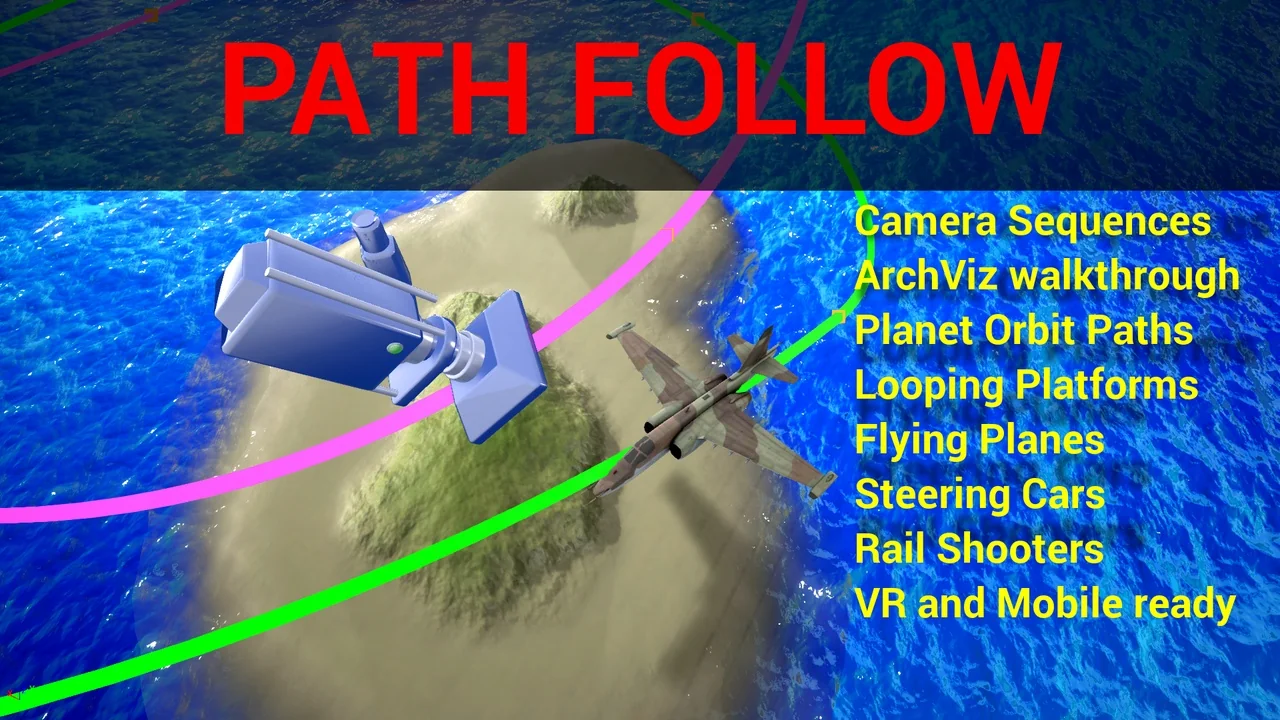
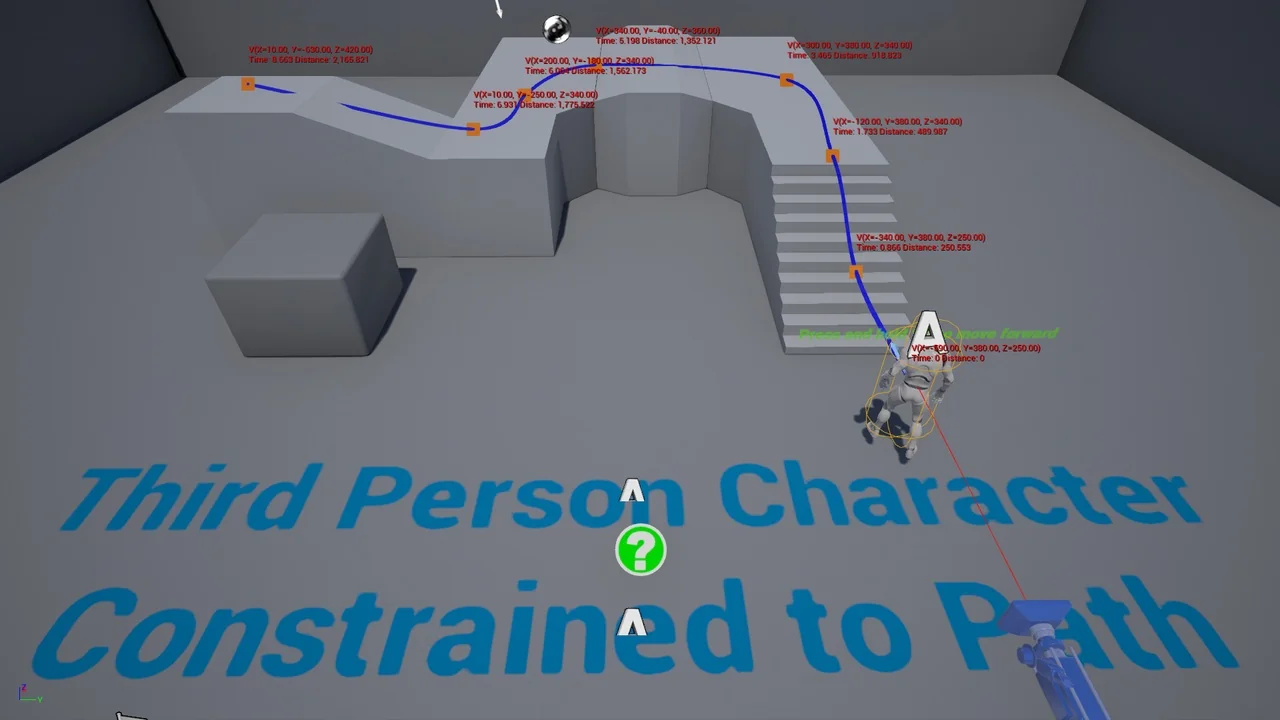
Path Follow is a comprehensive plugin designed to give developers absolute control over actor movement along spline paths. Within the Unreal Engine 4 editor, this tool enables any actor to navigate complex routes, including paths that are relative or even moving. Consequently, this flexibility allows for more dynamic environment interactions and complex character behaviors. This system is crafted by a professional, experienced game programmer to ensure high-quality performance.
Precision Control and Customization
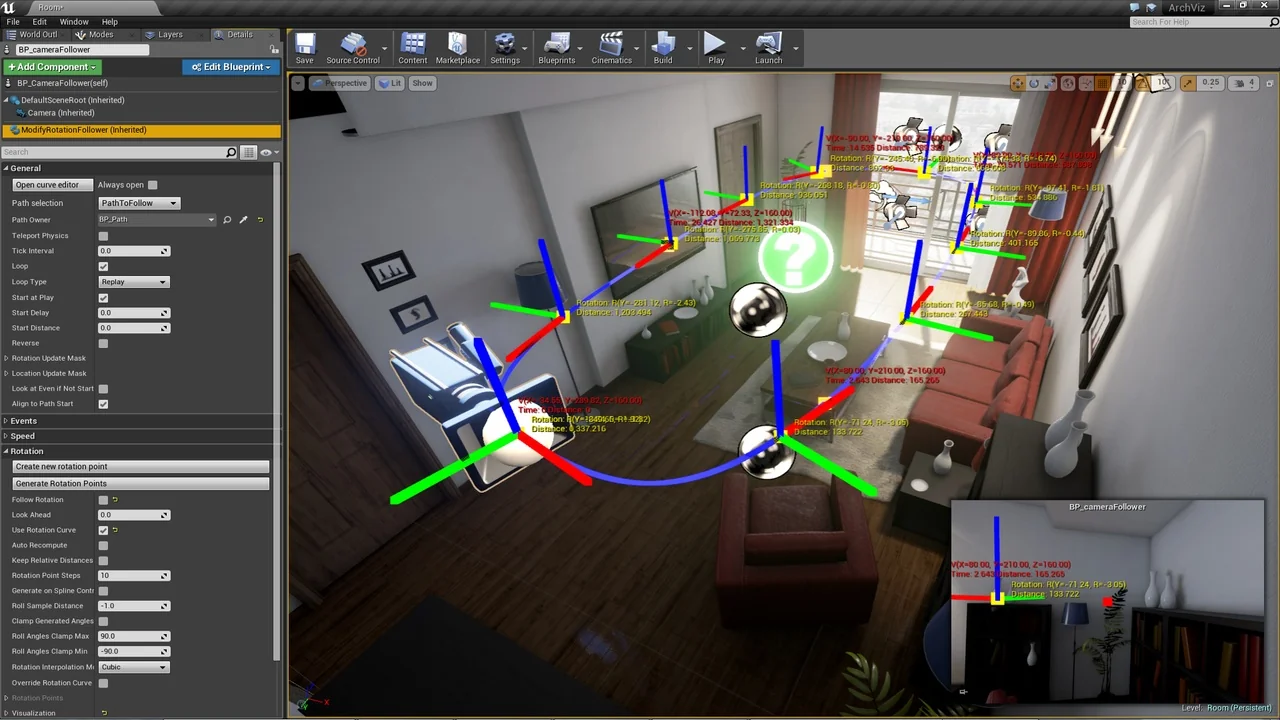
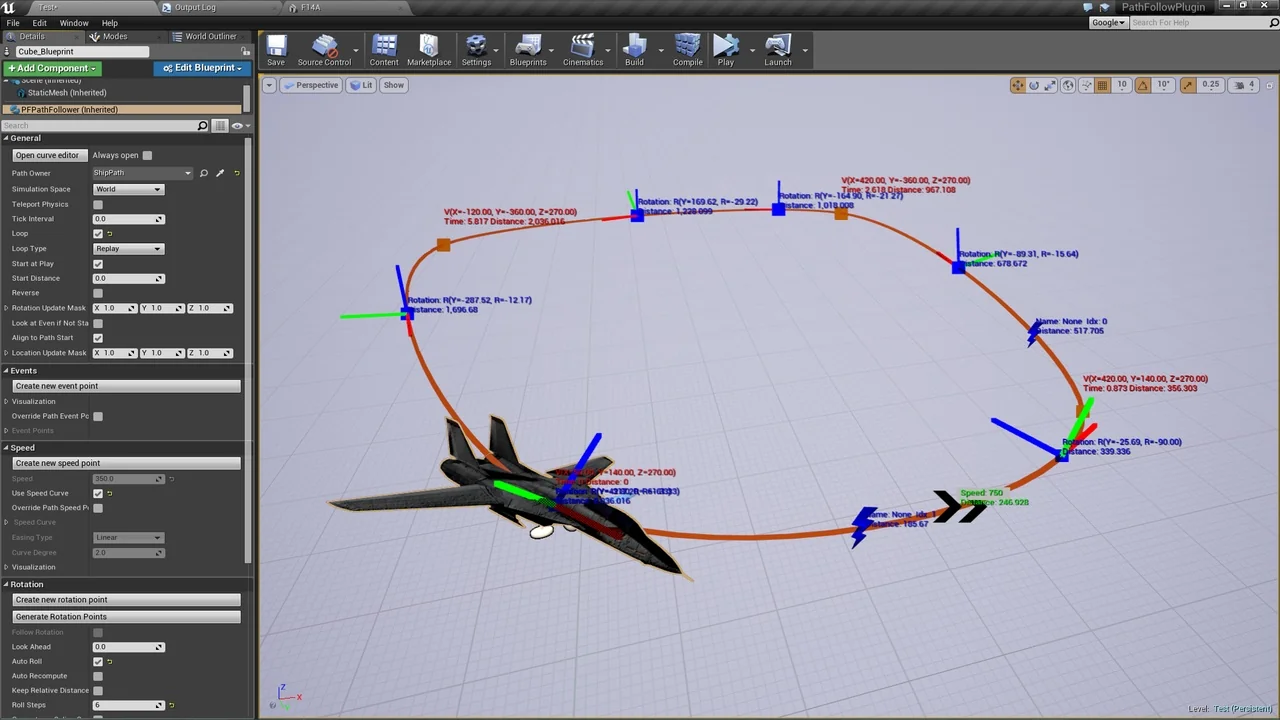
The plugin offers direct control over location, rotation, and speed. Because these settings are handled directly inside the editor, the workflow remains efficient and intuitive. Developers can utilize the built-in rotation points generator to prototype orientation along a path quickly. This feature significantly reduces the time required to set up complex character orientations.
Furthermore, speed points allow for granular control over how fast an actor moves. These speed settings are not static; they can be changed during runtime to respond to gameplay events. To fine-tune these elements, the plugin integrates seamlessly with the UE4 curve editor. Therefore, you can achieve smooth transitions and precise timing for every movement.
Interactive Path Events
One of the most powerful features of Path Follow is the ability to trigger behaviors using path event points. When an actor passes a specific location, it can run any script or code. For example, developers can easily synchronize sounds, animations, or gameplay logic with an actor’s position. This makes the tool ideal for creating interactive environments that react to the player or NPCs.
Visualization is also a key component of the plugin. You can directly manipulate rotation, speed, and event points using standard Unreal Engine translation and rotation widgets. Additionally, the context menu provides quick access to essential settings for multiple points simultaneously. This visual approach ensures that you spend less time in menus and more time refining your project.
Advanced Navigation and Cut Scene Prototyping
The plugin supports a variety of movement styles to suit different project needs. It includes built-in support for easing and looping, ensuring smooth transitions and continuous motion. Specifically, the system offers seamless support for closed paths, which is ideal for patrol routes or circular tracks. The follower can also look at another scene component during its journey.
Moreover, the ‘LookAt’ feature allows a follower to focus on specific targets while moving. This capability is particularly useful for prototyping game cut scenes. By focusing the actor’s gaze on a specific target, you can create more cinematic and engaging sequences easily. It provides a straightforward way to manage camera or character focus without complex manual keyframing.
Versatility and Compatibility
Path Follow is designed to be accessible for all types of developers. It is ready for both Blueprint-only and C++ code projects. Since no C++ code is required in your project to use it, creators can focus entirely on their design. This makes it an excellent choice for teams of all technical backgrounds.
The plugin is also highly versatile regarding platform support. It works effectively in VR environments and on mobile devices. To assist with the initial setup, the developer provides an examples project, detailed documentation, and instructional videos. These resources are designed to help you get started quickly and painlessly.
Conclusion
In summary, Path Follow provides a robust set of tools for managing spline-based movement in Unreal Engine 4. By offering precise control over speed and rotation alongside a powerful event system, it simplifies complex animation tasks. Whether you are building mobile games or VR experiences, this plugin offers the professional features needed to bring your paths to life efficiently.
Screenshots & Gallery