High-Performance Texture Painting Mechanics
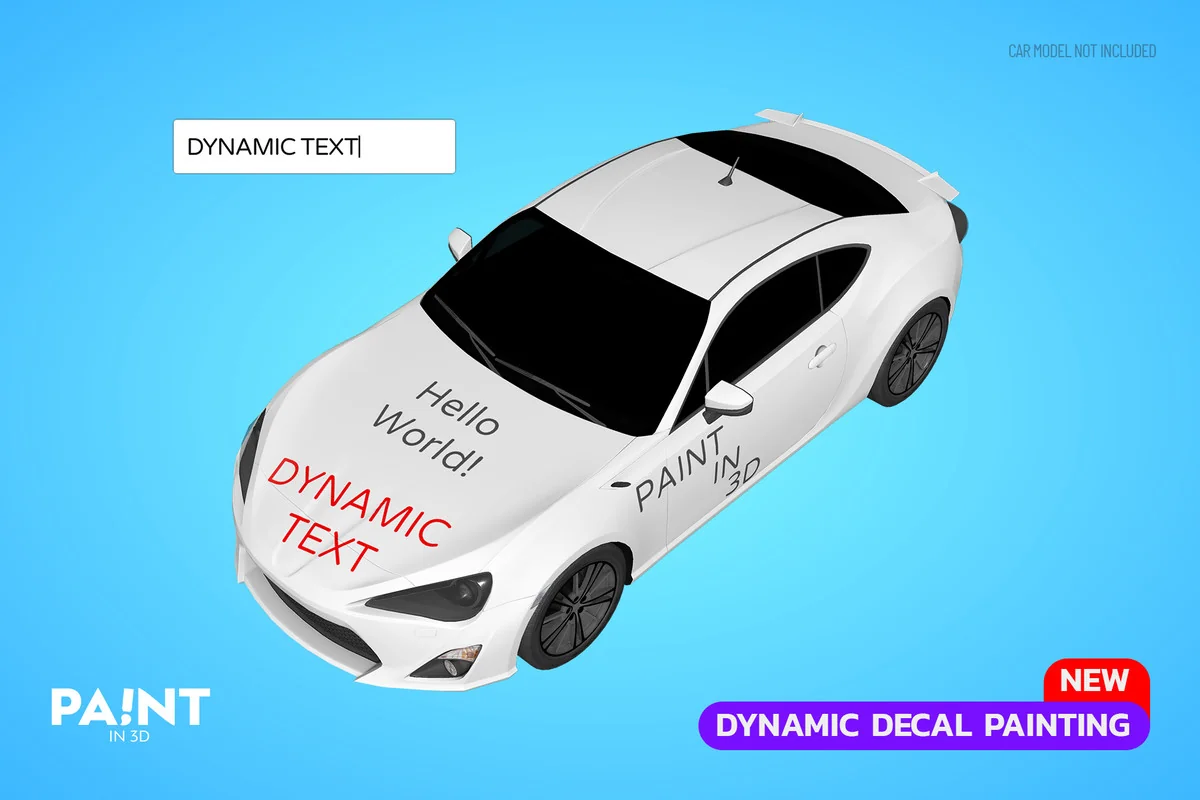
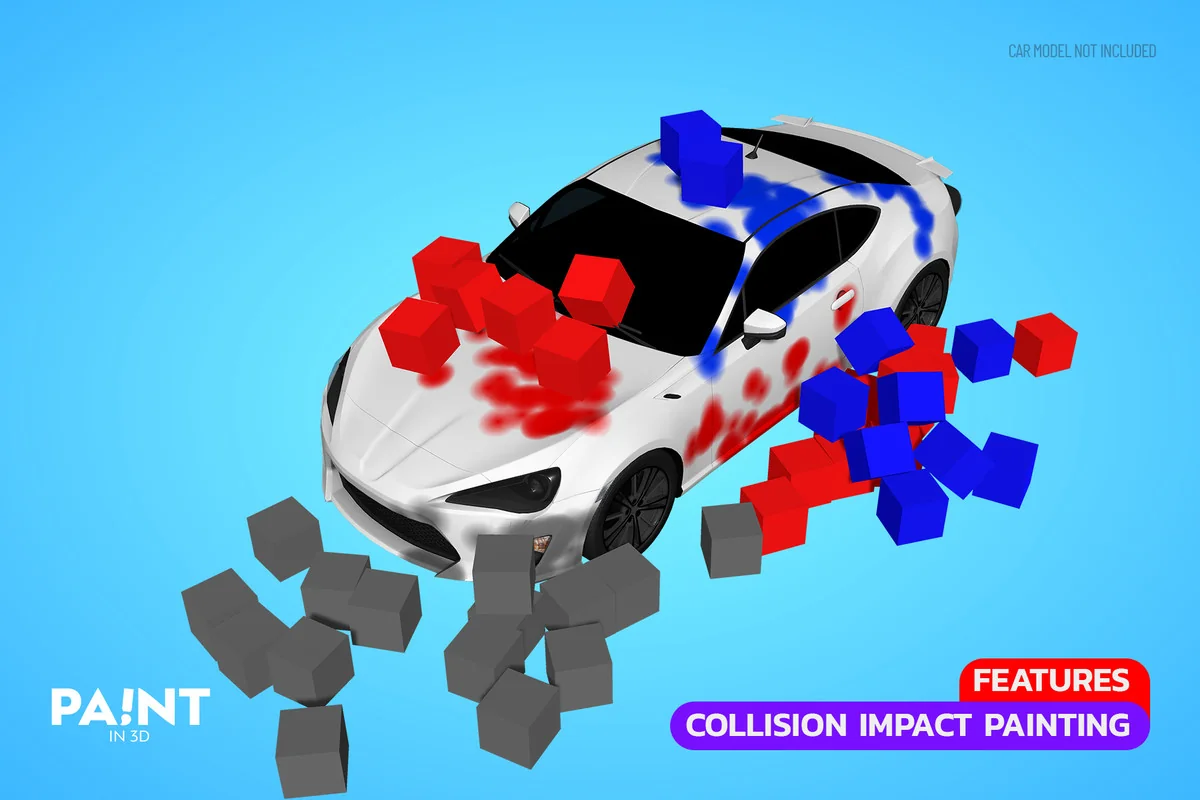
Paint in 3D is a texture painting solution for Unity designed to handle complex painting tasks without the performance overhead often associated with traditional decal systems. By utilizing GPU acceleration and extensive optimization, the package allows developers to apply paint millions of times while maintaining a stable framerate. This architecture makes it suitable for intensive use cases where objects are frequently modified or marked during gameplay.
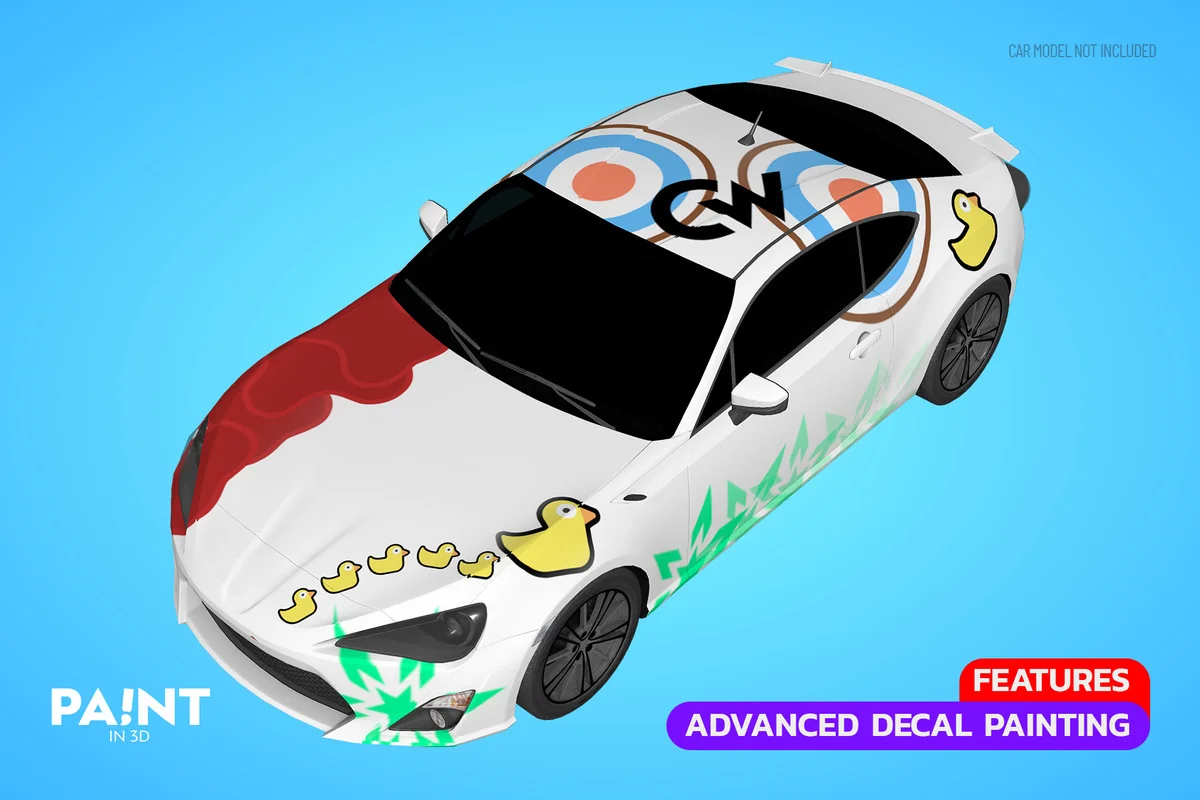
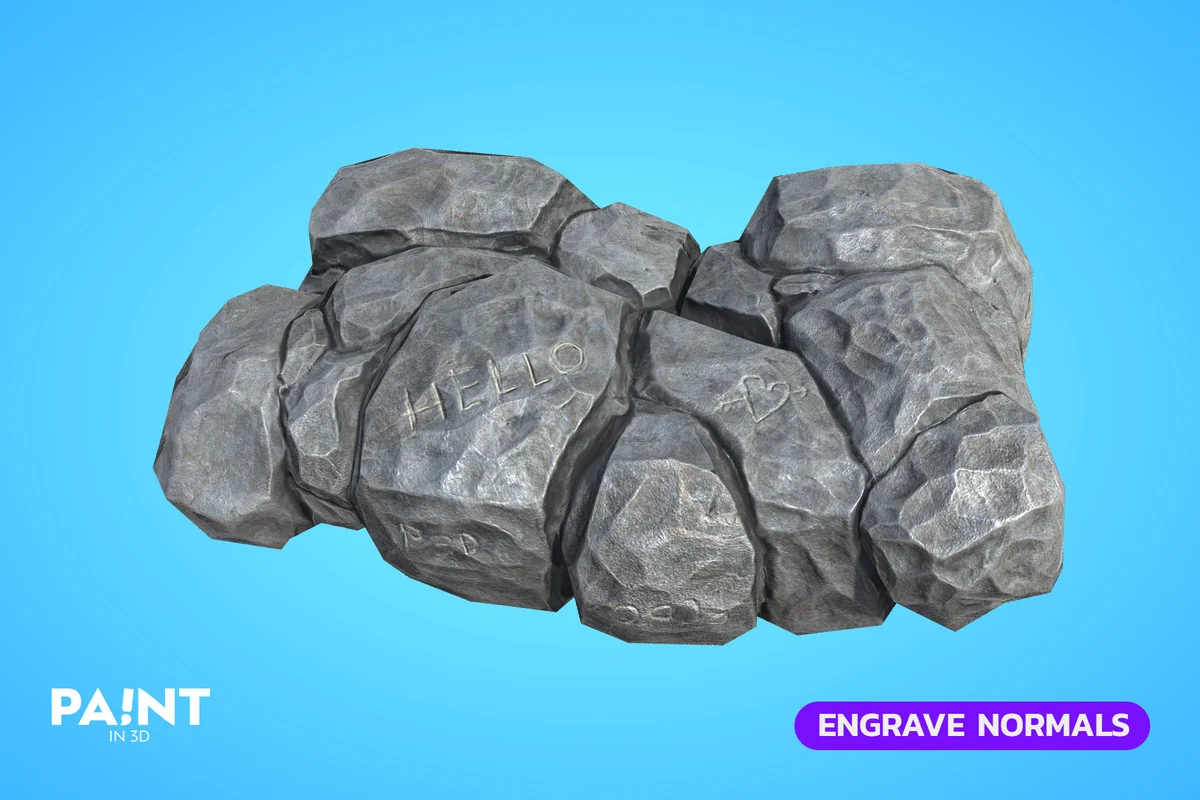
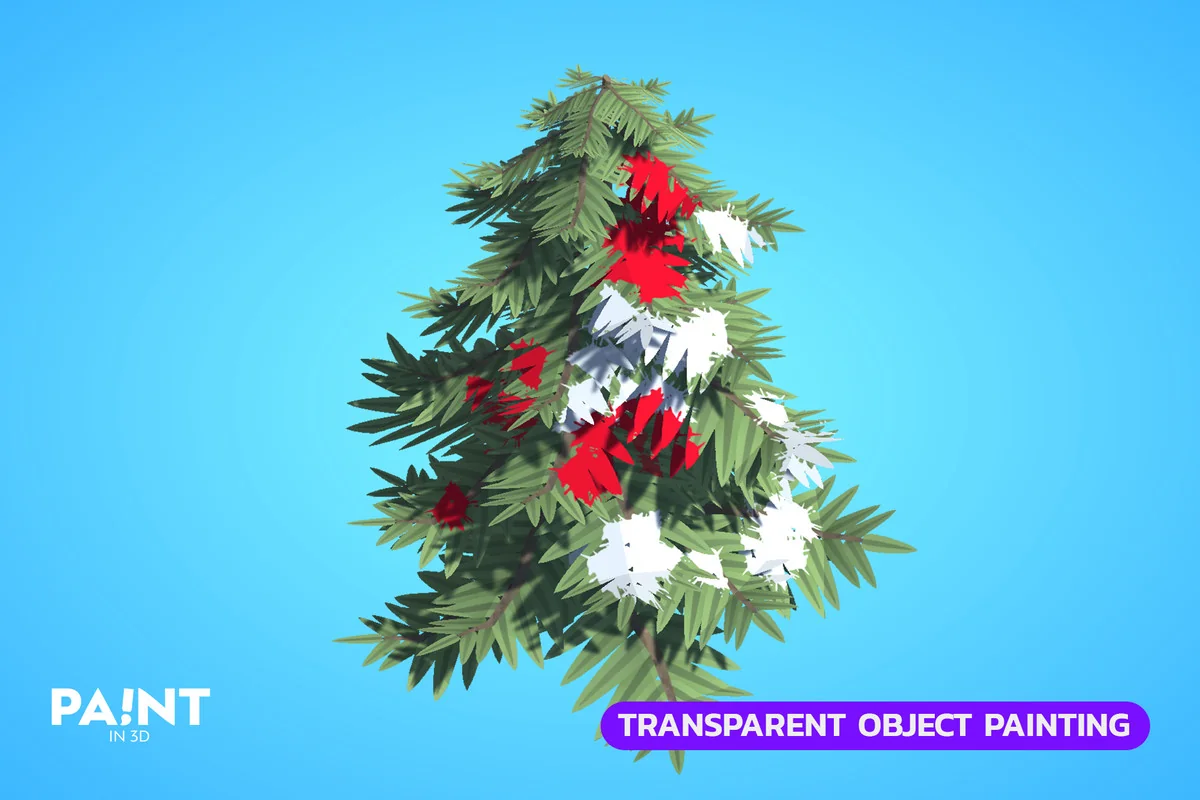
Because it operates as a texture painting system rather than a decal system, the paint is applied directly to the object’s textures. This approach is compatible across a wide range of hardware, including desktop, mobile, WebGL, and VR. It integrates with both the Universal Render Pipeline (URP) and the High Definition Render Pipeline (HDRP), as well as custom shaders. Developers can select specific textures and blending modes to match their project’s visual style.
Mesh Analysis and UV Optimization
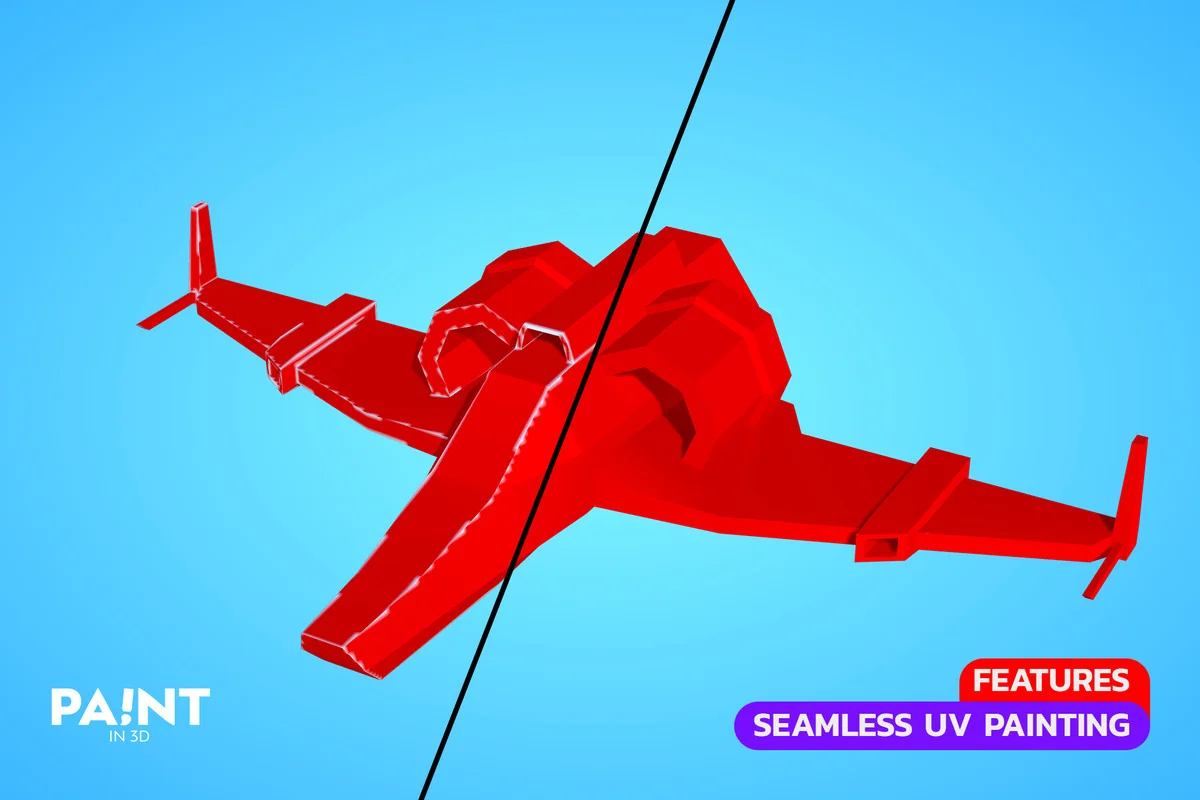
To ensure paint is applied accurately, the package includes a dedicated Mesh Analysis tool. This utility scans mesh UV data to determine if it is suitable for painting. In instances where the UV layout is problematic, a built-in Mesh Fixer tool can automate the unwrapping process. This tool is capable of remapping existing textures to the new UV layout and fixing UV seams to prevent visual artifacts during the painting process.
Painting Animated and Skinned Meshes
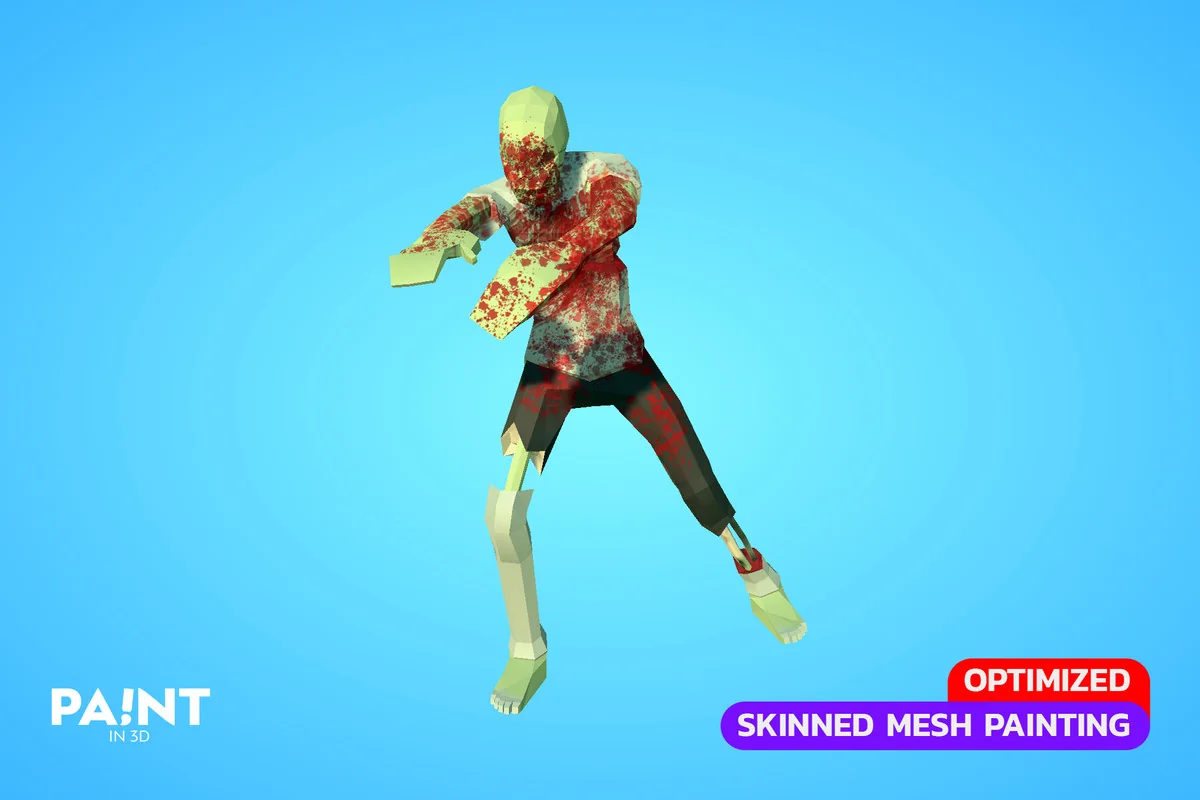
One of the more complex aspects of 3D painting is applying marks to moving objects. Paint in 3D supports skinned mesh painting, allowing for paint to be applied instantly to animated characters and objects using blendshapes. This is particularly useful for visual effects like character damage or environmental interactions where the target is in motion. Performance remains optimized for these scenarios, ensuring that the instant application of paint does not cause stuttering in high-action scenes.
Integration and Customization for Developers
The package is built with flexibility for programmers, including the full source code. This allows for deep customization and the ability to configure painting logic entirely through C# code. Several examples are provided to demonstrate how to trigger painting events programmatically. For projects requiring specific gameplay mechanics, a color counting system is included. This system can calculate the percentage of an object that has been painted or determine which team has covered the most surface area, facilitating mechanics for competitive or objective-based games.
Production Tools and Workflow Support
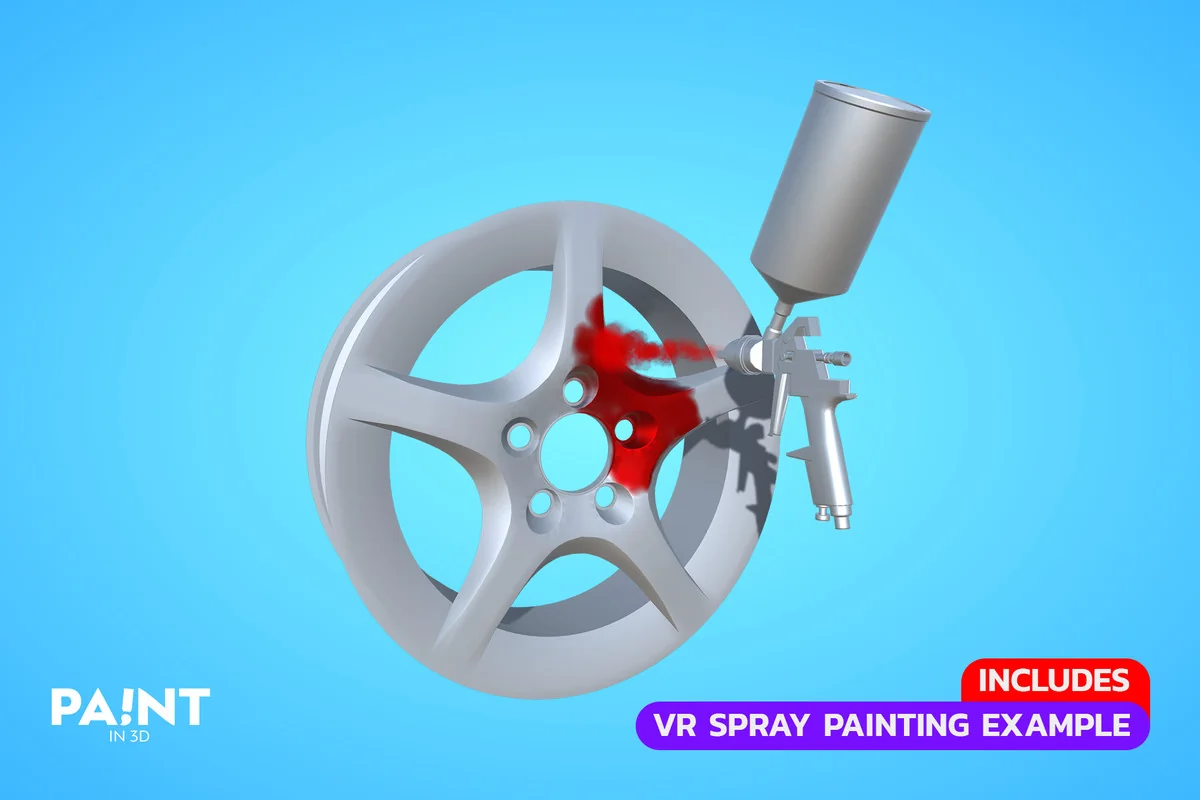
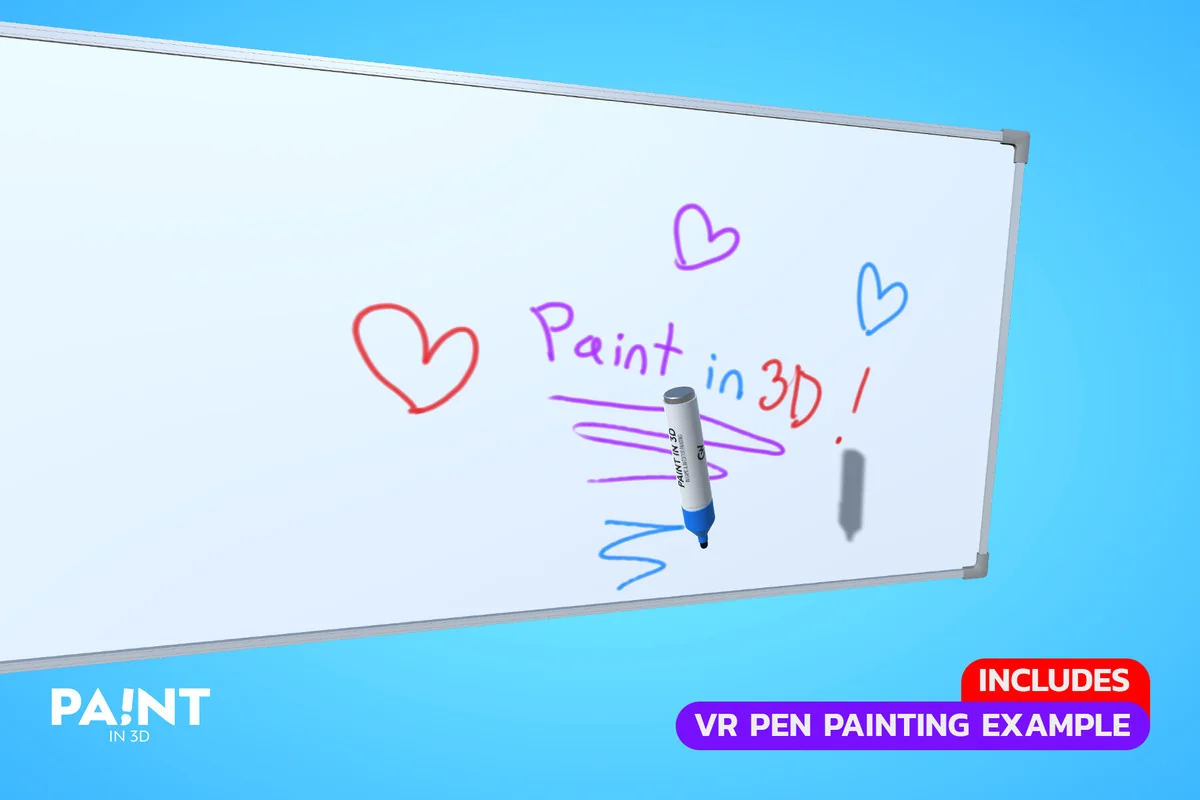
Beyond the actual painting mechanics, the asset includes several utilities to manage the user experience. An automatic saving and loading system ensures that painted textures persist across sessions. The package also supports undo, redo, and erase functions, giving users precise control over their work. For VR development, the system is fully compatible and includes specialized demo scenes designed to showcase how painting interactions function within a virtual environment.
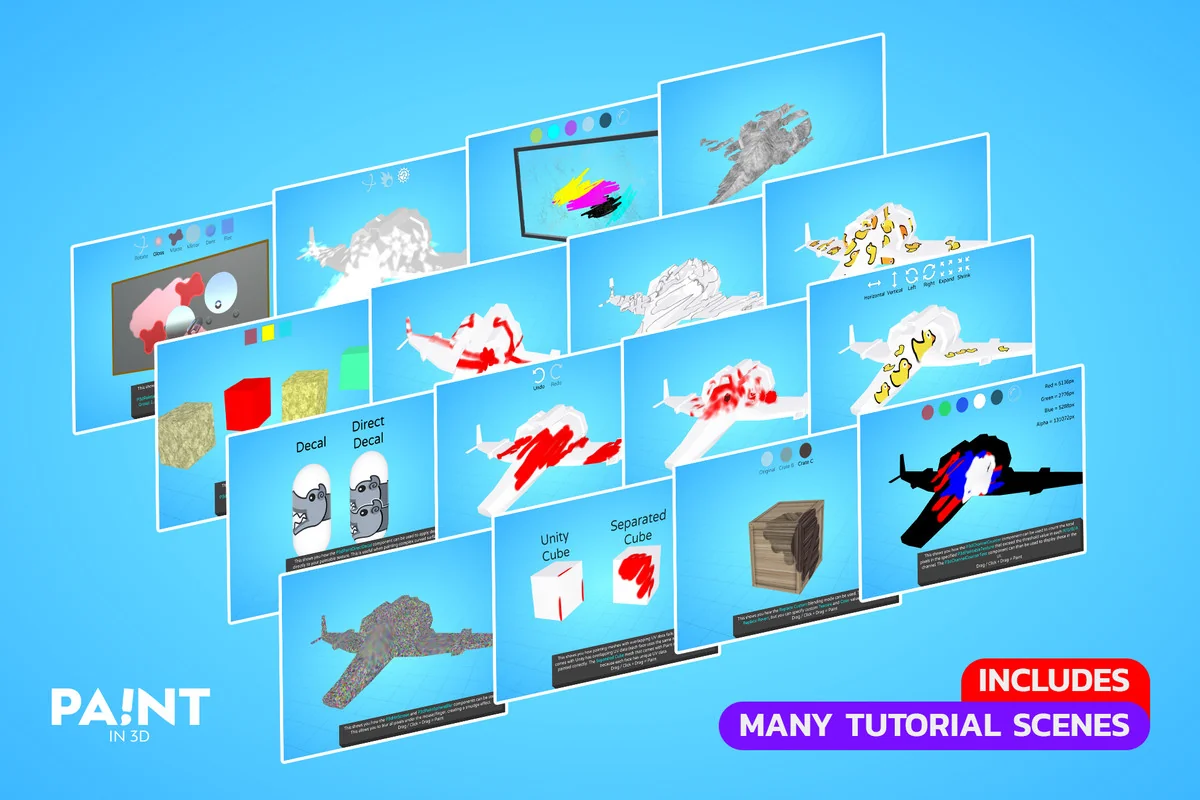
With over eight years of regular updates, the toolset has expanded to include over 100 example scenes. these scenes serve as a practical reference for implementing the various features, from basic click-to-paint setups to complex skinned mesh interactions and color-tracking logic.
Visual Breakdown
Protected download
Access this resource
All resources are 100% manually reviewed to eliminate all risks.

