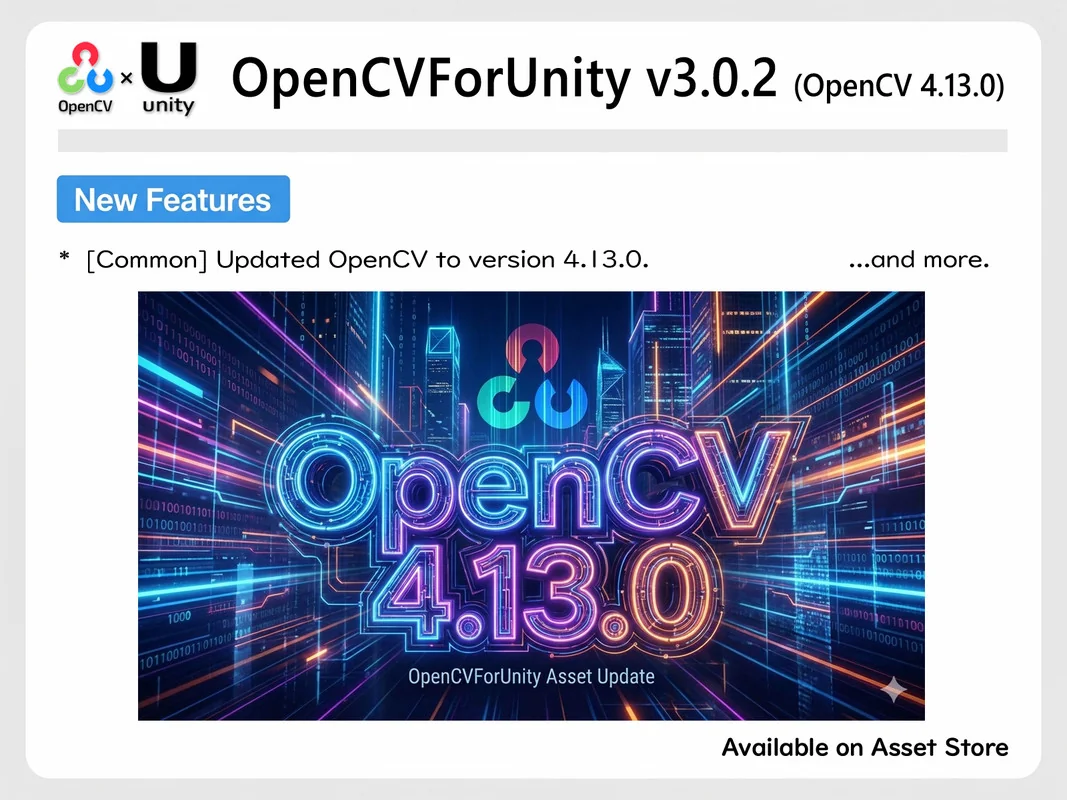
Direct Integration of OpenCV 4.13.0
OpenCV for Unity functions as a specialized assets plugin that bridges the gap between the Unity engine and the OpenCV library. The package is built as a clone of the OpenCV Java API, specifically utilizing version 4.13.0. This architectural choice allows developers to reference the official OpenCV Java documentation and use identical API calls within their C# scripts, ensuring a consistent development experience for those transitioning from other environments.
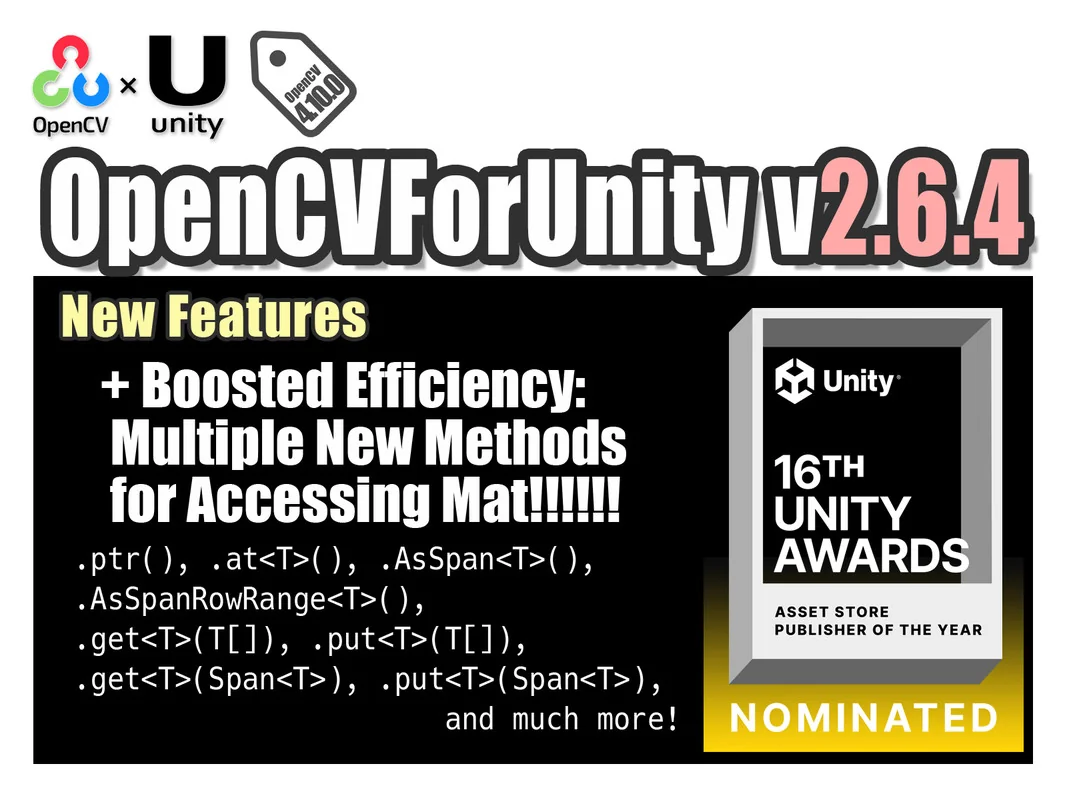
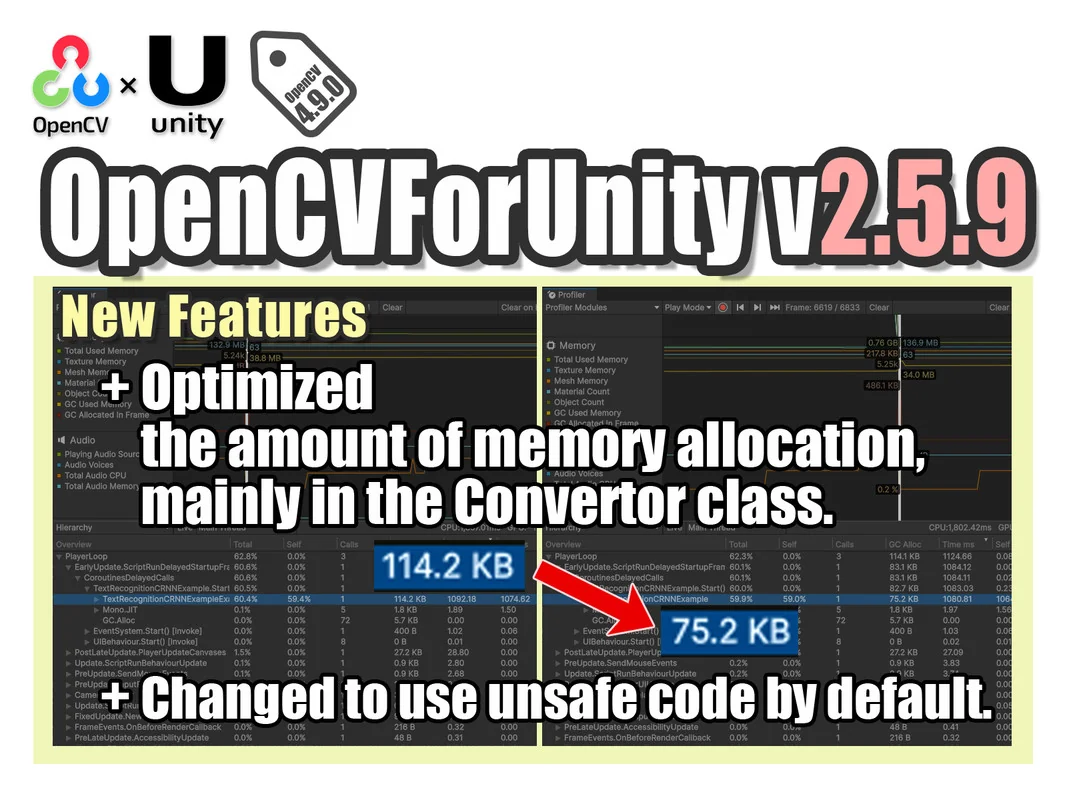
The core utility of the package centers on the interconversion between Unity’s native Texture2D and OpenCV’s Mat (Matrix) format. By providing helper functions for these conversions, the plugin allows for a workflow where camera frames or textures are processed through computer vision algorithms and then returned to Unity for rendering. To assist with memory and resource management, many classes within the plugin implement IDisposable. This allows developers to utilize the “using” statement in C#, ensuring that unmanaged resources are properly cleaned up after image processing tasks are completed.
Platform and Hardware Compatibility
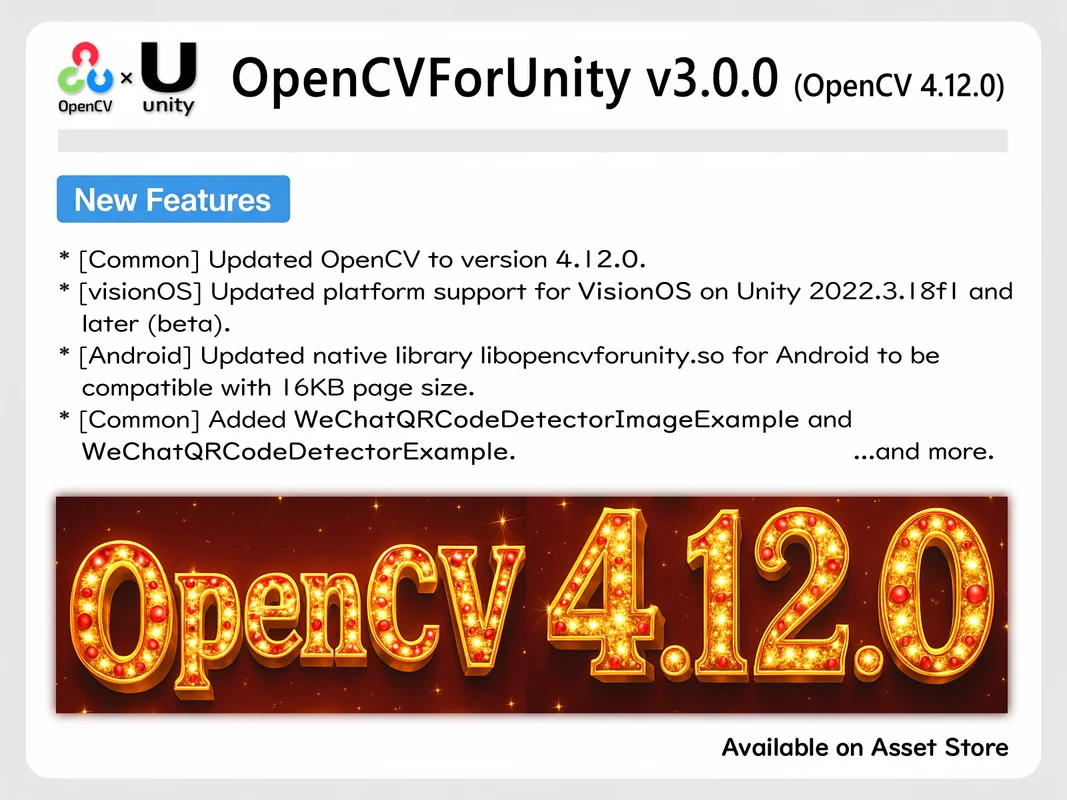
The plugin is designed for broad deployment, covering various operating systems and specialized hardware. Support extends to mobile platforms including iOS and Android, as well as desktop environments like Windows 10 UWP and standalone builds for Windows, Mac, and Linux. It also functions within WebGL and ChromeOS environments. For those working on emerging spatial computing platforms, the developer has included beta support for visionOS. Developers can also perform testing directly within the Unity Editor using the provided preview functionality.
Beyond standard computing devices, the plugin is compatible with a variety of specialized hardware gadgets and sensors. This includes enterprise and consumer XR devices such as HoloLens 1, HoloLens 2, Nreal Light, and Oculus. It also supports depth-sensing cameras and peripheral sensors like the Kinect, RealSense, and ZED 2 or ZED Mini stereo cameras. For those working in embedded systems or lightweight computing, the library can be deployed to Raspberry Pi devices.
The dnn Module and Deep Learning Support
A significant component of the plugin is its support for the OpenCV dnn (Deep Neural Network) module. This module allows developers to load and run pre-trained models from various deep learning frameworks directly within Unity. The supported frameworks include:
- ONNX
- TensorFlow
- Caffe
- Torch
- Darknet
Inference within the dnn module typically utilizes the CPU backend by default across all supported platforms. However, on Windows platforms, users have the option to utilize the CUDA backend by following specific additional steps. It is important to note that the dnn module is supported on almost all platforms with the exception of Universal Windows Platform (UWP).
Implementation Scenarios and Examples
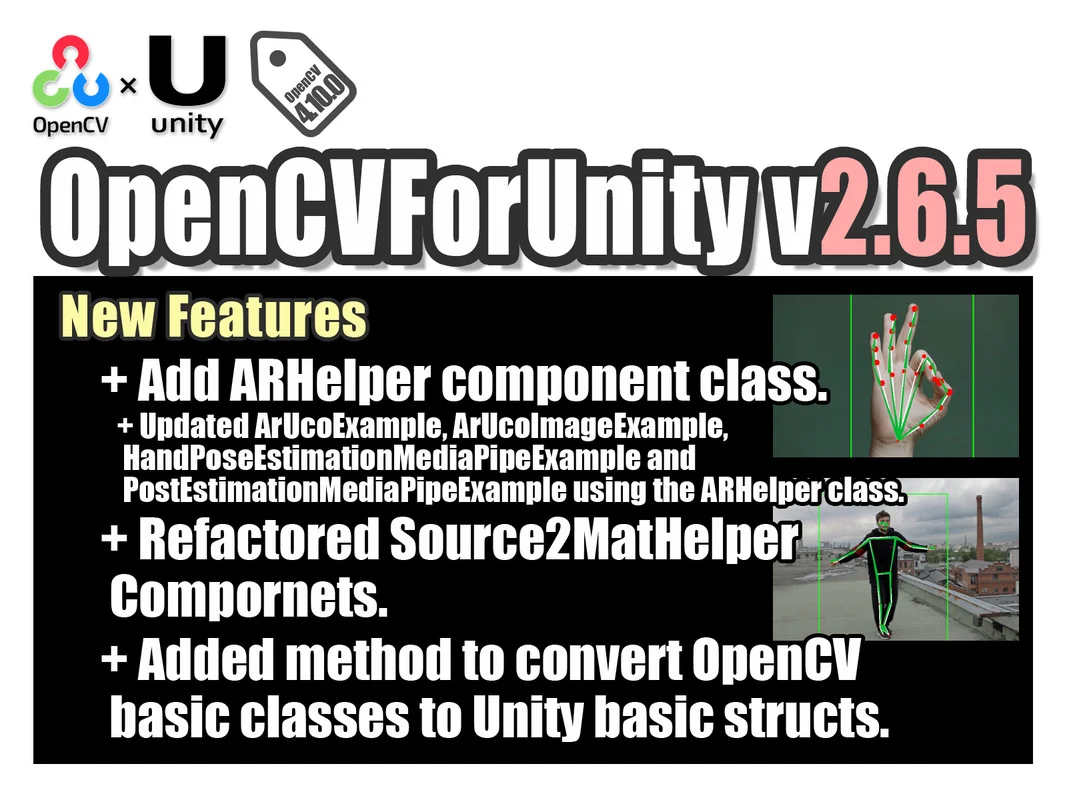
To facilitate the learning process, the package includes a variety of example scenes and script codes. These samples demonstrate how to handle WebCamTexture input for real-time processing of camera footage. These practical applications cover several common computer vision tasks:
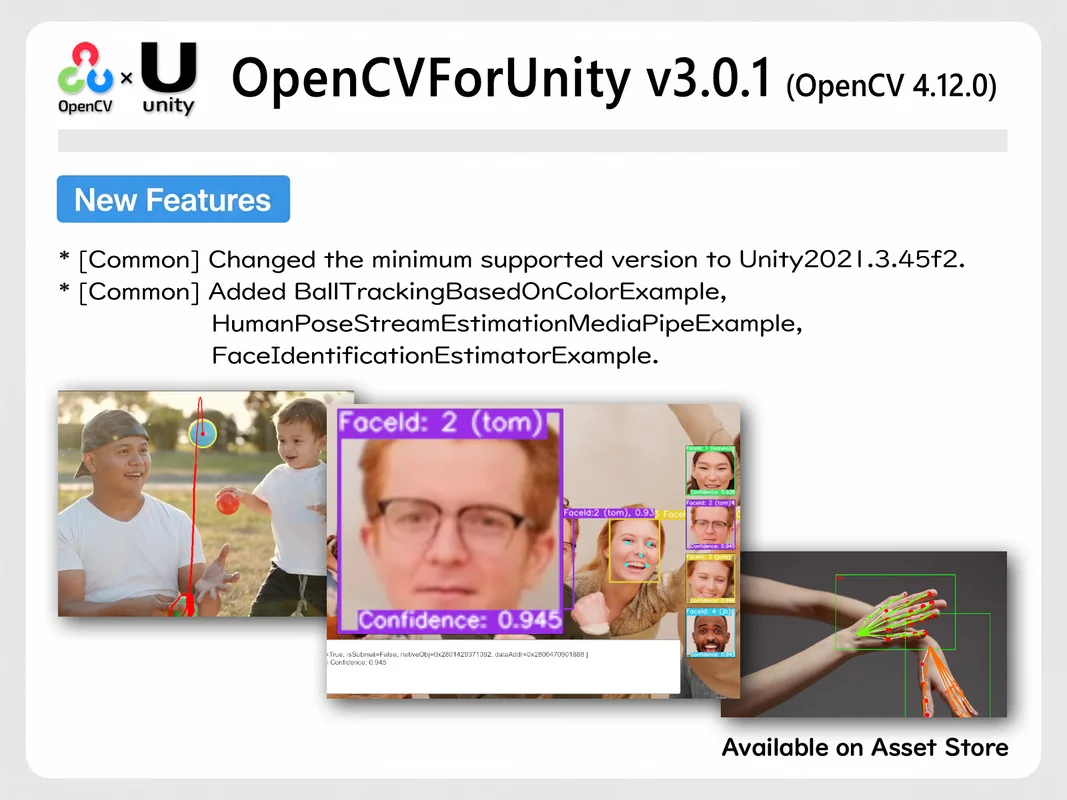
For augmented reality, the examples showcase both Marker-Based AR and Marker-Less AR techniques. These allow for the tracking of specific physical markers or the detection of environmental features to anchor digital content. In the realm of facial analysis, the plugin provides examples for face masking and real-time face tracking. These samples serve as templates for understanding how to structure a vision-based application from the initial camera feed to the final visual output.
Developers who prefer visual workflows can access all the features of the plugin through Unity’s Visual Scripting system. This integration allows for the construction of vision logic using nodes rather than traditional code, which can be particularly useful for prototyping or for those more comfortable with visual logic flows.
XR and Real-Time Processing
The plugin is tailored for use in Augmented Reality (AR), Virtual Reality (VR), and Mixed Reality (MR) applications. By combining Unity’s WebCamTexture with OpenCV’s processing power, developers can implement live analysis of the user’s environment. This is essential for projects that require the software to understand the physical world, whether through simple color detection, complex object recognition via the dnn module, or spatial tracking through stereo cameras like the ZED or RealSense units.
OpenCV for Unity is best suited for developers who require a deep, API-level integration of computer vision tools within the Unity environment. Because it mirrors the Java API of OpenCV 4.13.0, it provides a high degree of control over image data and neural network inference, making it a robust choice for projects ranging from academic research to commercial XR application development.
Visual Breakdown
Protected download
Access this resource
All resources are 100% manually reviewed to eliminate all risks.