Advanced Mesh Blending in Unreal Engine
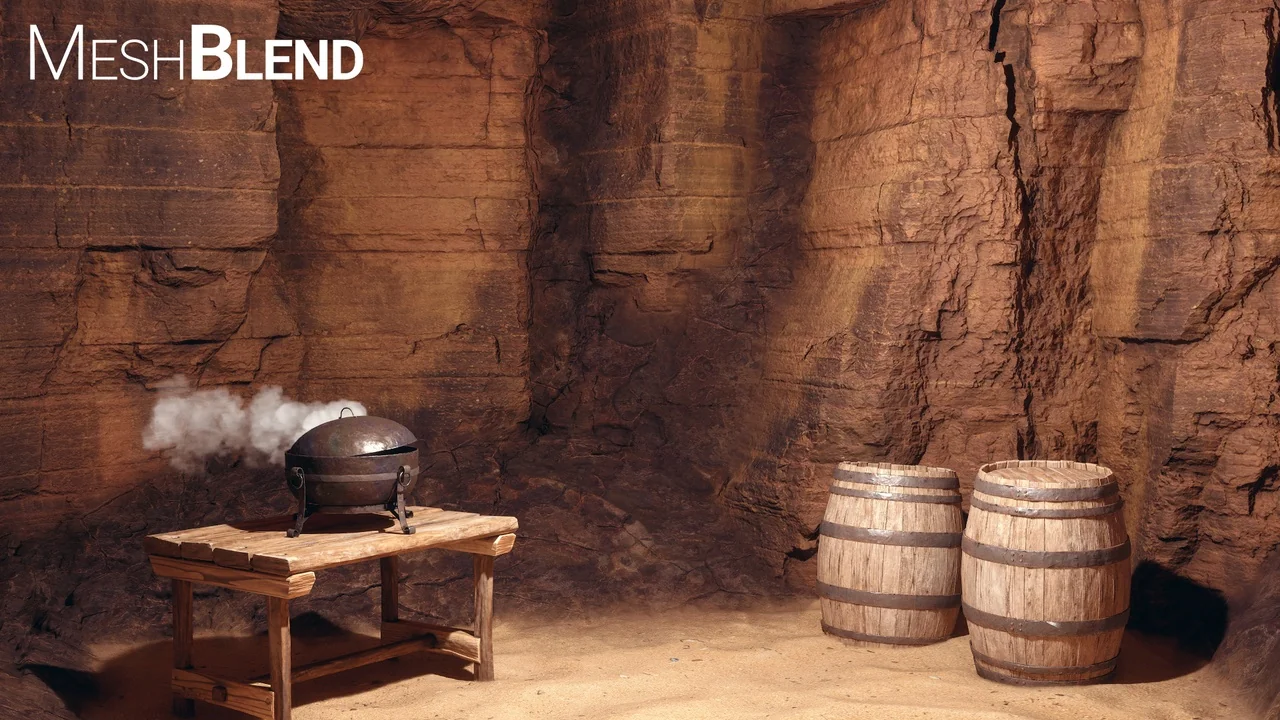
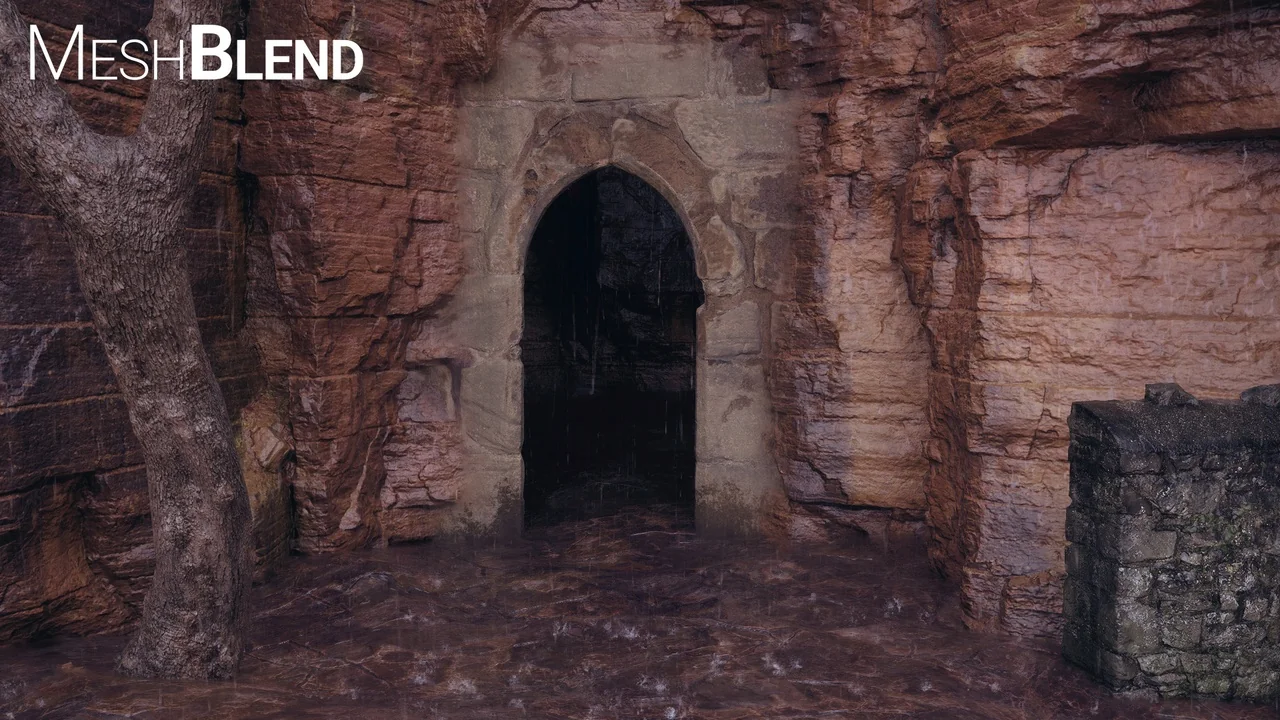
MeshBlend – Next generation mesh blending without RVT provides a sophisticated way to handle intersections in Unreal Engine. This tool allows developers to blend any mesh with another seamlessly. Whether you are working with landscapes, static meshes, or skeletal meshes, this solution delivers high-quality results. It serves as a versatile resource for games, virtual production, and offline rendering cinematics.
The developer designed MeshBlend to offer controllable blending without relying on Runtime Virtual Texturing (RVT). This approach makes it highly adaptable for various art styles and project requirements. Consequently, it has been battle-tested in real-world environments ranging from indie titles to AAA projects. At its core, the tool balances visual quality with an efficient artist workflow.
Versatile Blending Scenarios
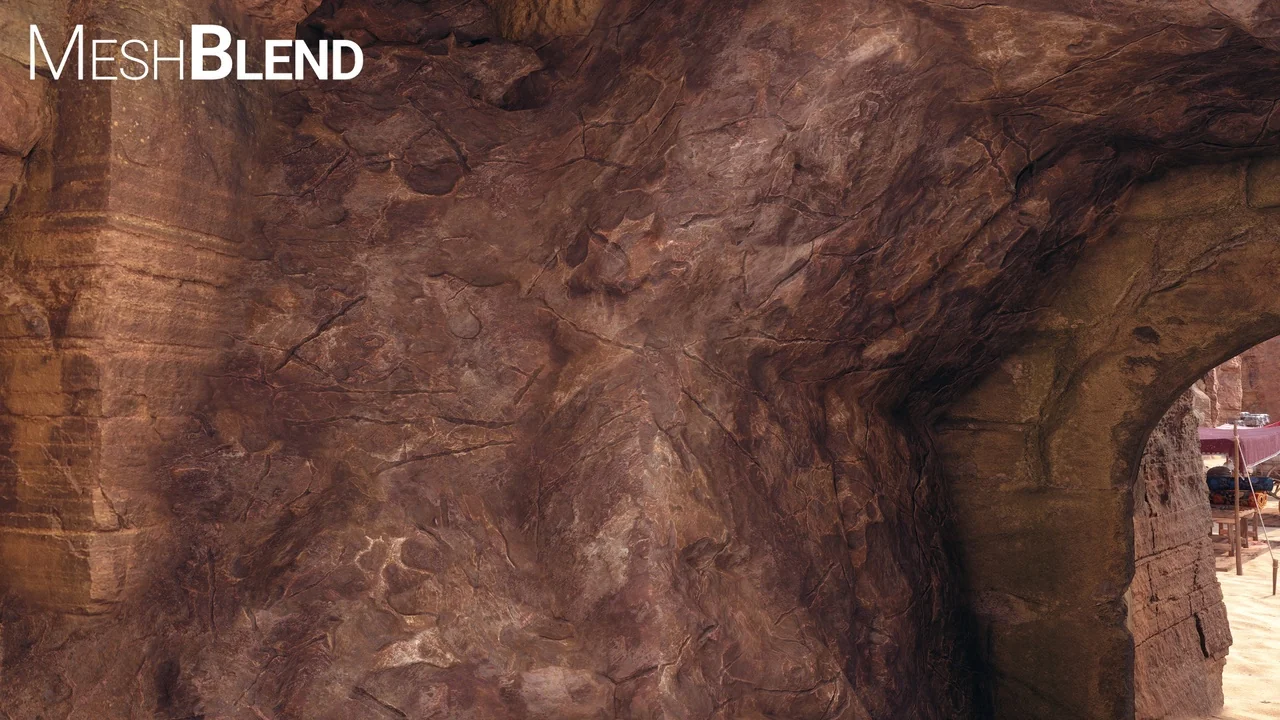
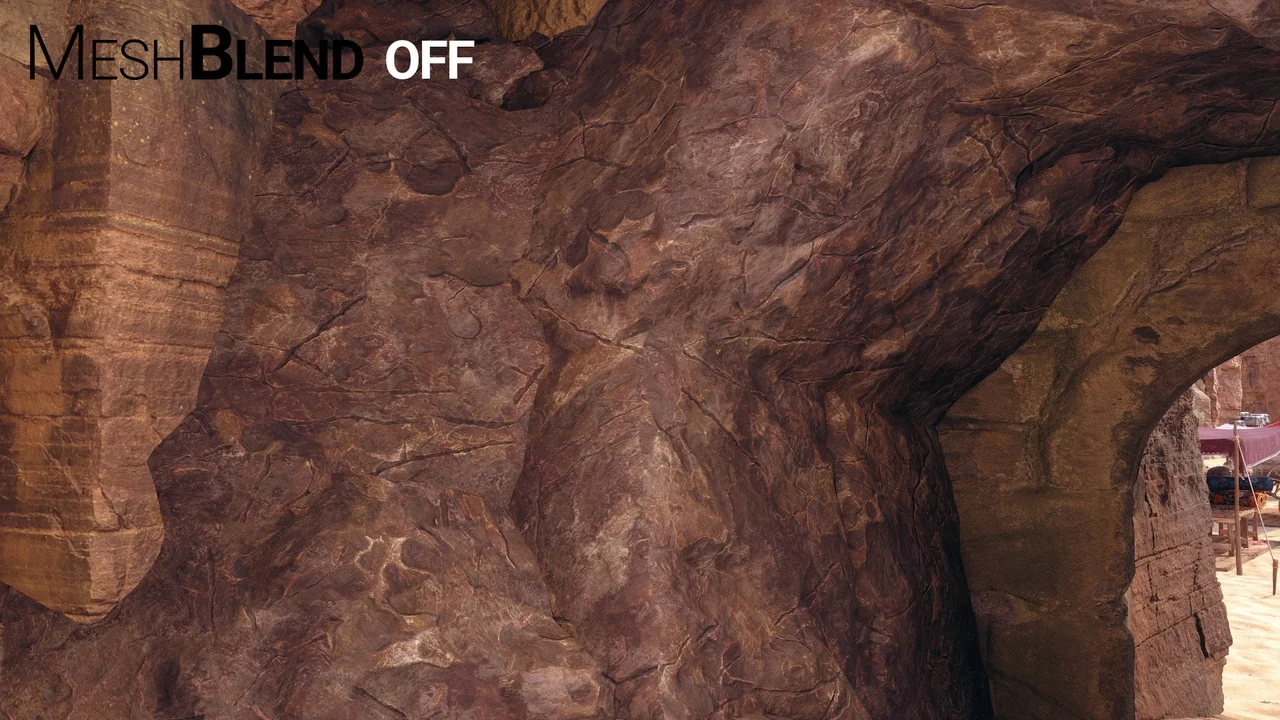
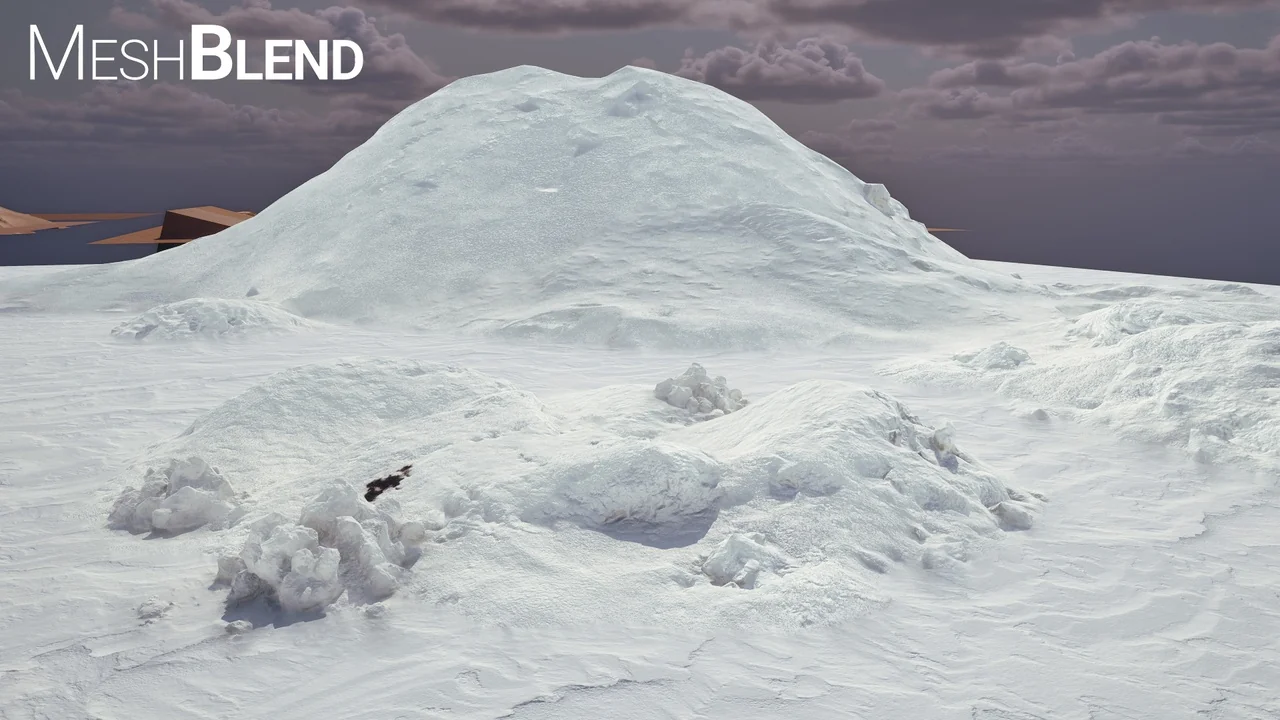
MeshBlend – Next generation mesh blending without RVT enables unique blending possibilities. Unlike standard methods, it allows for blending meshes with both other meshes and landscape terrain. Furthermore, it can handle multiple overlapping landscapes simultaneously. This flexibility ensures that complex environments look cohesive and realistic.
When compared to other techniques, this solution offers several advantages. For instance, it requires significantly less setup than RVT blending. It also maintains better performance at scale. Additionally, it creates a more realistic result than Pixel Depth Offset (PDO) when performing terrain blending. If it is a mesh, the system can blend it.
Technical Features and Compatibility
The system operates as a global Post Process shader within the engine. It runs immediately after scene rendering but before effects like Depth of Field or upscaling. Therefore, it integrates smoothly with modern rendering pipelines. The tool supports various materials and technologies, including:
- Opaque materials (Surface, SubSurfaceScattering, and Two-Sided)
- Nanite and Nanite displacement
- Parallax Occlusion Mapping (POM)
- Decals and Mesh Decals
- Static Meshes, Landscapes, and Skeletal Meshes
Moreover, the tool works effectively with temporal anti-aliasing solutions. This includes support for TAA, TSR, DLSS, and FSR. It also remains compatible with frame generation and upsampling technologies. For cinematic users, the tool functions within Sequencer, though the creator recommends using overscan for the best results.
Optimized Workflow and Performance
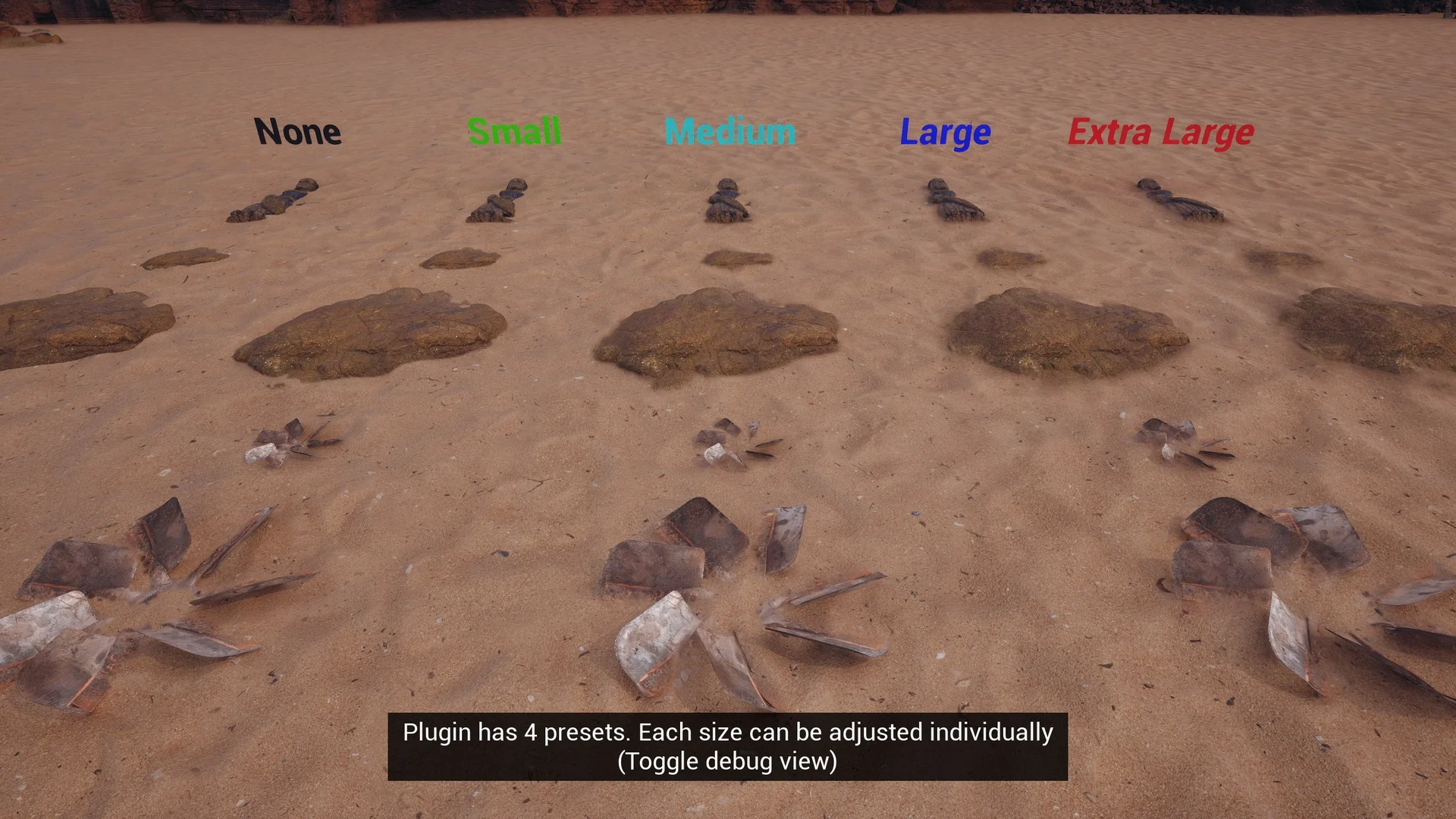
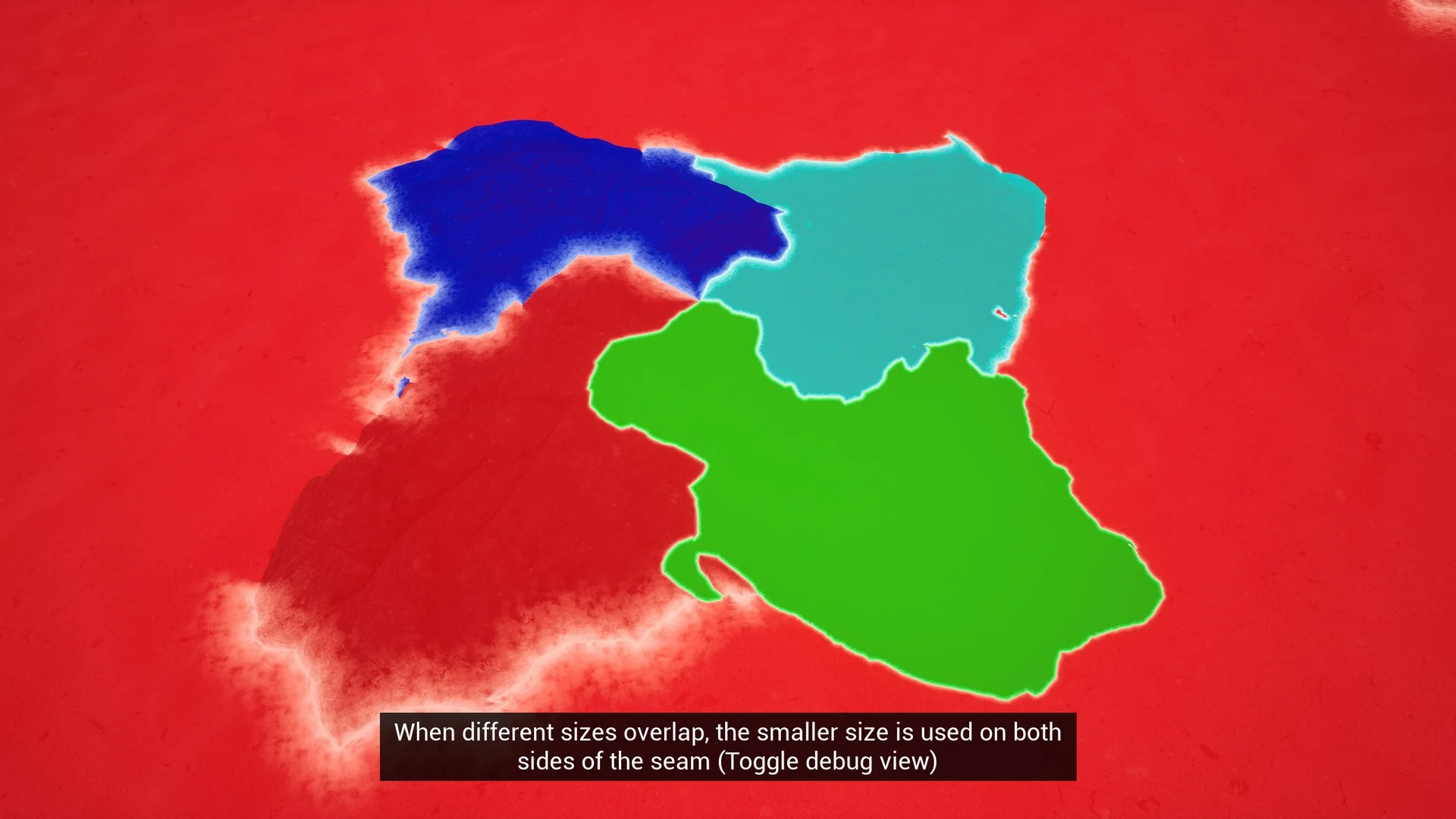
MeshBlend – Next generation mesh blending without RVT features an easy editor workflow. Users can choose from four preset blend sizes to get started quickly. However, each preset can be adjusted individually to meet specific artistic needs. You can decide to blend just a few meshes or every single mesh in the project.
Performance remains a priority for this tool. It includes different quality settings labeled as Low, Medium, and High. These presets allow the system to run on a wide range of hardware configurations. Previously known as AutoBlend during its development phase, the tool was officially renamed to MeshBlend in May 2024. It continues to provide a high-performance solution for creators seeking realistic environment transitions.
Screenshots & Gallery