High-Accuracy Terrain Creation with Landscaping
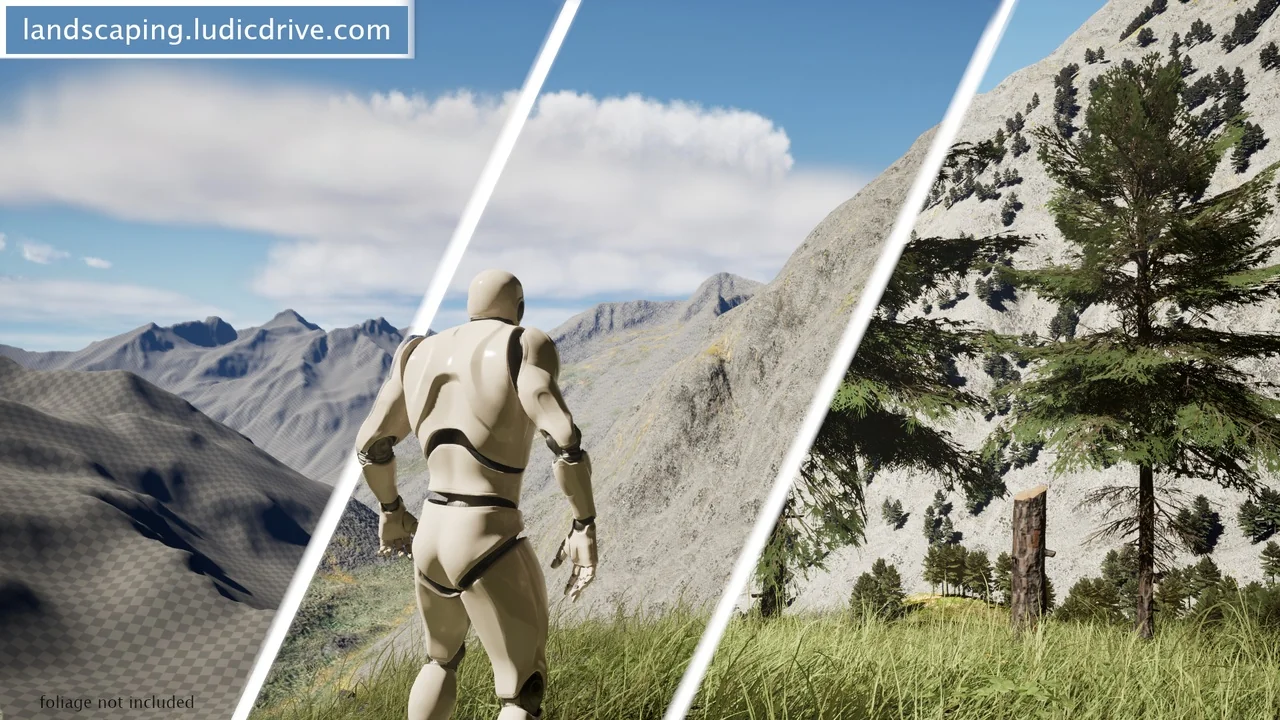
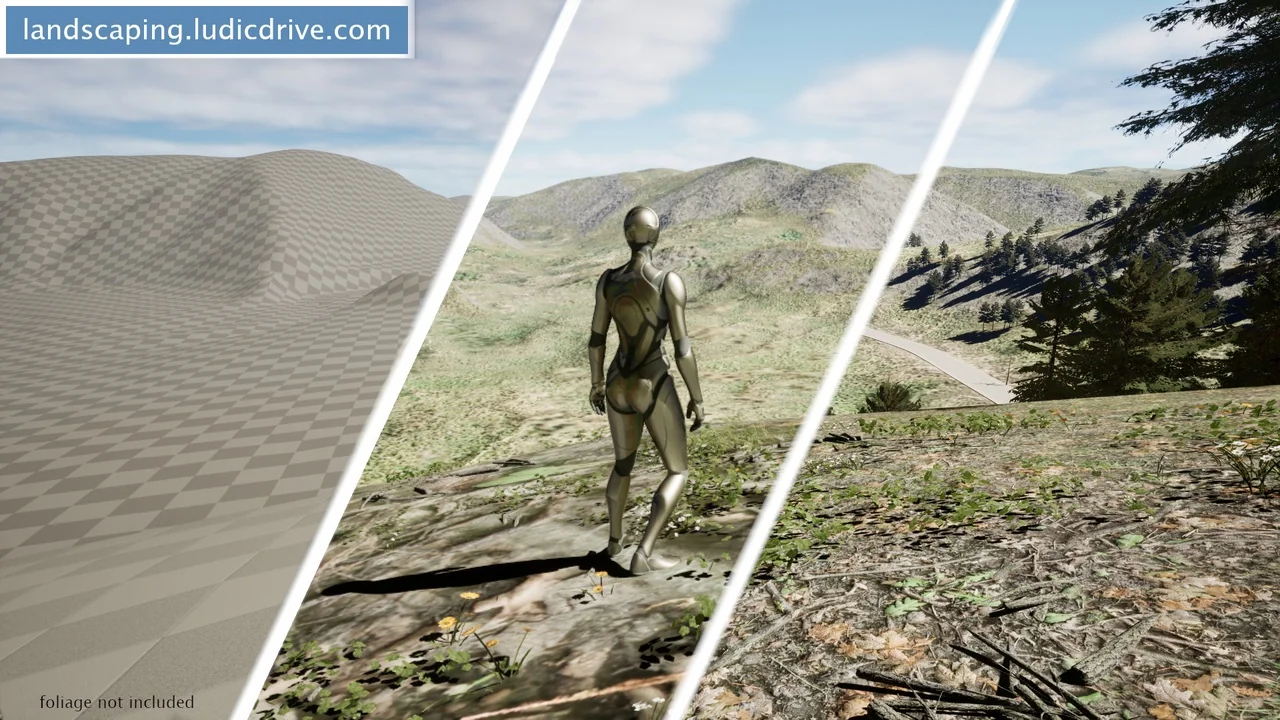
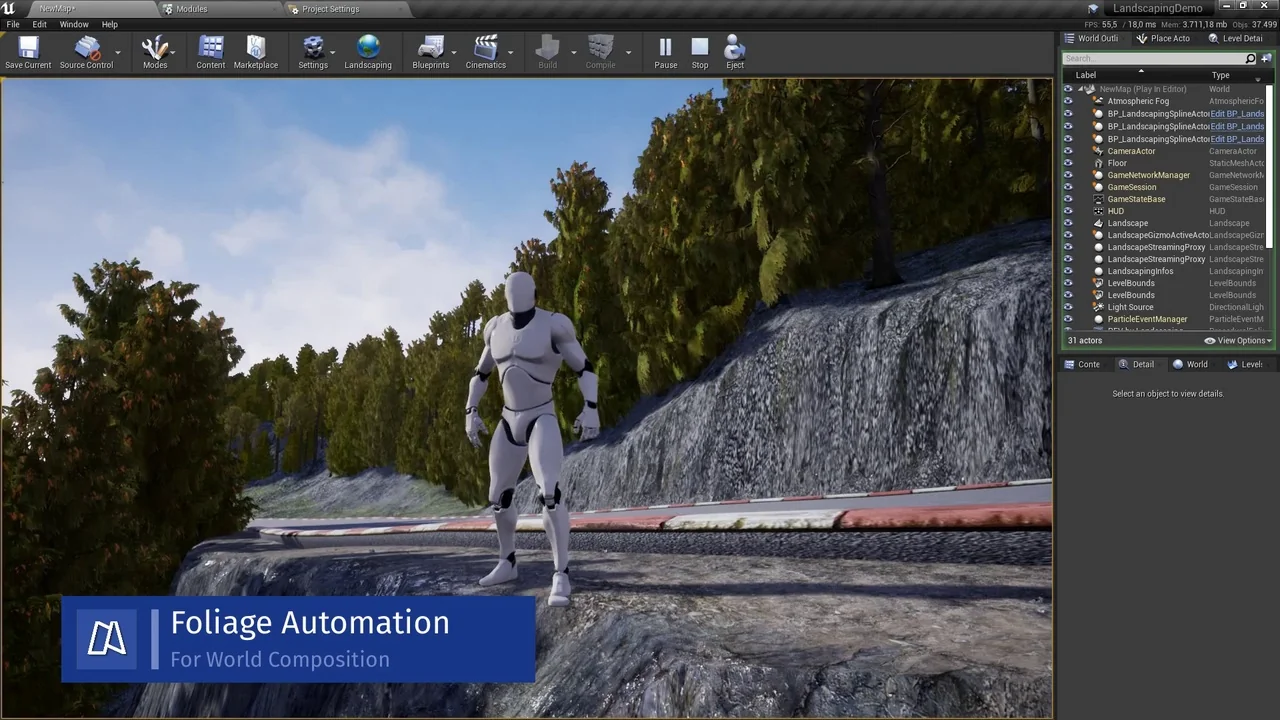
Landscaping provides a streamlined method for importing GIS data into Unreal Engine. This tool allows developers to create single landscapes, World Composition setups in UE4, or World Partition environments in UE5. Furthermore, users can choose to import data as procedural or static meshes depending on project needs.
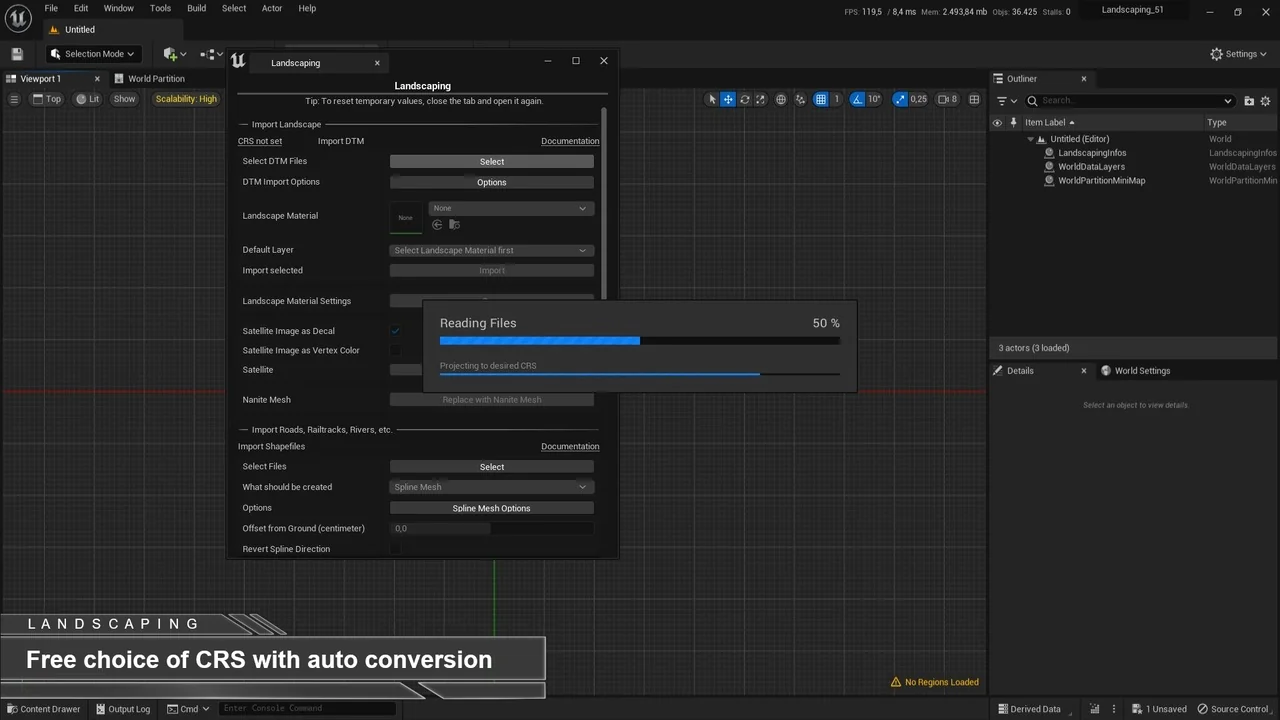
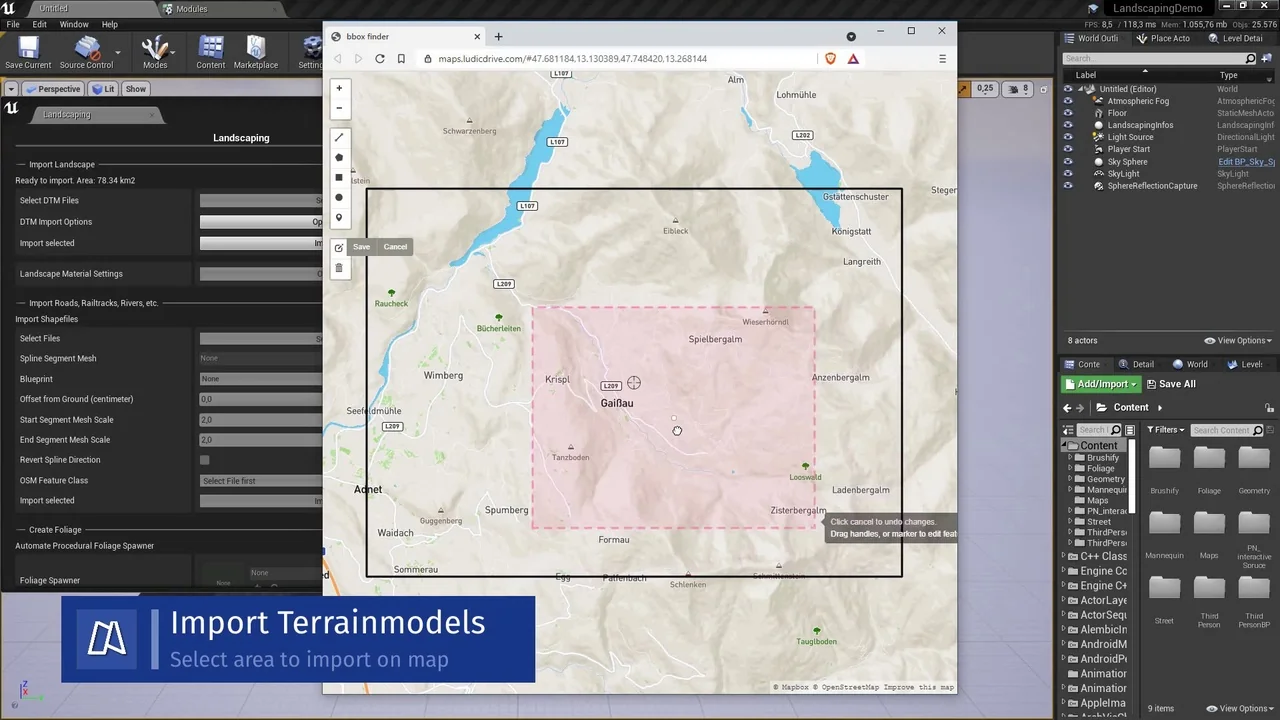
The developer designed this plugin to handle Digital Terrain Models (DTM) with high accuracy. It supports various file formats, including GeoTiff, ASCII, HGT, and GeoPackage. Consequently, users can work with all common projections and resolutions. The system automatically converts single or multiple files into landscapes with appropriate tiling. Additionally, it supports automatic merging and cropping of DTM data for better workflow management.
Advanced Landscape and Mesh Features
Landscaping offers significant flexibility regarding scale and size. It supports landscapes of any area size, limited only by available system memory. Moreover, the tool handles Landscape Edit Layers up to 16 x 16 km per landscape. Users can also create multiple seamless landscapes within a single level. If the source data is low resolution, the plugin provides smoothing options to improve visual quality.
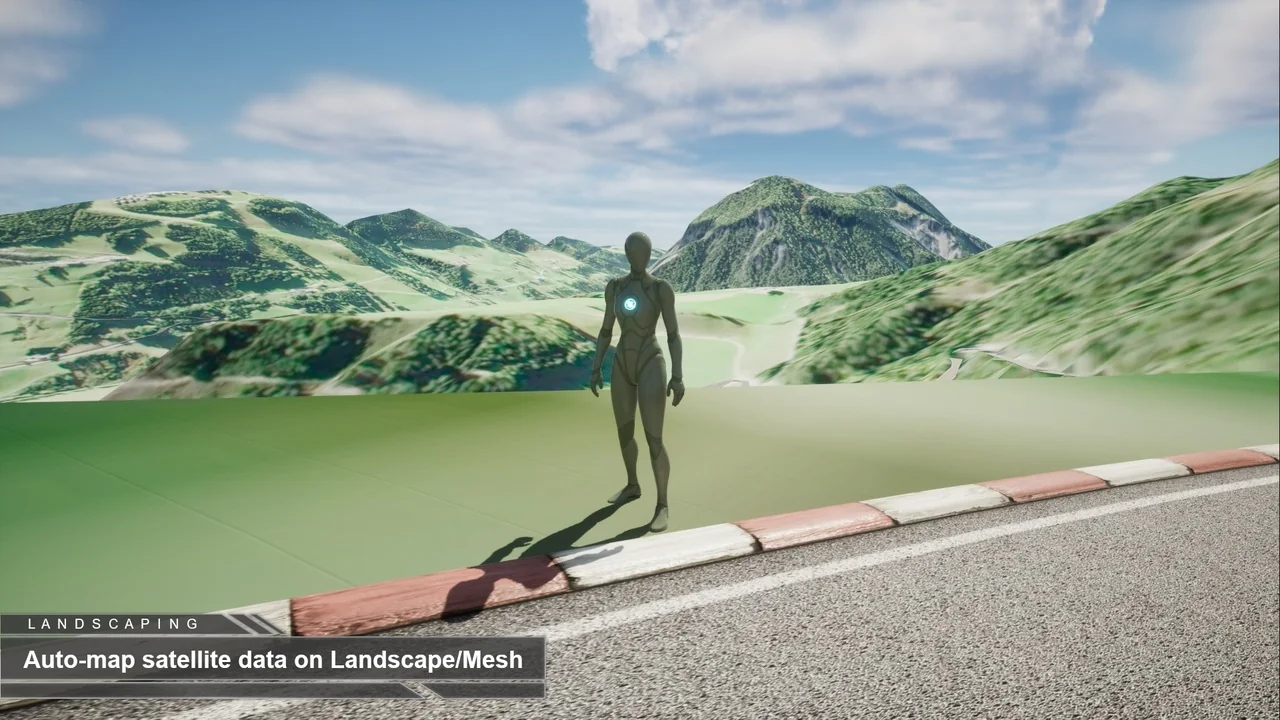
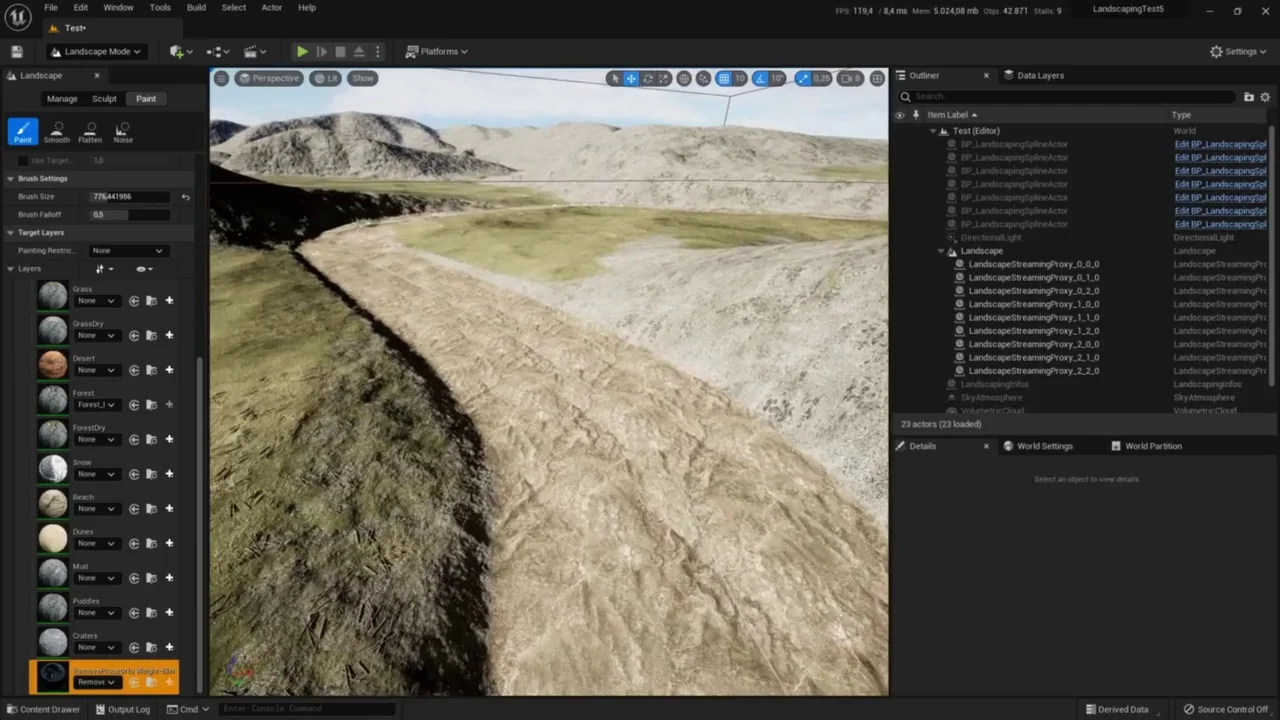
Integration of satellite imagery is another core feature. The plugin imports JPG2000 and GeoTiff formats as material textures, decals, or vertex colors. Because the imagery is automatically mapped to the landscape or mesh, the setup process is significantly faster. This ensures that visual data aligns perfectly with the underlying terrain geometry.
Vector Data and Spline Integration
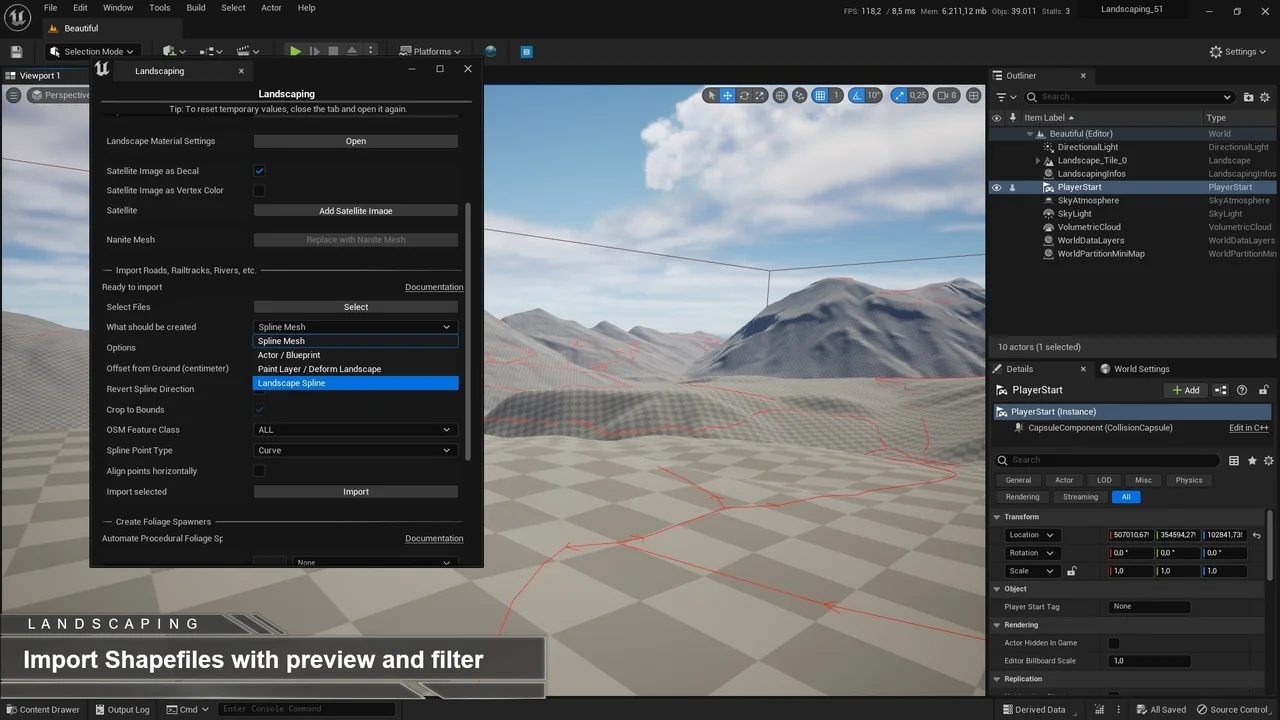
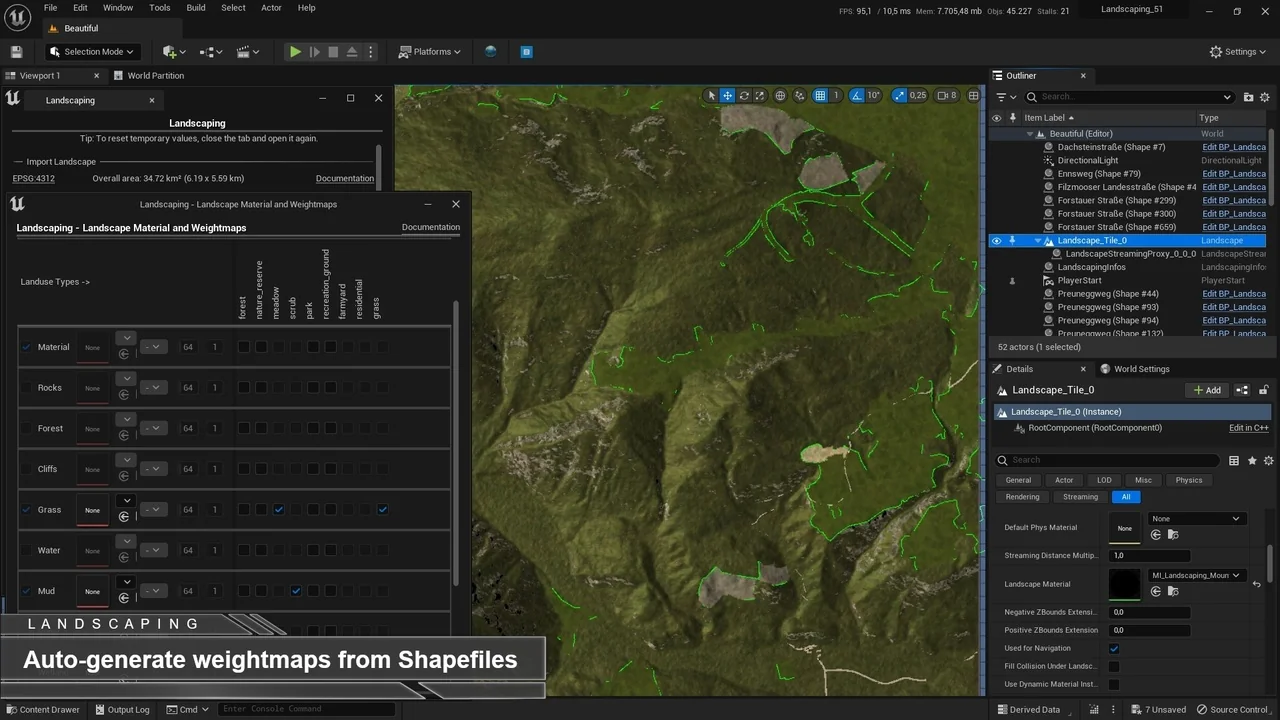
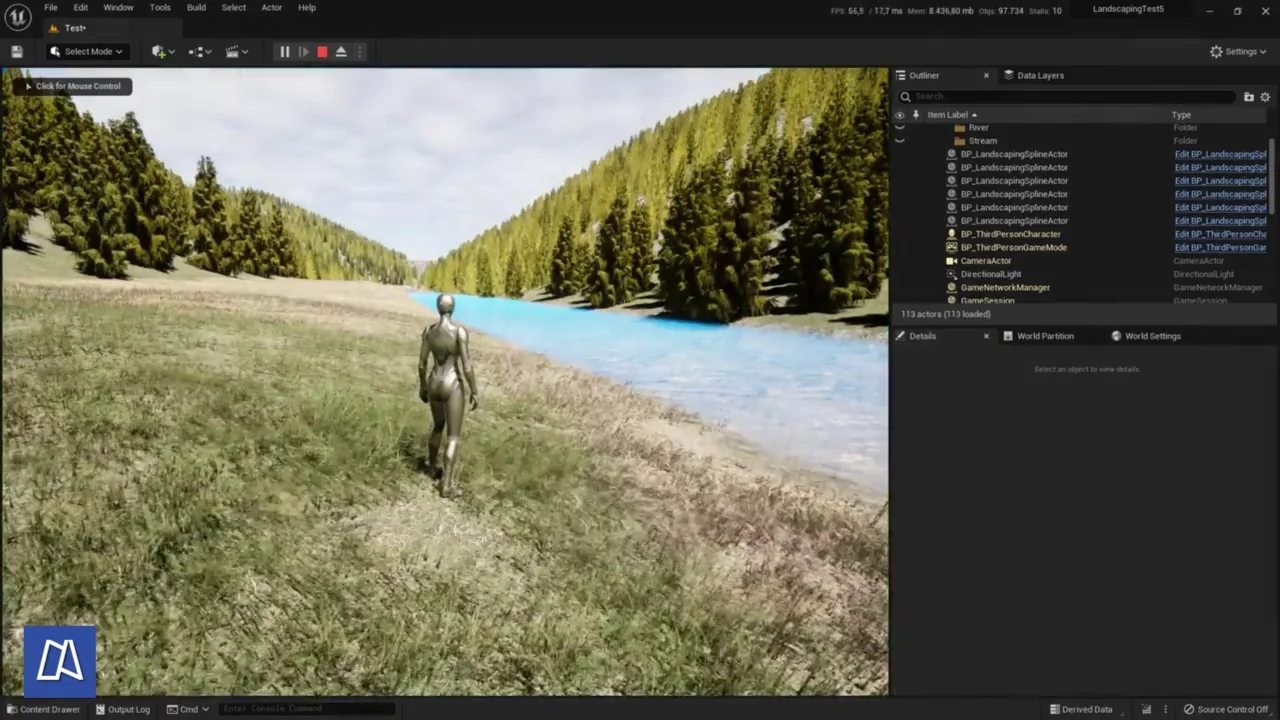
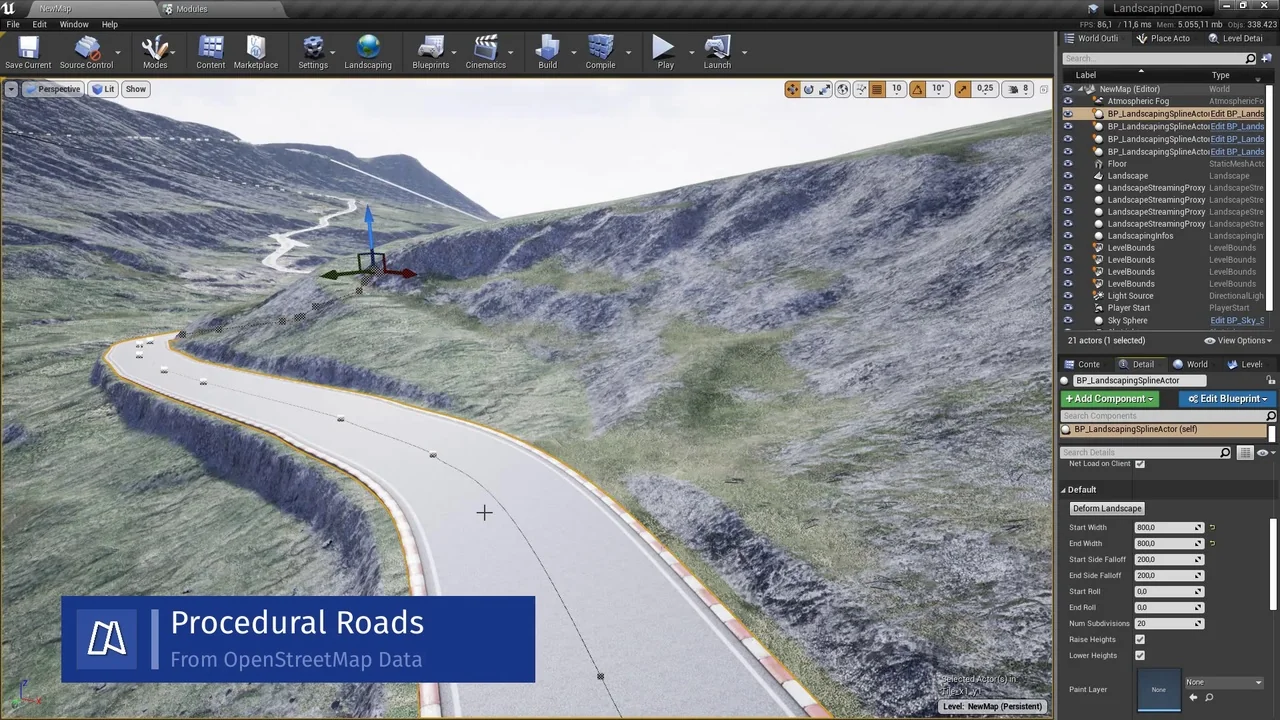
The plugin excels at processing vector data from Shapefiles, GeoJSON, OSM, and GeoPackage sources. Landscaping can generate weightmaps to auto-paint landscape layers based on this data. Furthermore, it can instantiate Blueprints, Static Mesh Spline Actors, or Landscape Splines directly from Shapefiles. This functionality allows for the automatic placement of objects or the deformation of landscapes under specific splines.
One of the primary benefits is the elimination of external preparation. Users do not need QGIS or other third-party tools to prepare their GIS data. The plugin can read polygons, linestrings, and points via Blueprints. However, it is important to note that the package does not include landscape materials, foliage, or river Blueprints. The developer also notes that this plugin will eventually be retired in favor of the Landscaping System successor.
Conclusion
Landscaping is a comprehensive solution for developers needing real-world data integration. It simplifies the transition from raw GIS files to fully realized Unreal Engine environments. By supporting a wide range of formats and offering automated mapping features, it remains a robust choice for terrain generation. Always refer to the official documentation for the latest updates and feature enhancements.
Screenshots & Gallery