Browser-Based Augmented Reality with Unity
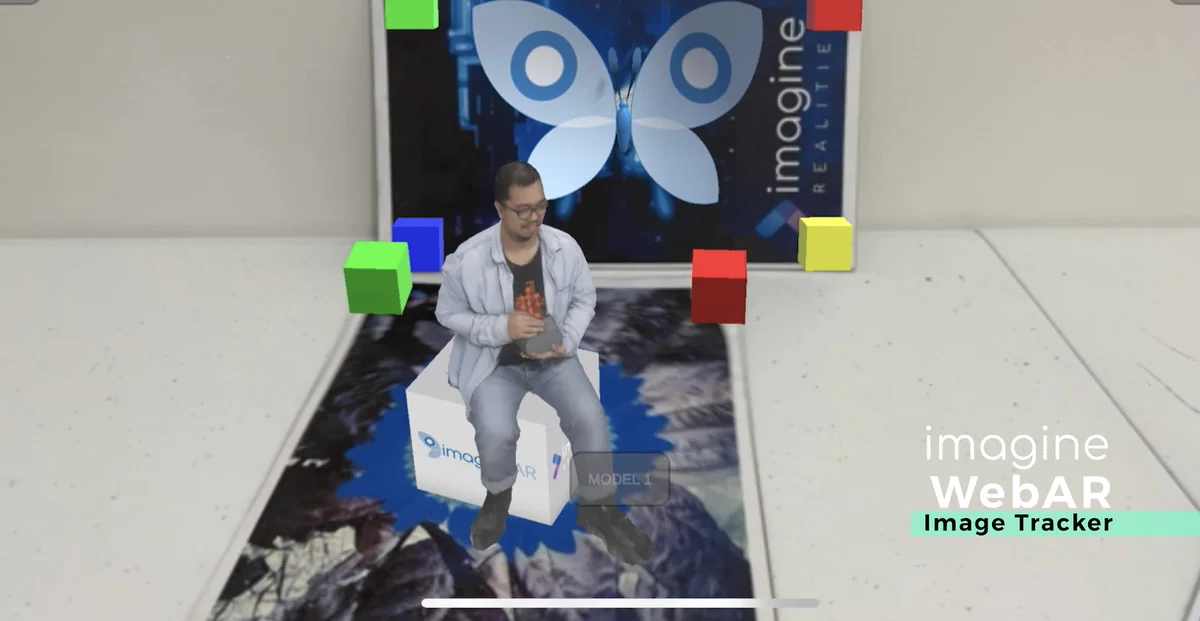
Imagine WebAR – Image Tracker is a specialized plugin designed for the Unity engine that facilitates the creation of augmented reality experiences specifically for web browsers. By utilizing WebGL, the plugin allows developers to anchor game objects and digital content to physical images without the requirement of a dedicated mobile application. This approach targets the need for small, highly shareable AR experiences where ease of access is a priority. Users can trigger the AR content through standard methods such as clicking a link or scanning a QR code, bypassing the traditional friction of app store downloads.
The system is built to support both mobile and desktop environments. It has been tested across major browsers including Chrome, Safari, Edge, and Firefox. Furthermore, the plugin maintains compatibility with the built-in browsers found within popular messaging applications like WeChat, Facebook Messenger, and Viber, ensuring a broad reach for web-based deployments.
Natural-Feature Tracking and Scene Setup
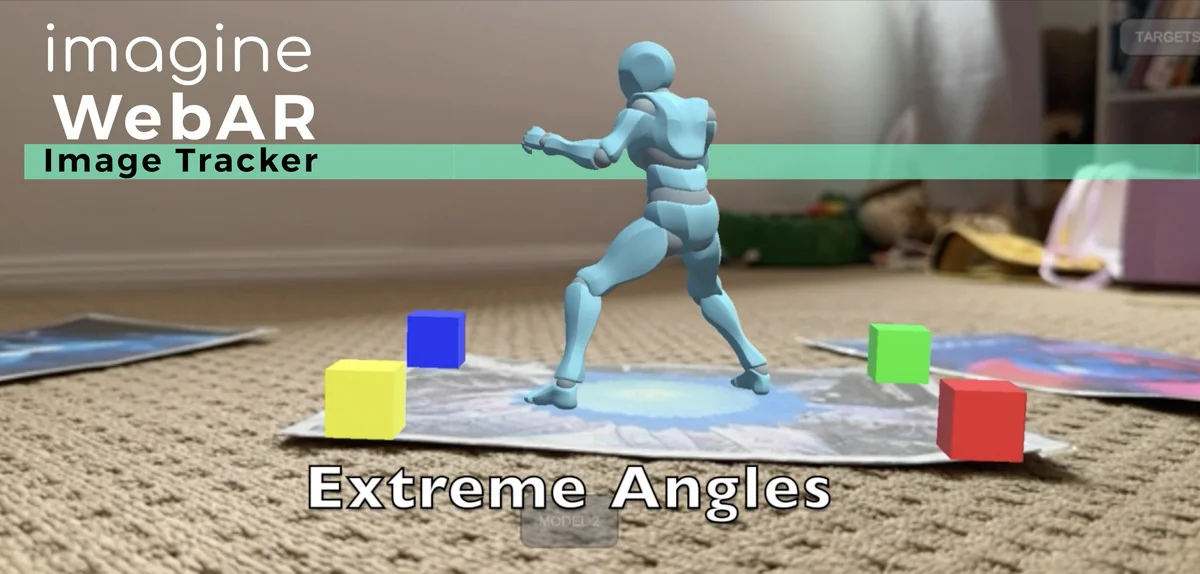
Unlike many AR solutions that rely on fiducial markers—such as specific QR-like squares—this plugin uses natural-feature tracking. This technology allows the software to detect and track any image, provided it contains sufficient visual detail. The creator notes that this method is generally faster and more accurate than common open-source alternatives like AR.js or A-Frame, positioning it closer to industry-standard image-tracking solutions.
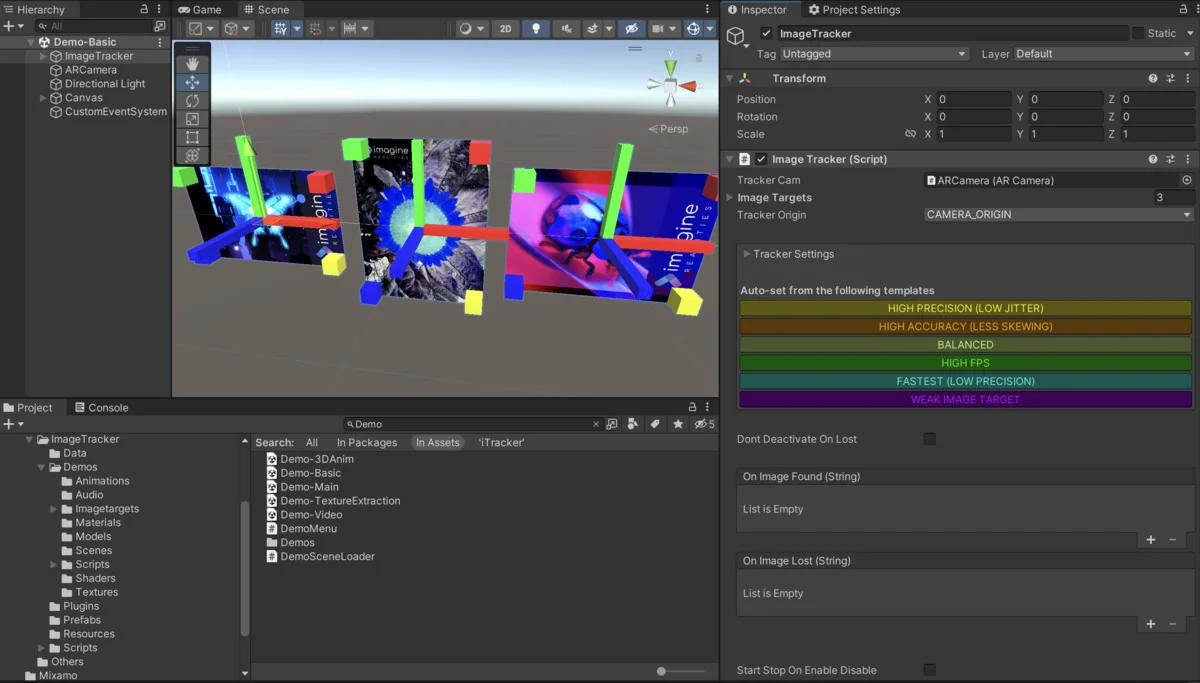
For developers, the workflow involves a relatively quick setup process. To assist in the preparation of assets, an Online Image Target Tester is available. This tool allows creators to evaluate how their specific images will perform in an AR environment before they are fully integrated into a project. This diagnostic step helps ensure that the chosen image targets have the necessary details for stable tracking.
Advanced Features: Texture Extraction and Runtime Compilation
One of the more distinct technical capabilities of this plugin is support for Texture Extraction. This feature allows the AR experience to read and utilize the visual data from the physical target. A practical application for this is coloring book AR experiences, where the digital overlay can reflect the actual colors or drawings applied to the physical page by a user. This specific functionality is cited as a unique offering within the current WebAR image tracking landscape.
The plugin also streamlines the asset pipeline by supporting runtime compilation of image targets. In many AR workflows, image targets must be pre-processed or compiled through an external website or specialized tool before they can be used in a build. With this plugin, image targets can be compiled during the initialization of the webpage. This flexibility allows for more dynamic content management and reduces the reliance on external pre-processing steps.
Deployment and Hosting Architecture
A significant aspect of this plugin is its “white-label” nature. Because the plugin produces a standard Unity WebGL build, developers have full control over the hosting environment. The tech stack belongs entirely to the developer, allowing them to host AR experiences on their own domains or websites. This removes the need for third-party AR hosting platforms that often require monthly subscriptions or charge based on per-view and per-app-id metrics.
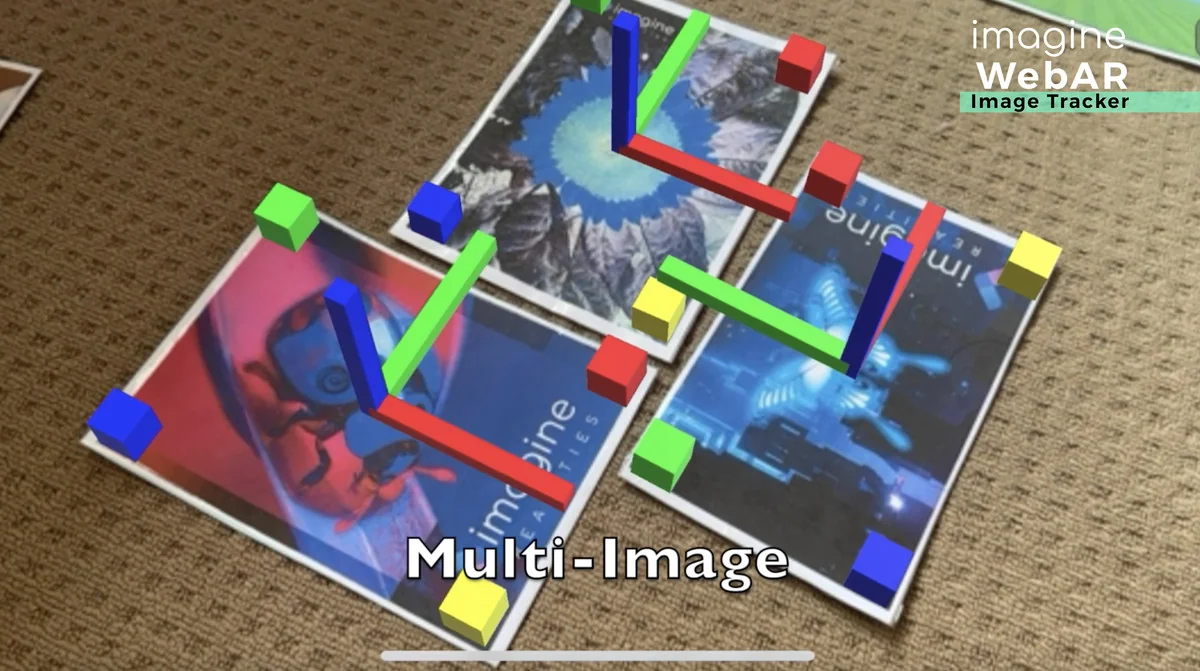
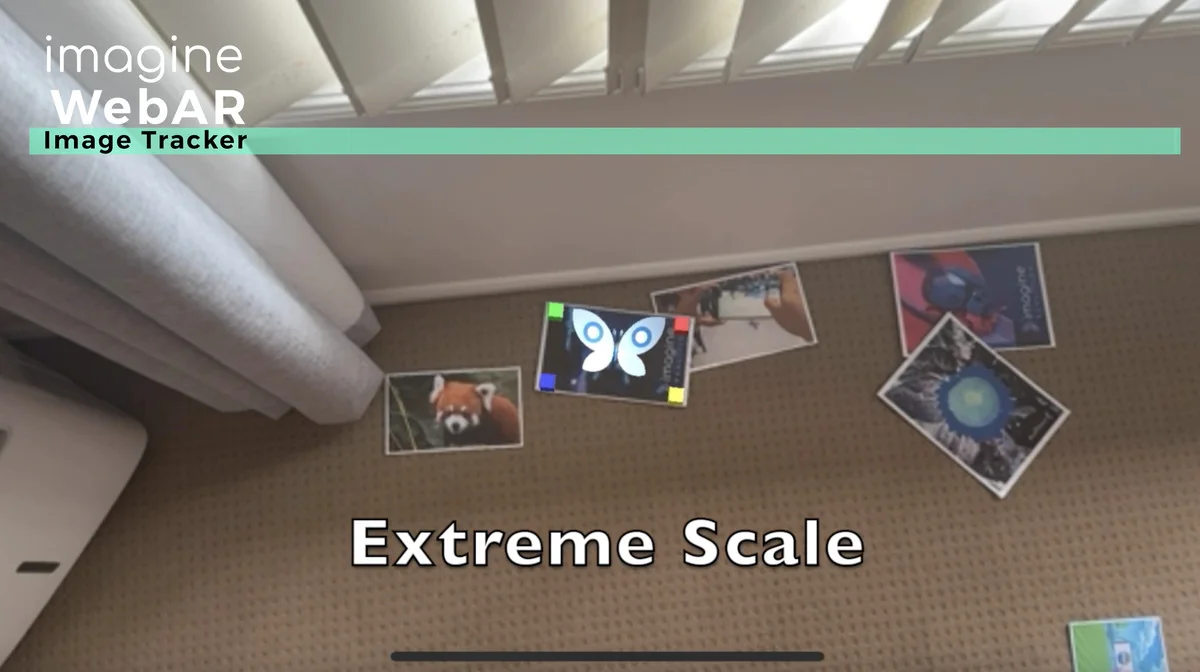
The plugin supports the simultaneous tracking of multiple images, allowing for more complex interactions within a single scene. While it provides robust image tracking, it is important to note that this plugin is currently not inter-operable with the WorldTracker plugin from the same developer, though there are plans to support combined AR experiences in the future.
Performance Expectations
Performance in a WebAR environment is determined by the processing capability of the user’s device and the overall complexity of the Unity scene. During testing, the creator achieved 60 FPS on modern mobile devices, while older phones typically saw performance ranging between 24 and 30 FPS. To help developers get started, the package includes demo samples and tutorials that illustrate the basic configuration of an AR scene.
The plugin is available in multiple versions, including a free version for those who wish to test the functionality before committing to a full production workflow. This allows for a low-risk evaluation of the tracking stability and browser compatibility within a specific project’s requirements.
Asset Gallery
Protected download
Access this resource
All resources are 100% manually reviewed to eliminate all risks.