Advanced UI Customization with HQUI: Progress Bars
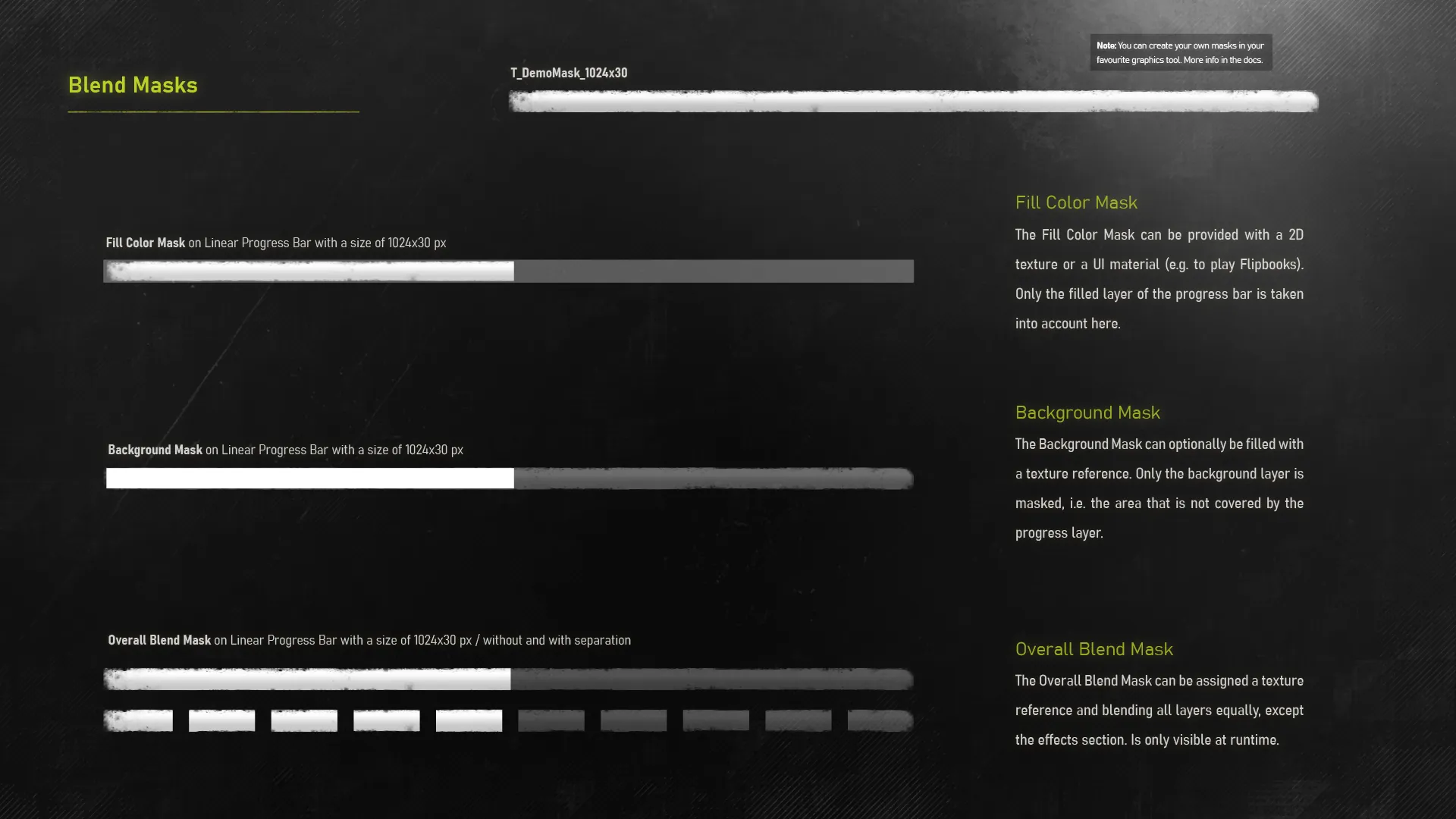
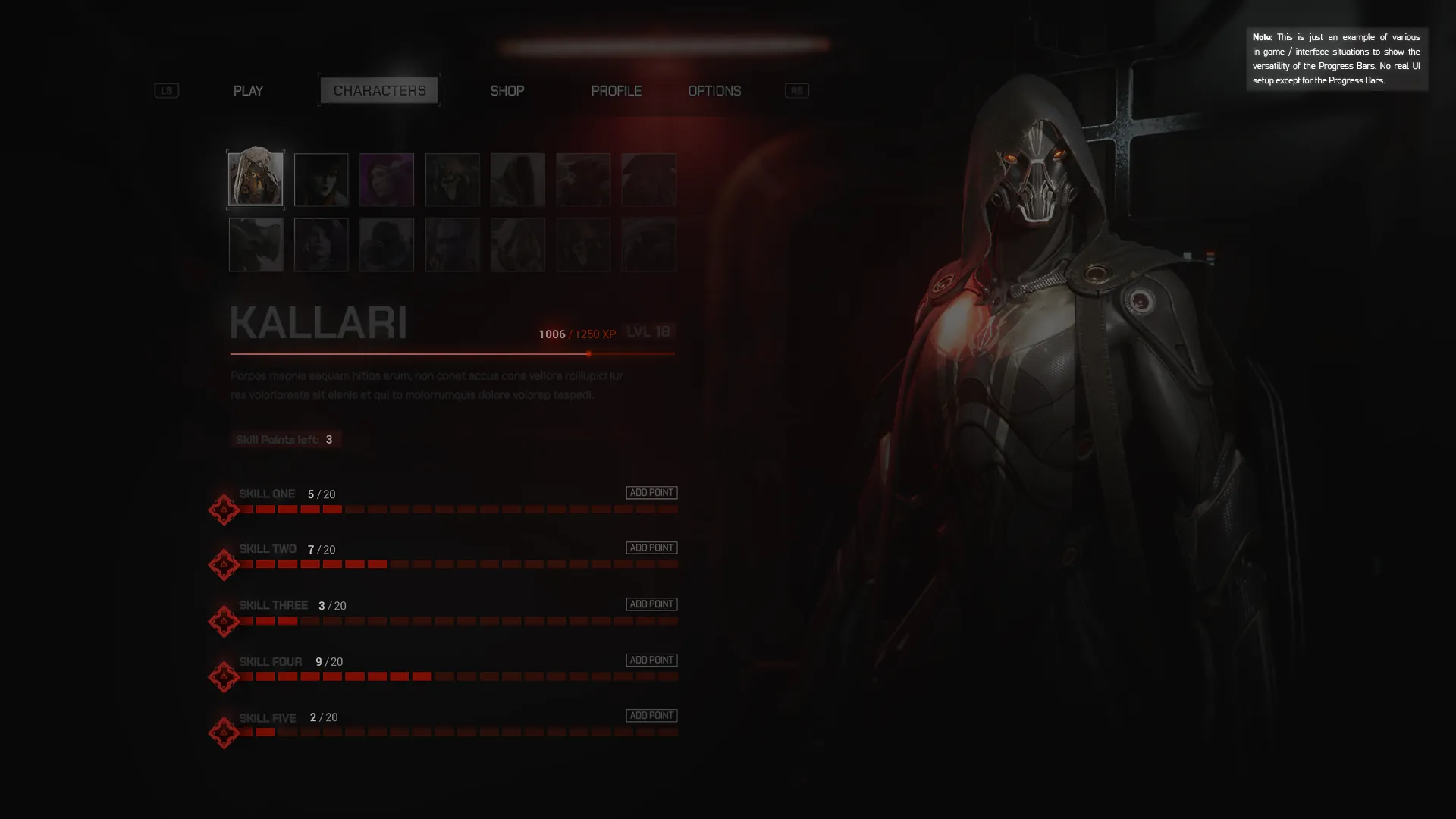
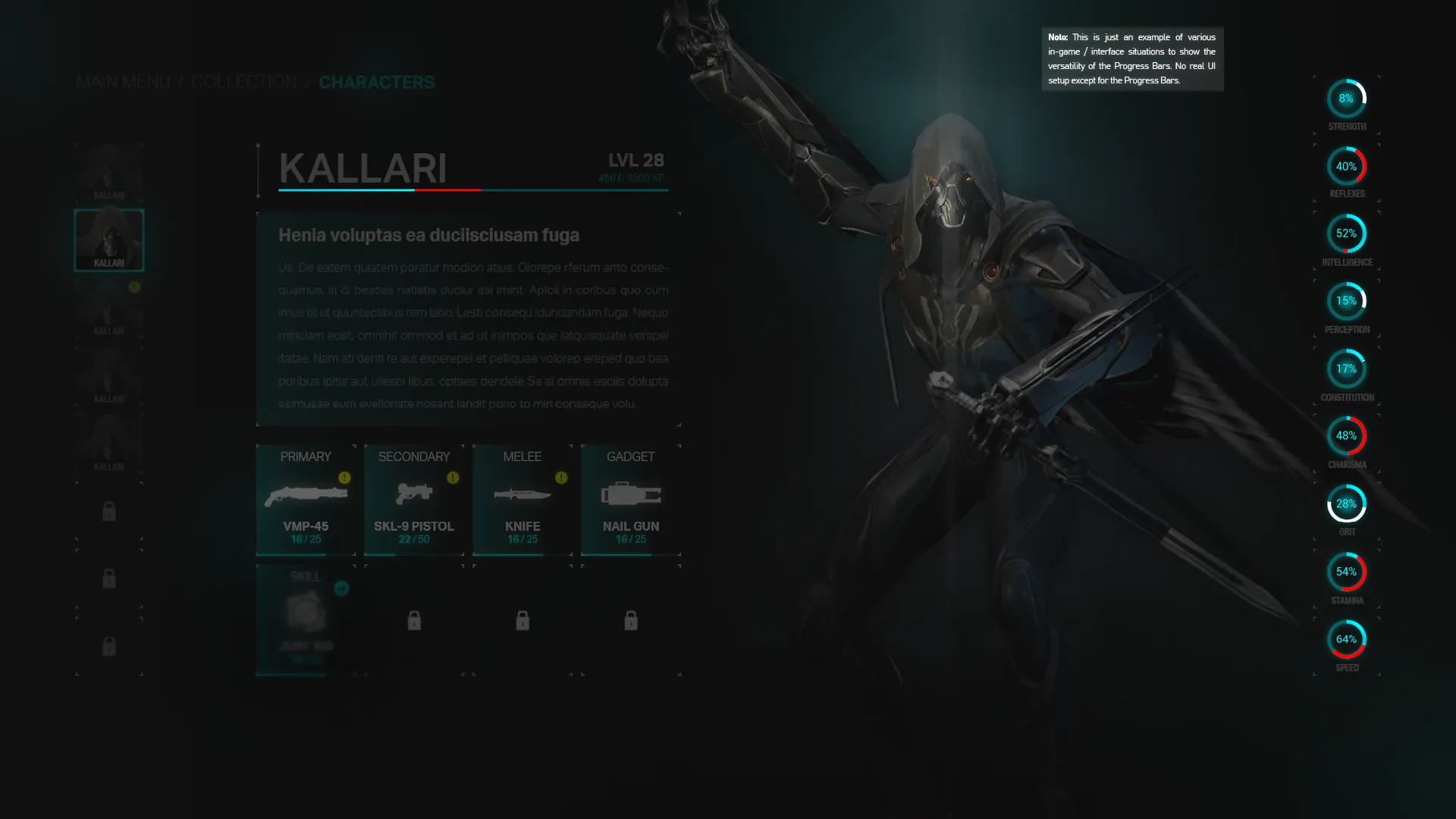
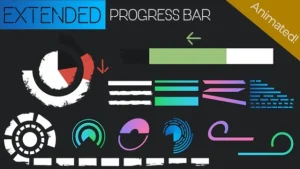
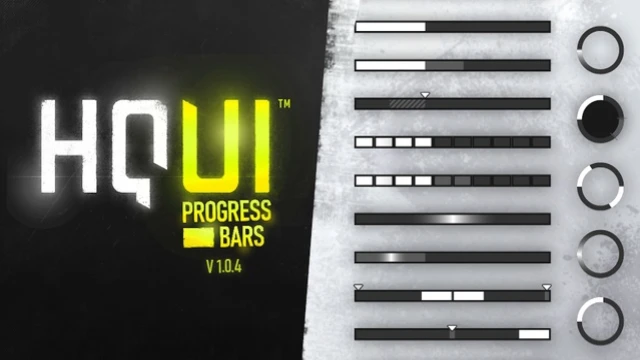
HQUI: Progress Bars is a highly customizable pack of UMG Progress Bars designed for professional game interfaces. This tool offers significantly more setting details than standard UMG options. Consequently, it serves as an ideal solution for creating high-quality Progress Bars. Developers can easily adapt these elements to fit their specific UI and HUD designs. Moreover, the technical preparation involved ensures a smooth integration process for various project types.
Enhanced Visual Features and Design
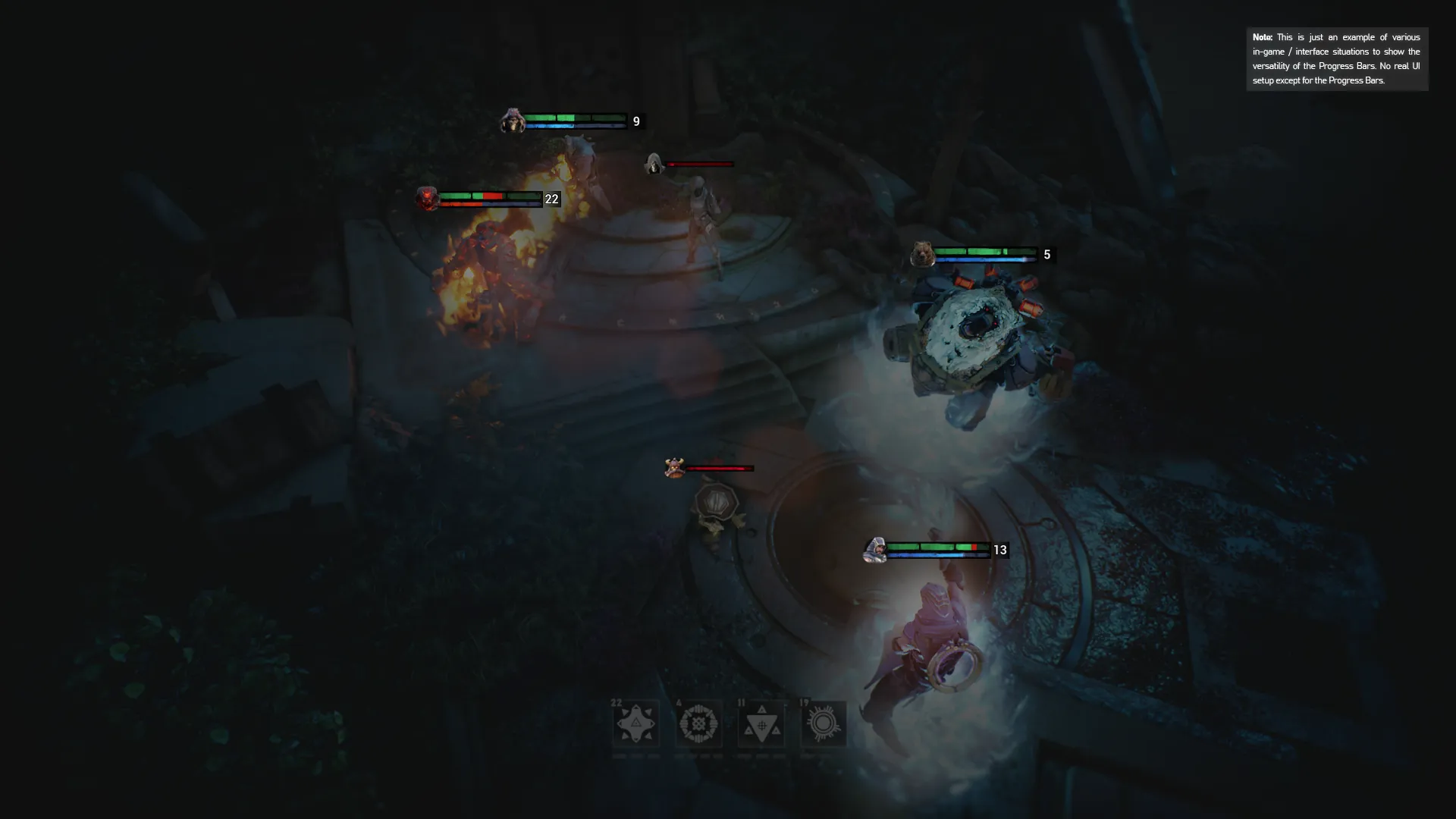
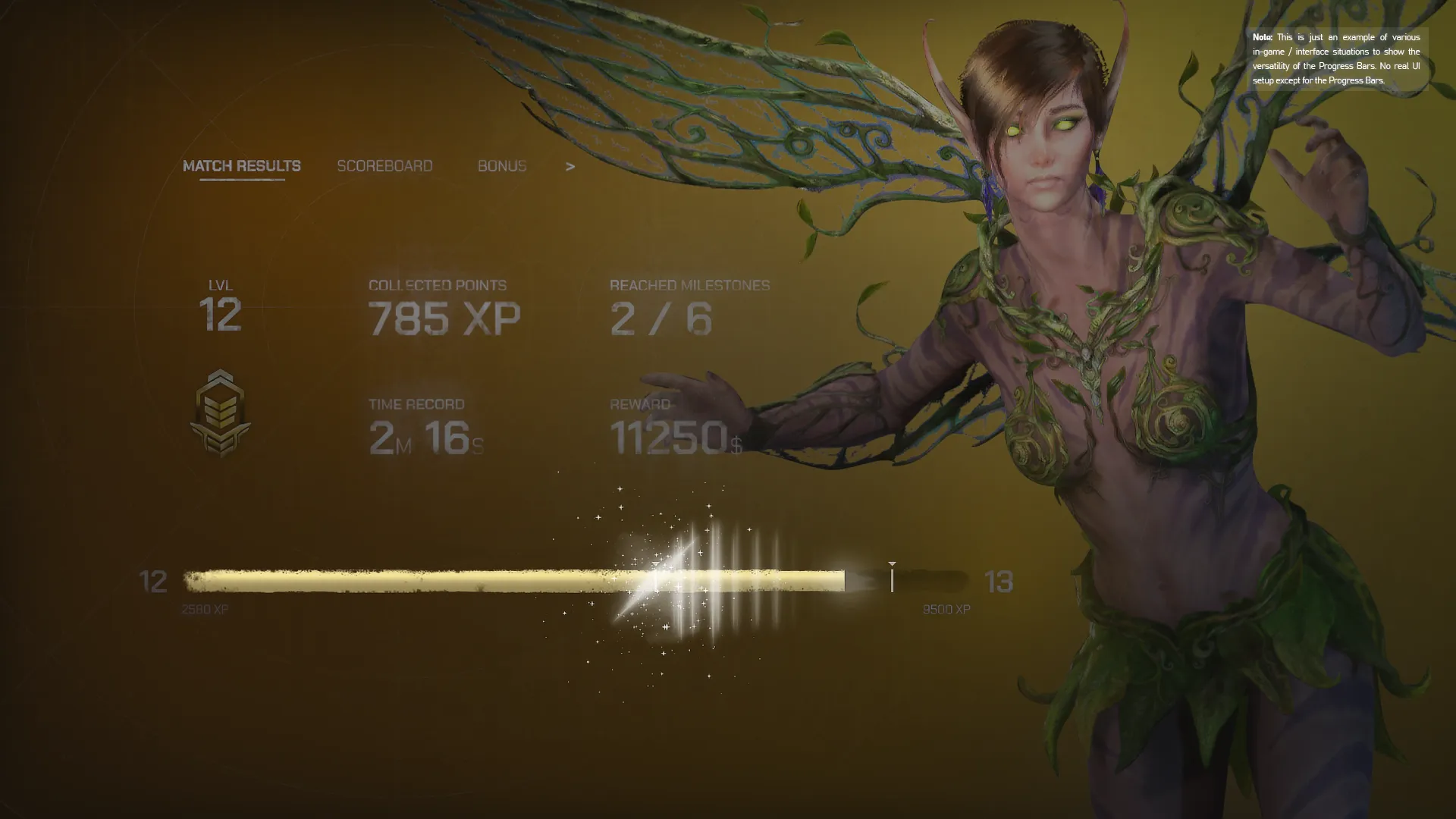
The developer built this pack with a focus on visual depth. Therefore, it provides a level of detail that surpasses default engine components. The progress bars include useful additions such as gradients. In addition, a detailed effects section allows for deeper visual polish. These features ensure that your interface looks modern and professional. Furthermore, the flexibility of the settings allows for a wide range of aesthetic styles, from minimalist menus to complex wargame interfaces.
Technical Functionality and Blueprints
HQUI: Progress Bars supports both static and temporally interpolated execution. This flexibility allows for smoother visual transitions during gameplay. Additionally, the pack includes a dedicated manager function. This function enables context-sensitive execution of the most relevant settings via Blueprints. As a result, developers can manage their UI logic more efficiently. The tool is specifically designed to bridge the gap between basic functionality and high-end design requirements.
Automated Command Queuing
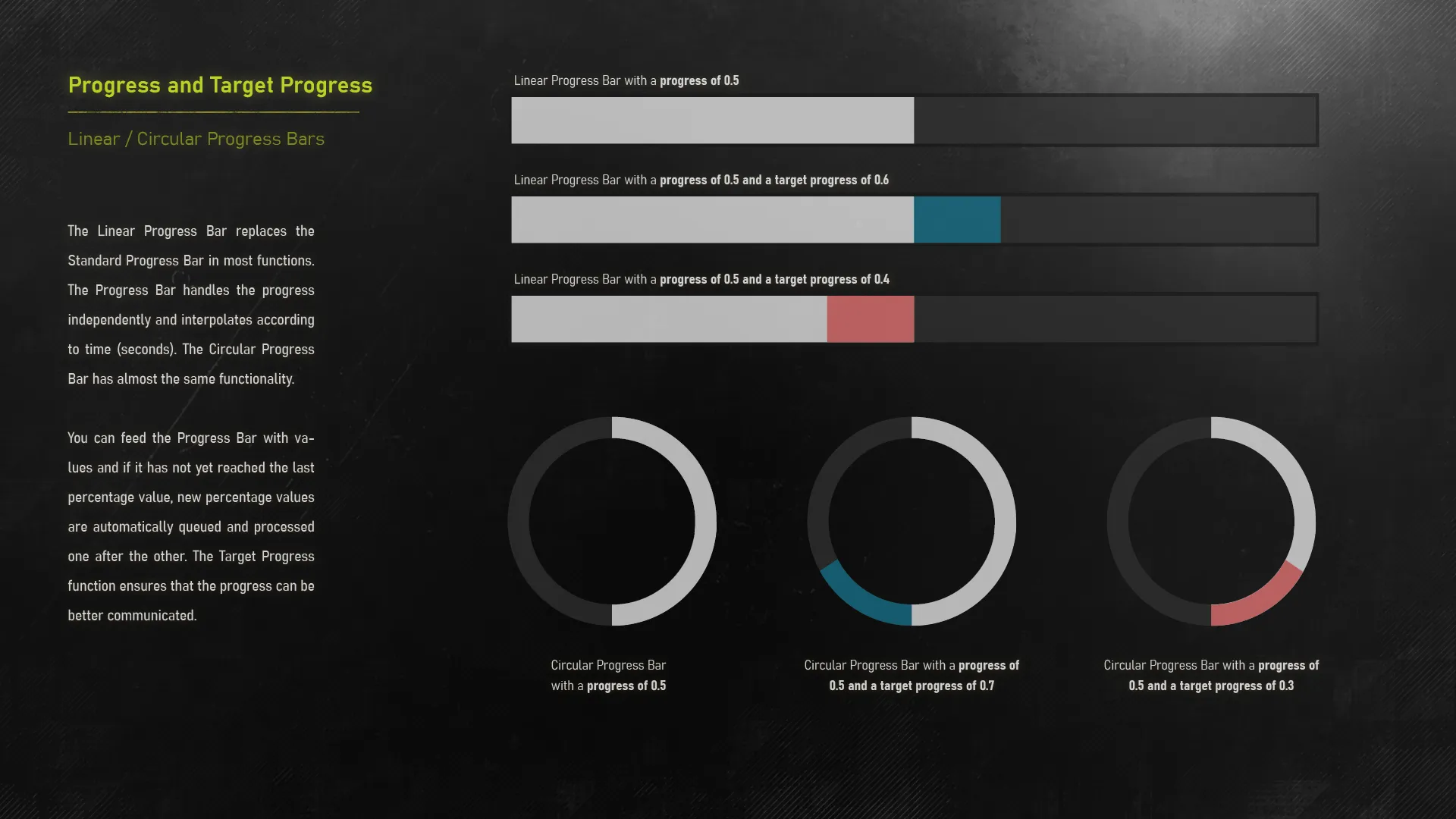
One of the standout features involves how the system handles updates. All Percent commands executed through an Interpolated Progress bar are automatically queued. Consequently, they execute one after the other without manual intervention. This technical preparation ensures a seamless user experience during rapid data changes. Moreover, the system handles these transitions automatically to maintain visual consistency. Therefore, developers do not need to worry about overlapping commands breaking the UI flow.
Conclusion
In summary, HQUI: Progress Bars provides a comprehensive toolkit for professional UI development. It offers superior customization options compared to standard UMG bars. By utilizing gradients, effects, and automated interpolation, you can create a superior HUD. This pack is a valuable resource for any developer looking to refine their game’s interface. Whether you are building a main menu or a complex in-game display, these tools provide the necessary depth for high-quality results.