Comprehensive Foundation for GAS Projects
GAS Companion serves as a general base for projects powered by the Gameplay Ability System (GAS). The developer designed this tool to provide a solid starting point without imposing specific game design choices. Consequently, every part of the system remains highly customizable. Users can subclass and tailor the various components to meet the unique needs of their specific project.
The plugin includes the necessary initial C++ setup and helpers. These features help developers get started quickly with Epic’s GAS plugin, which is the same technology used in titles like Fortnite and Paragon. Whether you are starting a new project or migrating an existing one, this tool provides the guidance and acceleration needed to implement GAS effectively.
Blueprint and C++ Accessibility
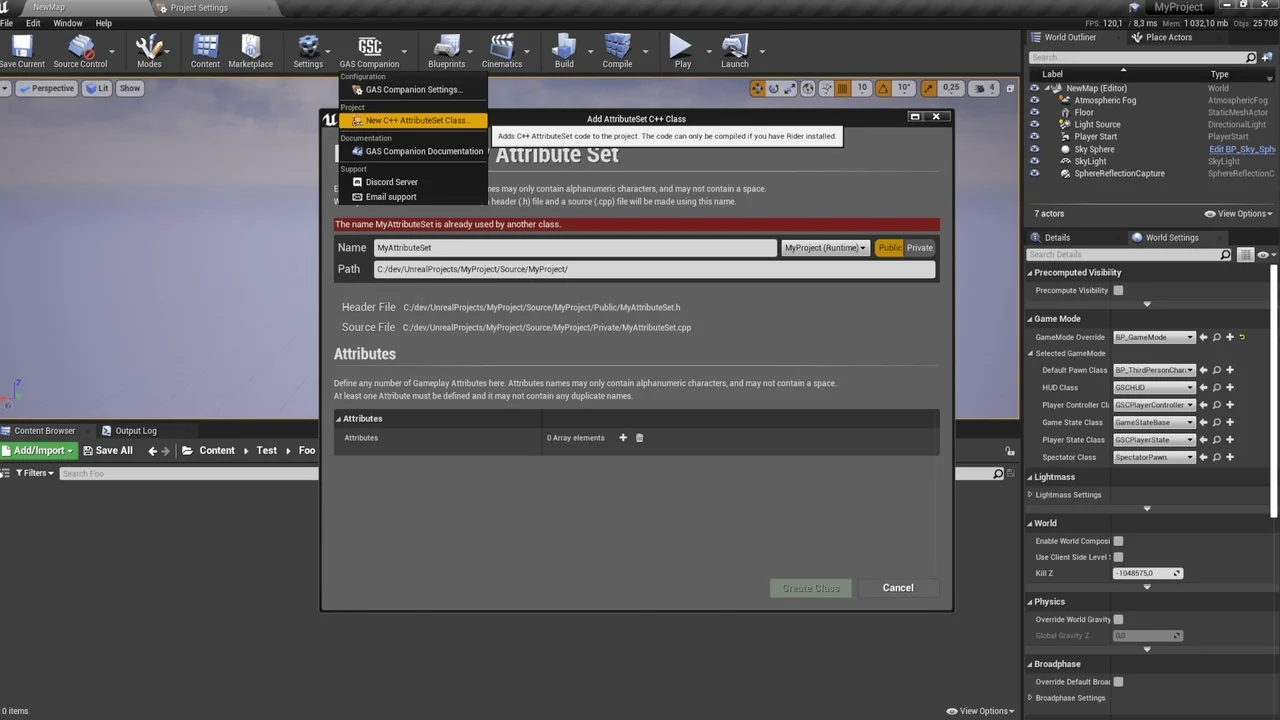
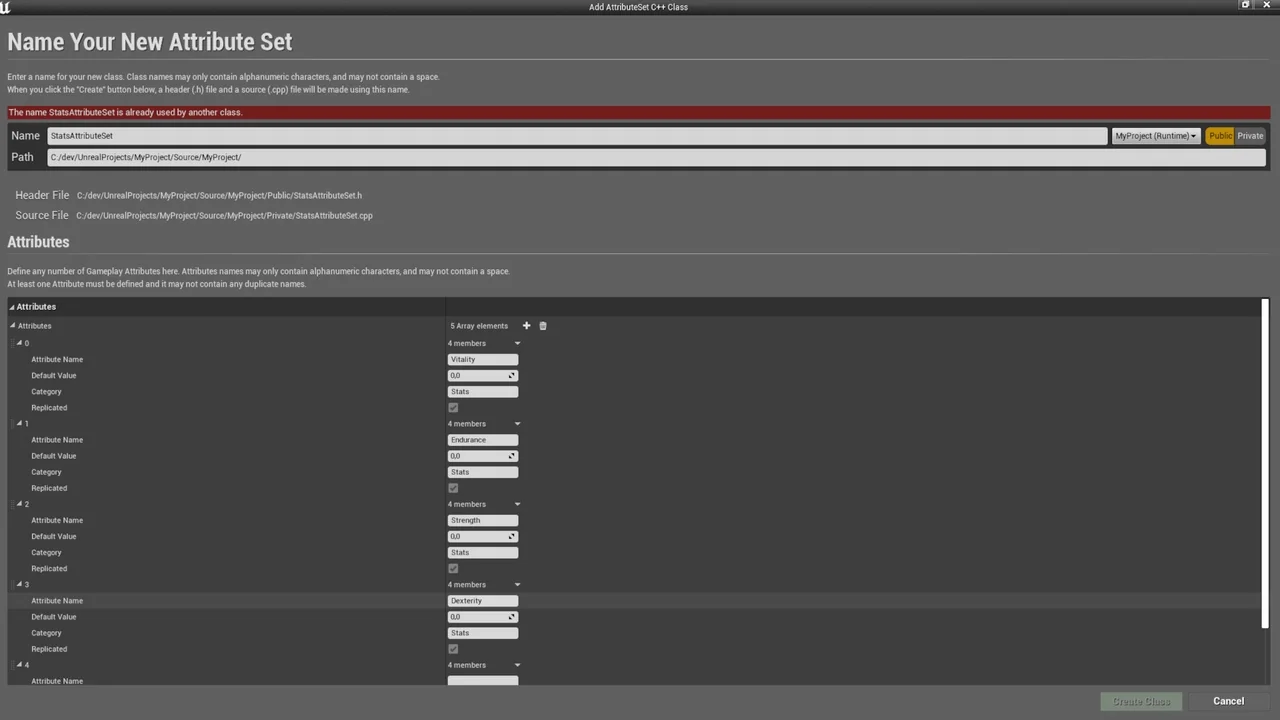
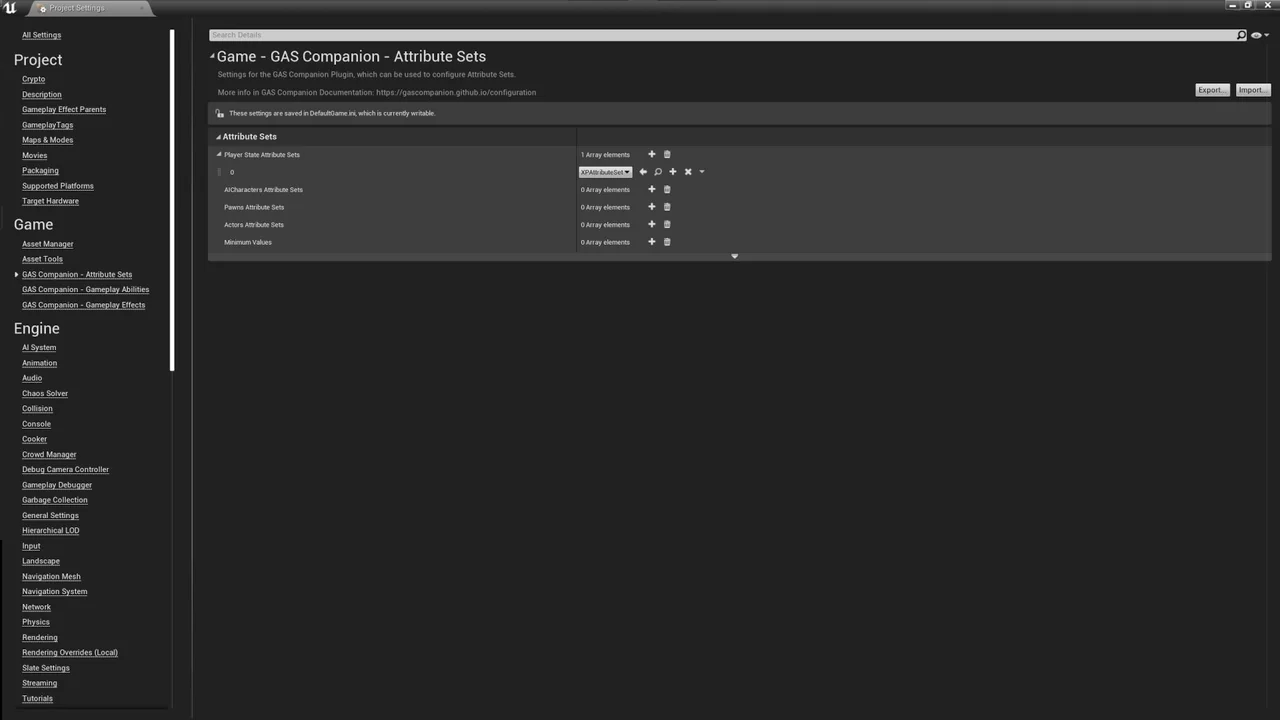
One of the primary benefits of GAS Companion is its accessibility for non-C++ developers. It enables creators to work with GAS using only Blueprints. For instance, even the parts of GAS that typically require C++, such as Gameplay Attributes, are handled through a custom C++ generation Wizard. This AttributeSet Wizard allows you to generate custom attributes directly within the Editor.
Moreover, the system remains C++ friendly for those who prefer coding. You can easily extend the provided C++ classes or modify the plugin source code. Because the plugin is not game-specific, it makes no assumptions about your design decisions. Therefore, it is generic enough for use in any genre of game development.
Advanced Ability and Combo Systems
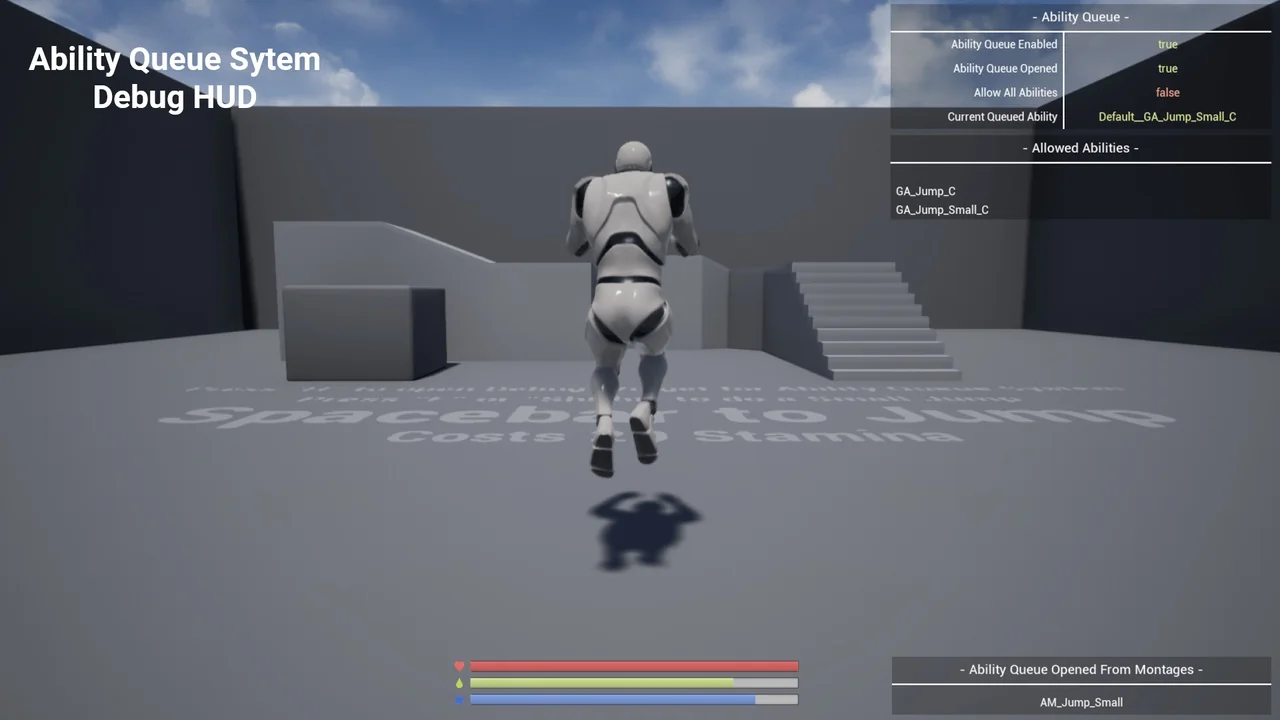
The plugin introduces several powerful features to enhance gameplay mechanics. The Ability Queue System is a standout addition. This system stores failed abilities and automatically re-triggers them when the previous running ability ends. Additionally, a dedicated Debug Widget is available to help monitor the queue in real-time.
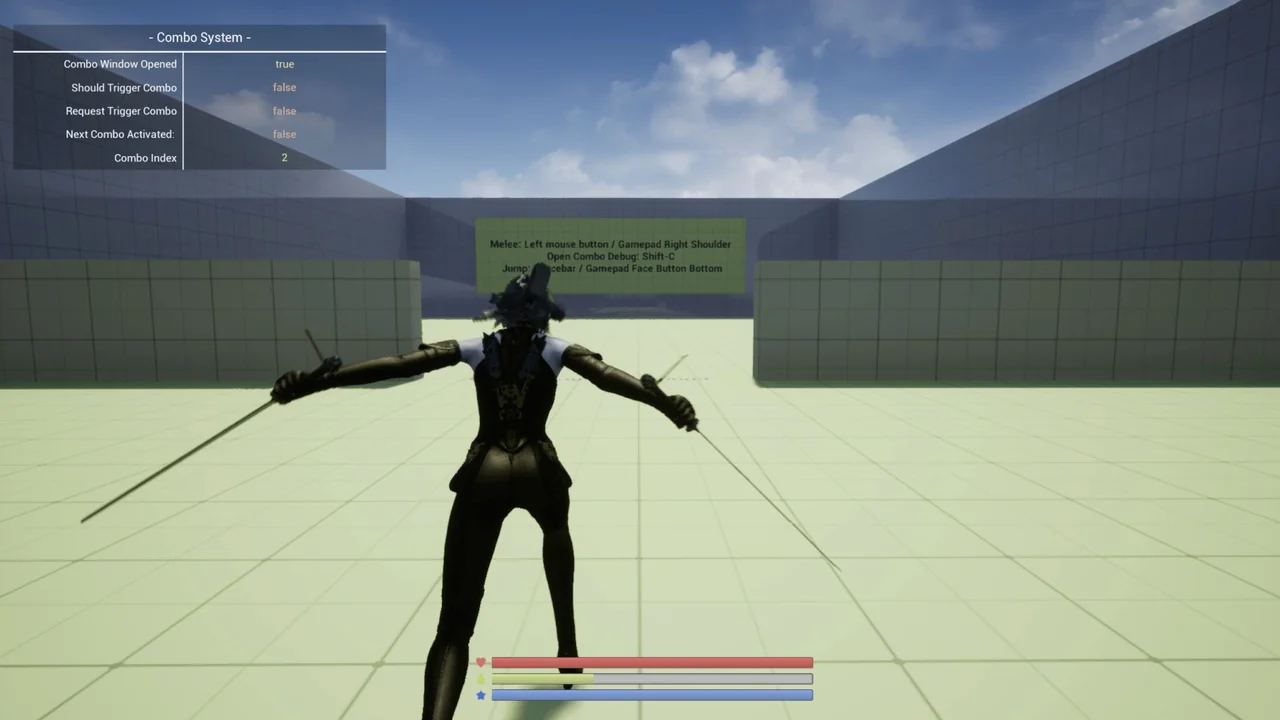
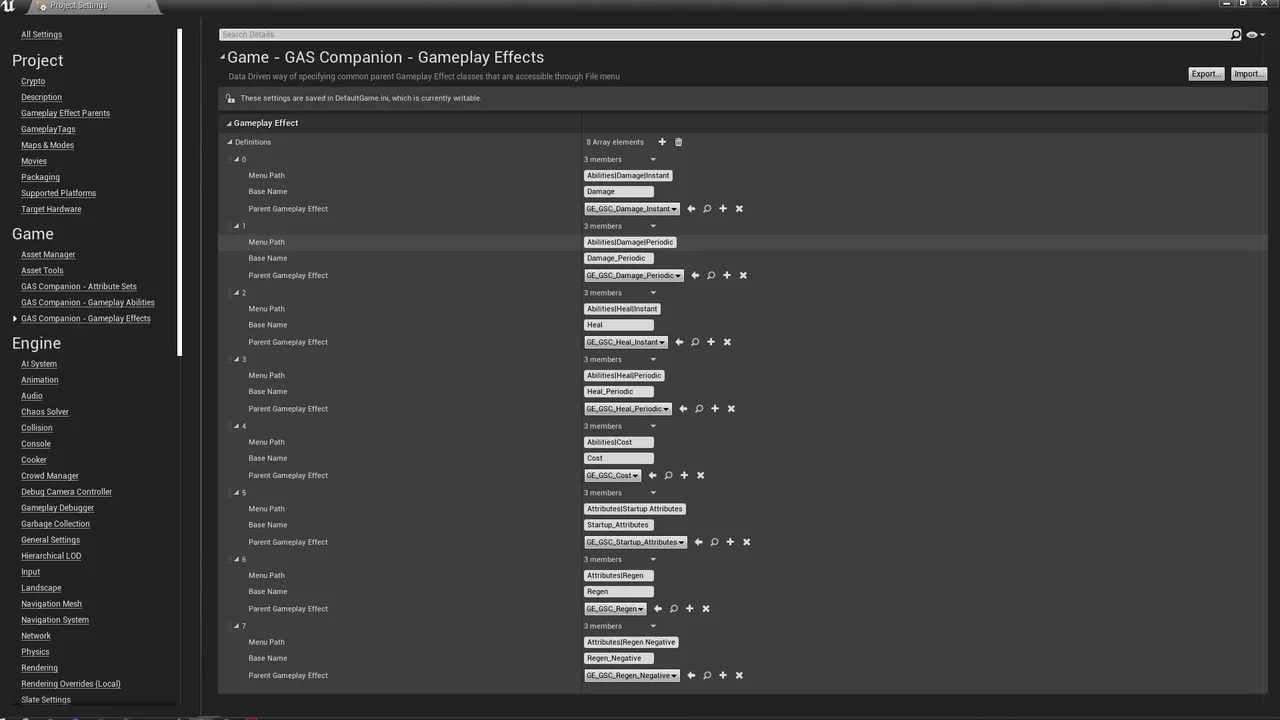
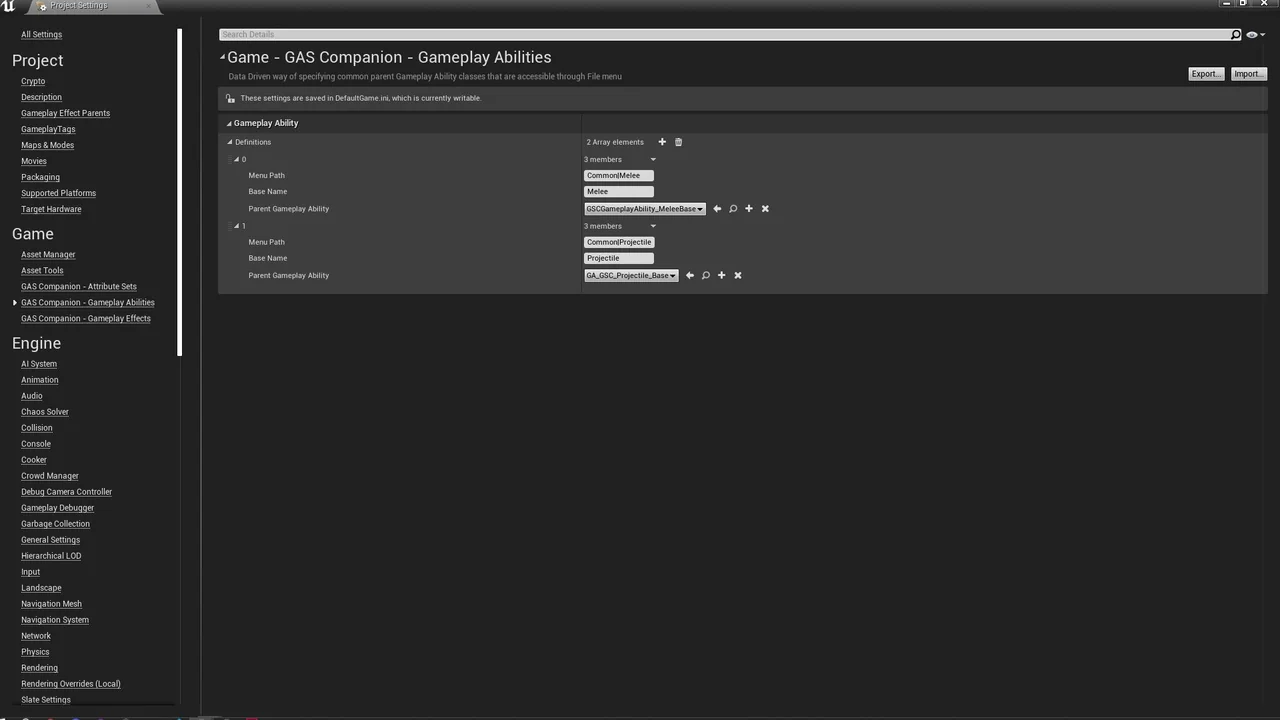
For combat-heavy games, the Melee Combo System offers an easy way to define abilities with combo capabilities. Developers can also utilize the “Ignore Ability Cost” feature. This allows for a loose check of ability costs, providing more flexibility in how players interact with game mechanics. Furthermore, the system supports data-driven definitions for Gameplay Abilities and Effects, making it easier to manage common parent classes through the File Menu.
Robust UI and AI Integration
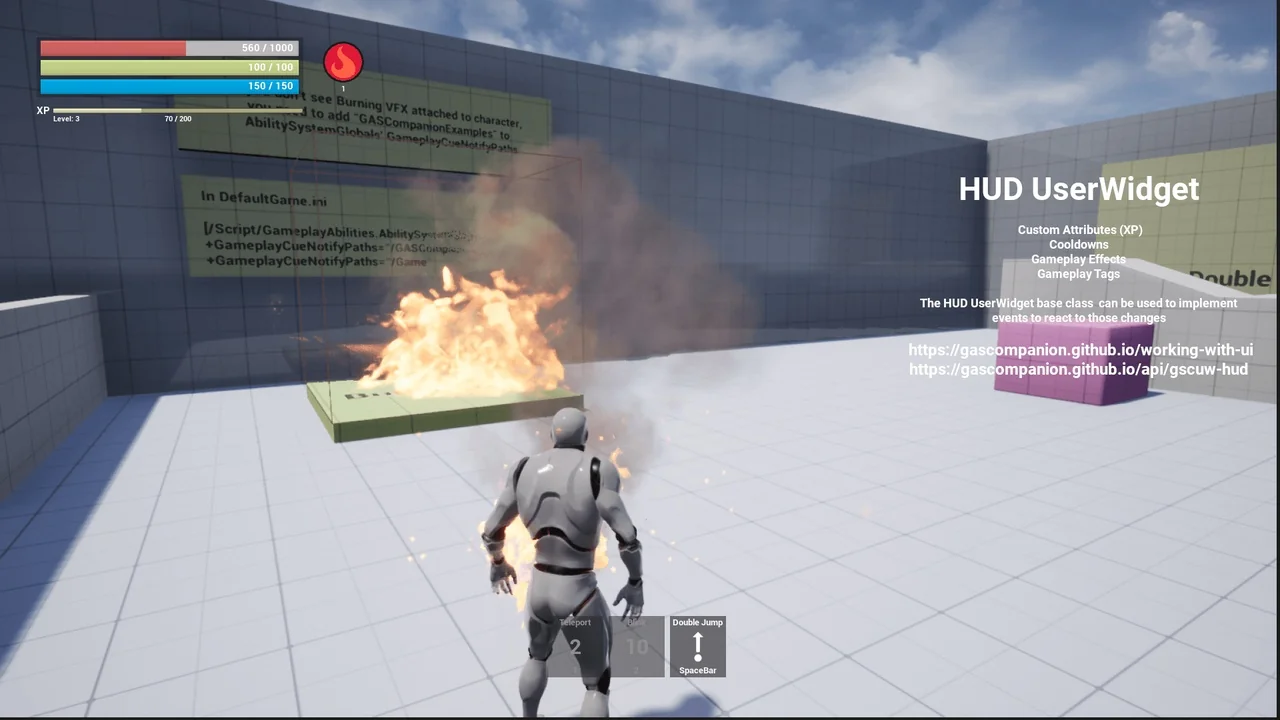
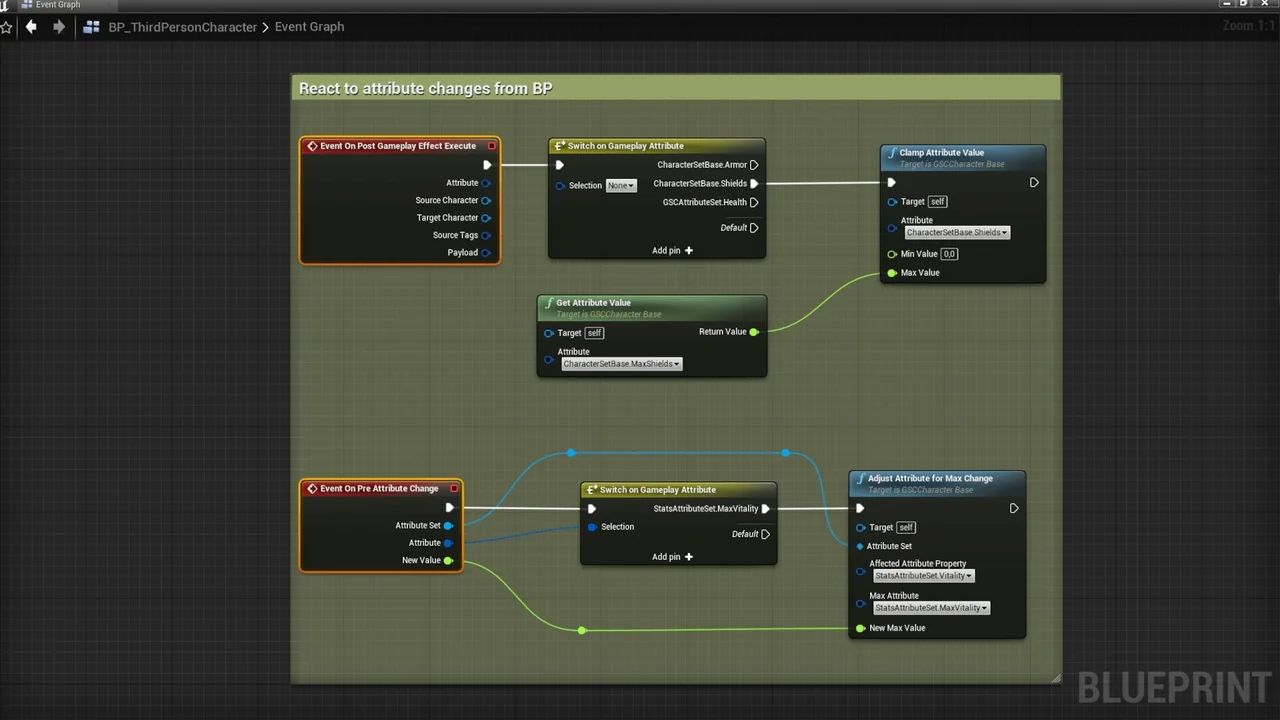
GAS Companion includes a straightforward UI framework. The HUD UserWidget can react to various GAS-related events automatically. Specifically, it supports custom attributes and listens for GameplayTags, GameplayEffects, and cooldown transitions. This ensures that your user interface stays synchronized with the underlying gameplay state.
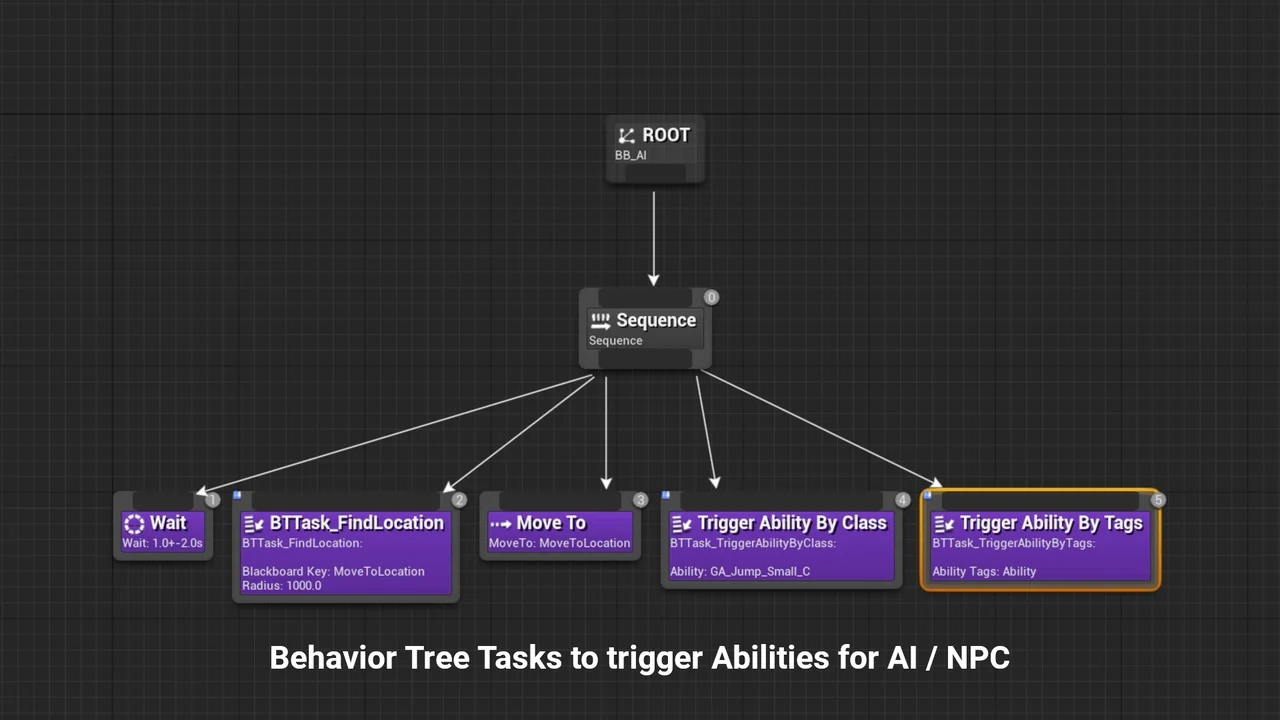
Regarding character setup, the plugin supports placing the Ability System Component (ASC) on the PlayerState for player characters or directly on Pawns for AI and NPCs. For artificial intelligence, the creator included AI Tasks that allow you to activate abilities by Tags or Class directly from Behavior Trees. This integration simplifies the process of creating complex AI behaviors within the GAS framework.
Technical Specifications and Features
The plugin is built with modularity in mind. It supports Modular Gameplay and Game Features for specific versions like 5.0 and 4.27. Similarly, Enhanced Input Integration is available for those versions. Most of the API is provided via Actor Components, including Core, Combo, and Ability Queue components.
- AttributeSet Setup: Includes default attributes like Health, Stamina, and Mana.
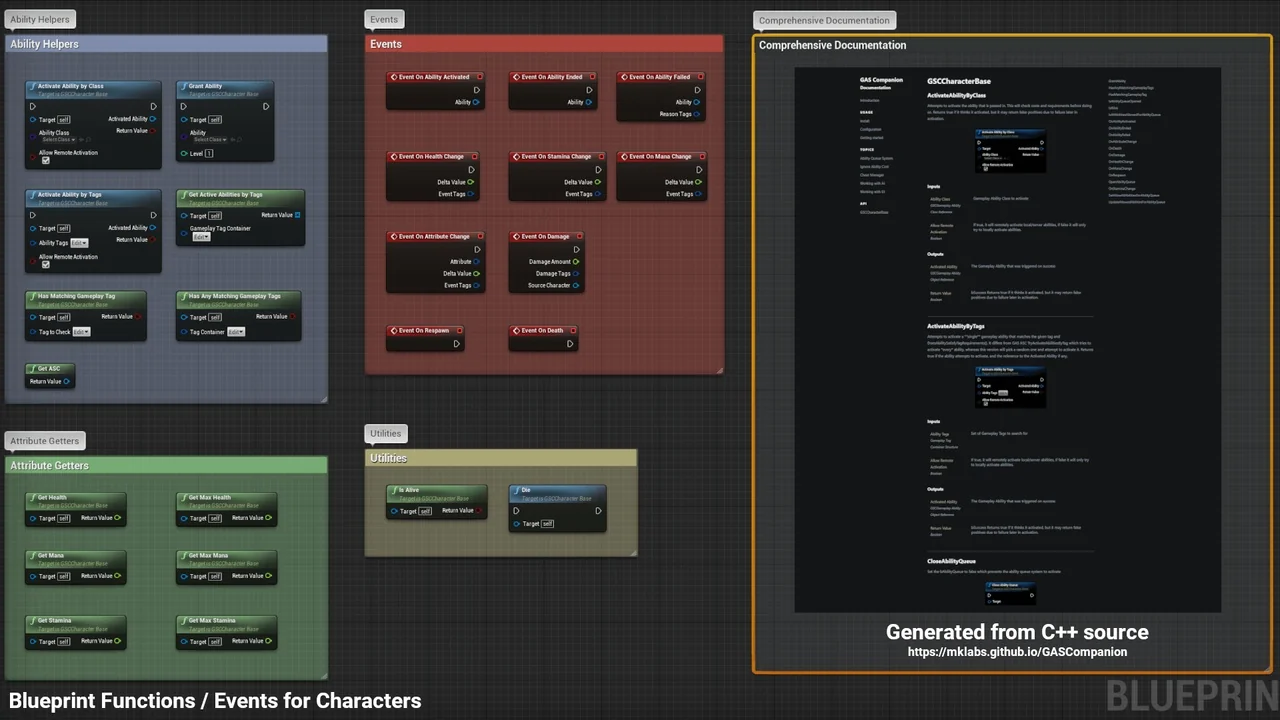
- Lifecycle Events: Listen for OnAbilityActivated, OnDamage, OnDeath, and OnCooldownStart/End.
- Gameplay Effect Containers: Inspired by the Action RPG project for efficient effect management.
- Startup Configuration: Support for startup Attributes, Effects, and Abilities.
In conclusion, GAS Companion is a versatile tool for any developer looking to harness the power of the Gameplay Ability System. By bridging the gap between C++ requirements and Blueprint accessibility, it allows for faster iteration and more robust game mechanics. The latest updates, such as version 6.2.1, ensure compatibility with modern Unreal Engine versions including 5.5, 5.6, and 5.7.
Screenshots & Gallery