Powerful Backend Integration with Firebase Goodies
Firebase Goodies is a versatile plugin designed to bring the full capabilities of Google’s Firebase suite to your development environment. This tool allows developers to connect their projects to a robust backend infrastructure seamlessly. Consequently, managing user data and application state becomes much simpler. The integration is built to support various workflows, ensuring that your project remains connected and scalable.
The plugin now includes essential Editor support for both Windows and Mac OS. This addition allows developers to test and manage their backend services without leaving the development environment. However, it is important to note that the plugin files must be manually copied to your project folder for correct installation. Therefore, following the provided setup documentation is a critical step for a successful integration.
Core Features and Desktop Support
Firebase Goodies provides a wide array of features that function within the Editor and on Desktop platforms. These tools are essential for modern application development. Moreover, they provide a consistent experience across different operating systems during the creation process.
- Firestore and Realtime Database: These features allow for dynamic data management and synchronization. Both work efficiently in the Editor and on Desktop.
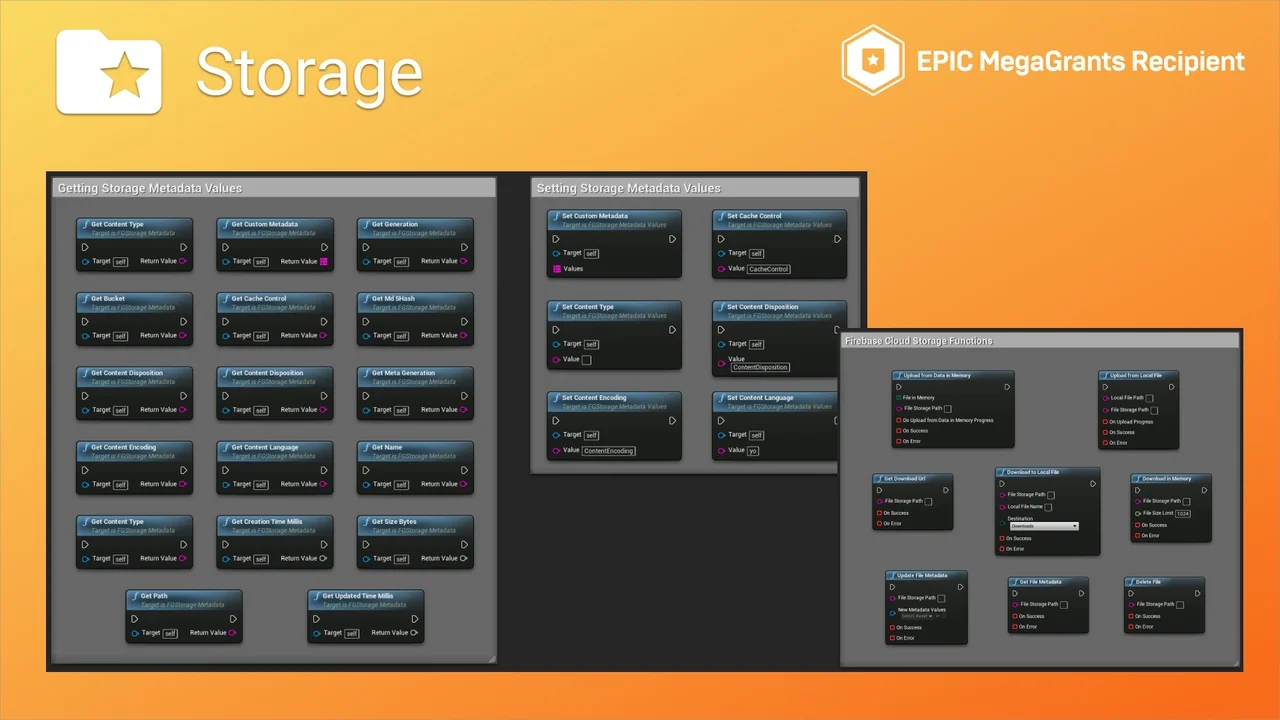
- Cloud Storage: This service enables the storage and retrieval of user-generated content or game assets. It is fully supported in the Editor and on Desktop environments.
- Cloud Functions: Developers can run backend code in response to events. This feature is operational within the Editor and on Desktop.
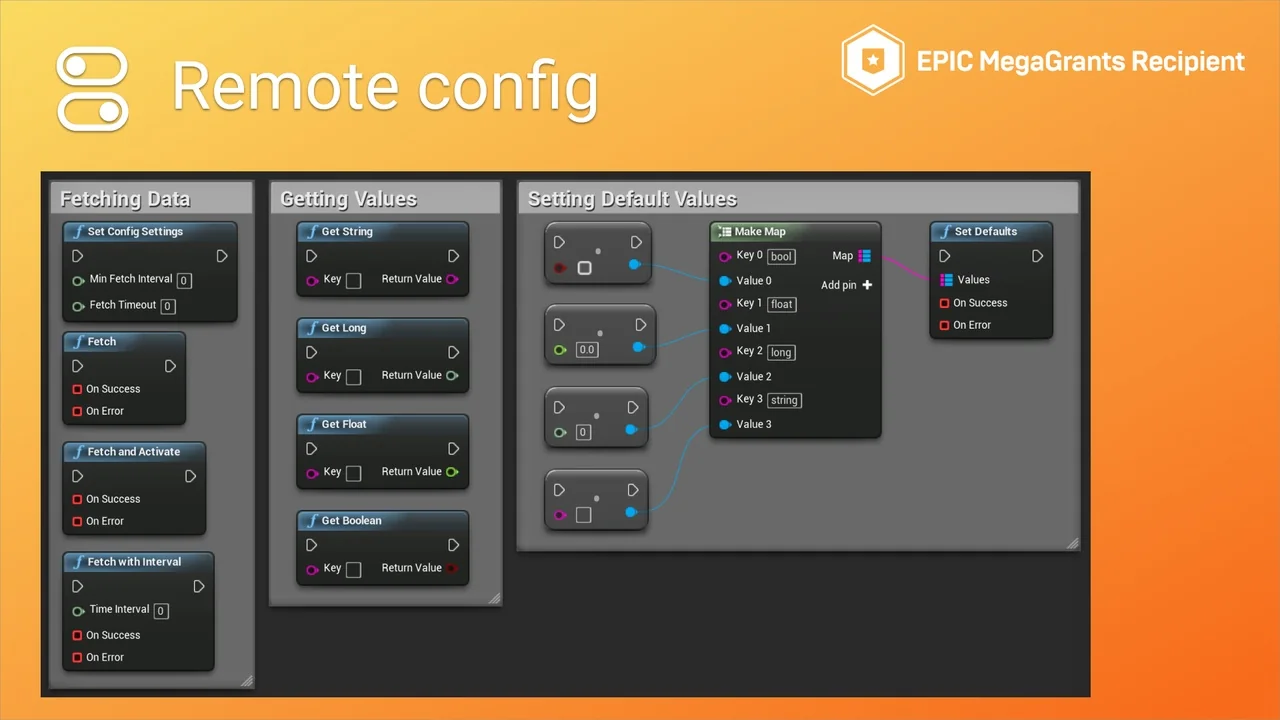
- Remote Config: This tool allows you to change application behavior on the fly. It is fully functional in the Editor and on Desktop.
Authentication and User Management
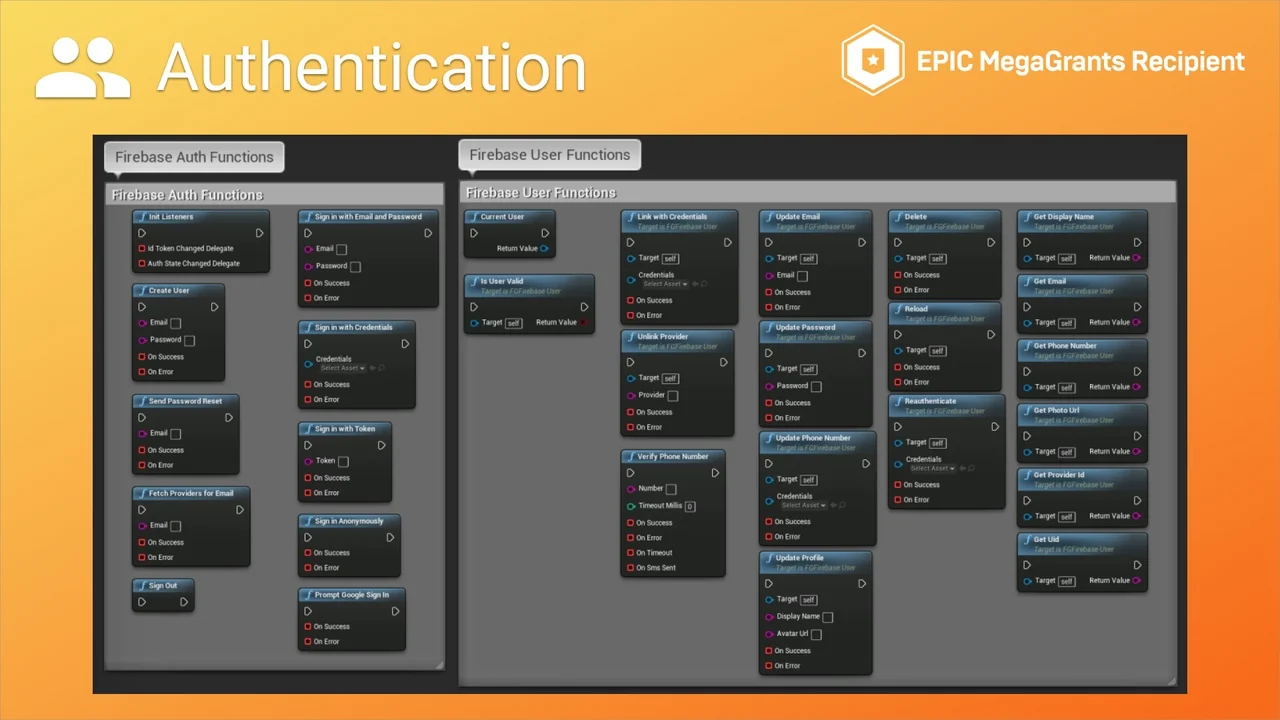
Managing user identities is a core requirement for many modern projects. Firebase Goodies includes support for Authentication to handle these needs. This feature works in the Editor and on Desktop, although the developer notes that support is currently partial. Furthermore, this tool helps in securing user data and personalizing the user experience across sessions.
Mobile-Specific Capabilities and Limitations
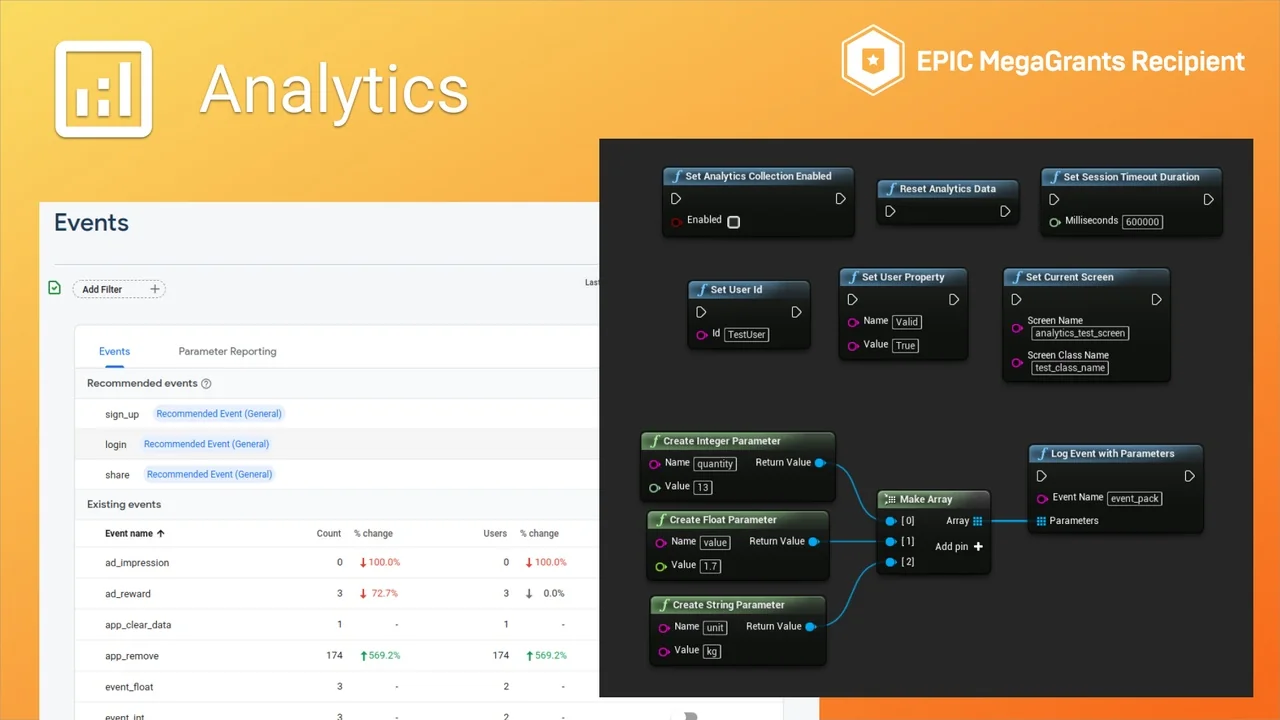
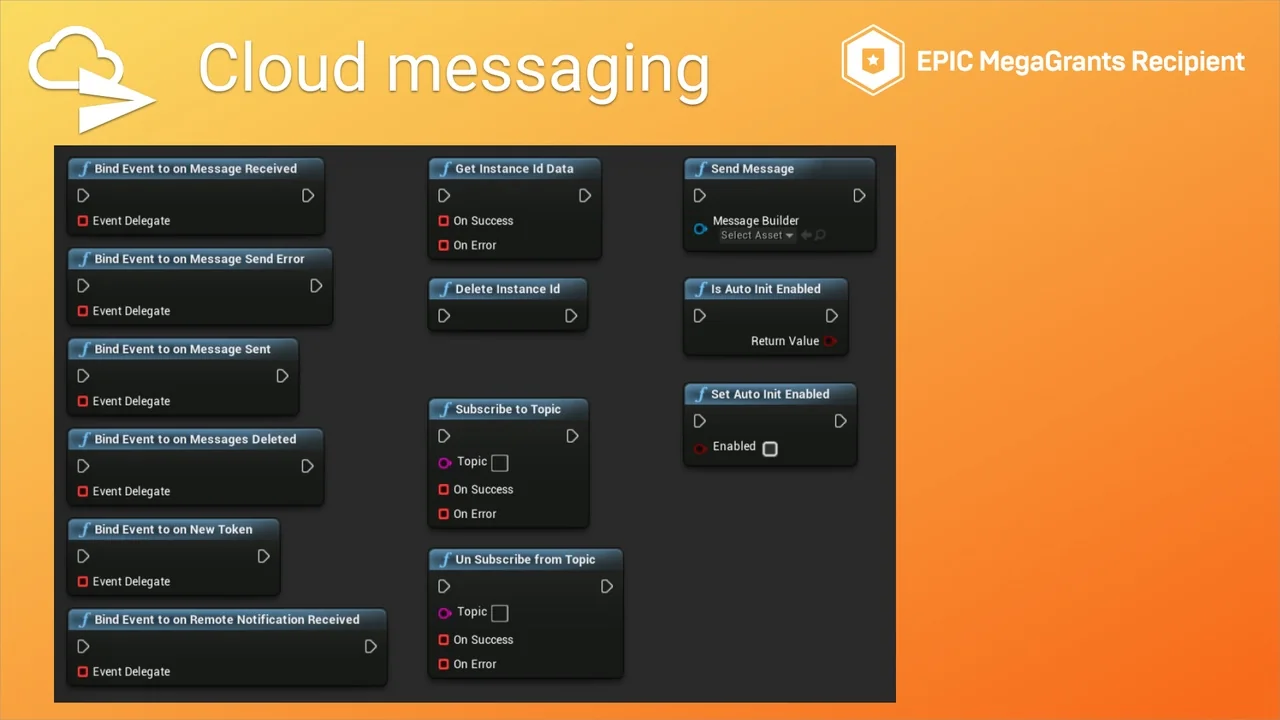
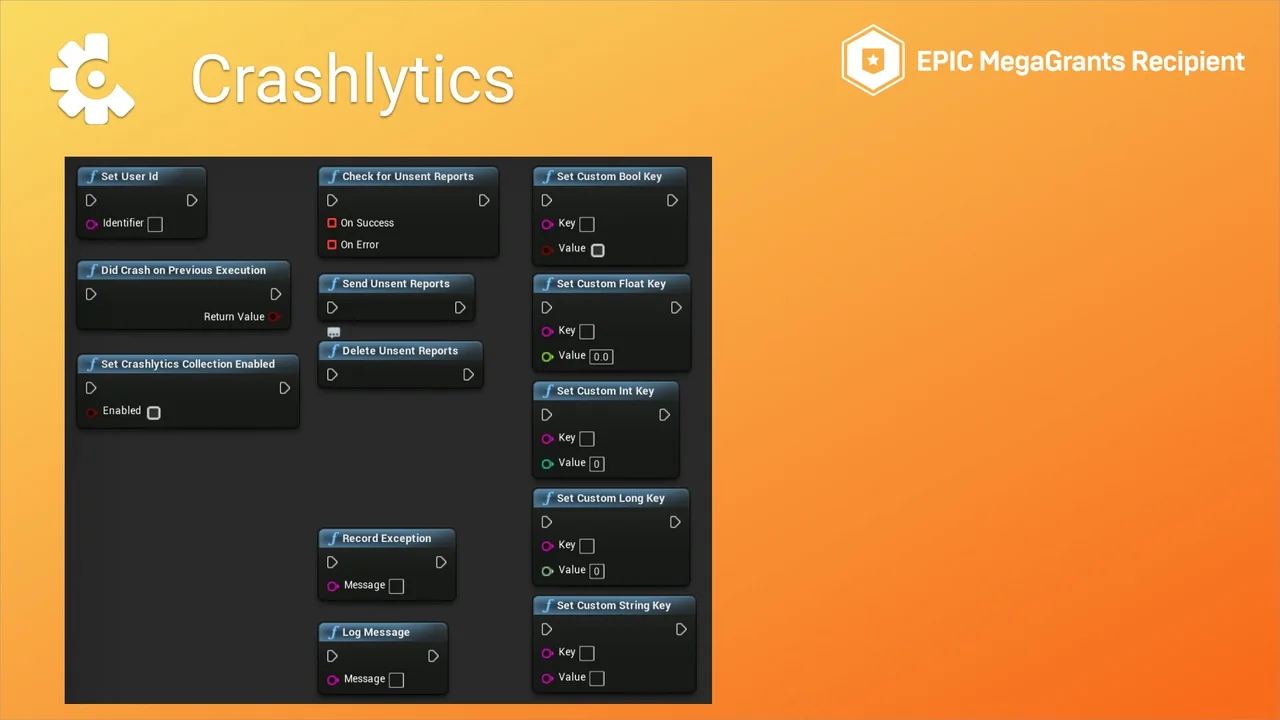
While the plugin is highly flexible, some features are specifically tailored for mobile platforms. For instance, Analytics and Crashlytics do not currently support Editor or Desktop modes. Similarly, Cloud Messaging is reserved for mobile environments like Android. Consequently, developers should plan their project architecture with these platform-specific limitations in mind. If you are unsure about specific feature support, the developer recommends reviewing the documentation before proceeding.
Installation and Community Support
To ensure a smooth workflow, the creator provides detailed documentation for setting up the plugin. Users can also engage with the developer through a dedicated Discord server for additional help. This community space is also the primary location for requesting new features. In conclusion, Firebase Goodies offers a comprehensive bridge between your project and Google’s cloud services, streamlining the development of connected applications.
Screenshots & Gallery