The Unreal-to-Unity Conversion Workflow
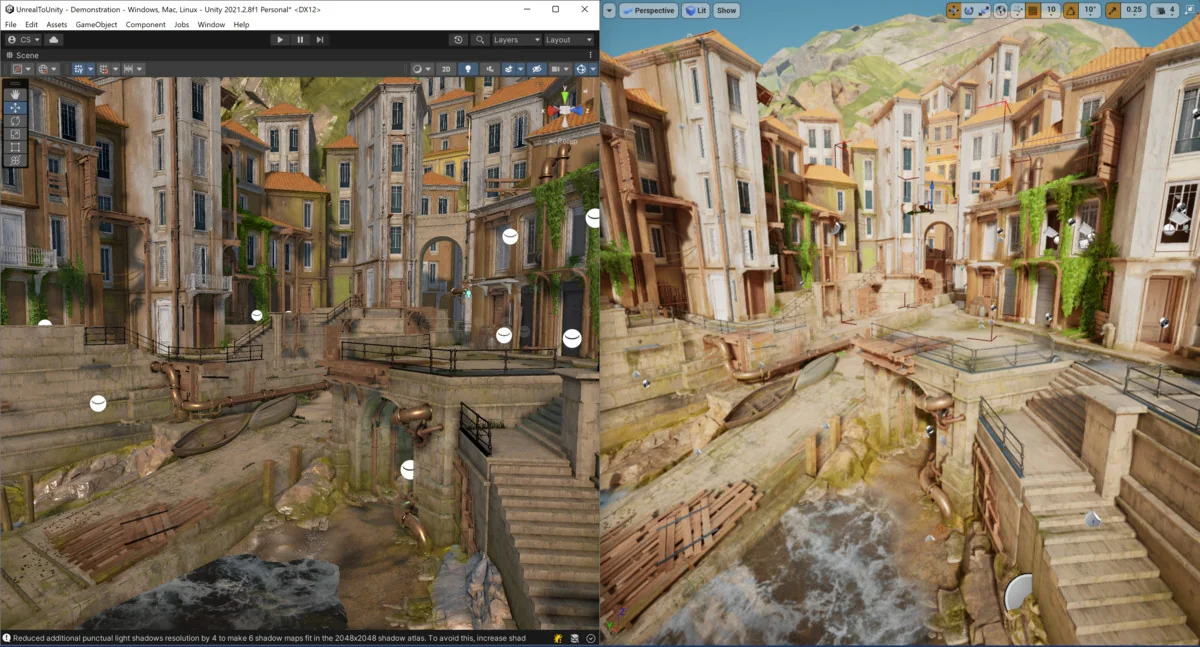
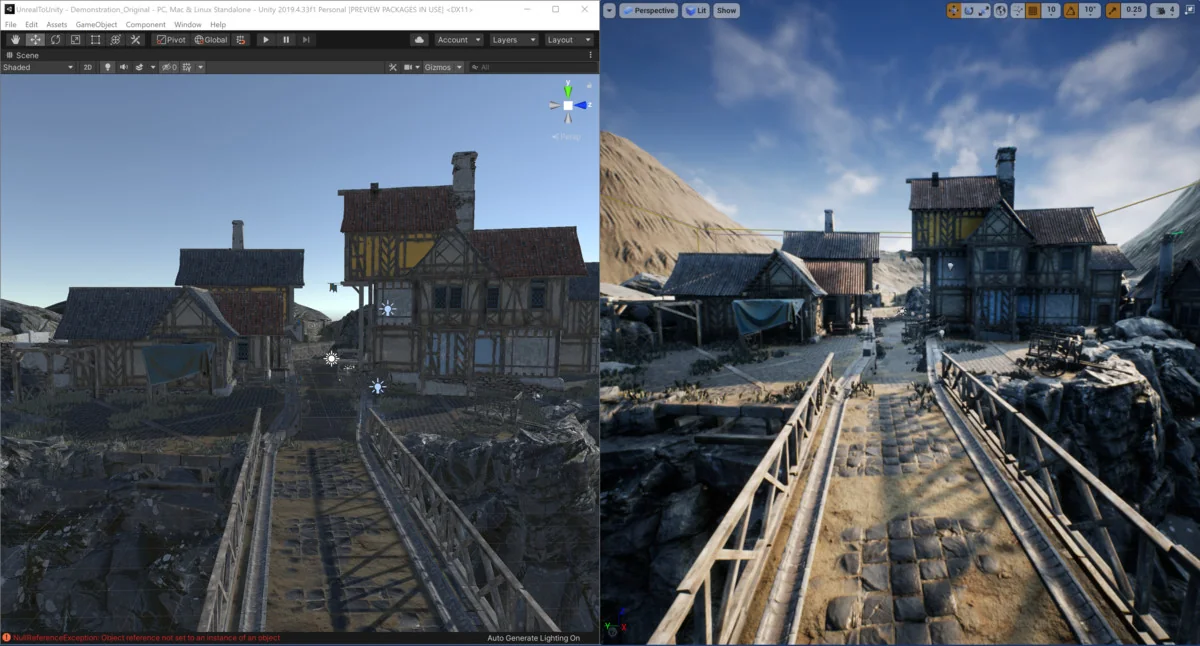
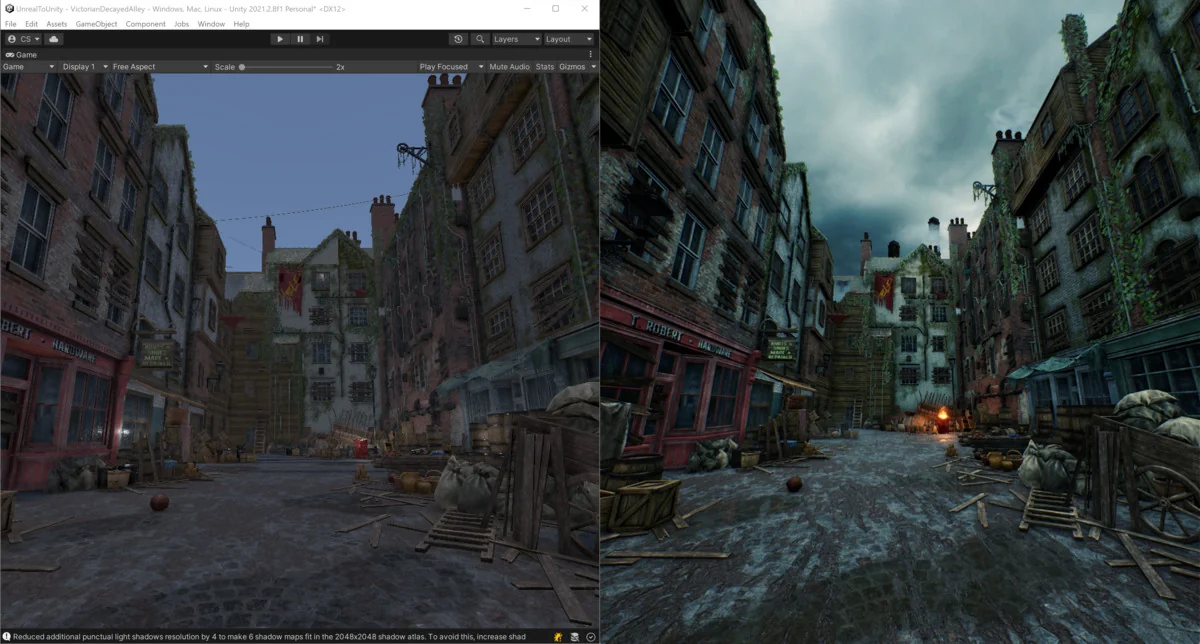
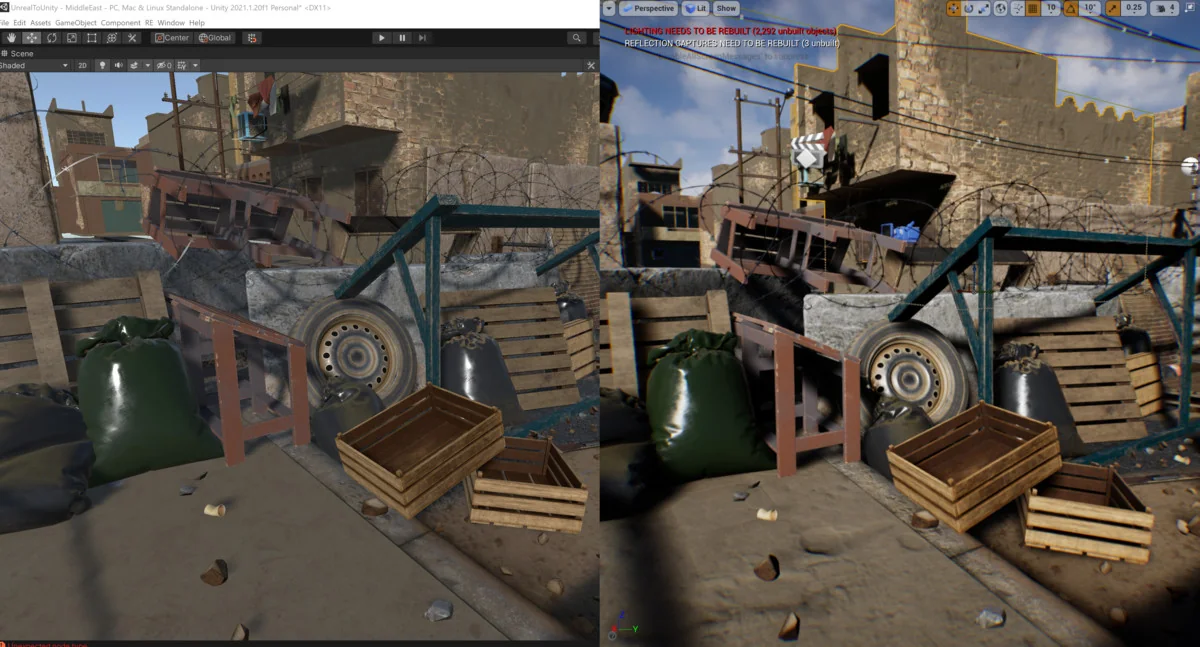
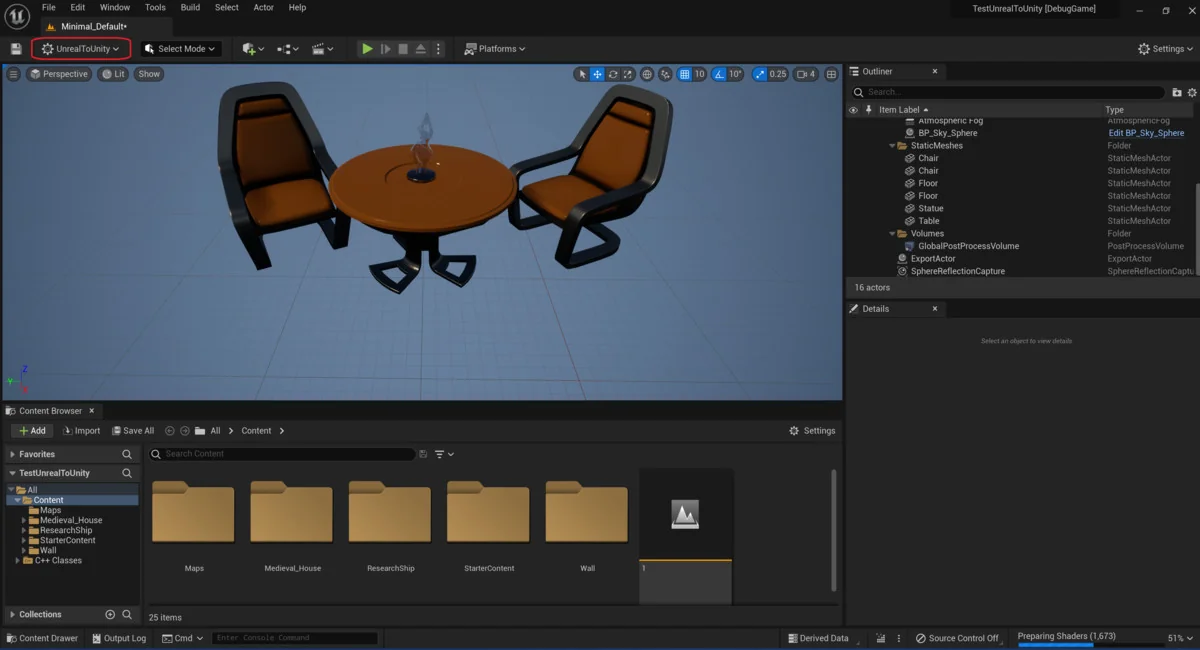
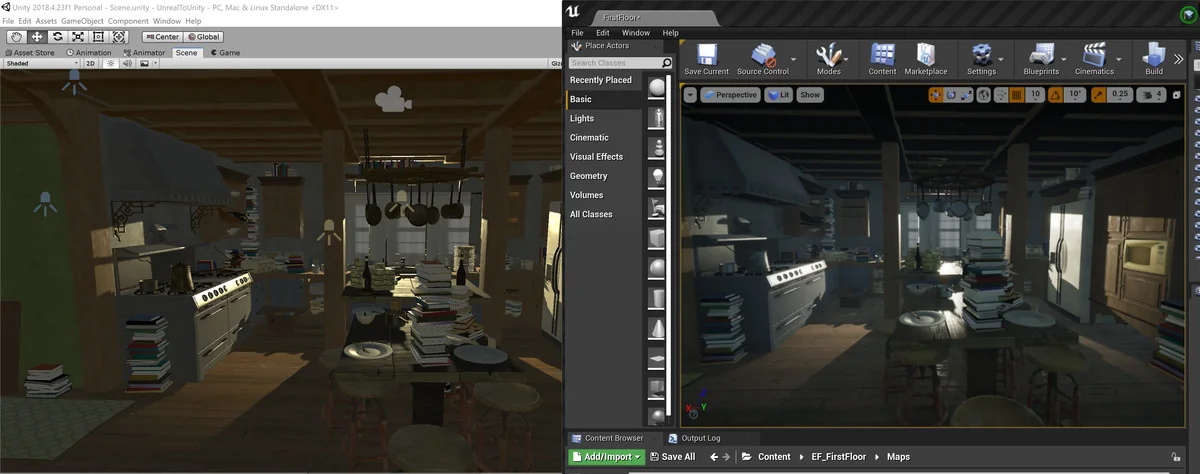
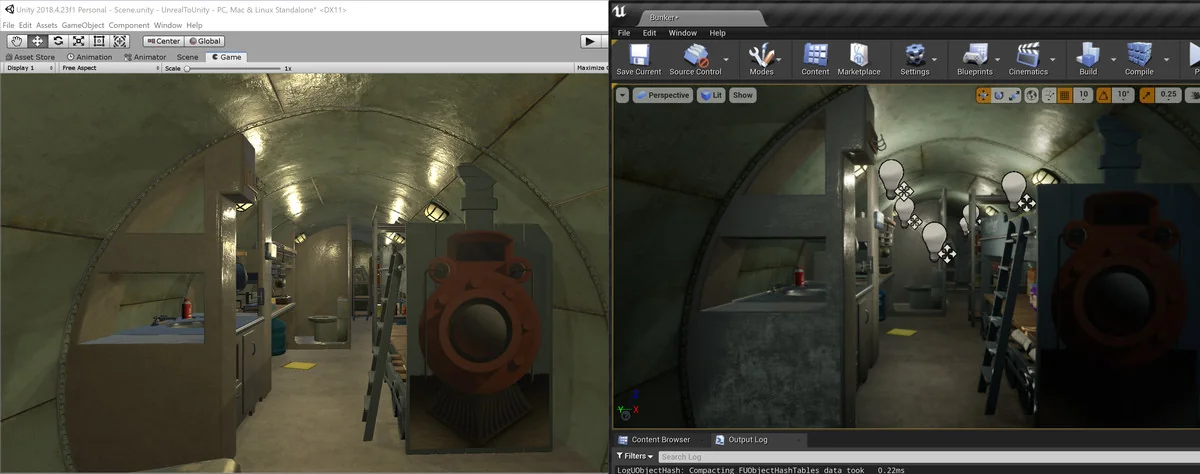
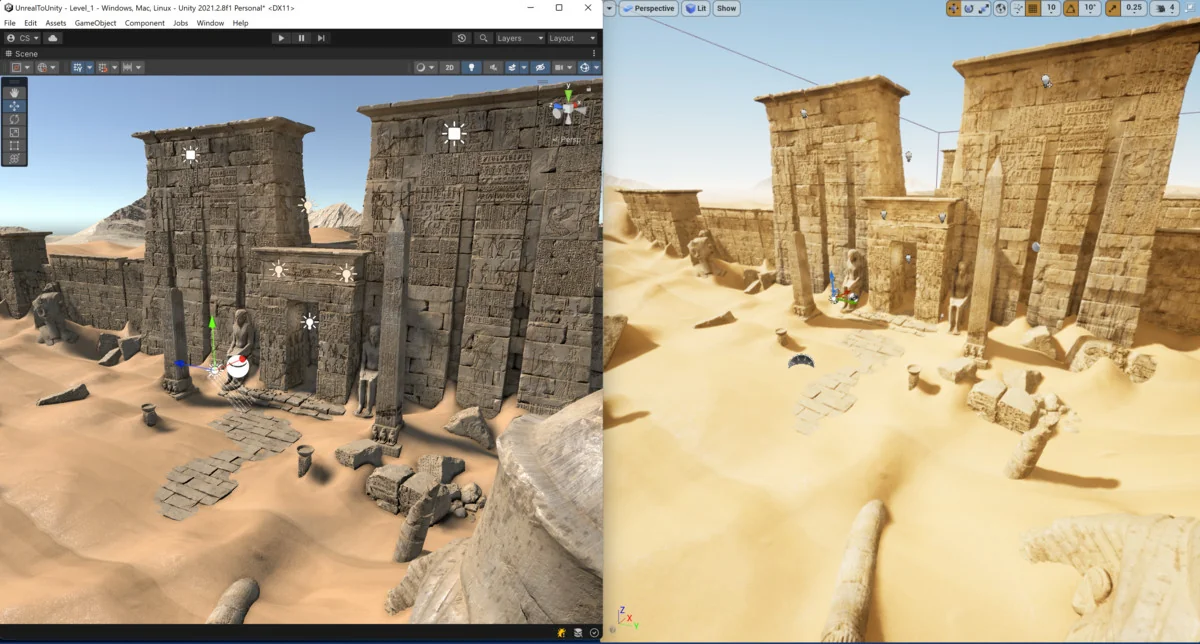
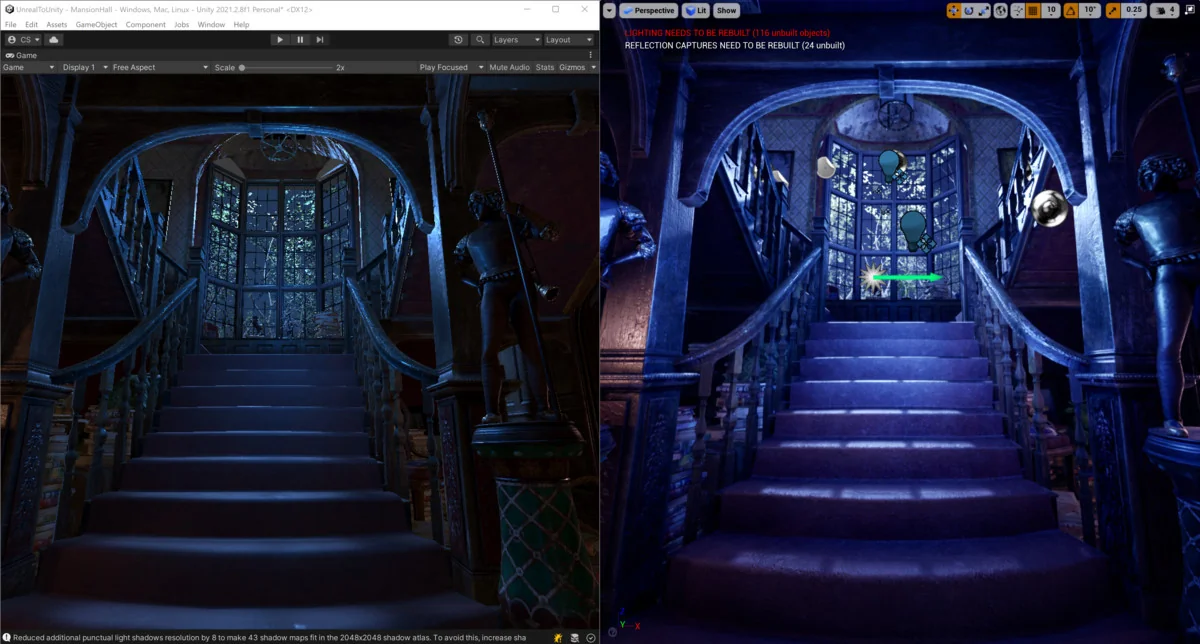
The Exporter for Unreal to Unity 2026 is designed as a bridge for developers transitioning assets and environments between these two major game engines. Functioning specifically as an Unreal Engine plugin, the tool must be integrated directly into the Unreal environment to facilitate the export of complete levels. This workflow is intended to reduce the manual labor typically associated with reassembling scenes, as it automates the batch conversion of various asset types while maintaining their spatial relationships and properties.
The 2026 edition of the software expands its utility by providing compatibility with a wide range of engine versions. It supports Unreal Engine versions 4.27 as well as the 5.0 through 5.6 cycle. On the Unity side, the tool integrates with the Built-in pipeline starting from version 2019.4, and with the Universal Render Pipeline (URP) and High Definition Render Pipeline (HDRP) from version 2021.2.7 or newer. This version also includes updates and features specifically maintained for the 2026 development cycle.
Mesh and Animation Handling
One of the core functions of the plugin is the systematic conversion of static and dynamic meshes. The tool processes static meshes along with their associated Level of Detail (LOD) settings and collision shapes. To maintain efficiency within Unity, the exporter generates one FBX file per static mesh and utilizes prefabs for instanced meshes, ensuring that the scene structure remains optimized after the transfer.
For dynamic objects, the exporter handles skinned meshes, including their associated animations and animation notifies. This ensures that character or object movements defined in Unreal are preserved during the transition. Additionally, more complex structural elements such as spline meshes, packed level actors, and level instances are included in the conversion process, allowing for the preservation of intricate environmental layouts that rely on these specific Unreal Engine systems.
Environment and Lighting Translation
Transferring an environment involves more than just geometry; it requires the migration of lighting and atmospheric data. The exporter includes support for lights and reflection probes, though the developer notes that light intensities may not match exactly between the two engines due to differences in rendering calculations. The tool also accounts for actor placement and decals, with specific support for decals within the URP and HDRP frameworks.
Terrain handling requires a specific manual step to ensure successful migration. Users must first utilize the “ConvertLandscapesToStaticMeshes” option within the tool. It is important to monitor the complexity of these landscapes, as Unity’s FBX importer has a limitation regarding polygon counts. Specifically, terrains exceeding approximately 30 million polygons will be ignored by Unity, making it necessary to manage density before initiating the export.
Material Systems and Pipeline Compatibility
Material conversion is a complex aspect of the workflow, and the plugin addresses this by supporting textures and materials across different Unity render pipelines. For those using the Universal Render Pipeline, the tool even supports the conversion of post-processing materials. However, the developer indicates that certain materials may not appear identical to their Unreal counterparts. This discrepancy is usually tied to exotic material nodes or specific node configurations that have not yet been adjusted for the conversion process.
The technical requirements for high-fidelity rendering include URP 11.0 or newer and HDRP 11.0 or newer. By targeting these versions, the tool attempts to bridge the gap between Unreal’s material editor and Unity’s shader systems, though results can vary depending on the complexity of the original shaders.
Technical Constraints and Unsupported Features
While the exporter covers a broad spectrum of asset types, there are specific Unreal Engine features that do not carry over through this automated process. Understanding these limitations is vital for planning a project migration. The following features are currently not supported for export:
- Cloth physics and simulations.
- Particle emitters.
- Wind modifiers and subsurface scattering.
- Tessellation and Runtime Virtual Textures (RVT).
- Unreal-specific environmental features like the Grass and Clouds systems.
- Level Sequences and Groom Assets for hair or fur.
By identifying these exclusions early, developers can prepare manual workarounds or alternative assets within Unity. The tool focuses on the structural and foundational elements of a level—geometry, placement, basic materials, and lighting—while leaving engine-specific proprietary features like Groom or Level Sequences outside the scope of the conversion.
The exporter remains a specialized utility for developers who need to move massive amounts of level data without recreating every actor placement by hand. By adhering to the specific version requirements for both Unreal and Unity, the tool provides a structured path for asset migration throughout the 2026 development year.
Asset Gallery
Protected download
Access this resource
All resources are 100% manually reviewed to eliminate all risks.