Skies that do more than sit in the background
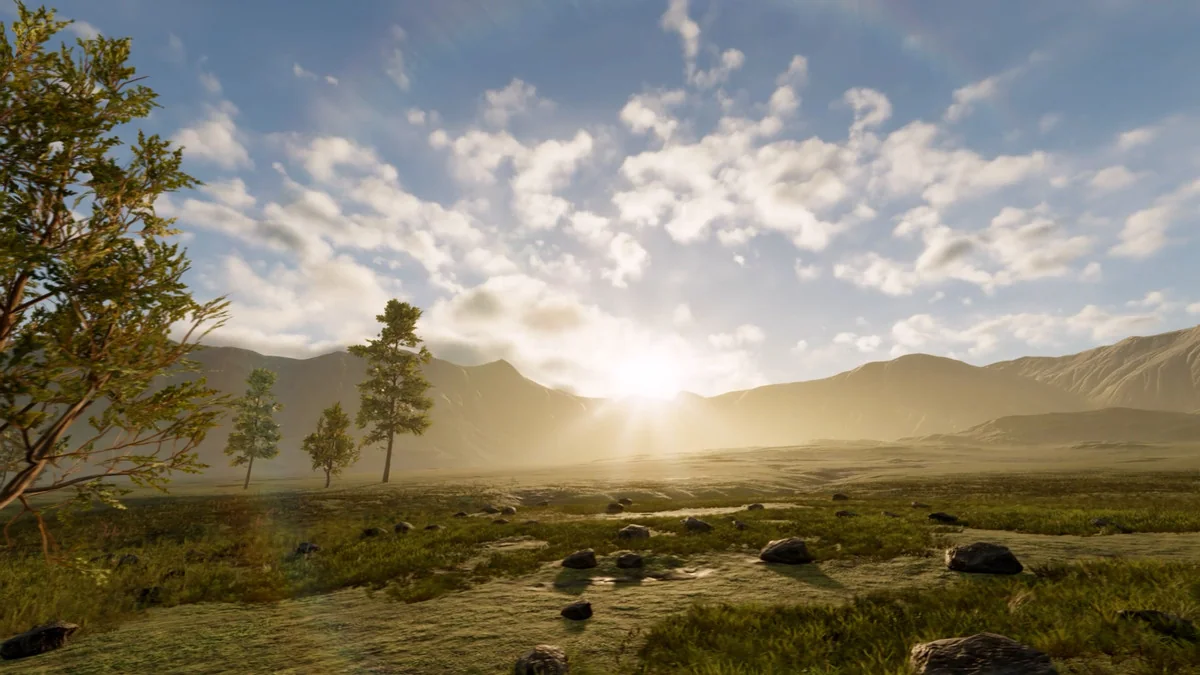
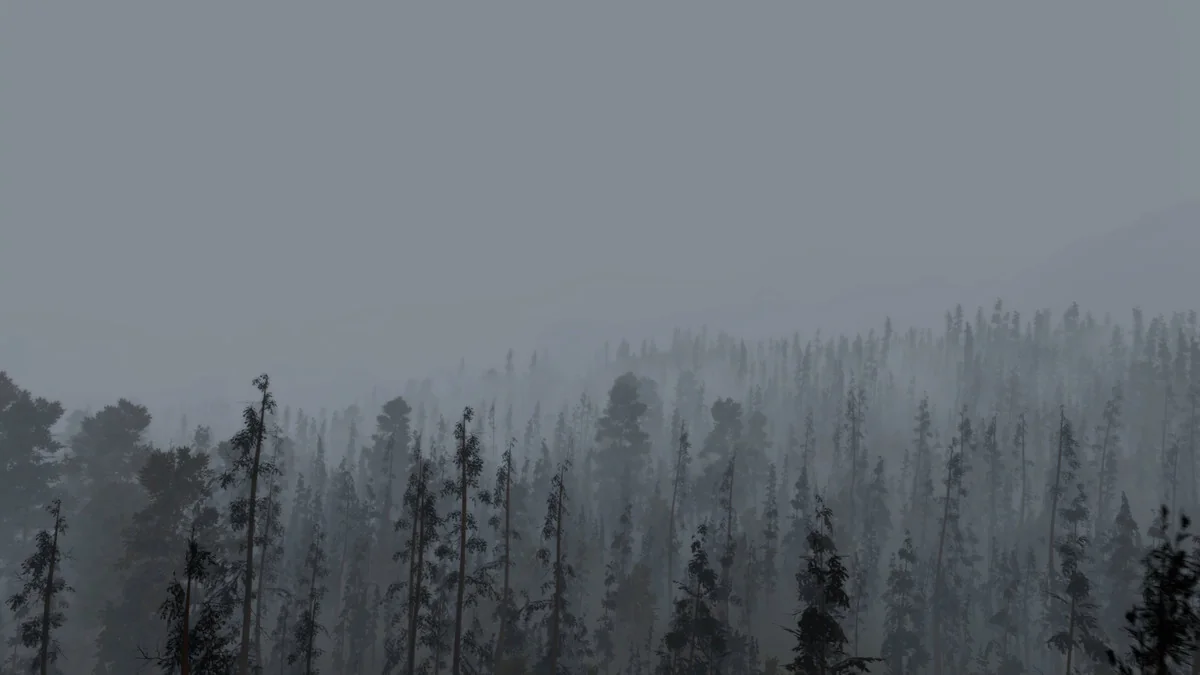
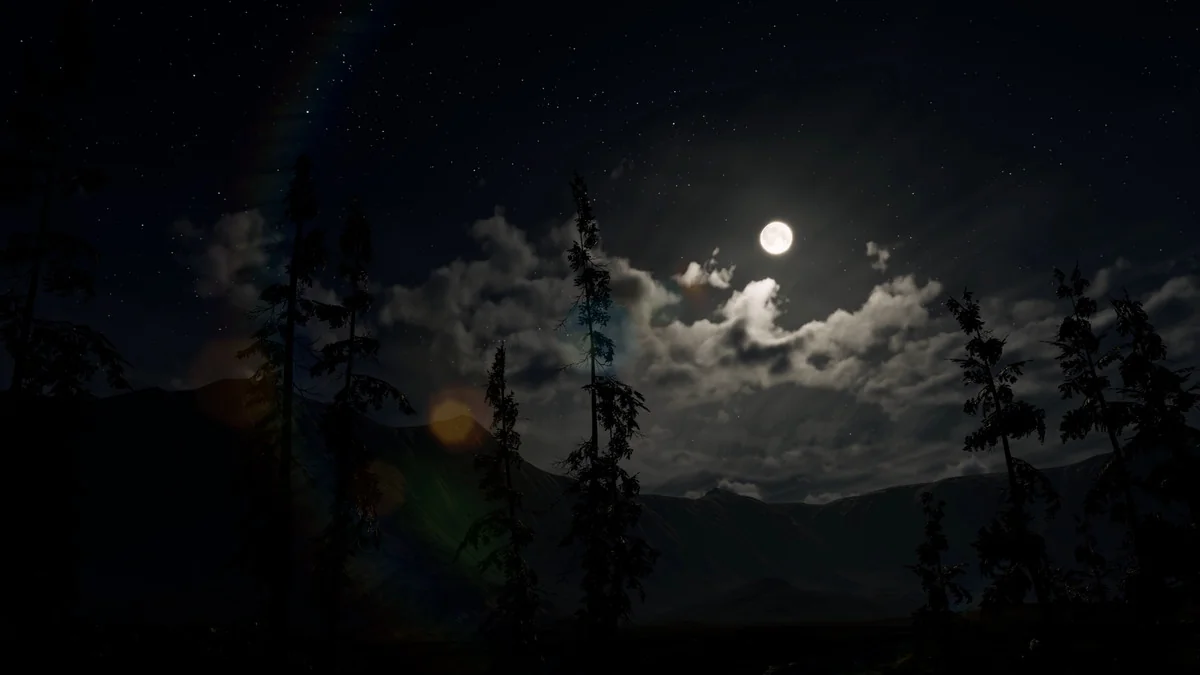
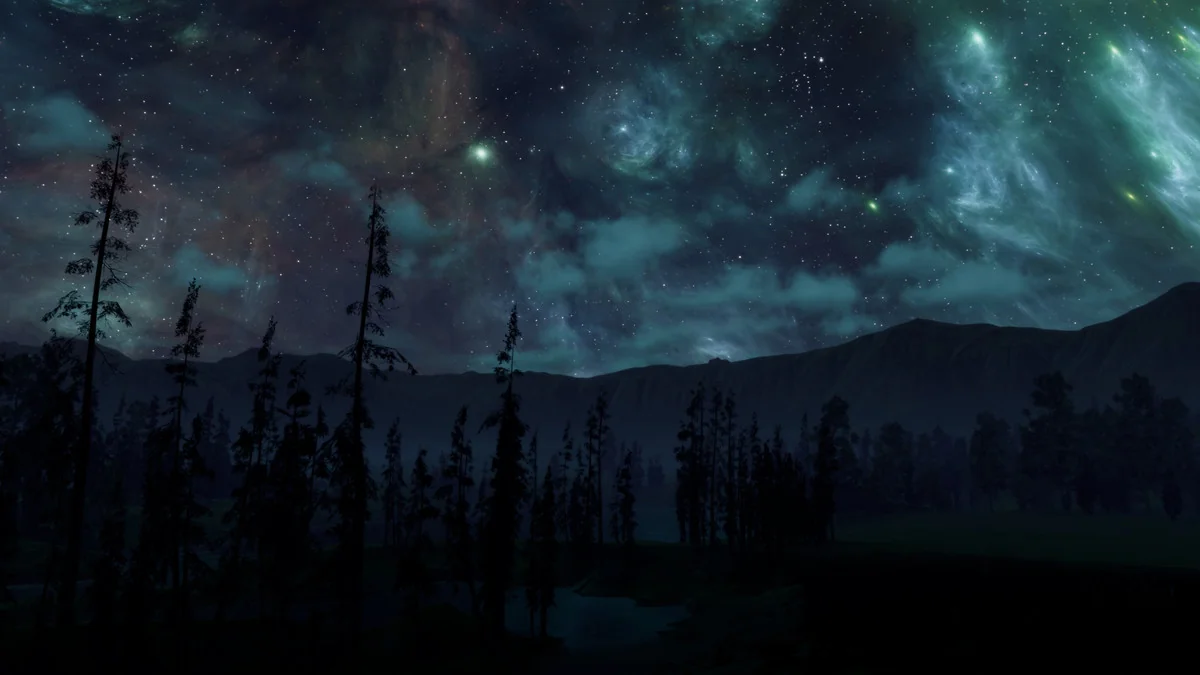
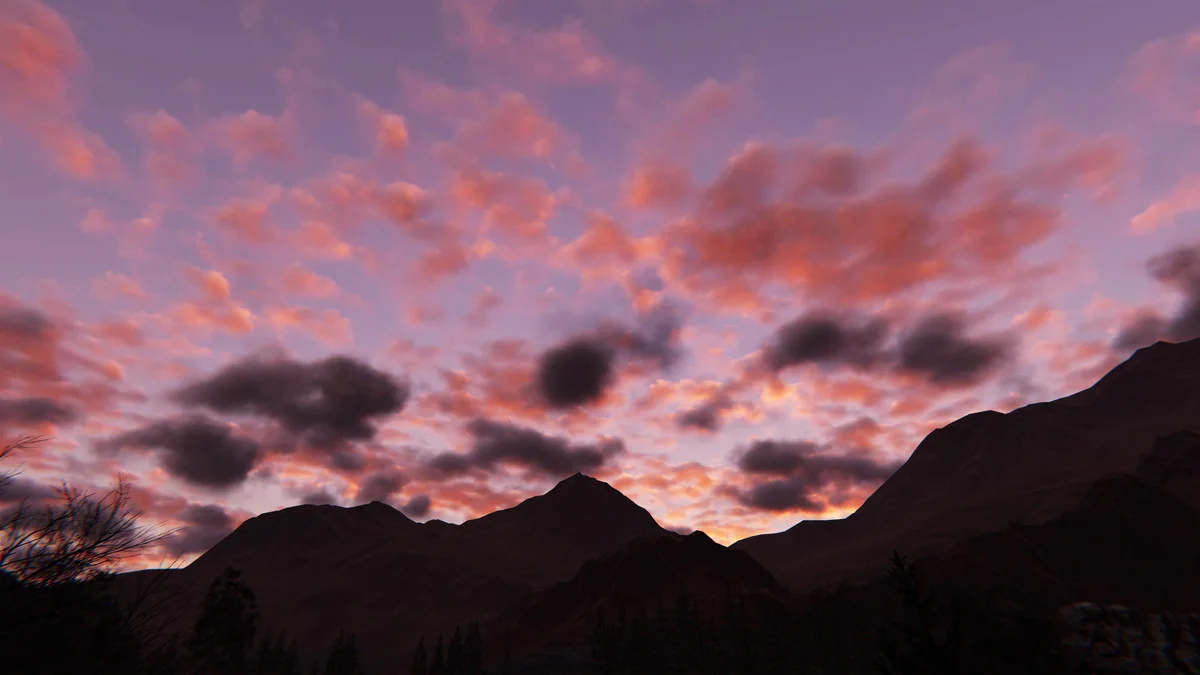
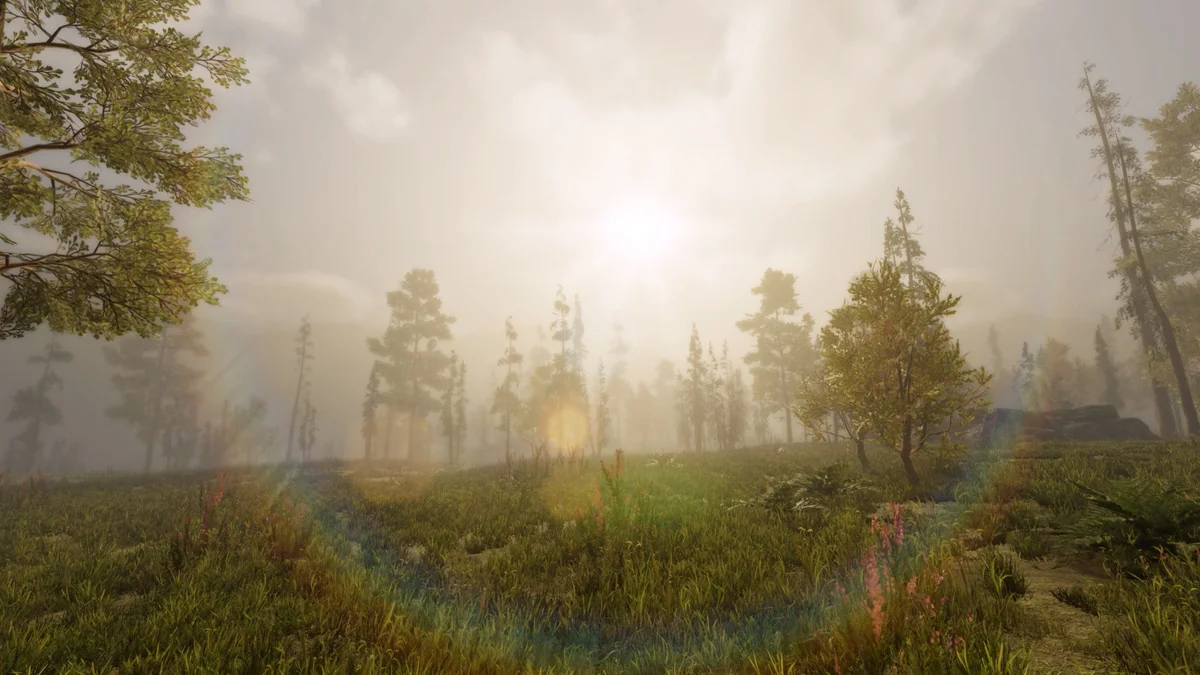
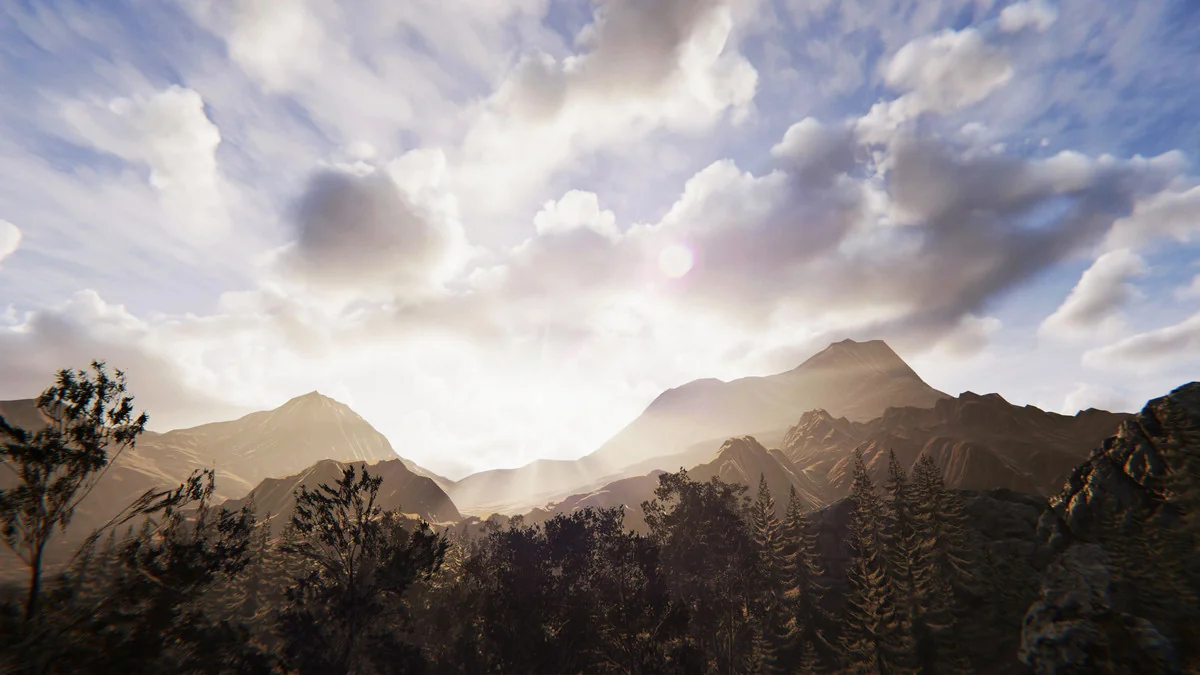
Expanse fits projects that need skies, cloud layers, and fog banks to carry part of the sceneâs mood. It is a volumetrics tool for HDRP, so the focus stays on atmospheres that feel alive rather than on a static skybox. Earthly scenes, mythical settings, and stylized worlds can all be pushed in the same direction: toward a sky that changes with the shot, the weather, and the time of day.
For teams working inside Unityâs HDRP, that makes the sky a piece of production work instead of a final pass after everything else is set. Clouds, fog, and atmosphere can be shaped together, which is useful when the environment needs a consistent look across wide lighting shifts. The tool is also positioned for fast iteration, with the promise that compelling and interactive atmospheres can be put together in as little as 15 minutes.
Procedural control without leaving the editor
The workflow centers on interactive authoring. Every change is visible in the editor, so adjustments can be tested while scenes are still being built. That matters when the sky is part of the composition, because cloud coverage or fog density can be judged immediately against terrain, structures, lighting, and camera framing without entering play mode.
Expanse uses procedural modeling tools, and its atmosphere settings can be animated with keyframes or driven through scripts. Cloud coverage, fog density, and time of day are all called out as elements that can be changed in this way. That makes the system fit naturally into weather variation, transitions between lighting states, and scene moments that need a sky to shift over time instead of staying fixed.
Because the changes remain editable in the scene view, the sky can be tuned alongside the rest of production work. A cloud layer can be made denser, a fog bank can be softened, or a time-of-day change can be tested without switching context. The result is an atmosphere that stays part of the working scene rather than becoming a separate environment task.
Physically based rendering and realtime behavior
Every component is physically based, which gives the system a clear emphasis on realism and consistency across different lighting conditions. That approach is especially useful when the same environment needs to hold together through shifting sun angles, changing weather, or dramatic color changes in the sky. The atmosphere is meant to respond as a coherent system rather than as disconnected visual layers.
Expanse is also fully dynamic. It can be adjusted in realtime and does not rely on precomputed lookups that slow down the authoring process. That keeps the sky responsive while it is being shaped, and it supports the kind of tuning that often happens during scene development. Instead of waiting on precomputation, artists can move through cloud and fog variations directly.
The rendering and authoring strategies are based on production-focused papers from conferences such as SIGGRAPH and EGSR. That points to a workflow rooted in current volumetric rendering research, with an emphasis on techniques that have been pushed in real production contexts. The asset is not just presenting a sky effect; it is using modern volumetric methods to drive the result.
Performance choices for realtime scenes
Realtime applications need room to trade fidelity for speed, and Expanse includes quality and performance options for that purpose. The system can be tuned to meet frame time requirements, which makes it more practical for projects where the sky still has to fit alongside the rest of the frame budget. Cloud rendering, atmosphere, and fog do not have to be treated as fixed-cost elements.
For reference, Expanse is noted as rendering an entire sky with volumetric atmosphere, clouds, and fog in under 0.7ms on a last-gen 2080 Ti. That figure gives a sense of the systemâs performance focus while also showing that the sky is treated as a single integrated atmospheric setup rather than as isolated visual effects.
This balance between quality and speed is useful in scenes where the sky is always present. Open-world vistas, dramatic weather, and stylized backdrops all benefit from a setup that can be adjusted to suit the project rather than forcing the scene to adapt around it.
VR support and extensibility for technical teams
Expanse supports single pass instanced VR, though that support is described as experimental. It only supports the VR platforms that HDRP supports, so the VR side stays tied to the broader HDRP environment. For teams working in that space, it adds another deployment path without changing the core focus of the tool.
Technical users also receive the C# scripts and shaders uncompiled. That makes the asset easier to inspect and modify when a project needs custom behavior or a targeted fix. If a studio wants to alter the atmosphere pipeline, adjust a shader, or extend a specific feature, the uncompiled scripts and shaders leave that room open.
The licensing is per-seat, which matters for team planning even if the implementation work stays the same. For individual artists and technical artists, the practical takeaway is straightforward: the package is meant to sit inside an HDRP workflow where atmosphere is iterated directly, animated when needed, and tuned to the performance and platform targets of the project.
Where it fits in production
Expanse is most relevant when the sky is part of the sceneâs storytelling. It suits projects that need dynamic clouds, fog banks, and time-of-day changes to work together inside HDRP. The strongest fit is a production flow where artists want visible editor changes, physically based consistency, and realtime adjustment without a separate precompute step.
If a project needs a sky system that can be shaped quickly, animated through weather changes, and adjusted against lighting in the same scene view, Expanse belongs in that part of the pipeline. It is less about a decorative backdrop and more about giving HDRP environments a controllable atmospheric layer that can stay active from layout through final tuning.
Preview Images



Protected download
Access this resource
All resources are 100% manually reviewed to eliminate all risks.