Shader layers, weather sync, and render pipeline support
Enviro 3 – UBER Shader is a PBR UBER shader for Unity projects that need surface changes tied to weather. It connects with Enviro 3 weather syncing and includes fog plus volume lighting support, so the shader fits into scenes where atmosphere and materials need to react together rather than as separate systems.
The package supports all render pipelines and lists Unity 6 support. It also covers the main surface modes used in production work: opaque, fade, transparent, and cutout. That gives the shader room to serve anything from solid environment materials to surfaces that need partial visibility or softer blending.
For teams working in longer-running projects, the compatibility range matters as much as the weather effects themselves. The shader is marked for Built-in, HDRP, and URP, and the current release notes add support for Unity 6.1 and 6.2 while updating URP 17 support. The package also notes that it is not intended for mobiles.
Rain, snow, puddles, and wetness on the surface
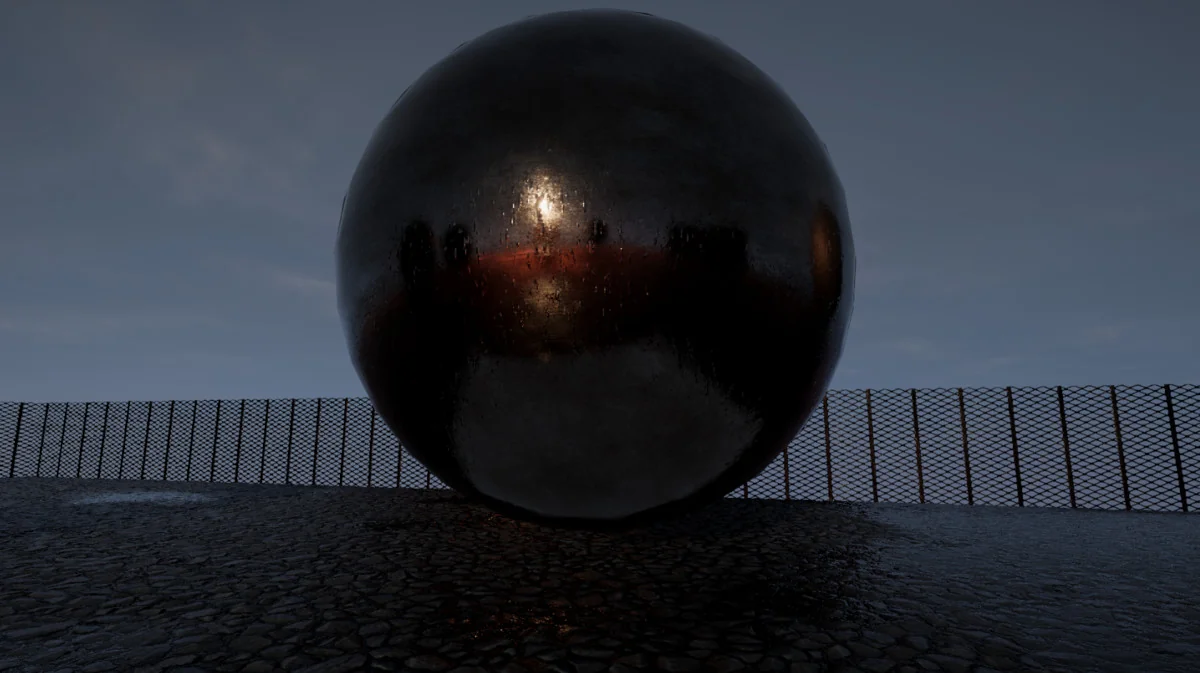
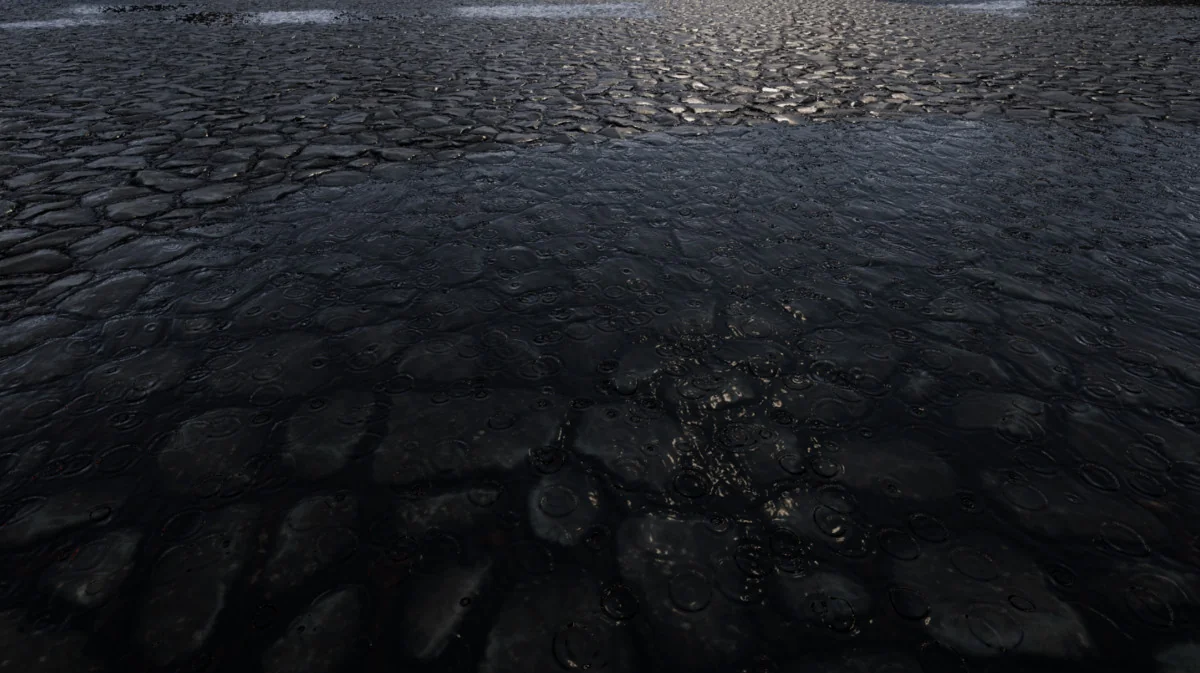
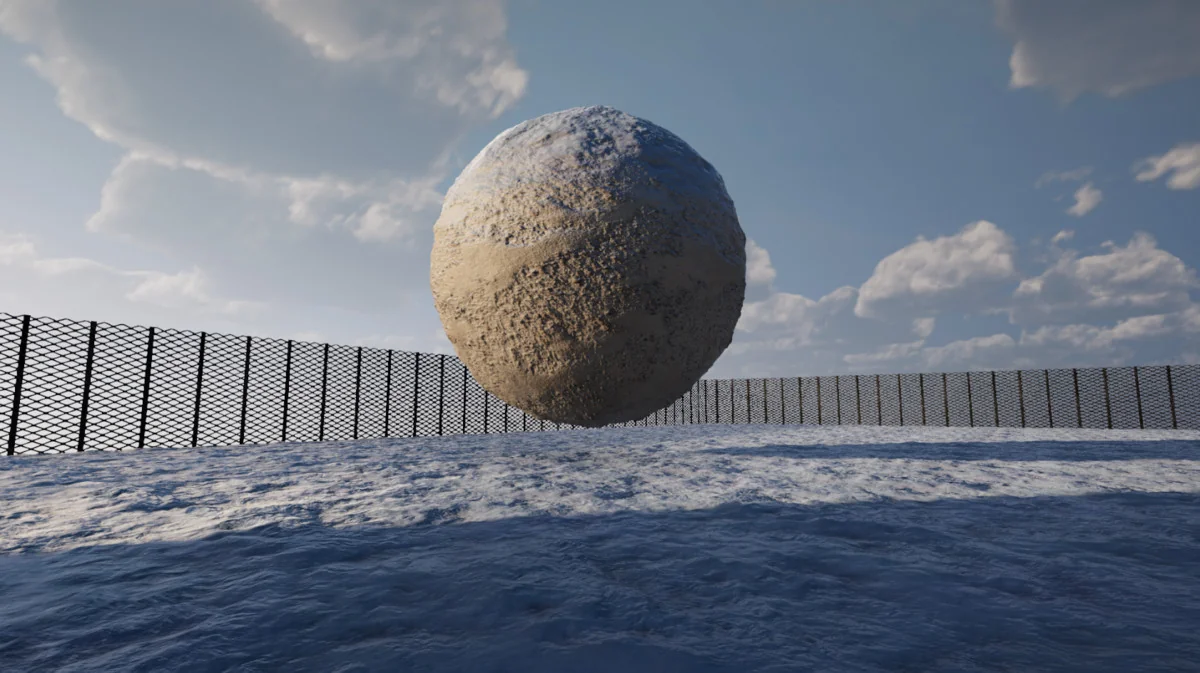
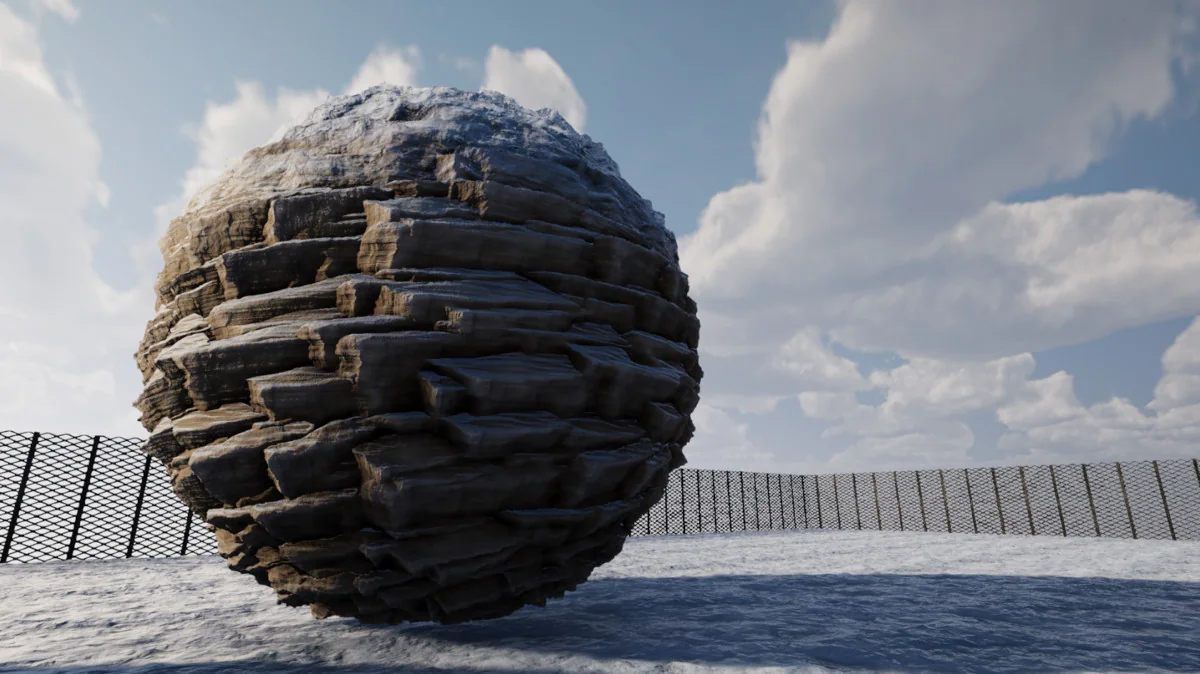
The main draw is how the shader handles changing surface conditions. Dynamic snow is included with lighting that behaves in a âsubsurface scatteringâ style. Dynamic puddles bring waves and rain ripples, while dynamic wetness adds rain streaks, flow, and splotches. These effects make the material react like an outdoor surface that has actually been exposed to weather, rather than a static shader with a single wet mask.
There is also triplanar detail normal support, which helps detail layers stay useful across different surface directions. A secondary texture layer is included as well, and it can be blended using a mask, procedural noise, or height-based blending. That gives the shader a second pass of material variation without forcing the surface into a flat, repeated look.
Optional tessellation is part of the feature set too. When used, it adds another layer of surface shaping for materials that need more structure. The package also includes support for additional PBR detail behavior, so the material setup can carry more than one layer of surface information.
Material setup and scene conversion
Beyond the shader itself, the package includes a simple texture channel packer and a material converter tool. The converter is meant to move scene objects from standard or lit shaders to Enviro UBER in a two-click, non-destructive workflow. That makes it useful in production when a scene already has material work in place and needs to be shifted into a weather-aware setup without rebuilding every surface from scratch.
This is the part that places the shader into a real project workflow. A team can keep existing objects, convert them, and then use the weather features on top of the established scene. The release notes also mention support for Enviro effect removal zones, which expands how the shader interacts with areas where weather effects need to be controlled differently.
The 1.1.0 update added the material converter tool, support for Unity 6 URP/HDRP 17, and a fix for tessellation not being fully deactivated when not used. It also improved performance when certain features are disabled and refined puddle waves, rain drops, and ripples with world-space UV behavior. The current 1.2.0 release adds a world space / triplanar sampling option for detail layers.
Where it fits in a production scene
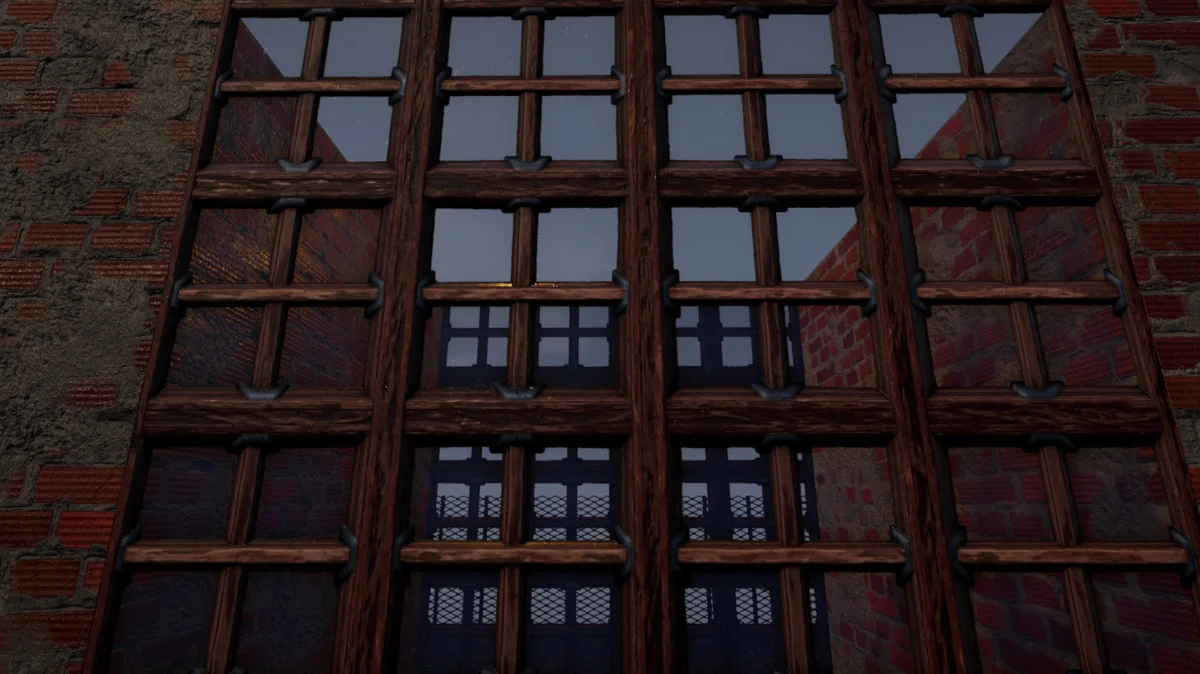
Enviro 3 – UBER Shader fits best in environments where weather is part of the visual language of the scene: outdoor terrain, exposed structures, roads, props, and other surfaces that need to show rain, snow, or dampness as the conditions change. The shader is not just for a single effect. It combines weather response, surface layering, and pipeline support in one place, which keeps material behavior closer to the rest of the scene systems.
Because it is fully integrated with Enviro 3 out of the box, the shader is set up to work alongside weather syncing, fog, and volume lighting rather than acting as a separate material experiment. That makes it a practical fit for projects that already rely on Enviro 3 and want the materials to follow the same weather state.
The package also gives room for different material states through opaque, fade, transparent, and cutout support, which helps the shader cover more than one kind of environment asset. Combined with dynamic puddles, wetness, snow, and detail layering, it is aimed at scenes that need surfaces to read as active parts of the weather system.
What it is ready to handle
In practice, Enviro 3 – UBER Shader is prepared for projects that need weather-driven surfaces, integrated environment lighting, and a direct path from standard or lit materials into a weather-aware shader setup. It is a focused tool for scenes where rain, snow, puddles, and wetness have to show up on the material itself, not just in the sky or post effects.
Visual Breakdown
Protected download
Access this resource
All resources are 100% manually reviewed to eliminate all risks.