Weather control that stays stylized
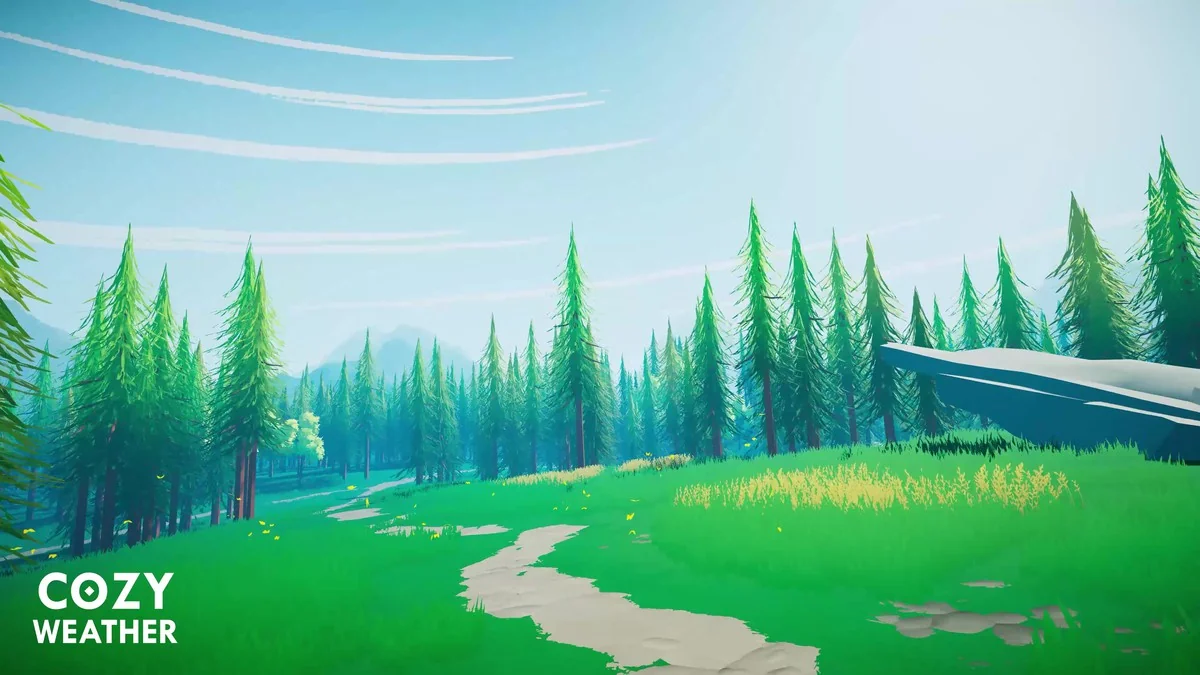
When a project needs weather changes without leaning into realism, COZY: Stylized Weather 3 gives that layer a clear place in the workflow. It focuses on a hand-crafted look and keeps the system centered on customization, so the weather can follow the tone of the scene instead of pushing it toward a naturalistic finish.
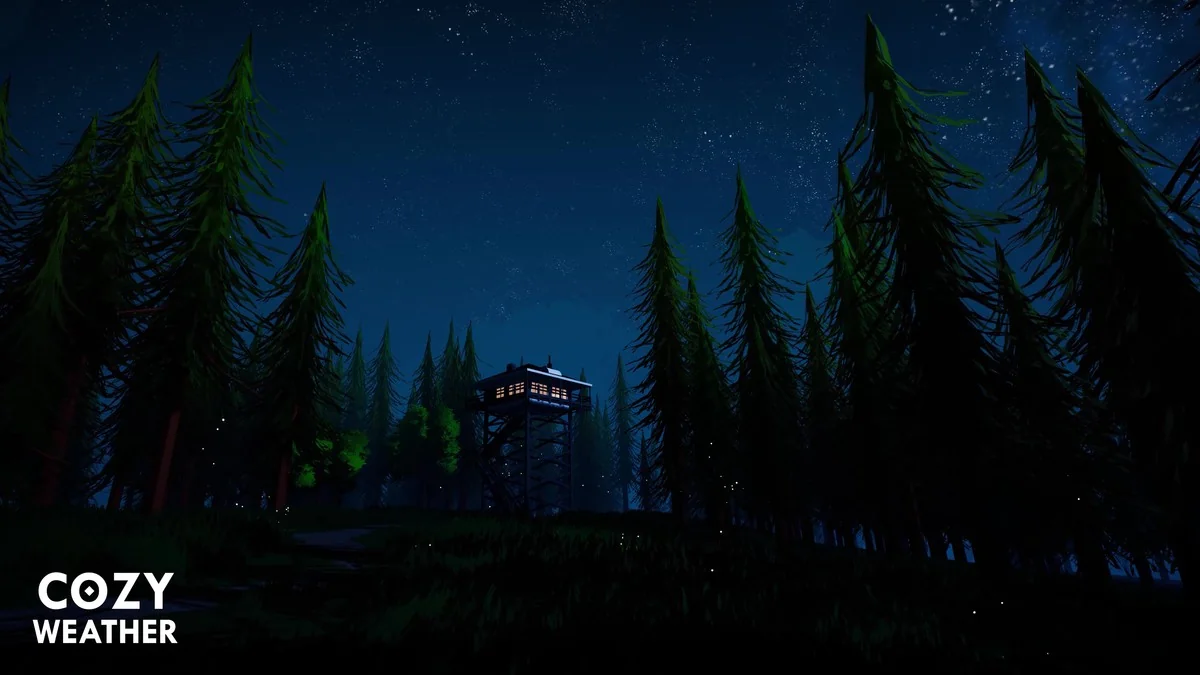
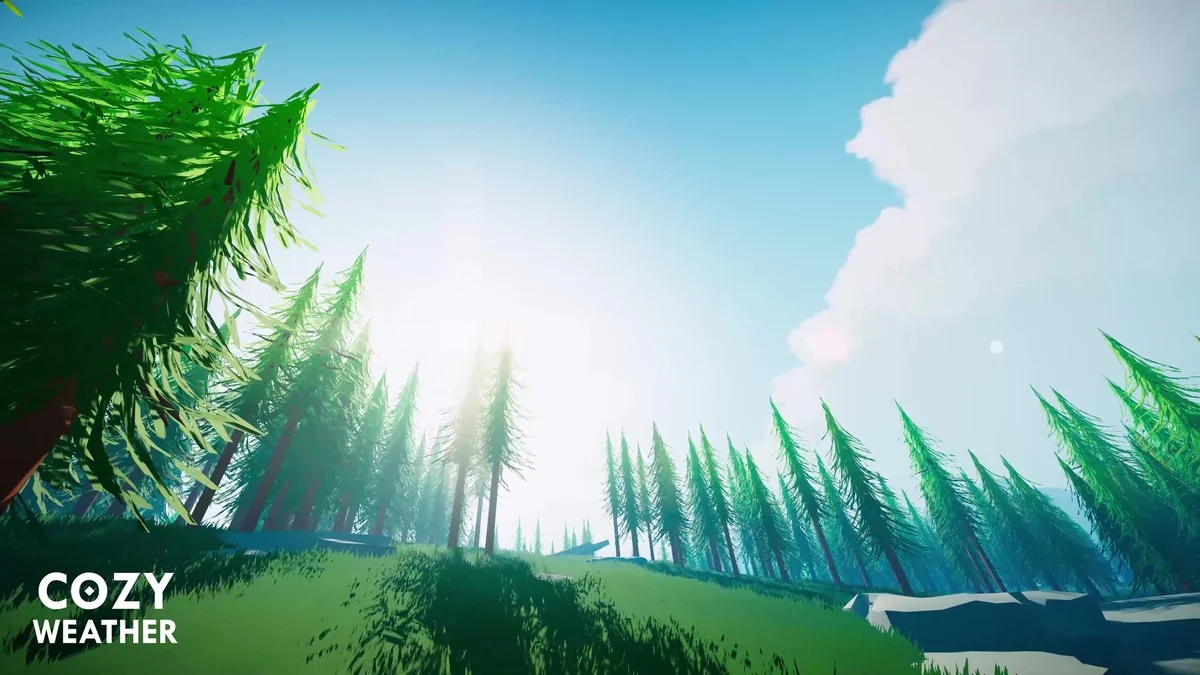
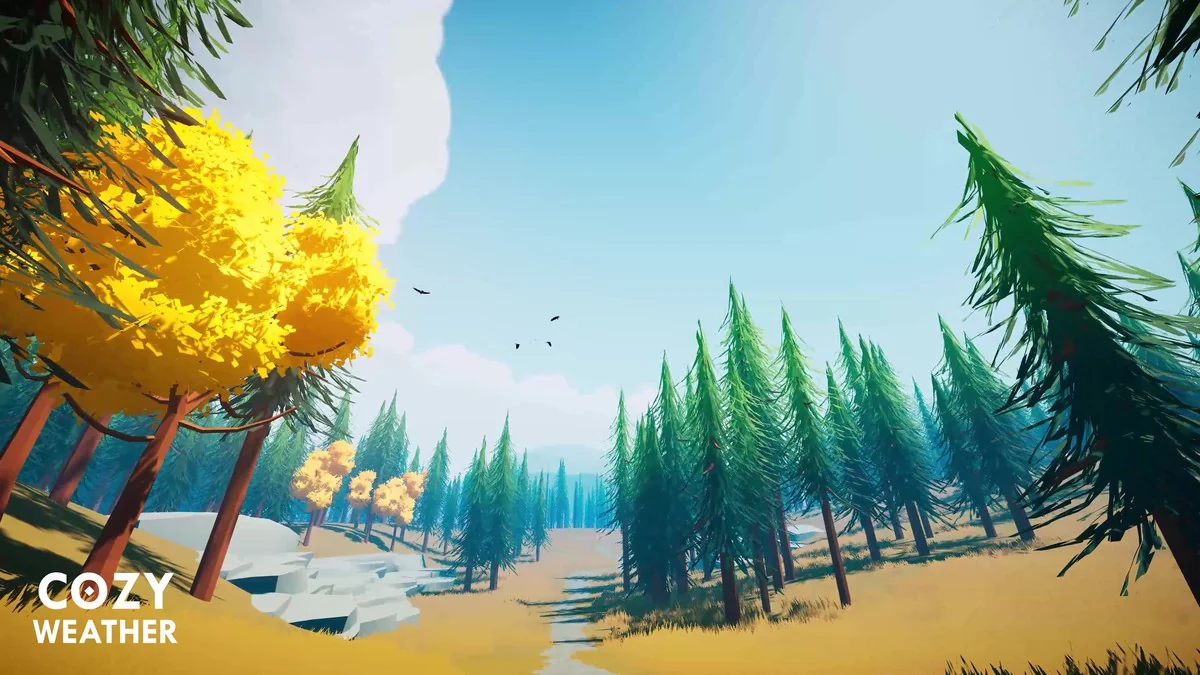
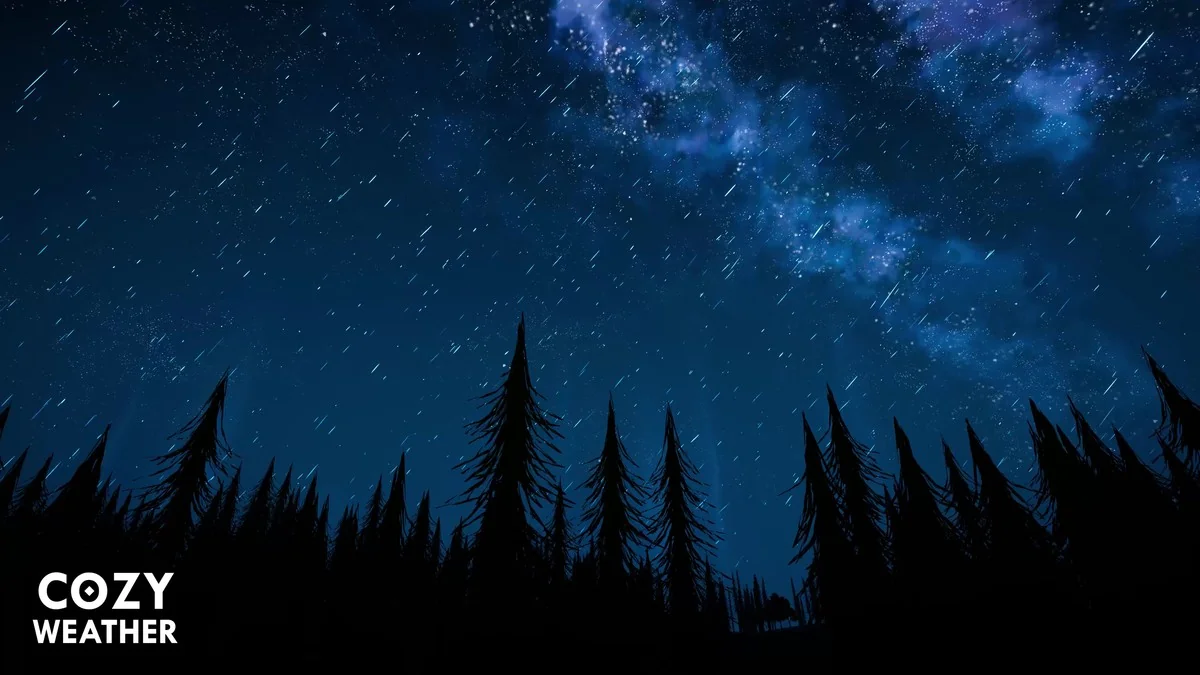
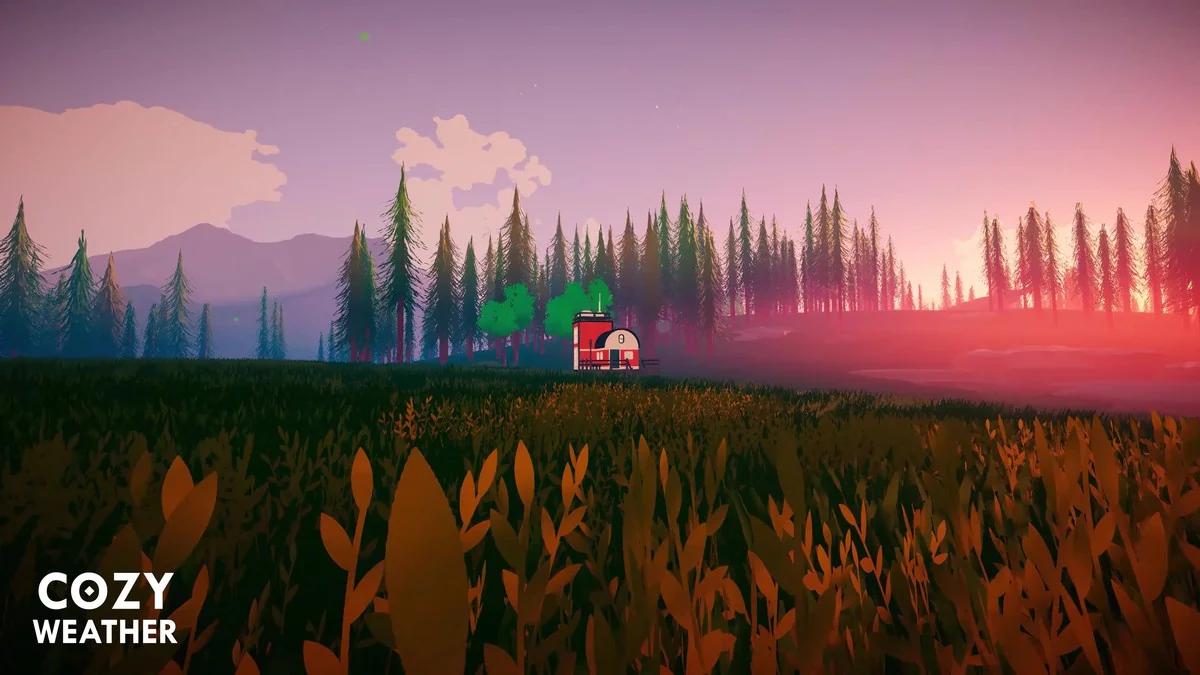
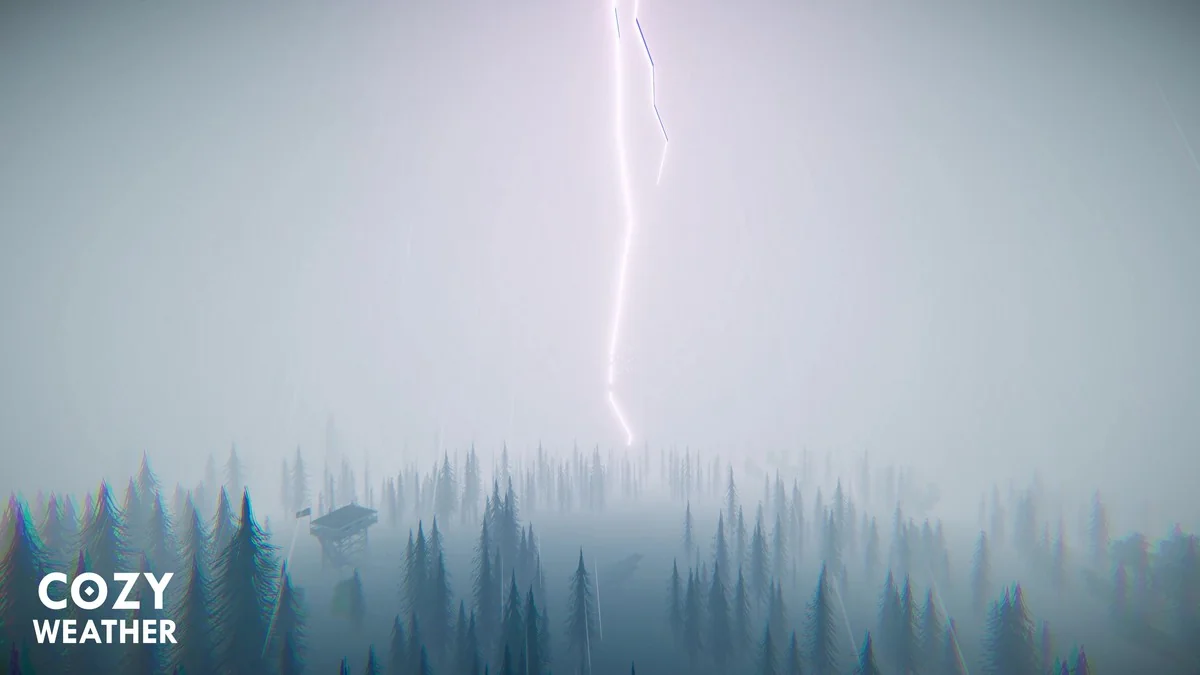
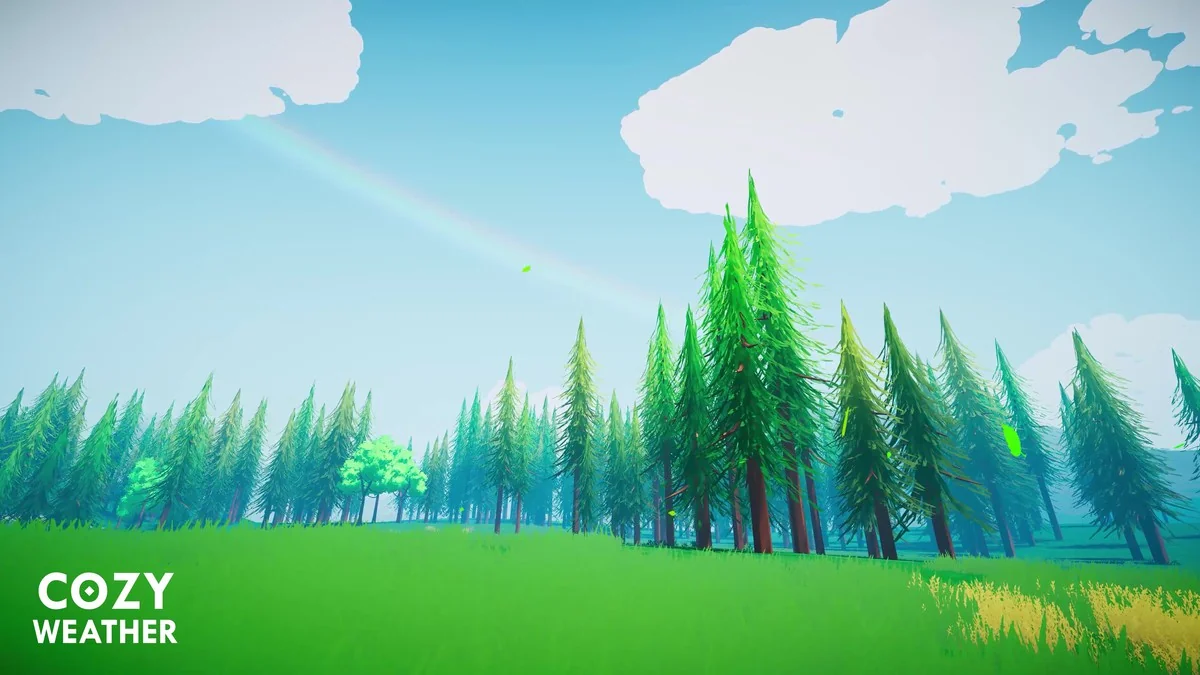
The system handles a wide range of conditions in one setup: time-of-day changes, annual seasons, puffy clouds, raging storms, sunny days, and dense fog. That range matters because it lets a scene move through different moods without switching away from a stylized visual direction. The same setup also keeps the sceneâs colors in focus, which makes the weather feel connected to the rest of the environment rather than sitting on top of it.
Setting up the sky, fog, and seasonal changes
The most direct way to work with COZY is as a weather controller for scenes that need clear visual shifts across the day and across the year. Time-of-day and seasons are both part of the workflow, so a project can frame the sky and atmosphere around the current state of the world instead of treating weather as a single static effect. Clouds, storms, sun, and fog all sit within that same control space.
That approach also leaves room for scene-specific tuning. The system is presented as fully customizable, and the practical emphasis is on tweaking variables until the weather matches the look of the project. For stylized environments, that means the weather can be pushed toward softer, brighter, heavier, or more muted presentations without losing the crafted feel that defines the asset.
Working with shaders and render pipelines
Implementation details are straightforward: the shaders are built with Amplify Shader Editor, which is called out as a way to make customization easier. That is useful for projects where shader-level adjustments need to stay accessible, especially when the weather layer has to match a specific art direction.
Pipeline support is listed for Built-In, HDRP, and URP. The package is also tied to Unity 2022.3.62 as the original Unity version, with render pipeline compatibility noted for 2022.3.62f1 across Built-In, HDRP, and URP. For teams already working in one of those rendering paths, that makes the integration path easier to place inside a production plan.
Compatible assets and related modules
COZY also fits alongside a number of other Unity assets. The supported assets include:
- Stylized Water 2
- Stylized Water 3
- Crest 4
- Crest 5
- Pure Nature 2
- Underwater Rendering for Stylized Water 2
- The Visual Engine
- Kripto Water System
- Poseidon
- MicroSplat
- Buto Volumetric Fog
- Zephyr: Dynamic Wind System
There is also a set of extension modules named COZY: Blocks, COZY: Link, COZY: Plume, COZY: Habits, COZY: Eclipse, COZY: ReSound, and COZY: Horizon. Each module points to a different part of the weather and atmosphere workflow, ranging from atmosphere control and multiplayer support to volumetric clouds, extended calendar logic, sun occlusion, adaptive soundtrack work, and sky layers.
Where it sits in production
The asset was recognized as Best Artistic Tool at Unity Awards 16, which fits the emphasis on style and visual control. Its current release is 3.6.15, with a latest release date of Apr 01, 2026 and a first publication date of Dec 08, 2023. The package is listed at 363.5 MB, includes 874 assets, and uses the unitypackage format. It is categorized under Shaders with the path vfx/shaders, and the license entitlement is SERVICE.
Those details make it easier to place the asset in an actual project schedule. Teams that need a stylized weather system, support for the main Unity render pipelines, and compatibility with related water, fog, wind, and sky tools can treat COZY as the weather layer that shapes atmosphere, color, and seasonal motion inside the scene rather than as a generic add-on.
Project Screenshots


Protected download
Access this resource
All resources are 100% manually reviewed to eliminate all risks.