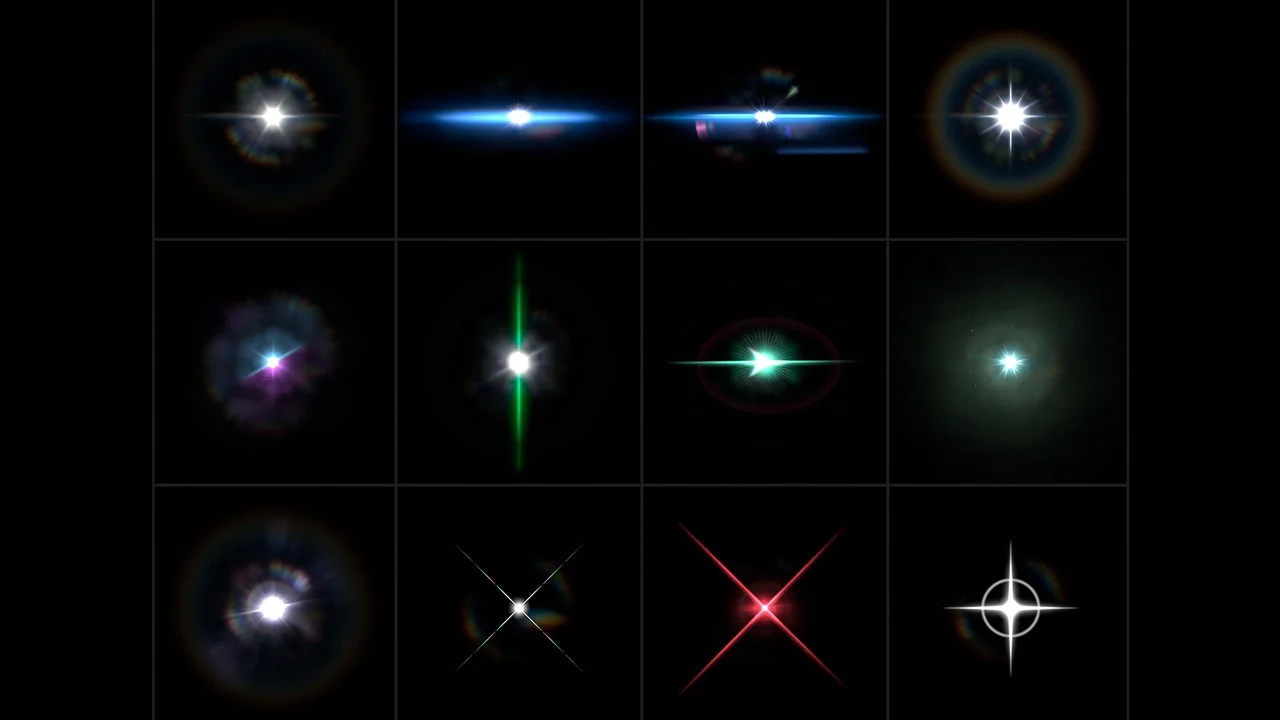
Realistic Bloom and Glare Effects
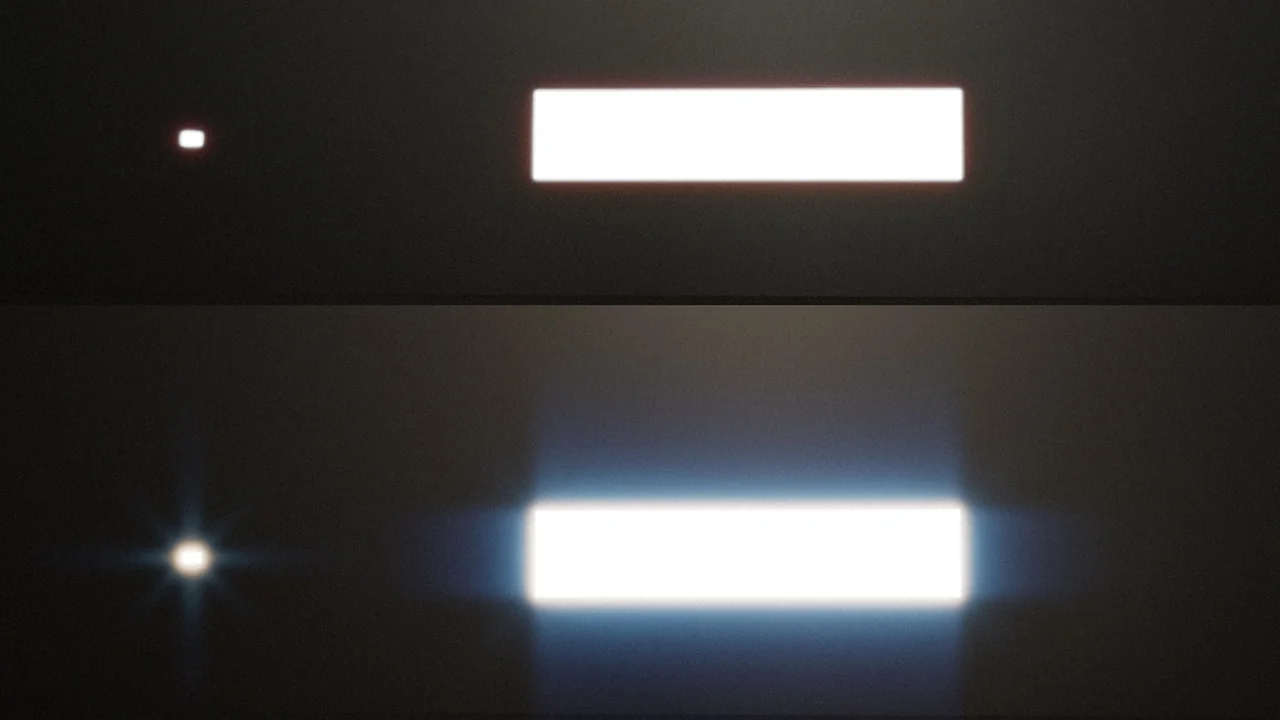
The Convolution Bloom Kernels Pack offers a sophisticated solution for developers looking to create beautiful bloom and glare effects. This system is built directly into Unreal Engine, utilizing the Convolution Bloom Kernel system. Consequently, you can now use real calculated bloom via convolution and Fast Fourier Transform (FFT). This approach replaces the need for traditional lens flare textures used as emissive planes.
How to Use the Convolution System
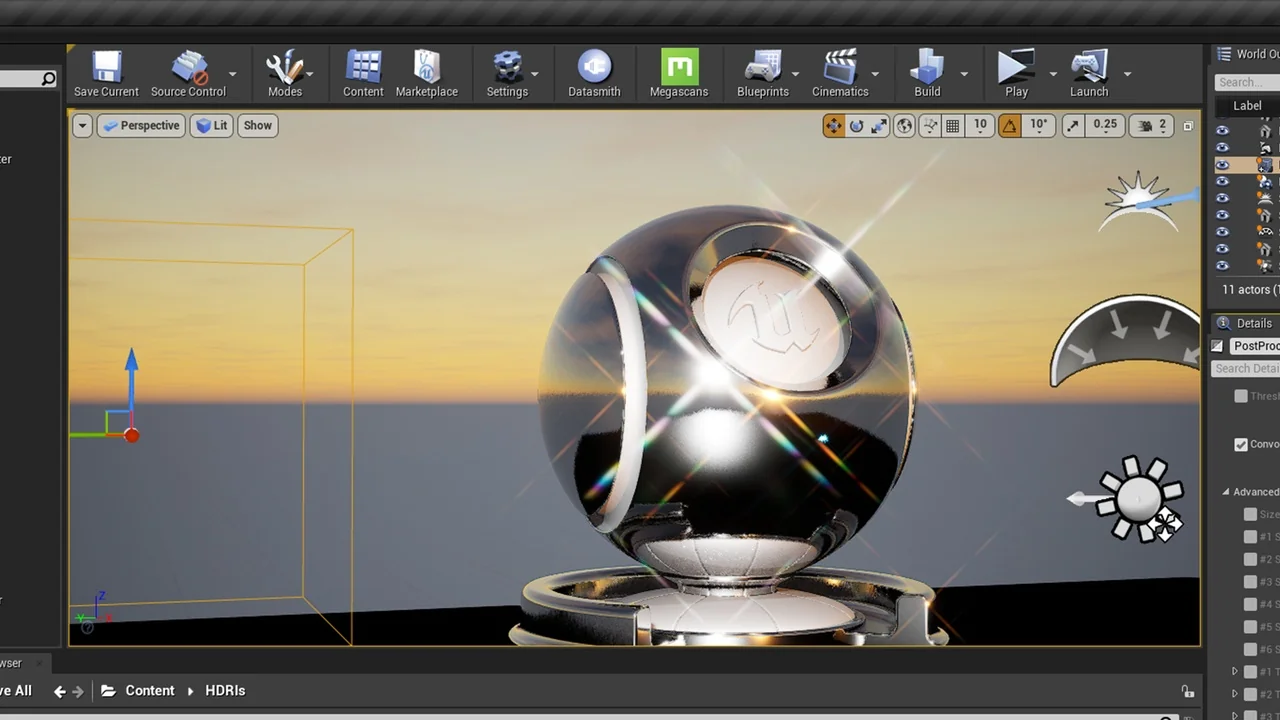
To begin using the Convolution Bloom Kernels Pack, you must first set the bloom type to convolution within your Post Process Volume (PPV). From this point forward, all standard bloom settings become obsolete. The creator recommends starting with the “Convolution Scale” set to 0.5. Furthermore, this pack includes kernels that are twice the size of the default version. Therefore, you have the flexibility to increase the scale significantly to achieve your specific visual goals.
Regarding the “Convolution Center” setting, every bloom kernel is already set perfectly in the center. Because of this, you do not need to adjust this value at all. Instead, focus on the boost settings to refine your look.
Mastering Boost and Intensity
The Convolution Boost Min, Max, and Multiplier are essential for controlling the Convolution Bloom Kernels Pack. If you set the multiplier to one, the system will not boost any pixel intensity before the bloom phase. Specifically, every pixel on the screen is boosted relative to its own luminance. However, it is generally better to adjust the Min and Multiplier values rather than changing the Max value.
- Convolution Boost Min: This typically works well between 0.2 and 2, though it is highly dependent on your scene lighting.
- Boost Multiplier: This value is usually set between 2 and 60.
- Highlight Compression: If you set the multiplier lower than 1, it reduces the intensity of selected brightness levels, acting similarly to highlight compression.
Professional Lighting Techniques
If you require a controlled singular point bloom highlight on a surface, the developer suggests using a very small sphere with an emissive texture. The final characteristics of the bloom are highly dependent on your specific scene lighting. Moreover, because this is a pixel-based effect, the screen size will also influence the final appearance.
The Convolution Bloom Kernels Pack has been updated to include full support for Unreal Engine 5.0. This update introduced two new kernels: Film Halation and Festive. Additionally, the developer tweaked the falloff of several kernels to ensure they are more usable in dim lighting situations.
Conclusion
The Convolution Bloom Kernels Pack provides a powerful alternative to standard bloom methods. By utilizing FFT calculations and specialized kernels, you can achieve a more cinematic and realistic lighting result. Whether you are aiming for subtle film halation or festive glares, these tools offer the precision needed for high-end visual development.
Screenshots & Gallery