Optimize Your Graph Workflow
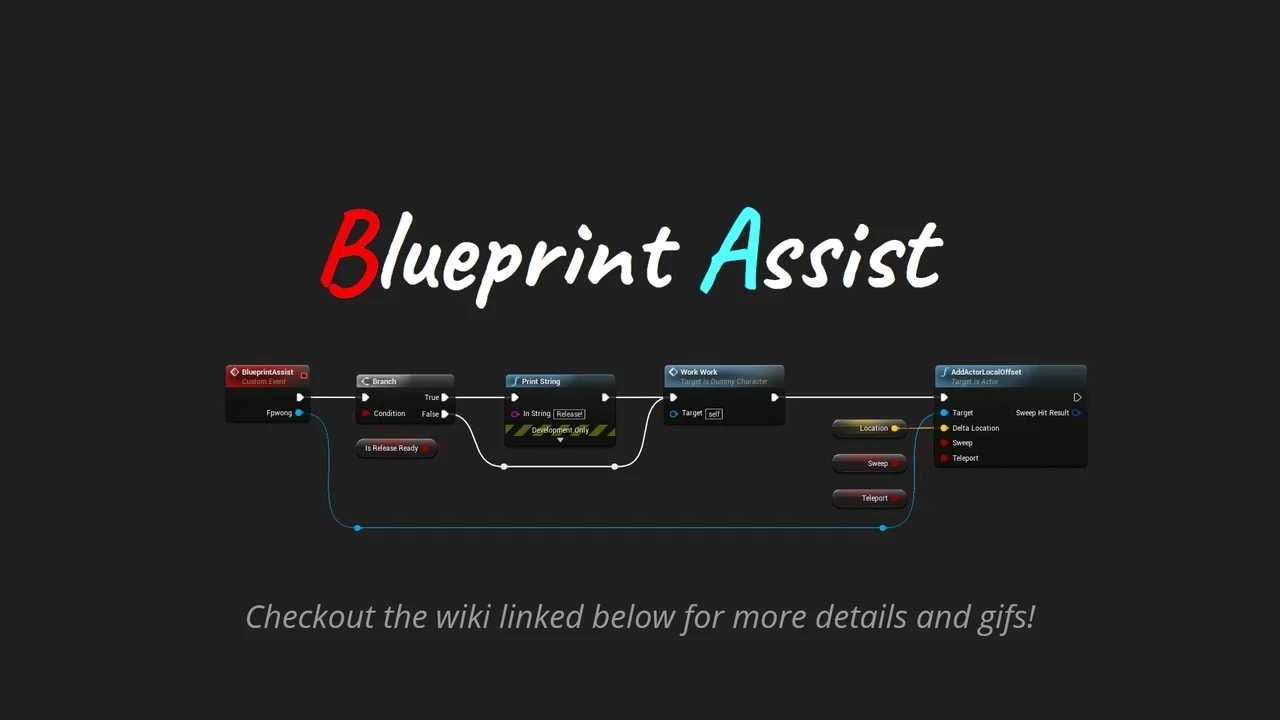
Blueprint Assist is a specialized plugin designed to enhance the efficiency of working within graph-based editors. It focuses on automating node organization to improve project readability. Furthermore, the tool introduces efficient ways to interact with the graph without relying solely on the mouse. Managing complex logic often results in messy layouts, but this plugin solves that problem through intelligent automation.
Automated Node Formatting
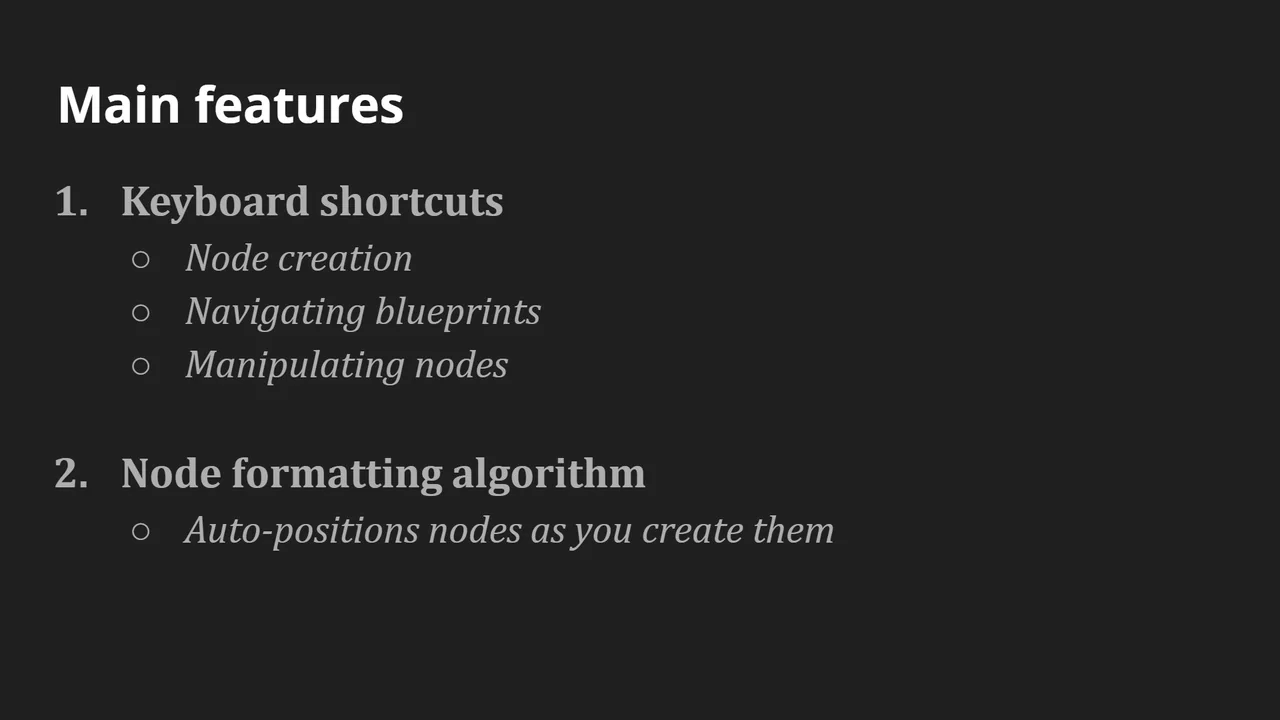
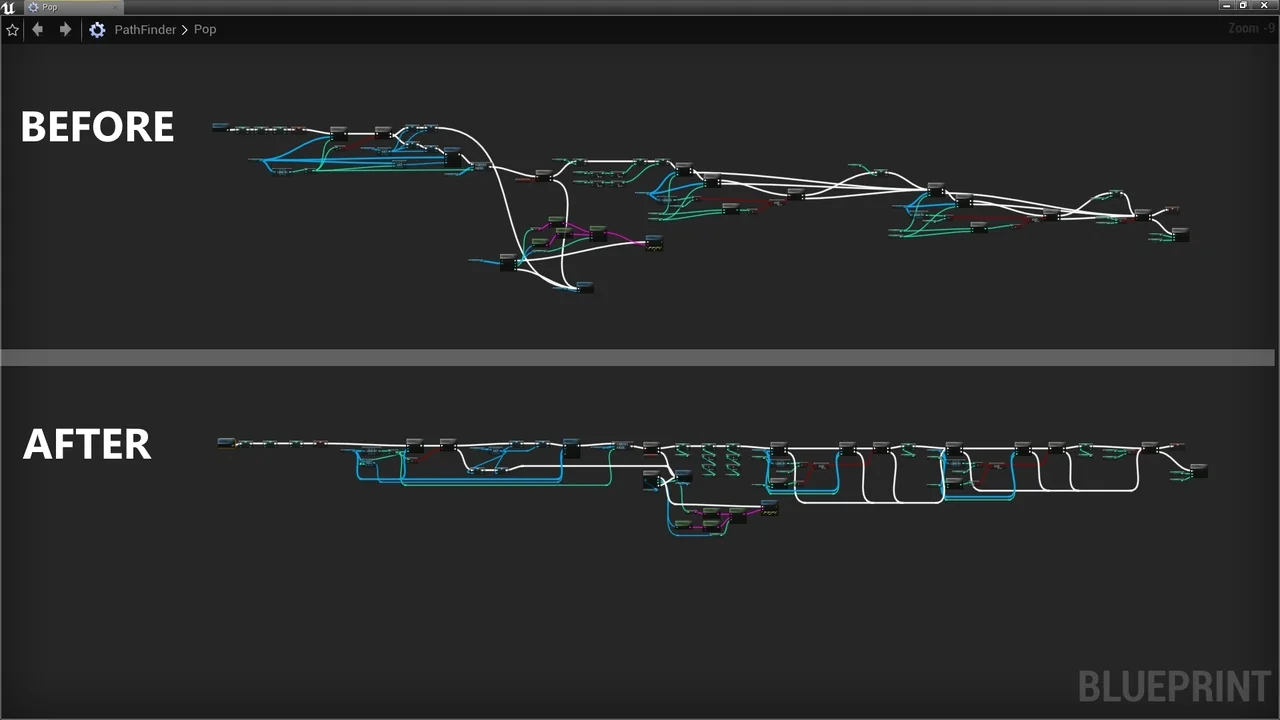
One of the core features of Blueprint Assist is the intelligent node formatting algorithm. Whenever a user places a node on the graph, the algorithm runs immediately. Therefore, your nodes stay positioned correctly as you build your logic. This feature ensures that complex graphs remain clean and easy to follow. Readable code is essential for long-term project maintenance, and this tool automates that process.
Enhanced Keyboard Shortcuts
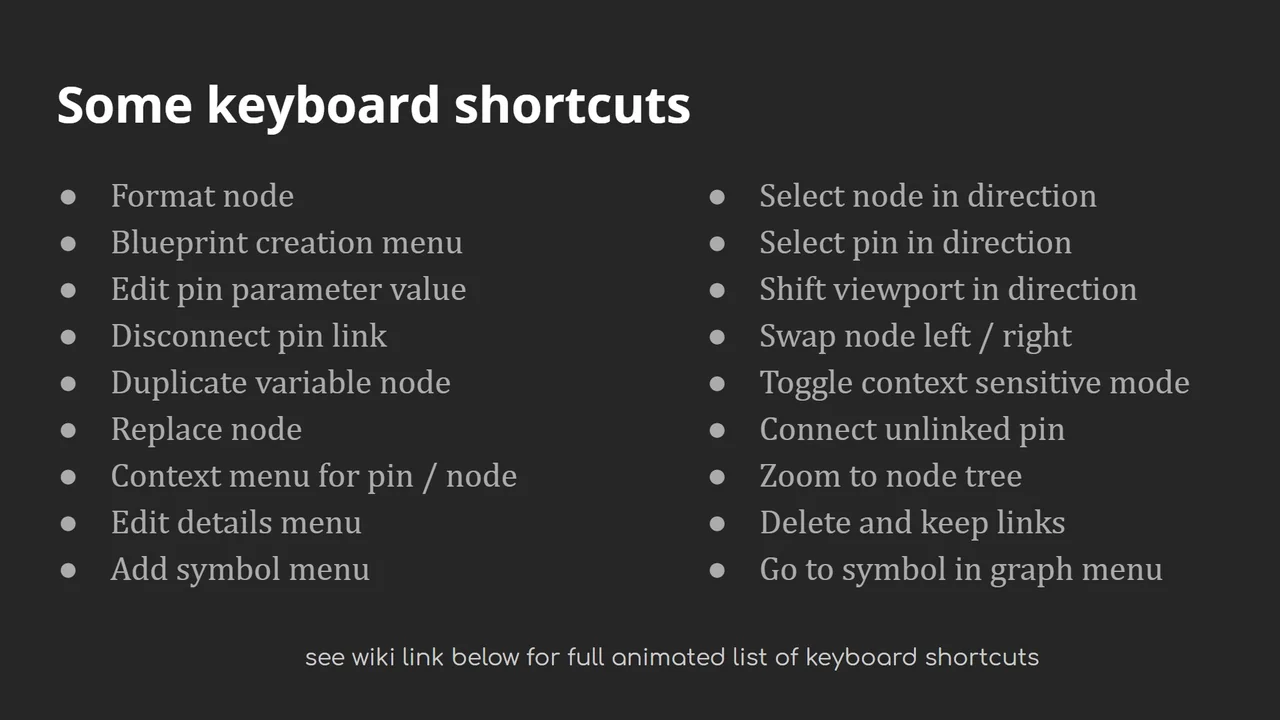
The plugin adds a wide range of keyboard shortcuts for node creation and modification. Previously, these functions were only accessible through mouse menus. Consequently, you can work faster without the constant need for right-clicking every time you want to add a node. This change streamlines the creative process significantly and reduces repetitive mouse movements.
Quality of Life Improvements
In addition to formatting, the plugin includes several quality of life features and functionality improvements. These additions aim to refine the overall user experience for developers. However, users should note that the plugin does not handle comment nodes directly. The creator suggests using a complementary tool to manage comment node resizing and organization. Combining these tools can lead to a highly optimized workspace.
Support and Documentation
The developer provides extensive documentation and changelogs for the tool to help users get started. If you encounter bugs or have specific feature requests, you can submit them via the community issue tracker. Additionally, general questions can be addressed through the dedicated forum page. Providing replication steps or screenshots can be greatly helpful when seeking assistance for formatting issues.
Conclusion
Blueprint Assist is a valuable asset for any developer seeking a more organized and efficient workspace. By automating layout and providing quick shortcuts, it significantly reduces manual effort. Consequently, developers can focus more on their logic and less on manual graph maintenance.
Screenshots & Gallery