Streamlined Menu Creation with Auto Settings
Auto Settings is a comprehensive and highly configurable game options and input binding toolkit for Unreal Engine. It supports a wide range of functionality that is standard in modern PC and console games. Because it is designed to be fast and simple, it enhances Unreal’s native systems for a painless integration process. Consequently, developers can focus on gameplay while this tool handles the complexities of the user interface.
Code-Free Integration and Workflow
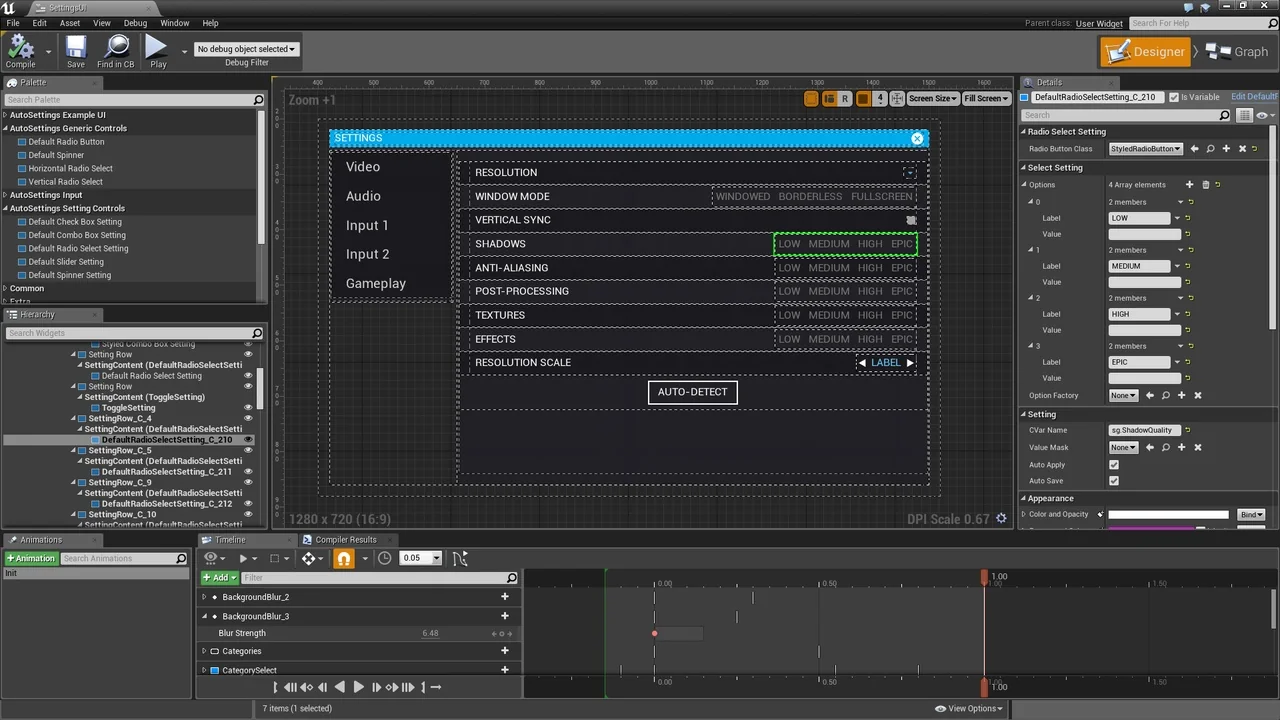
One of the most significant advantages of Auto Settings is its no-code approach. Creating complex settings and input binding menus requires no programming or blueprint nodes. Instead, you simply add the plugin to your project and place widgets directly into your UMG menus. Therefore, the setup process is accessible to designers and developers of all skill levels. The system is built to work seamlessly with existing projects without requiring major architectural changes.
Advanced Game Settings Management
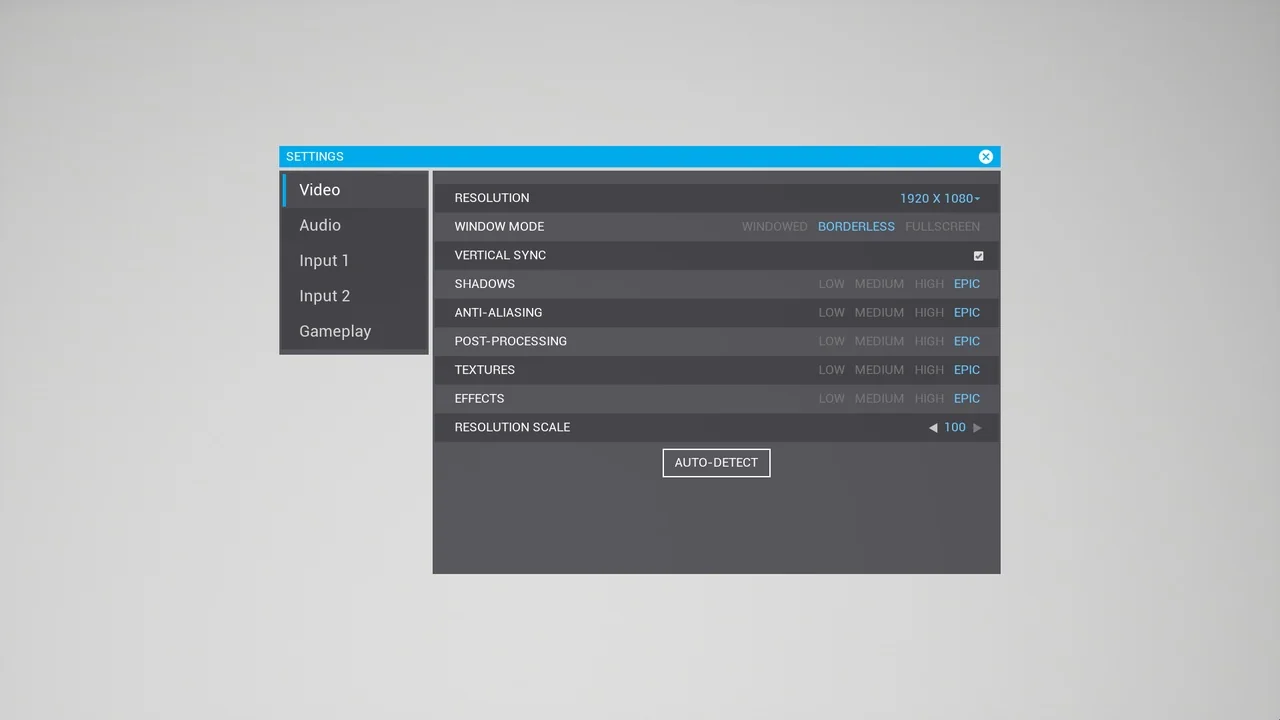
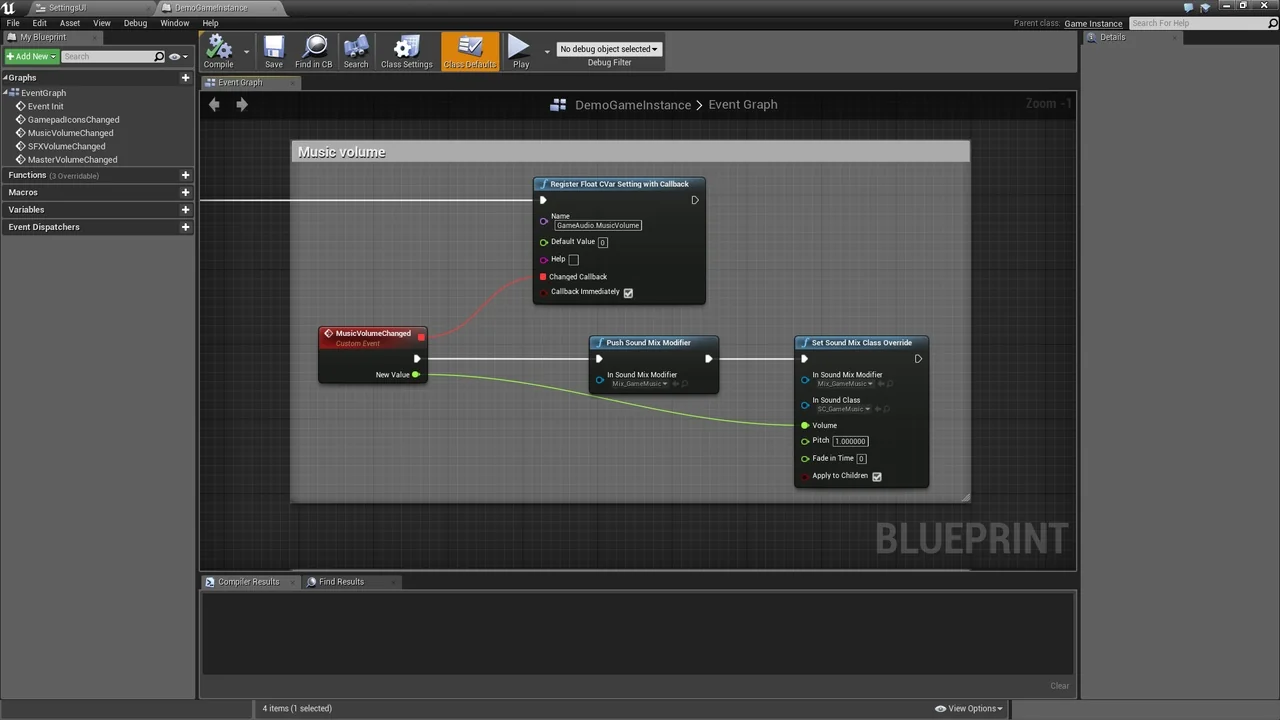
The toolkit allows you to turn any console command into a functional setting by dragging a widget into your UI. It utilizes Unreal’s built-in systems to load, save, and apply settings automatically. Furthermore, you can use hundreds of existing console variables or create your own via code or blueprints. This flexibility ensures that you can add specific settings that Unreal might not include by default. Users can choose to have settings apply automatically or require a button press for confirmation.
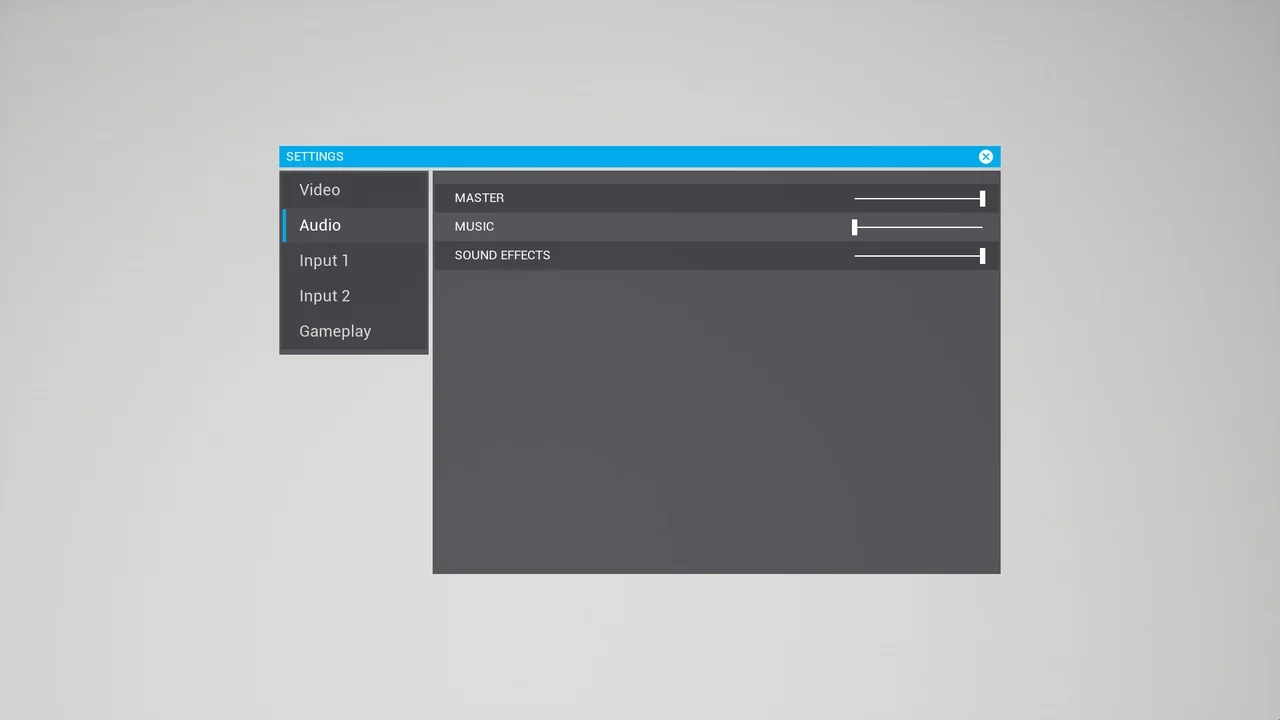
The plugin provides several flexible and restylable controls to fit your project’s needs, including:
- Radio Buttons and CheckBoxes
- Sliders and Spinners
- ComboBoxes
- Custom widgets for specific use cases
Robust Input Binding and Icon Systems
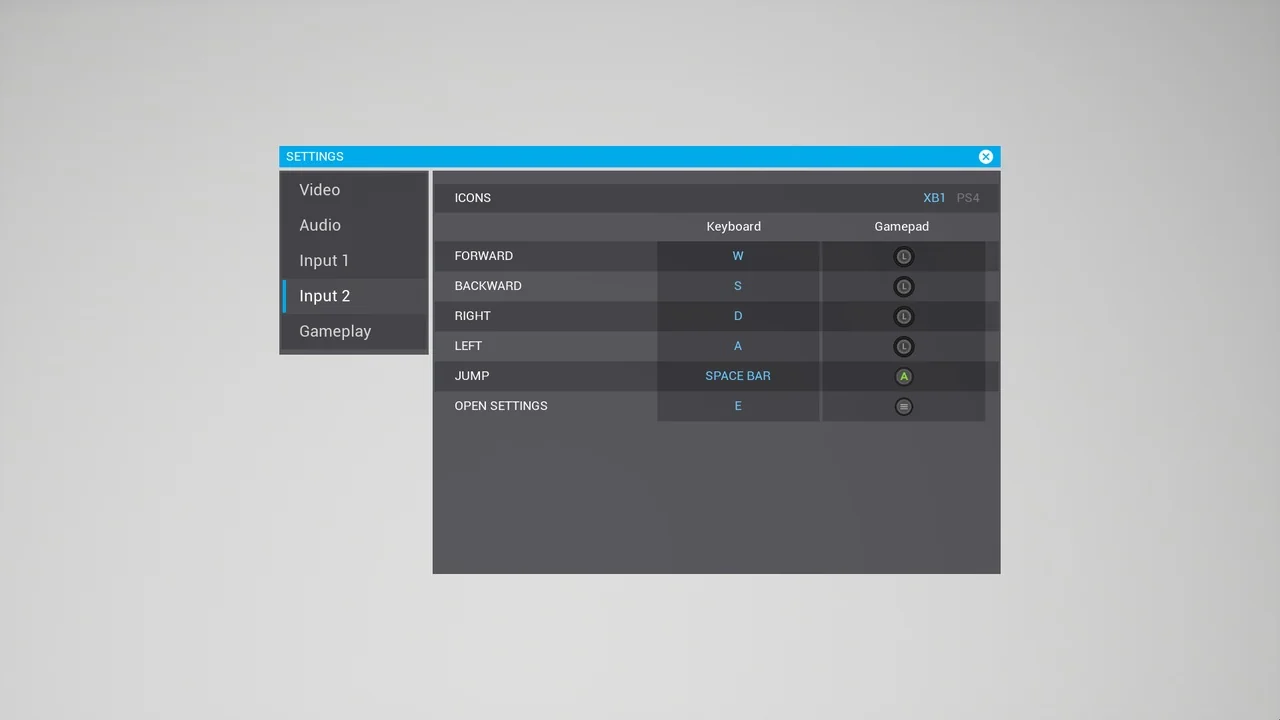
Input binding is a core feature of Auto Settings, leveraging Unreal’s native input system to maintain compatibility with your current setup. You can place widgets in your menu and assign them to specific actions or axes. Additionally, the system supports separate mappings per player and handles multiple bindings for the same action. It also allows for the separation of key groups, such as Keyboard and Gamepad, to provide a tailored user experience.
To enhance the visual quality of your menus, the developer included an elegant icon system. This feature allows you to display input icons instead of plain text throughout your project. You can easily switch between different icon sets, such as Xbox and PlayStation, or toggle between small and large variants. Moreover, the system includes whitelist and blacklist functionality for specific keys and supports modifier keys for advanced control schemes.
Conclusion
Auto Settings offers a powerful solution for developers looking to implement professional game menus quickly. By automating the saving and loading processes and providing a no-code widget system, it reduces development time significantly. Whether you are managing complex input bindings or simple graphical toggles, this toolkit provides the necessary flexibility for modern game development.
Screenshots & Gallery