Simplified Outlining for 3D Assets
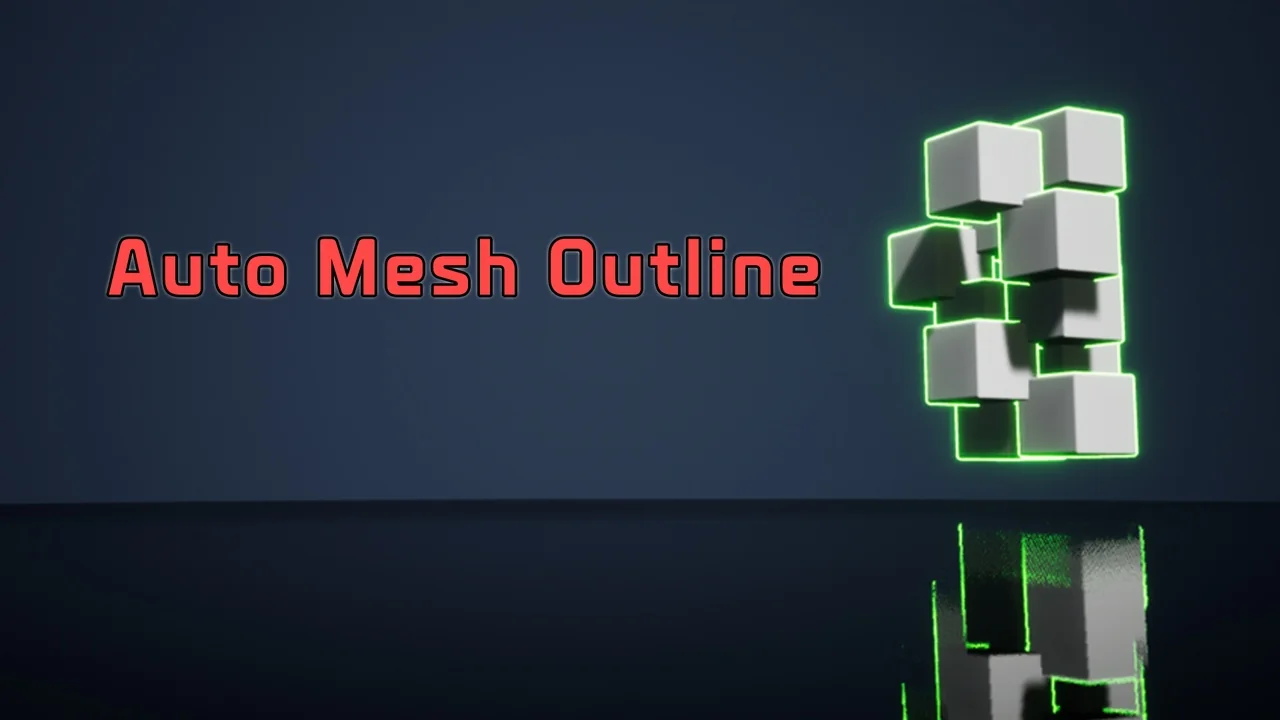
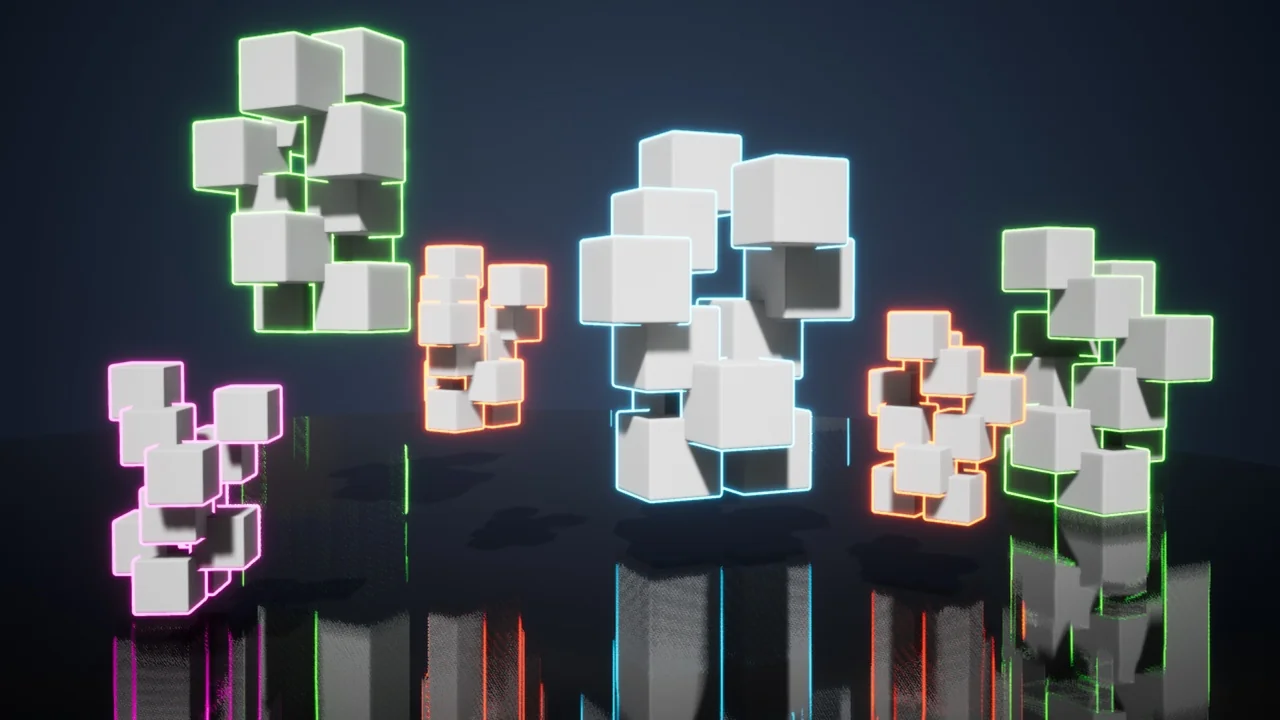
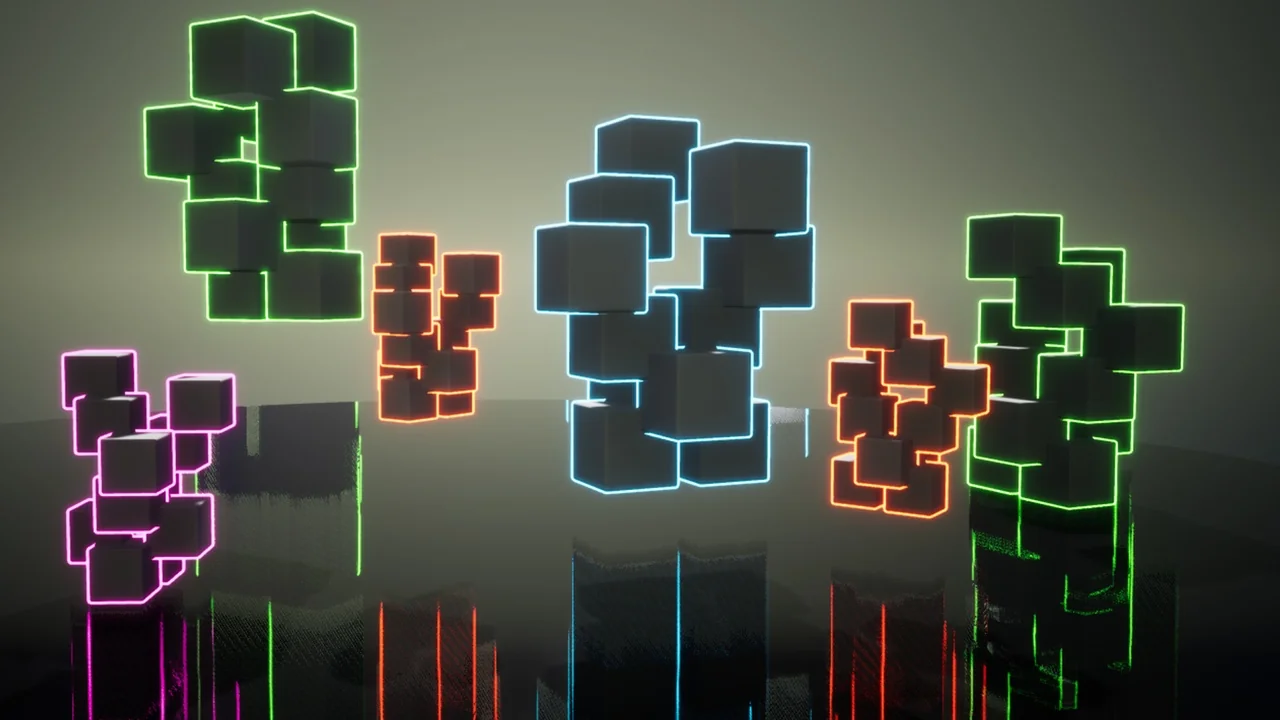
Auto Mesh Outline provides a streamlined solution for developers looking to implement visual outlines on their 3D models. By utilizing component tags, this tool automates the process of applying various outline styles to meshes. This approach simplifies the workflow for artists and programmers alike. Consequently, users can achieve consistent visual results without manual application for every object.
Efficient Outline Management via Tags
The core functionality of the Auto Mesh Outline system revolves around its tag-based architecture. You can automatically add different types of outlines simply by assigning specific component tags. This method allows for rapid iteration across diverse assets. Moreover, it ensures that the outlining process remains organized within complex project hierarchies. Therefore, managing visual styles becomes a more efficient task.
Support for Multi-Part Character Meshes
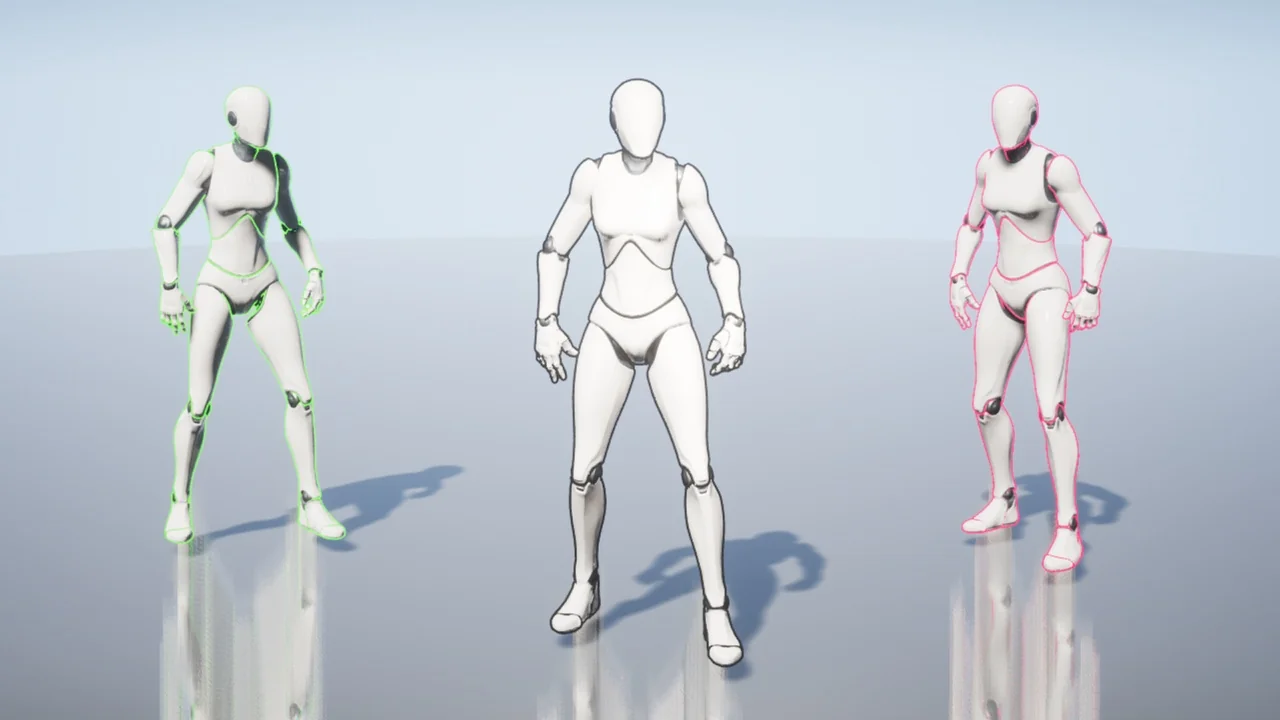
This tool is particularly useful for multi-part character mesh outlines. Characters in modern games often consist of several independent components. Auto Mesh Outline handles these parts effectively to create a unified look. Additionally, the system is designed to handle changes that occur during active gameplay.
Dynamic Runtime Updates
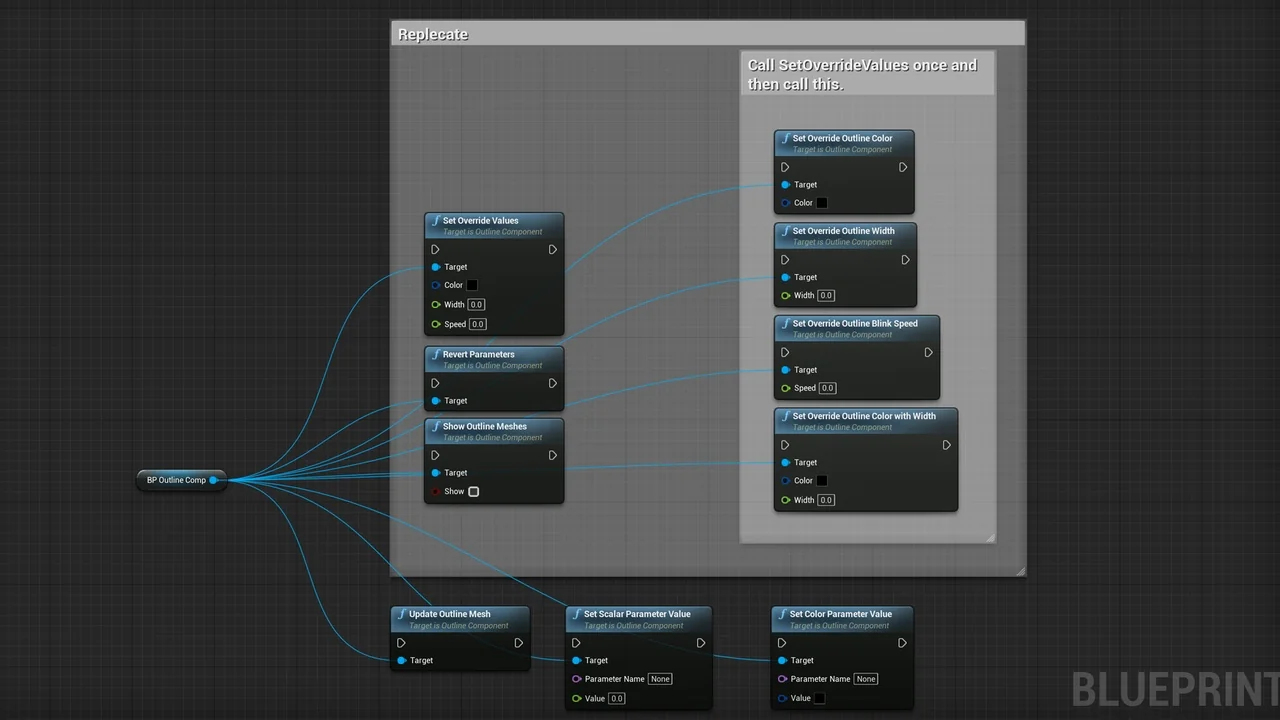
When mesh parts change at runtime, maintaining the visual outline is essential. The developer included a specific “update outline” function to address this need. By calling this function, the system automatically applies the outline to the mesh. However, users should note that the tool does not support changing component tags during runtime. Therefore, tags should be established before the application begins its execution.
Network Compatibility and Customization
For developers working on multiplayer projects, Auto Mesh Outline supports network environments. This ensures that visual outlines function correctly across different client instances. Furthermore, users can easily change the outline properties to match their specific aesthetic requirements. This flexibility allows for a high degree of visual customization. Consequently, the tool adapts well to various art styles and project needs.
Version 1.1 and Dissolve Samples
The creator has continued to improve the tool with the release of Version 1.1. This update introduces a dissolve sample to the package. This addition provides a practical example of how the outline system can be integrated with other effects. It serves as a useful reference for developers looking to expand their visual toolkit.
Conclusion
Auto Mesh Outline offers a robust set of features for managing mesh visuals. From its tag-based application to its runtime update function, it provides a professional solution for 3D outlining. With network support and customizable properties, it remains a versatile choice for complex character meshes and dynamic environments.
Screenshots & Gallery