Author: Karl

Artificial Intelligence
Karl

Hierarchical Task Network Planning AI

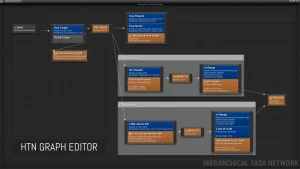
Just like with Behavior Trees, you can easily create Tasks, Decorators, and Services from either C++ or Blueprints, and arrange them in a visual graph editor. The HTN planner uses Blackboard data to store knowledge about possible future worldstates. Nodes check and modify values in the worldstate during planning, which

Read More »
Engine Tools
Karl

rdLODtools

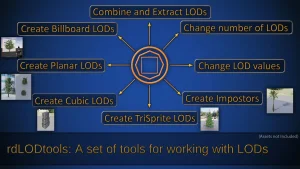
A tordLODtools is a UE plugin that resides in the Static Mesh Editor. It allows you to easily create Billboard, Planar, Cubic, TriSprite and Impostor LODs. Billboard LODs can have up to 64 frames in a FlipBook giving a full, 360 degree view (or a range) of the mesh in just 2

Read More »
Engine Tools
Karl

Stereo Panoramic Player

360 Stereo Panoramic Player is a runtime plugin to show and interact with 360° panoramic images and videos, supporting both mono and stereo sources. It offers an high-level actor (Panoramic Director), to quickly assemble an interactive panoramic 360 Virtual Tour, and a low-level actor (Panoramic Sphere) to allow a programmatic

Read More »
Engine Tools
Karl

Make Modular Skeletal Mesh

With Make Modular Skeleton Mesh Subsystem, you can effortlessly modify, extract, and combine parts of skeletal meshes directly within the UE editor, streamlining your asset creation process and unleashing new levels of creativity. Click here to view the full details of the resource.:URL Click the button below to download.  Download:

Read More »
Procedural Systems
Karl

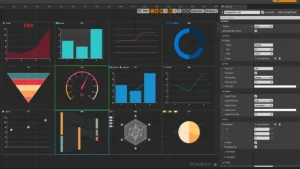
SimpleCharts

This can be an easy to use chart plugin. You can use it completely through UMG, or you can use blueprints to update the chart at runtime. This plug-in cannot be used with the WebBrowser. (Now it supports nearly 4.27 compatible with WebBrowser.)If you need to use Web browser, plug-in

Read More »
Login