Direct Animation Playback Without Controller Overhead
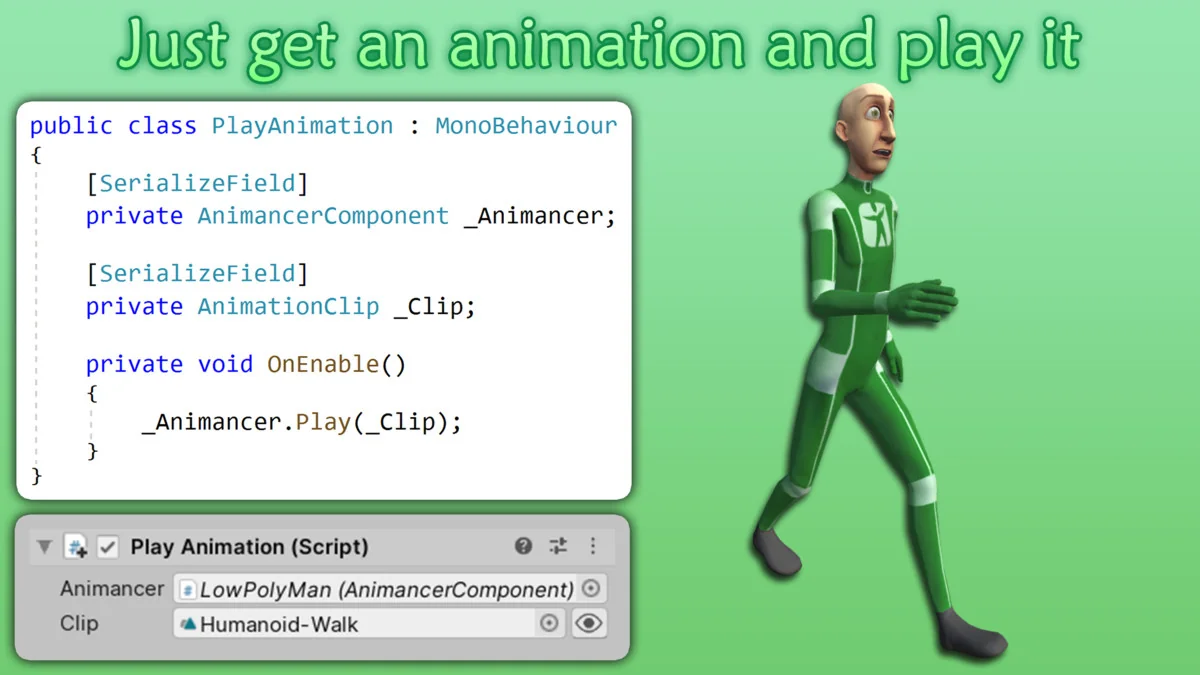
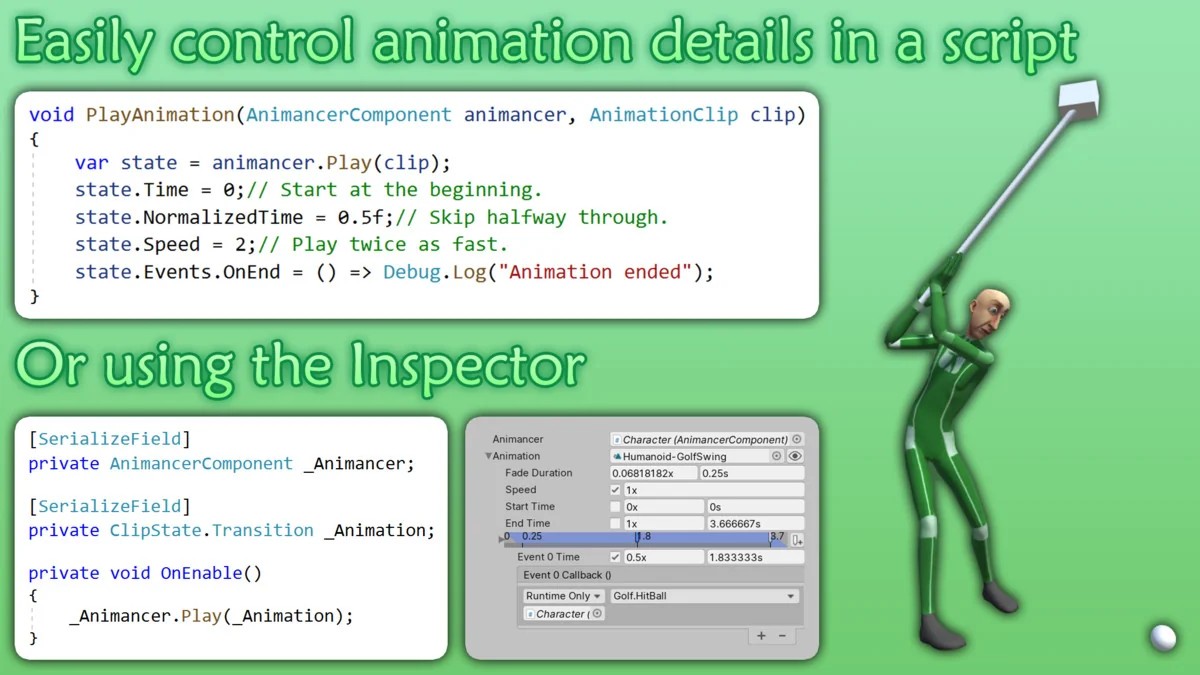
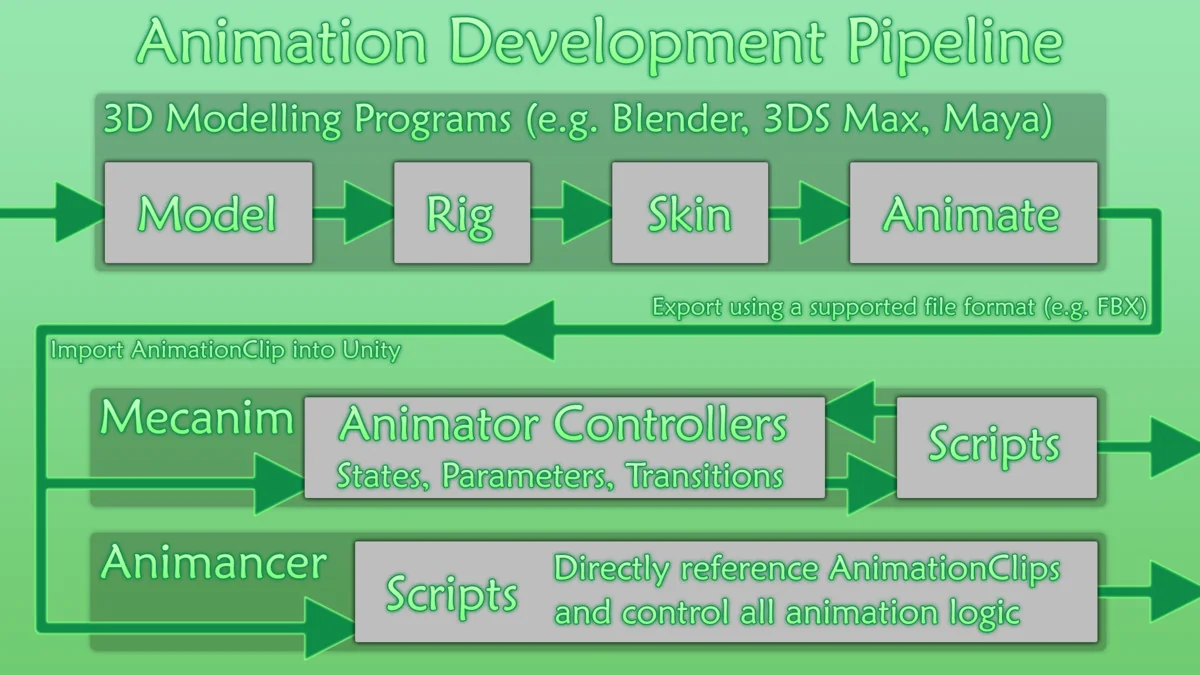
Animancer Pro v8 provides a streamlined approach to Unity animation by allowing developers to play animations on-demand. Unlike the traditional workflow that relies heavily on Animator Controllers and complex state machine graphs, this tool enables direct control over animation details through code. By calling a simple command such as animancer.Play(clip), the developer can trigger animations without the need for the extensive setup steps usually required by the built-in Unity system.
This architecture is designed to address the common limitations found in Animator Controllers, such as the reliance on “Magic Strings” and rigid transition structures. Animancer can either replace these controllers entirely or work in tandem with them, offering flexibility across various stages of development. For those working on projects ranging from simple prototypes to complex, high-fidelity systems, the ability to bypass or supplement the standard Animator Controller can significantly reduce the friction associated with maintaining and debugging animation logic.
Workflow Efficiency and State Management
The tool introduces several features aimed at simplifying the management of animation timing and sequencing. Through the “Easy Waiting” system, developers can register an End Event or use a Coroutine to yield return an AnimancerState. This allows the logic to pause until an animation has finished playing, eliminating the need for manual timers or complex callback chains.
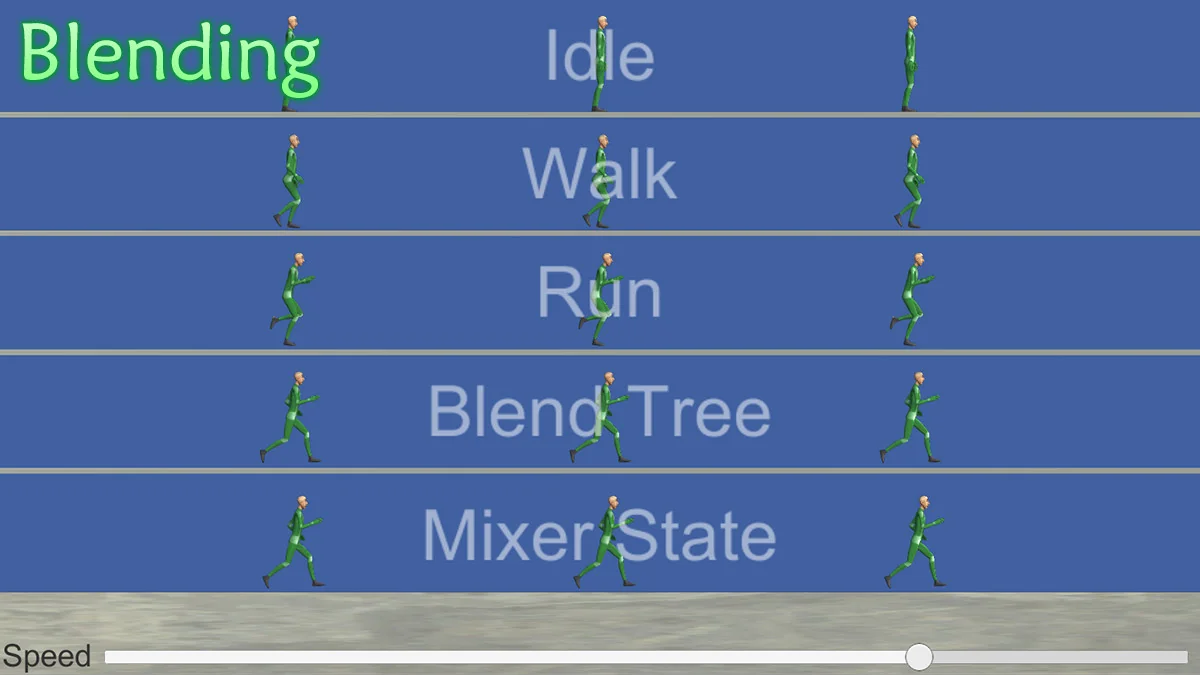
To ensure movement remains fluid, Animancer supports smooth transitions. These transitions can blend between animations over time using either linear interpolation or custom curves, providing fine-grained control over how a character or object shifts between states. This level of control is particularly useful for maintaining visual fidelity during rapid state changes or complex movement sets.
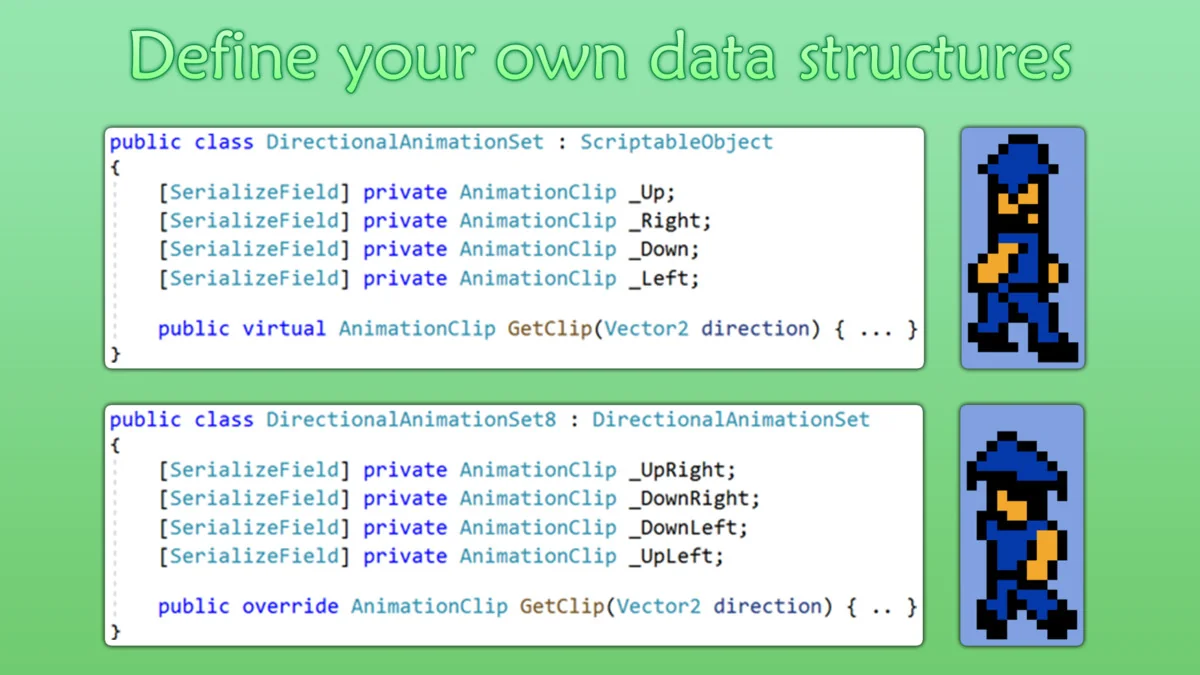
Organization is handled through flexible data structures. Rather than managing a massive graph of interconnected nodes, animations can be organized into arrays or Scriptable Objects. This programmatic approach makes the animation data more accessible and easier to manage as a project scales, ensuring that references remain clear and type-safe.
Integrated Finite State Machines and Live Debugging
Included with the package is a Finite State Machine (FSM) system. While this system is entirely separate from the core animation logic, it is designed to work seamlessly with it. The FSM is flexible, allowing developers to modify it or swap it out for a different state machine system if the project requires a specific logic structure. This separation of concerns ensures that the animation layer remains focused on playback and blending, while the FSM handles the higher-level behavioral logic.
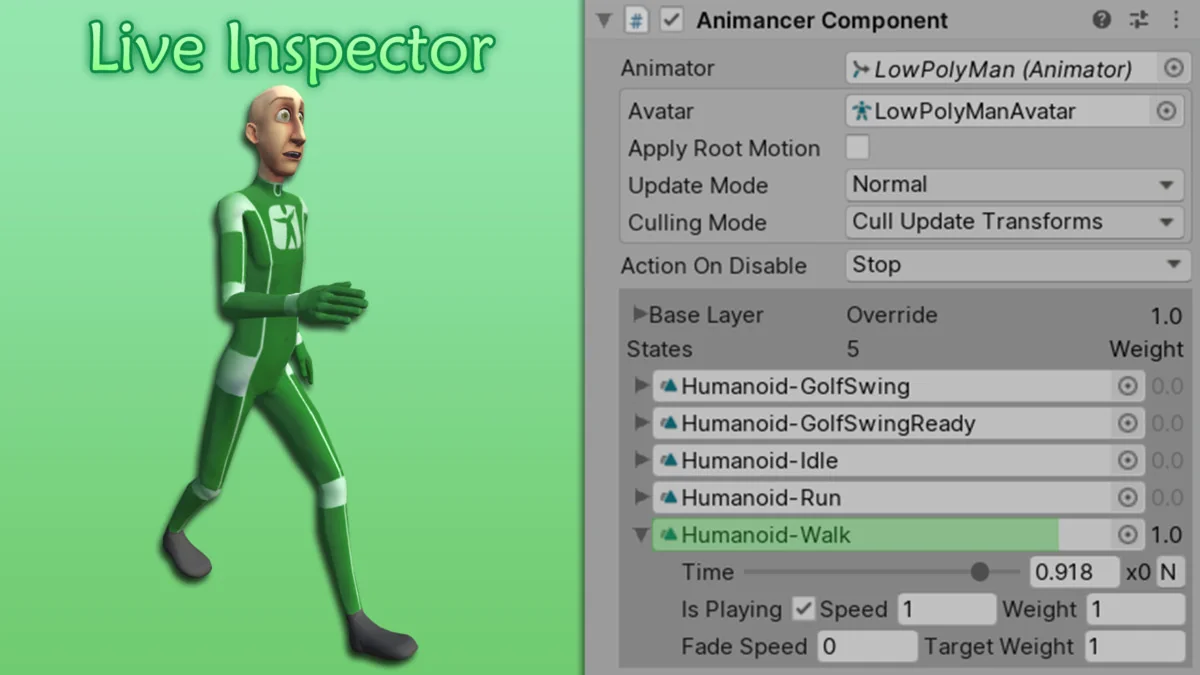
For debugging and testing, the tool features a Live Inspector. This allows the developer to view the real-time details of active animations directly within the Unity Inspector. Manual controls are available for testing specific animation states and values on the fly, which helps in identifying issues without having to constantly restart the play mode or navigate through complex controller layers.
Compatibility and Technical Support
Animancer Pro v8 is compatible with Unity 2022.3 or newer. It is designed to integrate smoothly with existing plugins and supports a wide range of standard Unity animation features, including:
- Humanoid Animation Retargeting and Generic Rigs
- Sprite-based animations
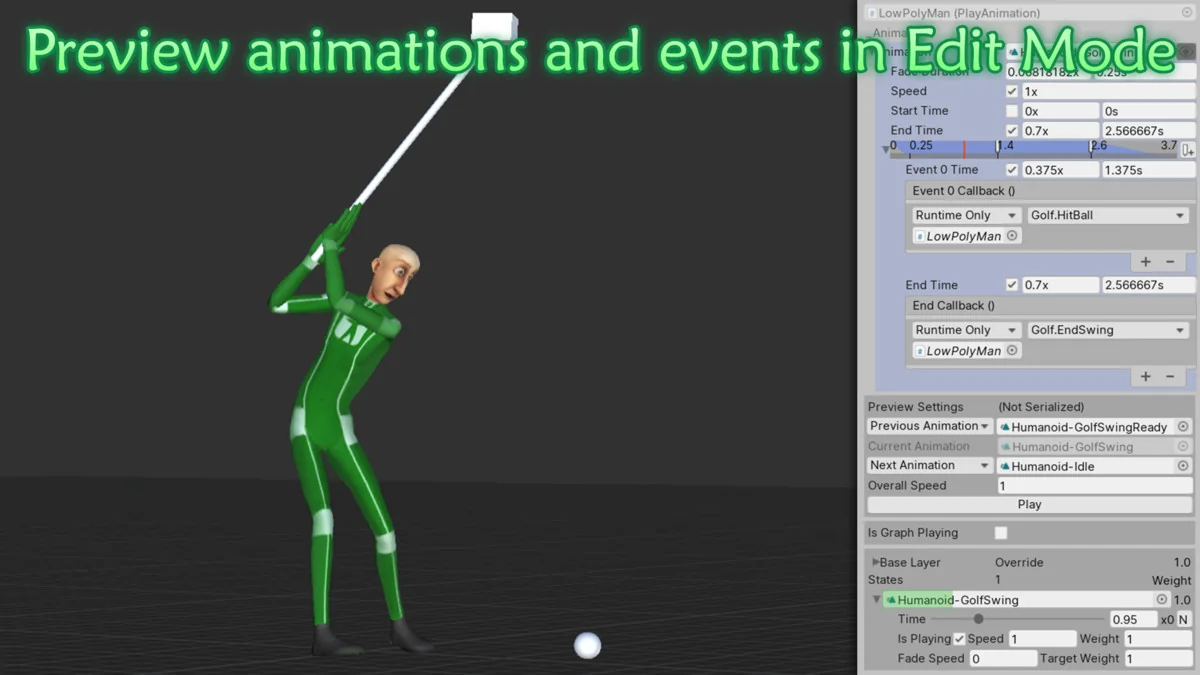
- Root Motion and Animation Events
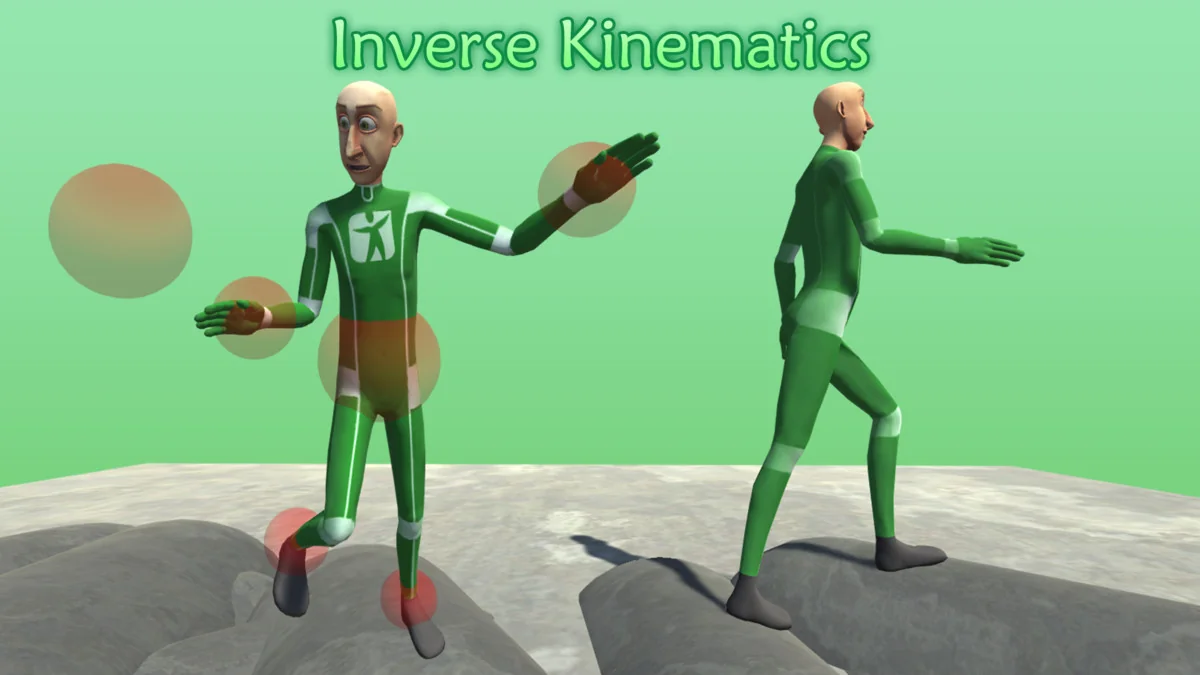
- Inverse Kinematics (IK)
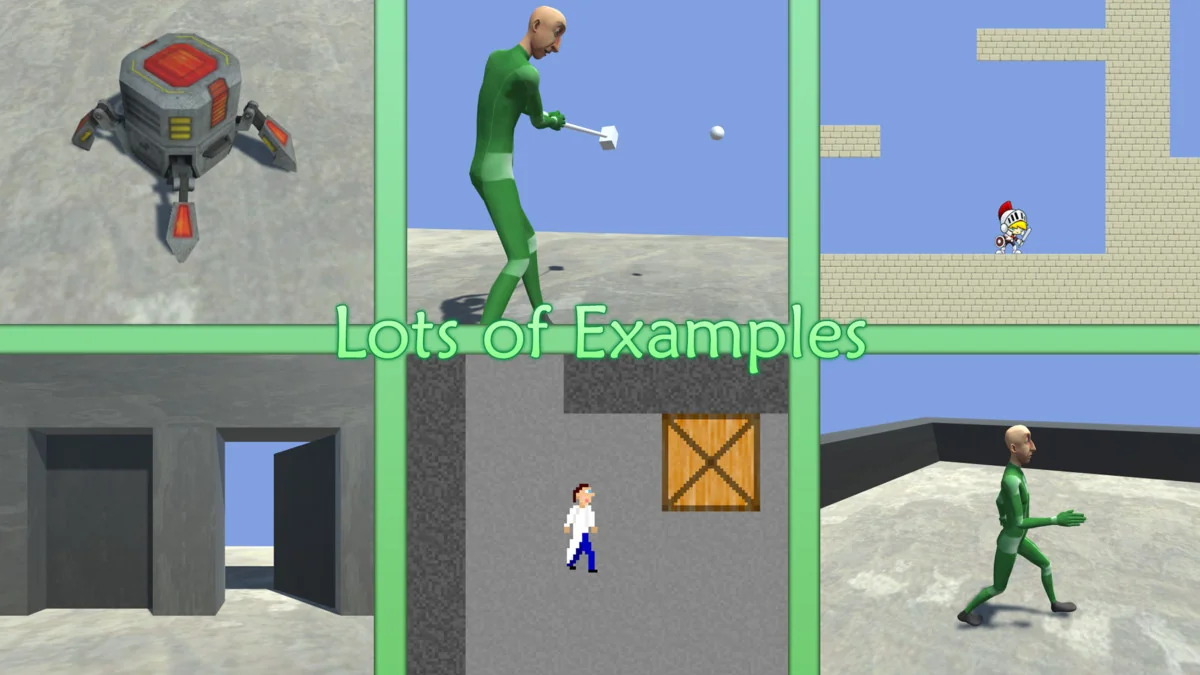
Performance is a core consideration, and while the tool can be more efficient than traditional systems, the developer notes that the performance difference is often negligible in standard use cases. For those beginning their work with the tool, a variety of samples are included to demonstrate core concepts. These range from basic implementation examples to the Platformer Game Kit, which showcases how the system functions within a complex, multi-layered environment. Additionally, an extensive User Manual and an introduction to C# in Unity are provided to support both experienced programmers and those new to the engine.
Preview Images
Protected download
Access this resource
All resources are 100% manually reviewed to eliminate all risks.