Animation Management through Scriptable Architecture
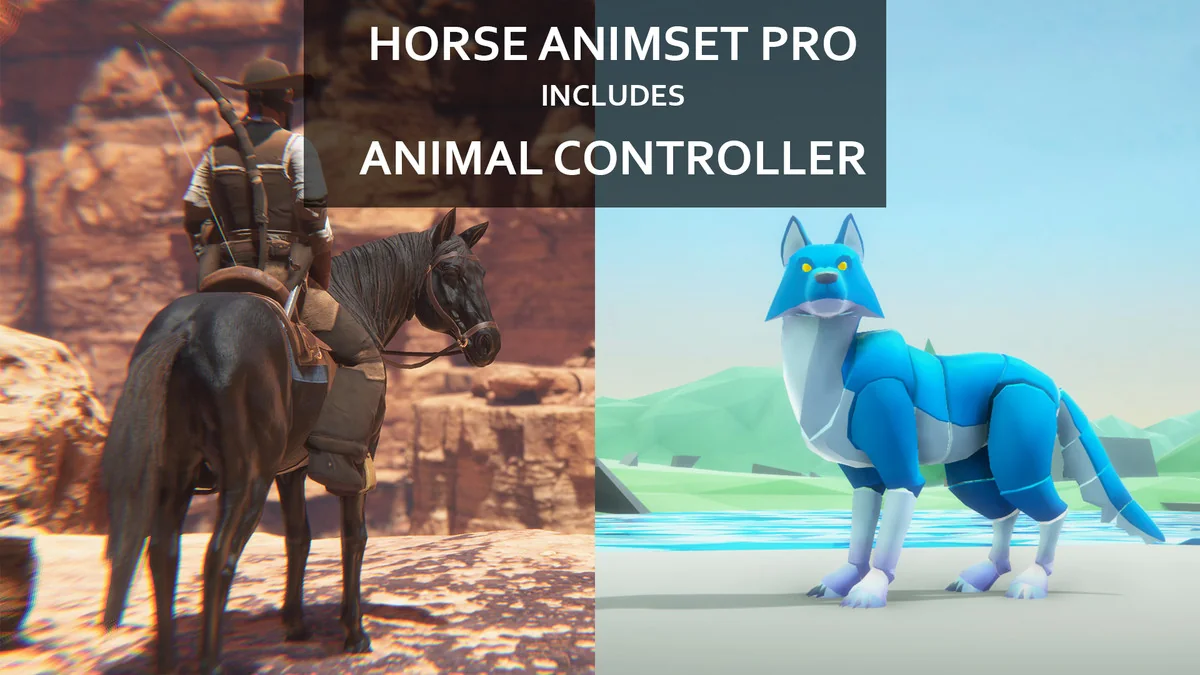
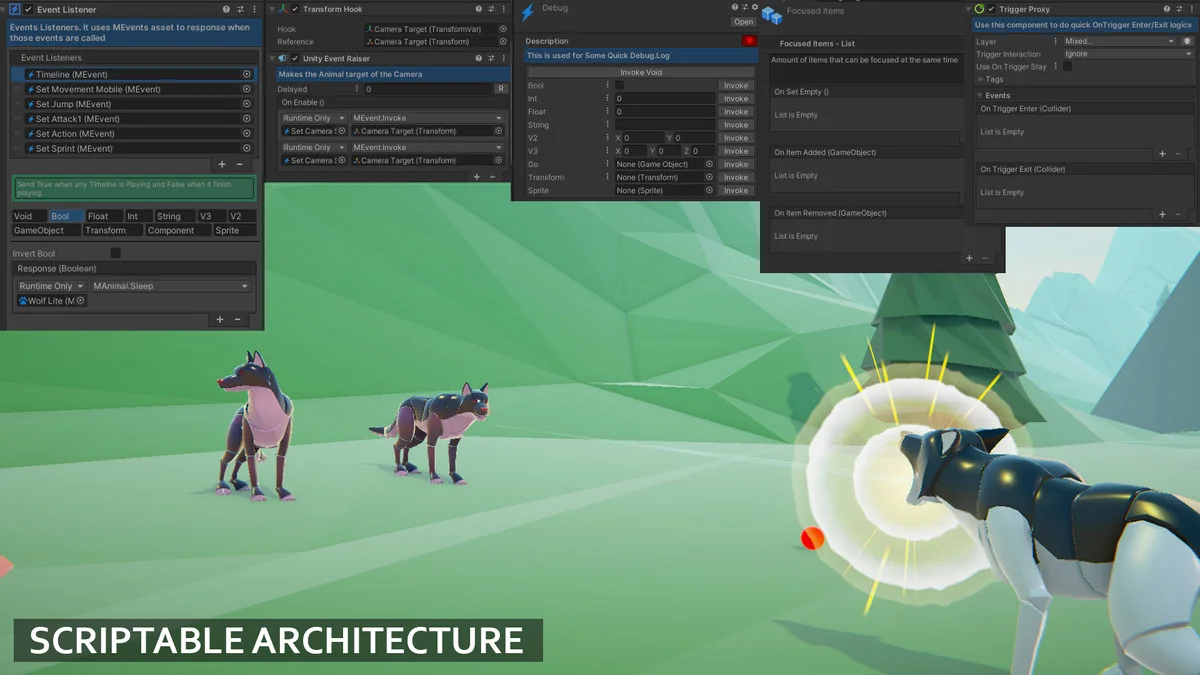
The Animal Controller (AC) is an animation framework designed to handle the complex locomotion and action needs of creatures and humanoid characters within Unity. Rather than acting as a rigid, hard-coded solution, it is built on a Scriptable Architecture that allows developers to add or remove modular features based on the specific requirements of a character. This approach supports both root-motion and in-place animation styles, making it adaptable to different movement philosophies and project scales.
The system is designed to function as a foundation for any asset in the Unity Asset Store, though it is natively the base controller for the developer’s broader ecosystem of character tools. The framework is intended to eliminate the need for custom coding for standard character behaviors, providing over 100 internal tools to manage various gameplay situations.
The Triad of States, Modes, and Stances
The core logic of the Animal Controller is organized into three distinct categories that dictate how a character moves and interacts with the environment. Understanding these categories is essential for configuring character behavior without logic conflicts.
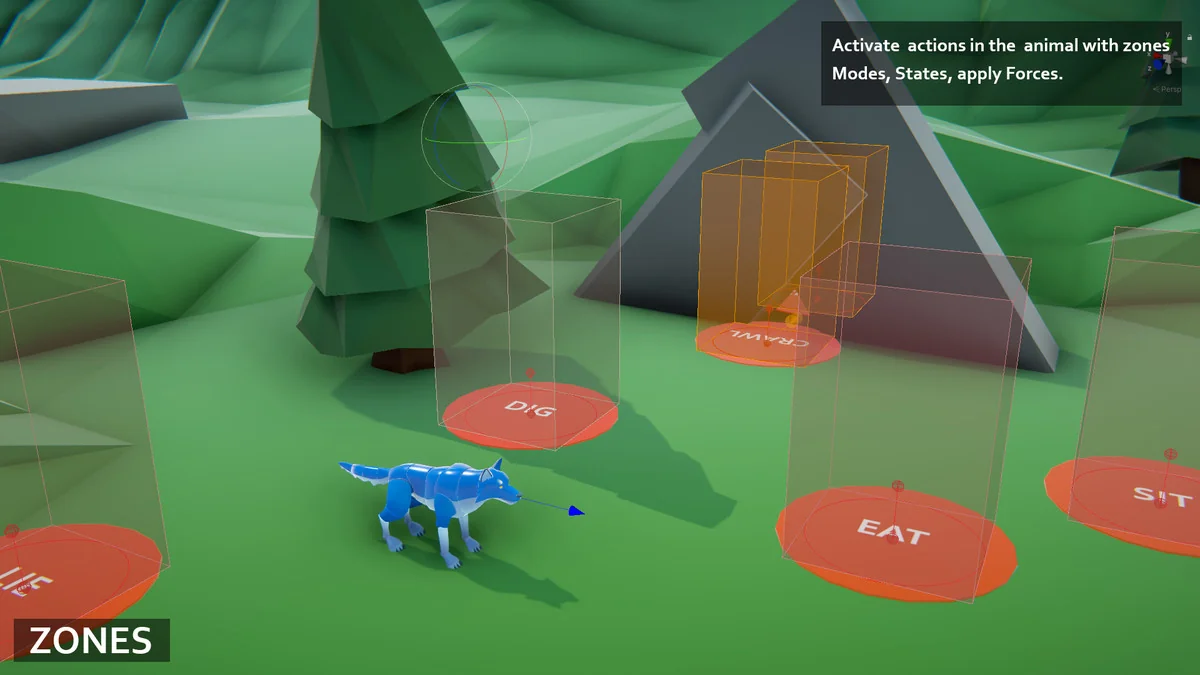
- States: These represent the primary logic of the character and are mutually exclusive. A character cannot occupy two states at once. Examples include Locomotion, Idle, Jump, Fall, Fly, Swim, Climb, Glide, and Death. Because you cannot swim and fly simultaneously, the state system ensures that only one set of movement logic is active at any given time.
- Modes: These are animations that can trigger regardless of the current state. They allow for actions like attacking or emotes to play while the character is running, flying, or swimming. This additive layer handles combat hits, secondary attacks, and environmental interactions without interrupting the underlying movement logic.
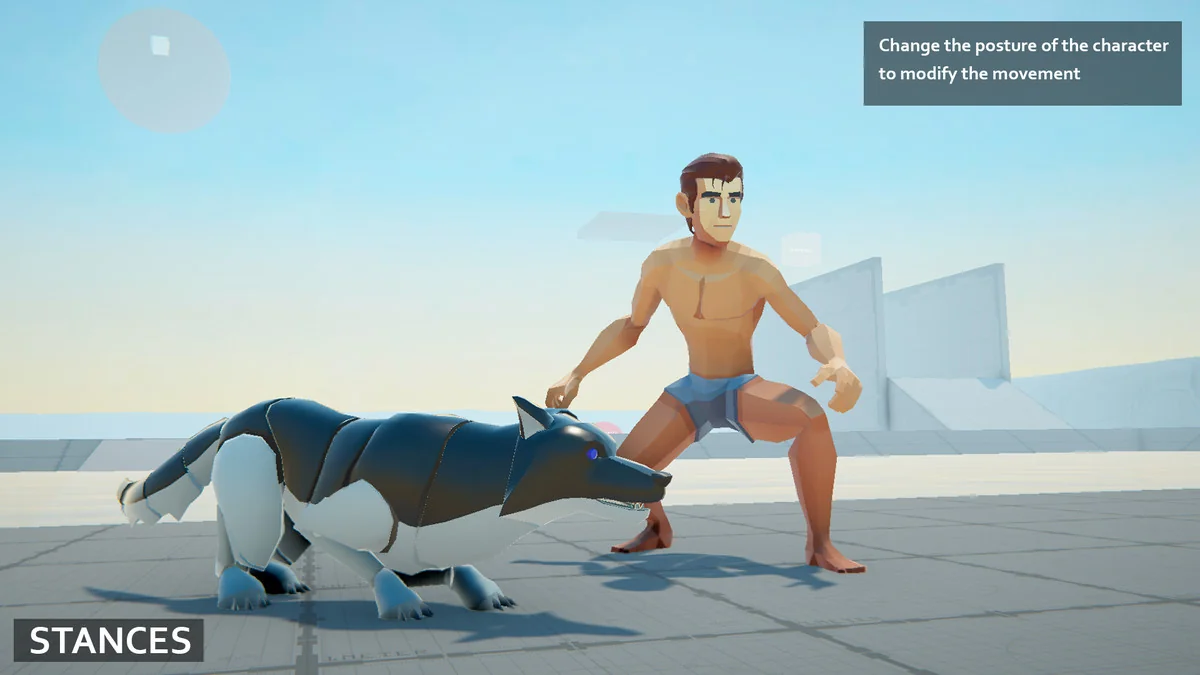
- Stances: These act as modifiers to the existing states. A stance changes the aesthetic or technical execution of an animation. For instance, a character might have a standard walk, but a “wounded” or “crouched” stance will modify that walk to reflect the character’s status without needing a completely separate state logic.
Extensibility and Modular Addons
While the core framework handles movement and basic interaction, the system is built to be expanded via specific modules. These addons allow for specialized gameplay mechanics to be plugged into the controller. Available extensions include systems for inventory management, fishing, and multiplayer support via Fishnet. For projects requiring verticality, developers can integrate advanced climbing, wall jumping, sliding, and pole climbing mechanics. Other physical interactions like pushing and pulling objects, rope hook mechanics, and balance systems are also supported through this modular approach. For those utilizing AI, the framework includes specific integration for Behaviour Designer.
Technical Requirements and Setup
The Animal Controller is compatible with Unity 6 and requires specific package dependencies to function correctly. Depending on the version of Unity being used, it utilizes either Cinemachine 2 (for Unity 2022) or Cinemachine 3 (for Unity 6). Additionally, the framework relies on the Unity Input System for handling character controls. When upgrading the asset, the developer recommends backing up projects and removing the common folder to ensure a clean reimport if script errors occur.
By compartmentalizing movement into exclusive states and overlaying them with modes and stances, the framework provides a structured way to build complex characters that remain easy to customize and expand throughout development.
Project Screenshots
Protected download
Access this resource
All resources are 100% manually reviewed to eliminate all risks.