Geometric cutouts instead of a flat fade
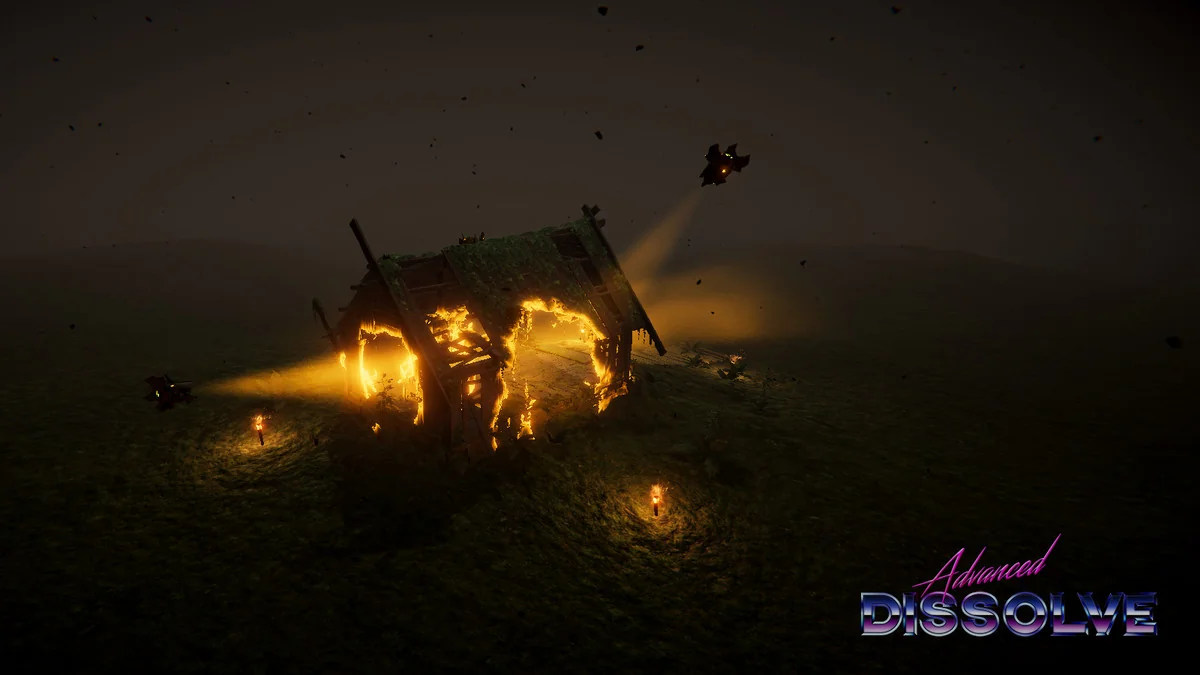
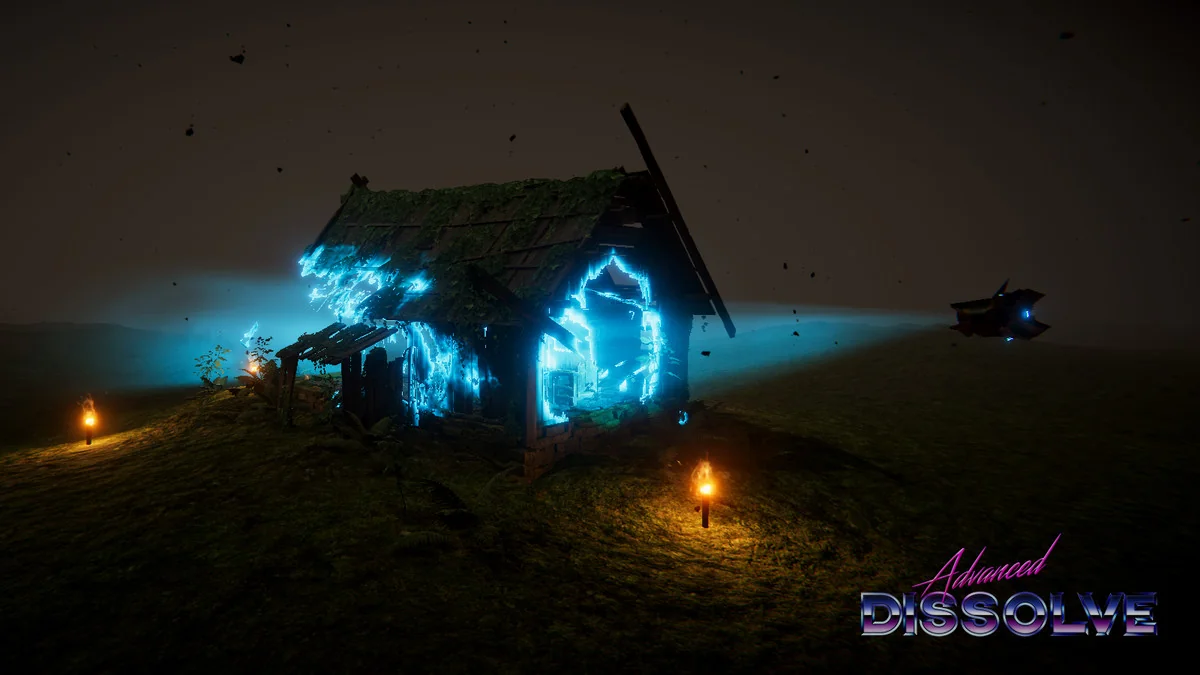
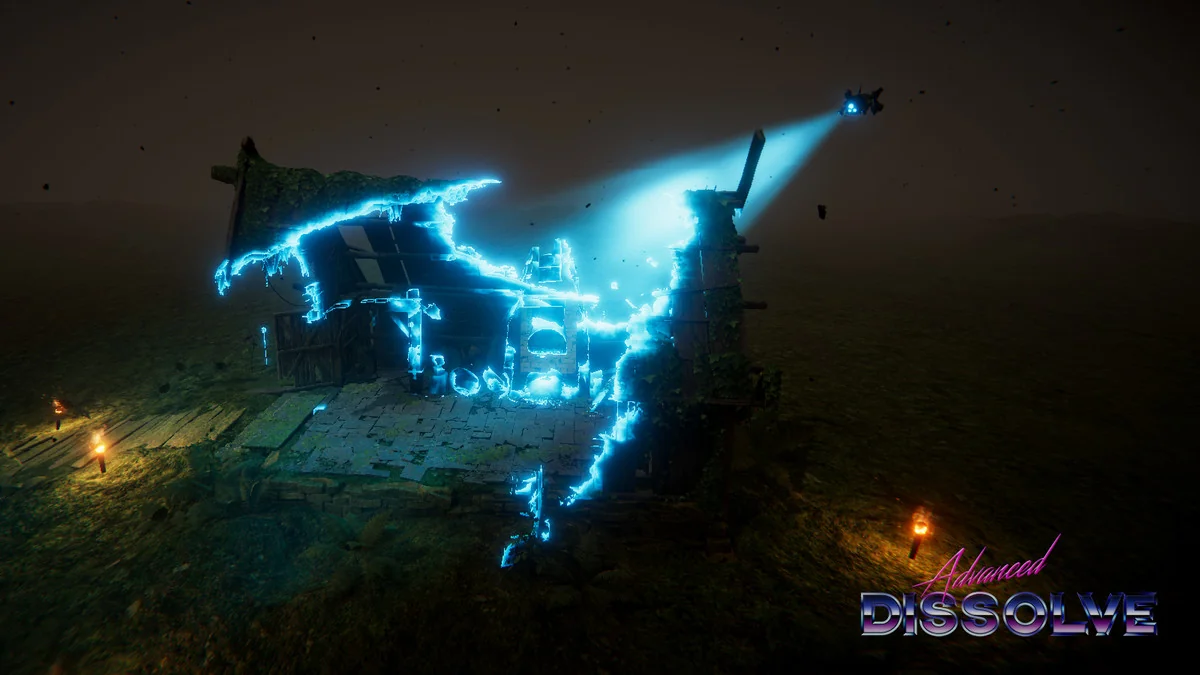
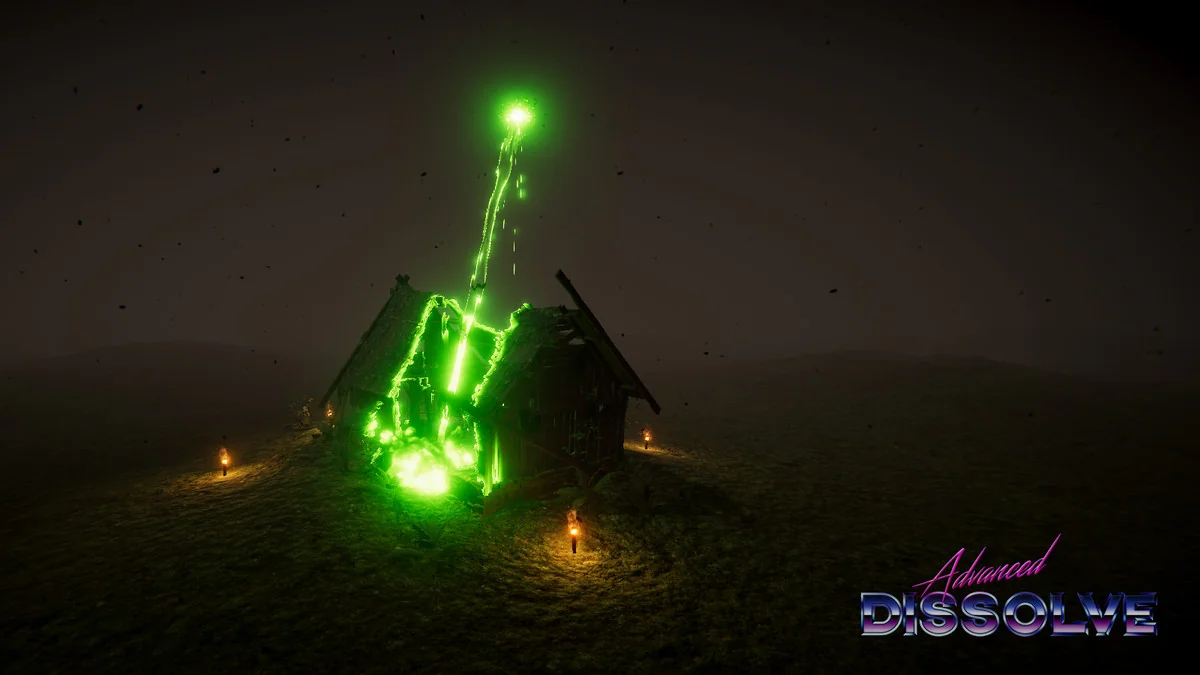
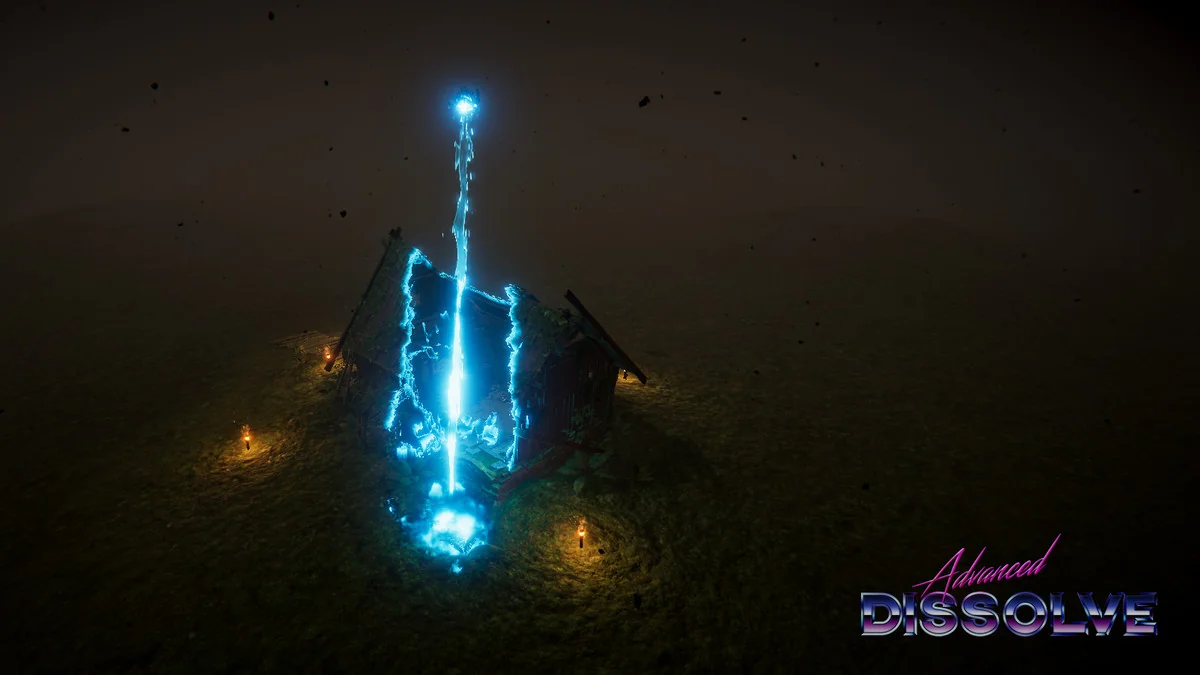
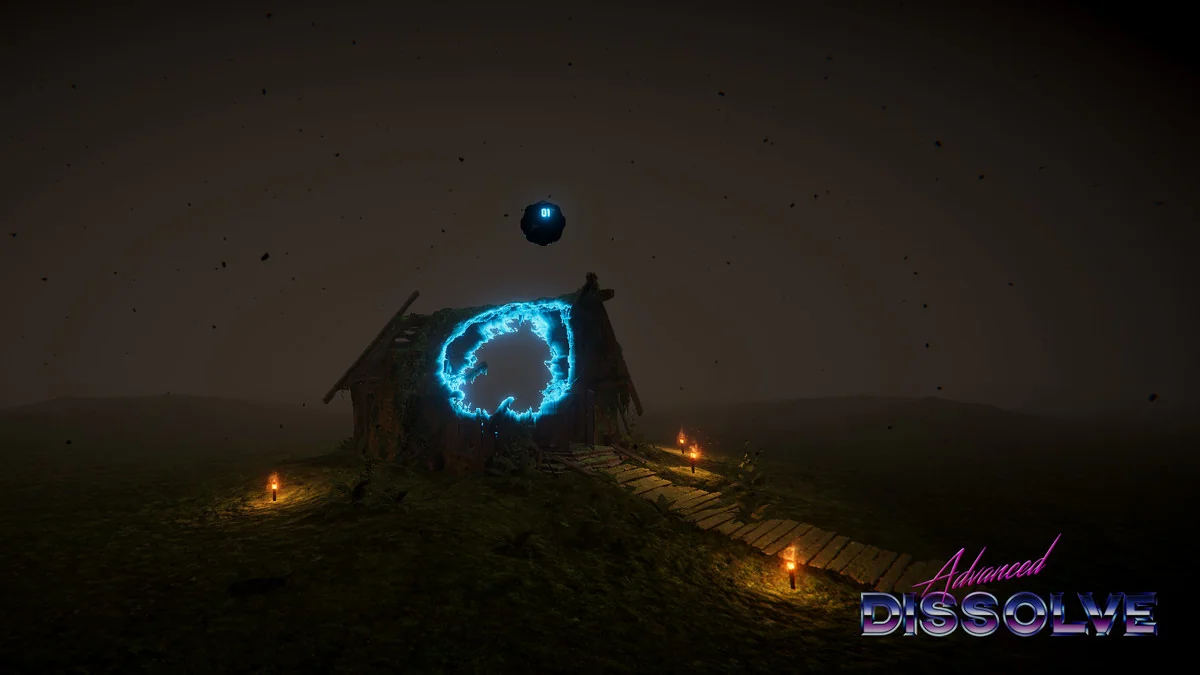
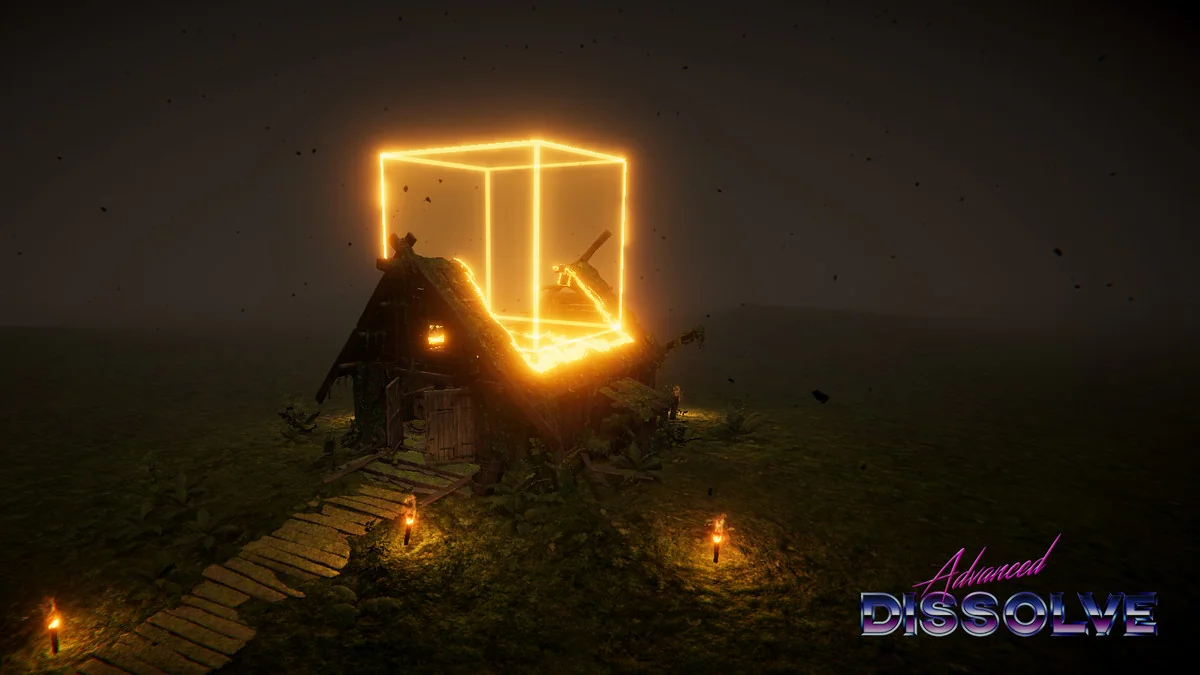
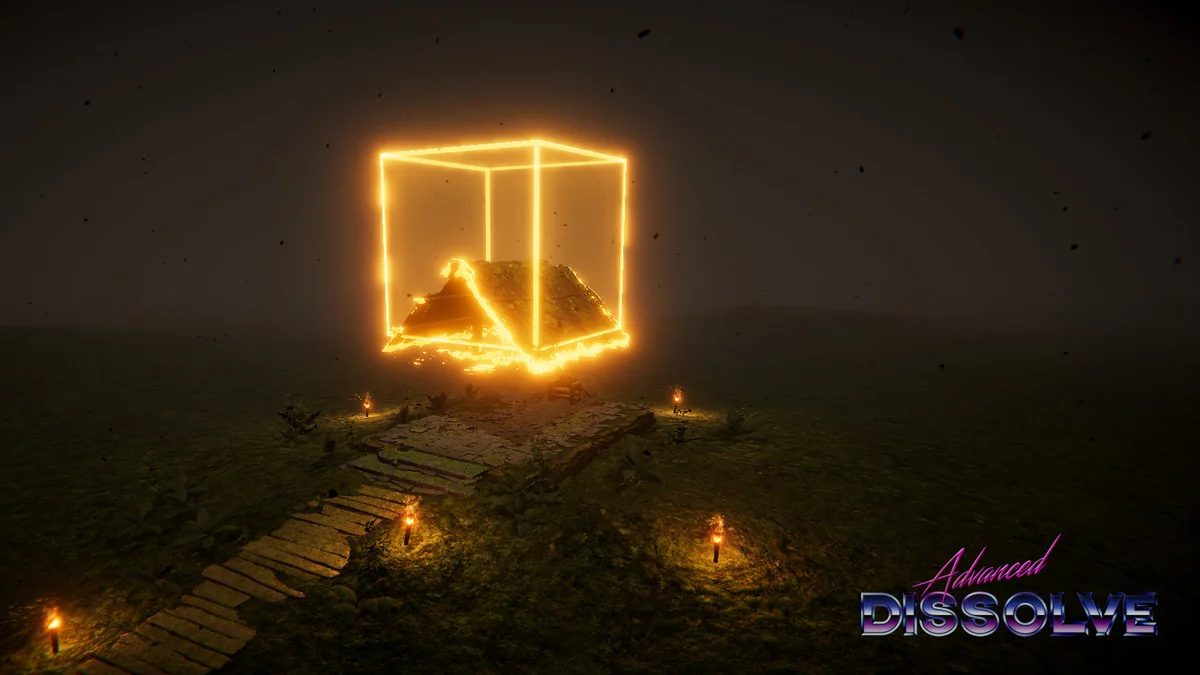
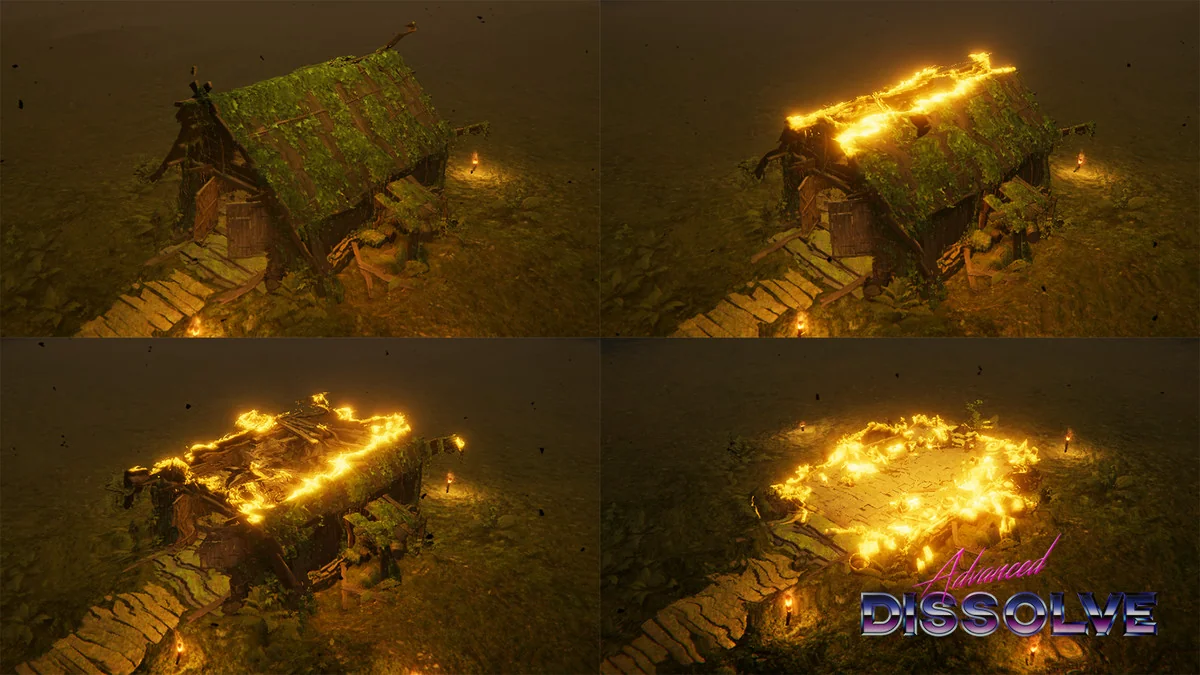
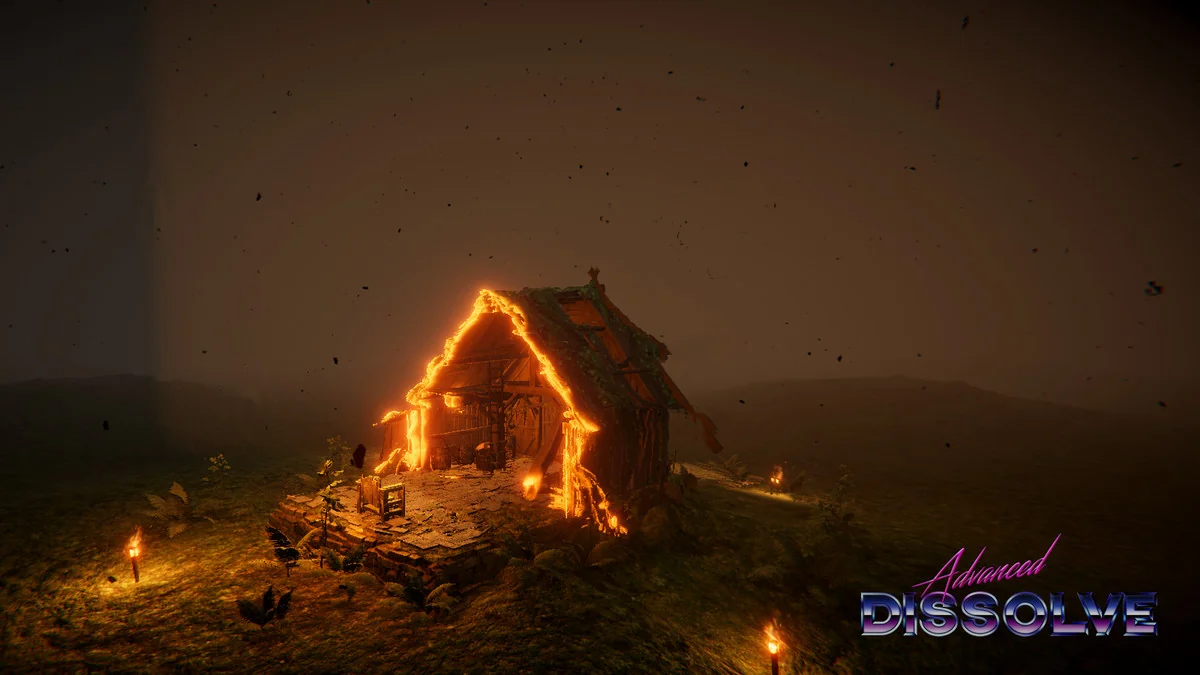
Advanced Dissolve is an advanced alpha cutout shader effect that gives a surface a more controlled way to disappear, reveal, or break apart. Rather than relying on a single generic dissolve, it offers geometric shapes such as Plane, Sphere, Cube, Capsule, and Cone. That shape set gives artists and developers a direct way to match the movement of the cutout to the look they want in a scene.
The effect is not limited to one presentation. Multiple texture blends are available for alpha cutout and edge noise control, so the dissolve can stay clean or pick up more texture at the border. Triplanar and screen-space dissolve projections are also available, adding more than one way to place the effect on a surface.
Edge styling and how the dissolve reads
The border of the effect carries a lot of the visual character. Advanced Dissolve includes simple color, gradient, and ramp texture controllers for edge color, along with Solid, Smooth, and Noisy edge types. That makes the edge a controllable part of the effect instead of a fixed byproduct of the cutout.
Color emission is visible to the Global Illumination system, so the edge can participate in the scene lighting. All shader features are optional and can be switched on or off at any time, or mixed together, which lets a project keep the setup minimal or layer in more behavior only where it is needed.
Shader Graph integration and package notes
Advanced Dissolve can be integrated into shaders created with Shader Graph, with user-defined unlimited cutout variations. The package includes source code, and the shaders are Curved World compatible. A practical note is attached to the collection as well: it is made up of quite complex shaders and is not meant to be manually integrated into hand-written shaders.
For Built-in and Universal render pipelines, the package includes ready-to-use shaders for various scenarios covering PC, VR, console, and mobile devices. That makes the same dissolve system usable in projects that need a version already set up for those pipeline paths, while the Shader Graph route remains available for teams building custom shader logic.
Unity support and release status
Supported Unity versions are limited to LTS releases: 2019.4, 2020.3, 2021.3, 2022.3, 6000.0, and 6000.3. Render pipeline compatibility is listed for Built-in, Universal (URP), and High Definition (HDRP). The original Unity version is 2019.4.0, and the latest release is 2025.4, updated for Unity 6000.3.
The current release notes also mark the end of support for Unity 2019.4, 2020.3, and 2021.3. The package is delivered as a unitypackage, lists a file size of 136.6 MB, includes four assets, and carries source code in the package. For teams evaluating it, the most concrete takeaway is that this is a full dissolve shader collection with shape control, edge styling, and pipeline support already laid out.
Visual Breakdown
Protected download
Access this resource
All resources are 100% manually reviewed to eliminate all risks.