Structuring Navigation with Multi-Graph Support
The A* Pathfinding Project Pro provides a versatile foundation for AI movement, accommodating a wide range of game genres from real-time strategy (RTS) and tower defense to first-person shooters and RPGs. At its core, the system allows developers to define the playable area using several different graph types. This flexibility ensures that the navigation logic fits the specific structural needs of a game world.
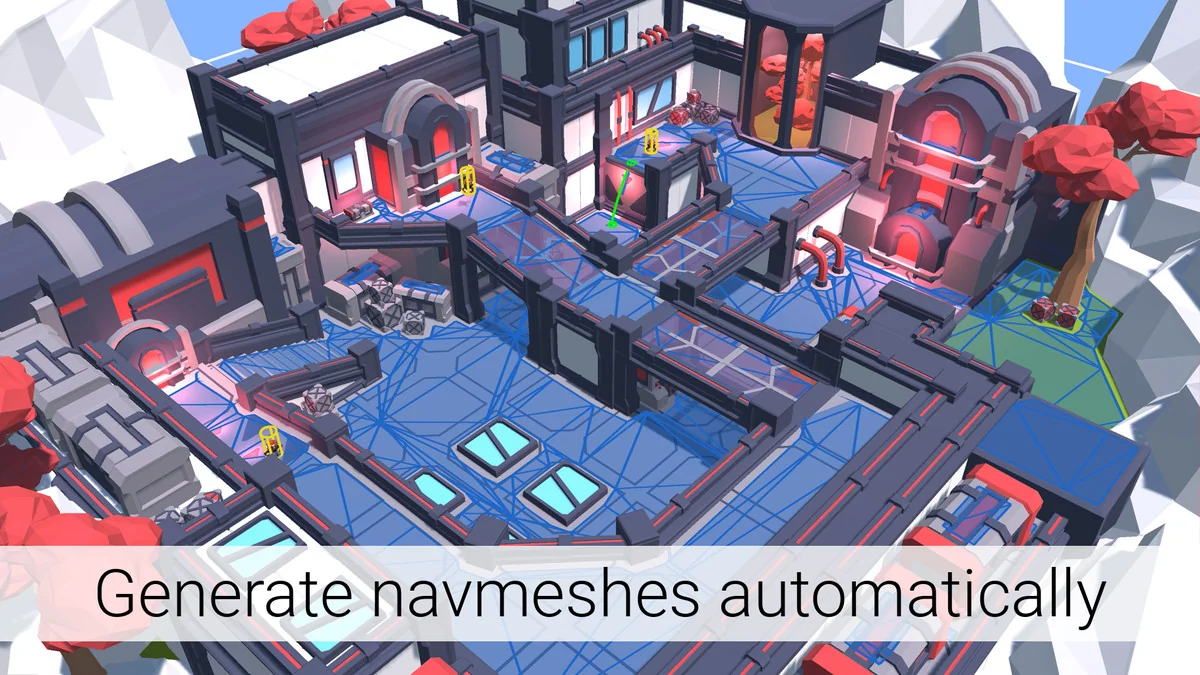
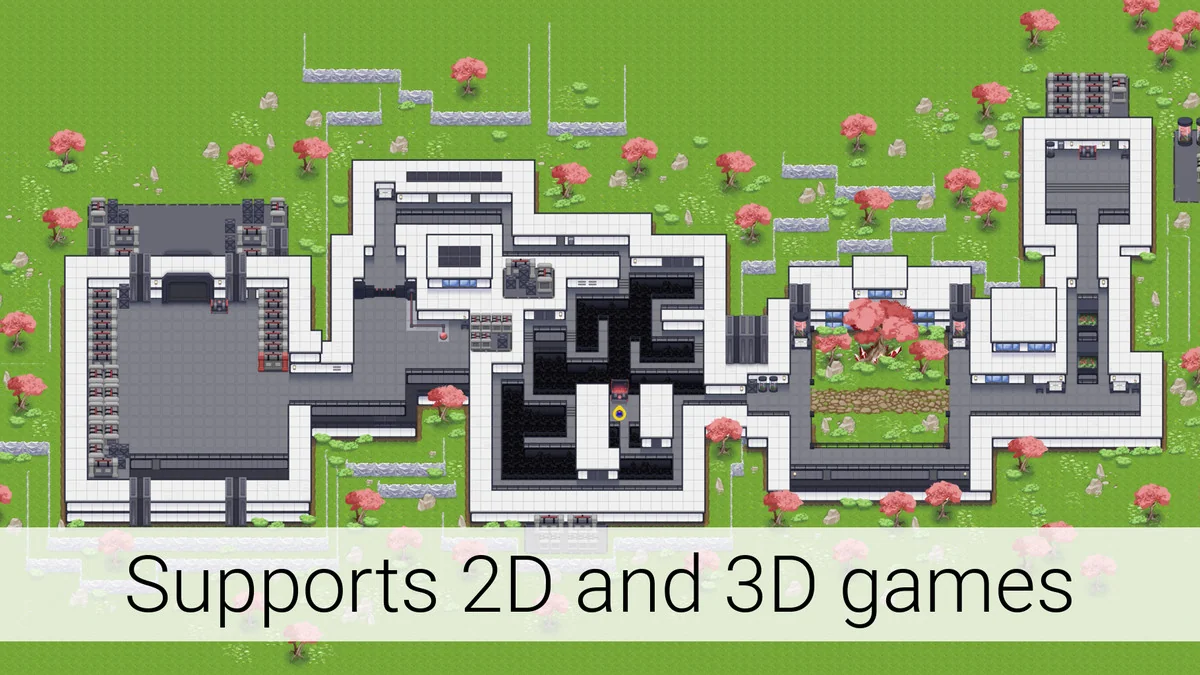
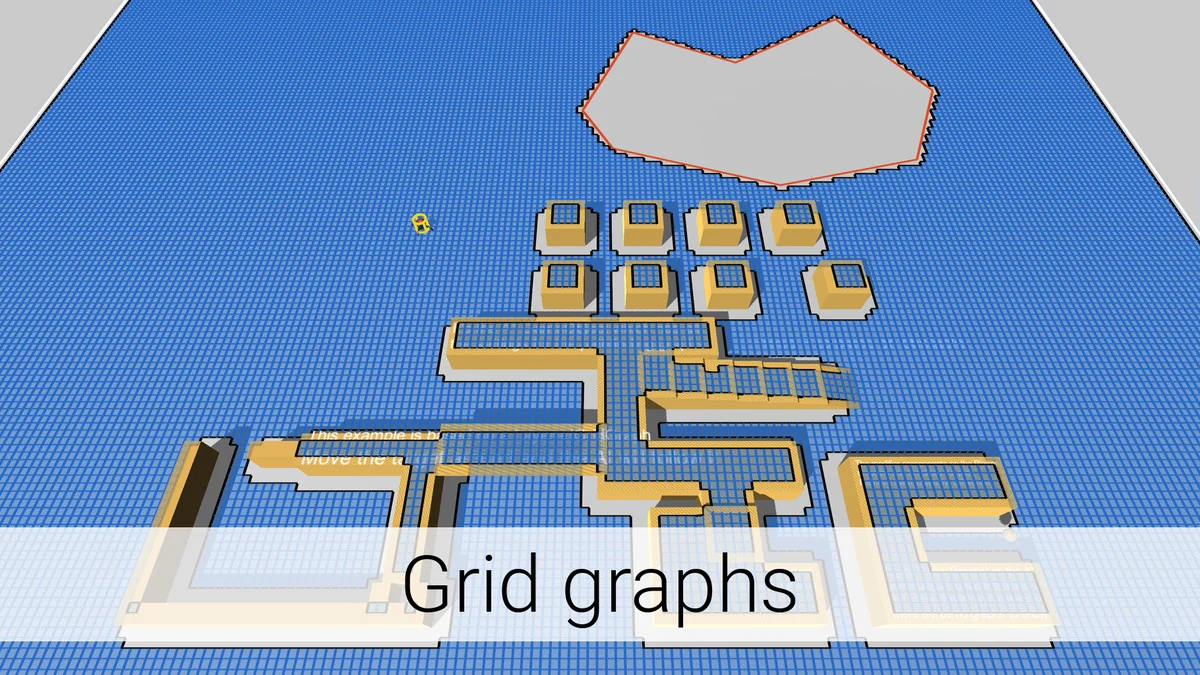
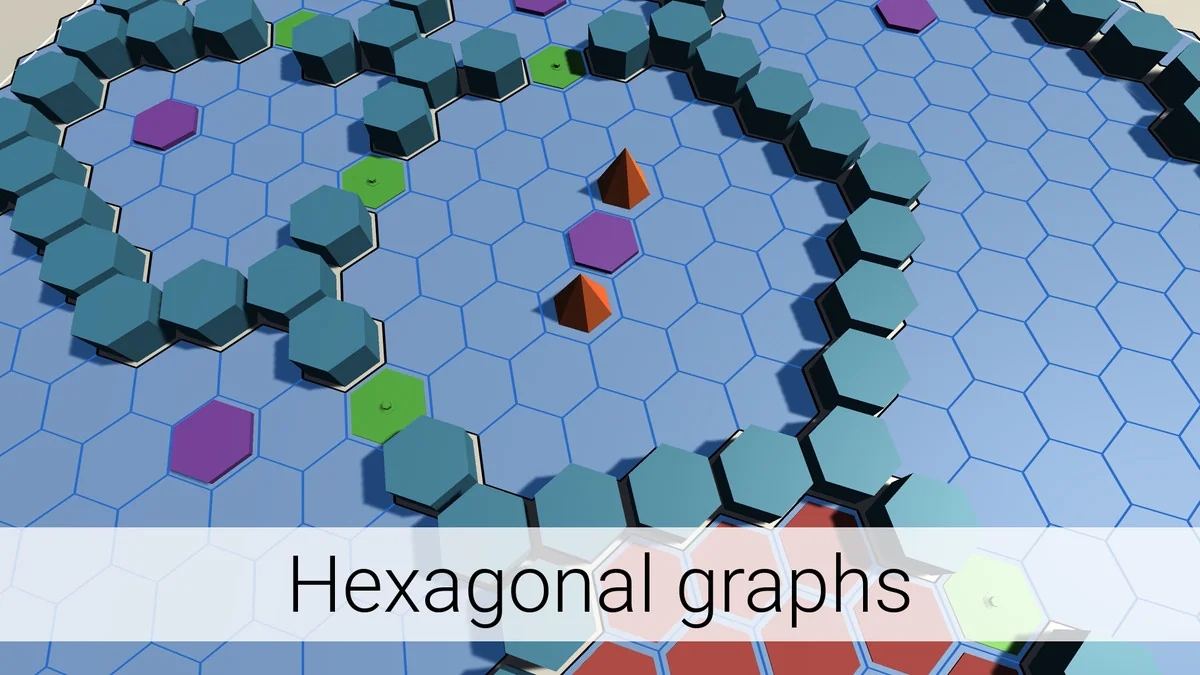
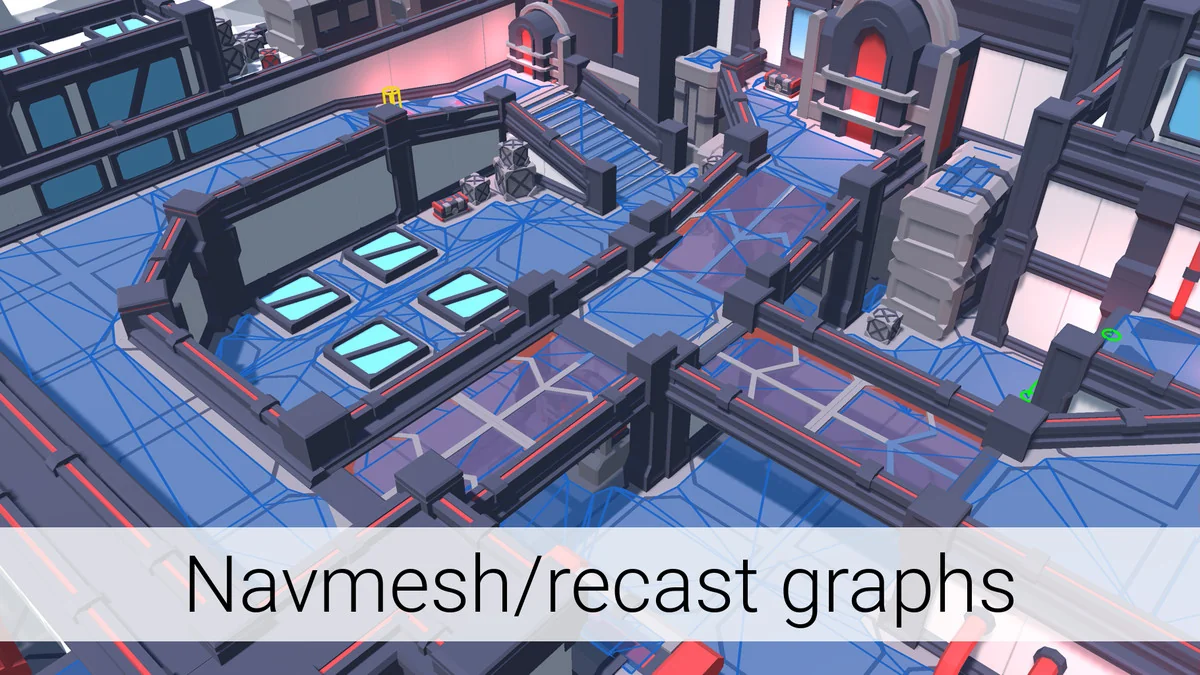
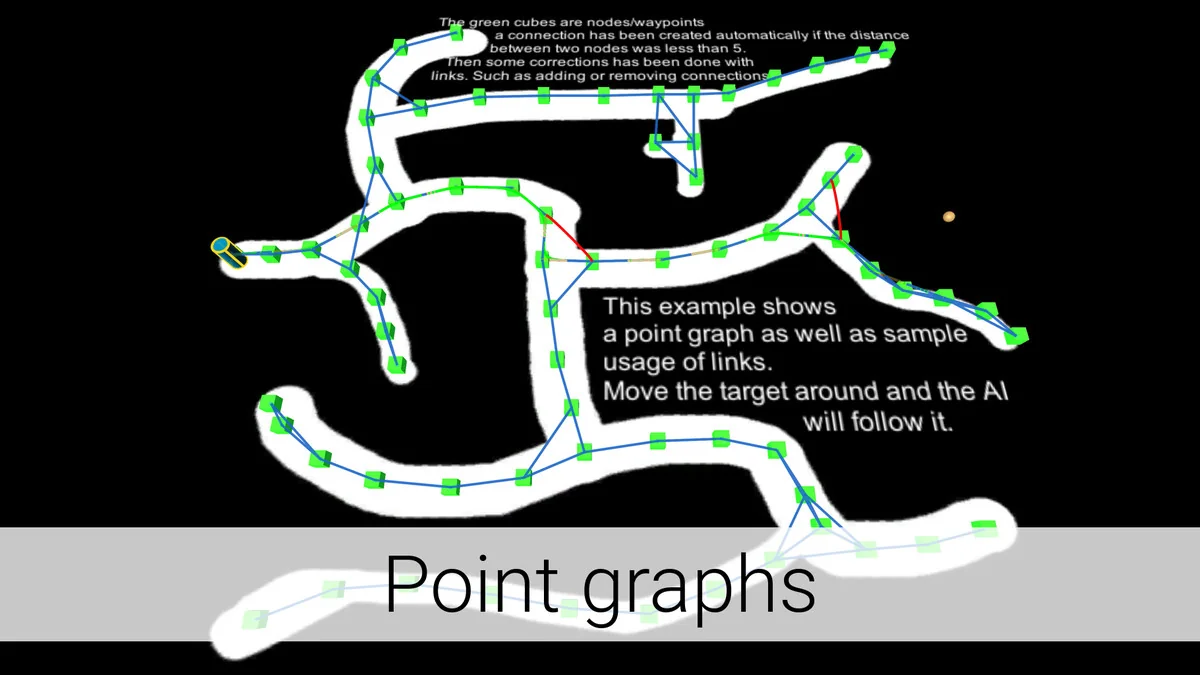
Developers can implement grid graphs for traditional tile-based movement or hexagonal graphs, which are frequently utilized in tactical strategy games. For more organic or complex 3D environments, the system supports navmesh graphs, which can be generated automatically to save manual labor during the level design phase. Additionally, point graphs are available for scenarios where AI must navigate between specific nodes rather than across a continuous surface. Because the system supports both 2D and 3D games, these graph types can be adapted to top-down layouts or fully realized three-dimensional spaces.
Technical Optimization and Multithreaded Execution
Performance is a primary focus of this pathfinding framework. To minimize the impact on a game’s frame rate, the system is fully multithreaded. This allows pathfinding calculations to occur in the background, preventing the main thread from stalling even when multiple agents are requesting complex paths through intricate mazes simultaneously. Under the hood, the system utilizes Unity’s modern performance tools, including the Burst compiler and the Unity Job System. For projects utilizing the Entity Component System (ECS), there is optional support to integrate pathfinding logic directly into that workflow for maximum efficiency.
The developer has optimized the algorithms to ensure that pathfinding requests are processed with high speed. This technical overhead is designed to be largely invisible to the end user, requiring as little as a single line of code to initiate a pathfinding request. By offloading these calculations, the engine can maintain smooth performance even in scenarios with high agent counts or dense environmental geometry.
Dynamic Environment Handling and Local Avoidance
Static environments are rare in modern game design, and this toolset accounts for world changes through runtime graph updates. If a gate opens or a bridge is destroyed, the navigation graphs can be recalculated on the fly to reflect the new state of the world. This ensures that AI agents do not attempt to walk through newly blocked areas or ignore newly opened paths.
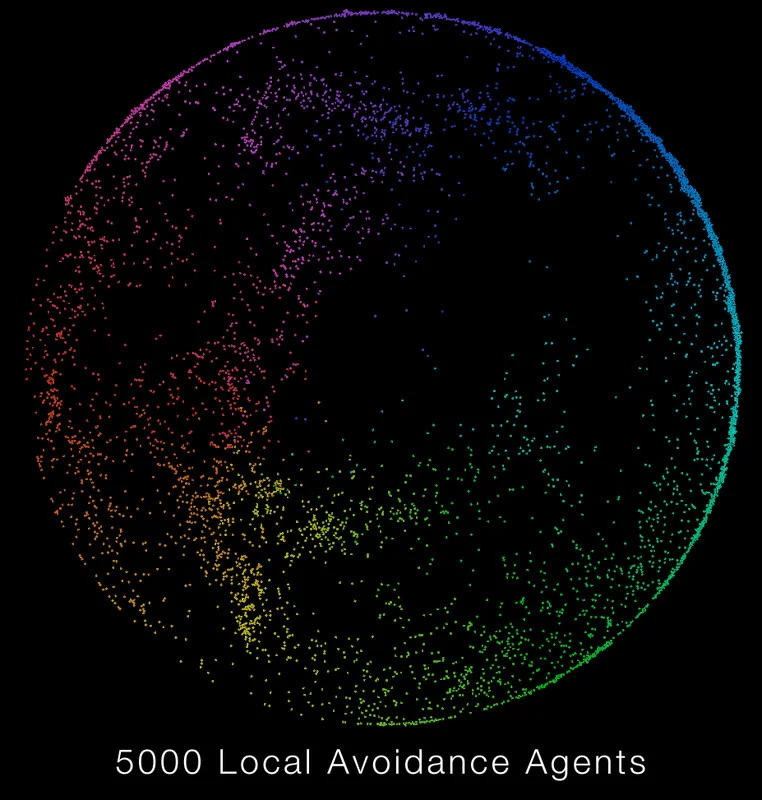
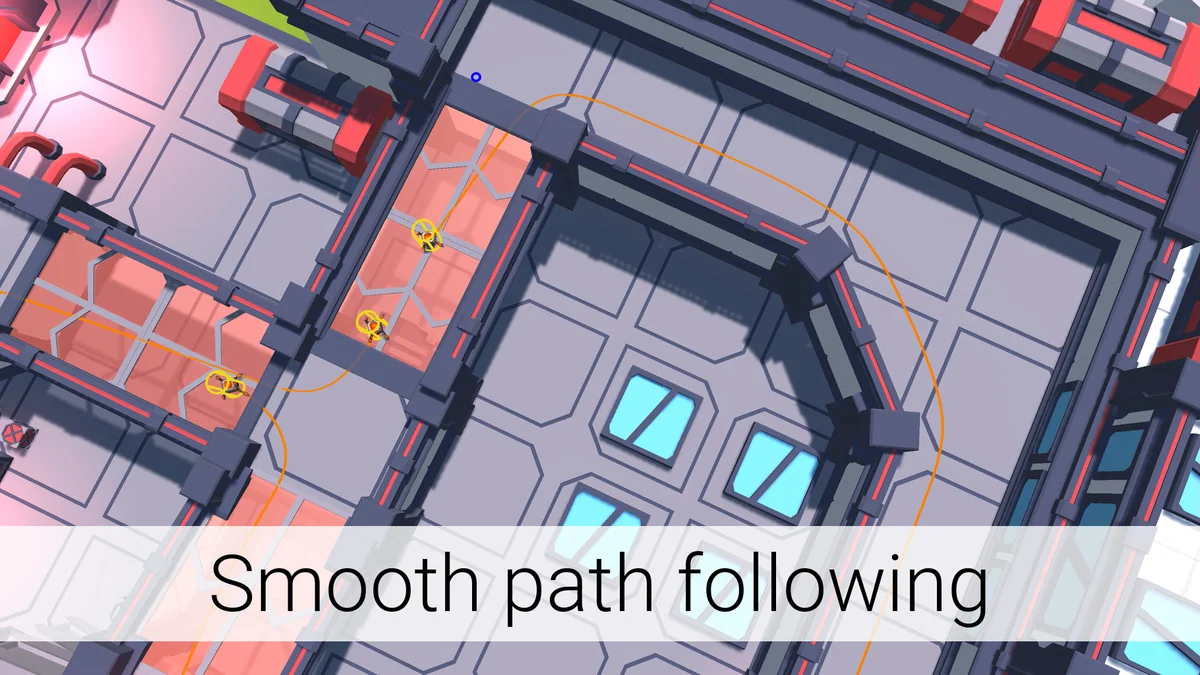
Beyond finding a static path from point A to point B, the system handles the nuances of movement through local avoidance. This feature prevents agents from colliding with one another or getting stuck in bottlenecks. Instead of simply following a line, agents can steer around dynamic obstacles and other characters, resulting in more natural and fluid locomotion. This is particularly useful in crowded scenes where multiple bots are converging on a single target, such as the player in a maze or a swarm of enemies in a tower defense game.
Customization through Node Tagging and Scripting
The A* Pathfinding Project Pro allows for granular control over how different AI agents perceive the world. Through node tagging, developers can label specific areas of a graph with different properties. This enables diverse agent behaviors; for example, one type of unit might be tagged to avoid water or fire, while another unit might be allowed to pass through those same areas. This system allows for complex tactical decision-making without requiring unique graphs for every agent type.
For those who need to dive deeper into the mechanics, the full source code is included. This allows for deep customization of the navigation logic to suit specialized project requirements. Furthermore, graphs can be saved to files, allowing for persistent navigation data that can be loaded quickly rather than recalculated every time a scene starts.
Project Setup and Example Integration
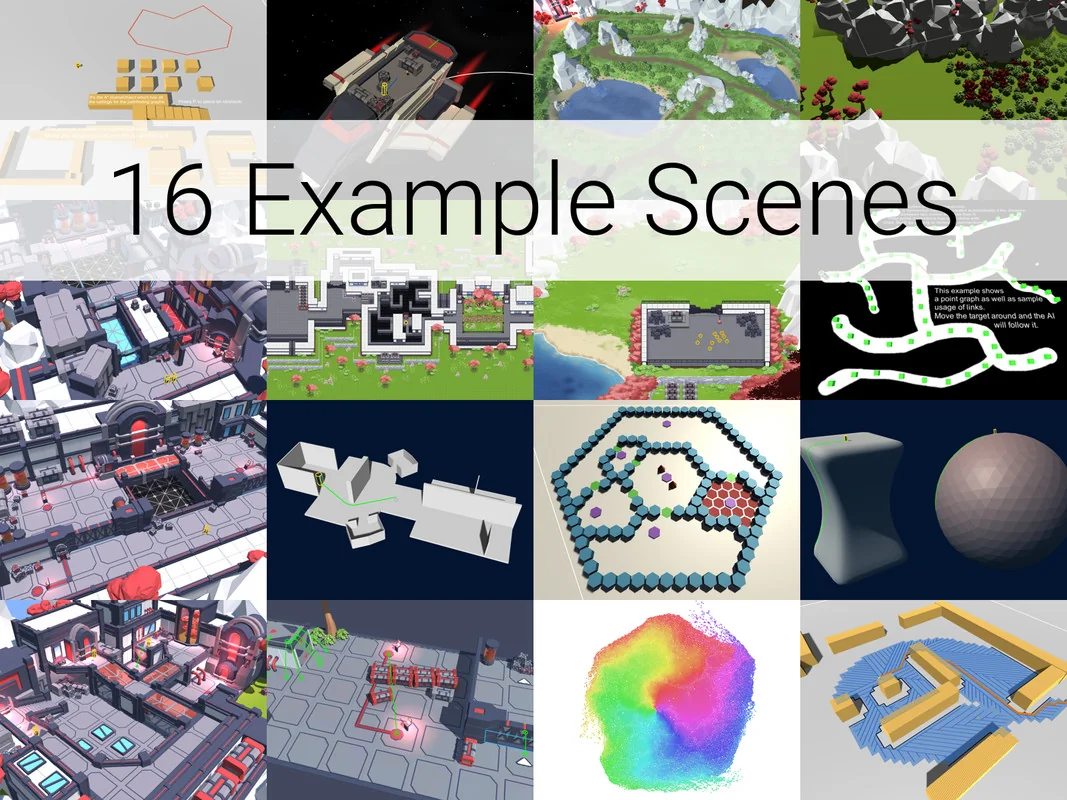
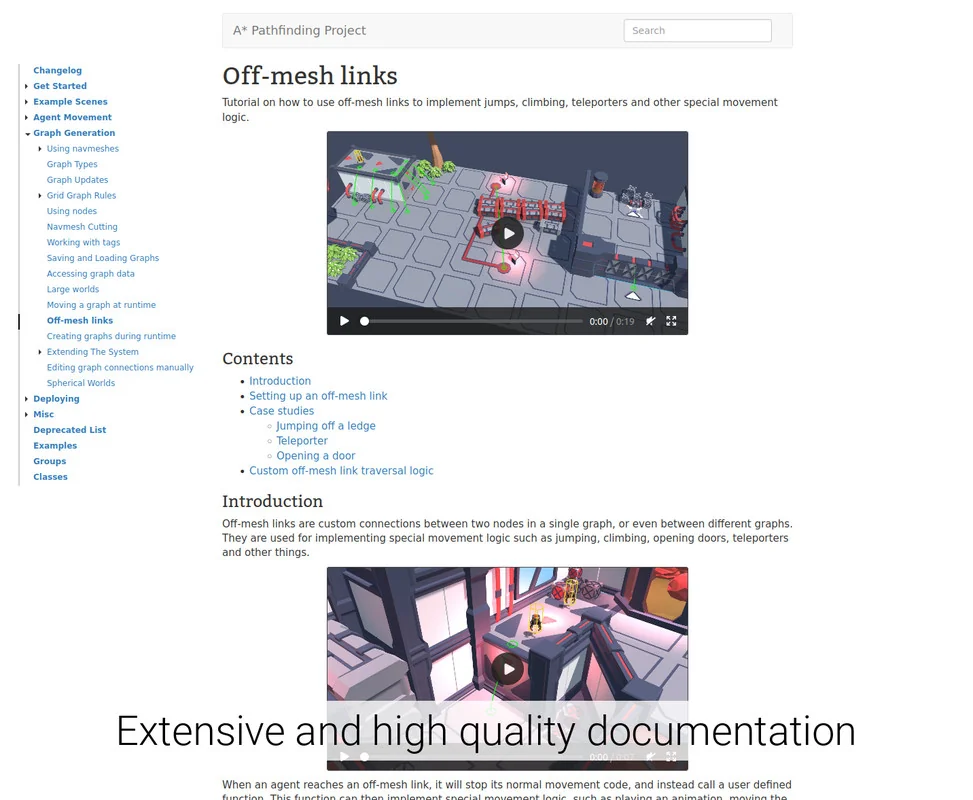
To assist with the initial setup, the package includes 16 example scenes. These demos serve as a practical reference for various implementation styles, showing how to configure different graph types and agent behaviors in a live environment. These examples are supported by comprehensive documentation that covers almost all functions and fields within the system, providing a clear path from installation to a fully functional navigation setup.
Regarding project compatibility, the system adapts based on the version of Unity being used. For developers working on Unity 2021.3 through 2022.2, a compatible version (4.3.8) is provided. However, the creator recommends using Unity 2022.3 or higher to access the full feature set and the highest level of performance. When upgrading from older versions, such as 4.x or 5.3.x, it is noted that previous installations should be cleared to ensure a clean integration of the latest features and optimizations.
Asset Gallery
Protected download
Access this resource
All resources are 100% manually reviewed to eliminate all risks.