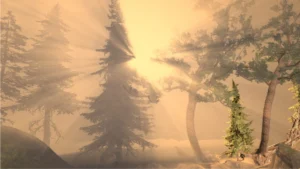
Create dynamic, emotive skies in minutes with intuitive procedural modeling tools and state of the art volumetric rendering techniques.
Description
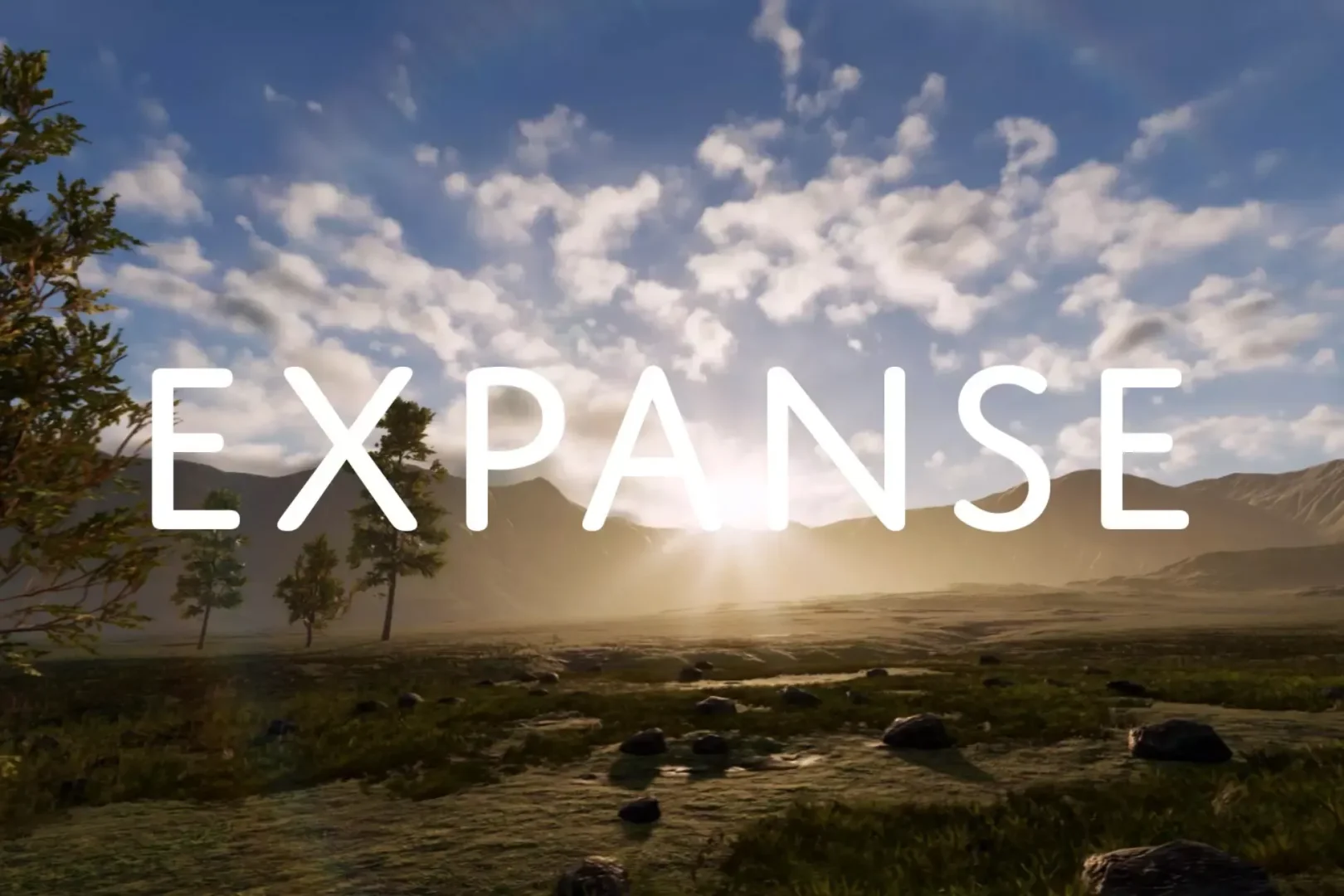
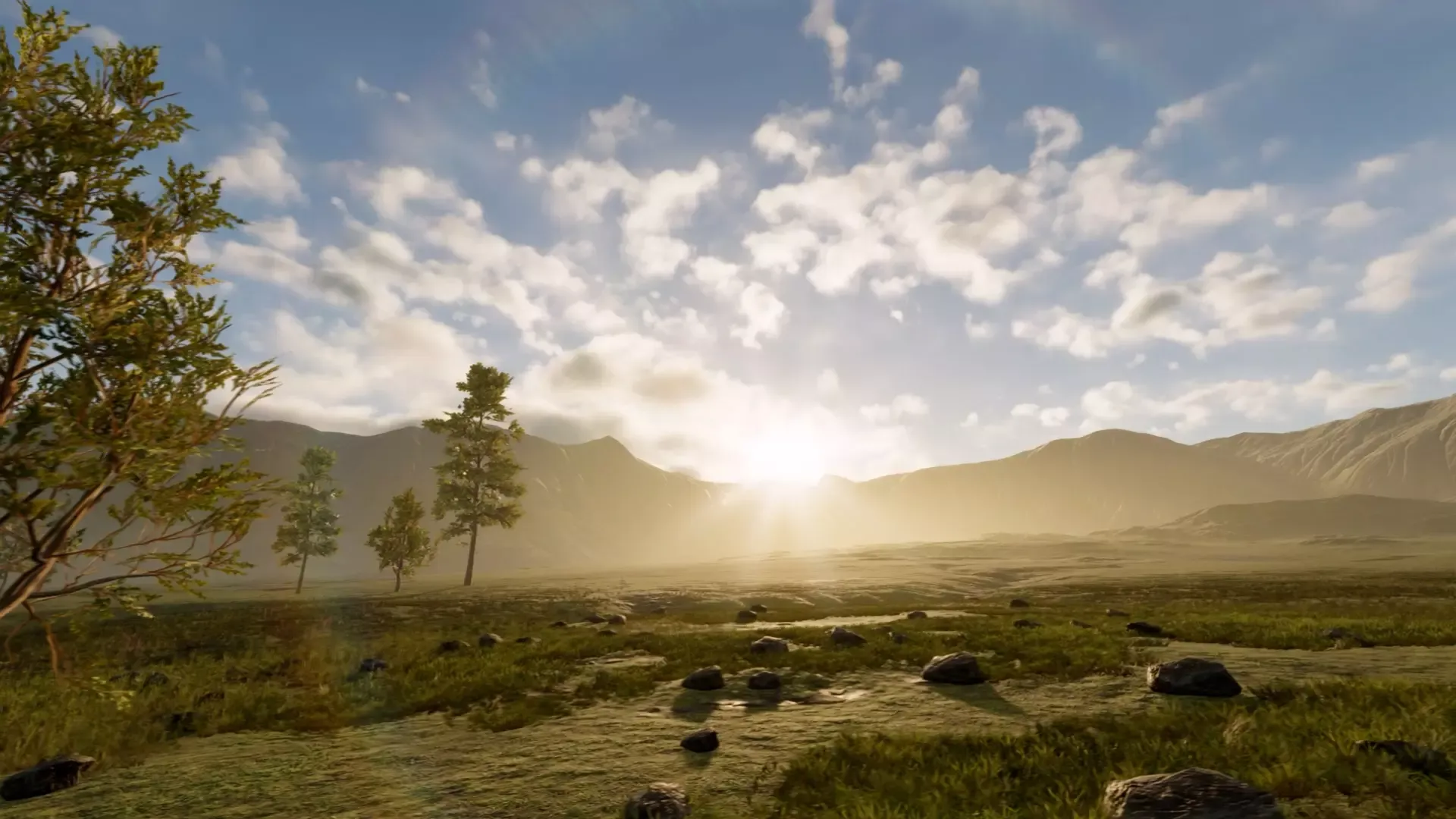
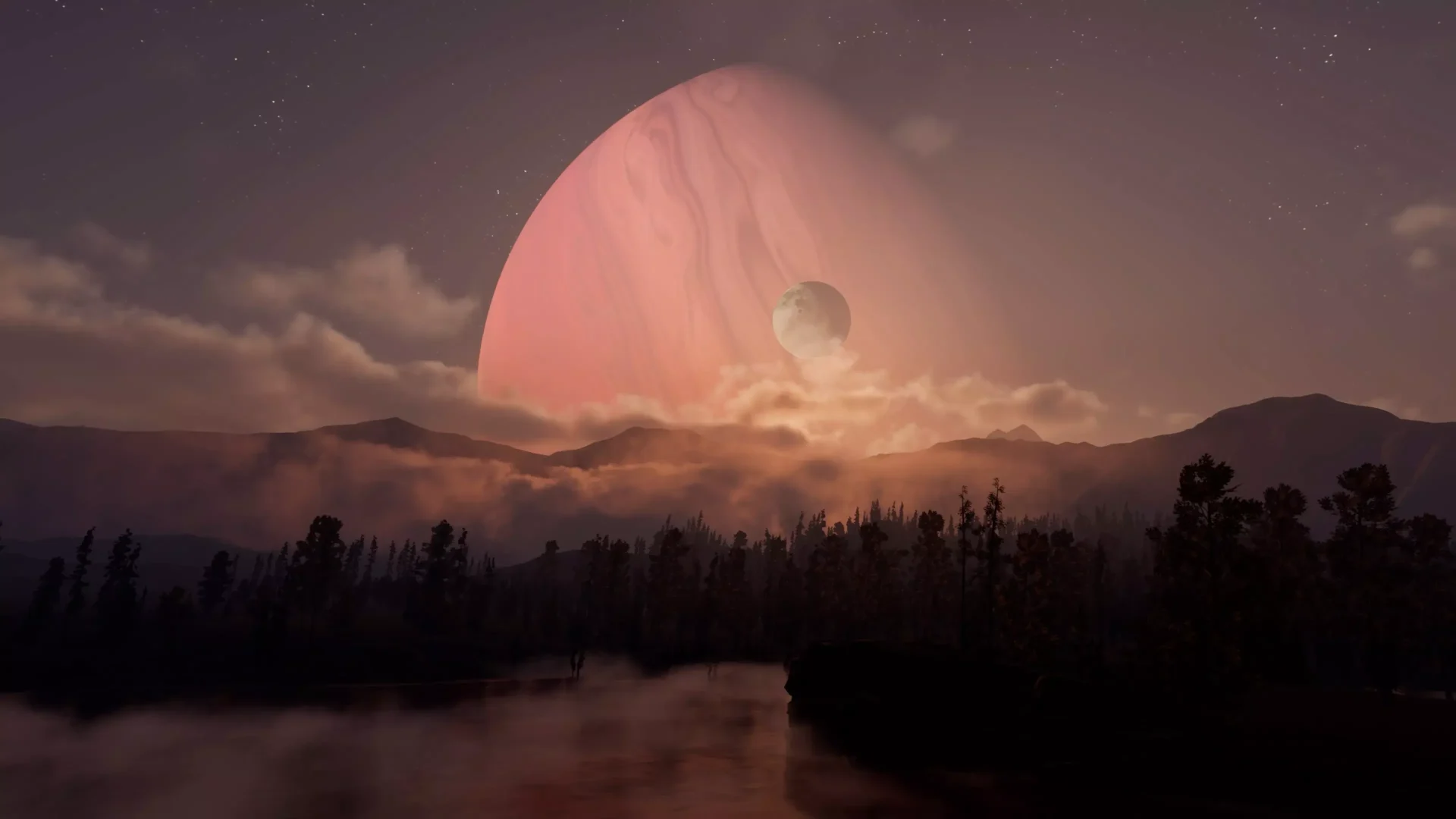
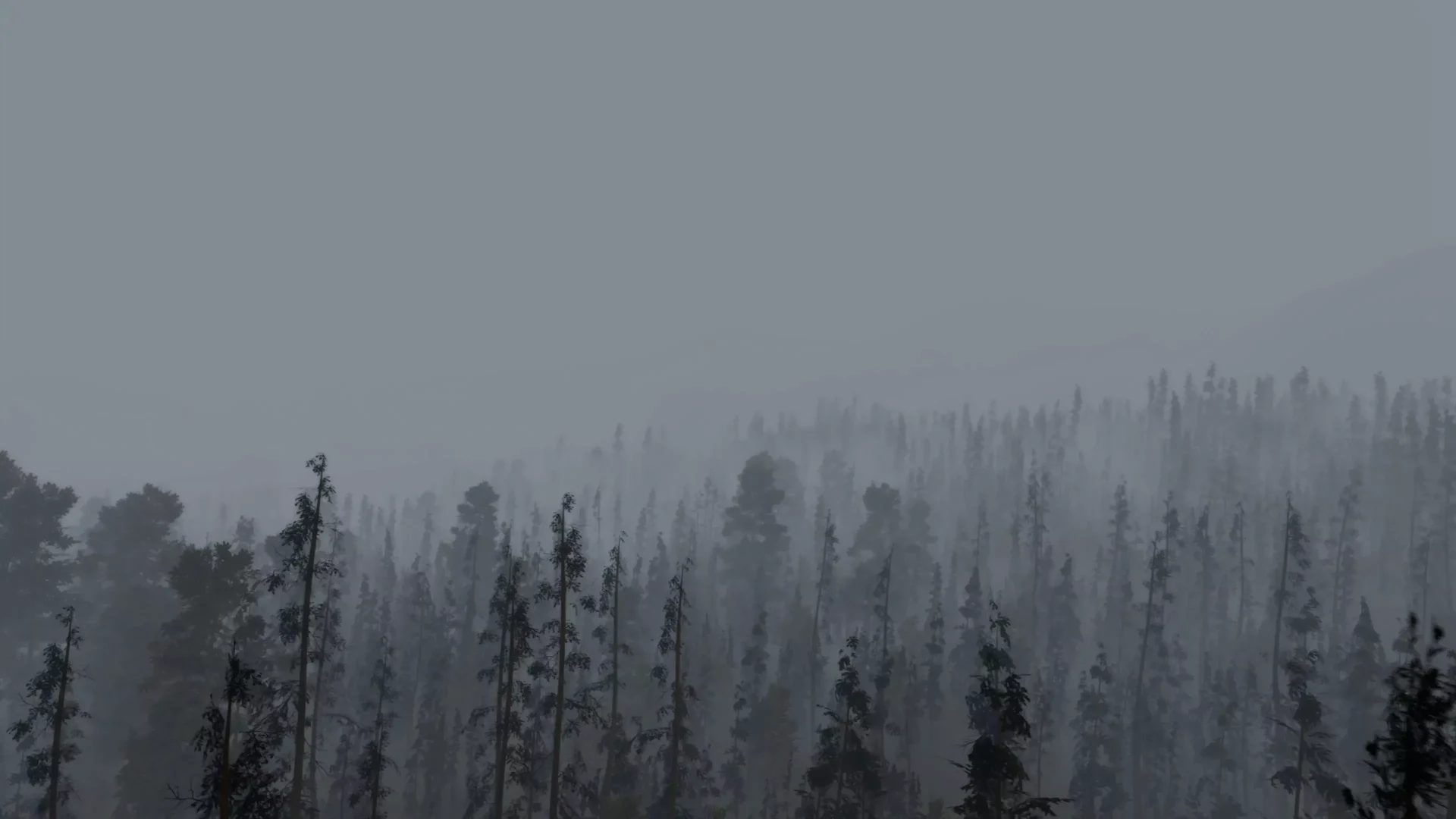
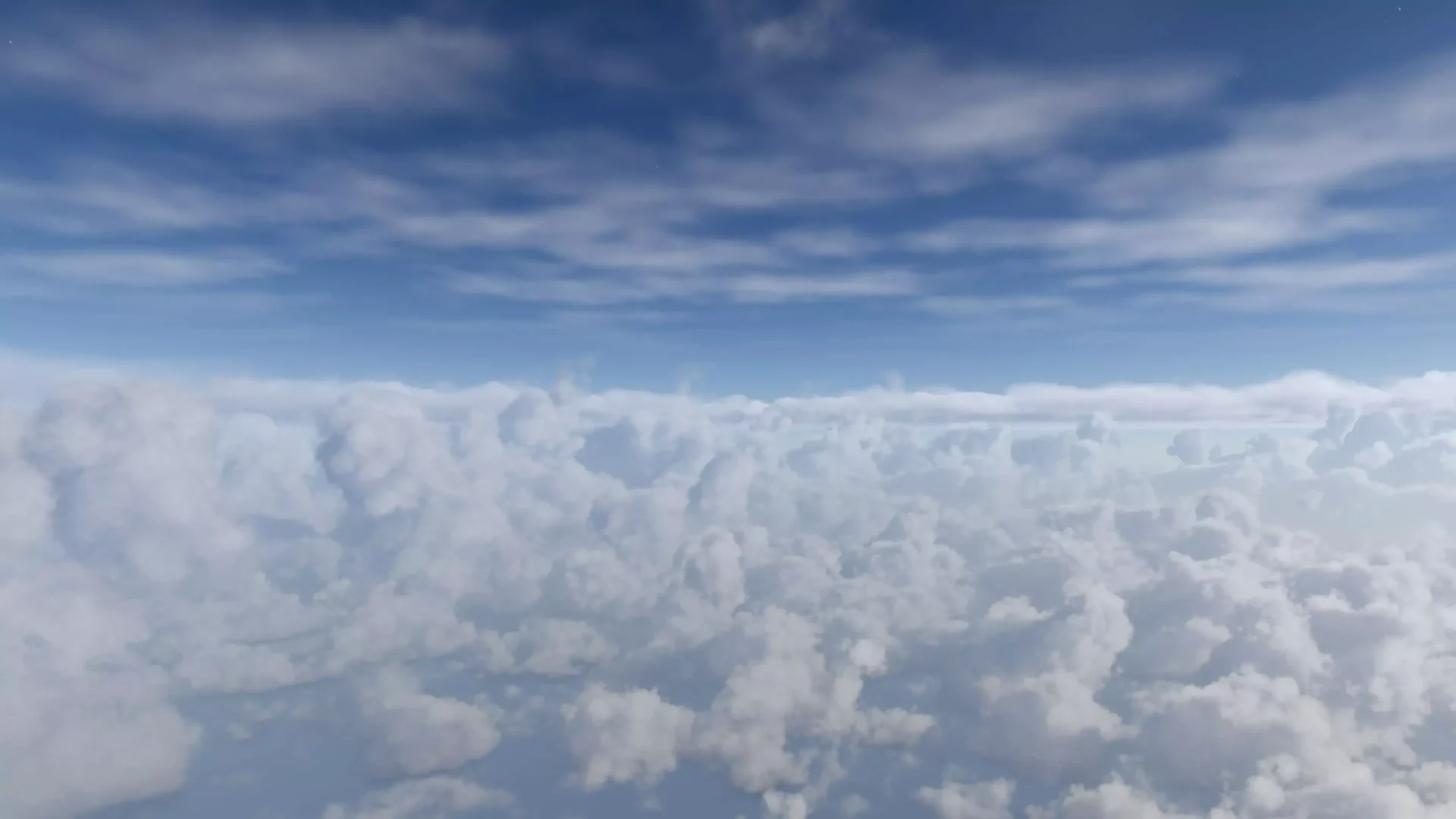
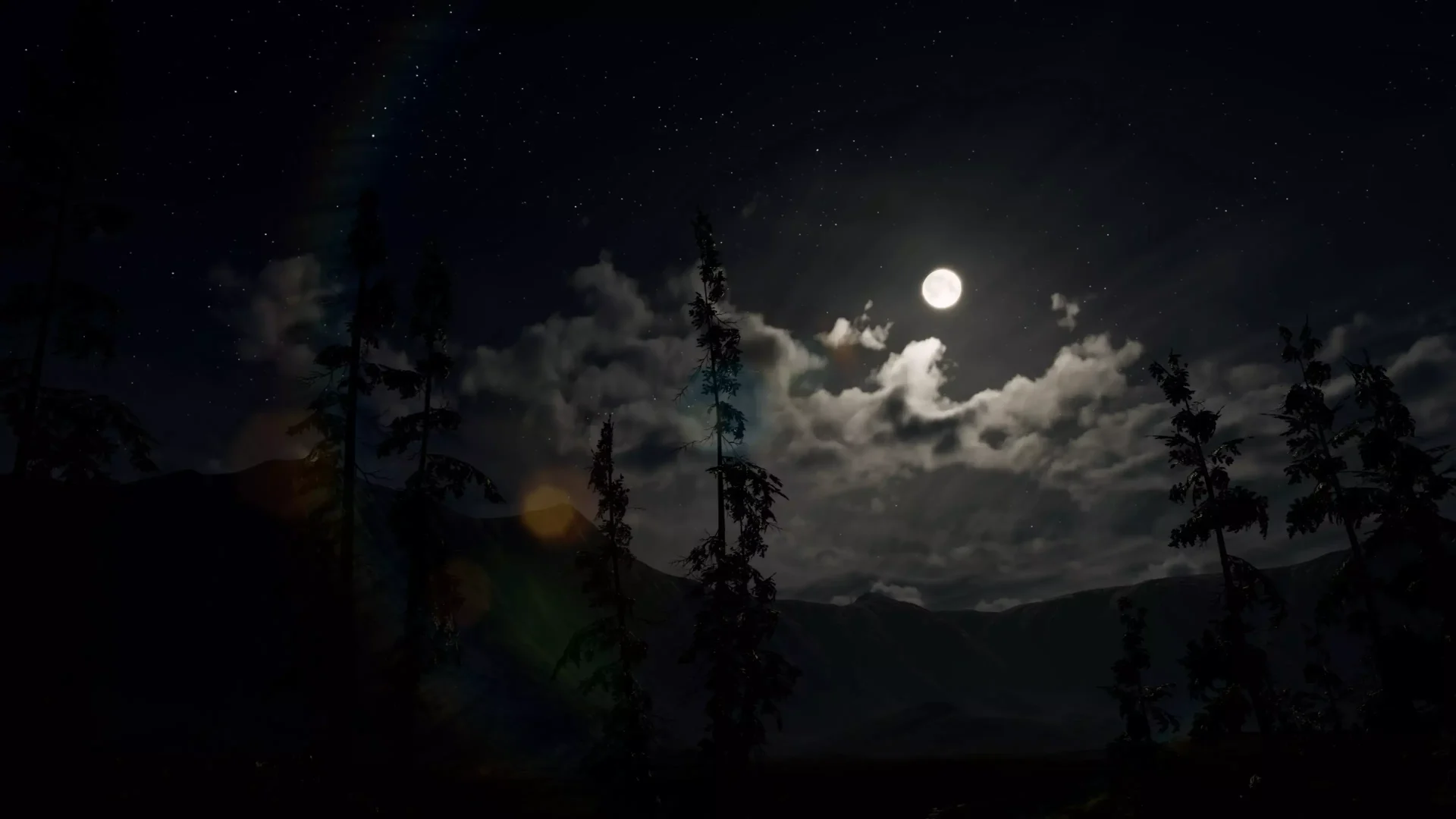
Expanse is a state of the art volumetrics tool for HDRP that gives you the power to author beautiful skies, clouds, and fog banks. In as little as 15 minutes, you can create compelling and interactive atmospheres—earthly, mythical, and stylized.
The rendering and authoring strategies that Expanse uses are based on the most recent production-focused papers coming out of conferences like SIGGRAPH and EGSR. Every component of Expanse is physically-based, allowing for unprecendented realism and consistency across different lighting conditions.
Expanse is a fully dynamic system that can be adjusted in realtime, with no precomputed lookups that slow down the authoring process. Things like cloud coverage, fog density, and time of day can easily be animated with keyframes or scripted to create different weather scenarios. All the changes you make are visible in the editor, so you can tweak your sky without ever having to enter play mode.
Click here to view the full details of the resource.:URL

Click the button below to download.
Download: