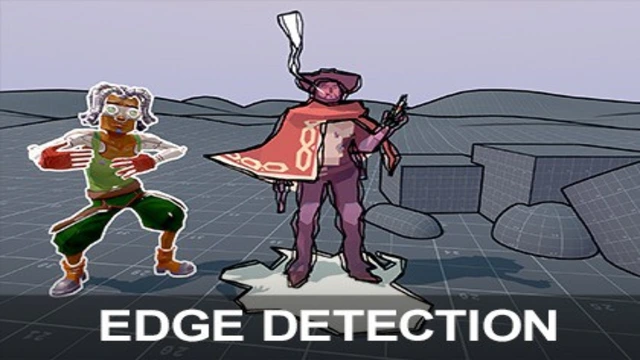
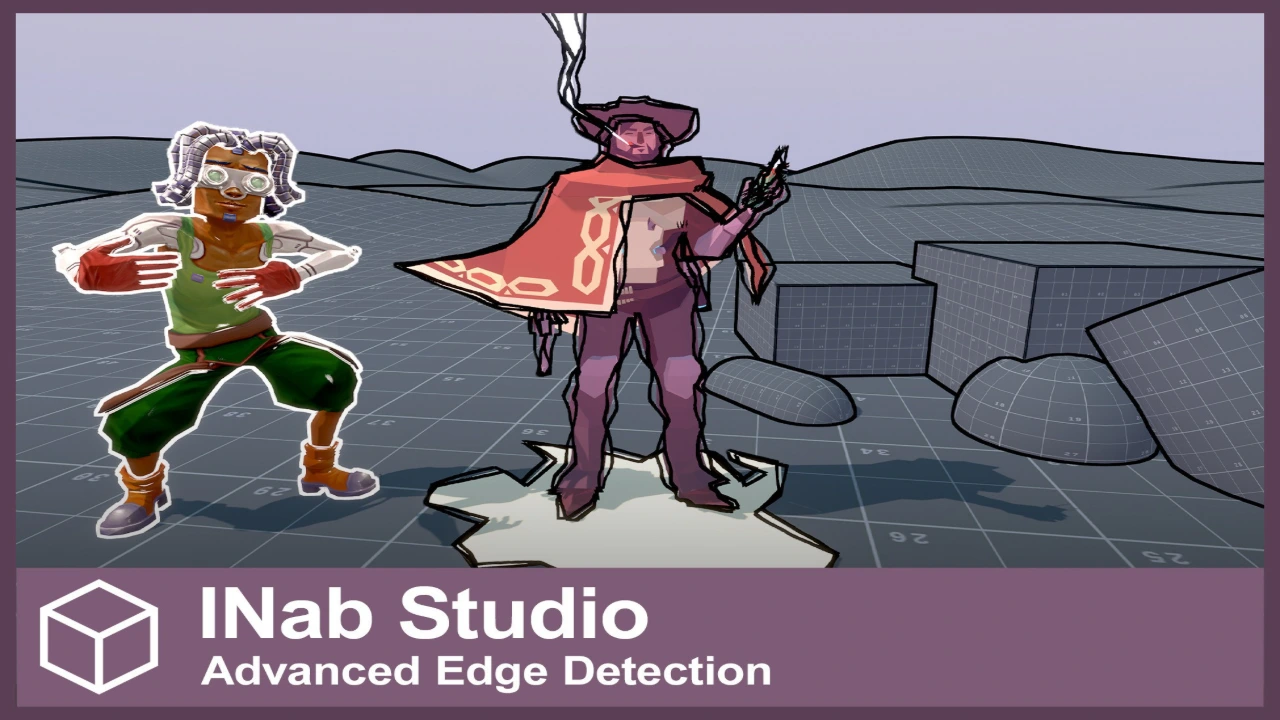
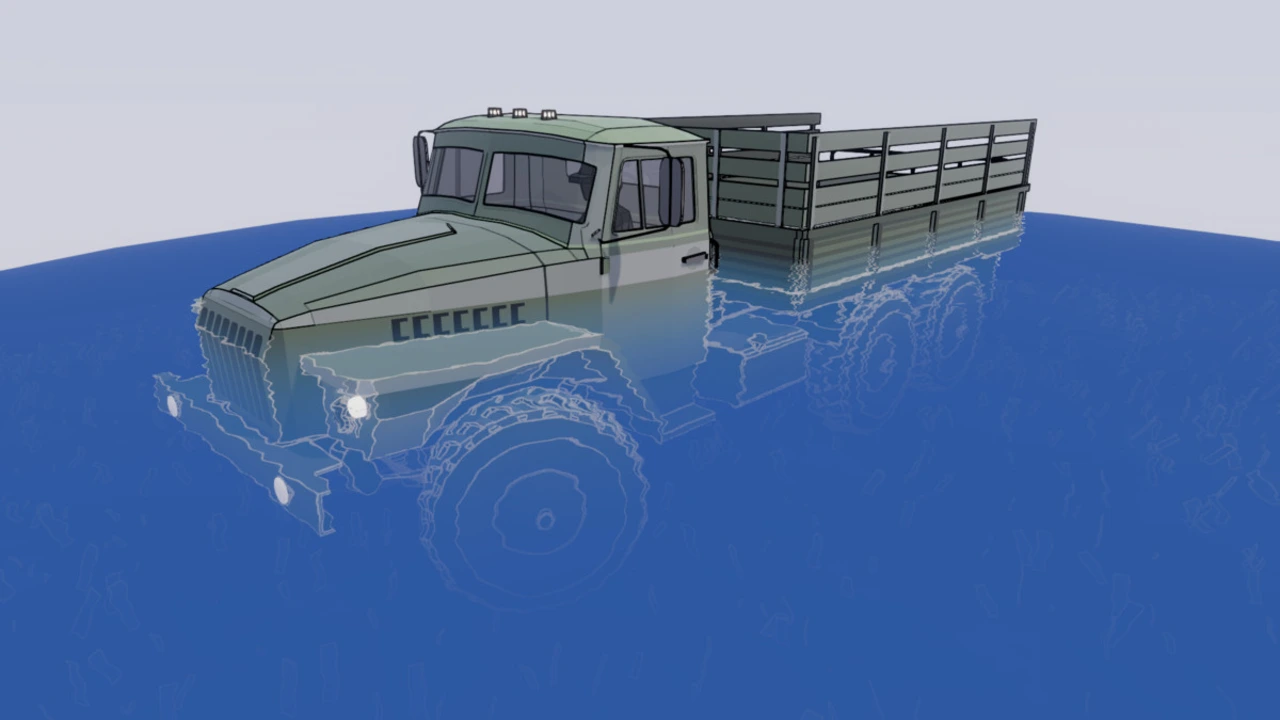
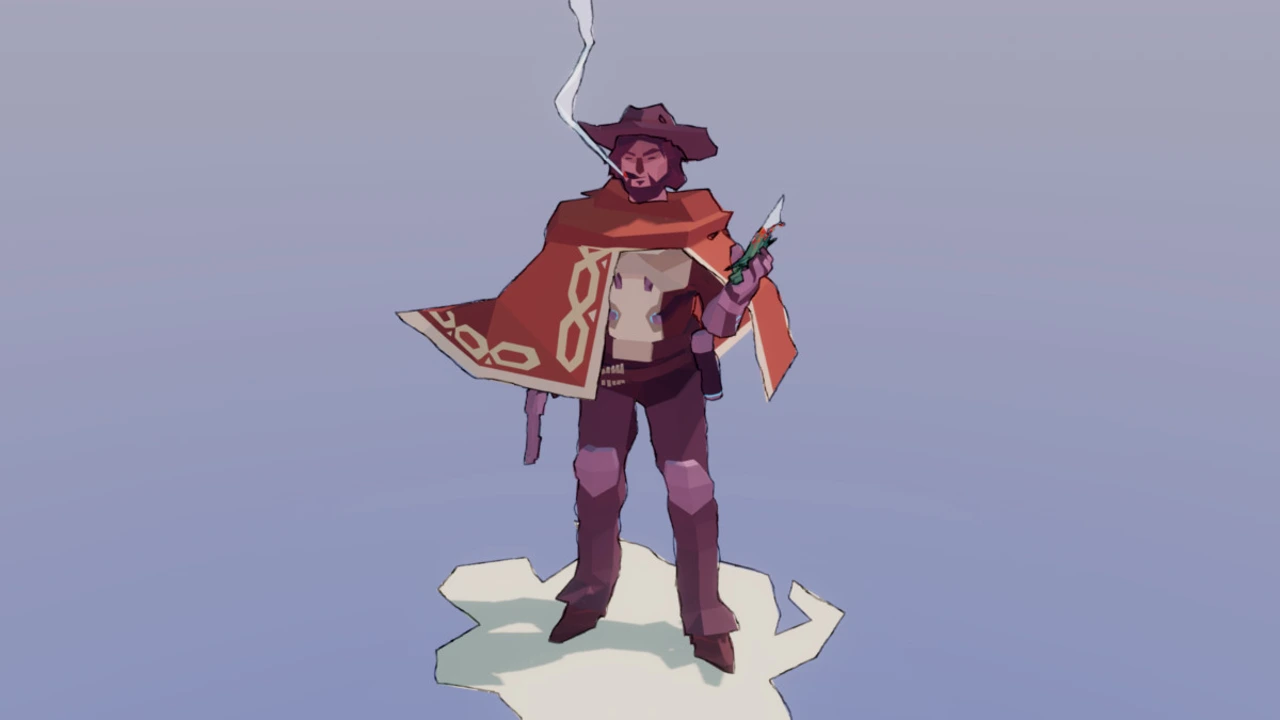
Easily add clear, professional edge-detected outlines to boost your game’s visuals and give it a unique, polished style. Unlike basic outline shaders that often create messy artifacts, Advanced Edge Detection provides a wide variety of powerful features to solve common problems and ensure the edges actually look good in your game.
Why Choose Advanced Edge Detection?
- Superior Quality & Artifact-Free Results:
Go beyond simple depth detection. Our solution intelligently handles steep angles and can use custom data (in URP) to eliminate the visual glitches, flickering, and broken lines common in other outline effects. - Complete Artistic Control:
This is not a one-size-fits-all effect. From clean, technical outlines to organic, hand-drawn styles, you can adjust every feature to perfectly match your project’s aesthetic. - Simple & Flexible Integration:
Get up and running in minutes. The system is designed for easy incorporation into your existing project workflow, with powerful options like custom masking to give you full control over your scene.
Core Features:
Comprehensive Customization:
Every feature is exposed with intuitive parameters, allowing you to fine-tune the effect to suit your project’s specific needs.
High-Quality Edge Detection:
Utilizes both Normals and Depth Buffers as a foundation for creating clean, stable outlines based on scene geometry and depth.
Acute Angles Fix:
Automatically resolves common visual issues and broken lines that appear on sharp corners and steep angles in depth-based detection.
Depth Fade:
Maintains a balanced and professional look by ensuring outlines remain clear and crisp without becoming overpowering at greater distances.
Sketch & Hand-Drawn Effects:
Go beyond simple lines. Add powerful stylistic effects like sketchiness, grain, and UV offsets to achieve a truly hand-drawn or stylized appearance.
Custom Masking:
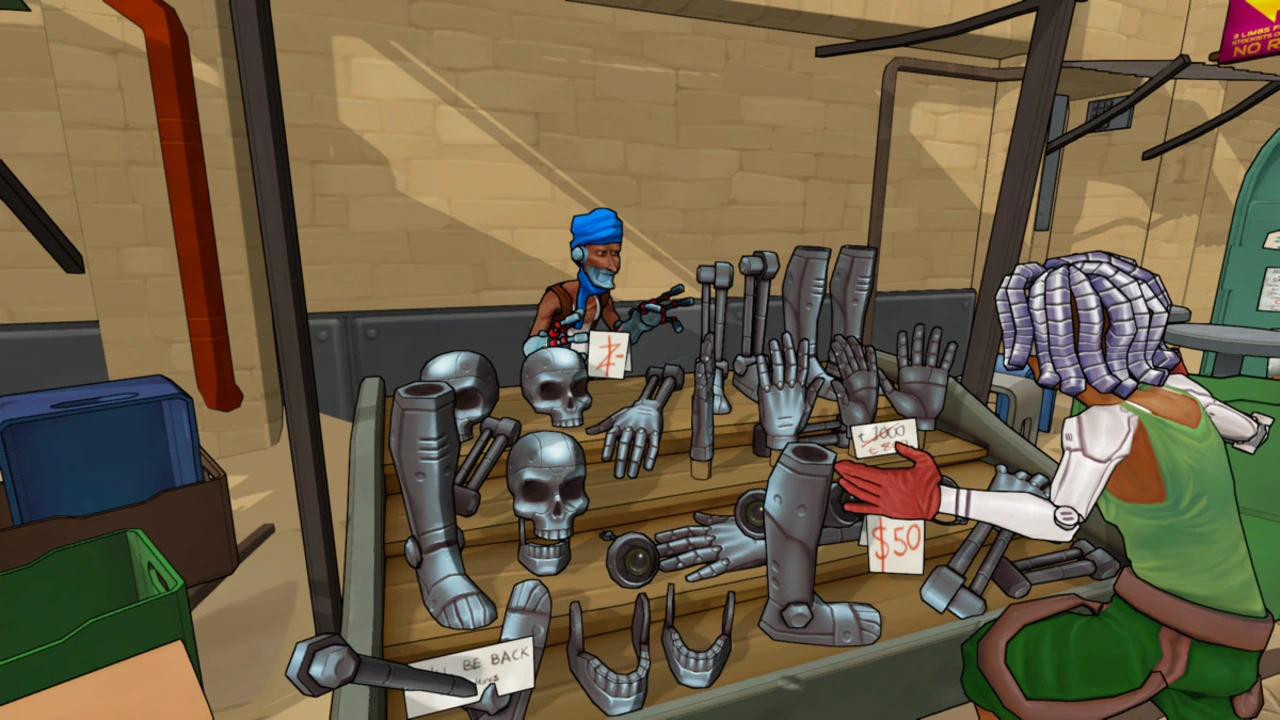
Enjoy full artistic control by selecting exactly which objects should have outlines and which should not. This is perfect for highlighting characters, interactive items, or specific parts of your environment.
Edge Read for Custom Shaders:
A powerful feature for advanced users. Utilize the edge detection data within your own transparent shaders to create unique behaviors, such as stylized water ripples interacting with shorelines or custom energy shield effects.
Custom Data Edge Detection (URP Only):
The ultimate solution for precision and stability. Detect edges based on Object IDs, Vertex Colors, or Custom Textures. This method eliminates nearly all common depth-based artifacts and allows for incredibly detailed edge detection that is impossible with other techniques.
Download Advanced Dissolve – Pro Shader Dissolve Effects for Unity
Click here to view the full details of the resource.:URL


Click the button below to download.
Download: