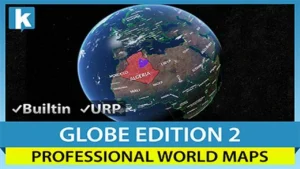
Geopolitical Framework and Interaction
World Map 2D Edition 2 establishes a high-density geographical interface directly within the Unity environment. Upon deploying the map prefab into a scene, the developer gains access to a procedurally drawn dataset encompassing 241 countries, 4,112 provinces and states, and the 7,144 most populated cities globally. This infrastructure is not reliant on external map providers or internet connectivity; all geographic data is contained within the asset, ensuring high-speed performance and offline functionality.
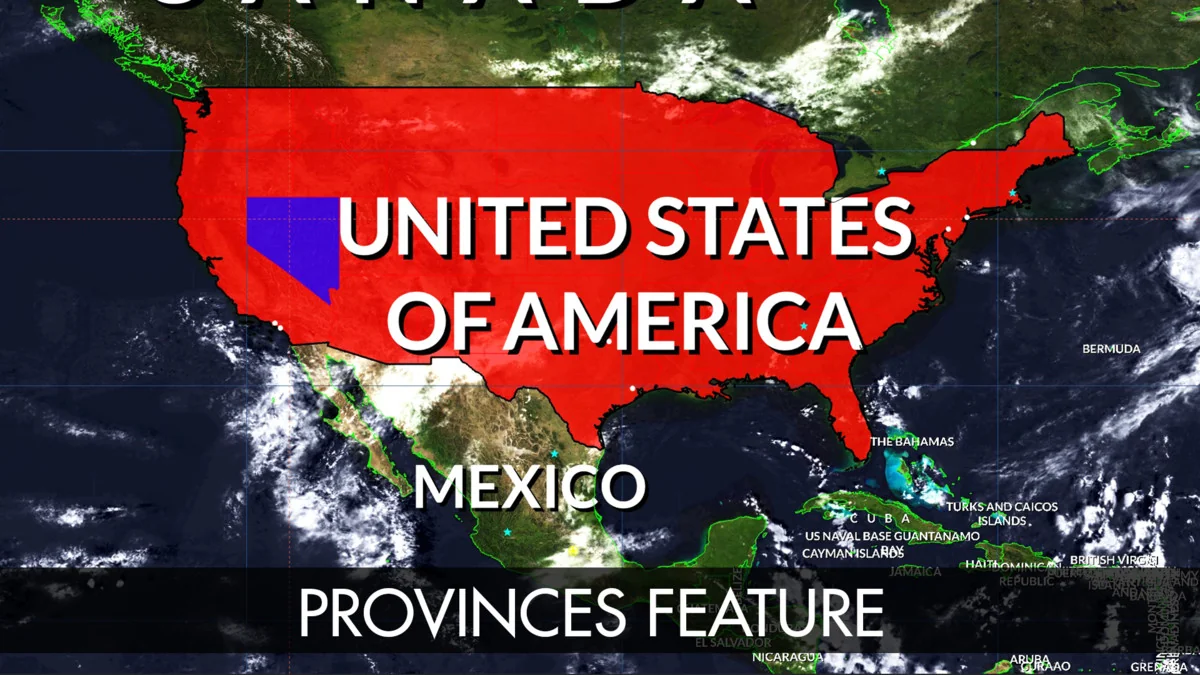
Interaction is baked into the core of the system. The map supports standard navigation gestures and inputs including zooming and panning. A reactive highlight system is utilized to provide visual feedback; as the user moves the mouse over the interface, specific regions for countries, provinces, states, and cities are highlighted automatically. This interactivity extends to deep navigation, allowing users to find and fly smoothly to any specific country or city by name or by entering precise latitude and longitude coordinates.
Visual Customization and Earth Styles
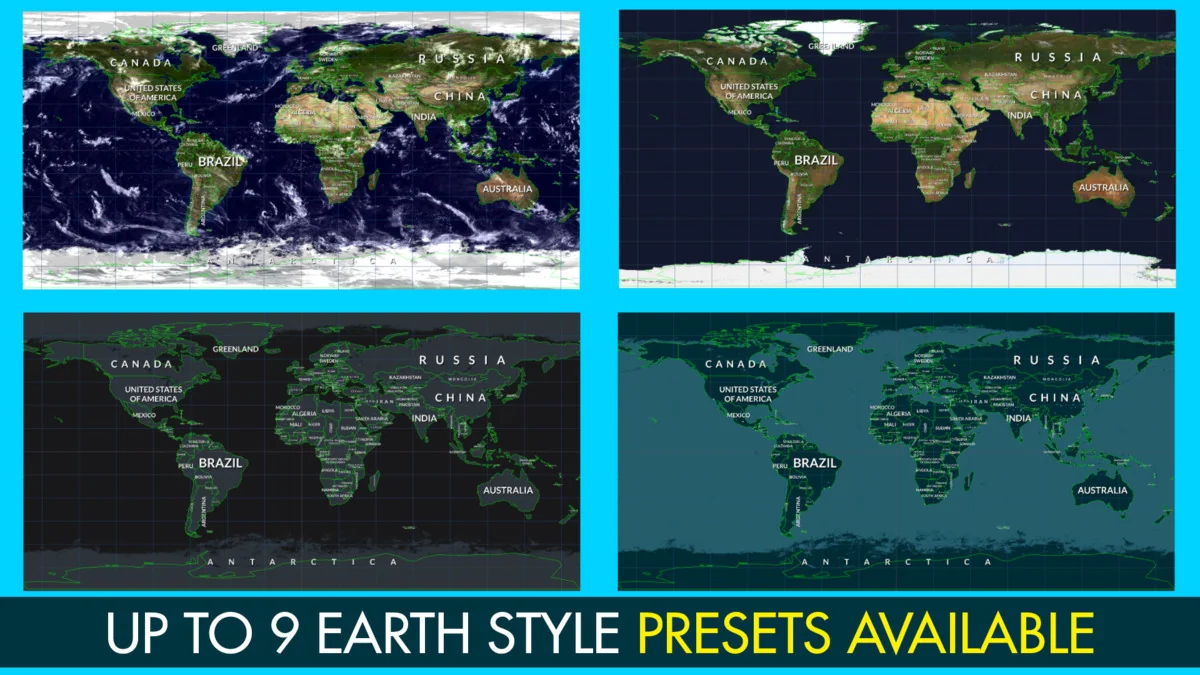
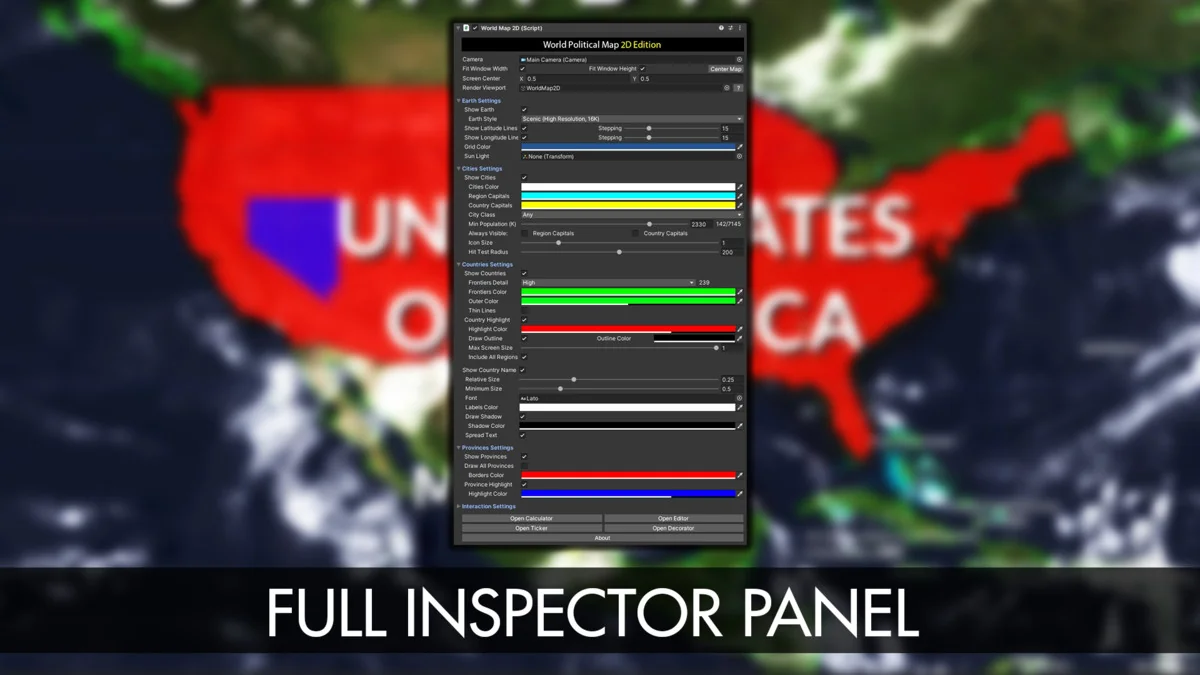
The visual presentation of the map is highly modular, offering eight distinct Earth styles. These range from lightweight options optimized for performance to advanced visual setups. The advanced styles utilize Scenic shaders that incorporate relief effects and cloud layers to add depth to the 2D plane. Texturing capabilities support high-resolution assets up to 16K, providing clarity even at high zoom levels. Developers can further customize the aesthetic by colorizing specific countries, provinces, or entire continents.
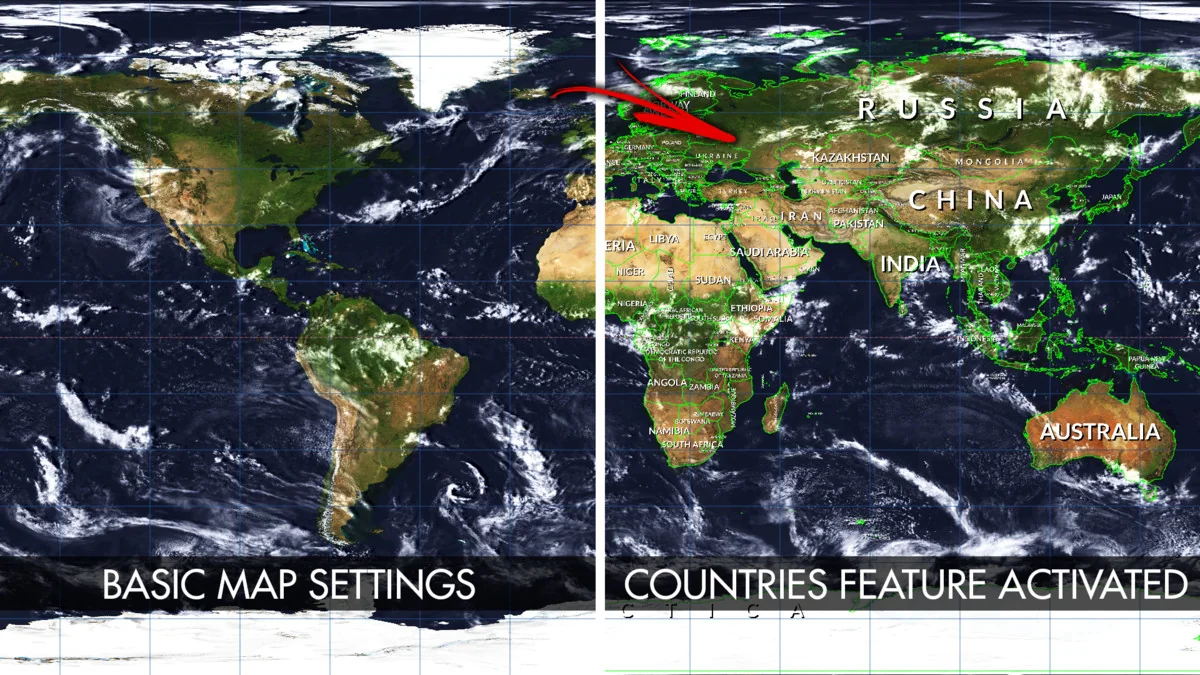
Individual country texturing is supported, allowing for specific regions to have unique visual identifiers. The map also includes options for managing the visibility and appearance of frontiers, labels, and the Earth itself. Labels are drawn automatically, with multiple placement options to ensure clarity across different zoom levels and map configurations. For specialized data visualization, the system includes imaginary lines for latitude and longitude, as well as cursor-tracking lines.
Implementation via API and Map Editor
For projects requiring dynamic control, the asset is fully accessible via an API. This allows developers to instantiate and manipulate the map through code, making it possible to automate changes or respond to game events programmatically. Documentation is provided to facilitate this integration. Beyond basic navigation, the tool includes a ‘Mount Points’ system, which permits the creation of custom strategic locations from within the Unity Editor. These points serve as anchors for positioning, navigating to, or finding objects within the geographic space.
The built-in Map Editor provides a suite of advanced tools for restructuring the included data. Developers can create, modify, reshape, or merge countries and provinces directly inside the Unity Editor. This flexibility is supported by two levels of detail for frontiers, scaled at 110,000,000:1 and 30,000,000:1, allowing for a balance between geometric precision and performance. Additional utility features include a unit converter for translating latitude and longitude to XY coordinates, a city distance calculator, and a ticker system for displaying scrolling or fading messages across the interface.
Markers, Animations, and Technical Integration
Adding data layers to the map is handled through markers and line animations. These can be placed over any country, province, city, or custom coordinate. This is particularly useful for visualizing movement or connections between global locations. The system also supports viewport rendering, which allows the map to be cropped or constrained to specific UI elements or screen regions, a feature compatible with both Perspective and Orthographic camera projections.
Technically, the asset is designed for broad compatibility across the Unity ecosystem. It supports the standard Built-in render pipeline as well as the Universal Render Pipeline (URP). It is verified for use with Unity 2022 and Unity 6, including support for the Render Graph system. Performance testing has been conducted for mobile platforms, specifically Android, to ensure the procedural drawing and 16K texture support remain viable on portable hardware.
Flexible Data Management
The ‘Decorator’ feature allows for the granular customization of how specific countries appear, covering their individual colors, textures, and label styles. This level of detail ensures that the map can be adapted for a variety of use cases, from strategic simulations to educational tools. Because the asset does not use Google Maps or other third-party providers, the developer retains full control over the data presentation and performance without external dependencies.
Project Screenshots
Protected download
Access this resource
All resources are 100% manually reviewed to eliminate all risks.