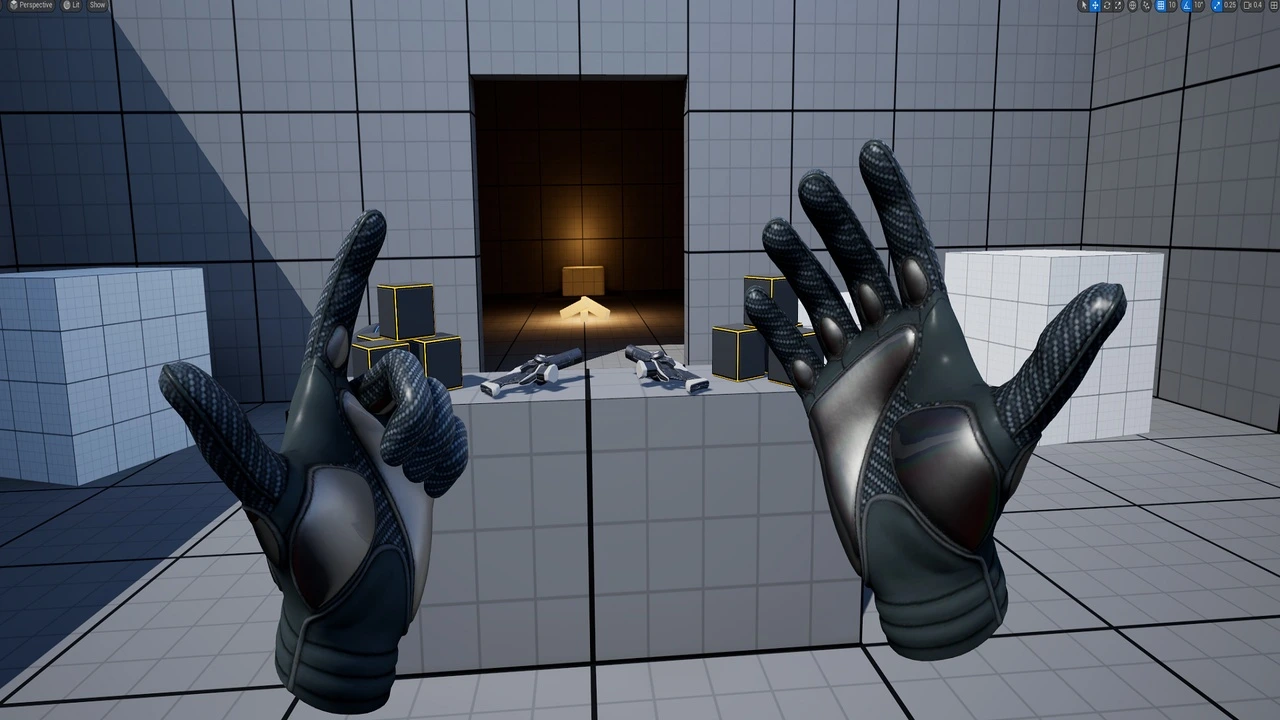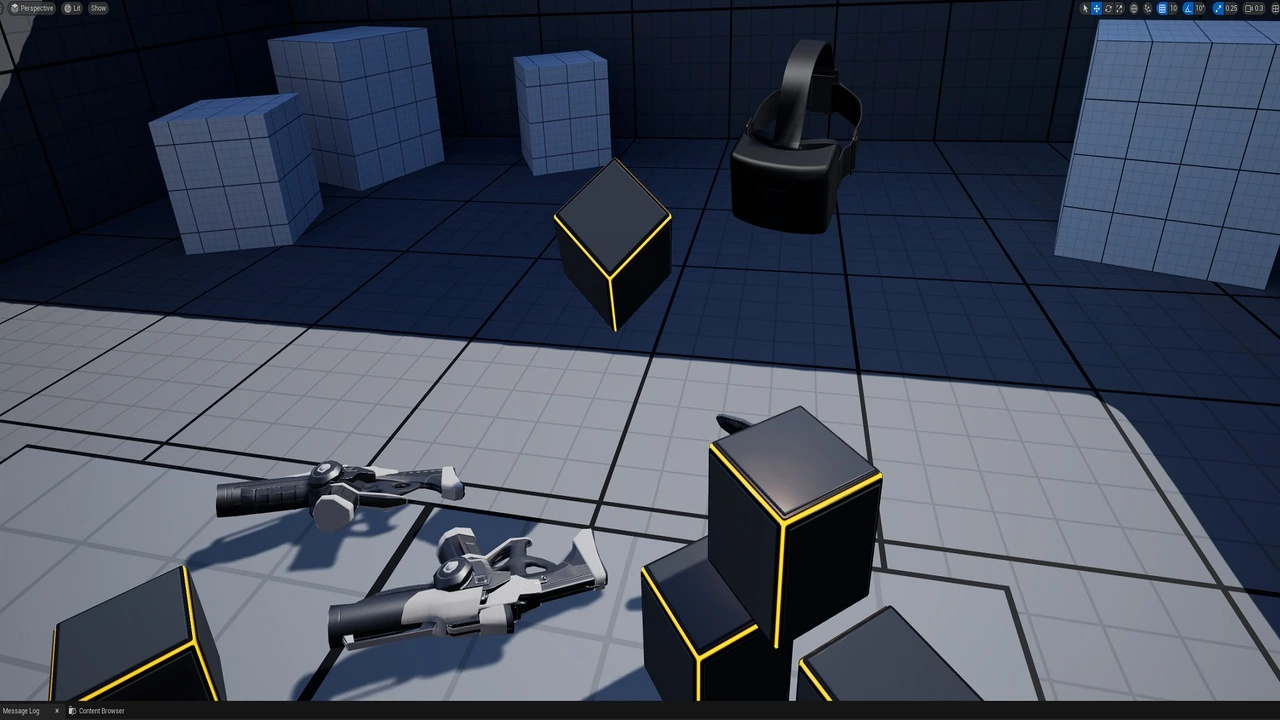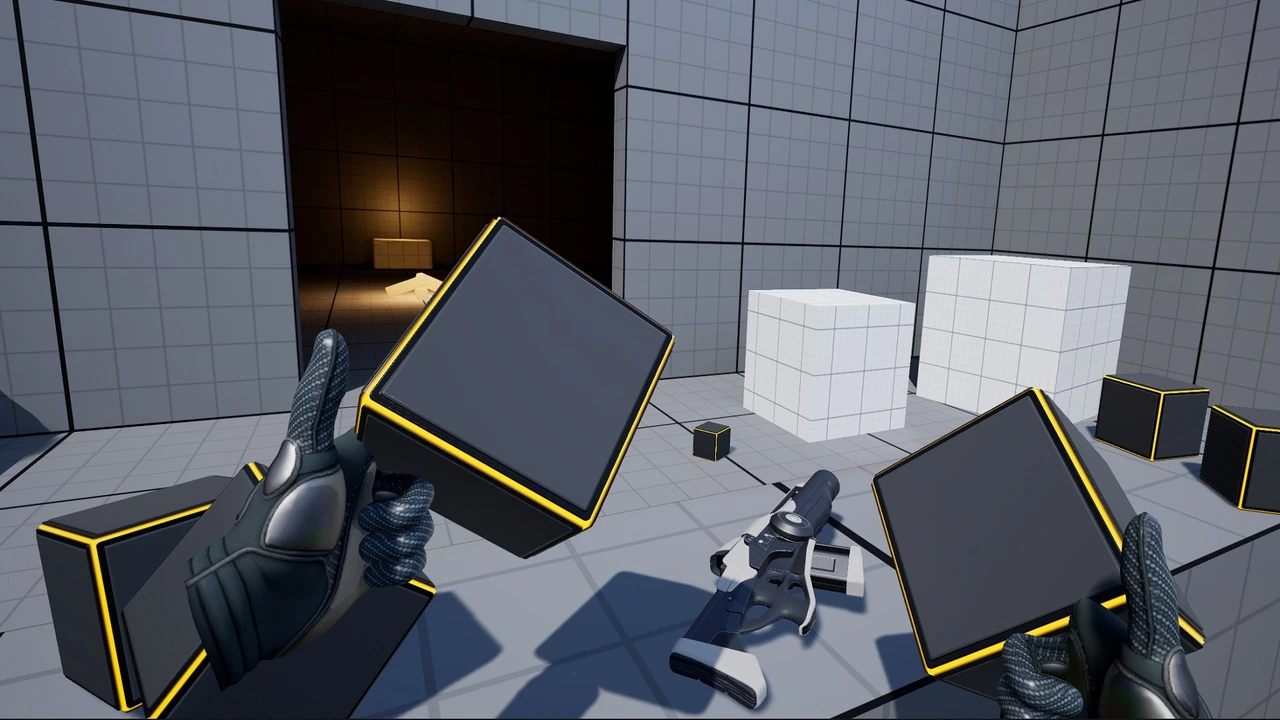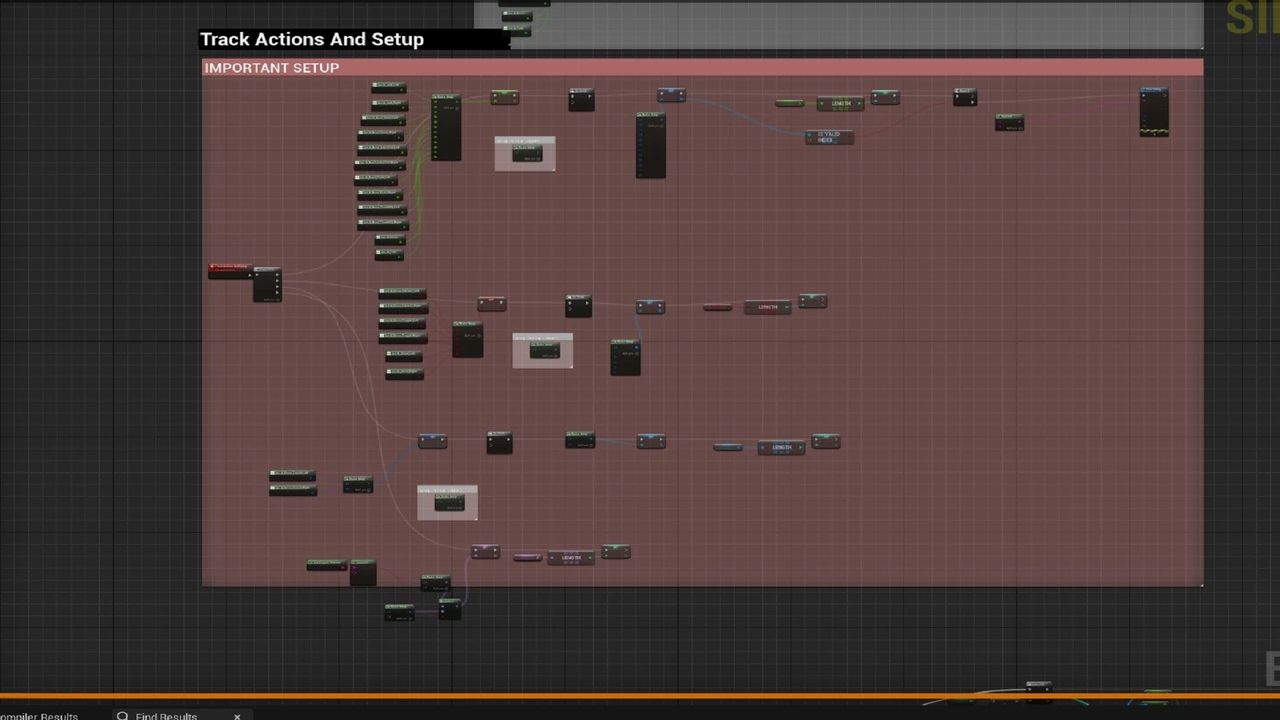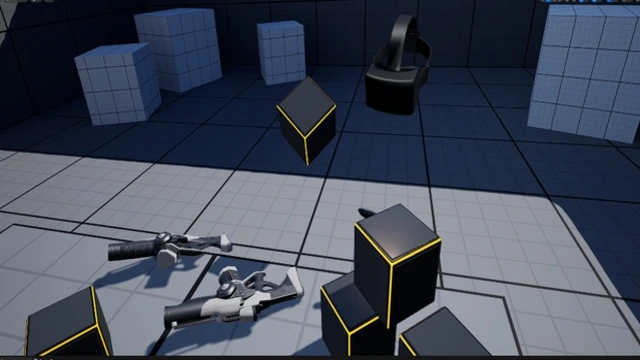
Are you tired of the single most frustrating issue in VR development—constantly taking your headset on and off just to test a small change? The VR Input Recorder is here to end that cycle. This powerful tool is engineered to save you time, reduce frustration, and unlock entirely new ways to debug and iterate on your VR/XR projects in Unreal Engine.
By using Enhanced Input Injection, this system allows you to record a complete VR playthrough and then play it back on a loop, freeing you to focus on what matters: building your game.
Solve Your Biggest VR Development Frustrations
This tool is designed to directly address the pain points every VR developer faces.
- Debug in Real-Time, Headset-Free: First and foremost, you can now debug your C++ and Blueprints while a recorded playthrough is running. Watch your code execute, set breakpoints, and inspect variables, all while seeing the direct result of your recorded actions in the editor.
- Iterate at Lightning Speed: Need to tweak a variable? No more putting the headset on, testing, taking it off, and repeating. Simply change your value and watch the next loop of the recorded playback to see the effect instantly. This cuts iteration time from minutes down to seconds.
- Work Uninterrupted: The input playback continues to run even when the PIE window is not in focus. This means you can have your Blueprints open on one monitor and the game window on another, creating a seamless and efficient development environment.
Unlock New Ways to Work
Beyond debugging, the VR Input Recorder opens up powerful new possibilities for your project.
- Become Your Own Cameraman: This is a game-changer for content creators. Record a dynamic and exciting gameplay sequence, then play it back while you use the editor’s camera tools to capture perfectly smooth, cinematic shots for your trailers, tutorials, or devlogs.
- A New Dimension of Debugging: By replaying the exact same inputs every time, you can reliably reproduce bugs and test fixes with scientific precision. It’s an invaluable tool for hunting down those hard-to-replicate issues.
- VRExpansion Ready: The pack includes sample code to demonstrate seamless integration with the popular VRExpansion Plugin.
Important Technical Details & Requirements
To ensure a smooth experience, please note the following:
- Enhanced Input is Required: This tool is built exclusively for projects using Unreal Engine’s modern Enhanced Input system (like the default VR Template).
- Tick-Based Accuracy: The recorder uses the game’s Tick to set positions. Therefore, its accuracy is dependent on performance. While excellent for debugging and iteration, it may not be a 1:1, frame-perfect replication if your frame rate fluctuates significantly.
- Plugin Dependencies: The core VR Input Recorder system has no external dependencies. The included demo scene, which is based on Epic’s VR Template, requires the OpenXR plugin to be enabled.
Stop the “headset dance” and start working smarter. Download the VR Input Recorder today and revolutionize your development process!
Click here to view the full details of the resource.:URL