Voxel blocks that stay editable in the scene
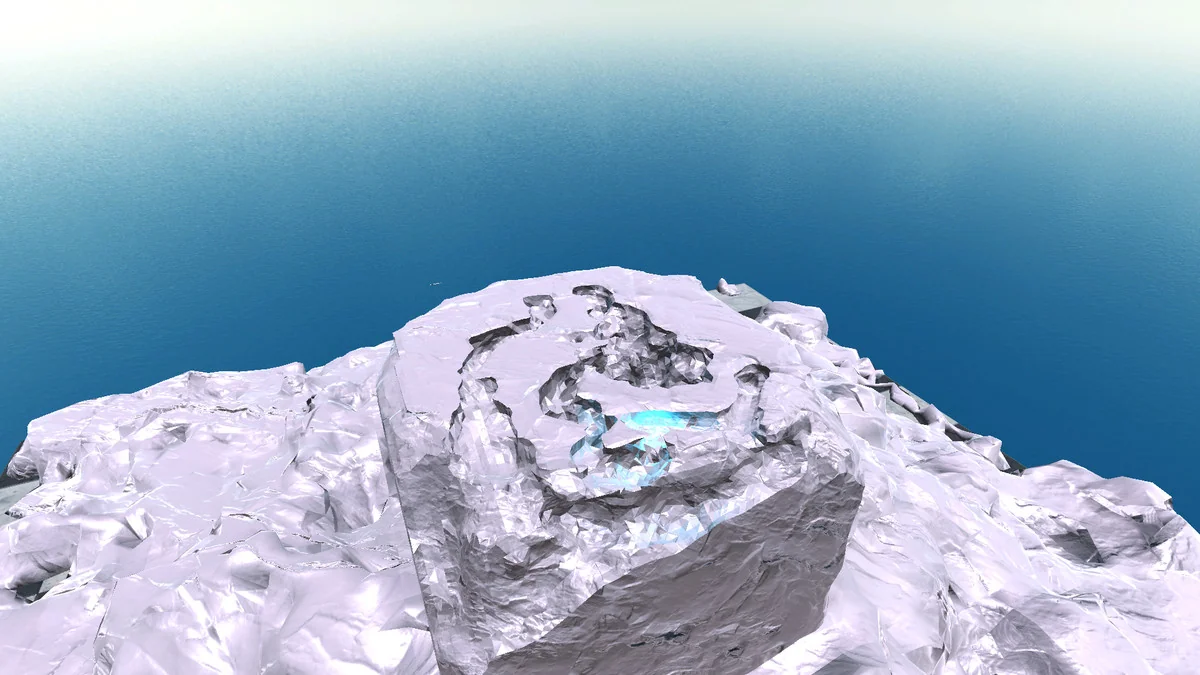
Voxelica – Voxel Engine gives a scene a voxel-based structure that can be shaped during editing or during gameplay. The workflow starts simply: voxel blocks can be generated by dragging prefabs into the scene. From there, those blocks can be sculpted, modified, and arranged into flexible structures that respond to the needs of the project.
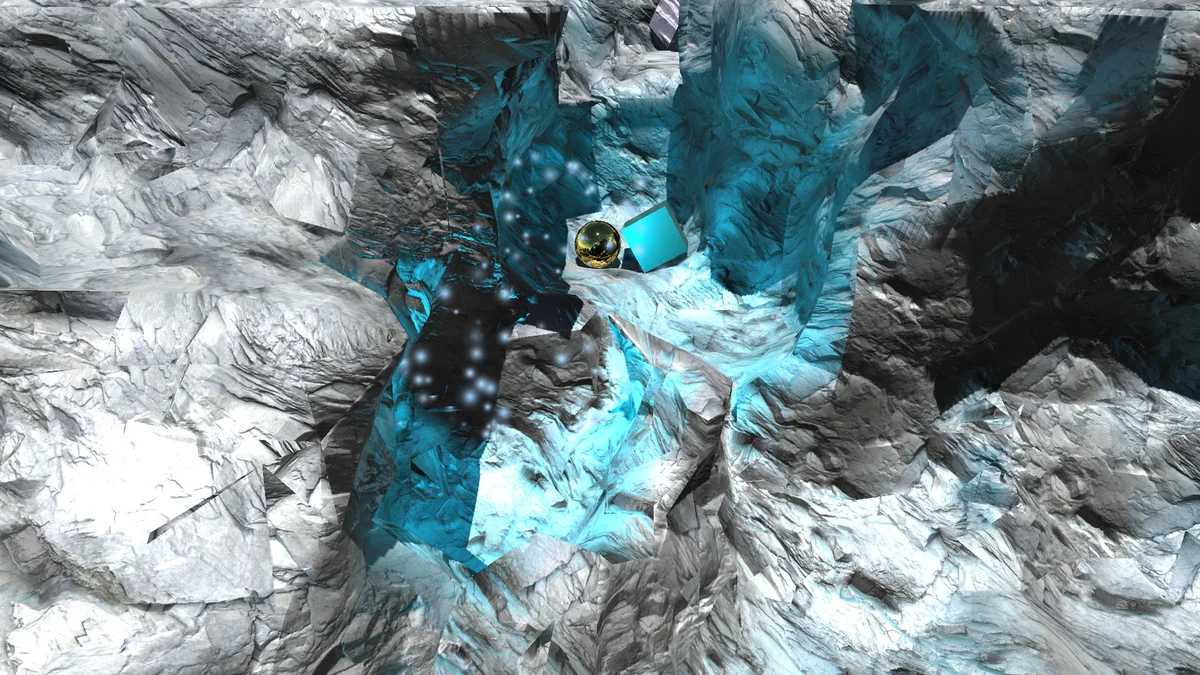
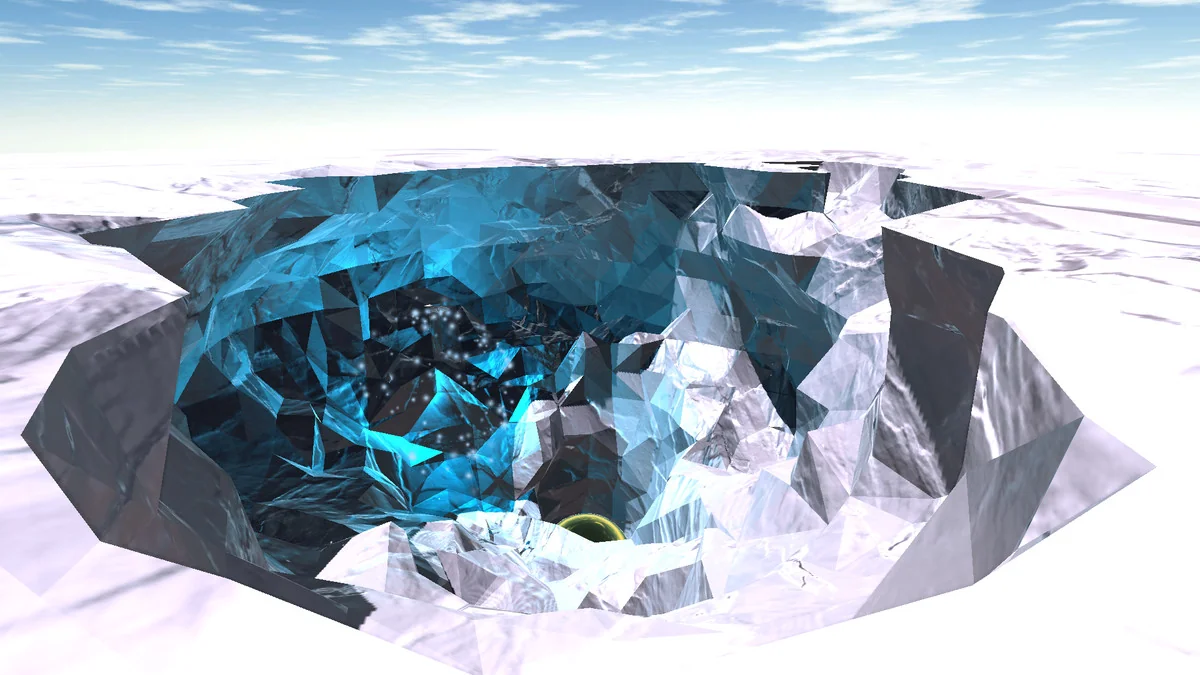
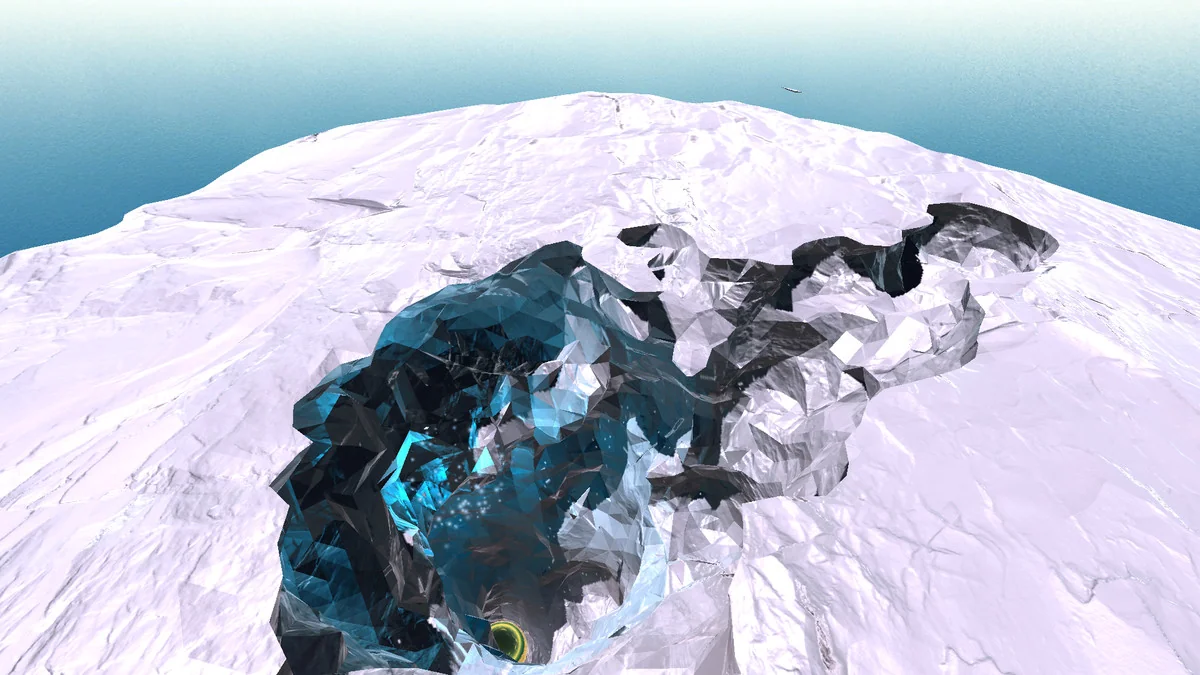
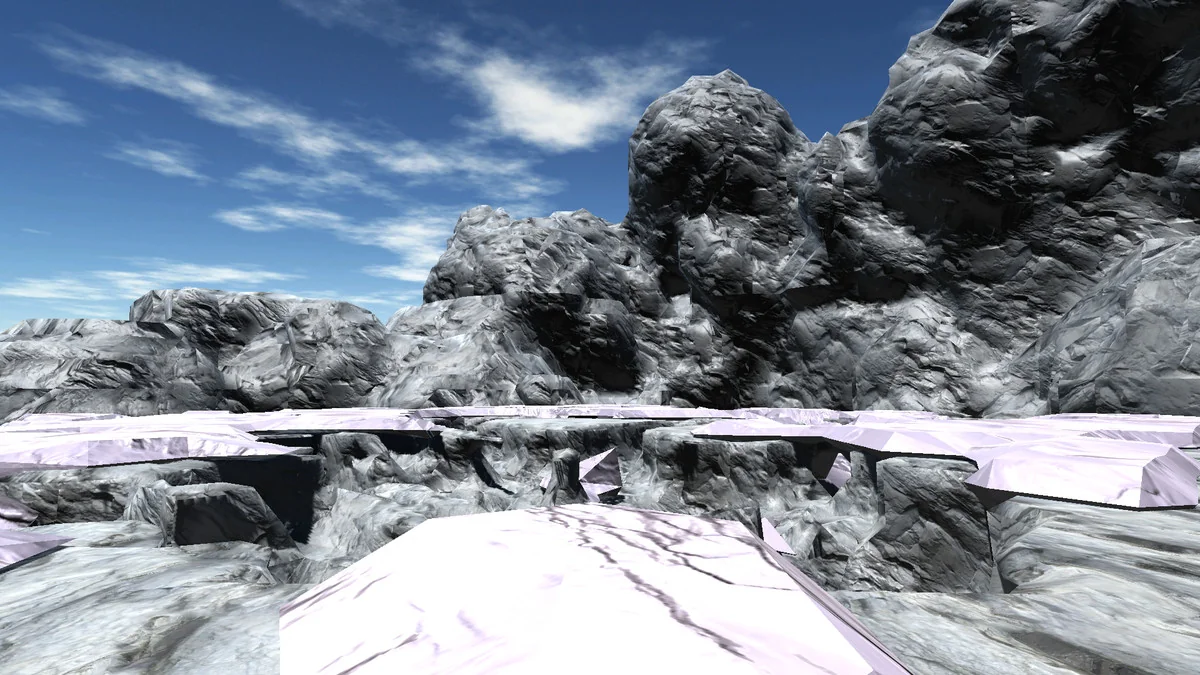
That makes the engine useful for destructible objects and environments, but it also reaches into volumetric data visualization. The same voxel behavior that supports gameplay destruction can also be used to represent data in a block-based form that is easy to inspect and reshape. Large terrains can be sculpted with the resolution-based sculpting system, and that happens both while editing and while the game is running.
The practical appeal is direct: the asset treats voxels as something active in the scene rather than a static mesh replacement. Artists can shape form, and developers can use the same system for destruction, construction, or data display.
Converting textures, meshes, and terrain into voxels
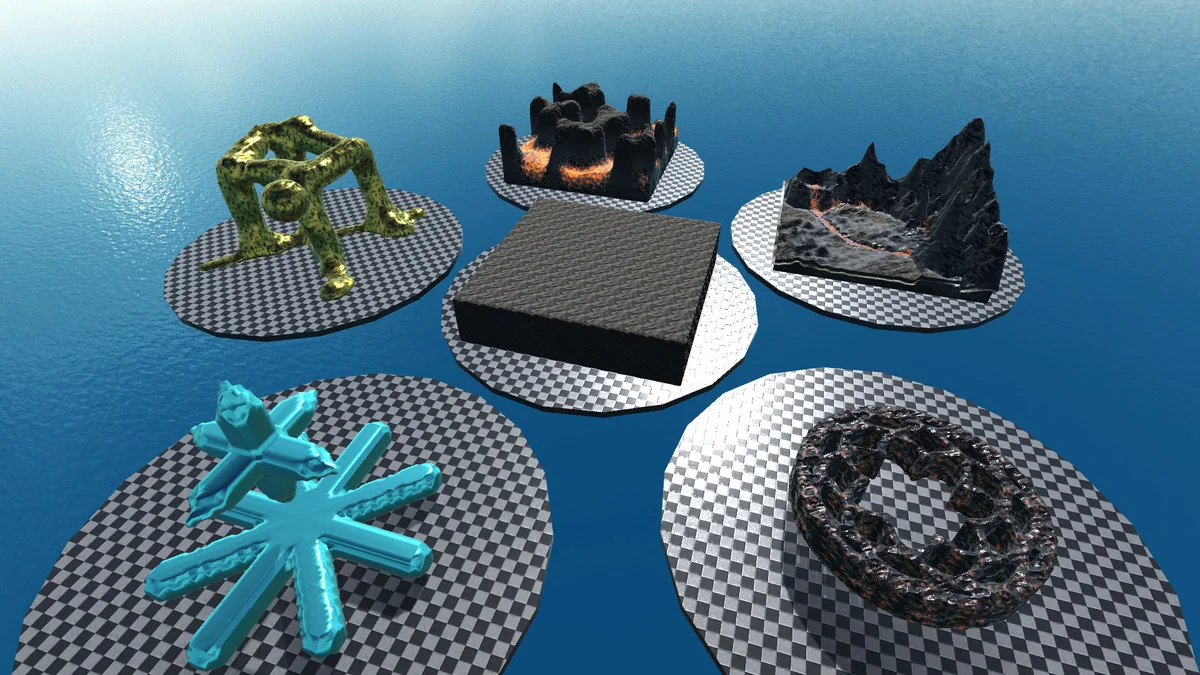
A procedural voxel modifier is included for turning existing content into voxel representation. Texture slices, meshes, and terrains can all be transformed into voxels, which opens the door to workflows that begin with traditional assets and end with voxelized versions of the same forms.
That conversion path matters for projects that want voxel behavior without starting from zero. A mesh can be brought into the voxel system, terrain can be reworked into a block structure, and texture slices can be used as part of the conversion process. The same setup also supports 3D reconstructions from scan image slices, making the engine relevant for detailed model creation from layered image data.
Rather than locking the project into one creation method, the modifier keeps multiple inputs in play. That gives teams a way to move between standard geometry, terrain, and slice-based data while staying inside the voxel workflow.
Choosing the right resolution for the task
The voxel resolution system is flexible enough to be matched to different targets. Low resolution can suit mobile use, medium resolution can fit games, and high resolution can be used for scientific applications such as CT scans. The point is not just technical granularity; it is the ability to choose a resolution that reflects how the voxel data will actually be used.
That also connects back to sculpting. Since the engine supports resolution-based sculpting, larger terrains can be handled with more control during editing and gameplay. The voxel structure can stay coarse when speed matters or become more detailed when the application calls for closer inspection or finer form.
For teams working across different kinds of projects, that flexibility keeps the engine from being limited to one visual style or one type of data. A mobile game, a terrain-driven scene, and a scan-based scientific visualization can all use the same voxel system with different resolution settings.
Visual layers, materials, and saved voxel data
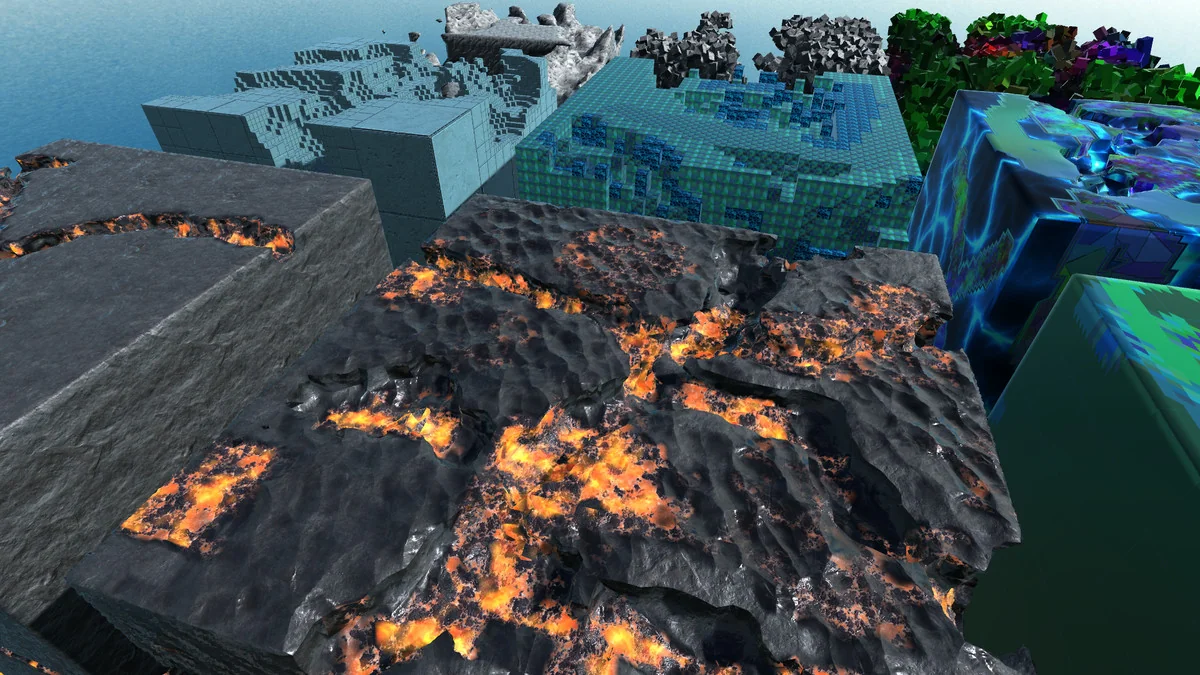
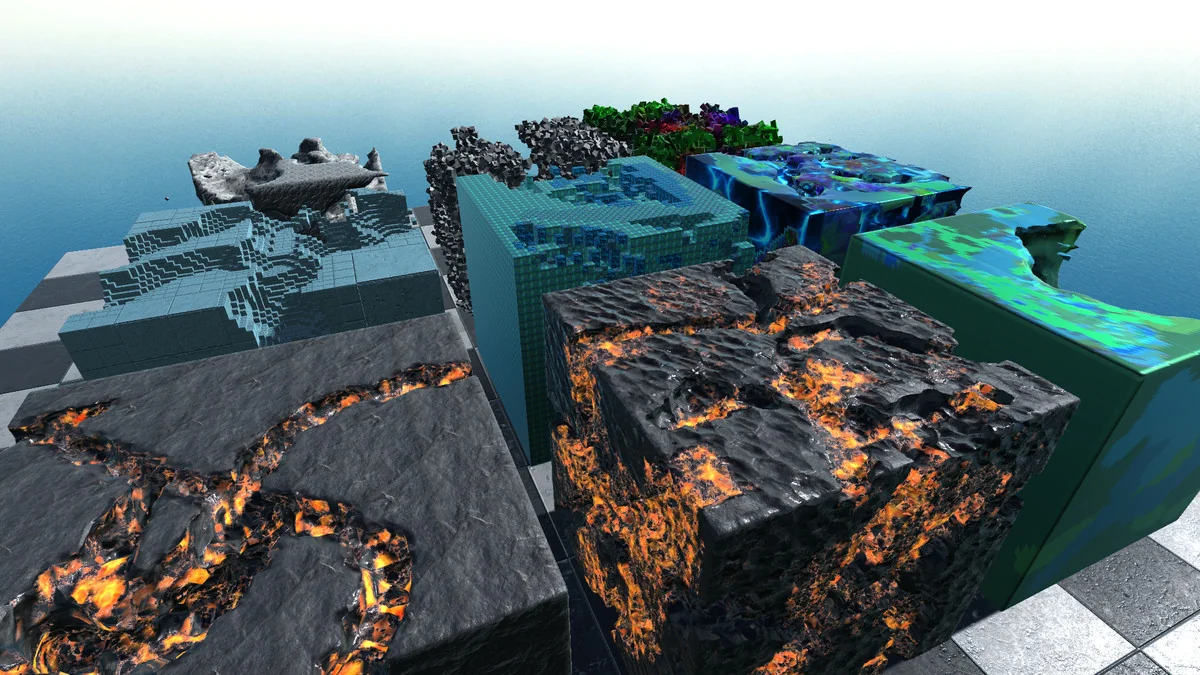
The visualization system is modular, and that shows up in the way hull generators can be attached to voxel generators. Multiple hull generators can be used to customize the appearance of voxel generators, giving the scene more than one visual layer to work with. The same setup can also be used to visualize data structures for stronger visual effects.
Multi-material support adds another layer of control. Multiple voxel maps can run in parallel, which creates a multi-material system and allows voxel data to expand dynamically. That is a useful setup when a project needs separate material behavior inside the same voxel framework instead of a single uniform surface.
Saving and loading are handled with the same focus on practical use. Voxel data can be saved directly in scene files or in scriptable objects through an integrated management system. During gameplay, voxels can also be stored in the persistent data path and loaded dynamically. That gives the engine a place in projects that need voxel state to persist between sessions or update while the game is running.
Performance, AR/VR use, and render pipeline notes
Performance can be boosted by adding the burst and collection package to the project, which connects the voxel system to the job and burst setup. That is the performance note that matters most for teams evaluating how the engine behaves under load.
The engine is also positioned for AR and VR work. It was originally created for VR sculpting applications, and it is compatible on the target platform while operating independently. For AR, it works as a normal traditional game object that can be placed as augmentation inside an AR application. That makes the engine useful in both immersive sculpting workflows and augmented scenes.
Render pipeline behavior is equally straightforward. The voxel engine operates independently of the render pipeline. Experimental HDRP and URP content is included, but it is currently unsupported to keep the setup stable. That leaves the core voxel behavior separate from pipeline dependence, which is helpful when a project needs the voxel system to remain consistent across different rendering setups.
Voxelica is strongest when a project needs voxel blocks that can be generated, sculpted, converted from existing assets, layered with materials, saved, and deployed without tying the system to one rendering path. It gives artists and developers a concrete voxel workflow for destructible scenes, volumetric data, and VR or AR use.
Preview Images
Protected download
Access this resource
All resources are 100% manually reviewed to eliminate all risks.