Implementing Virtual Mobile Controls
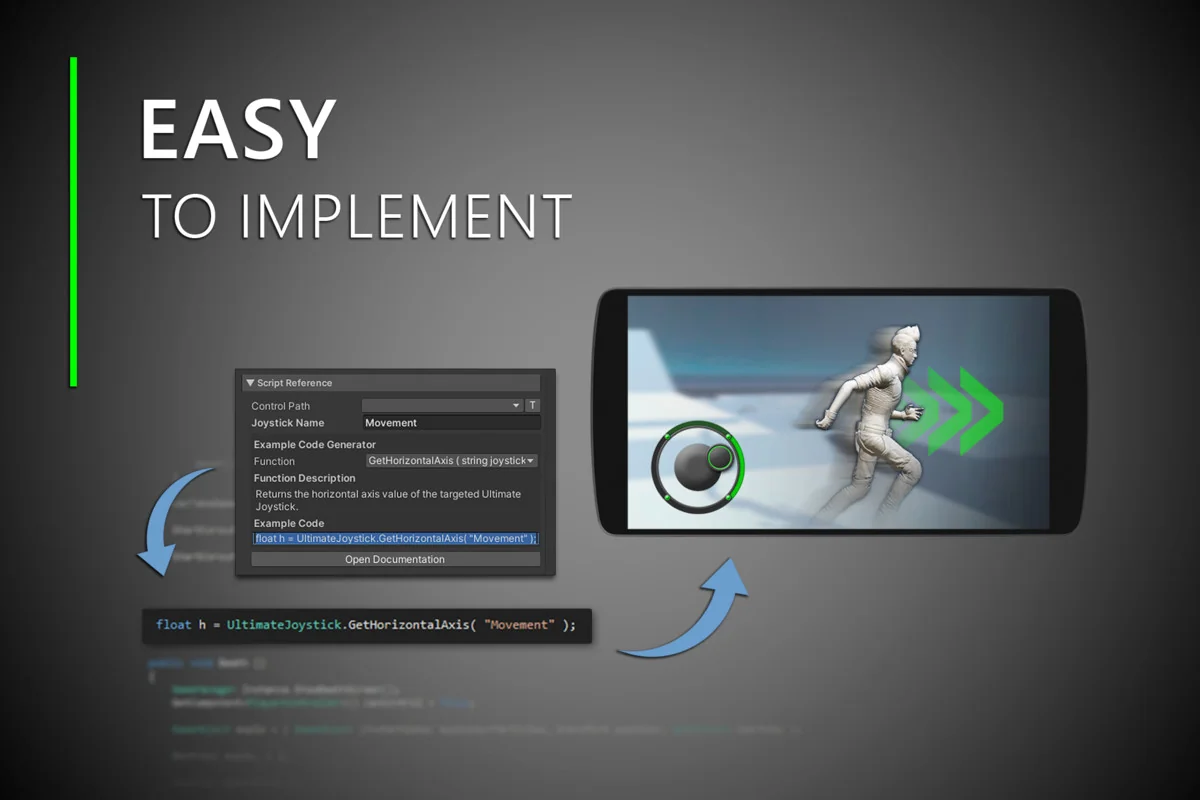
Virtual joysticks serve as a primary interaction point in mobile game development. The Ultimate Joystick is designed to minimize the complexity of this integration, allowing developers to implement input functionality through a simplified scripting reference. This process is centered around a copy-and-paste method where the necessary code is provided directly within the inspector, reducing the manual setup typically required for input handling.
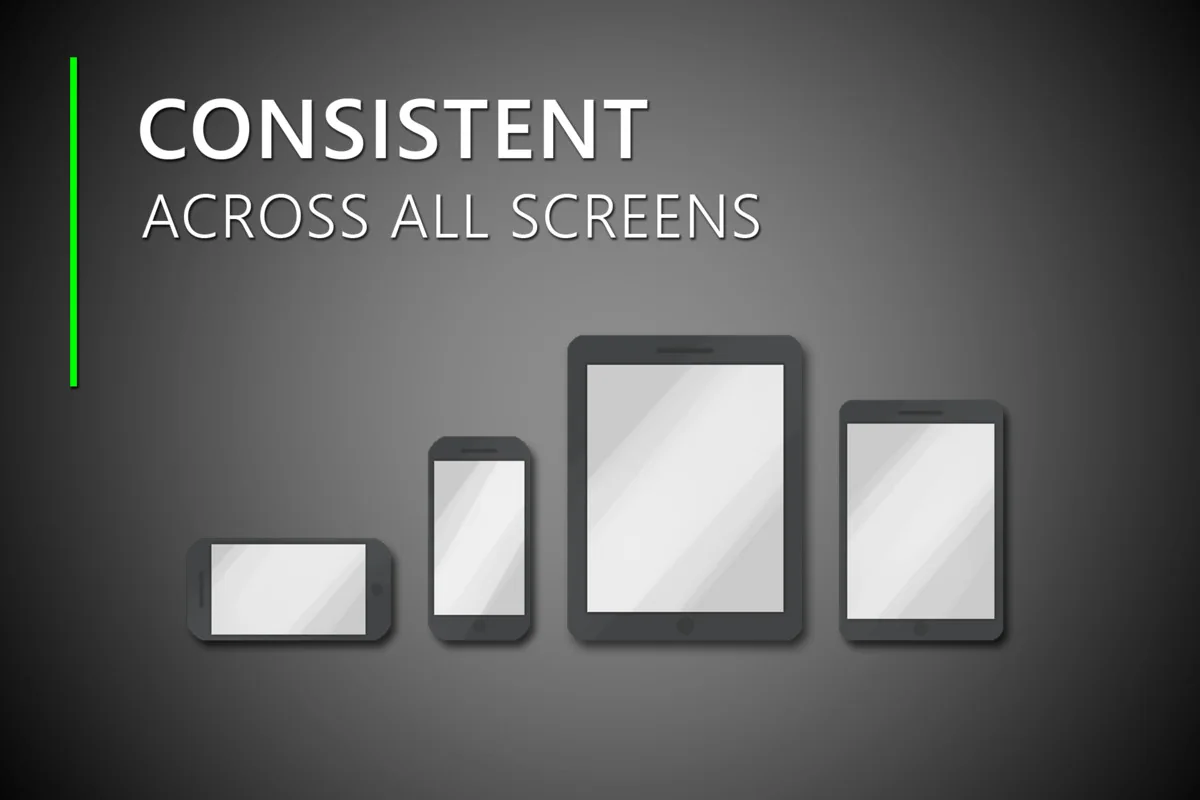
By offloading the heavy lifting of input logic to the asset’s internal code, the developer can focus on how that input interacts with the game world. This approach ensures that the player’s movement or camera controls remain consistent, regardless of the hardware being used. The system is built to maintain the same look and feel across different screen sizes right out of the box, addressing common scaling issues found in mobile UI development.
Workflow Enhancements in Version 4
The fourth version of the asset introduces an overhauled inspector designed to facilitate a smoother development workflow. Within the Unity Editor, options are organized by relevance and category. This structure allows for more intuitive navigation when adjusting the visual or functional parameters of the joystick.
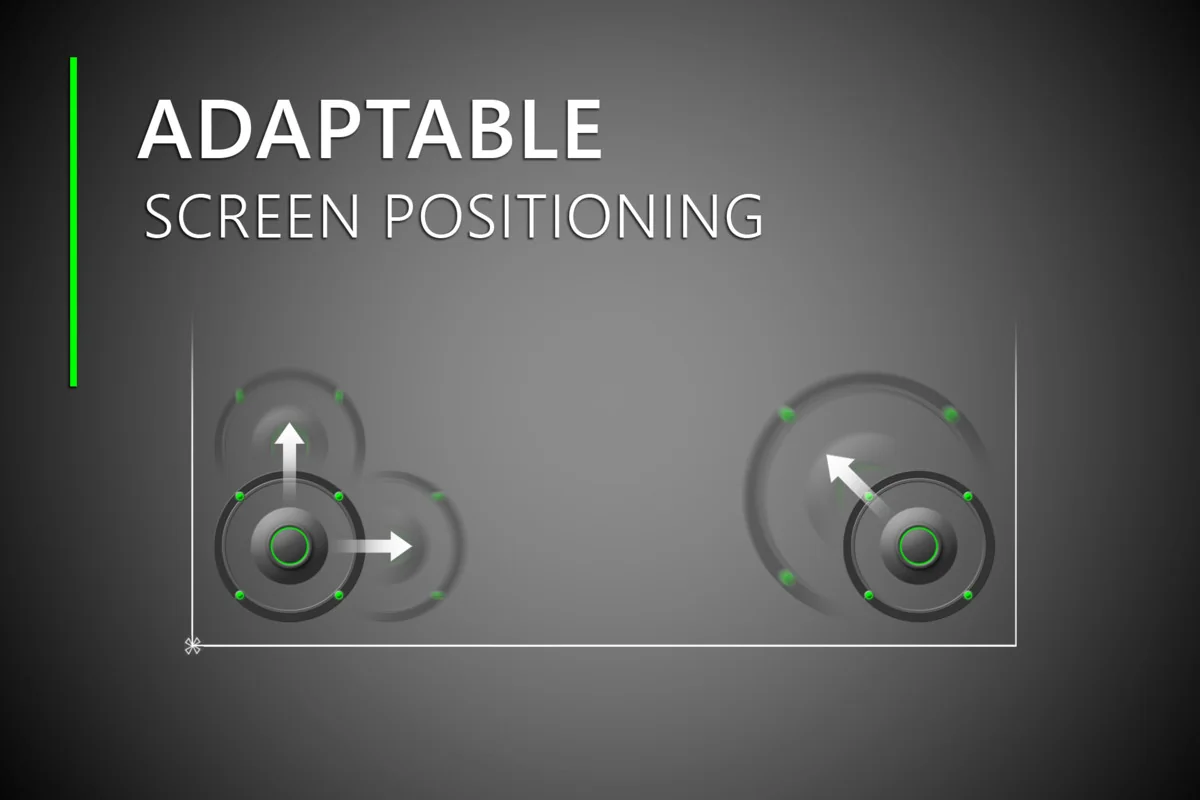
To further assist in the setup process, scene gizmos have been implemented. These gizmos provide real-time visual feedback within the Unity Scene View, allowing the developer to see exactly how specific inspector options will affect the joystick’s behavior and placement before entering play mode. Additionally, this version introduces runtime position override options. These settings allow players to customize the position of the joystick during gameplay, providing a layer of accessibility and user preference that is often required in modern mobile titles.
Visual Customization and Scene Integration
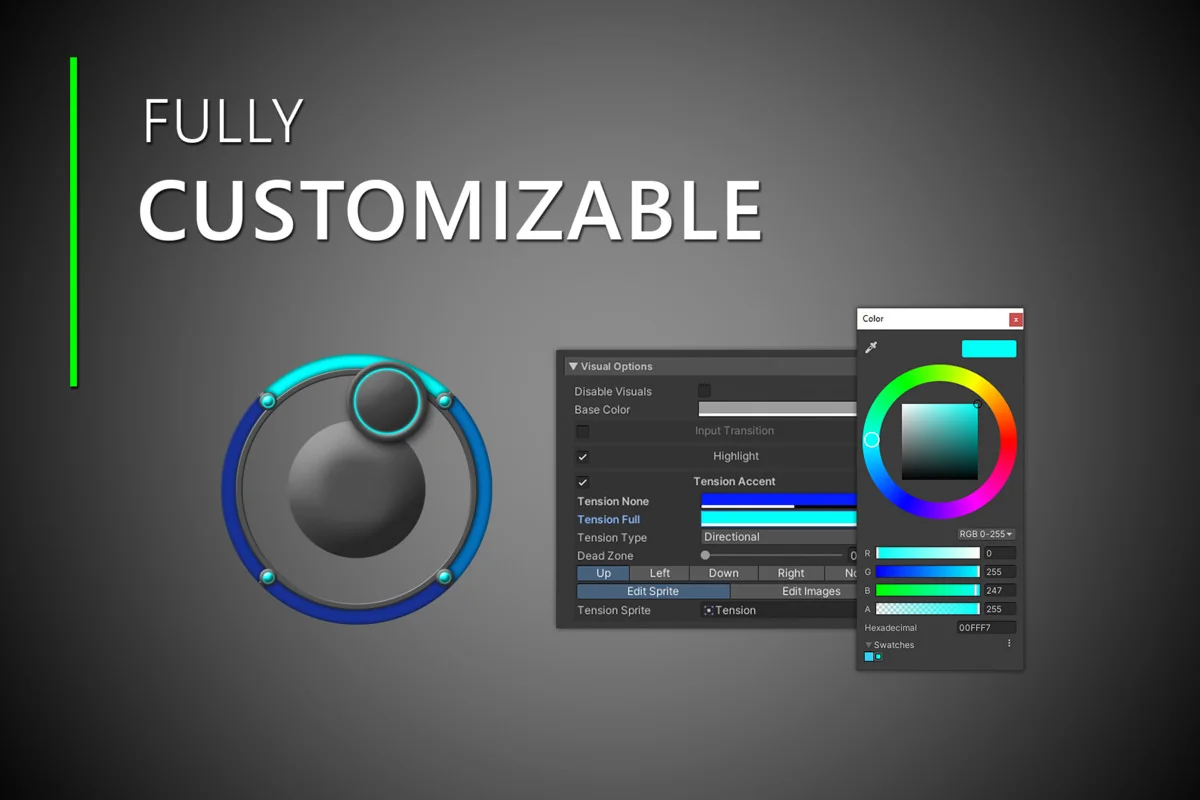
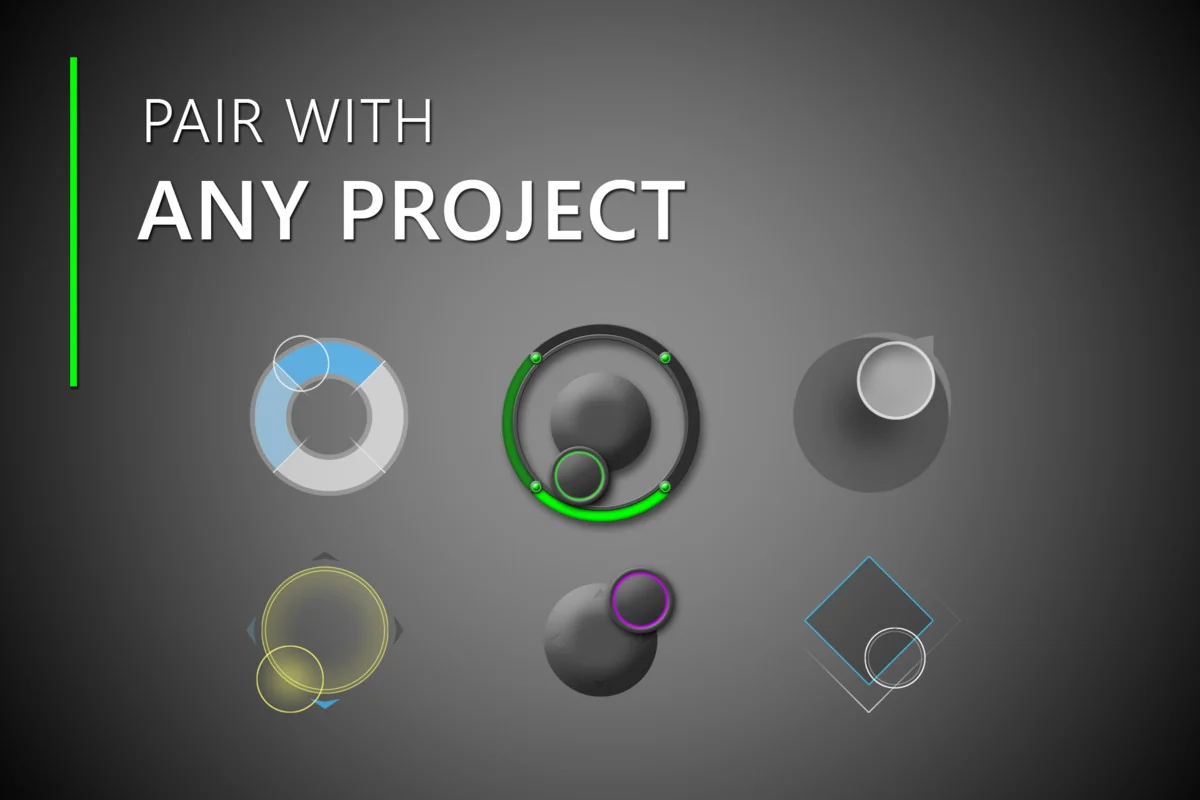
Visual consistency is handled through a set of carefully designed joystick sprites included with the asset. These images are intended to enhance the aesthetic of the game while maintaining the functional clarity required for touch interfaces. While the included sprites are designed for immediate use, the system is flexible enough to accommodate custom art. Developers can swap the default images for their own tailored sprites within the joystick code without breaking the underlying input logic.
For those beginning a new project or looking to see the system in action, the asset includes new example scenes. These scenes serve as a practical reference for implementation, demonstrating how the joystick interacts with different game environments and player setups.
Documentation and Long-Term Implementation
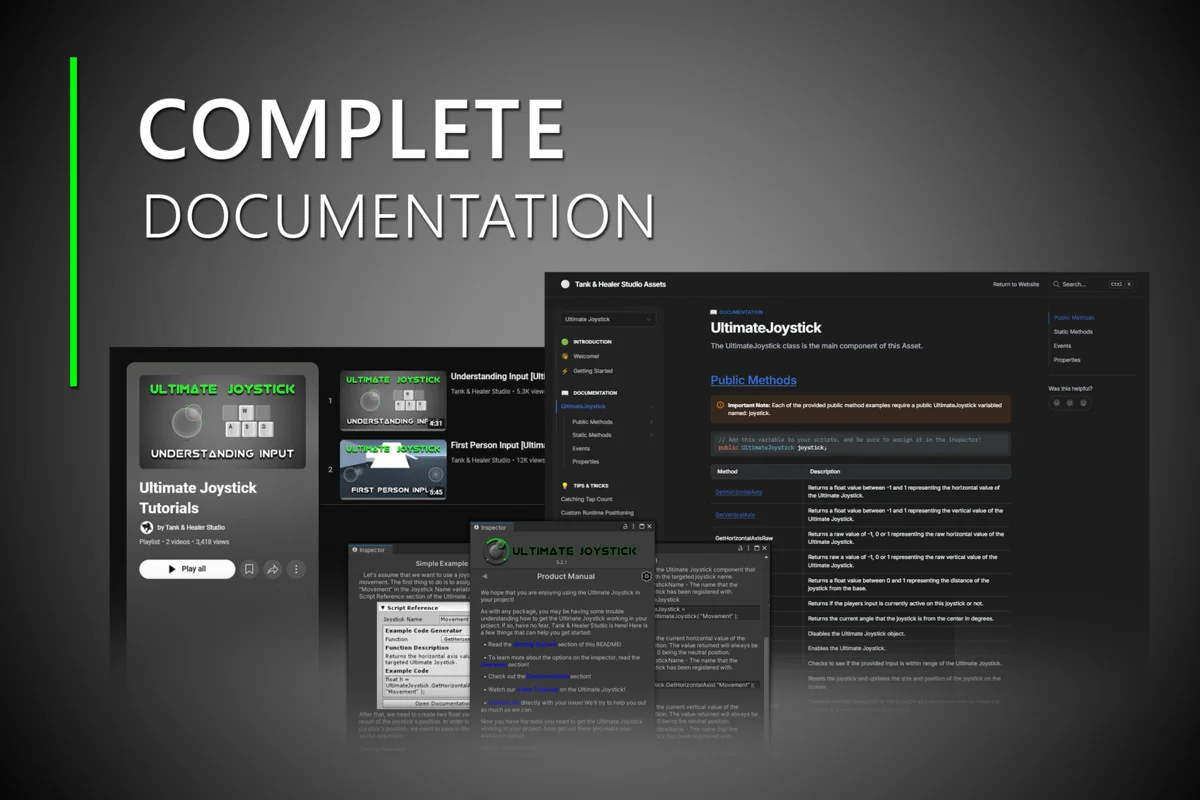
The resource includes an interactable README file that acts as a central hub for setup information. This file provides local documentation to help developers get started immediately within the Unity Editor. For more in-depth queries, the system links to official online documentation and video tutorials that cover various aspects of the joystick’s functionality.
The developer has maintained and updated assets within the Unity ecosystem since January 2015. This history of support includes keeping the asset compatible with newer versions of Unity and offering assistance through a support Discord server. This long-term approach ensures that the joystick remains functional as the engine evolves, providing a stable foundation for projects that may have long development cycles.
Practical Usage and Scripting
The core of the joystick’s utility lies in its straightforward script reference. Because the code is accessible directly from the custom inspector, the barrier to entry for setting up complex mobile controls is significantly lowered. Whether the project requires a static joystick or a dynamic one that responds to player touch locations, the categorized options in the inspector allow for quick toggling of these behaviors. The integration of these features into the Unity workflow allows for rapid prototyping of mobile control schemes, ensuring that the input feels responsive and professional without requiring extensive custom-custom-coding for every new project.
Preview Images
Protected download
Access this resource
All resources are 100% manually reviewed to eliminate all risks.