Pipeline setup comes first
Sword Slashes PRO drops into Unity as a dynamic VFX package for stylised sword attacks. It works across BiRP, URP, and HDRP, and all effects are stated to work on all platforms. For BiRP, Shader Graph is required and is installed with the resource, while built-in render can be selected through Tools>RPchanger.
The render pipeline support is broad enough to fit different project setups without changing the core idea of the pack. The same effect set is available across supported pipelines, and the shaders are optimized custom shaders rather than simple trail meshes. A PC demo is included as well.
What the slash set actually includes
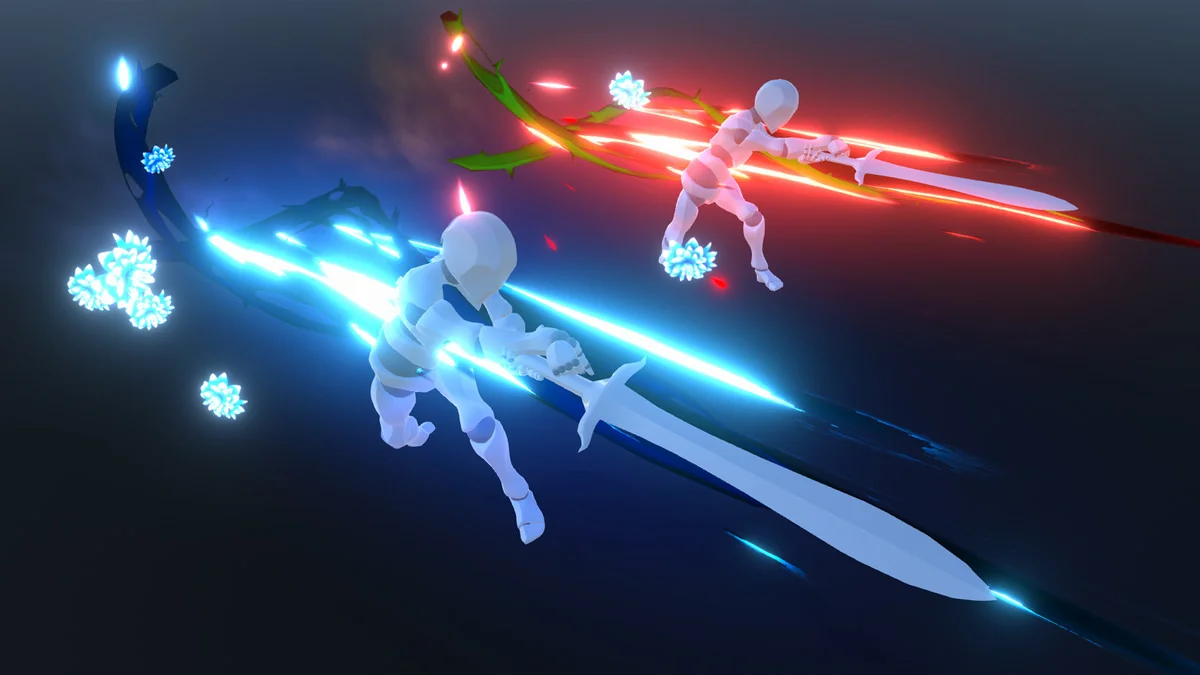
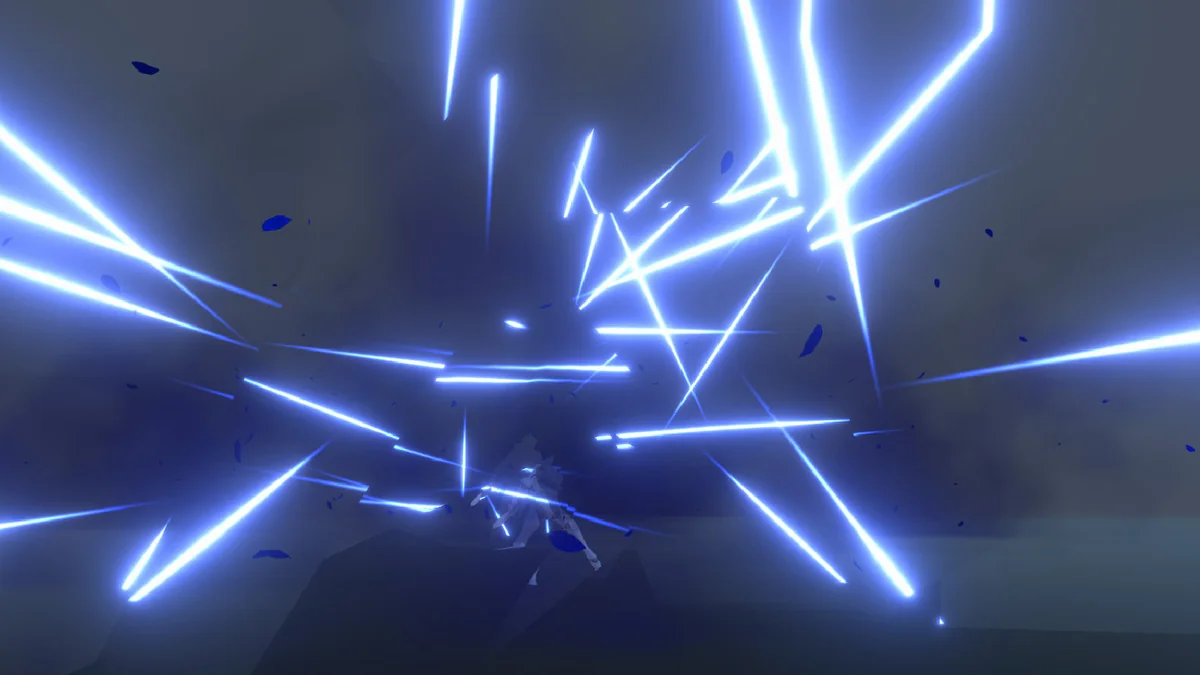
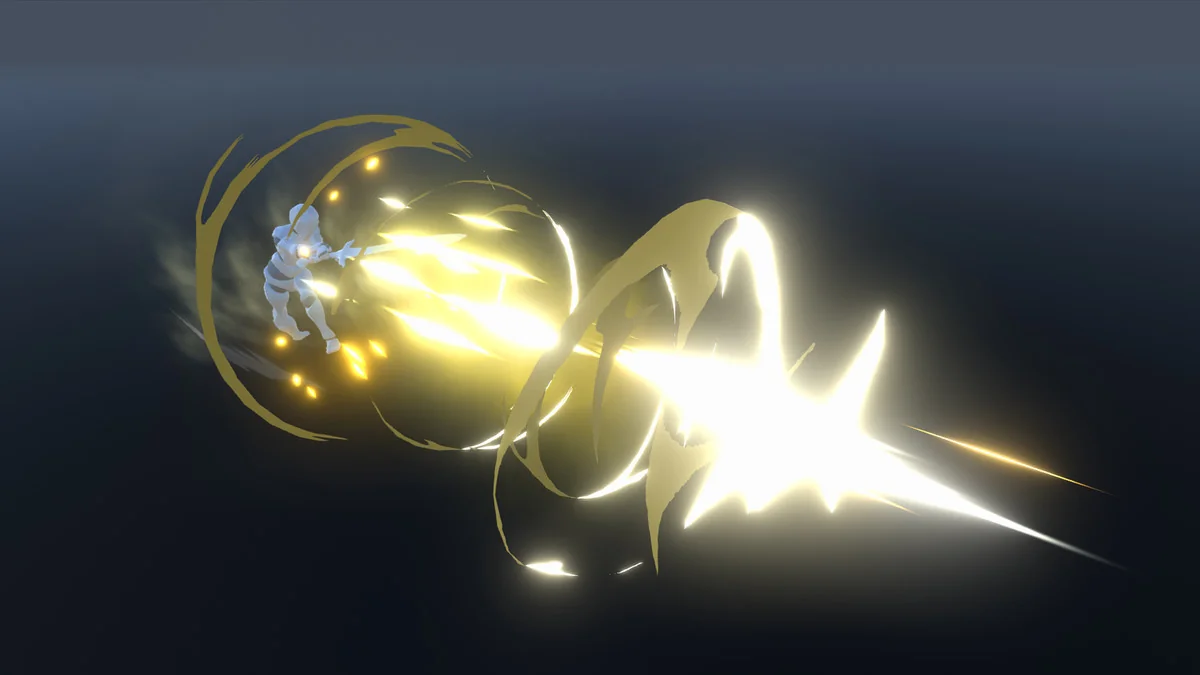
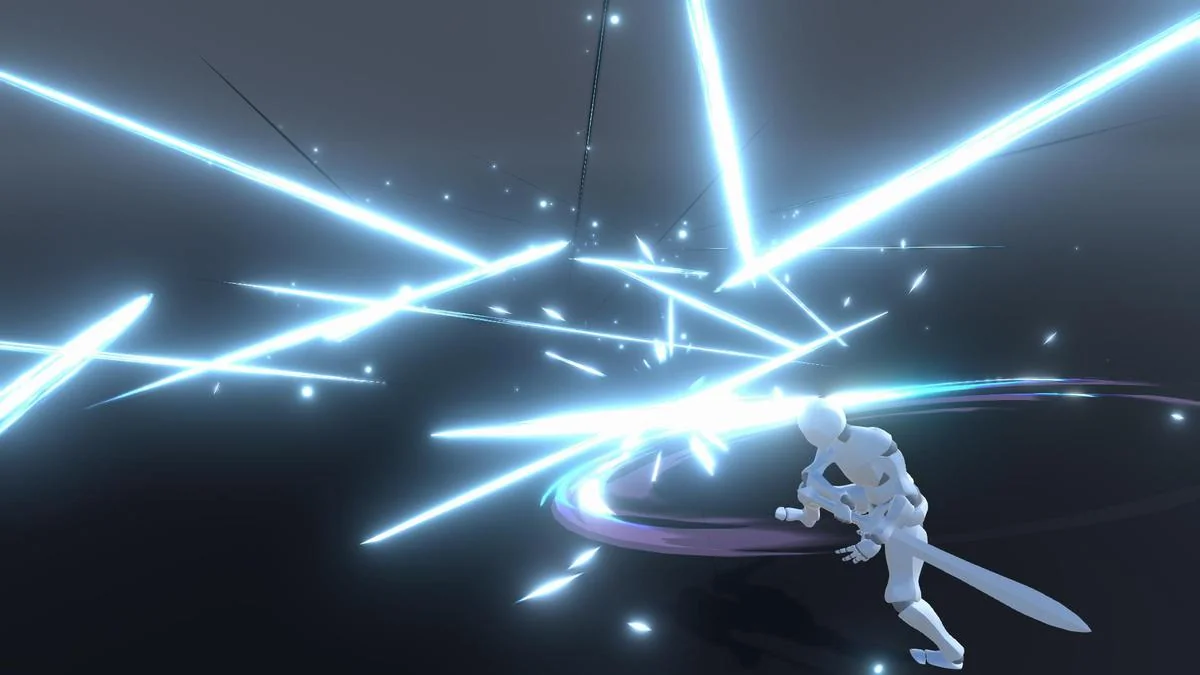
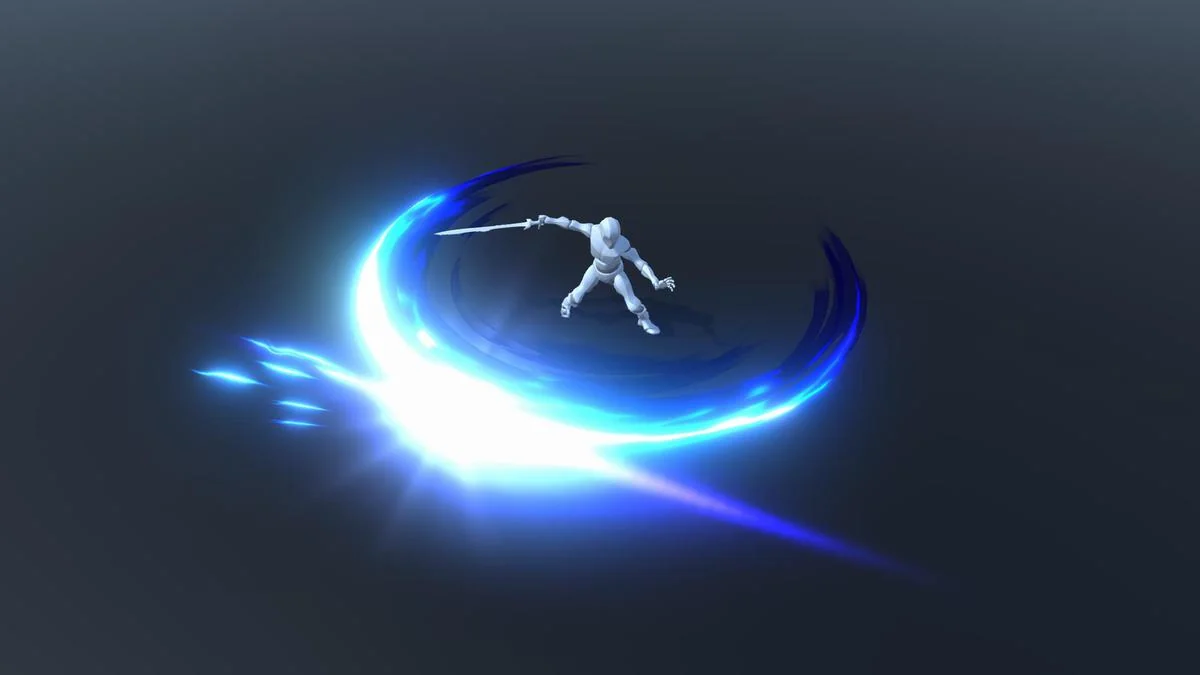
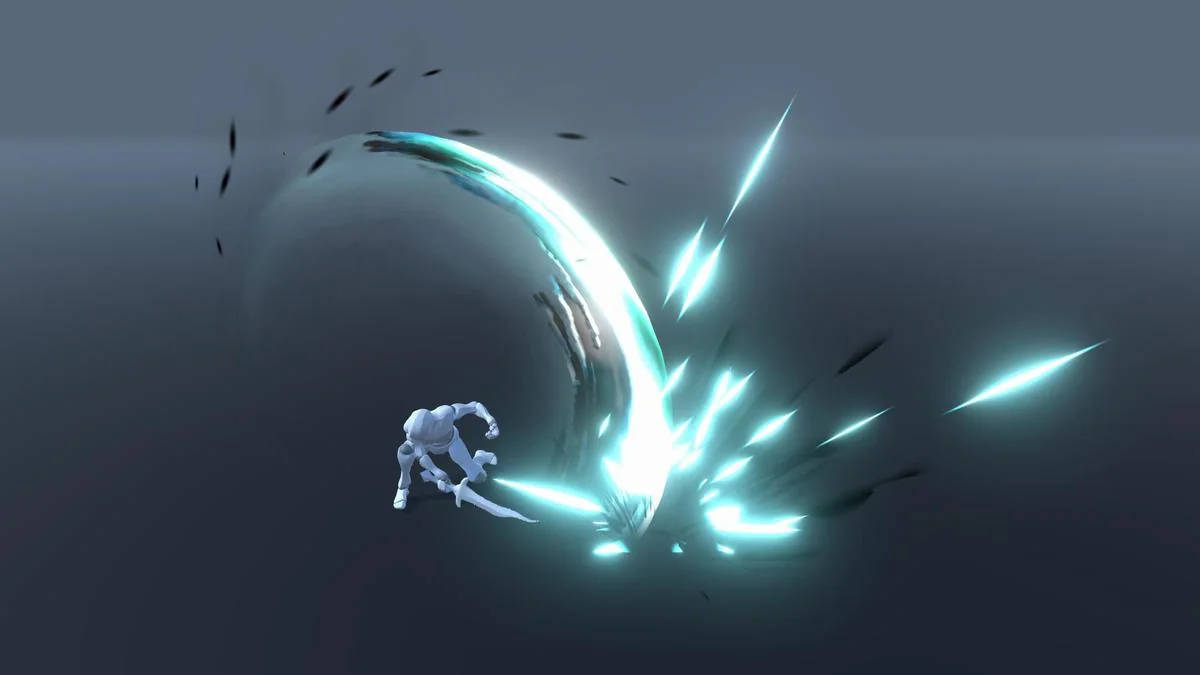
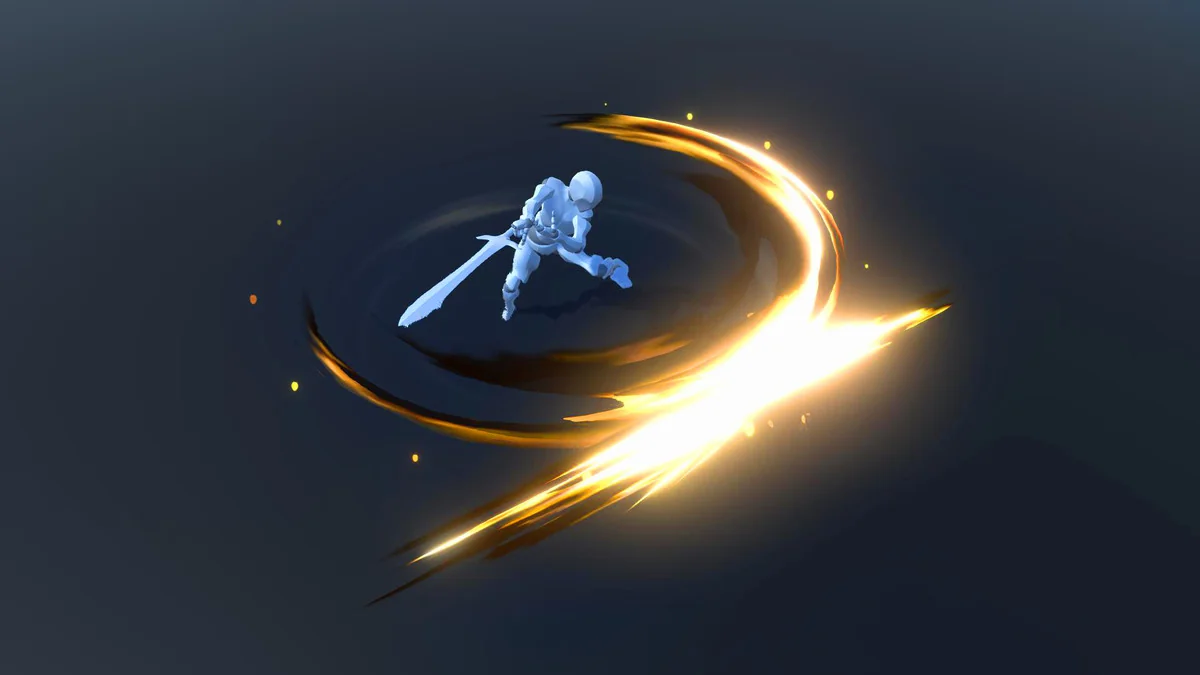
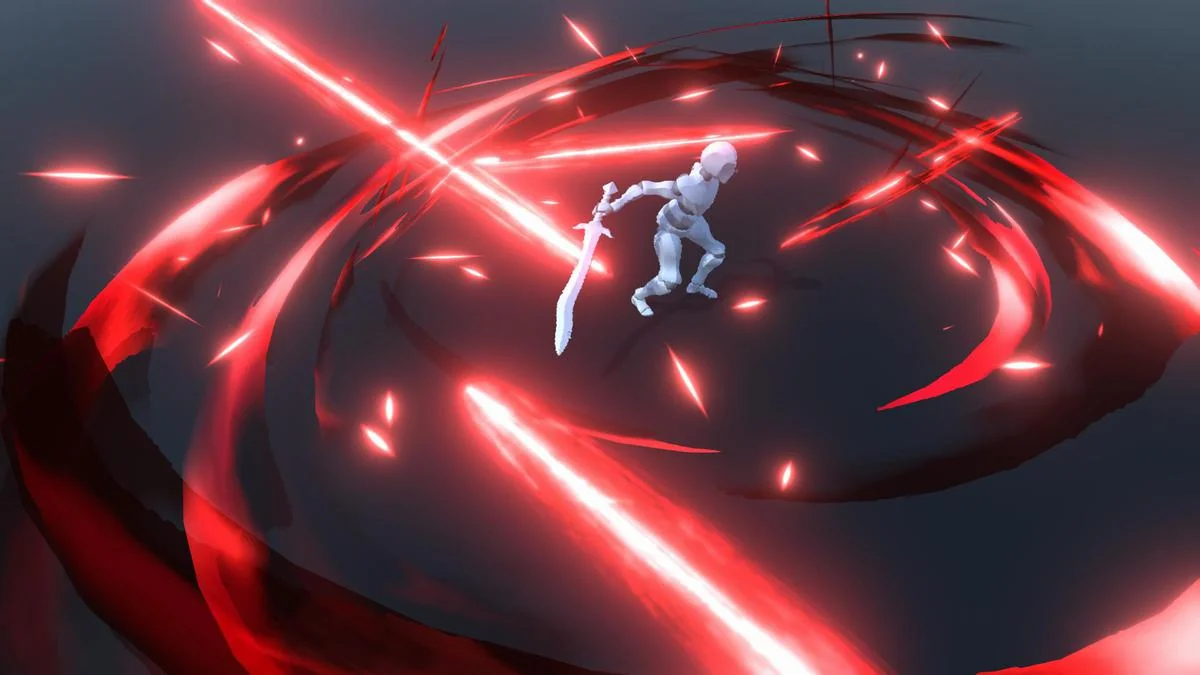
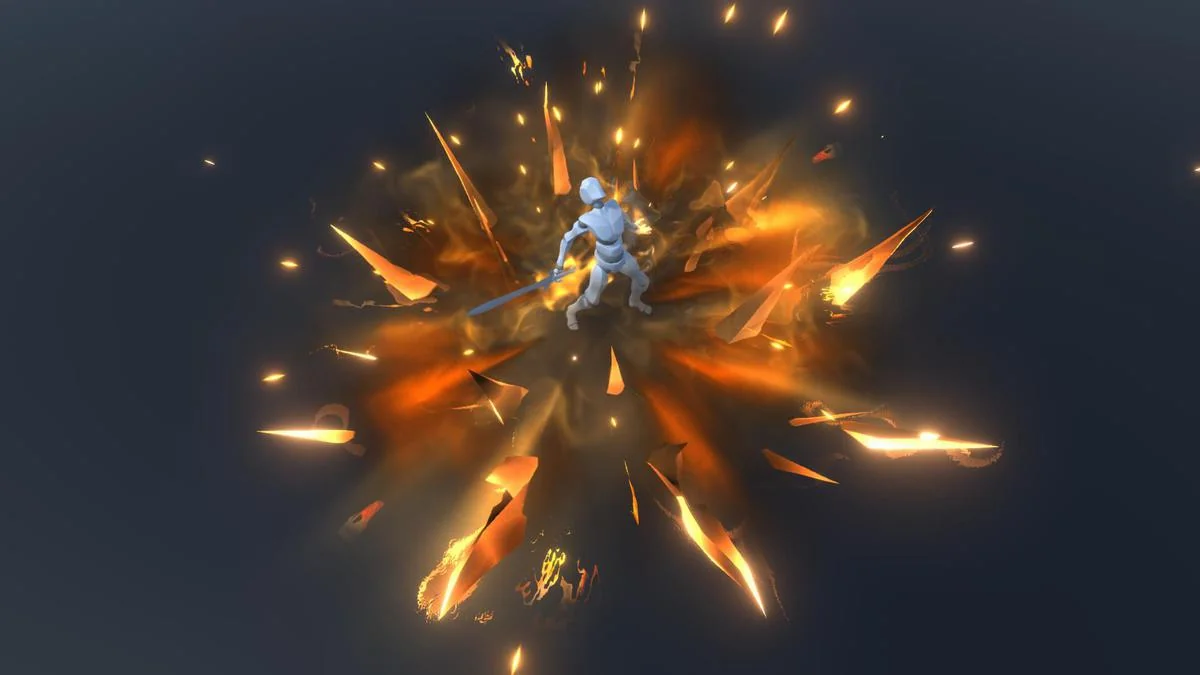
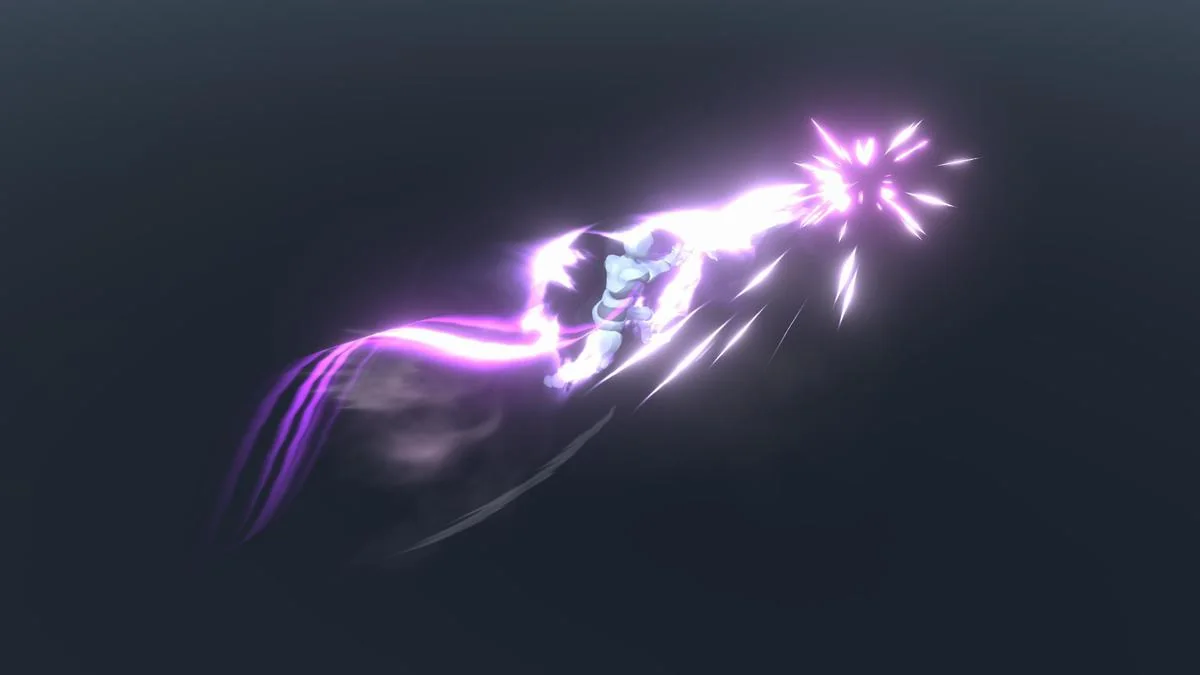
The pack contains 22 unique slash effects plus 11 combo skills. These are separate effects, not sword trails attached to the weapon. That makes the package useful when the slash needs to read as its own visual event instead of just following the blade path.
The stated style is high-fidelity and stylised, which places it squarely in action-heavy scenes where sword hits need a stronger visual accent. The pack is also tagged around sword attacks, weapon VFX, RPG use, and slash effects, which matches the kind of gameplay moments it is meant to support.
Because the slash effects are independent, they can sit alongside an animated character without being confused with the weapon model itself. The package does not include a character with animation, so the slash work has to be paired with your own character setup.
Adjusting size and length inside the materials
The effects can be resized with standard size values, so scaling is part of the normal workflow rather than a separate custom system. The length of the slash varies in the material, which gives the material setup an active role in how each effect reads on screen.
One of the release updates added the ability to change sword length, and later updates improved shader behavior for newer Unity versions. Shader changes also moved to Shader Graph in a later version, and the pack gained backward compatibility with other Hovl Studio assets. Those notes point to an asset that has been maintained across multiple Unity updates rather than frozen at one older setup.
What ships in the package
The package includes 33 prefabs and 12 custom shaders. Texture sizes are listed at multiple resolutions:
- 2048×2048
- 1024×1024
- 512×512
- 512×256
- 256×256
That spread gives the pack a mix of texture sizes instead of a single fixed resolution. The asset count is 254, the file size is 35.1 MB, and the package type is unitypackage. The latest version is 3.0, with the latest release date listed as Feb 18, 2026. It was first published on Jun 30, 2020, and the original Unity version is 2020.3.18.
Version support and visual context
Supported Unity versions are 2020.3.18, 2022.3.12, and 6000.0.67. Render pipeline compatibility is listed by version as follows: 2020.3.18f1 supports HDRP, Built-in, and URP; 2022.3.12f1 supports HDRP, URP, and Built-in; 6000.0.67f1 supports HDRP, Built-in, URP, and Custom SRP.
The preview media uses Bloom from the Volume component, so the showcased glow is part of that presentation setup. For teams working on action scenes, sword combat, or RPG weapon effects, the most relevant part of the package is its separation between the weapon and the slash itself. It gives the hit moment its own visual layer while staying within the stated Unity pipeline support.
Preview Images
Protected download
Access this resource
All resources are 100% manually reviewed to eliminate all risks.