Automating Creature Spine Movement
Spinal Animator is a specialized component for Unity designed to simplify the animation of spine bone chains for animals and creatures. The tool uses a procedural algorithm to calculate bone rotations based on the object’s movement, eliminating the need for manual keyframing of every subtle spinal shift. Unlike traditional animation methods that require extensive manual work for each movement variation, this system simulates animal-like spine behaviors automatically as the creature moves or rotates within the scene.
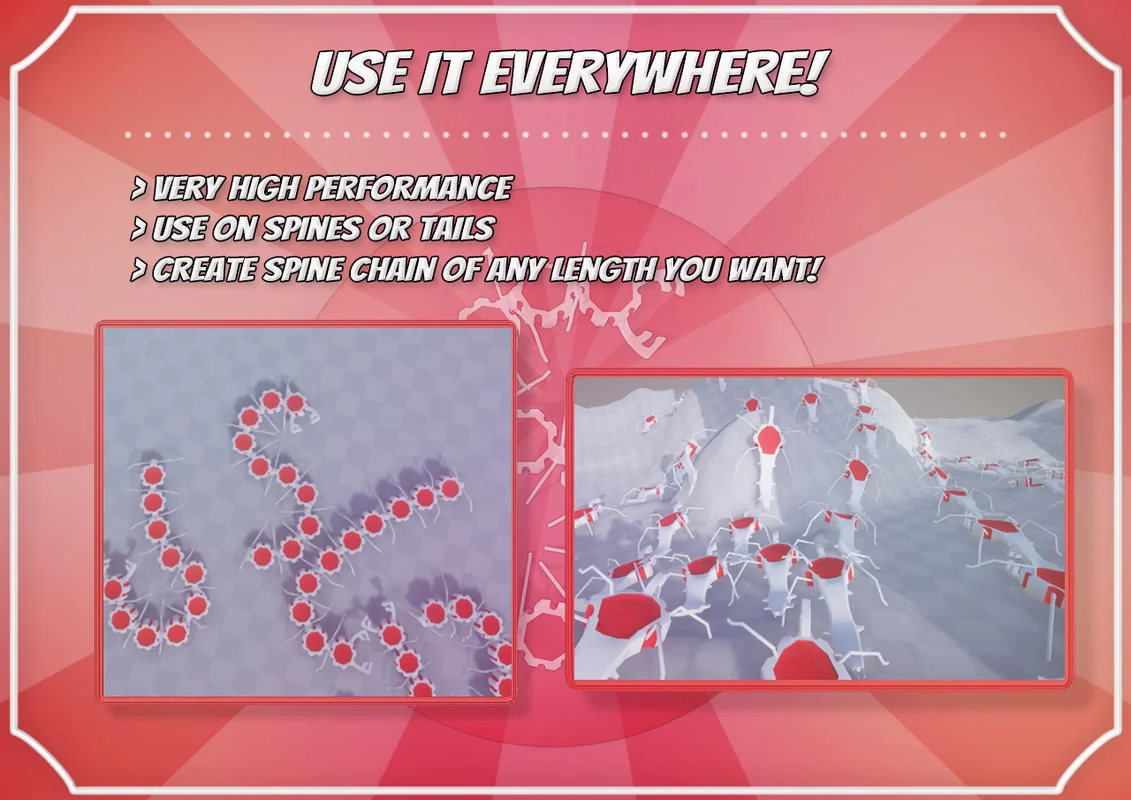
The system is particularly effective for complex creatures such as snakes and millipedes. Because the bone movement is continuous and reacts in real-time to the object’s rotation, the spine remains fluid and aligned with the direction of travel. This procedural approach ensures that as a creature turns, the entire bone chain follows the arc of movement naturally, maintaining a sense of weight and anatomical realism.
Integration with Keyframed Animations
One of the core functional aspects of the tool is its ability to cooperate with existing keyframed motion. It does not overwrite the underlying animation data; instead, it blends procedural adjustments with the original motion. This allows developers to keep their specific walk or run cycles while the component adds a layer of secondary motion that reacts to the environment and directional changes. Users can adjust how much the procedural simulation influences the final output, ensuring that the character’s core personality and style remain intact.
Environmental Adaptation and Terrain Following
Beyond simple directional movement, the component includes logic for environmental interaction. When a creature moves across uneven terrain or up a ground slope, the tool automatically adjusts the body rotation to fit the incline. This prevents the stiff, horizontal appearance often seen in basic character controllers where the rig does not conform to the geometry beneath it. By automating this alignment, the system ensures that the creature’s posture looks grounded regardless of the complexity of the terrain.
Workflow and Technical Implementation
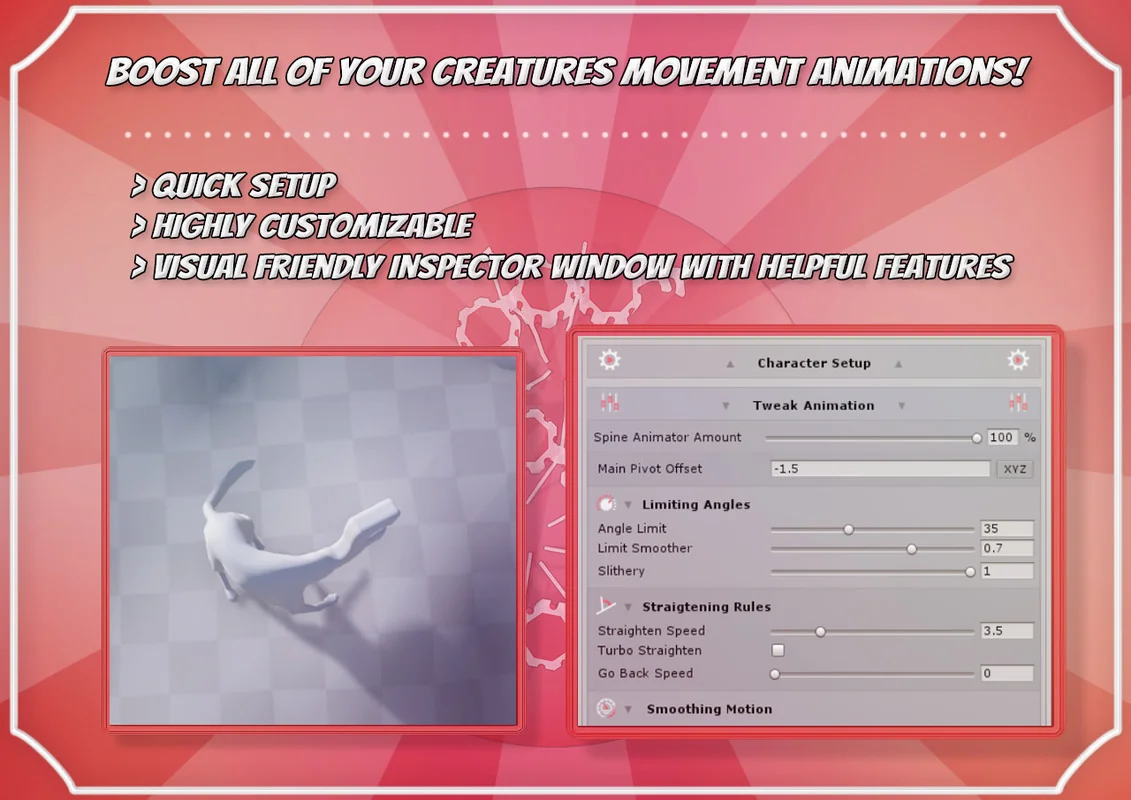
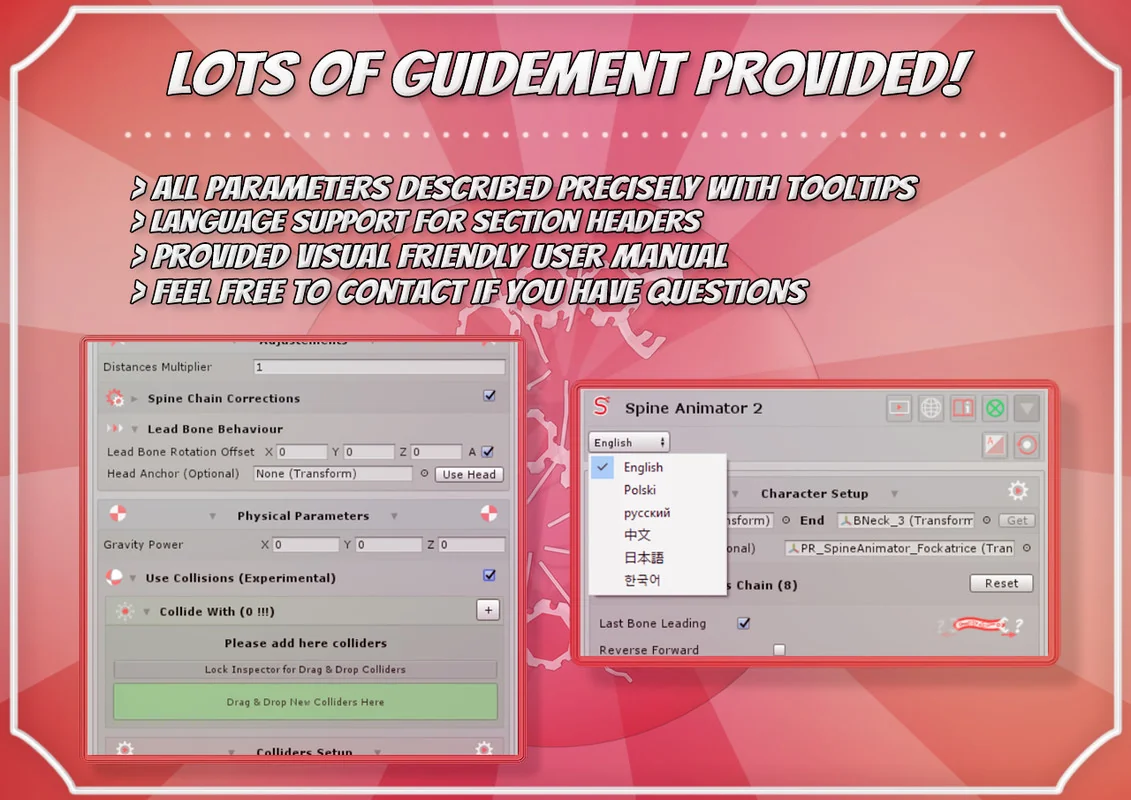
Implementation is managed through a visual-friendly inspector window within the Unity Editor. The setup process is designed to be accessible without coding, utilizing a component-based workflow where parameters can be customized to suit different creature types. The package includes 169 assets and provides full source code, allowing for deeper technical customization if required. To assist with the initial setup, the developer has included interactive demo scenes that showcase the tool’s application across different rig configurations.
From a technical standpoint, the tool is highly optimized for performance. It is designed to run multiple instances simultaneously without impacting the frame rate, making it suitable for mobile development. Because the solution is not shader-related, it is compatible across all Scriptable Render Pipelines (SRP), including the Built-in pipeline, LWRP, URP, and HDRP. While it supports all RPs, users working with demo materials may need to convert standard materials to their specific pipeline’s format. The tool is a standalone Unity plugin and is not associated with external software like “Spine.”
Resource Specifications
The package is delivered as a 5.2 MB unitypackage and was originally developed for Unity 2019.4.40. It includes several features to streamline the animator’s workflow, such as helpful features within the inspector and the ability to work alongside other optimization tools. The asset count includes all necessary scripts, demo assets, and documentation materials required to implement the system into a project immediately.
Visual Breakdown
Protected download
Access this resource
All resources are 100% manually reviewed to eliminate all risks.