"95fdaf16012263fa"{"id":"1002347","slug":"sci-fi-user-interface-sounds","title":"Sci-Fi User Interface Sounds","category":"Sound Effects","engine":"4.26+,5.0+","assetVersion":"","engineVersion":"Engine Version: 4.26+,5.0+","tag":"Sound Effects","accent":"blue","visual":"mech","summary":"Sci-Fi User Interface Sounds packs 225 futuristic UI sounds for space and sci-fi games, spanning buttons, alerts, robot voices, keyboards, and notifications.","platform":"Unreal Engine","indexPolicy":"index","publishedAt":"2026-11-06T06:54:11.003Z","updatedAt":"2026-11-06T06:54:11.003Z","sourceNotes":[],"fileContents":[],"compatibility":["Unreal Engine","Engine Version: 4.26+,5.0+"],"featuredImage":{"alt":"Sci-Fi User Interface Sounds","src":"/wp-content/uploads/published/2026/11/06b707967c76-c15f4430-38fe-467d-9f66-408a1534c6bc-ad6638a9db.webp"},"hasDownloadLink":true,"downloads":0,"terms":[{"taxonomy":"category","slug":"sound-effects","name":"Sound Effects"}],"galleryImages":[{"src":"/wp-content/uploads/published/2026/11/03b8faef3a2e-ad5fc5c3-8d19-47ed-a57c-06854f815e54-ab22000b98.webp","alt":"Sci-Fi User Interface Sounds"}],"accessPanel":{"kind":"resource","title":"Get this resource","eyebrow":"Free resource","message":"3DCGHUB is the service provider for this listing. Access is fulfilled through the official publisher channel.","fileName":"Content.7z","safetyNote":"Resources are manually reviewed before listing to improve quality and reduce obvious risks.","actionLabel":"Get this resource","resourceType":"Resource archive","versions":[]},"contentHtml":"\u003cp\u003eA player opens a menu, confirms a selection, waits for a loading readout, and hears a short error cue when the action fails. Each moment needs feedback that sounds like it belongs to the same interface. Sci-Fi User Interface Sounds supplies 225 interface sounds for that layer of play, with a futuristic, modern character aimed at science-fiction and space games. The collection stays on UI audio: the clicks, confirmations, alerts, voices, and system cues that sit over menus and in-game controls.\u003c/p\u003e \u003cp\u003eThe 225 sounds are intended for different kinds of games, with a clear emphasis on futuristic and space video games. That range shows up in both the sound families and the naming. The library is grouped by the kind of interface event a player encounters, so a button press, a notification, a failed identification, and a robot voice are treated as separate parts of the same UI vocabulary.\u003c/p\u003e \u003ch2\u003e225 sounds across buttons, keyboards, and loading texts\u003c/h2\u003e \u003cp\u003eThe most immediate sounds are the ones tied to direct input. Buttons cover presses; pop-outs cover panels or layers that appear; keyboards cover typed input; loading texts cover the moments when text and progress share the screen; notifications call attention to a new message or state. These are the cues a player hears repeatedly, so consistency between them matters more than novelty in any single file.\u003c/p\u003e \u003cp\u003eBecause all five families sit in the same 225-sound set, a project can keep that consistency without stitching together unrelated libraries. A menu button, a keyboard tap, and a notification can share a tonal family while still being distinct enough to read as different events. The inclusion of loading texts is useful for interfaces that present progress as part of the fiction rather than as a plain bar.\u003c/p\u003e \u003ch2\u003eRobot voices in high and low pitch\u003c/h2\u003e \u003cp\u003eRobot Sounds and Robot Voices sit apart from the routine click layer. Robot Sounds cover machine presence and character cues; Robot Voices are available in high-pitch and low-pitch versions. Those two registers let an interface use a lighter or deeper voice character. Musical UI adds a tonal option, and Ringtone gives the library a recognizable ring cue.\u003c/p\u003e \u003cp\u003eThese categories widen the register of the interface. The set offers functional feedback alongside musical and voice-led options, so a screen can stay minimal or take on more character. Robot Sounds, Robot Voices, Musical UI, and Ringtone remain part of the same UI collection as the button and notification cues.\u003c/p\u003e \u003ch2\u003eIdentifications, alerts, and negative feedback\u003c/h2\u003e \u003cp\u003eStatus feedback gets its own families. Identifications are split into correct and incorrect, so a successful scan and a failed match do not have to share the same cue. Negative sounds cover rejection or failure states. Alerts and alarms mark events that need attention. Analysis and Interferences cover system processes and disruption. The separation is practical: a designer can reach for a correct identification, a negative response, and an alarm without hunting through generic beeps.\u003c/p\u003e \u003cp\u003eBecause these are separate categories, a correct identification and an incorrect identification can carry different cues, and a negative response can be treated as its own event. Alerts and alarms sit alongside them rather than being folded into a general notification group. Analysis and Interferences add categories for system activity and disruption. The naming makes the intended event clear before a file is even played.\u003c/p\u003e \u003ch2\u003eIntuitive naming and the tracklist PDF\u003c/h2\u003e \u003cp\u003eThe library uses intuitive file naming, which is a workflow point rather than a small metadata detail. When every file announces its category, auditioning becomes a matter of reading names and confirming by ear, not opening files at random. A tracklist PDF adds an index of the set. A video preview gives a quick overview before a full pass through the files.\u003c/p\u003e \u003cp\u003eFor a UI pass with dozens of events, that structure saves time in the least glamorous part of the job: finding the right candidate, checking it against the rest of the interface, and keeping the chosen sounds consistent. The 225-file count is large enough that naming matters. Intuitive names make the difference between a library that gets used and one that gets abandoned after a few searches.\u003c/p\u003e \u003ch2\u003eFitting the set into futuristic and space games\u003c/h2\u003e \u003cp\u003eThe categories line up with the screens a futuristic or space game presents most often: menus, system panels, loading states, text entry, notifications, identifications, alerts, and voice feedback. A project can use the same library across those surfaces and keep a coherent interface language. The sounds are also intended for different kinds of games, so the set is not locked to a single title or one exact brand of sci-fi.\u003c/p\u003e \u003cp\u003eThe style tags place the library in Futuristic, Future, Space, Robotic, Robot, Retro, Retrofuturism, Userinterface, Interface, Videogame, and Audio territory. That combination suggests a range from sleek future-facing interfaces to retro-coded ones. For a project with a mixed visual style, the same set can cover a clean console and a more retrofuturist panel without changing libraries.\u003c/p\u003e \u003ch2\u003eStart with the tracklist, then build the interface vocabulary\u003c/h2\u003e \u003cp\u003eFor a team assembling UI audio, the quickest route is to audition by event family rather than by file order: buttons first, then the supporting layers such as pop-outs, keyboards, and notifications; then status cues such as identifications, negative feedback, and alerts; finally the character-led sounds such as robot voices, musical UI, and ringtone. The tracklist PDF supports that pass, and the intuitive names keep the categories visible.\u003c/p\u003e \u003cp\u003eThis gives a UI sound library that covers a full set of interface moments while staying specific to the futuristic and space-game frame. With 225 sounds, separate correct and incorrect identifications, robot voices in two pitch ranges, and a naming scheme that makes the categories readable, Sci-Fi User Interface Sounds is most useful when a project needs a coherent UI layer rather than a handful of isolated beeps.\u003c/p\u003e \u003cp\u003eThe practical move is to start with the tracklist, match sound families to interface events, and keep the chosen cues within one consistent palette.\u003c/p\u003e\n\n\u003ch2\u003eMore From The Same Workflow\u003c/h2\u003e\n\u003cul\u003e\n\u003cli\u003e\u003ca href=\"https://3dcghub.com/rpg-fantasy-game-interface-sounds/\" rel=\"noopener noreferrer\"\u003eRPG/Fantasy Game - Interface Sounds\u003c/a\u003e\u003c/li\u003e\n\u003cli\u003e\u003ca href=\"https://3dcghub.com/just-whoosh-4-1st-strike/\" rel=\"noopener noreferrer\"\u003eJust Whoosh 4 - 1st Strike\u003c/a\u003e\u003c/li\u003e\n\u003cli\u003e\u003ca href=\"https://3dcghub.com/whooshes-and-impacts-2/\" rel=\"noopener noreferrer\"\u003eWhooshes \u0026amp; Impacts 2\u003c/a\u003e\u003c/li\u003e\n\u003cli\u003e\u003ca href=\"https://3dcghub.com/combat-whooshes-sound-pack/\" rel=\"noopener noreferrer\"\u003eCombat Whooshes Sound Pack\u003c/a\u003e\u003c/li\u003e\n\u003cli\u003e\u003ca href=\"https://3dcghub.com/medieval-rpg-toolkit-foley-fx/\" rel=\"noopener noreferrer\"\u003eMedieval RPG Toolkit - Foley FX\u003c/a\u003e\u003c/li\u003e\n\u003c/ul\u003e","contentTextLength":6334,"navigation":{"current":21,"total":4291,"previous":{"id":"1002348","slug":"sicka-yazd-exterior","title":"Sicka Yazd Exterior","category":"Historical","platform":"Unreal Engine","updatedAt":"2026-11-06T06:55:30.298Z"},"next":{"id":"1002346","slug":"scalability-settings-umg-widget","title":"Scalability Settings UMG Widget","category":"Procedural Systems","platform":"Unreal Engine","updatedAt":"2026-11-06T06:53:24.102Z"}},"relatedResources":[{"id":"1002343","slug":"rpg-fantasy-game-interface-sounds","title":"RPG/Fantasy Game - Interface Sounds","category":"Sound Effects","engine":"4.26+,5.0+","assetVersion":"","engineVersion":"Engine Version: 4.26+,5.0+","tag":"Sound Effects","accent":"blue","visual":"mech","summary":"102 interface sounds for RPG and fantasy games — chest, item interaction, UI and miscellaneous audio, recorded with a Zoom H6 and Rode NT1-A.","platform":"Unreal Engine","indexPolicy":"index","publishedAt":"2026-11-06T06:49:36.716Z","updatedAt":"2026-11-06T06:49:36.716Z","sourceNotes":[],"fileContents":[],"compatibility":["Unreal Engine","Engine Version: 4.26+,5.0+"],"featuredImage":{"alt":"RPG/Fantasy Game - Interface Sounds","src":"/wp-content/uploads/published/2026/11/2986ccc9f1fa-5b903687-026f-4362-ab56-8e57f165034f-843c9e25d9.webp"},"hasDownloadLink":true,"downloads":0},{"id":"1002069","slug":"just-whoosh-4-1st-strike","title":"Just Whoosh 4 - 1st Strike","category":"Sound Effects","engine":"4.27+,5.0+","assetVersion":"","engineVersion":"Engine Version: 4.27+,5.0+","tag":"Sound Effects","accent":"blue","visual":"mech","summary":"Sharpen on-screen speed and motion with Just Whoosh 4 - 1st Strike, a 537-sound sweetener toolkit spanning sci-fi craft, mechanical rattle, and noise.","platform":"Unreal Engine","indexPolicy":"index","publishedAt":"2026-10-26T15:30:50.401Z","updatedAt":"2026-10-26T15:30:50.401Z","sourceNotes":[],"fileContents":[],"compatibility":["Unreal Engine","Engine Version: 4.27+,5.0+"],"featuredImage":{"alt":"Just Whoosh 4 - 1st Strike","src":"https://media.fab.com/image_previews/gallery_images/67f8f649-afb1-4a34-bba3-ae577fc19fa0/989989fd-8158-43ff-b2ba-4a4664718e9c.png"},"hasDownloadLink":true,"downloads":0},{"id":"1000179","slug":"whooshes-and-impacts-2","title":"Whooshes \u0026 Impacts 2","category":"Sound Effects","engine":"4.26+,5.0+","assetVersion":"","engineVersion":"Engine Version: 4.26+,5.0+","tag":"Sound Effects","accent":"blue","visual":"mech","summary":"Whooshes \u0026 Impacts 2 delivers 718 dry whoosh and impact sound effects for fantasy battles, sci-fi combat, projectiles, fly-bys, and strikes.","platform":"Unreal Engine","indexPolicy":"index","publishedAt":"2026-06-20T08:06:38.294Z","updatedAt":"2026-06-20T08:06:38.294Z","sourceNotes":[],"fileContents":[],"compatibility":["Audio","Engine Version: 4.26+,5.0+"],"featuredImage":{"alt":"Whooshes \u0026 Impacts 2","src":"/wp-content/uploads/published/2026/06/979c800706ab-5d76855f-e783-412d-b07a-fd858cf775c9-2dc7d06d25.webp"},"hasDownloadLink":true,"downloads":1}]}
Sound Effects
Sci-Fi User Interface Sounds
Sci-Fi User Interface Sounds packs 225 futuristic UI sounds for space and sci-fi games, spanning buttons, alerts, robot voices, keyboards, and notifications.
Category:Unreal Engine,Sound EffectsPlatform: Unreal EngineEngine Version: 4.26+,5.0+Published: Nov 6, 2026
Sound Effects
Resource overview
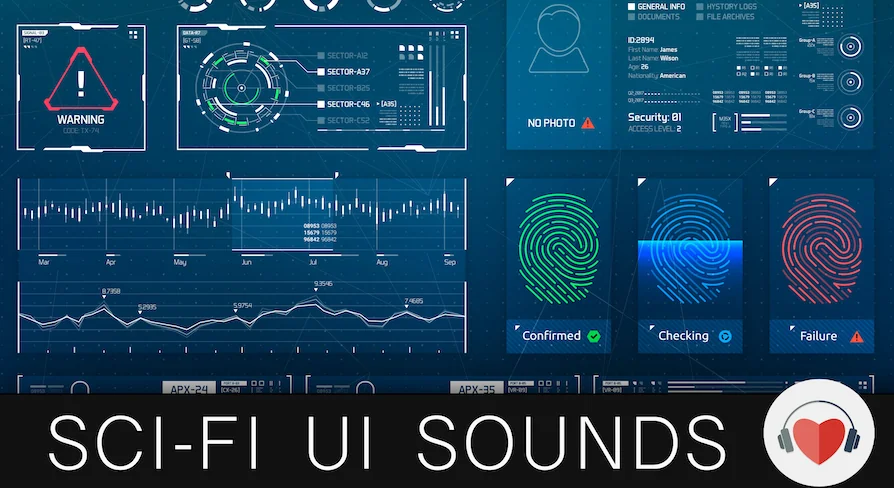
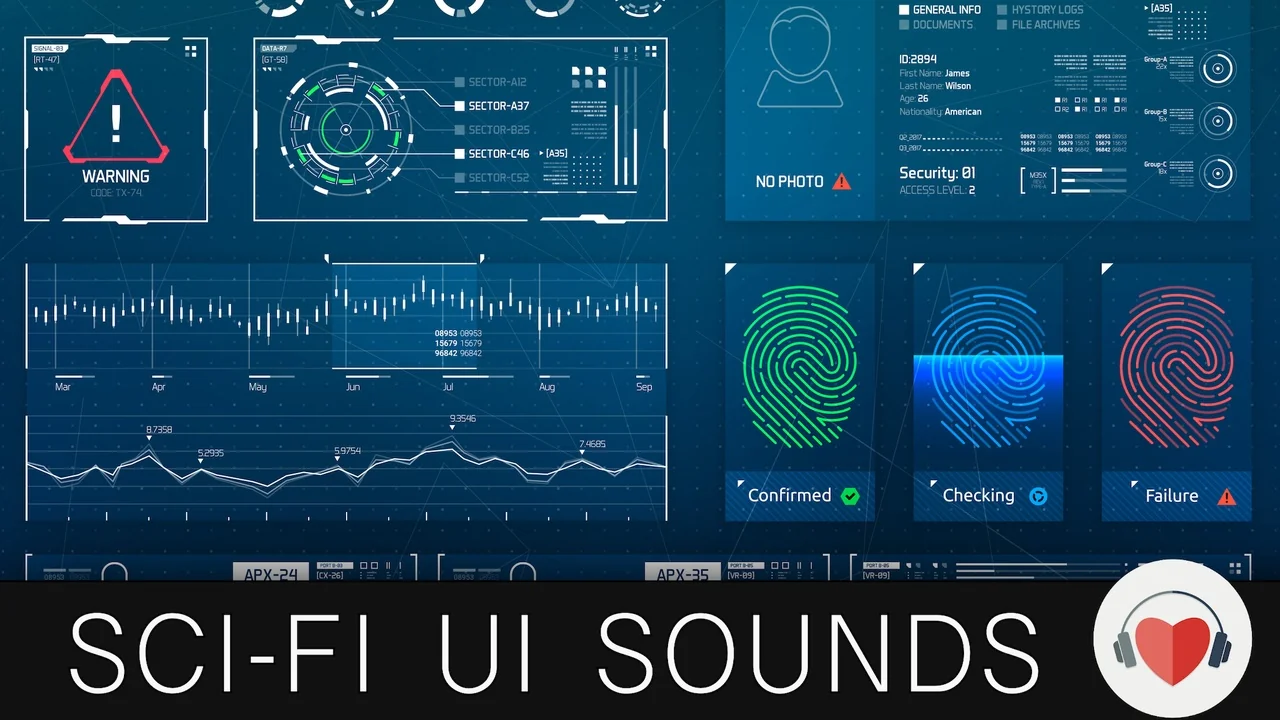
A player opens a menu, confirms a selection, waits for a loading readout, and hears a short error cue when the action fails. Each moment needs feedback that sounds like it belongs to the same interface. Sci-Fi User Interface Sounds supplies 225 interface sounds for that layer of play, with a futuristic, modern character aimed at science-fiction and space games. The collection stays on UI audio: the clicks, confirmations, alerts, voices, and system cues that sit over menus and in-game controls.
The 225 sounds are intended for different kinds of games, with a clear emphasis on futuristic and space video games. That range shows up in both the sound families and the naming. The library is grouped by the kind of interface event a player encounters, so a button press, a notification, a failed identification, and a robot voice are treated as separate parts of the same UI vocabulary.
225 sounds across buttons, keyboards, and loading texts
The most immediate sounds are the ones tied to direct input. Buttons cover presses; pop-outs cover panels or layers that appear; keyboards cover typed input; loading texts cover the moments when text and progress share the screen; notifications call attention to a new message or state. These are the cues a player hears repeatedly, so consistency between them matters more than novelty in any single file.
Because all five families sit in the same 225-sound set, a project can keep that consistency without stitching together unrelated libraries. A menu button, a keyboard tap, and a notification can share a tonal family while still being distinct enough to read as different events. The inclusion of loading texts is useful for interfaces that present progress as part of the fiction rather than as a plain bar.
Robot voices in high and low pitch
Robot Sounds and Robot Voices sit apart from the routine click layer. Robot Sounds cover machine presence and character cues; Robot Voices are available in high-pitch and low-pitch versions. Those two registers let an interface use a lighter or deeper voice character. Musical UI adds a tonal option, and Ringtone gives the library a recognizable ring cue.
These categories widen the register of the interface. The set offers functional feedback alongside musical and voice-led options, so a screen can stay minimal or take on more character. Robot Sounds, Robot Voices, Musical UI, and Ringtone remain part of the same UI collection as the button and notification cues.
Identifications, alerts, and negative feedback
Status feedback gets its own families. Identifications are split into correct and incorrect, so a successful scan and a failed match do not have to share the same cue. Negative sounds cover rejection or failure states. Alerts and alarms mark events that need attention. Analysis and Interferences cover system processes and disruption. The separation is practical: a designer can reach for a correct identification, a negative response, and an alarm without hunting through generic beeps.
Because these are separate categories, a correct identification and an incorrect identification can carry different cues, and a negative response can be treated as its own event. Alerts and alarms sit alongside them rather than being folded into a general notification group. Analysis and Interferences add categories for system activity and disruption. The naming makes the intended event clear before a file is even played.
Intuitive naming and the tracklist PDF
The library uses intuitive file naming, which is a workflow point rather than a small metadata detail. When every file announces its category, auditioning becomes a matter of reading names and confirming by ear, not opening files at random. A tracklist PDF adds an index of the set. A video preview gives a quick overview before a full pass through the files.
For a UI pass with dozens of events, that structure saves time in the least glamorous part of the job: finding the right candidate, checking it against the rest of the interface, and keeping the chosen sounds consistent. The 225-file count is large enough that naming matters. Intuitive names make the difference between a library that gets used and one that gets abandoned after a few searches.
Fitting the set into futuristic and space games
The categories line up with the screens a futuristic or space game presents most often: menus, system panels, loading states, text entry, notifications, identifications, alerts, and voice feedback. A project can use the same library across those surfaces and keep a coherent interface language. The sounds are also intended for different kinds of games, so the set is not locked to a single title or one exact brand of sci-fi.
The style tags place the library in Futuristic, Future, Space, Robotic, Robot, Retro, Retrofuturism, Userinterface, Interface, Videogame, and Audio territory. That combination suggests a range from sleek future-facing interfaces to retro-coded ones. For a project with a mixed visual style, the same set can cover a clean console and a more retrofuturist panel without changing libraries.
Start with the tracklist, then build the interface vocabulary
For a team assembling UI audio, the quickest route is to audition by event family rather than by file order: buttons first, then the supporting layers such as pop-outs, keyboards, and notifications; then status cues such as identifications, negative feedback, and alerts; finally the character-led sounds such as robot voices, musical UI, and ringtone. The tracklist PDF supports that pass, and the intuitive names keep the categories visible.
This gives a UI sound library that covers a full set of interface moments while staying specific to the futuristic and space-game frame. With 225 sounds, separate correct and incorrect identifications, robot voices in two pitch ranges, and a naming scheme that makes the categories readable, Sci-Fi User Interface Sounds is most useful when a project needs a coherent UI layer rather than a handful of isolated beeps.
The practical move is to start with the tracklist, match sound families to interface events, and keep the chosen cues within one consistent palette.
 Sound Effects
 Sound Effects
 Sound Effects
 Sound Effects