"95fdaf16012263fa"{"id":"1002343","slug":"rpg-fantasy-game-interface-sounds","title":"RPG/Fantasy Game - Interface Sounds","category":"Sound Effects","engine":"4.26+,5.0+","assetVersion":"","engineVersion":"Engine Version: 4.26+,5.0+","tag":"Sound Effects","accent":"blue","visual":"mech","summary":"102 interface sounds for RPG and fantasy games — chest, item interaction, UI and miscellaneous audio, recorded with a Zoom H6 and Rode NT1-A.","platform":"Unreal Engine","indexPolicy":"index","publishedAt":"2026-11-06T06:49:36.716Z","updatedAt":"2026-11-06T06:49:36.716Z","sourceNotes":[],"fileContents":[],"compatibility":["Unreal Engine","Engine Version: 4.26+,5.0+"],"featuredImage":{"alt":"RPG/Fantasy Game - Interface Sounds","src":"/wp-content/uploads/published/2026/11/2986ccc9f1fa-5b903687-026f-4362-ab56-8e57f165034f-843c9e25d9.webp"},"hasDownloadLink":true,"downloads":0,"terms":[{"taxonomy":"category","slug":"sound-effects","name":"Sound Effects"}],"galleryImages":[{"src":"/wp-content/uploads/published/2026/11/70f5451904de-1c2968cb-8b55-4677-87f9-c1131d6178e3-4162f3d533.webp","alt":"RPG/Fantasy Game - Interface Sounds"}],"accessPanel":{"kind":"resource","title":"Get this resource","eyebrow":"Free resource","message":"3DCGHUB is the service provider for this listing. Access is fulfilled through the official publisher channel.","fileName":"RPGFantasy Game - Interface Sounds.7z","safetyNote":"Resources are manually reviewed before listing to improve quality and reduce obvious risks.","actionLabel":"Get this resource","resourceType":"Resource archive","versions":[]},"contentHtml":"\u003cp\u003eA chest lid lifts a few frames after the loot prompt appears. Coins scatter, a page turns, a cursor settles on a menu button and the click has to feel like it came from the same room as the dungeon behind it. Holding that continuity between handling objects and handling screens is the job this collection takes on.\u003c/p\u003e \u003cp\u003eRPG/Fantasy Game - Interface Sounds is a set of 102 sounds for a range of in-game purposes, weighted toward interface work. Four groups divide the material, and the split follows what a player is doing rather than what a mixer needs — chests, gameplay interaction, on-screen UI, and a miscellaneous pile for the small actions that fall between them.\u003c/p\u003e \u003ch2\u003eChest sounds and the four groups they sit beside\u003c/h2\u003e \u003cp\u003eThe divisions are worth knowing before auditioning, because they map onto different moments in a session:\u003c/p\u003e \u003cul\u003e\n\u003cli\u003eChest sounds, sitting on their own as an opening and closing vocabulary\u003c/li\u003e\n\u003cli\u003eInteraction with gameplay elements — coins, clothes, books, armours, stones, water and weapons among them\u003c/li\u003e\n\u003cli\u003eUser interface — buttons, dialogues, menus and loading text\u003c/li\u003e\n\u003cli\u003eMiscellaneous — eating, drinking, mouse clicks and ambiences\u003c/li\u003e\n\u003c/ul\u003e \u003cp\u003eThat first group being separate is telling. Chest audio in an RPG is rarely just a container noise; it marks the end of exploration and the start of a reward beat, so it earns its own category instead of dissolving into general prop sounds.\u003c/p\u003e \u003ch2\u003eCoins, clothes, books, armours: the item-handling layer\u003c/h2\u003e \u003cp\u003eThe interaction group is the widest, and it covers the objects an inventory screen keeps asking about. Coins, clothes, books, armours, stones, water, weapons — every one of those is a thing a player picks up, drops, equips or drags between slots. Having them recorded as a family means an inventory drag can be scored without hunting through several libraries for a cloth rustle that matches a coin chink.\u003c/p\u003e \u003cp\u003eWeapons and armours push the same set toward equipment: the moment a piece is slotted onto a character. Clothes and books lean the other way, toward the softer handling sounds of a bag being packed or a satchel searched. The tags around the collection run in this direction too — equip, equipment, item, bag, handbag, inventory — which says plainly which actions the sounds were recorded to serve.\u003c/p\u003e \u003ch3\u003eButtons, dialogues, menus and loading text on the screen side\u003c/h3\u003e \u003cp\u003eThe user interface group carries the load for menus: buttons, dialogues, menu movement and loading text. A dialogue box advancing, a menu tab switching, text crawling across a loading bar — these are the sounds a player hears more often than any sword swing, and they set the perceived polish of a build faster than most combat audio does.\u003c/p\u003e \u003cp\u003eMouse clicks appear in the miscellaneous group rather than the UI one, alongside eating, drinking and ambiences. That placement is practical: clicks are input events, and an ambience bed under a menu is a different kind of layer from a confirm tone.\u003c/p\u003e \u003ch2\u003eZoom H6 and Rode NT1-A behind the recordings\u003c/h2\u003e \u003cp\u003eThe source recordings were made with a Zoom H6 and a Rode NT1-A. Between the two, the set covers portable capture for foley-style object handling and a condenser for close, quiet detail — the kind of low-level material that interface work depends on, where a button or a page turn has to sit cleanly under music and voice without grit.\u003c/p\u003e \u003cp\u003eAmbiences appearing in the miscellaneous group is a small but useful inclusion. A menu scene still needs a room around it, and having a bed recorded alongside the clicks and confirmations keeps the tonal character consistent across a pause screen.\u003c/p\u003e \u003ch2\u003eIntuitive file naming and how to audition 102 sounds quickly\u003c/h2\u003e \u003cp\u003eIntuitive file naming is one of the stated qualities of the set, and in practice it decides whether a library gets used or forgotten. A menu pass can involve dozens of small decisions in an afternoon; if a confirm sound is named after what it is rather than after a session number, a designer or audio implementer can pull it without opening a waveform viewer.\u003c/p\u003e \u003cp\u003eTwo other things shorten the audition: a YouTube preview that plays through the full set of 102 effects, and a tracklist PDF. Listening to the preview end to end gives a sense of the tonal family before any file is imported, and the tracklist lets a sound designer scan the vocabulary and note which groups need supplementing from existing project audio.\u003c/p\u003e \u003ch2\u003eFantasy and medieval first, wider use second\u003c/h2\u003e \u003cp\u003eThe set is aimed at fantasy and RPG and medieval games, and that framing shows up in the material: coins, armours, weapons, chests, stones, water. It is also suitable for other types of games, which is less of a stretch than it sounds — any project with an inventory, a dialogue system and a menu will find the interaction and UI groups doing real work, whatever the setting looks like.\u003c/p\u003e \u003cp\u003eFor a fantasy or medieval build specifically, the value is coverage in one place. Chest, item, equip and UI audio rarely come from the same recording session in most projects, and the mismatch is audible when a coin clink and a menu click sit two seconds apart. A single set with consistent capture and naming removes that seam.\u003c/p\u003e \u003cp\u003eThe practical read for a team: audition the full 102 through the preview, scan the tracklist against the interaction objects your inventory actually supports, and treat the file naming as the deciding factor. If the names let an implementer find a book-handling sound without asking anyone, the set will stay in the project long after the first menu pass ships.\u003c/p\u003e\n\n\u003ch2\u003eExplore Similar Assets\u003c/h2\u003e\n\u003cul\u003e\n\u003cli\u003e\u003ca href=\"https://3dcghub.com/medieval-rpg-toolkit-foley-fx/\" rel=\"noopener noreferrer\"\u003eMedieval RPG Toolkit - Foley FX\u003c/a\u003e\u003c/li\u003e\n\u003cli\u003e\u003ca href=\"https://3dcghub.com/game-character-english-warrior-sound-effects/\" rel=\"noopener noreferrer\"\u003eGame Character English Warrior Sound Effects\u003c/a\u003e\u003c/li\u003e\n\u003cli\u003e\u003ca href=\"https://3dcghub.com/healing-spells-sounds/\" rel=\"noopener noreferrer\"\u003eHealing Spells Sounds\u003c/a\u003e\u003c/li\u003e\n\u003cli\u003e\u003ca href=\"https://3dcghub.com/elf-female-voice-pack/\" rel=\"noopener noreferrer\"\u003eElf Female Voice Pack\u003c/a\u003e\u003c/li\u003e\n\u003cli\u003e\u003ca href=\"https://3dcghub.com/medium-monster-sfx-2/\" rel=\"noopener noreferrer\"\u003eMedium Monster SFX 2\u003c/a\u003e\u003c/li\u003e\n\u003c/ul\u003e","contentTextLength":5566,"navigation":{"current":25,"total":4291,"previous":{"id":"1002344","slug":"runtime-screenshot-pro","title":"Runtime Screenshot Pro","category":"Game Development Resource","platform":"Unreal Engine","updatedAt":"2026-11-06T06:51:09.717Z"},"next":{"id":"1002342","slug":"regular-male-civilian-character","title":"Regular Male Civilian Character","category":"Humans","platform":"Unreal Engine","updatedAt":"2026-11-06T06:48:46.543Z"}},"relatedResources":[{"id":"1002347","slug":"sci-fi-user-interface-sounds","title":"Sci-Fi User Interface Sounds","category":"Sound Effects","engine":"4.26+,5.0+","assetVersion":"","engineVersion":"Engine Version: 4.26+,5.0+","tag":"Sound Effects","accent":"blue","visual":"mech","summary":"Sci-Fi User Interface Sounds packs 225 futuristic UI sounds for space and sci-fi games, spanning buttons, alerts, robot voices, keyboards, and notifications.","platform":"Unreal Engine","indexPolicy":"index","publishedAt":"2026-11-06T06:54:11.003Z","updatedAt":"2026-11-06T06:54:11.003Z","sourceNotes":[],"fileContents":[],"compatibility":["Unreal Engine","Engine Version: 4.26+,5.0+"],"featuredImage":{"alt":"Sci-Fi User Interface Sounds","src":"/wp-content/uploads/published/2026/11/06b707967c76-c15f4430-38fe-467d-9f66-408a1534c6bc-ad6638a9db.webp"},"hasDownloadLink":true,"downloads":0},{"id":"6575","slug":"medieval-rpg-toolkit-foley-fx","title":"Medieval RPG Toolkit - Foley FX","category":"Sound Effects","engine":"4.27,5.0+","assetVersion":"Engine version: 4.27,5.0+","engineVersion":"4.27","tag":"Sound Effects","accent":"blue","visual":"audio","summary":"Elevate your fantasy game with the Medieval RPG Toolkit. This Foley FX pack includes footsteps, door sounds, item layers, and UI effects for immersive audio.","platform":"Unreal Engine","indexPolicy":"index","publishedAt":"2026-02-19T18:22:48.000Z","updatedAt":"2026-07-26T16:40:25.313Z","sourceNotes":[],"fileContents":[],"compatibility":["Audio","Engine version: 4.27,5.0+"],"featuredImage":{"alt":"Medieval RPG Toolkit - Foley FX","src":"https://3dcghub.com/wp-content/uploads/2026/02/daaeff0e-21a0-4ef3-8e2f-9082443aa639.webp"},"hasDownloadLink":true,"downloads":0},{"id":"1002035","slug":"game-character-english-warrior-sound-effects","title":"Game Character English Warrior Sound Effects","category":"Sound Effects","engine":"4.25+,5.0+","assetVersion":"","engineVersion":"Engine Version: 4.25+,5.0+","tag":"Sound Effects","accent":"blue","visual":"character","summary":"Clean, dry voice-over sound library featuring 336 44.1kHz 16-bit WAV files, battle cries, combat vocals, and dialogue lines for fantasy game characters.","platform":"Unreal Engine","indexPolicy":"index","publishedAt":"2026-10-26T13:49:06.441Z","updatedAt":"2026-10-26T13:49:06.441Z","sourceNotes":[],"fileContents":[],"compatibility":["Unreal Engine","Engine Version: 4.25+,5.0+"],"featuredImage":{"alt":"Game Character English Warrior Sound Effects","src":"/wp-content/uploads/published/2026/10/79b785bacc92-f532300a-b087-4b45-a331-b619abfa70c4-696c75f7c6.webp"},"hasDownloadLink":true,"downloads":1}]}
Sound Effects
RPG/Fantasy Game - Interface Sounds
102 interface sounds for RPG and fantasy games — chest, item interaction, UI and miscellaneous audio, recorded with a Zoom H6 and Rode NT1-A.
Category:Unreal Engine,Sound EffectsPlatform: Unreal EngineEngine Version: 4.26+,5.0+Published: Nov 6, 2026
Sound Effects
Resource overview
A chest lid lifts a few frames after the loot prompt appears. Coins scatter, a page turns, a cursor settles on a menu button and the click has to feel like it came from the same room as the dungeon behind it. Holding that continuity between handling objects and handling screens is the job this collection takes on.
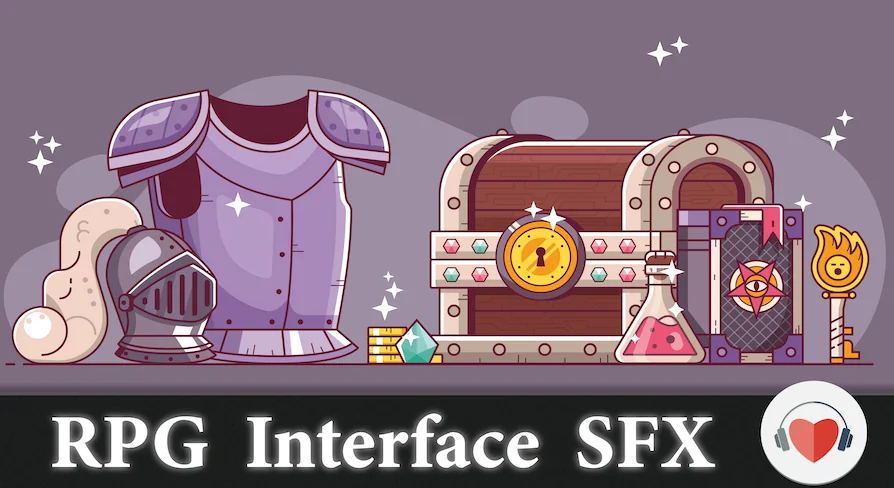
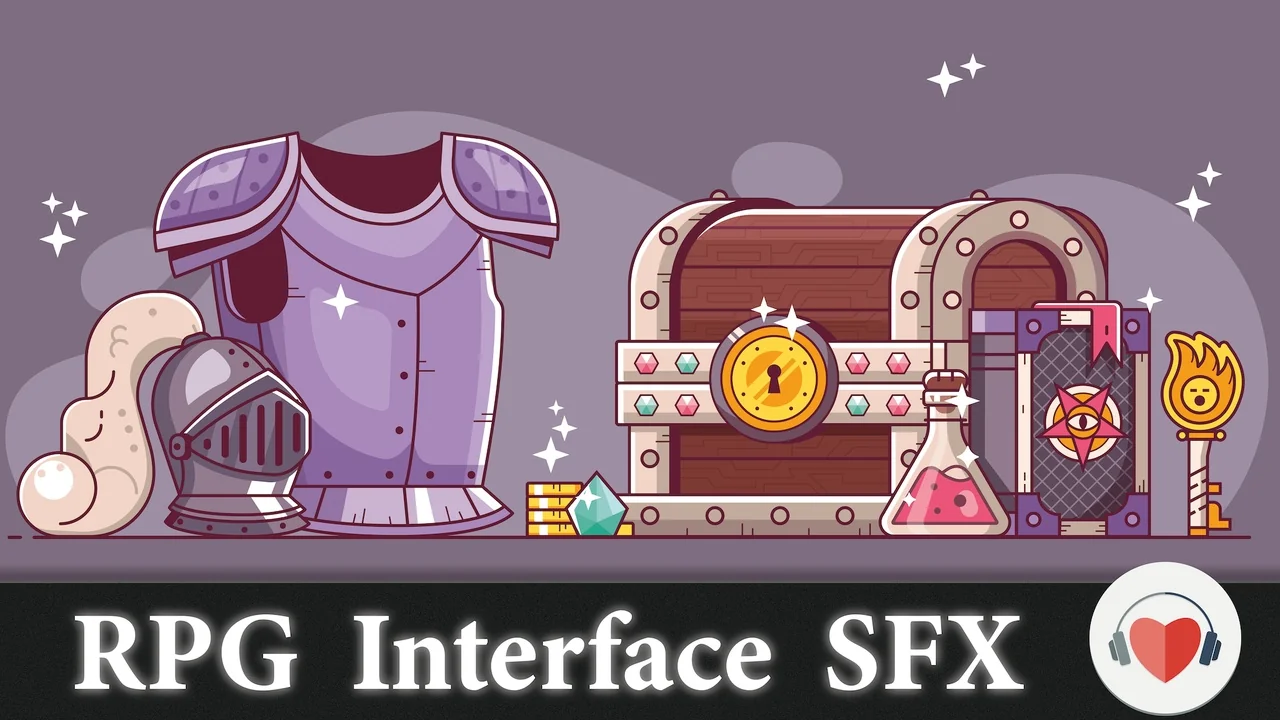
RPG/Fantasy Game - Interface Sounds is a set of 102 sounds for a range of in-game purposes, weighted toward interface work. Four groups divide the material, and the split follows what a player is doing rather than what a mixer needs — chests, gameplay interaction, on-screen UI, and a miscellaneous pile for the small actions that fall between them.
Chest sounds and the four groups they sit beside
The divisions are worth knowing before auditioning, because they map onto different moments in a session:
Chest sounds, sitting on their own as an opening and closing vocabulary
Interaction with gameplay elements — coins, clothes, books, armours, stones, water and weapons among them
User interface — buttons, dialogues, menus and loading text
Miscellaneous — eating, drinking, mouse clicks and ambiences
That first group being separate is telling. Chest audio in an RPG is rarely just a container noise; it marks the end of exploration and the start of a reward beat, so it earns its own category instead of dissolving into general prop sounds.
Coins, clothes, books, armours: the item-handling layer
The interaction group is the widest, and it covers the objects an inventory screen keeps asking about. Coins, clothes, books, armours, stones, water, weapons — every one of those is a thing a player picks up, drops, equips or drags between slots. Having them recorded as a family means an inventory drag can be scored without hunting through several libraries for a cloth rustle that matches a coin chink.
Weapons and armours push the same set toward equipment: the moment a piece is slotted onto a character. Clothes and books lean the other way, toward the softer handling sounds of a bag being packed or a satchel searched. The tags around the collection run in this direction too — equip, equipment, item, bag, handbag, inventory — which says plainly which actions the sounds were recorded to serve.
Buttons, dialogues, menus and loading text on the screen side
The user interface group carries the load for menus: buttons, dialogues, menu movement and loading text. A dialogue box advancing, a menu tab switching, text crawling across a loading bar — these are the sounds a player hears more often than any sword swing, and they set the perceived polish of a build faster than most combat audio does.
Mouse clicks appear in the miscellaneous group rather than the UI one, alongside eating, drinking and ambiences. That placement is practical: clicks are input events, and an ambience bed under a menu is a different kind of layer from a confirm tone.
Zoom H6 and Rode NT1-A behind the recordings
The source recordings were made with a Zoom H6 and a Rode NT1-A. Between the two, the set covers portable capture for foley-style object handling and a condenser for close, quiet detail — the kind of low-level material that interface work depends on, where a button or a page turn has to sit cleanly under music and voice without grit.
Ambiences appearing in the miscellaneous group is a small but useful inclusion. A menu scene still needs a room around it, and having a bed recorded alongside the clicks and confirmations keeps the tonal character consistent across a pause screen.
Intuitive file naming and how to audition 102 sounds quickly
Intuitive file naming is one of the stated qualities of the set, and in practice it decides whether a library gets used or forgotten. A menu pass can involve dozens of small decisions in an afternoon; if a confirm sound is named after what it is rather than after a session number, a designer or audio implementer can pull it without opening a waveform viewer.
Two other things shorten the audition: a YouTube preview that plays through the full set of 102 effects, and a tracklist PDF. Listening to the preview end to end gives a sense of the tonal family before any file is imported, and the tracklist lets a sound designer scan the vocabulary and note which groups need supplementing from existing project audio.
Fantasy and medieval first, wider use second
The set is aimed at fantasy and RPG and medieval games, and that framing shows up in the material: coins, armours, weapons, chests, stones, water. It is also suitable for other types of games, which is less of a stretch than it sounds — any project with an inventory, a dialogue system and a menu will find the interaction and UI groups doing real work, whatever the setting looks like.
For a fantasy or medieval build specifically, the value is coverage in one place. Chest, item, equip and UI audio rarely come from the same recording session in most projects, and the mismatch is audible when a coin clink and a menu click sit two seconds apart. A single set with consistent capture and naming removes that seam.
The practical read for a team: audition the full 102 through the preview, scan the tracklist against the interaction objects your inventory actually supports, and treat the file naming as the deciding factor. If the names let an implementer find a book-handling sound without asking anyone, the set will stay in the project long after the first menu pass ships.
 Sound Effects
 Sound Effects
 Sound Effects
 Sound Effects