Introduction to Runtime Spline Builder
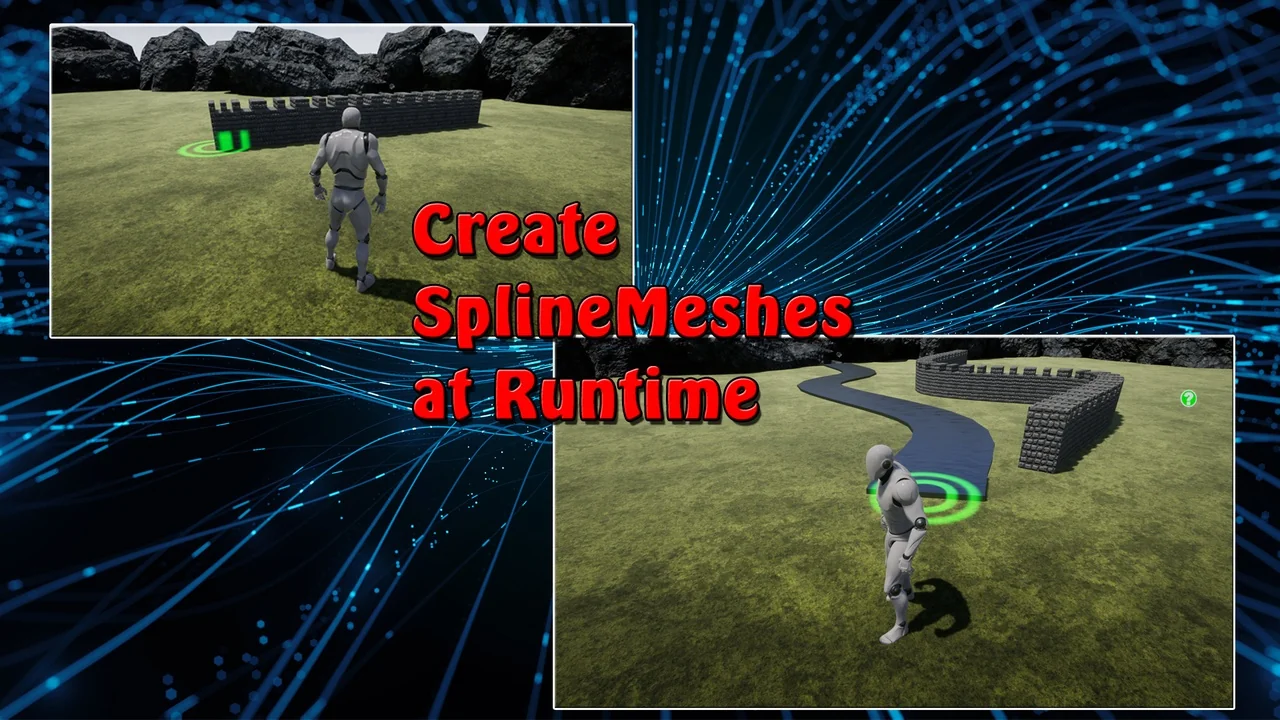
Runtime Spline Builder is a specialized tool designed to create spline meshes while your game is actively running. This resource is particularly useful for developers who need to place walls, paths, or fences during gameplay. However, it is important to note that this tool is intended for runtime use rather than editor purposes. Consequently, it serves as an excellent starting point for beginners learning to use splines in a live environment. The developer has designed this system to be easily extended and improved for specific project needs.
Core Features and Customization
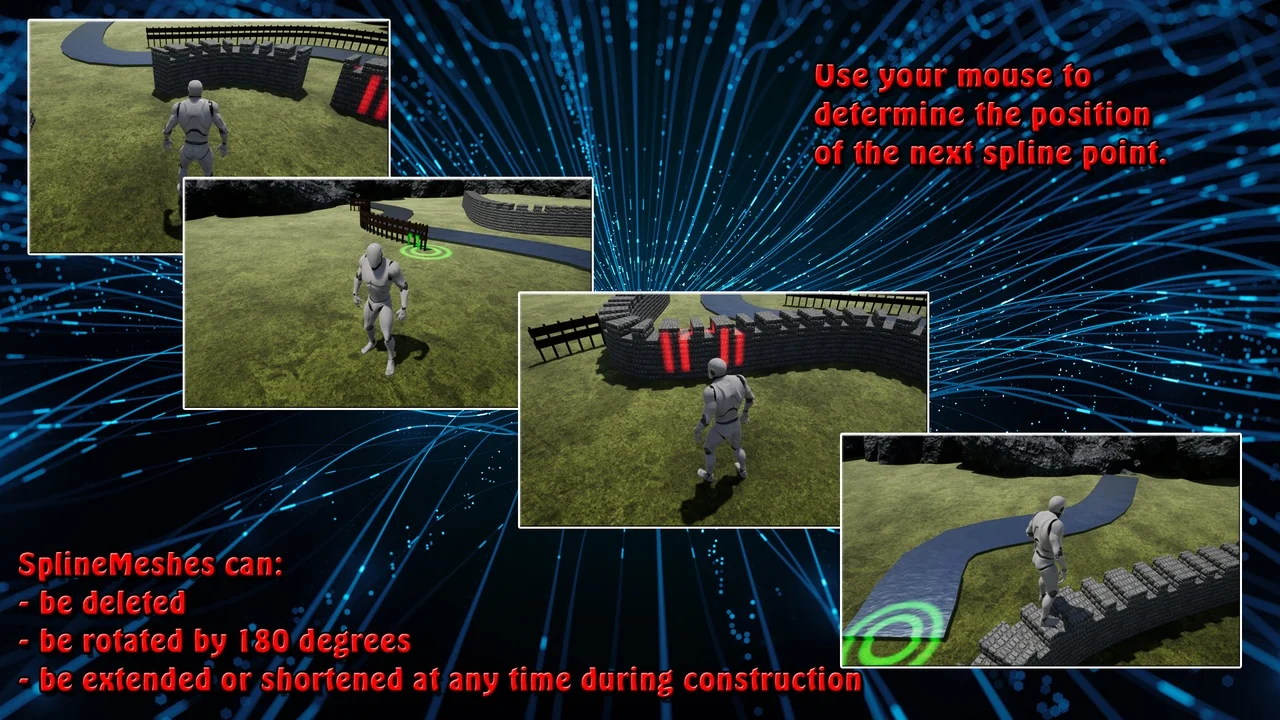
The tool provides several features to streamline the creation of dynamic environments. Moreover, it offers two different calculations for determining Spline-Mesh length. Users can also replace meshes with ease to fit their visual style. Additionally, spline meshes can be fixed directly to the surface for better alignment. Therefore, the system uses the “visibility” Line Trace Channel by default, though this can be replaced by a custom Collision Channel if needed.
Flexibility is a key benefit of this tool. For instance, the “Closed Loop” function can be toggled on and off at any time. Furthermore, developers can change placed spline points afterwards using the built-in Edit Mode. If a mistake occurs, spline meshes can be deleted entirely. Because the position of each new spline point is determined by the mouse, placement feels intuitive for the player.
Technical Implementation and Workflow
The developer has included extensively commented blueprints to assist with the setup process. To begin, you should open the Runtime Spline Builder project and explore the “TestArea” level. This area allows you to get a feel for the tool’s capabilities. Afterward, you can migrate the “Exovision” folder to your own project. You must then add the “SplineBuilderComponent” to your specific character blueprint.
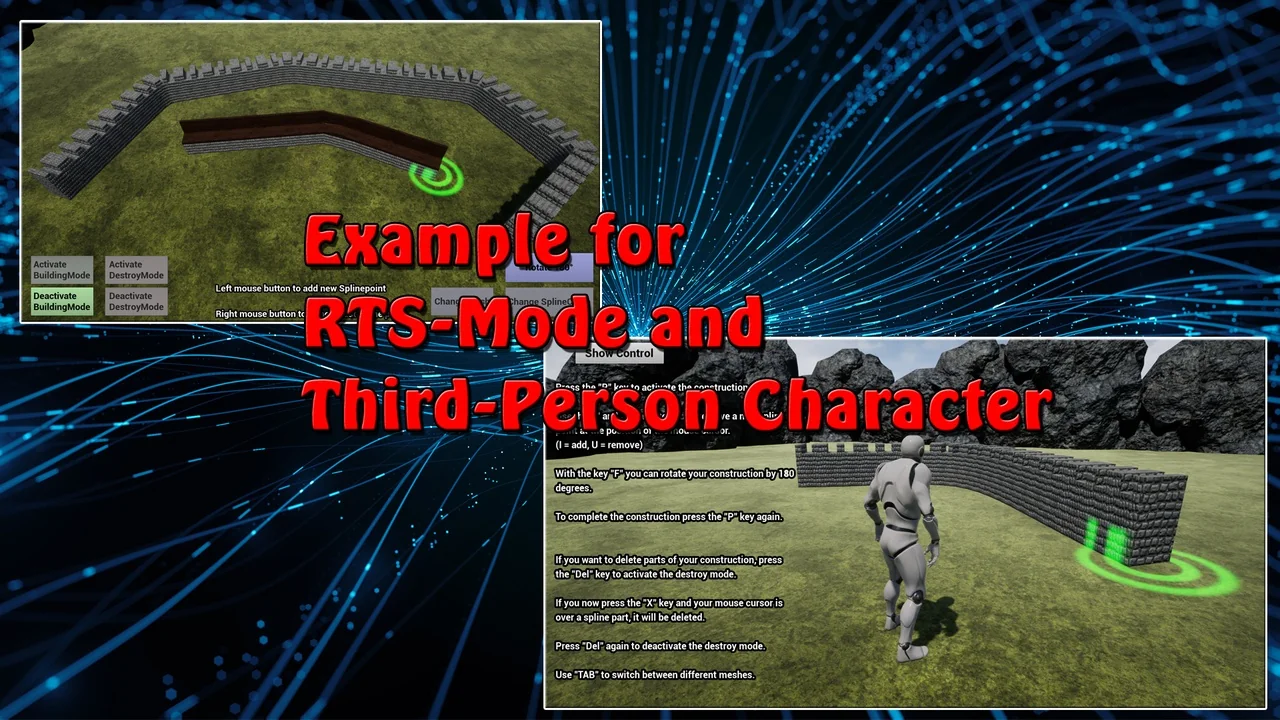
Detailed instructions are located within the “ExampleCharacter” blueprint. Specifically, this is where you will find all available events for the component. For those working on strategy titles, the developer provides an RTS Example Widget to study. All secondary functions are triggered by calling the corresponding events within the system.
Important Optimization for Packed Games
In order for materials and collisions to function correctly in a packed game, certain steps are required. First, you must open every material intended for use with your meshes. Under the “Usage” section in the Details window, set “Used with Spline Meshes” to true. Similarly, you must open each Static Mesh and locate the “Allow CPU Access” option. This setting must also be set to true for the system to work properly. Consequently, skipping these steps may result in visual or physical issues in the final build.
Conclusion
Overall, the Runtime Spline Builder is a versatile and accessible tool for real-time mesh generation. It provides a solid foundation for RTS games and other projects requiring dynamic pathing or barriers. While it is a basic tool, its extensible nature allows for significant customization. Therefore, it is a valuable asset for any developer looking to master runtime splines.
Screenshots & Gallery