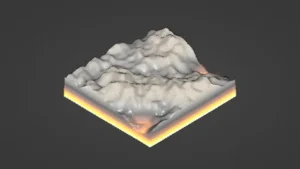
Turning real locations into a Unity workflow
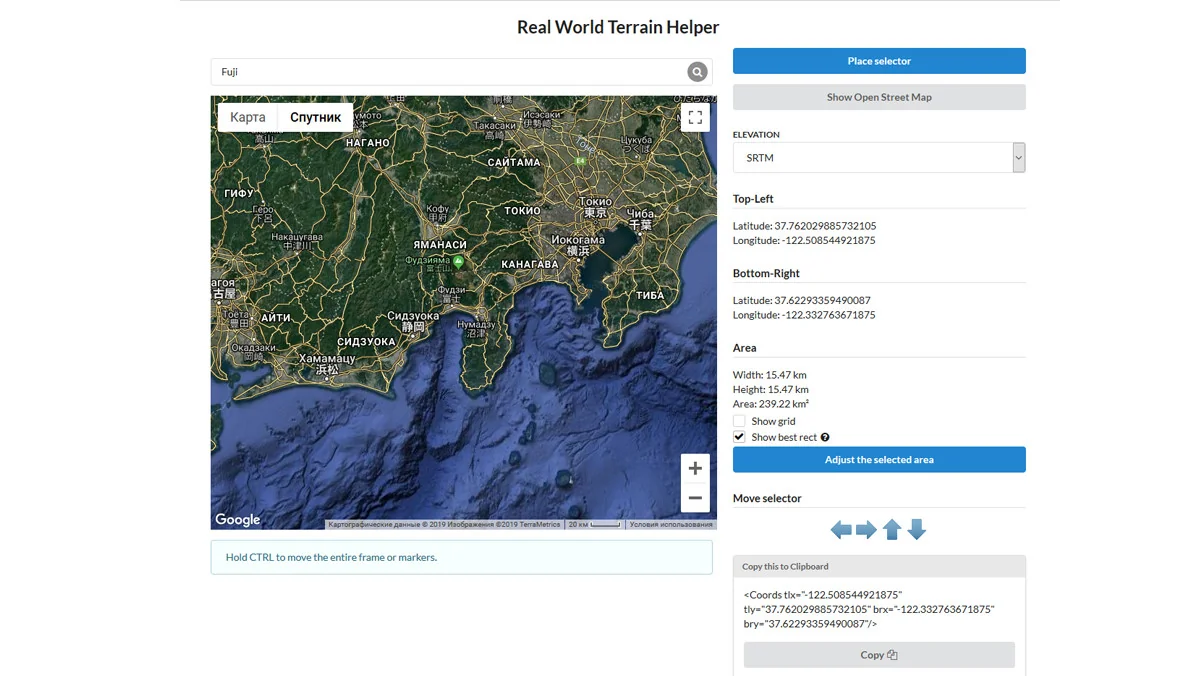
Real World Terrain starts with a practical job: recreating real places inside Unity. From a few clicks, it can generate terrain for games, simulations, visualization, and large-world prototyping. The process is centered on real-world coordinates, so the starting point is not a blank landscape but an actual location on Earth.
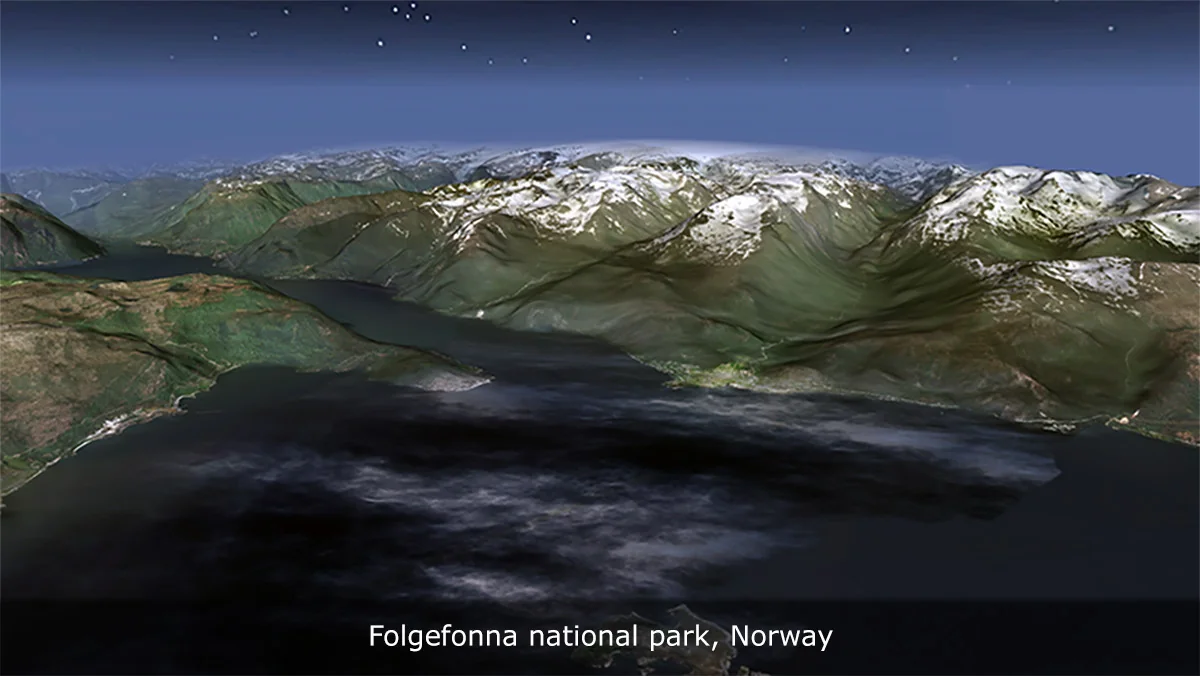
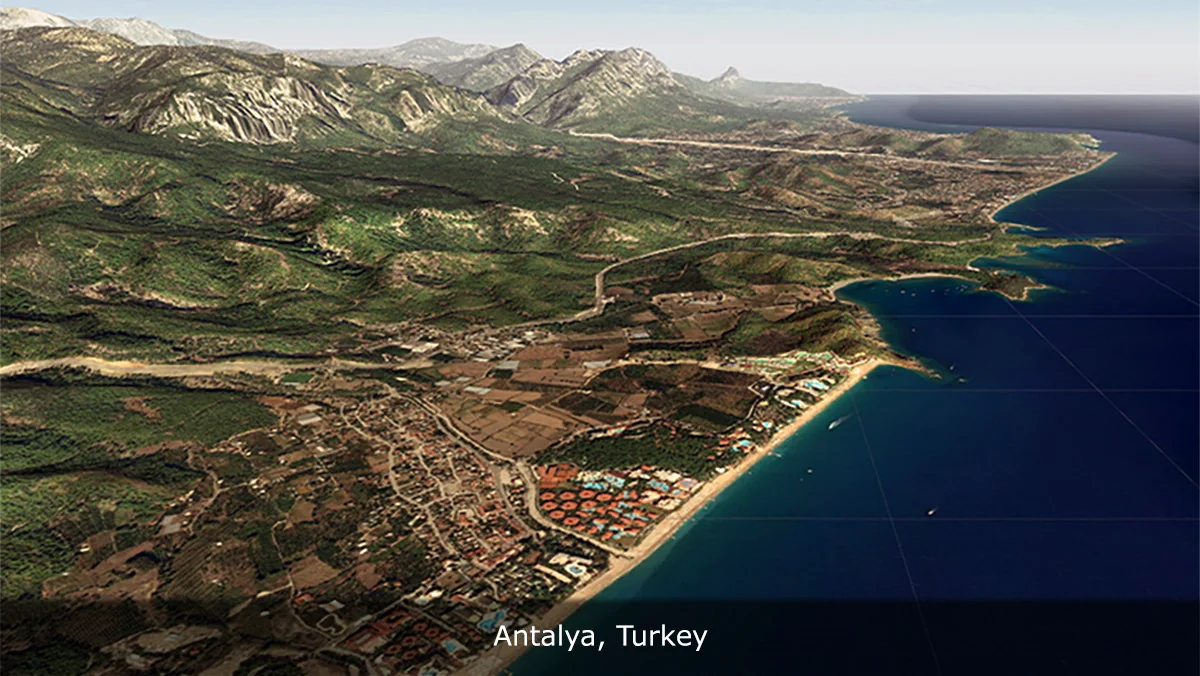
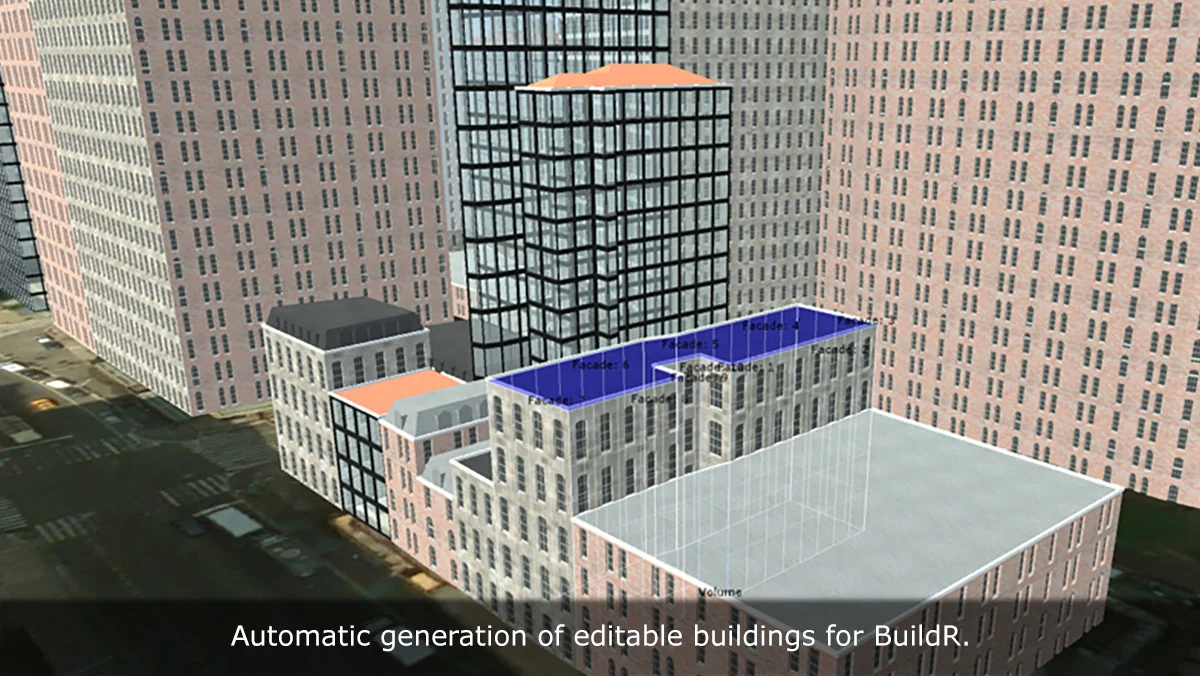
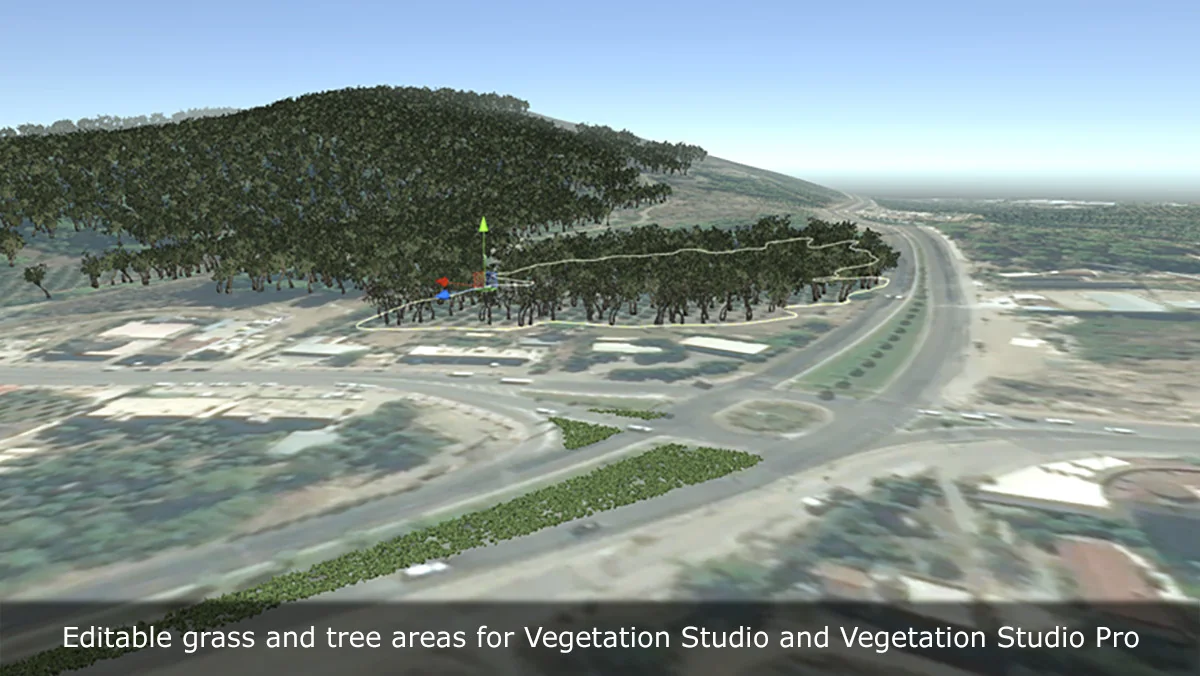
That matters because the tool does more than produce a heightmap. It can build the landscape and also bring in the surrounding structure that helps a place feel connected to its real setting. Roads, buildings, rivers, trees, and grass can all be pulled in from map data, making the workflow useful when a scene needs to resemble a specific area rather than a generic environment.
What the generation path can produce
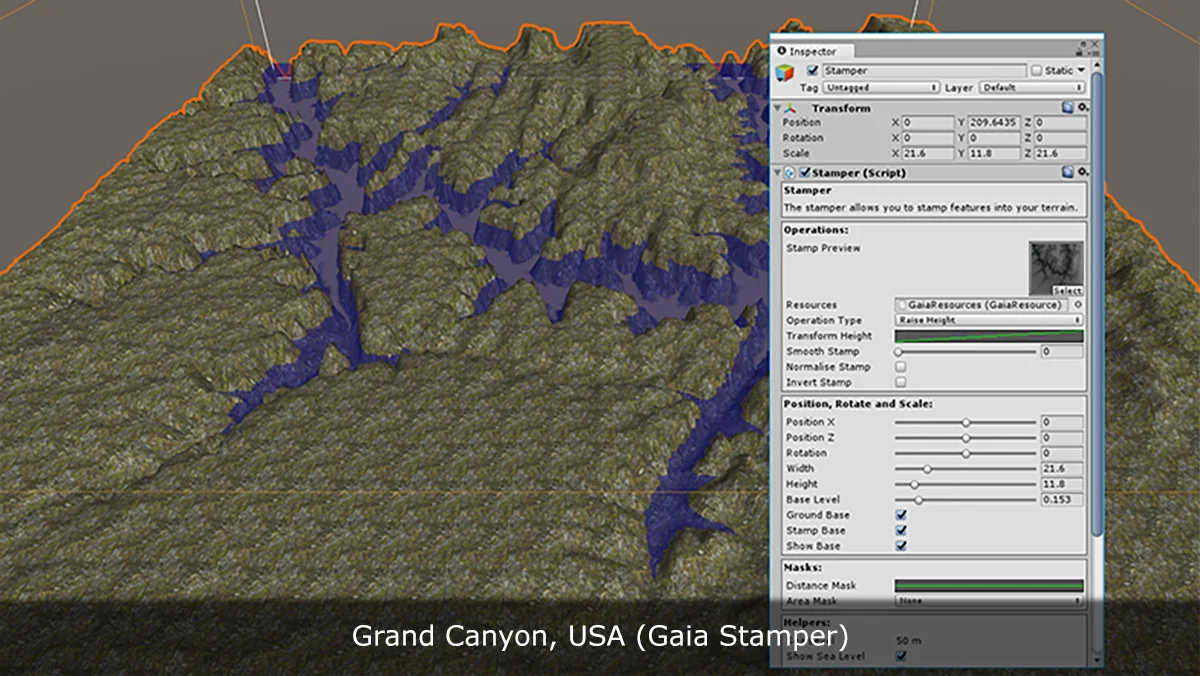
The output options are broad enough to fit different Unity workflows. The terrain can be generated as Unity Terrain, meshes, Gaia stamps, or RAW files. That flexibility makes it possible to move between authoring paths without rebuilding the location from scratch.
Satellite or map textures can also be generated for quick visual context. That gives the terrain an immediate geographic reference, which is useful when the goal is to block out a world, check proportions, or create a readable base for further work.
- Unity Terrain
- Meshes
- Gaia stamps
- RAW files
- Satellite or map textures
- Roads, buildings, rivers, trees, and grass from OpenStreetMap
Because these outputs are available from the same workflow, the tool can serve as a starting point for world building, terrain authoring, simulation environments, or custom tooling. It is presented as a pipeline rather than a preview, which places the emphasis on getting usable data into Unity instead of just viewing a generated landscape.
Data inputs: elevation, imagery, and map structure
The terrain generation starts with elevation data. Several sources are supported, each with a different resolution or mapping path.
Elevation sources
- Bing Maps with a maximum resolution of 10 meter per pixel
- Mapbox
- SRTM v4.1 with a resolution of 90 meters per pixel
- SRTM30 with a resolution of 30 meters per pixel
Imagery is handled separately, giving the terrain a visual layer that can be used for context or reference. The supported imagery sources include ArcGIS, DigitalGlobe, Map Quest, Mapbox, Mapy.CZ, Nokia Maps (here.com), Virtual Earth (Bing Maps), Open Street Map, and Sentinel-2. There is also the ability to download tiles from a custom URL, which extends the workflow beyond the built-in provider list.
OpenStreetMap integration adds another layer of structure. Roads, buildings, rivers, trees, grass, and other map objects can be imported directly into Unity. That means the generated world is not limited to elevation alone; it can carry enough geographic detail to support layout decisions, environmental reference, or a more complete real-location reconstruction.
Where the tool fits in production work
Real World Terrain is positioned for developers who need a fast, practical way to recreate real places. The most obvious fit is for racing and driving games, where road layout and terrain shape matter immediately. It also fits flight, drone, and military simulations, where large areas and terrain context are part of the experience.
Other uses called out for the workflow include strategy and open-world prototypes, education and geographic visualization, environment blockouts based on real locations, and technical art or terrain production pipelines. In each case, the same core idea applies: start from location data, generate a usable world layer, and move that result into the next stage of development.
The tool also includes editor and API support, which makes automation and pipeline extension possible. That is important for teams that want to generate terrain repeatedly or connect the workflow to internal tools. Rather than remaining a one-off terrain builder, it can be used as part of a larger production setup.
Built for more than a quick preview
The workflow is described as production-ready for real-world landscapes inside Unity. That means it is meant for actual project use, not just a visual sample or a temporary terrain preview. It can help block out worlds faster, recreate real environments for gameplay, generate terrain reference for artists and level designers, export data into existing terrain workflows, and enrich scenes with roads and structures from map data.
Integration with popular Unity assets and workflows is also supported, which leaves room for it to sit alongside other tools in a larger setup. Combined with the editor and API support, that makes the system suitable for teams that need both hands-on terrain creation and repeatable generation steps.
The practical takeaway is simple: if the work begins with a real place and needs to end inside Unity, Real World Terrain provides a direct path from coordinates and map data to terrain, meshes, textures, and imported world structure.
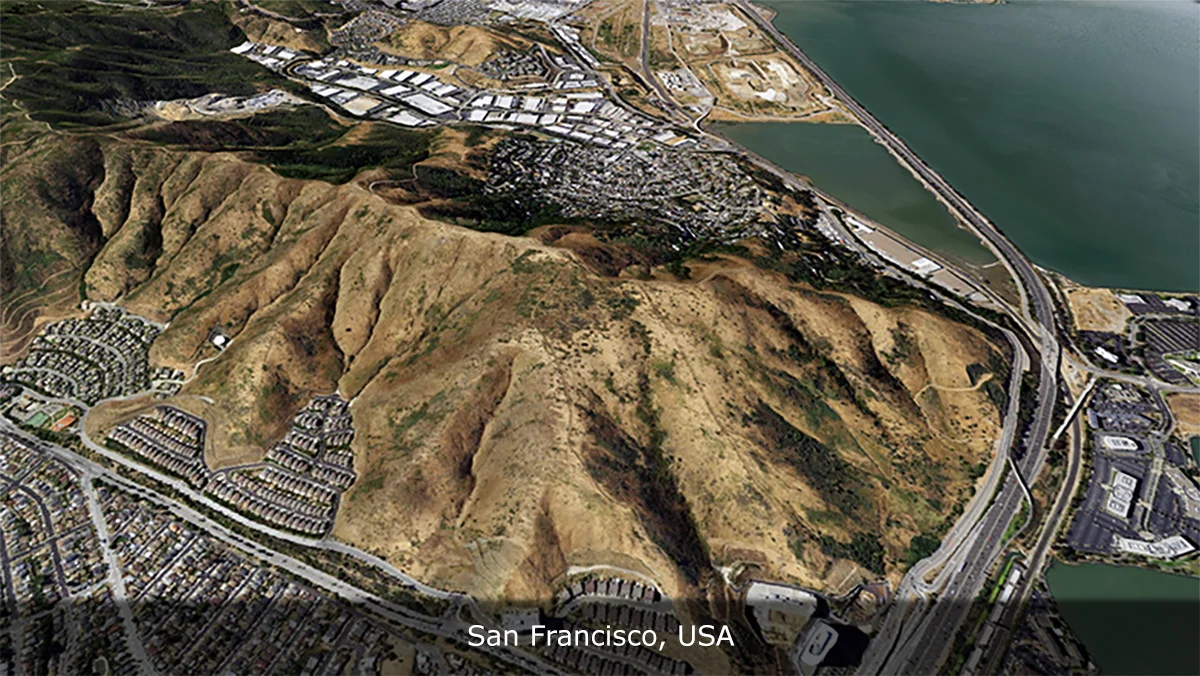
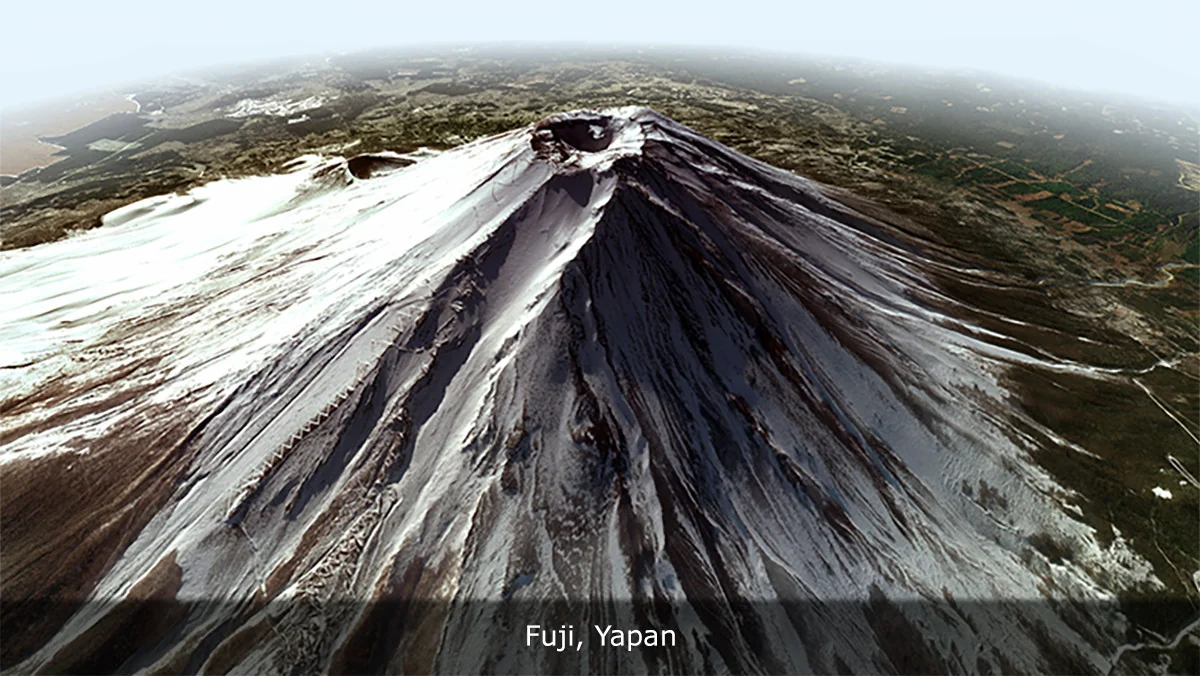
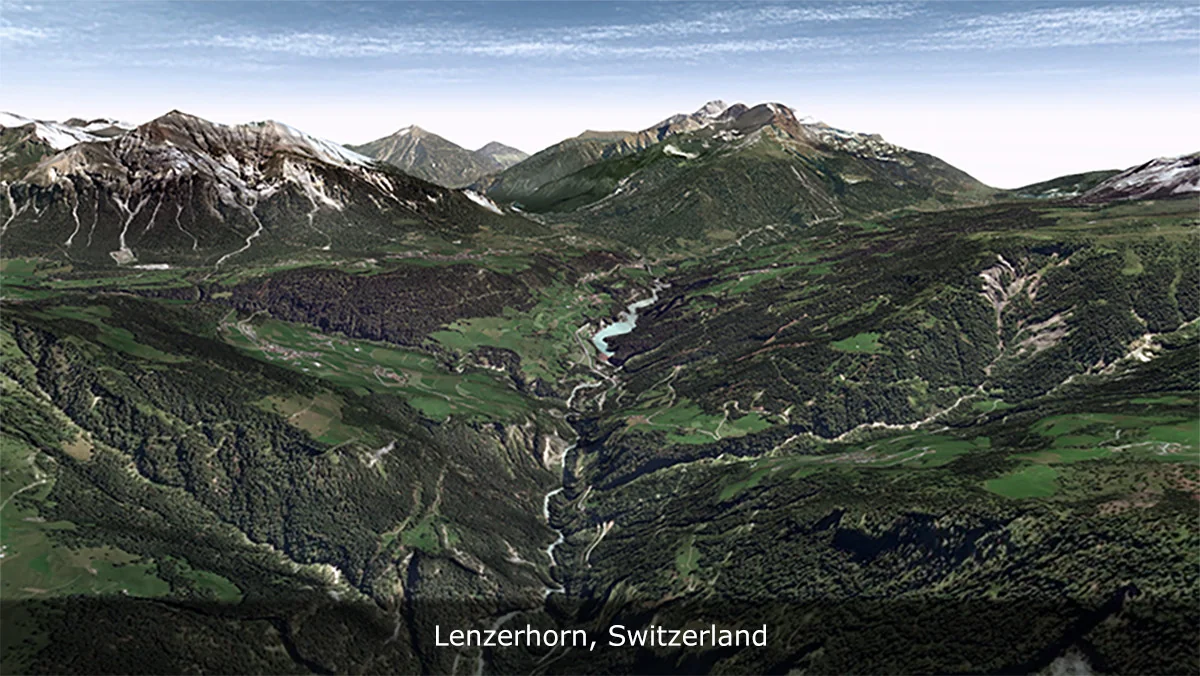
Asset Gallery
Protected download
Access this resource
All resources are 100% manually reviewed to eliminate all risks.