Modular Environment Construction and Grid Logic
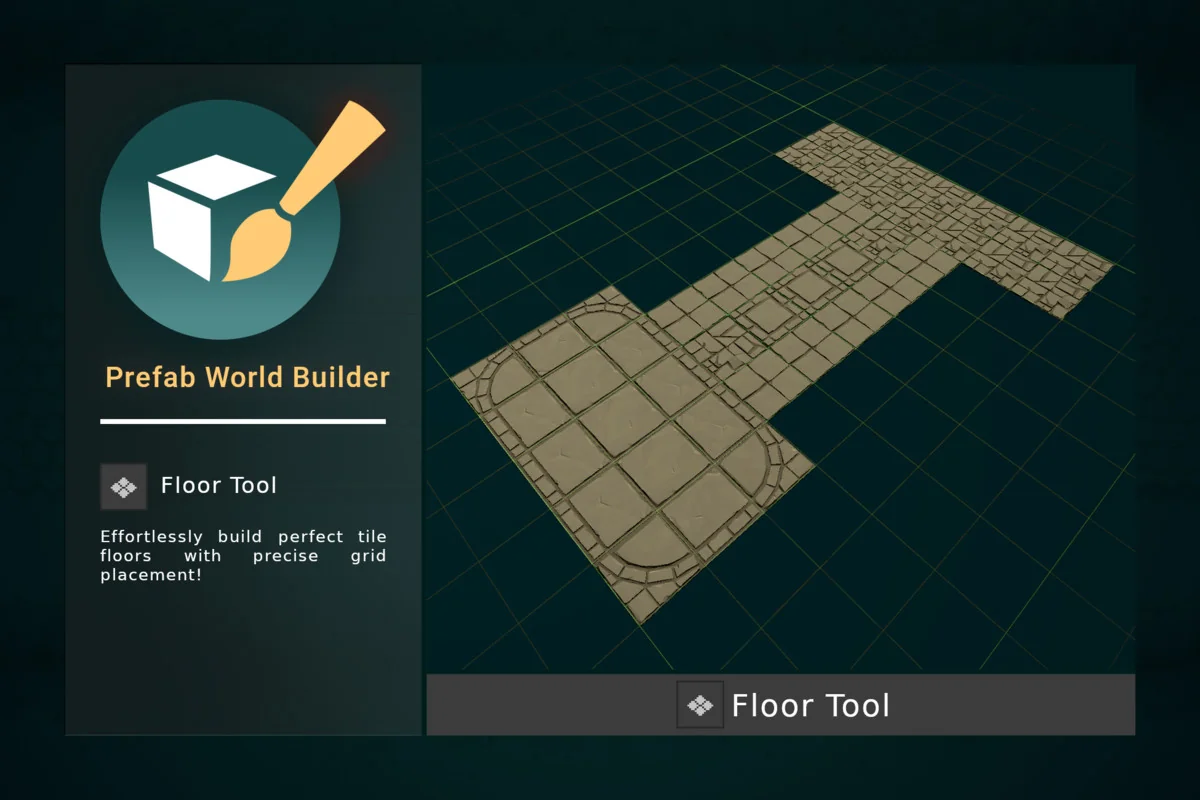
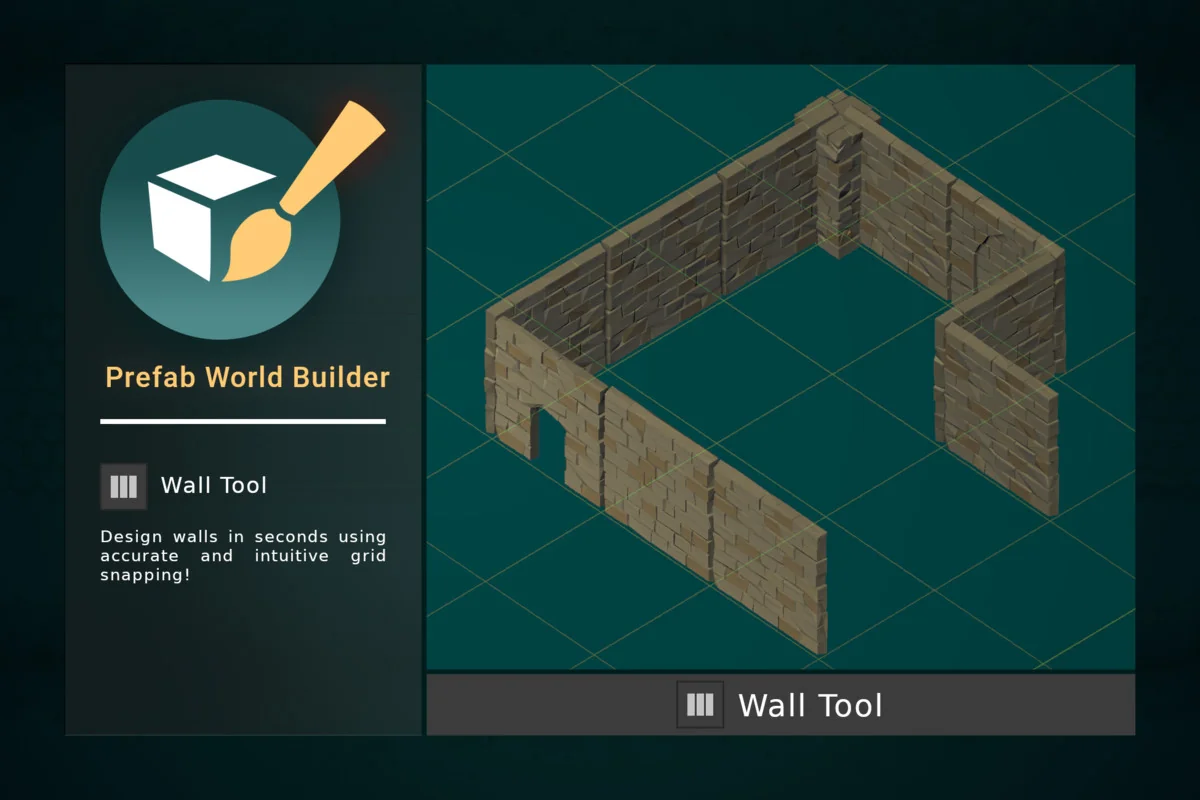
Prefab World Builder introduces a structured approach to environmental design by utilizing specialized tools for grid-based construction. The Floor Tool and Wall Tool are specifically designed for modular workflows, allowing for the rapid generation of tiled floors and vertical structures. These tools function by aligning objects along a customizable grid, ensuring that individual components snap together seamlessly to form cohesive environments.
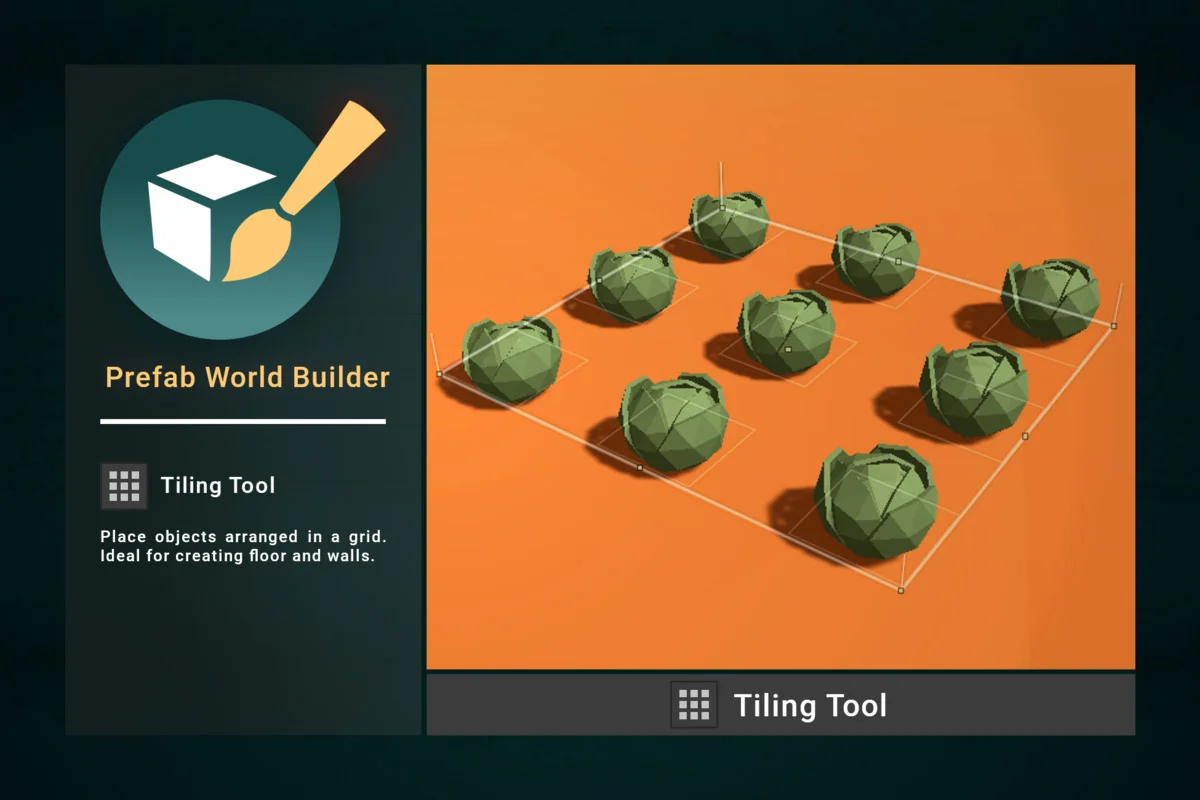
The system supports both rectangular and radial grid configurations, providing flexibility for different architectural styles. Users can adjust the position, rotation, and spacing of these grids to fit the specific requirements of a scene. Complementing this is the Tiling Tool, which arranges objects in a grid pattern to facilitate the creation of expansive surfaces. This structured placement logic is essential for developers working with modular kits where precision and alignment are paramount.
Organic Placement and Environmental Scattering
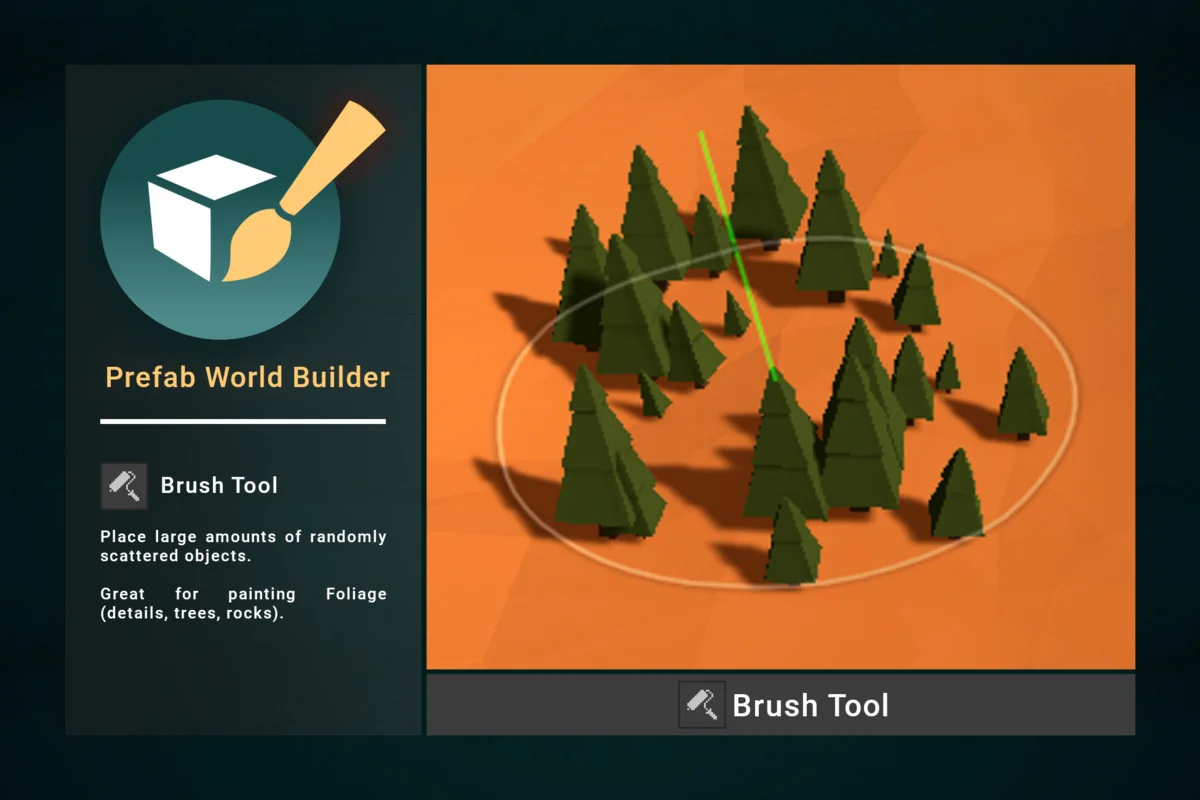
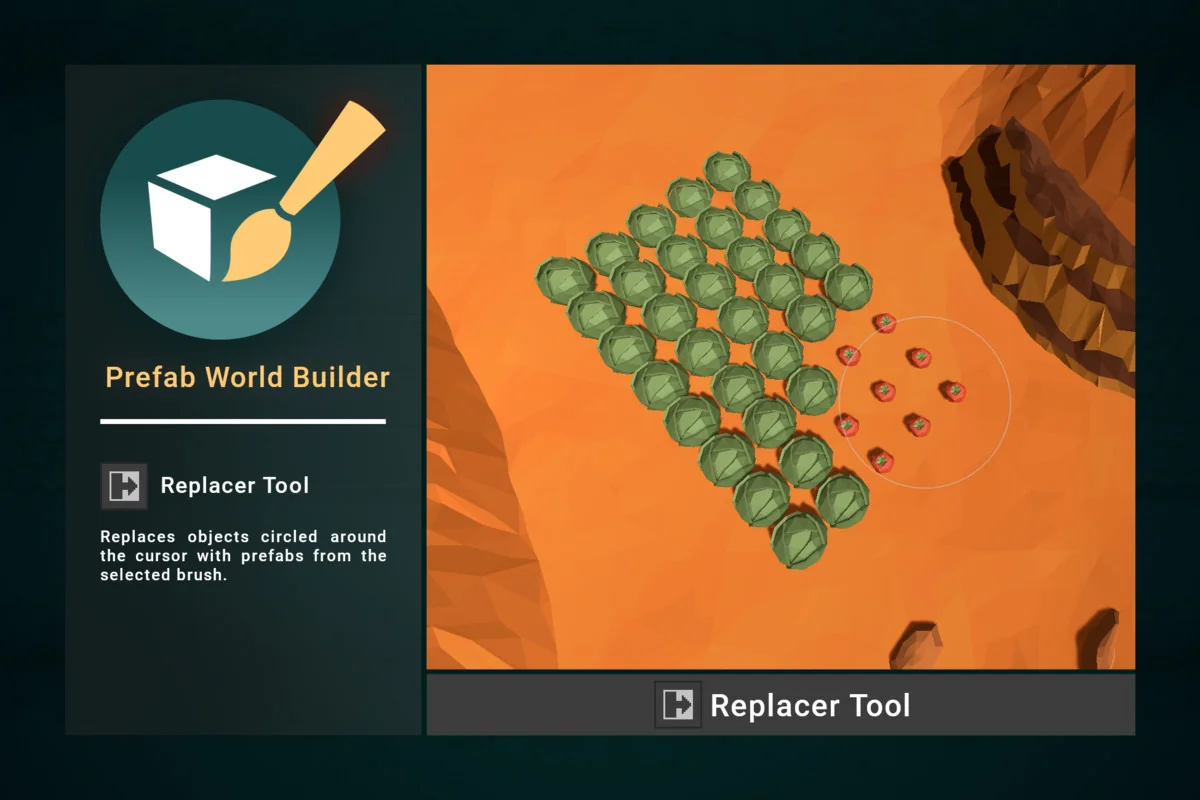
For more natural or chaotic layouts, the toolset includes several features that move away from strict grid alignment. The Brush Tool allows for the painting of foliage, rocks, and other details by scattering large amounts of objects randomly within a designated area. This is particularly useful for populating terrains with diverse plant life or debris. The Replacer tool further refines this workflow by allowing a developer to circle an area with the cursor and swap existing objects for new prefabs from a selected brush.
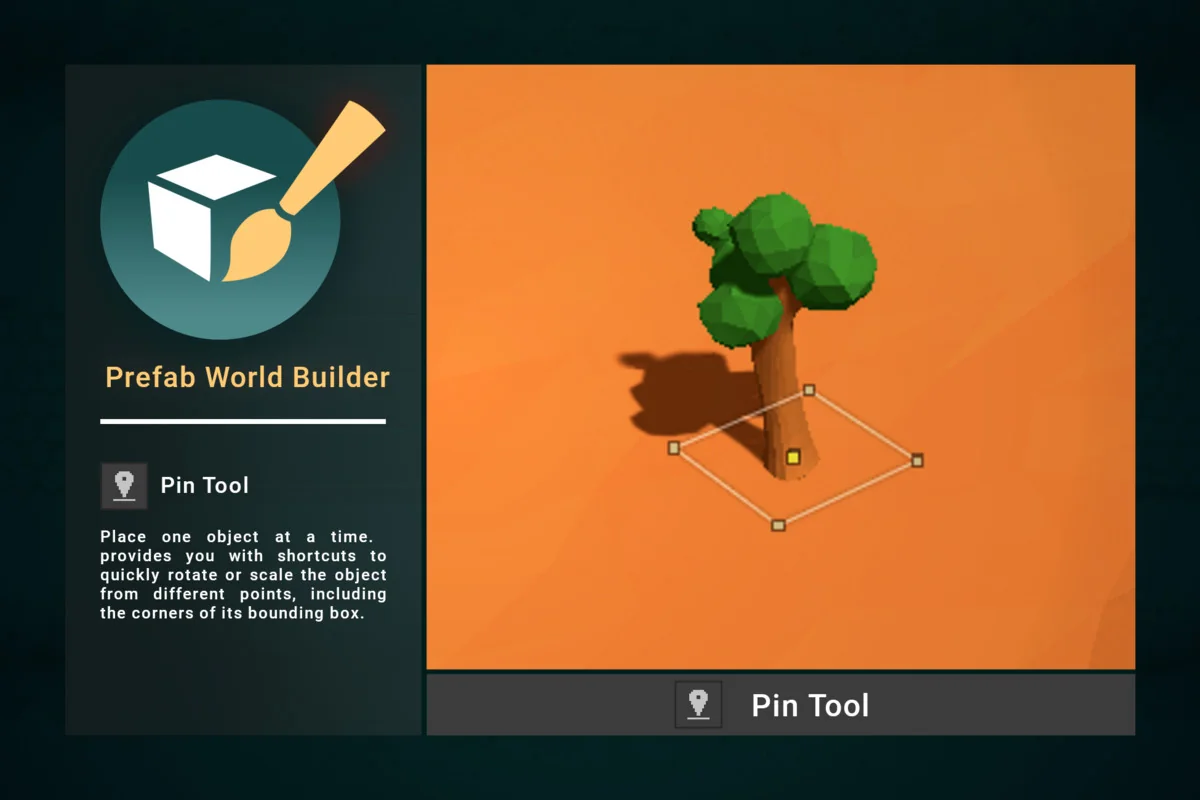
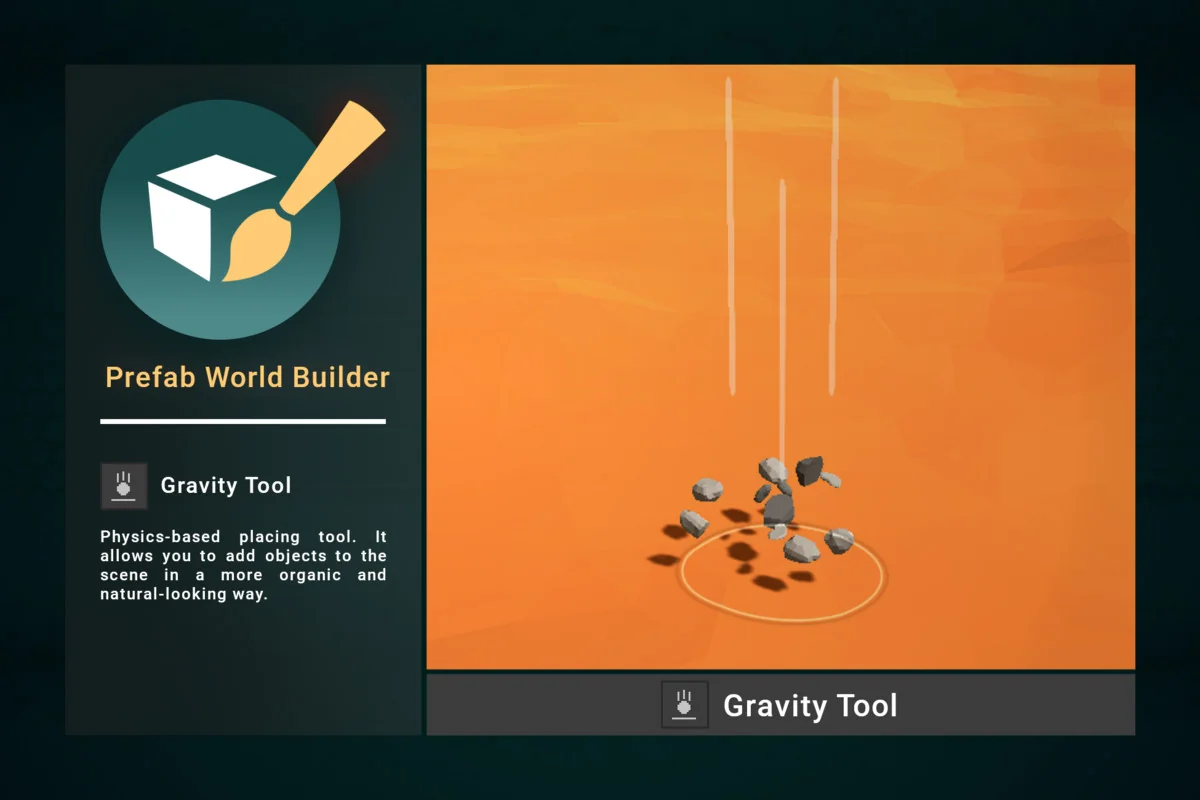
One of the more specialized features is the Gravity Tool, which employs physics-based placement. Rather than manually positioning every item, this tool allows objects to be added to a scene in a way that mimics natural physical interaction, resulting in more organic-looking piles or scattered props. When precision is required for a single object, the Pin Tool offers a refined alternative. It provides shortcuts to rotate or scale an object from various points, including the corners of its bounding box. Notably, the Pin Tool includes functionality to flatten terrain and clear existing trees or details directly beneath the newly placed object, integrating prop placement with terrain modification.
Geometric Layouts and Path-Based Distribution
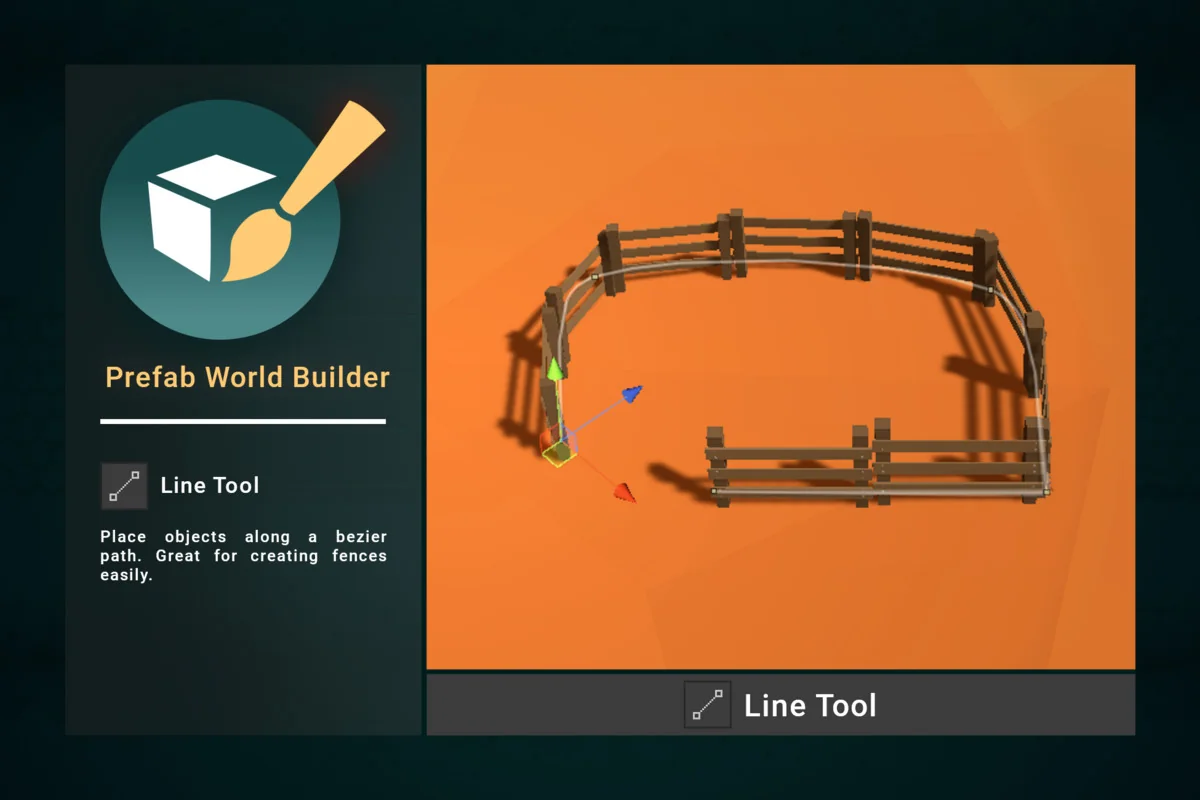
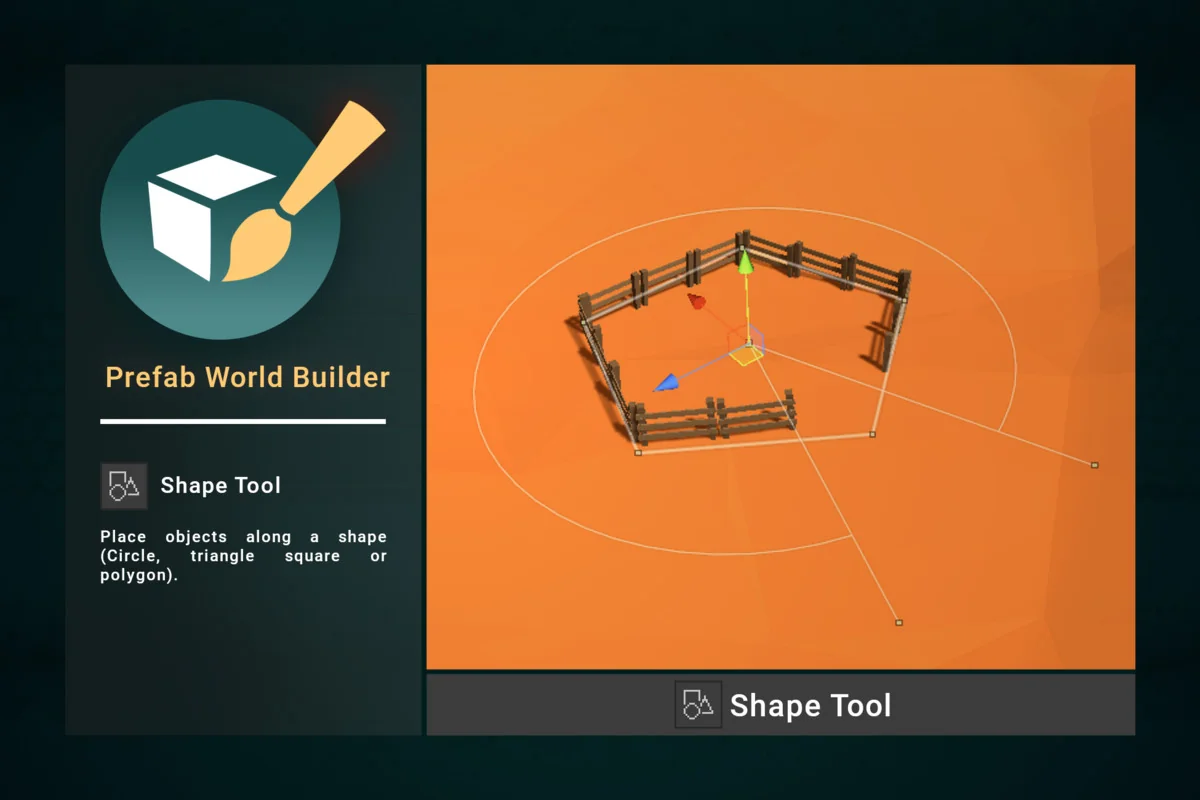
Beyond brushes and grids, Prefab World Builder offers tools for placing objects along specific paths and shapes. The Line Tool utilizes a Bezier path system, which is ideal for creating linear structures like fences or power lines with organic curves. For geometric arrangements, the Shape Tool can distribute objects along the perimeters of circles, triangles, squares, or polygons. These tools allow for complex layouts that would be time-consuming to arrange manually, such as a circular arrangement of pillars or a triangular formation of crates.
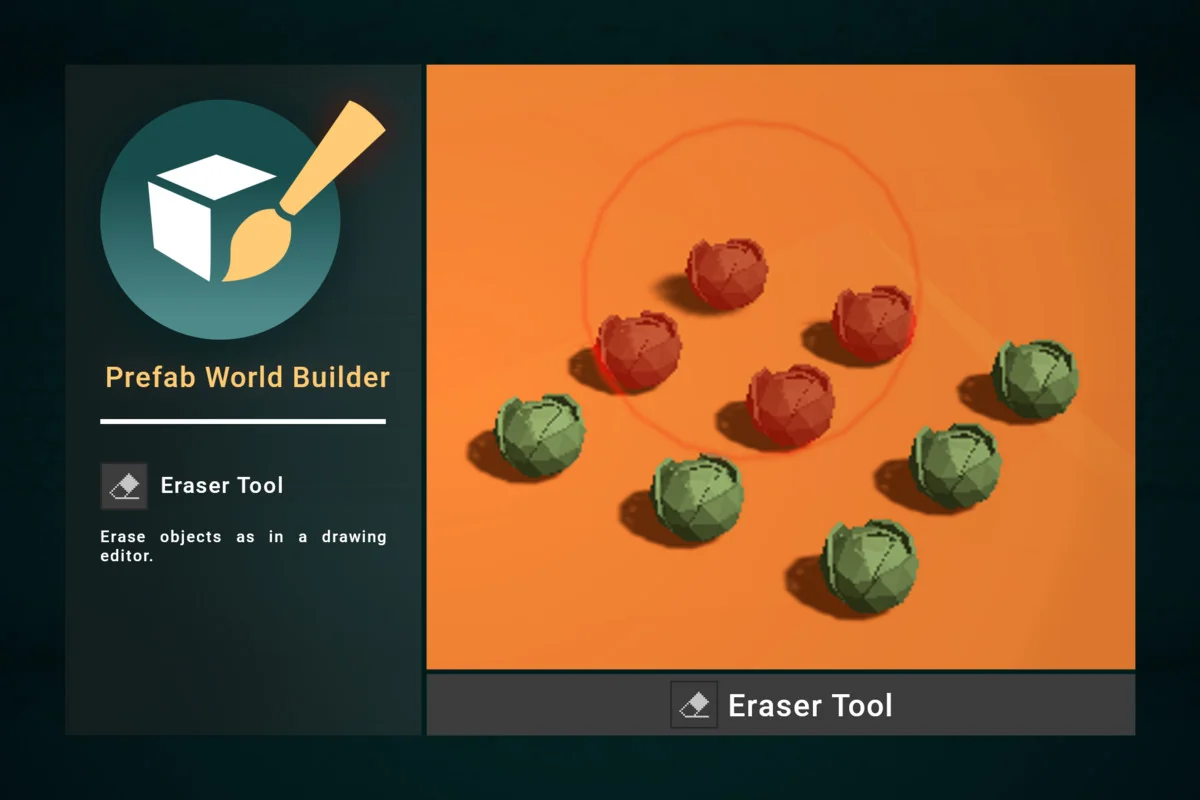
The Eraser tool provides a corrective layer to these placement methods, functioning similarly to a drawing editor. It allows for the quick removal of objects from the scene, providing a non-destructive way to iterate on complex distributions created by the brush or shape tools.
Advanced Selection and Manipulation Frameworks
To manage objects once they are placed, the toolset extends the standard transform controls found within the Unity editor. The Selection Tool adds interactive handles to the vertices and midpoints of a selection’s bounding box. This allows an artist to rotate or scale a group of objects from specific corners or even from a custom local point, offering more granular control than a standard center-pivot transform. For selecting objects in dense scenes, the Circle Select Tool provides an efficient way to grab all objects within a defined circular radius.
Two additional tools, Extrude and Mirror, focus on duplicating existing geometry. The Extrude Tool creates copies of selected objects in a specific direction defined by its handle, which is useful for extending repetitive structures. The Mirror Tool generates symmetrical copies of selections, which is a common requirement when building mirrored interiors or symmetrical level layouts.
Editor Integration and Asset Management
Prefab World Builder is designed to run entirely within the editor, meaning that no scripts or assets from the package are included in the final game builds. This keeps the project’s runtime footprint clean while providing a robust set of development utilities. To help organize the various prefabs used during placement, the Palette tools provide a visual management system. The Palette Picker allows a developer to quickly switch between different brushes by simply picking an object already present in the scene.
The visual representation of these assets can be customized through the Thumbnail Editor. This feature allows for the adjustment of orientation, scale, background color, and lighting for the thumbnails displayed in the palette. This ensures that the asset library remains readable and organized, even when dealing with hundreds of different prefabs. The toolset is supported by a variety of settings, including multi-brush configurations and common paint tool parameters, allowing for a highly customized level design pipeline.
Preview Images
Protected download
Access this resource
All resources are 100% manually reviewed to eliminate all risks.