Visibility that follows the scene, not a fixed script
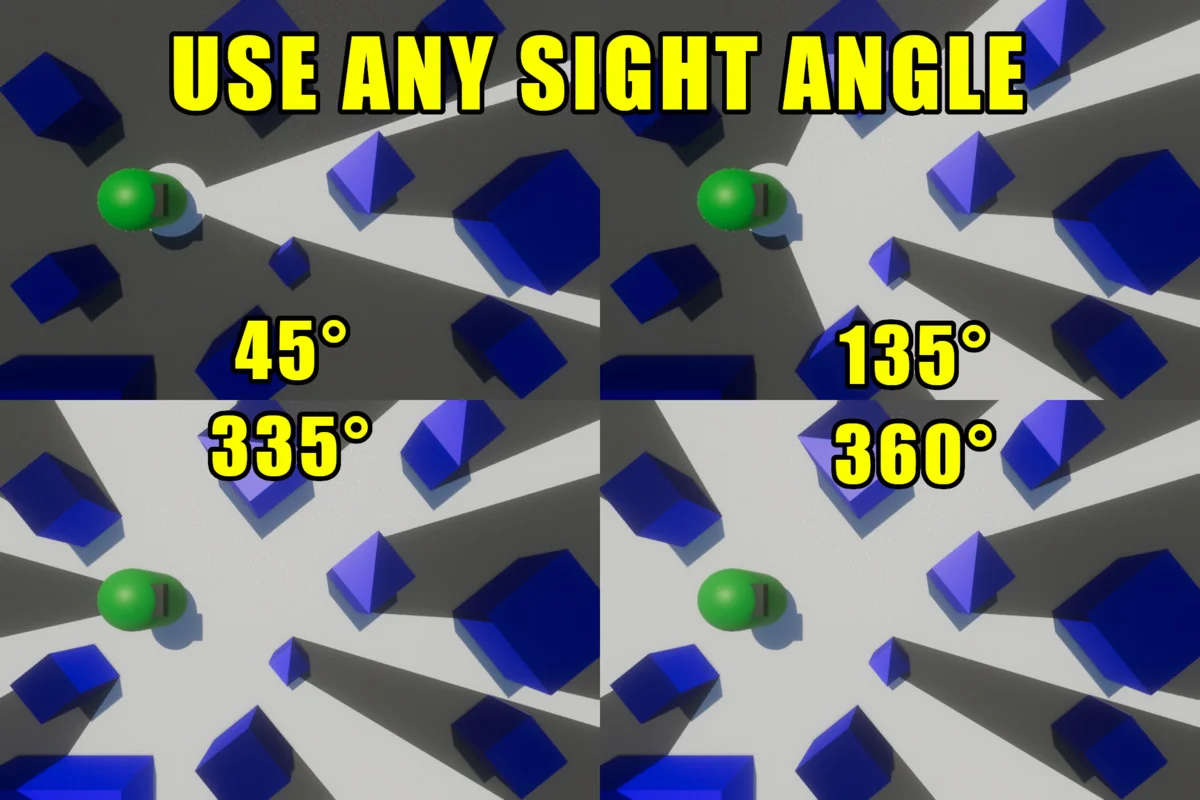
Pixel-Perfect Fog Of War works as a line of sight tool. In practice, that means it projects a field of view from any number of objects and hides the parts of the scene that remain unseen. Instead of treating fog as a simple overlay, it behaves like a visibility system that can respond to revealers placed throughout a level.
That makes it a natural fit for RTS, MOBA, social deduction, and horror projects, where what the player can and cannot see changes the way the scene is read. It is also described as supporting both 2D and 3D projects, so it can sit inside different kinds of production setups without forcing a single camera style or scene structure.
For 3D fog, the field of view can be projected onto any axis, and it can be rendered with both orthographic and perspective cameras. That gives the system room to follow different presentation styles while still keeping the same basic job: reveal what is in sight, conceal what is not.
Scale and rendering choices that keep it flexible
The package is built to work across all render pipelines and on any graphics backend except WebGL, with WebGPU working. It does not require extra cameras or render textures, which keeps the setup lighter and avoids adding that overhead to a scene. Fog is rendered in camera-space at full resolution, so world size does not limit the fog of war effect, even in very large environments.
That matters in production because the visibility system is not tied to a small map or a fixed area. Large scenes can still use the same fog behavior without needing a different approach just because the level expands. The result is a visibility layer that stays consistent while the rest of the project scales around it.
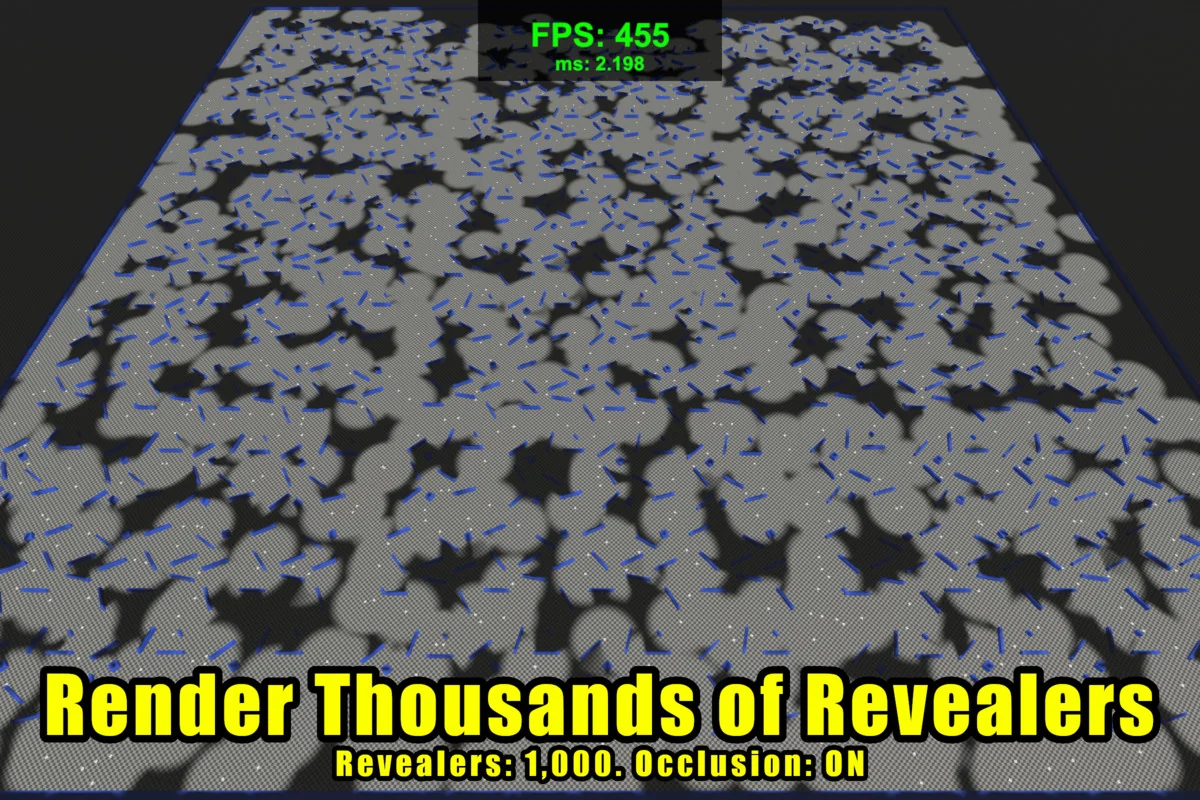
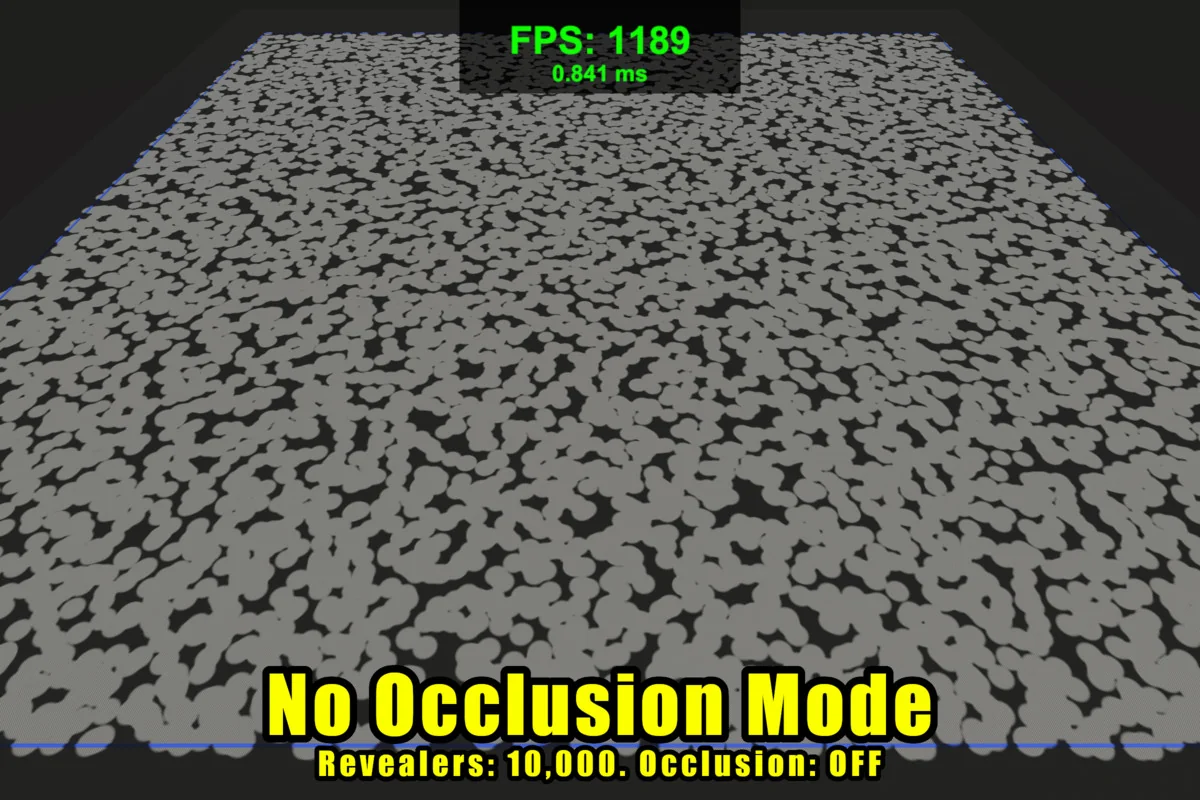
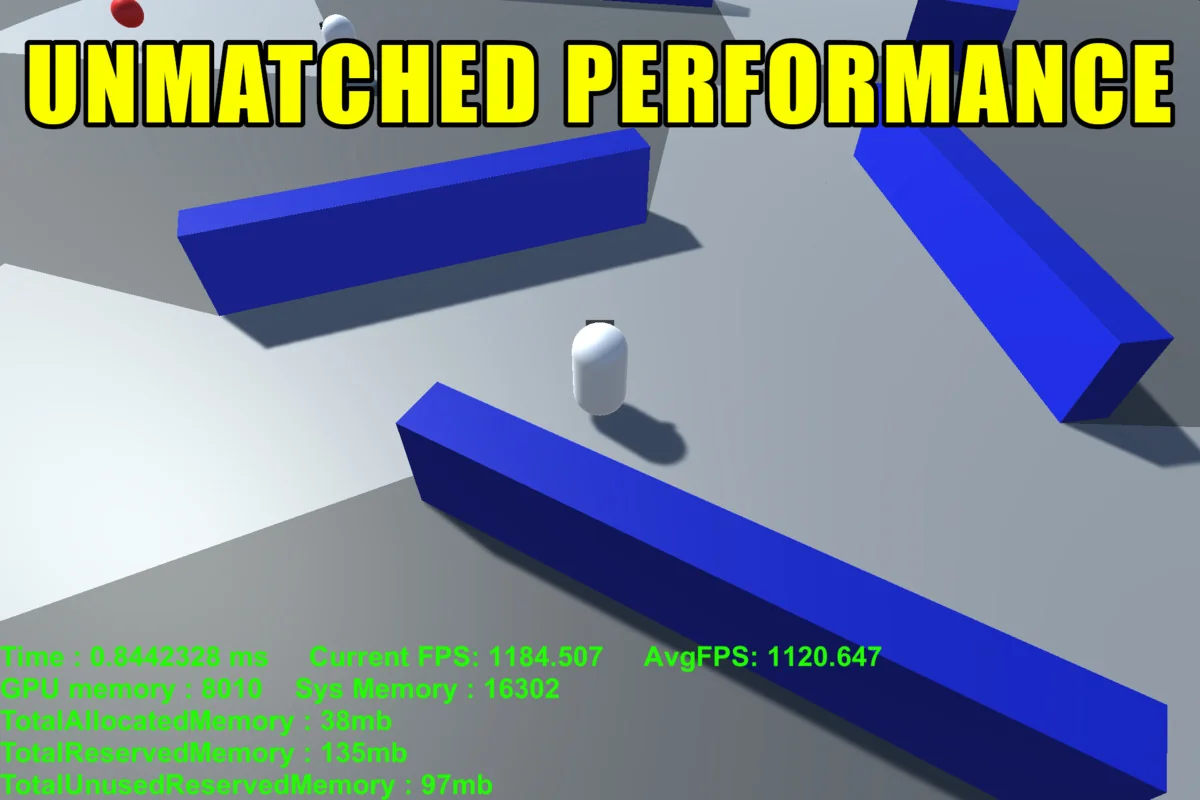
Performance is given the same kind of attention. The system is having zero update-loop GC allocations, with most fog of war operations calculated on the GPU. The CPU side is accelerated using the C# Jobs System and Burst compiler. There is also an option to disable occlusion per revealer, which allows thousands of revealers with minimal performance impact.
A Sparse Spatial Hashing system is included for faster shader performance, and there are scalable performance options with several presets to choose from. That makes the package easier to place in scenes where many objects may need to reveal visibility at once, without turning the fog system into a separate performance burden.
Fog styles, opacity control, and how areas stay revealed
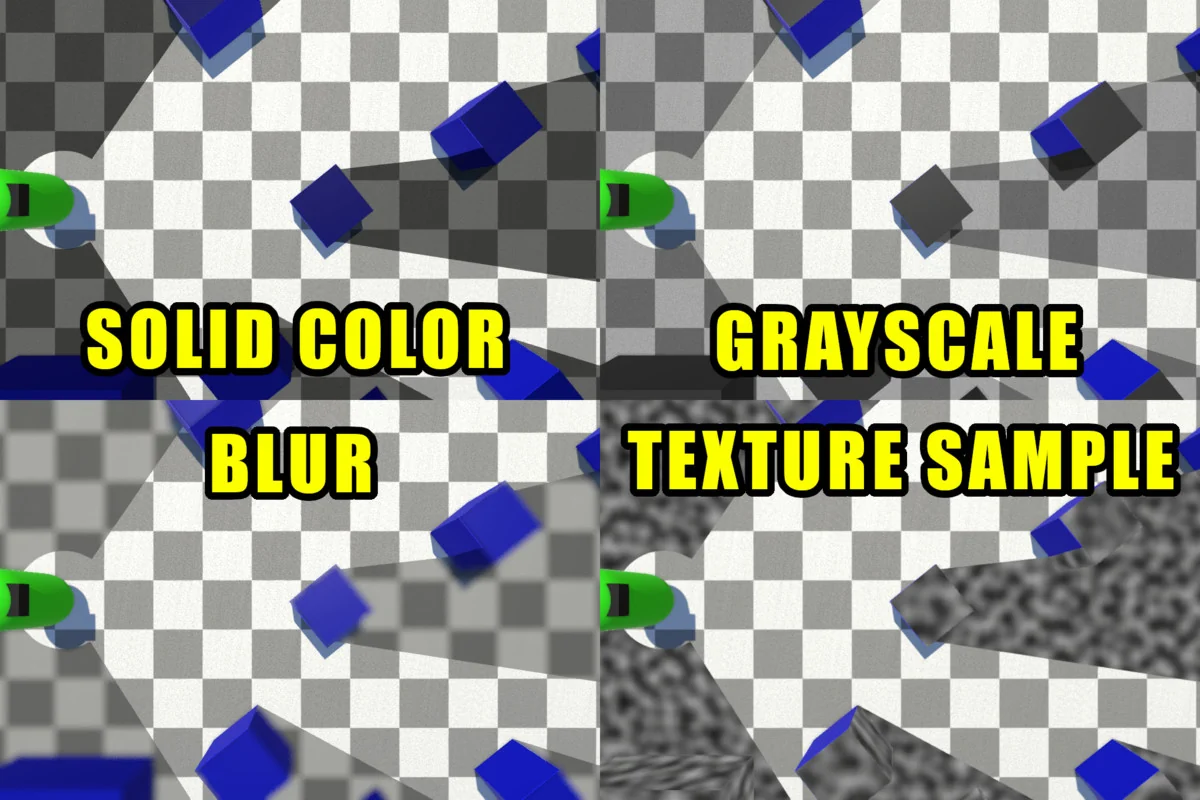
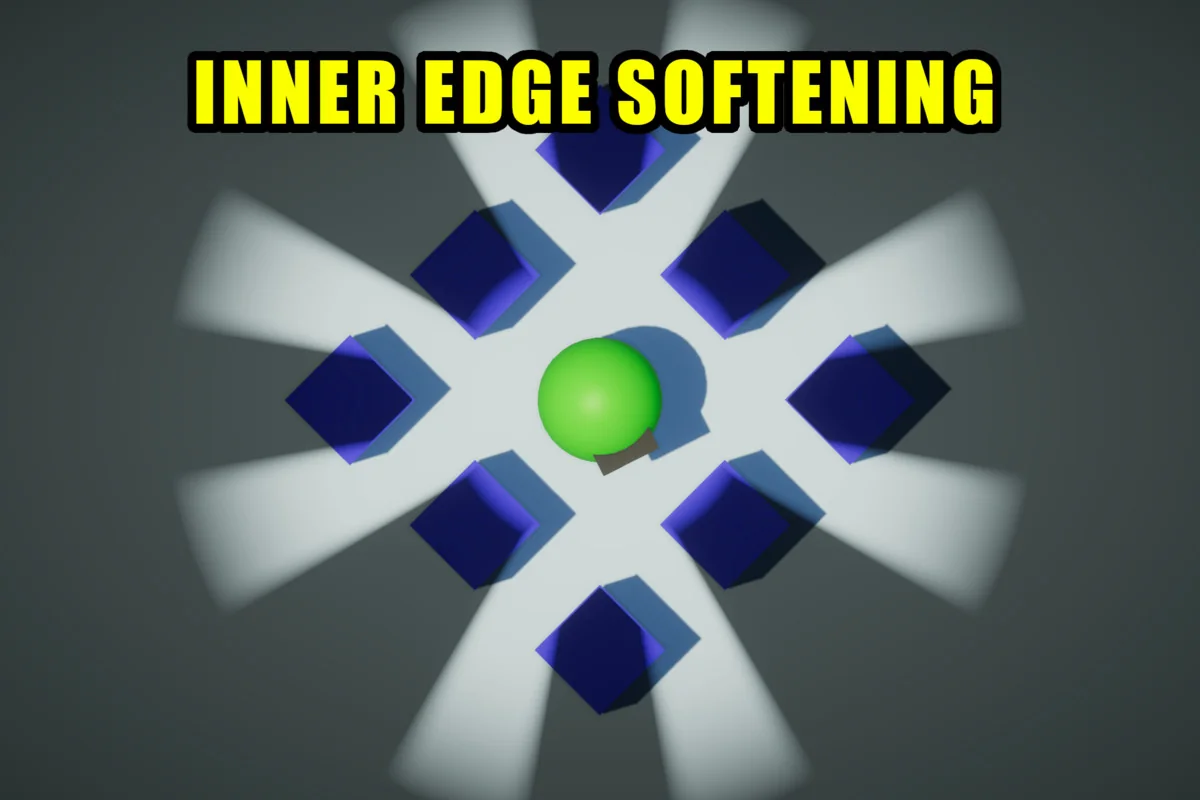
The fog itself is not locked to a single look. Soft and hard fog are both available, and fog opacity can be changed. Four fog rendering modes are included out of the box:
- Solid Color
- Gray Scale
- Scene Blur
- Scrolling Texture Fog
There is also a scene-wide world bounds option that darkens the out-of-bounds portion of the scene. That gives the visible area a clearer edge when the playable space needs to feel contained.
Revealed territory can be handled in a few ways. Areas seen by revealers can be permanently revealed, and the fog can also regrow slowly over time if that behavior is preferred. Per-revealer opacity is supported as well, which adds another layer of control when different objects should contribute different amounts of visibility.
The 3.0 update adds pixelation and dithering options, which are especially relevant for retro-style projects. Those controls let the fog effect sit more naturally inside a pixelated visual language instead of looking like a separate modern layer placed on top.
Hiding objects, building minimaps, and getting the system into a scene
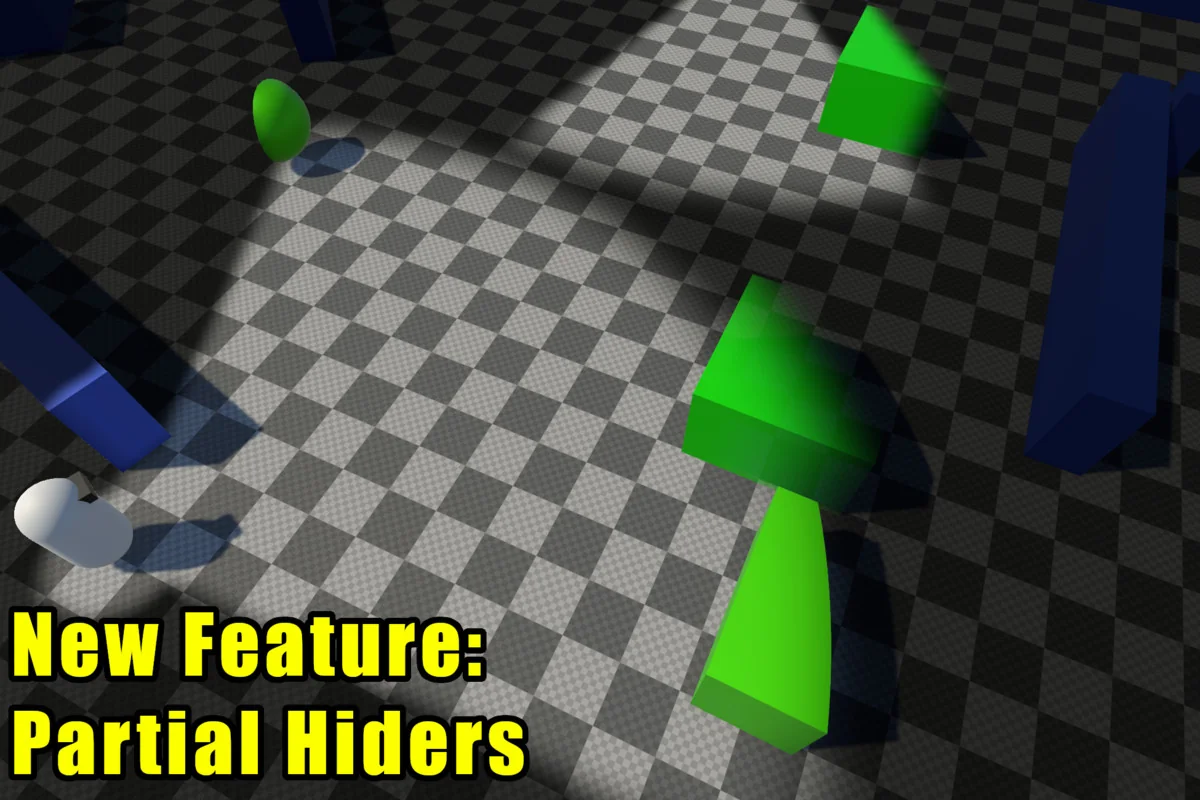
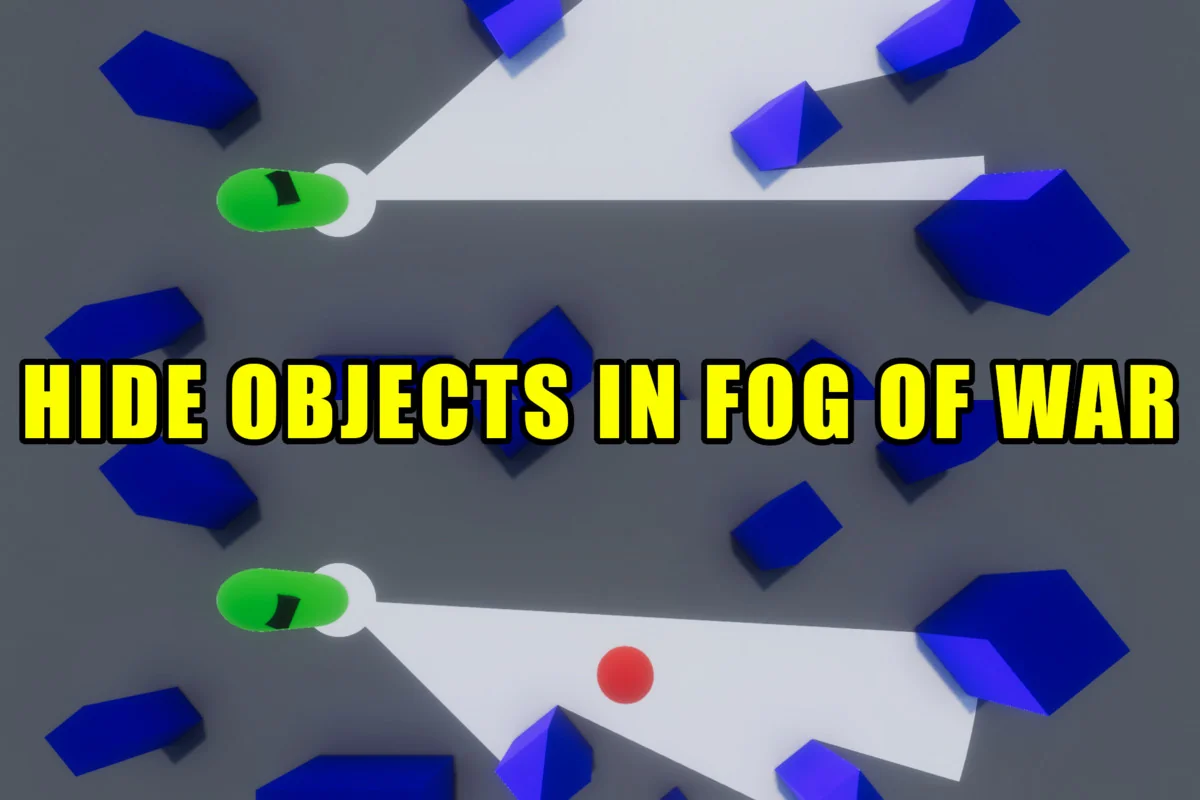
Beyond revealing space, the package also hides objects inside the fog of war. The traditional method can disable or enable a hider renderer or game object. A newer partial hider method uses materials, which means hiders on the edge of the fog can be partially revealed, cut, or faded in. That gives scenes a softer transition at the boundary instead of a strict on/off break.
The hider code is abstracted, so custom effects or logic can be added to hiders more easily. That is useful when the fog boundary itself needs to carry part of the visual style or gameplay readout, rather than only masking objects entirely.
A complete minimap system is included as well. Fog of war can be rendered to a texture for use as a minimap mask, with optional camera frustum rendering and unit positions on the minimap. That makes the same visibility data useful both in the main view and in the small-map layer, which keeps the system aligned across the UI and the play space.
Setup is meant to be fast. The fog of war can be added to a scene in under a minute, and no custom materials are required. It works with an existing scene out of the box, so the system can be brought into production without rebuilding the rest of the environment around it.
For teams that need line of sight, hidden zones, and a minimap-ready visibility layer in the same package, Pixel-Perfect Fog Of War stays focused on the practical job: reveal what matters, hide what should not be seen, and do it across 2D or 3D scenes without extra camera overhead.
Preview Images
Protected download
Access this resource
All resources are 100% manually reviewed to eliminate all risks.