Movement Modeling through Visual Logic
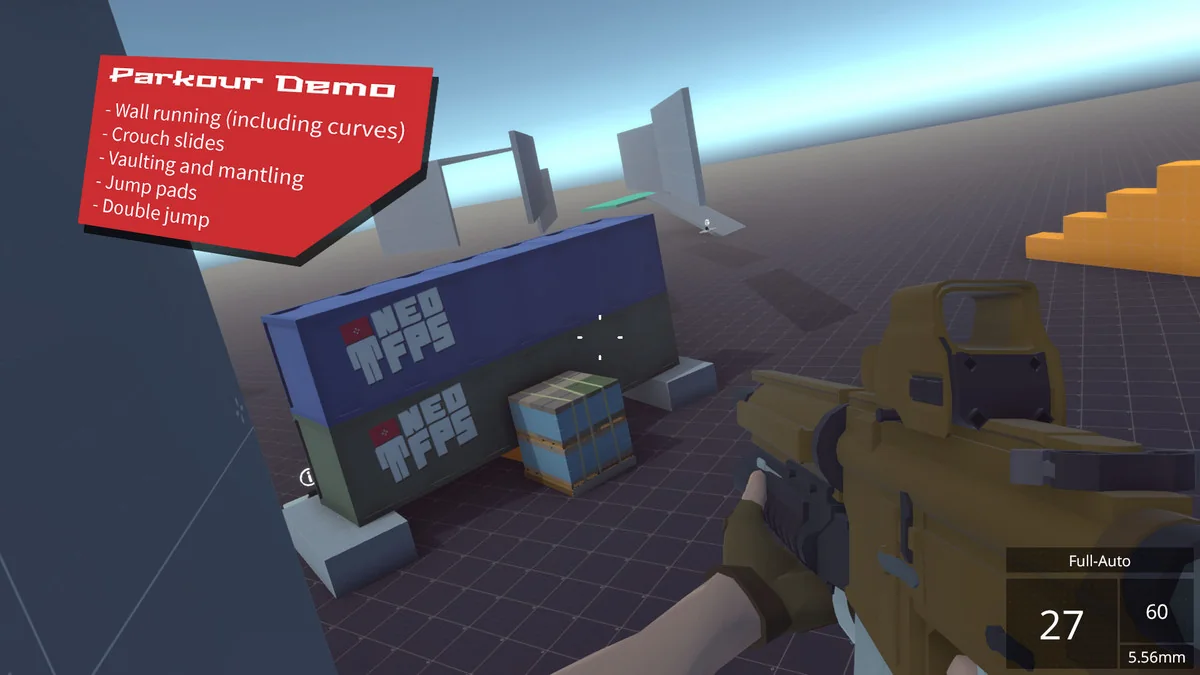
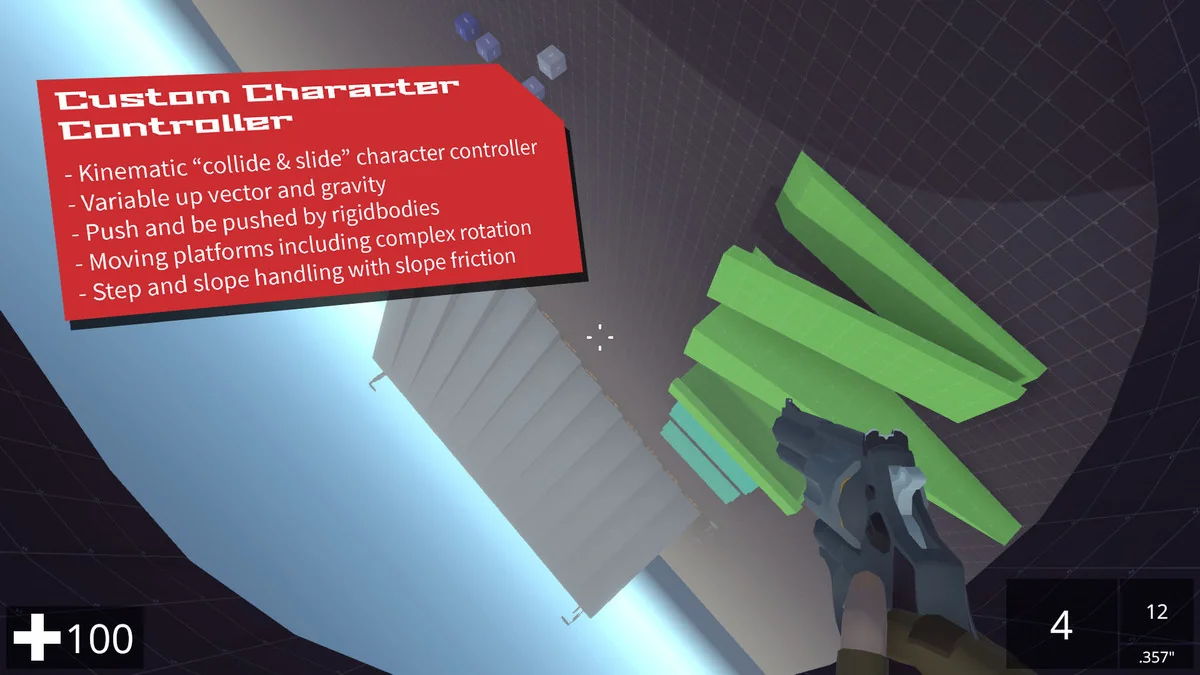
The foundation of any first-person experience is the player’s movement, and NeoFPS approaches this through a combination of a custom kinematic character controller and a visual Finite State Machine (FSM) editor known as the motion graph. Unlike traditional controllers that rely solely on script-heavy definitions for movement, the motion graph allows developers to visually model how a character transitions between states such as walking, sprinting, or jumping. This visual approach provides a high degree of control over the specific feel of the movement, enabling developers to experiment with physics and momentum without constant code recompilation.
By sitting on top of a kinematic character controller rather than a standard physics-based one, the system ensures that the player’s interactions with the environment are predictable and precise. This is particularly relevant for FPS games where the ‘feel’ of the character can define the entire user experience. The motion graph acts as the brain of the character, defining exactly how input translates into movement and how different environmental factors might influence the player’s physical state.
Modular Firearm Architecture
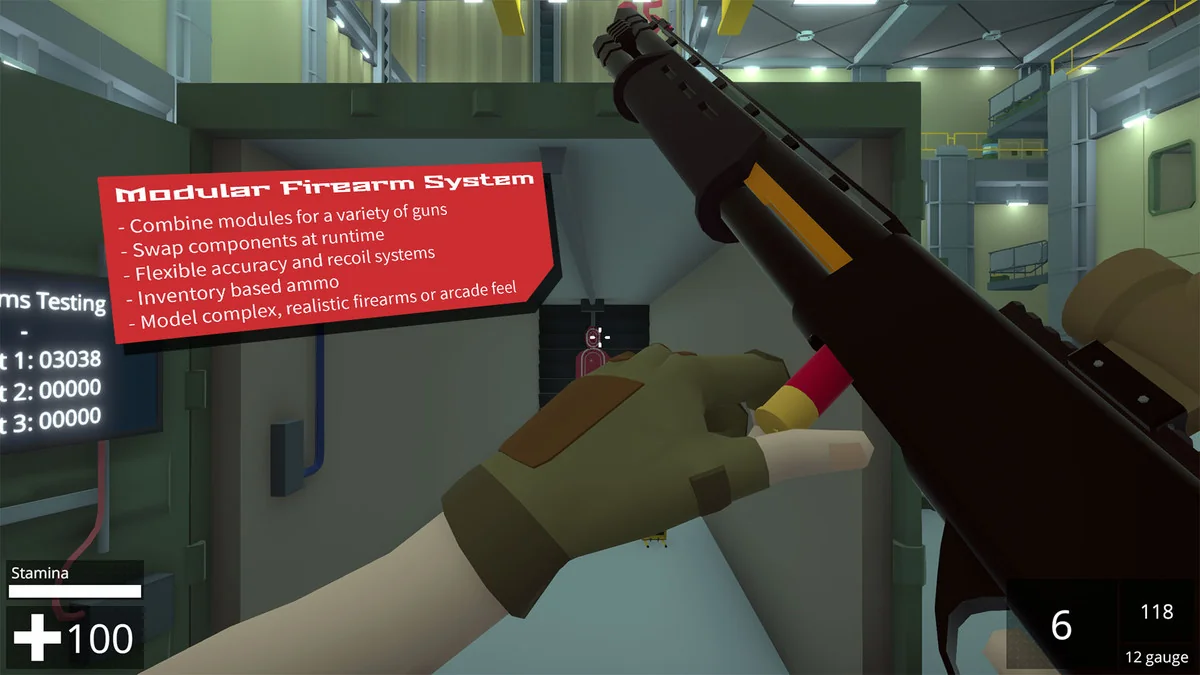
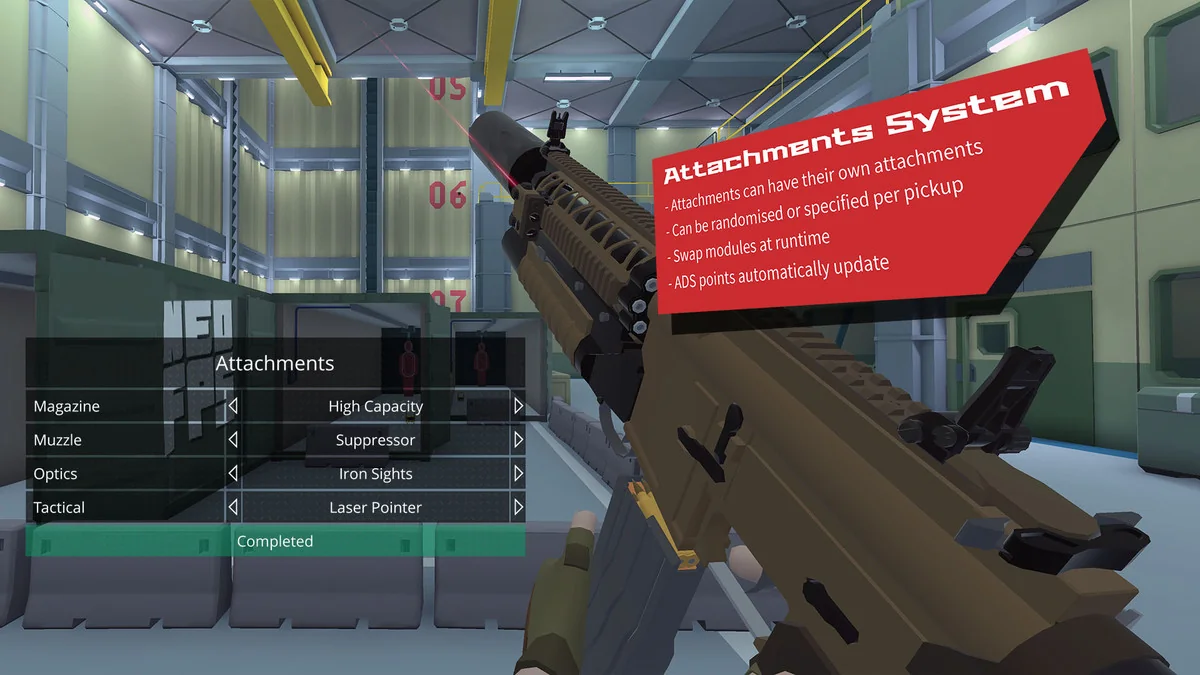
Weapon mechanics in NeoFPS are handled through a modular system that treats firearms as a collection of individual components rather than static objects. This modularity allows for a wide range of firearm behaviors to be constructed from a library of existing parts. For instance, different modules can be used to define how a weapon aims, how it reloads, and how it handles recoil. This structure is designed to be extensible, allowing for unique experimentation with different firearm archetypes without needing to rebuild the core logic for every new weapon.
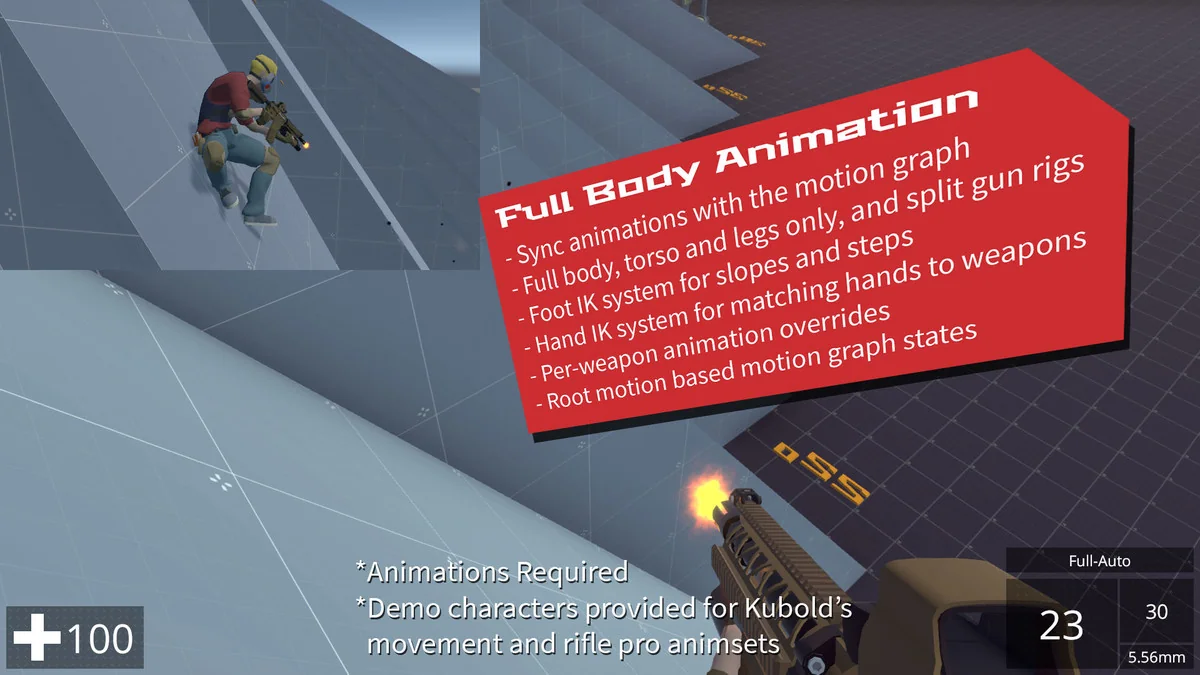
The visual representation of these weapons relies on a blend of keyframed animations and procedural features. While traditional animations provide the baseline for movements like drawing a weapon or reloading, procedural systems add layers of reactive movement that respond to player actions or environment changes. This hybrid approach ensures that weapons feel grounded and reactive during high-intensity gameplay sequences.
Advanced Optical Systems and Shaders
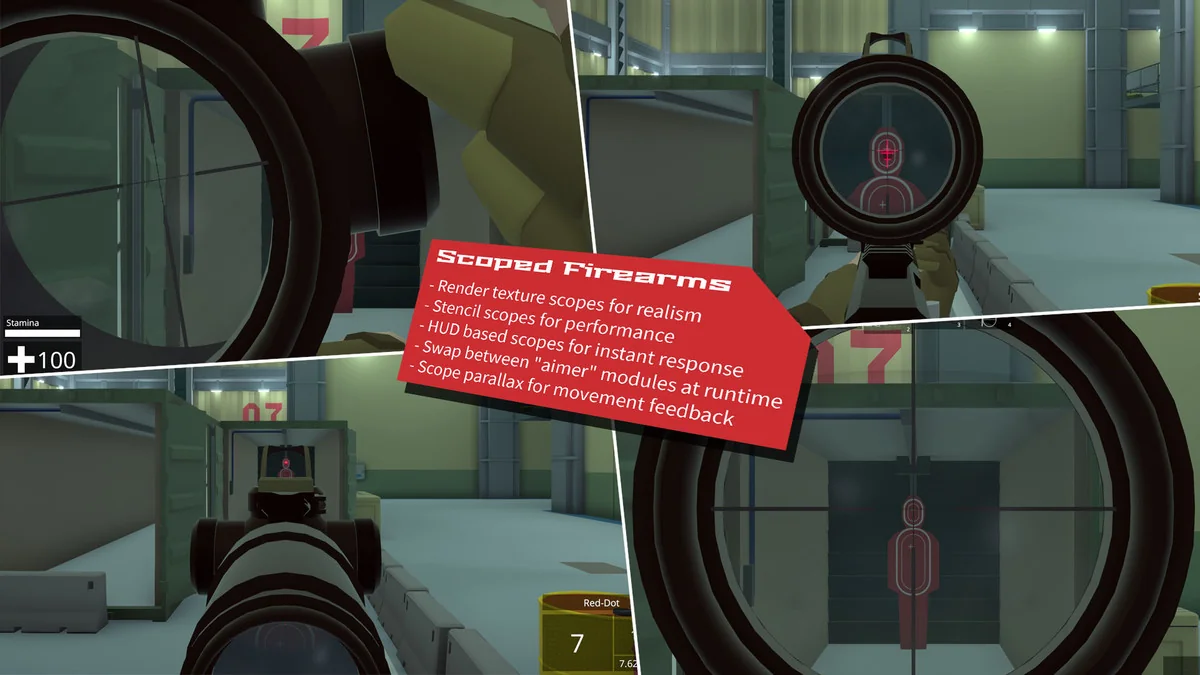
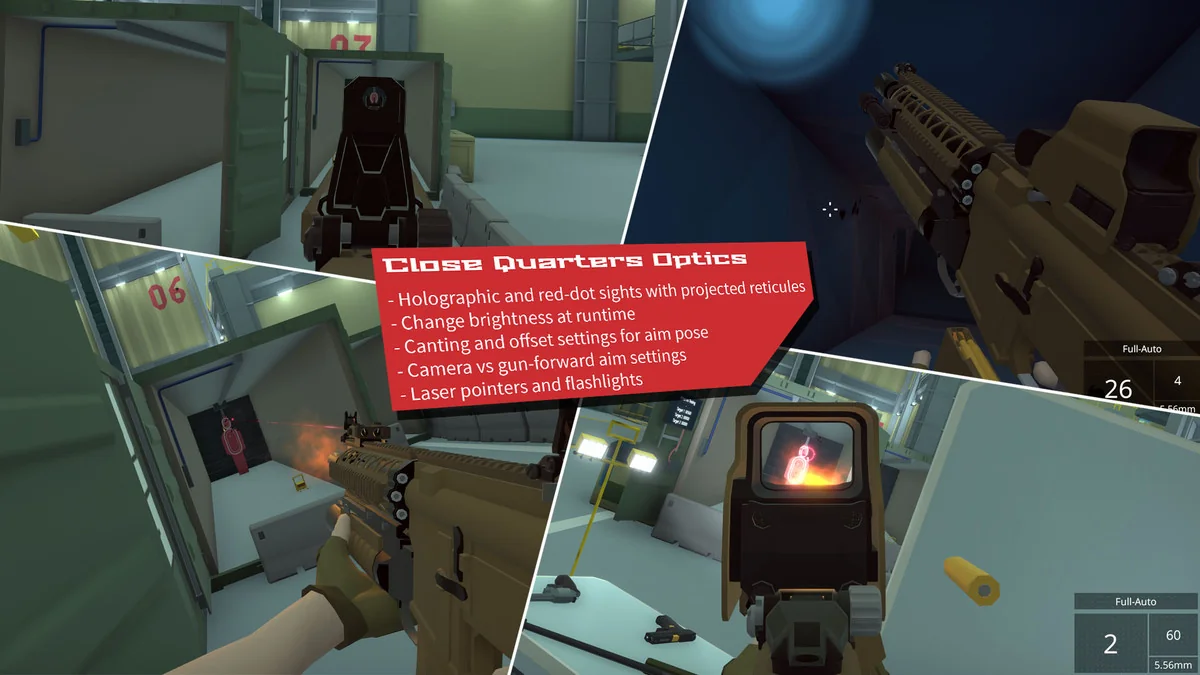
To support the visual requirements of modern shooters, the toolkit includes custom shaders specifically designed for firearm optics and UI. These include shaders for render texture scopes, which allow for realistic magnification effects where the view inside the scope is rendered independently of the main camera. Additionally, the system provides shaders for projected holographic sights, which maintain their alignment and appearance regardless of the viewing angle.
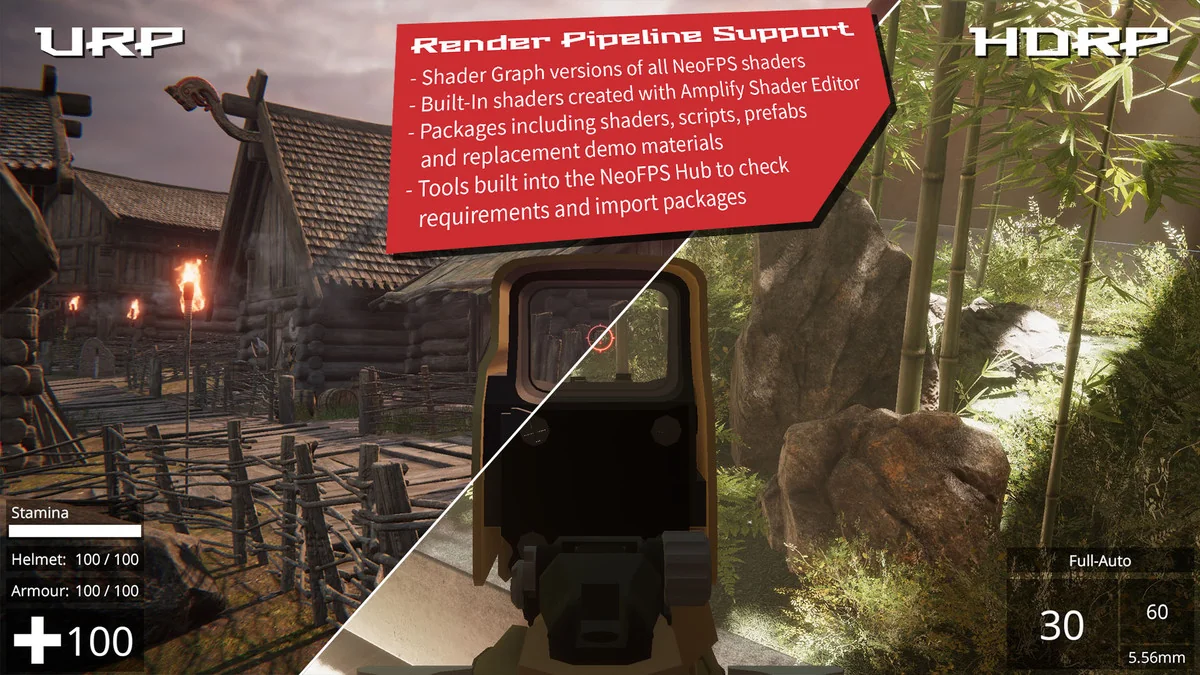
These rendering tools are compatible with both the Universal Render Pipeline (URP) and the High Definition Render Pipeline (HDRP). This compatibility ensures that the visual fidelity of the optics can be maintained across different project types, whether the goal is a stylized aesthetic or a high-end realistic look. The inclusion of these shaders simplifies the process of creating functional, high-quality aiming systems that are often difficult to implement from scratch.
Comprehensive Game State Persistence
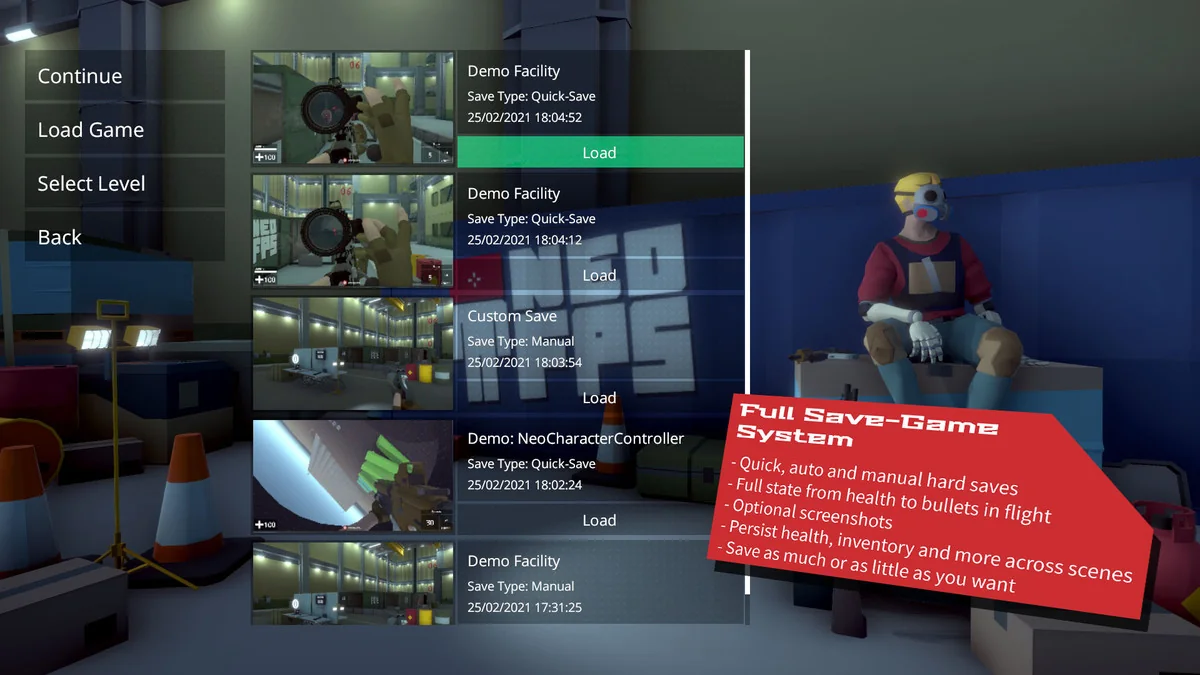
A significant challenge in FPS development is managing the game state, especially regarding the persistence of items, health, and environmental data. NeoFPS includes a full save-game system that handles these complexities out of the box. The system is capable of saving highly granular data, such as the position and trajectory of bullets currently in flight. This level of detail ensures that quick-loading a game feels seamless and does not break the immersion or the immediate combat flow.
Developers can choose between different saving methodologies depending on the needs of their project. The toolkit supports traditional quick-save and quick-load functionality, as well as selective data saving at specific checkpoints. Furthermore, the persistence system manages data transitions between scenes, ensuring that a player’s inventory, health status, and ammunition counts remain consistent as they move through different levels of the game world.
Structured Development and The Demo Facility
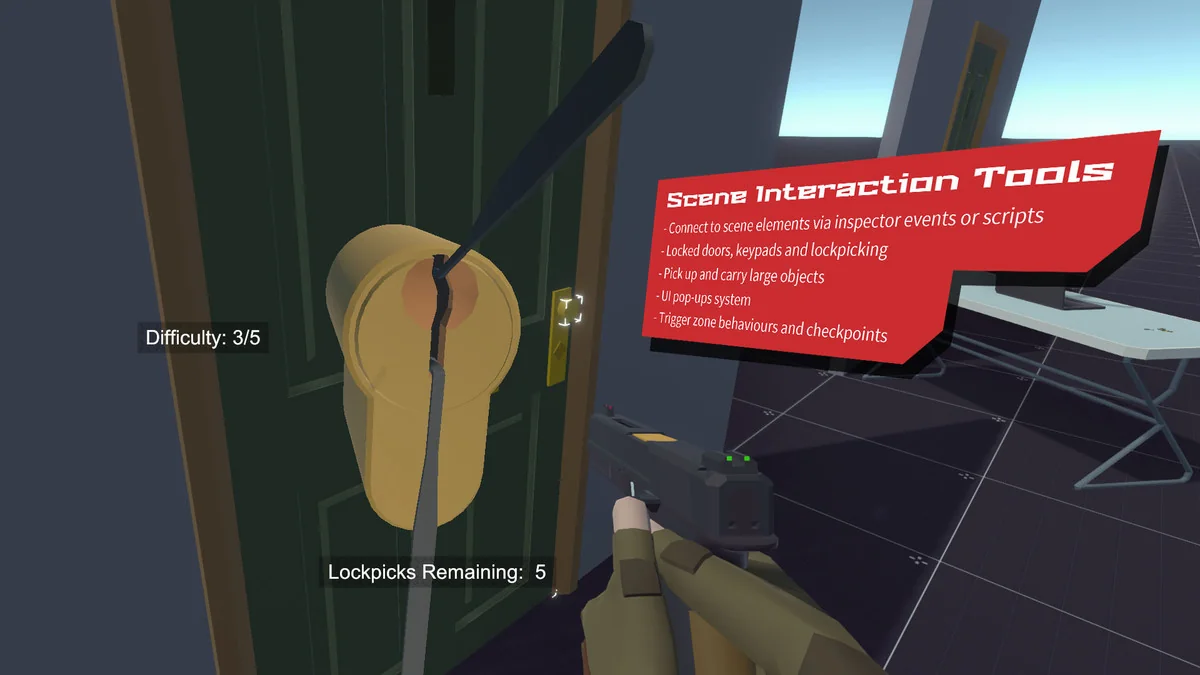
The toolkit is designed to be highly flexible and intuitively organized, catering to developers who have a specific vision but need a robust framework to build upon. To demonstrate the integration of movement, weapons, and UI systems, the package includes a ‘Demo Facility’ scene. This scene serves as a practical example of a game level, showcasing how the various systems work in tandem to create a cohesive experience. This facility is intended to be expanded over time as new features are integrated into the toolkit, providing a living reference for best practices in level design and system implementation.
The focus on extensibility means that while the out-of-the-box features are comprehensive, they do not lock the developer into a specific style of gameplay. Whether the goal is a traditional tactical shooter or a more experimental movement-based game, the combination of the motion graph, modular firearms, and robust save systems provides the necessary tools to realize that vision within the Unity environment.
Project Screenshots
Protected download
Access this resource
All resources are 100% manually reviewed to eliminate all risks.