Localized volumetric effects, with modeling when the scene needs it
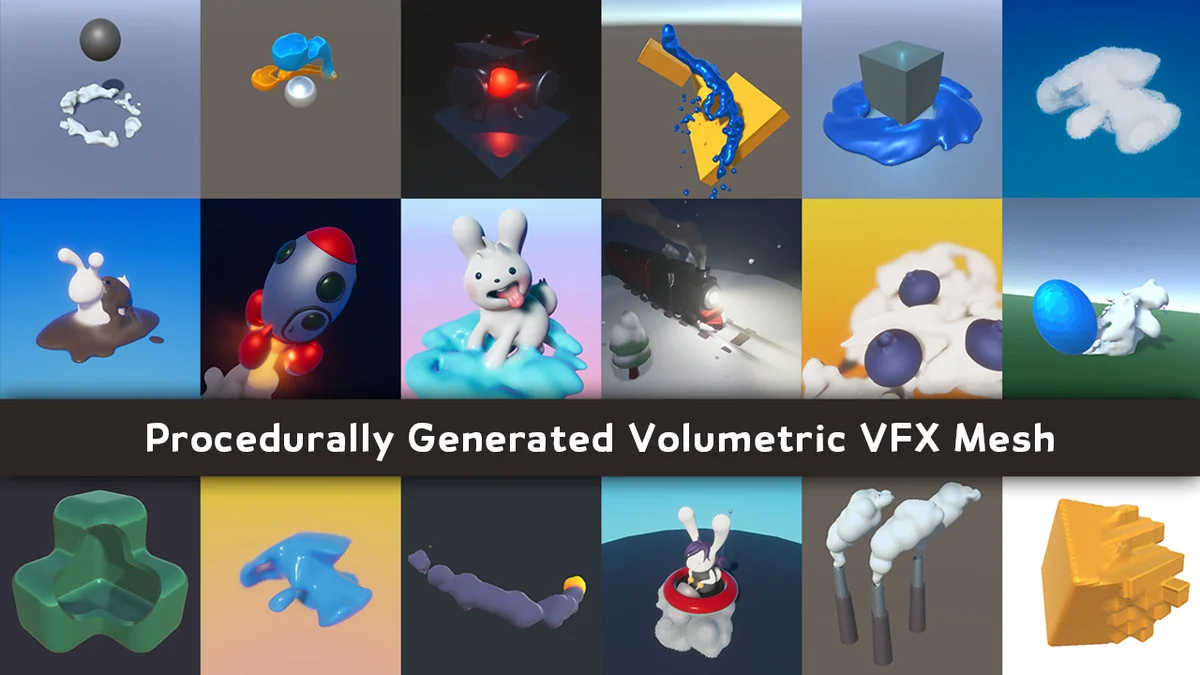
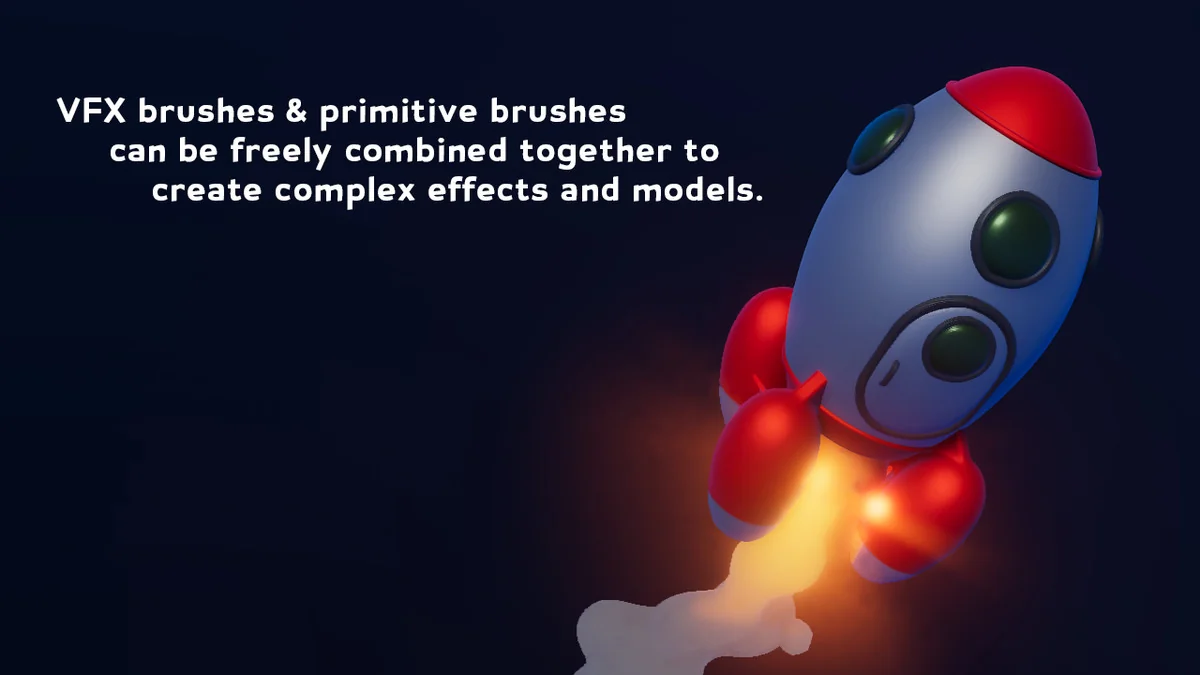
MudBun fits scenes that need volumetric shapes to appear, deform, and settle in real time. It is a mesh tool that works with constructive brushes, so the shape itself comes from non-destructive inputs that define form, distortion, and surface modification. That makes it useful for localized VFX where the effect needs to stay focused on a specific part of the scene rather than behaving like a broad, general-purpose mesh system.
The tool is not limited to effects alone. It can also be used for volumetric modeling, which gives it a second role in workflows that need editable volume-based forms. The same mesh generation approach that supports localized visual effects also supports scene content that needs a more deliberate modeling pass. MudBun keeps those two uses close together instead of separating them into different tools.
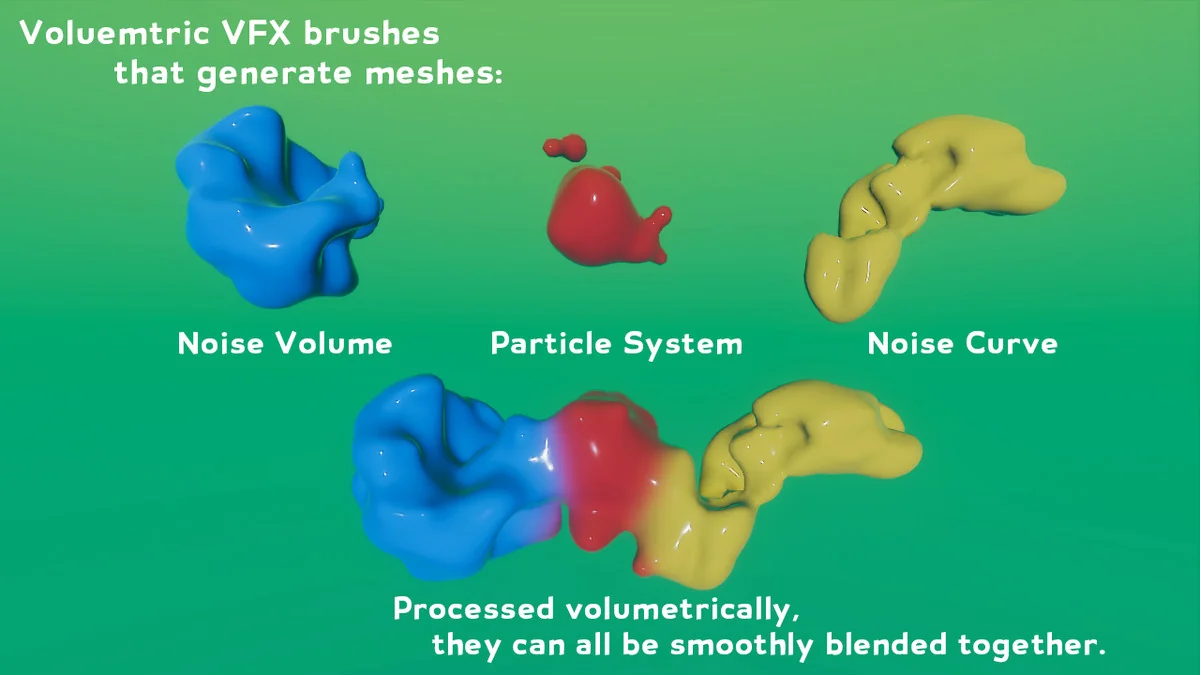
The core idea is straightforward: shapes are generated procedurally from brushes, and those brushes can be adjusted without locking the setup into a single fixed mesh too early. That structure is what makes the tool practical for effects work where the form may need to change as the scene changes.
Brush-based generation and the meshing modes that change the result
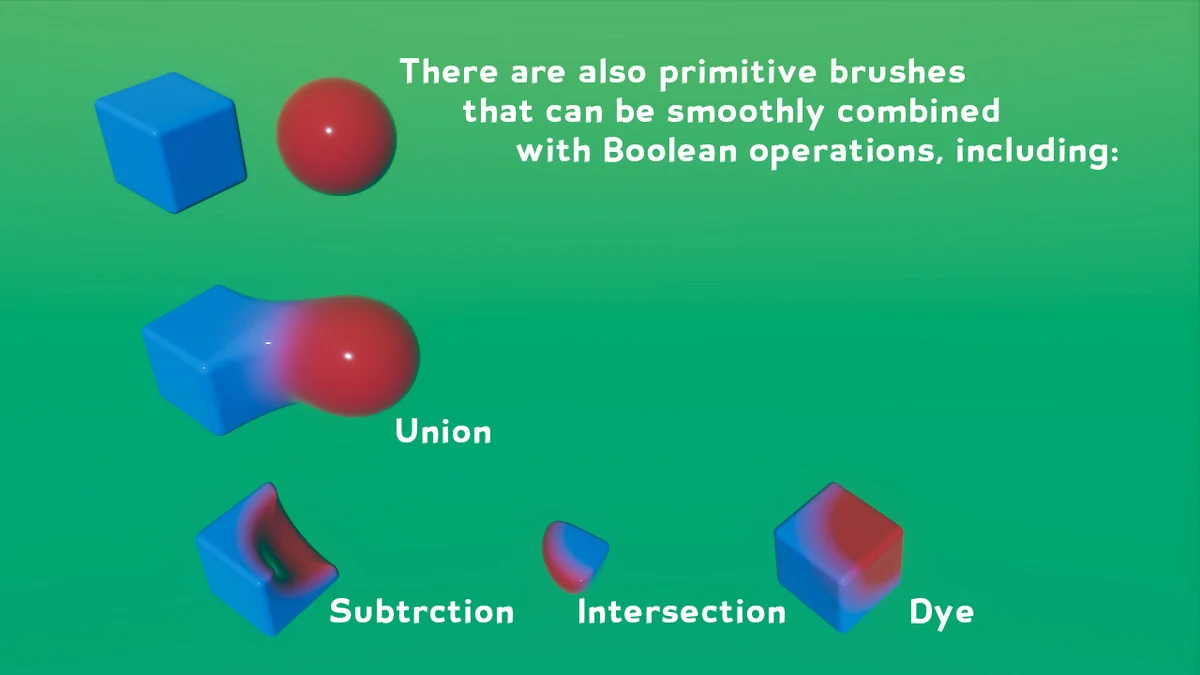
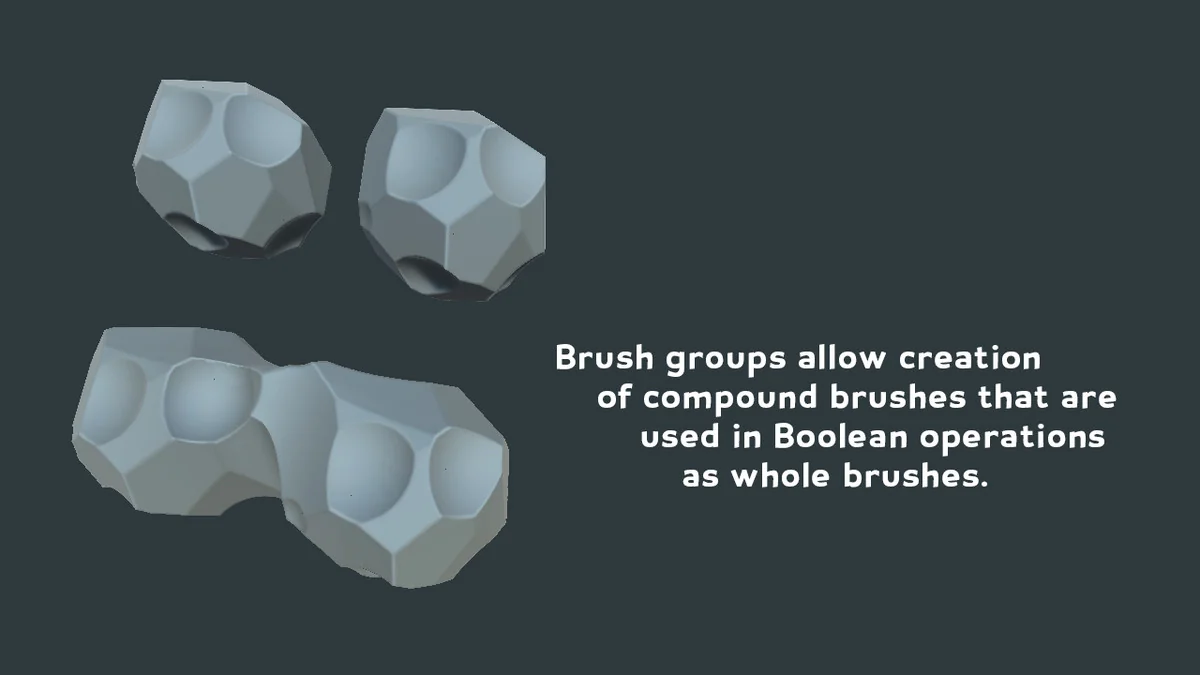
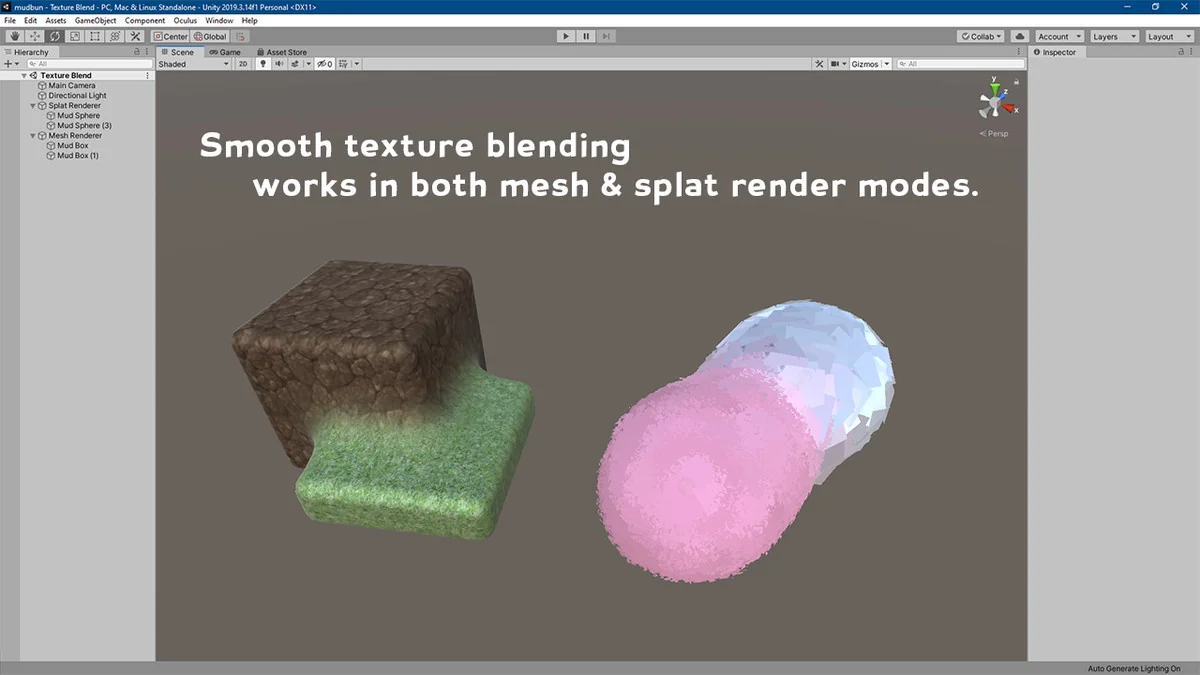
MudBun generates meshes from non-destructive brushes, and those brushes can define more than just a silhouette. They can also drive distortion and surface modification, which gives the output a more controlled and layered look. Because the process is procedural, the mesh is not tied to one static shape from the start. The brush setup determines how the result takes form.
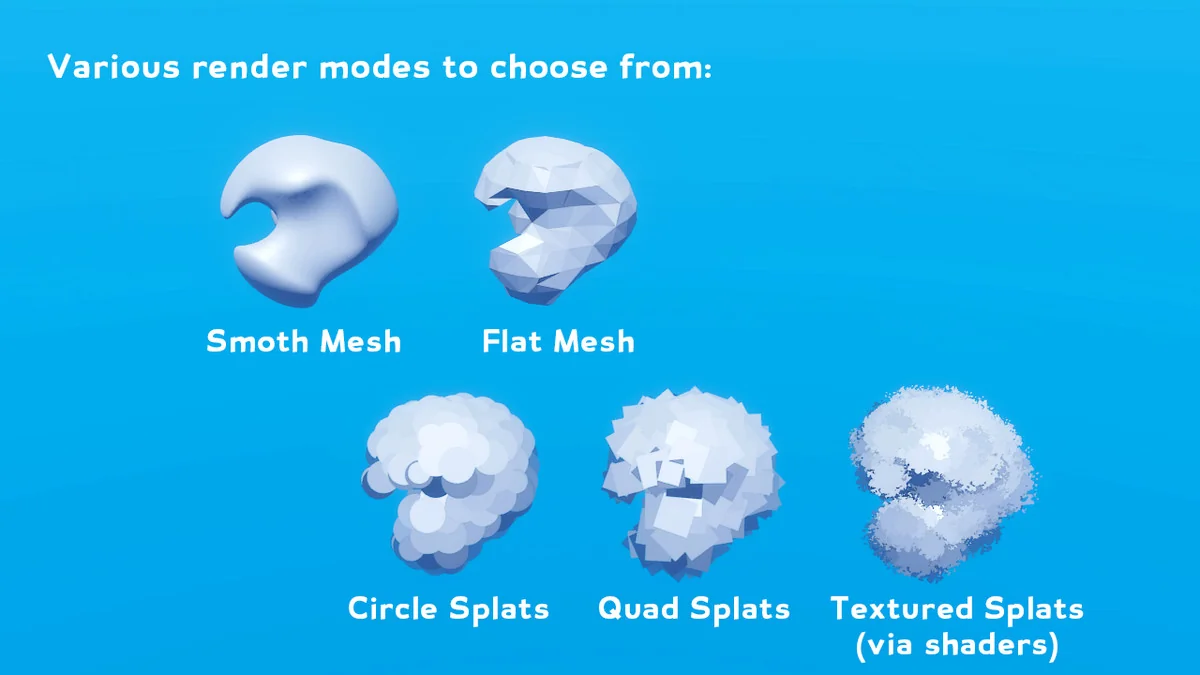
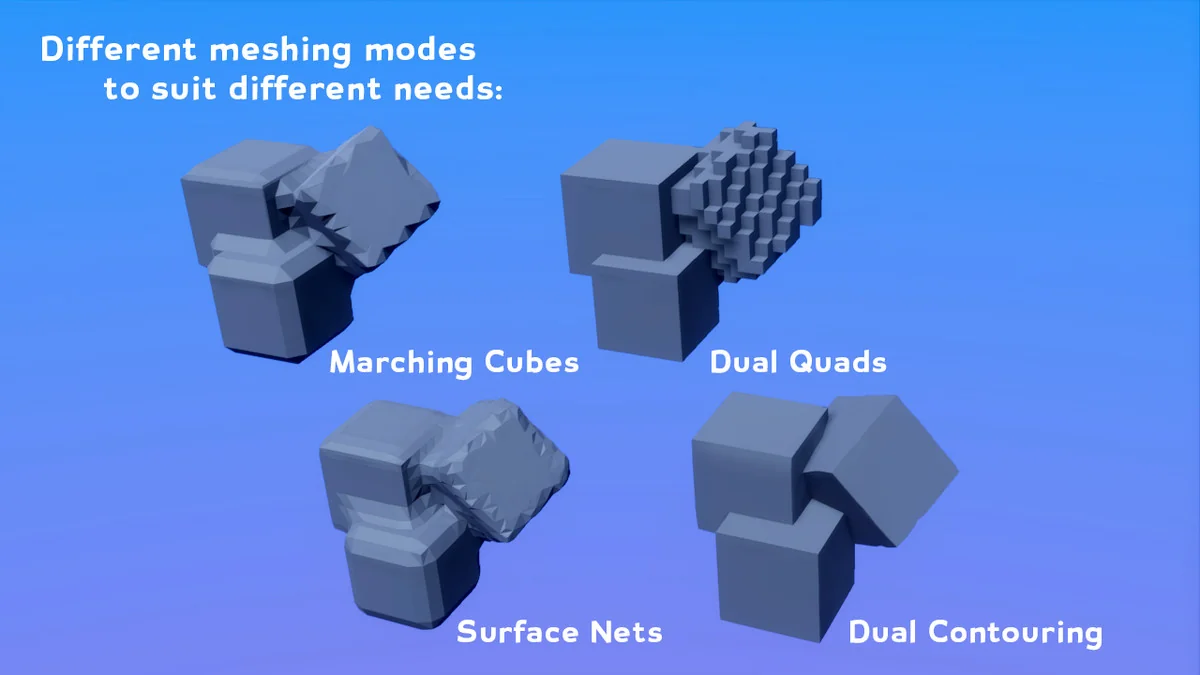
The tool also includes multiple render and meshing modes, each with a different balance between speed, style, and surface behavior. Marching cubes is the balanced option. Dual quads is faster and more stylized. Surface nets can blend to and from dual quads. Dual contouring is slower, but it excels at preserving sharp features and can also blend to and from dual quads.
That range matters when the visual goal changes from one effect to another. A softer or more balanced result can live alongside a faster, more stylized one, while sharper geometry can be kept where edge definition matters. MudBun does not push every scene through the same look; the meshing mode changes how the final mesh reads.
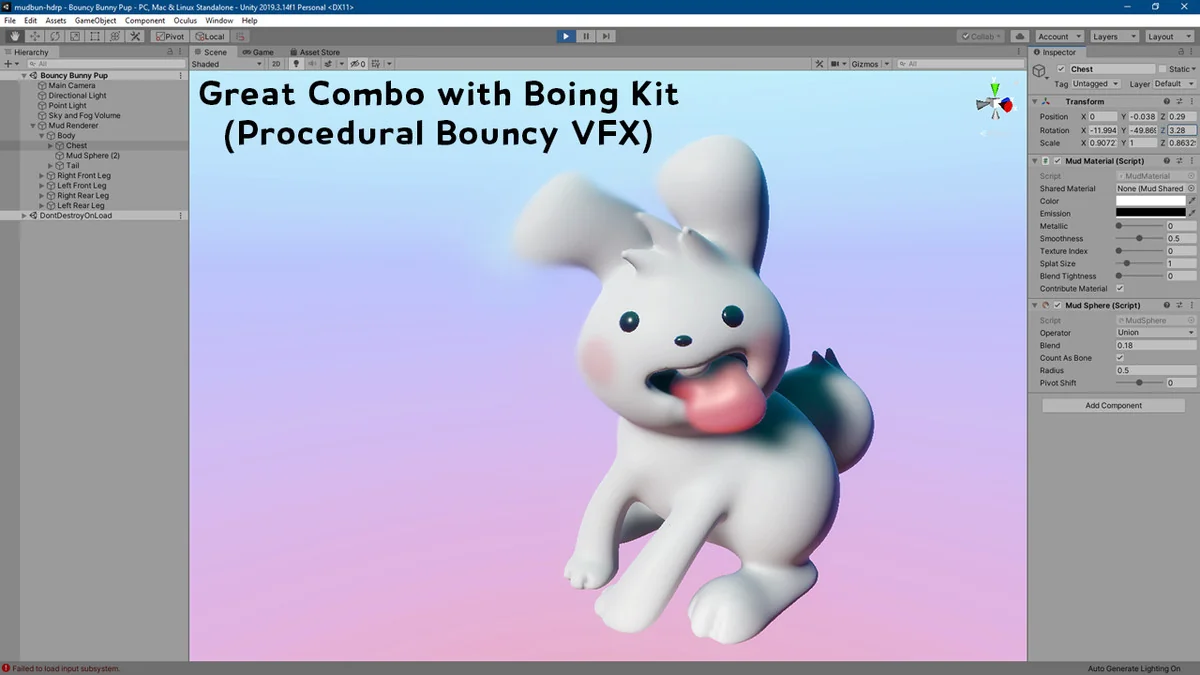
Because the mesh output can be organic-looking, the tool also pairs naturally with Boing Kit, which produces organic bouncy effects. That combination is a straightforward fit when the scene needs soft, lively motion rather than rigid forms.
Auto-rigging and export without keeping MudBun at runtime
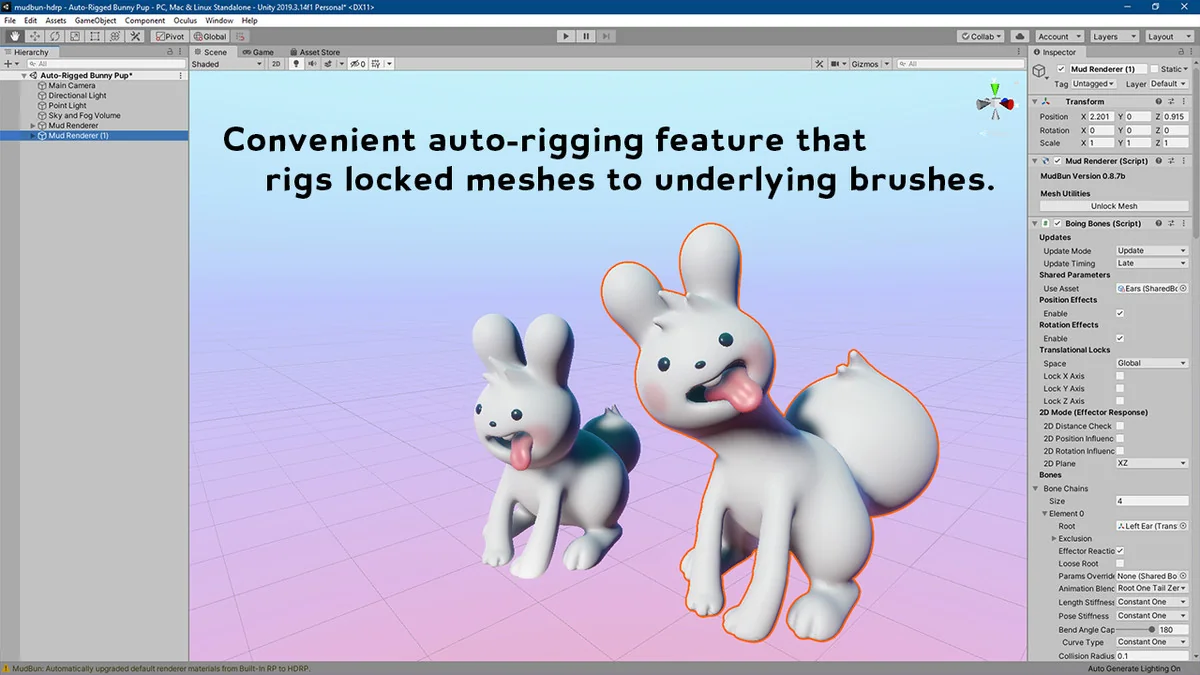
MudBun includes a convenient auto-rigging feature, which makes it useful when volumetric shapes need to move as rigged meshes rather than staying as raw generated forms. Locked meshes, including auto-rigged ones, can be exported using Unity’s official FBX exporter package. That gives the workflow a clear end point: generate, lock, and export.
There is also an important runtime detail. Meshes locked in Mesh Renderer Mode, or exported from MudBun, are standard meshes. They can be used without requiring MudBun at run-time, which means the generated result is not tied to the tool once the mesh has been locked or exported. That makes the output easier to carry into a broader Unity project after the editing step is complete.
This split between edit-time generation and runtime use is practical for projects that want the procedural setup only while building the mesh. Once the asset is locked or exported, it behaves like a normal mesh and can be used without the tool itself being present at runtime.
Customization, platform limits, and the hardware it expects
MudBun is customizable. The framework can be extended to create custom brush shapes, distortion brushes, modifier brushes, and shaders. It is also possible to define custom rigging logic for the auto-rigging feature. That makes the tool more than a closed set of presets, since the underlying framework can be expanded to match a specific projectâs needs.
Support details are specific. Windows is the only platform under active development, maintenance, and testing. Non-Windows platforms are not guaranteed to run MudBun, and support for them is limited. WebGL is not supported for now because compute shader capabilities were not available in the needed way at the time of development.
Unity support covers 2021.3 LTS, 2022.3 LTS, and 6 LTS, across the Built-in Render Pipeline, URP, and HDRP. Later versions of 2021.3 seem to crash when creating a MudBun renderer, and the latest tested version across all render pipelines is 2021.3.26f. The state between 2021.3.27f and 2021.3.39f is unknown.
Compute shader support is required. Dedicated GPUs are strongly recommended because MudBun uses compute shaders. Integrated GPUs are not recommended unless the tool is only being used at edit time to build meshes that will be exported or locked for runtime use.
For projects that need localized volumetric effects, organic mesh generation, and a path from procedural setup to standard meshes, MudBun is a focused fit. It is most useful for creators who want brush-driven mesh generation, flexible meshing styles, and a workflow that can end with exported or locked results.
Preview Images
Protected download
Access this resource
All resources are 100% manually reviewed to eliminate all risks.