Stylized combat scenes with readable motion
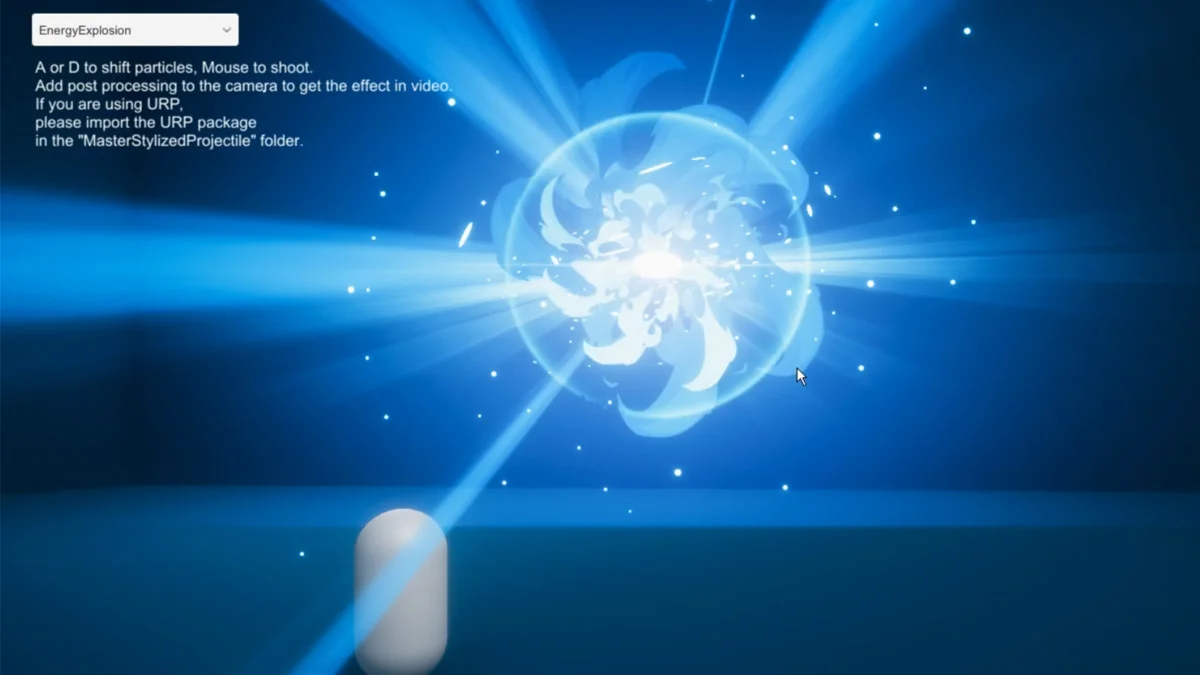
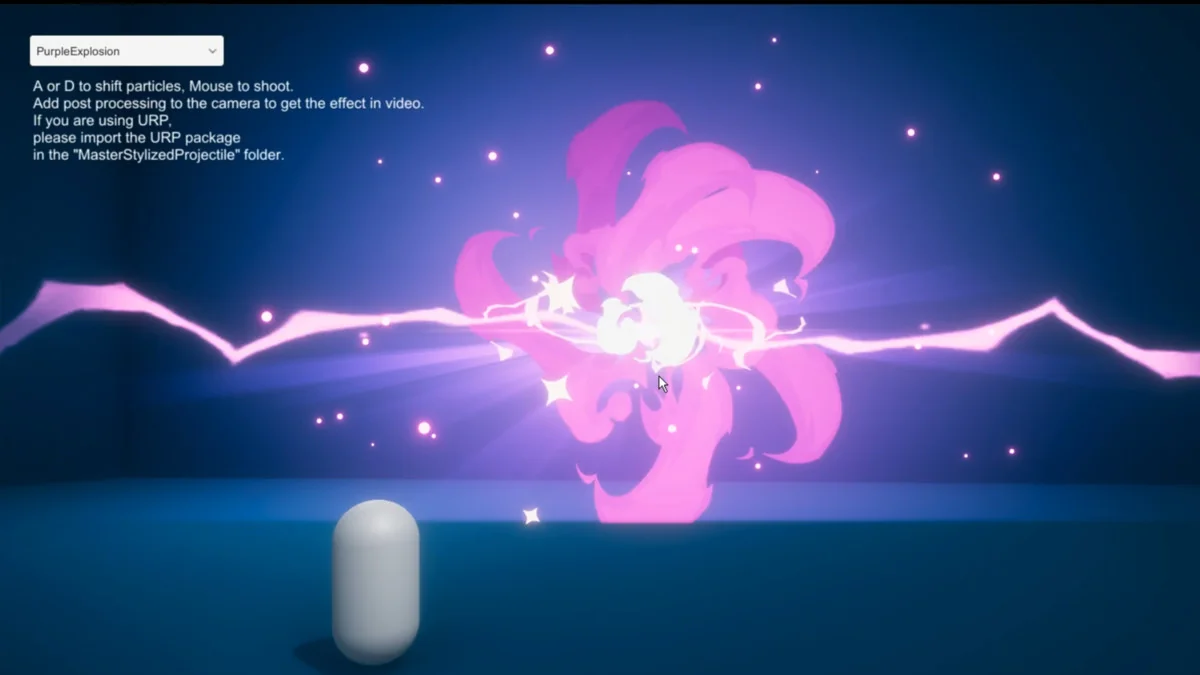
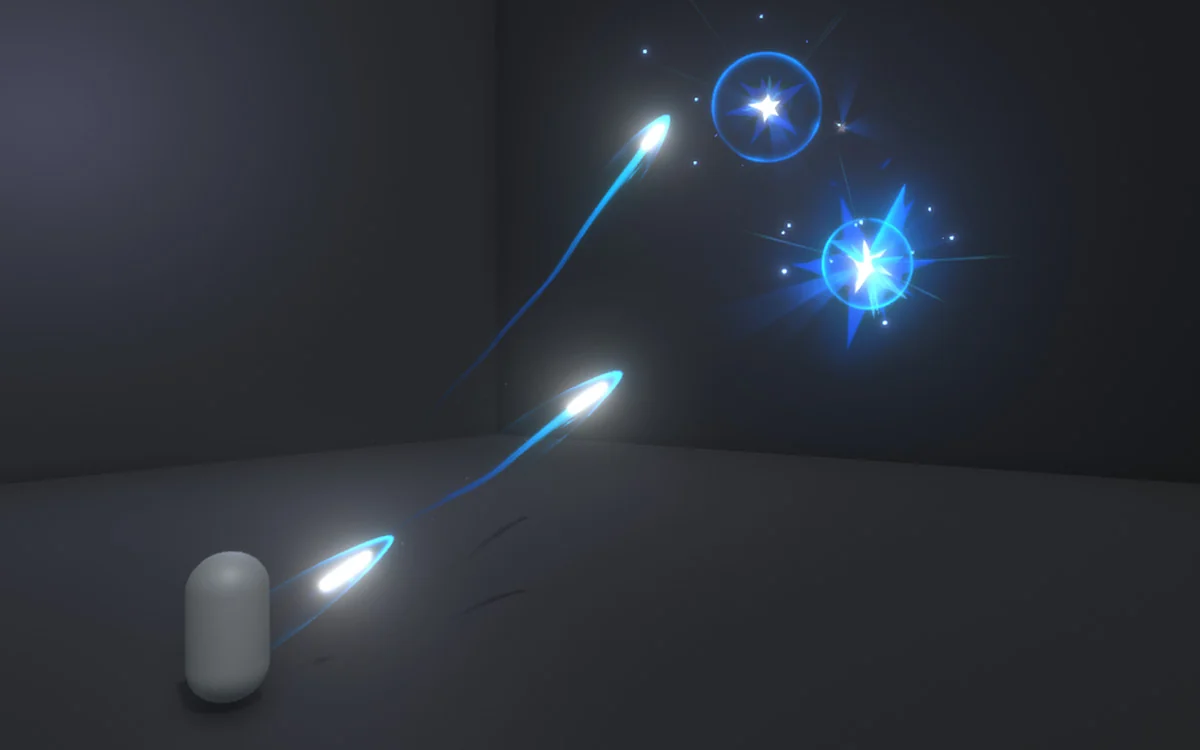
Master Stylized Projectile covers the kind of effects that sit between a weapon firing and the moment it lands. It fits scenes built around quick shots, energy bursts, sword beams, arrows, bullets, and elemental impacts, so the same package can support spellcasting, hit reactions, and explosion moments inside a stylized combat setup.
Each projectile is presented as a carefully made visual element, and the set is intended to look good even without a post processing stack. That gives it a practical role in projects where the projectile itself needs to stay readable on screen and still carry a stylized look.
The overall focus stays narrow: projectile motion, hit effects, and explosions rather than broad environment work. That makes the pack easy to place inside a combat-heavy scene without forcing a different visual language for every attack type.
The included projectile set
The package contains 13 projectiles and 25 prefabs. The naming shows a mix of fantasy, elemental, and cartoon-style effects, which gives the set a wide enough spread for different kinds of attacks while still staying within one art direction.
- Star shoot
- Fire explosion shoot
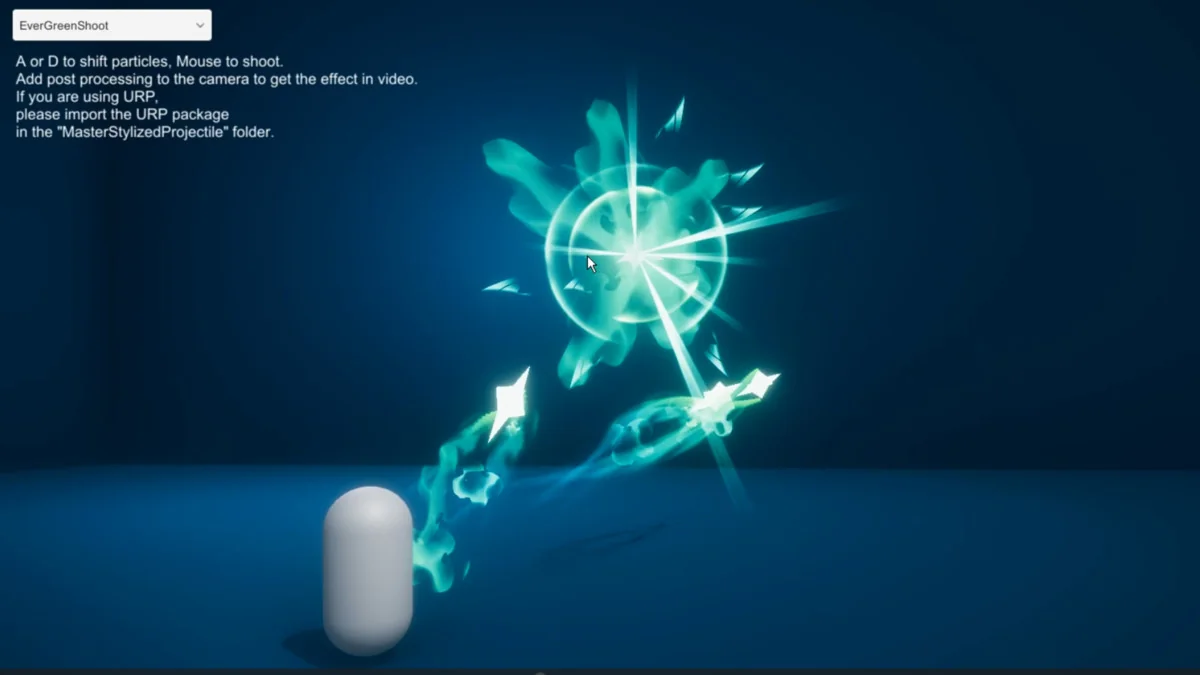
- Ever green shoot
- Energy shoot
- Sword beam
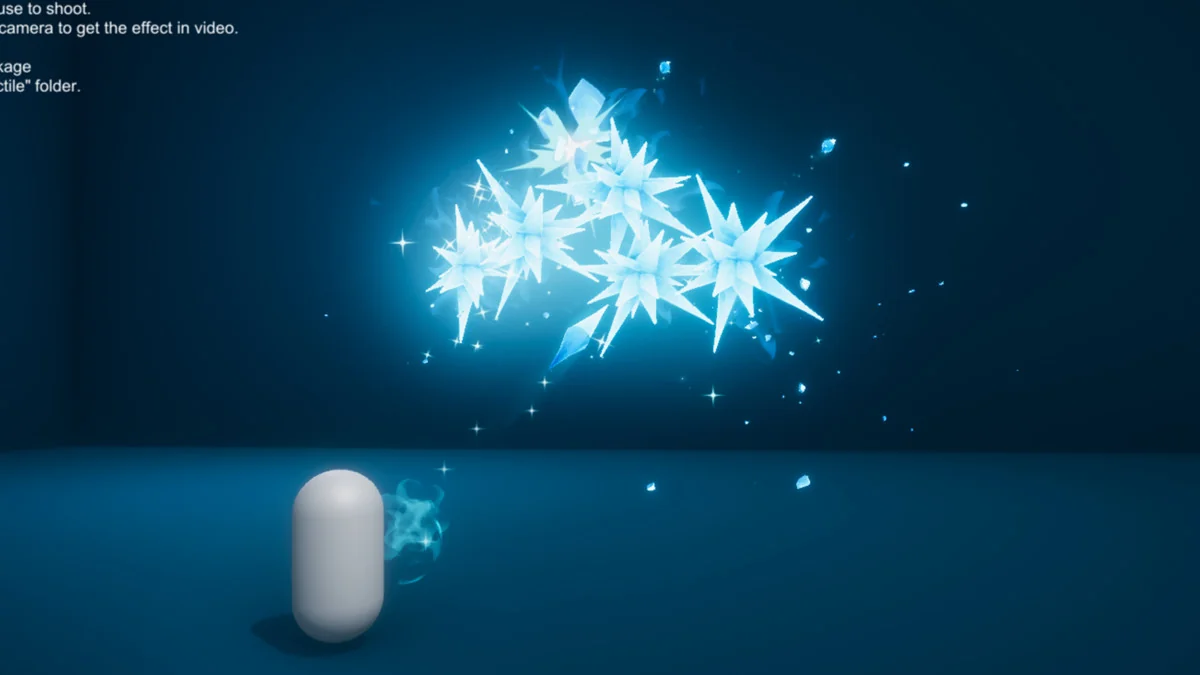
- Ice shoot
- Light shoot
- Purple squid shoot
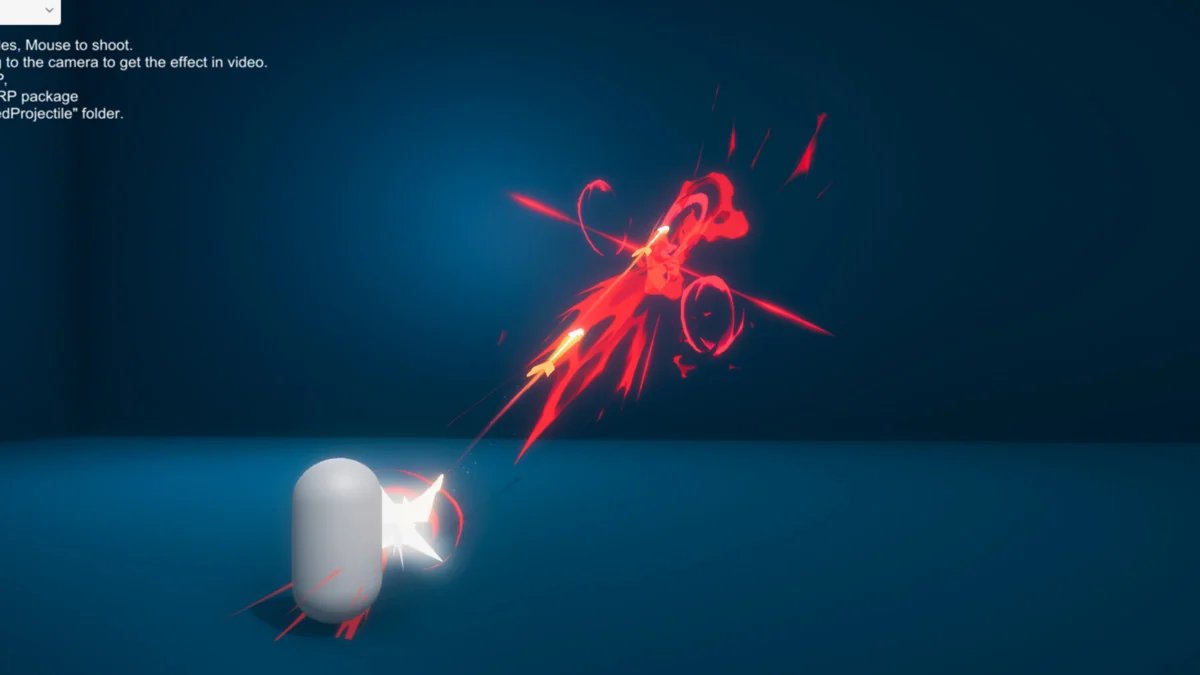
- Red bullet shoot
- Blue bullet shoot
- Green arrow shoot
- Wind shoot
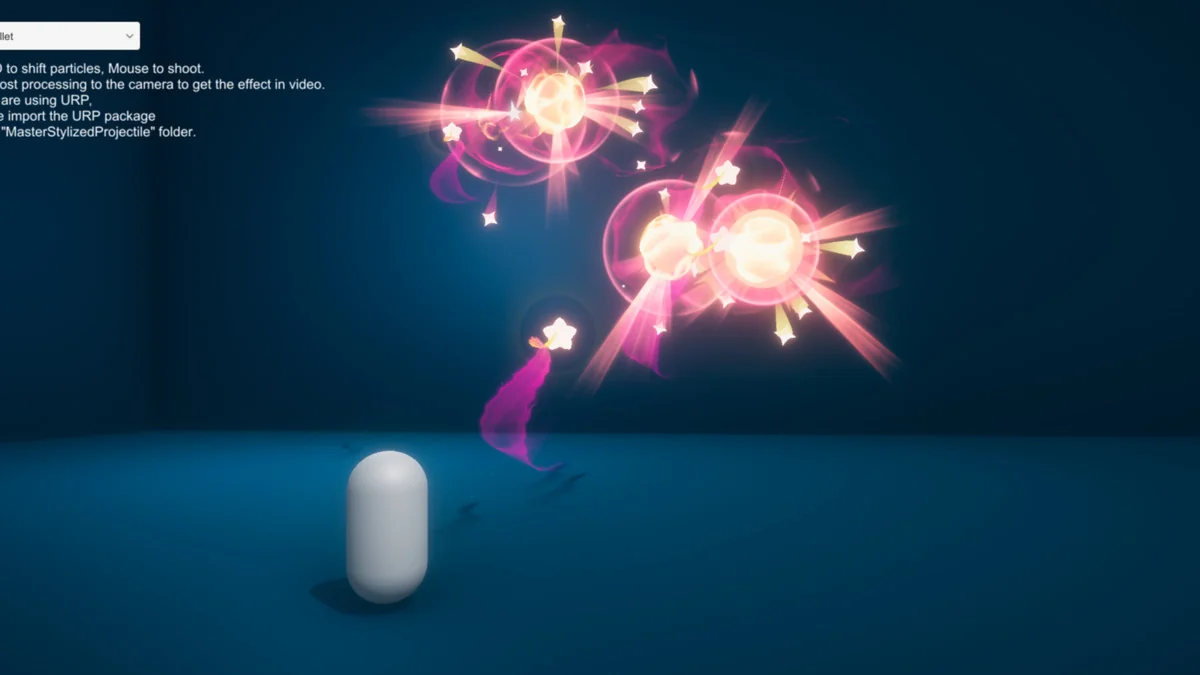
- Purple star shoot
Those projectile names point to a usable range of scene beats. A sword beam reads differently from a blue bullet, and a fire explosion shoot gives a different impact shape than an ice shoot or wind shot. The pack keeps all of those variations inside the same stylized family, which is useful when a project needs several attack types without breaking visual consistency.
Because the effects are already separated into named projectiles and prefabs, it is straightforward to think of them as parts of a combat library. A character can use one visual identity for a magical attack, another for a bullet-like shot, and another for a beam or arrow, while the effects still feel related.
Materials, textures, and the shader graph workflow
The supporting content includes 16 materials, 37 textures, and 16 meshes. The shaders are mainly based on Shader Graph, and the textures can be used to quickly make more similar particles. That gives the package a clear implementation path: use the included projectiles as they are, or build related variations from the same shader and texture setup.
Most of the textures are 256×256, while the flipbook textures are larger. That detail is helpful when comparing the projectiles against any new particles made to sit beside them, since the texture scale and flipbook use already point to how the effects are structured.
The package is not trying to hide its building blocks. It shows the materials and textures openly enough that the same visual style can be extended instead of copied in isolation. For projects that need a consistent set of projectile visuals, that is often the most useful part of the workflow.
Previewing and fitting the package into Unity
All particles can be previewed in the sample scene, which makes it easier to inspect the projectiles before placing them into a larger setup. The package is delivered as a unitypackage, with a file size of 43.6 MB and an asset count of 558. The current listed version is 1.0.
The original Unity version is 2022.3.55, and the render pipeline compatibility covers Built-in and URP. That keeps the pack anchored to a specific Unity base while still covering the two render pipeline options named for it.
The technical details also place it in the Particles category path under vfx/particles. Combined with the sample scene preview, that makes the workflow simple: check the included effects, see how each projectile reads in Unity, and use the provided materials and textures when a matching visual variation is needed.
For projects that need stylized projectile motion, clear hit reactions, and compact explosion effects, this set fits best when the goal is to keep combat visuals consistent without moving away from a stylized look.
Visual Breakdown
Protected download
Access this resource
All resources are 100% manually reviewed to eliminate all risks.