Procedural Movement for Realistic Character Interaction
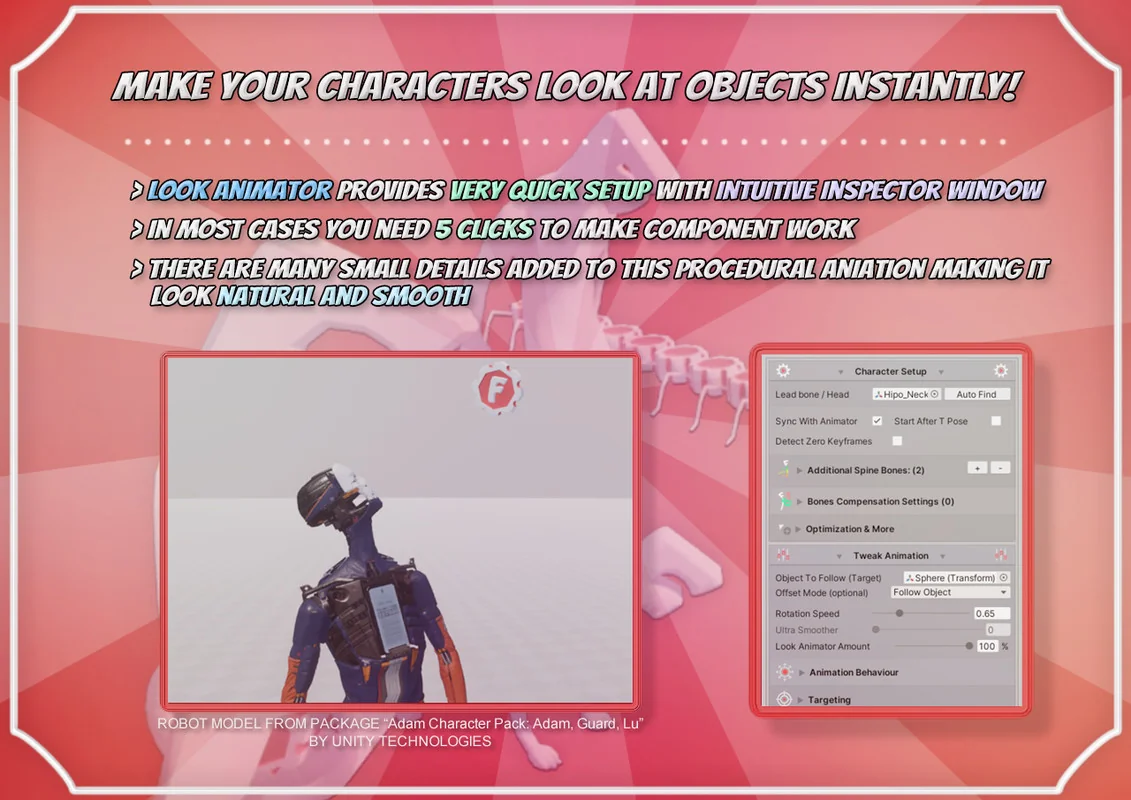
Look Animator is a specialized component built to simulate natural body behavior by procedurally animating head, neck, and spine bones. Its primary function is to allow characters and creatures to track a specific position or object within a scene. By moving the bones dynamically rather than relying solely on baked animation clips, the tool creates a more responsive impression of life. The system is designed to be accessible through an easy setup process, offering a visual-friendly inspector that handles complex skeletal adjustments with minimal manual input.
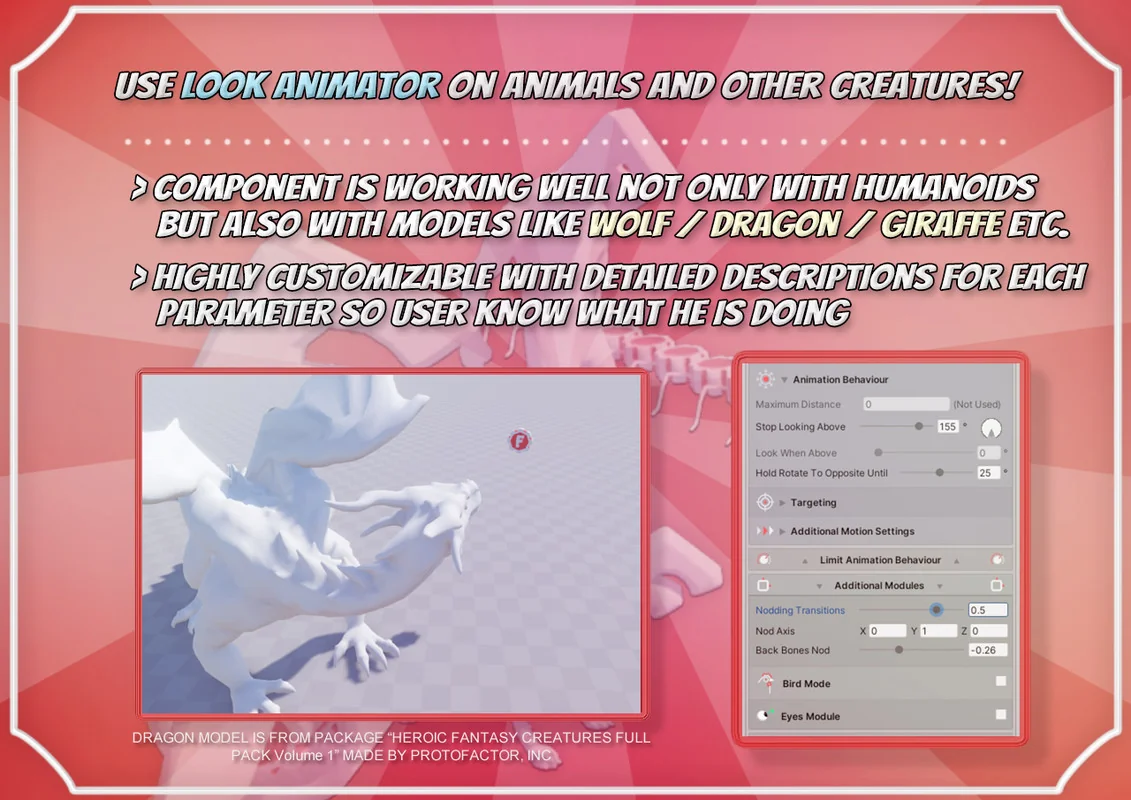
The system is versatile enough to support a wide range of skeletal structures. It works with standard Humanoid rigs, but it is also compatible with Generic and Legacy rigs, as well as custom animal skeletons. This flexibility makes it applicable for standard bipedal characters and more complex creatures that require specific tracking behaviors.
Automated Setup and Rig Integration
One of the core strengths of the tool is its automated mechanics. Setting up a character for look-at behavior can often be a tedious process of manual bone assignment. Look Animator includes features like auto head bone search and auto arms search, which allow the developer to configure the component in just a few clicks. This automation extends to how the tool identifies the hierarchical relationship between the spine and the extremities.
The extended inspector window provides a clear interface for managing these bones. Once the bones are identified, the developer can easily change momentum targets or adjust how the look animation blends with the source animation. This blending is critical for maintaining the underlying motion of a character while layering the procedural look-at behavior on top.
Specialized Modes for Enhanced Realism
To address specific animation challenges, Look Animator includes several distinct features that refine how bones react to tracking targets:
- Bird Mode: This provides an alternative animation simulation specifically tuned for non-humanoid movements, mimicking the unique head-tracking characteristics of birds or similar creatures.
- Bones’ Compensation: This feature prevents unnatural arm rotation that can occur when a character’s head and neck look drastically up or down. It ensures that the arms maintain a believable posture regardless of the head’s orientation.
- Ultra Smoother: This setting is used to make the look animation feel more soft and organic, reducing mechanical stiffness during rapid target acquisition.
- Animate with Source: This allows the character to keep its original animation motion, such as a run or idle cycle, while the look-at logic is active. This is particularly useful for scenarios where a character needs to aim at a target while simultaneously playing a hit or shot animation.
Performance Optimization and Mobile Compatibility
The package is built with performance as a priority, allowing for the simultaneous use of many Look Animator components without a significant loss in frames per second (FPS). This makes it suitable for mobile development or projects with high character counts. Further optimization can be achieved by using the “Optimize At Distance” feature, which disables calculations when a character is far away from the main camera.
Technical versatility is maintained through broad Scriptable Render Pipeline (SRP) support. The component is not shader-dependent, meaning it functions across Built-in, LWRP, URP, HDRP, and custom render pipelines. While the demo materials provided in the package may require conversion for specific pipelines, the core logic of the animator remains consistent across all environments.
Technical Control and Customization
For developers who require deep integration or specific adjustments, the package includes full source code. This allows for total control over how the procedural logic is handled. The system also includes a smooth transition feature, allowing the component to be toggled on or off with a fluid blend rather than an abrupt snap.
Recent updates have introduced more granular controls, such as a ‘Margin’ parameter for the ‘Stop Look Above’ setting to prevent stuttering when a target moves out of the defined angle range. The inclusion of a Base Transform field and interactive demo scenes provides a practical foundation for understanding how to implement these procedural mechanics in various gameplay scenarios, from simple NPC tracking to complex combat aiming systems.
Asset Gallery
Protected download
Access this resource
All resources are 100% manually reviewed to eliminate all risks.