Managing Built-in Pipeline Lighting
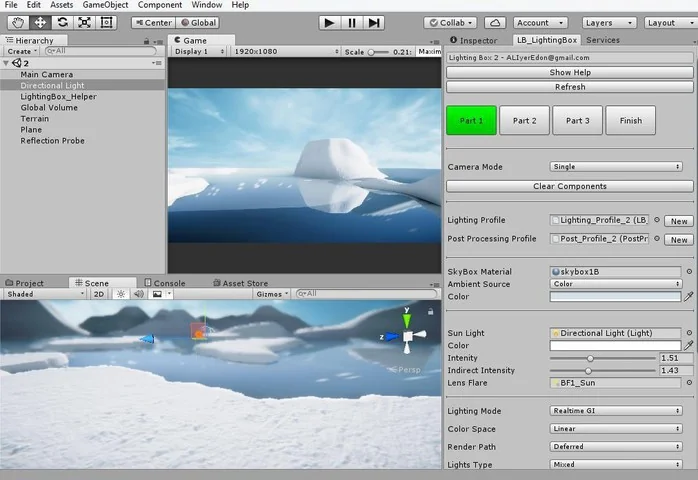
Lighting Box 2 is a dedicated utility for developers working within Unity’s Built-in Rendering Pipeline. Its primary function is to simplify the often complex process of configuring lighting parameters to achieve a high-end visual style. Rather than manually adjusting individual light settings across multiple panels, the tool consolidates these controls into a more centralized interface. The system is designed to provide a workflow that mirrors those found in the Unreal Engine or Frostbite, allowing users to spend less time on technical parameter hunting and more time on the artistic design of their scenes.
The tool is built to handle both interior and outdoor environments. By providing a structured way to manage lighting, it addresses the common bottleneck where developers spend hours finding the right balance between various parameters. The solution aims to reduce this timeframe to minutes, making it accessible even to those with limited experience in lighting technicalities.
Workflow Efficiency and Profile Management
One of the core features of Lighting Box 2 is the ability to save and load settings through lighting profiles. This capability is significant for productions that require consistency across multiple levels or scenes. Instead of recreating lighting setups from scratch, developers can export their configurations and apply them elsewhere, ensuring a unified visual identity throughout a project.
The user interface includes a drag-and-drop settings menu that provides immediate access to quality, display, and effects settings. This menu can also be utilized as an in-game feature, allowing for real-time adjustments to visual quality during development or as part of a game’s options menu. By streamlining the interaction with Unity’s native lighting systems, the developer focuses on the high-level look of the project rather than the underlying data fields.
Specialized Shaders and Environmental Controls
Beyond simple light management, Lighting Box 2 includes a variety of specialized shaders and components designed for environmental rendering. A highlight of the package is the high-quality tessellated terrain shader. This shader is built for performance and includes the Amplify Shader Editor source code, giving technical artists the ability to modify or extend the shader’s logic as needed. The inclusion of a dedicated terrain controller component further simplifies the management of these surfaces.
For winter or alpine environments, the package introduces a snow controller and a corresponding snow shader. These tools allow for quick implementation of cold-weather effects without requiring custom code. Additionally, the asset features various tessellation shaders and a high-performance sun lens flare system, which is designed to provide a cinematic aesthetic without the heavy performance cost often associated with high-end flares.
Atmospheric Effects and Post-Processing Integration
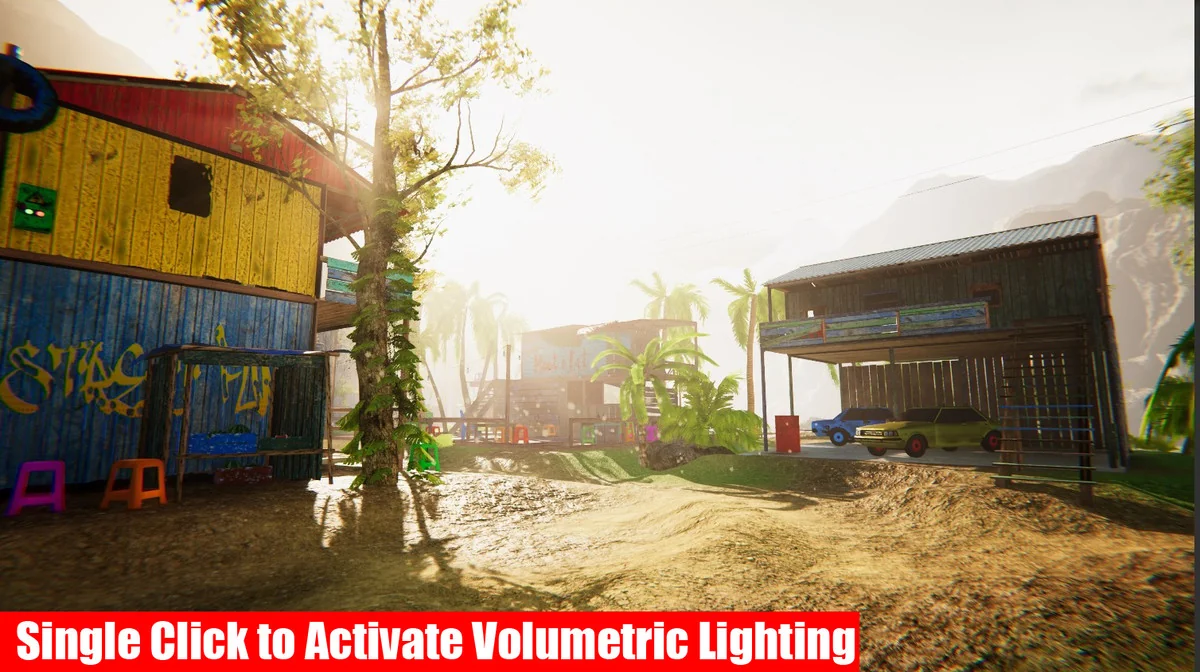
The solution provides full support for atmospheric effects, including True Volumetric Light and Global fog. It specifically utilizes fake volumetric fog particles, a technique similar to that used in the Frostbite engine, to create depth and atmosphere without the overhead of fully simulated volumetric systems. This approach is particularly useful for maintaining high frame rates in complex scenes.
Post-processing is a major component of the Lighting Box 2 workflow. It fully supports Post Processing Stack 3, allowing developers to leverage advanced image effects to polish their scenes. Users are required to import the Post Processing package from the Unity Registry via the Package Manager to utilize these features. By basing its internal logic on optimized post-effect settings, the tool ensures that the final image remains crisp while adhering to modern visual standards.
Compatibility and Platform Support
Lighting Box 2 is strictly built for the Unity Built-in Rendering Pipeline and does not support the Universal Render Pipeline (URP) or High Definition Render Pipeline (HDRP). However, it is optimized for a wide range of platforms, including Mobile and WebGL 2.0. This makes it a versatile choice for developers targeting web-based platforms or mobile hardware where performance budgets are tight but visual quality remains a priority.
The asset has been updated to maintain compatibility with Unity 6, ensuring it remains viable for projects using the latest versions of the engine. With a total asset count of 256 items and a file size of approximately 221 MB, the package provides a substantial library of sample projects, shaders, and video tutorials to help developers integrate the tool into their existing production pipelines.
When implementing Lighting Box 2, ensure that the Post Processing package is correctly installed from the Unity Registry first, as the tool’s visual output relies heavily on this stack to achieve its intended results.
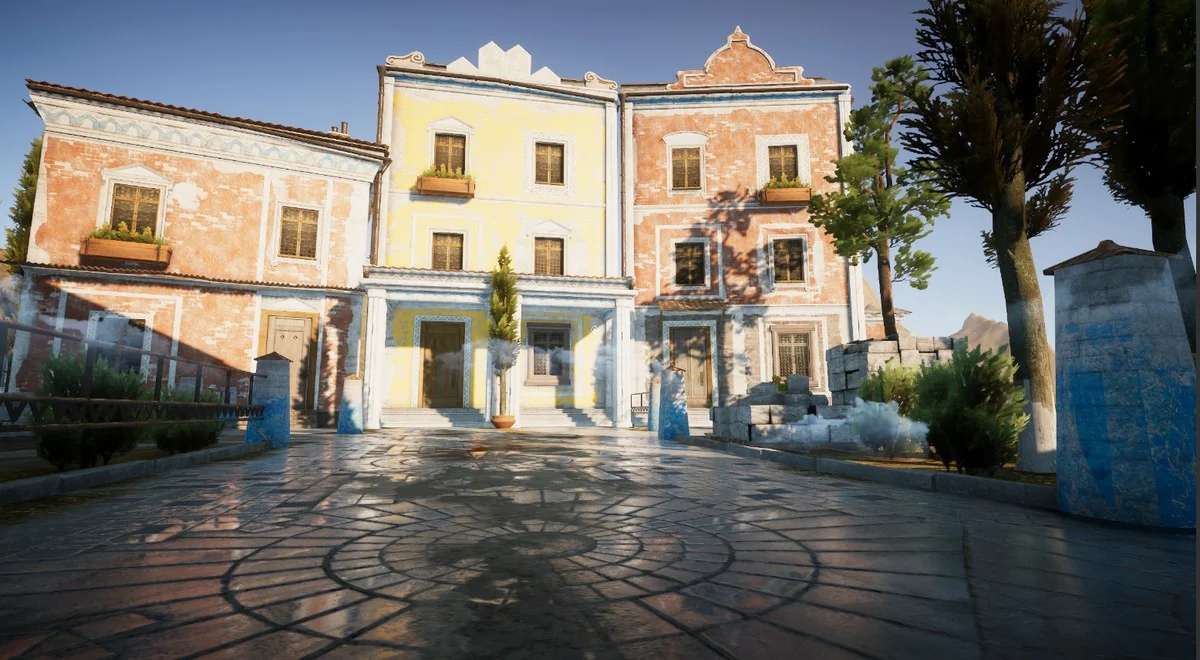
Project Screenshots
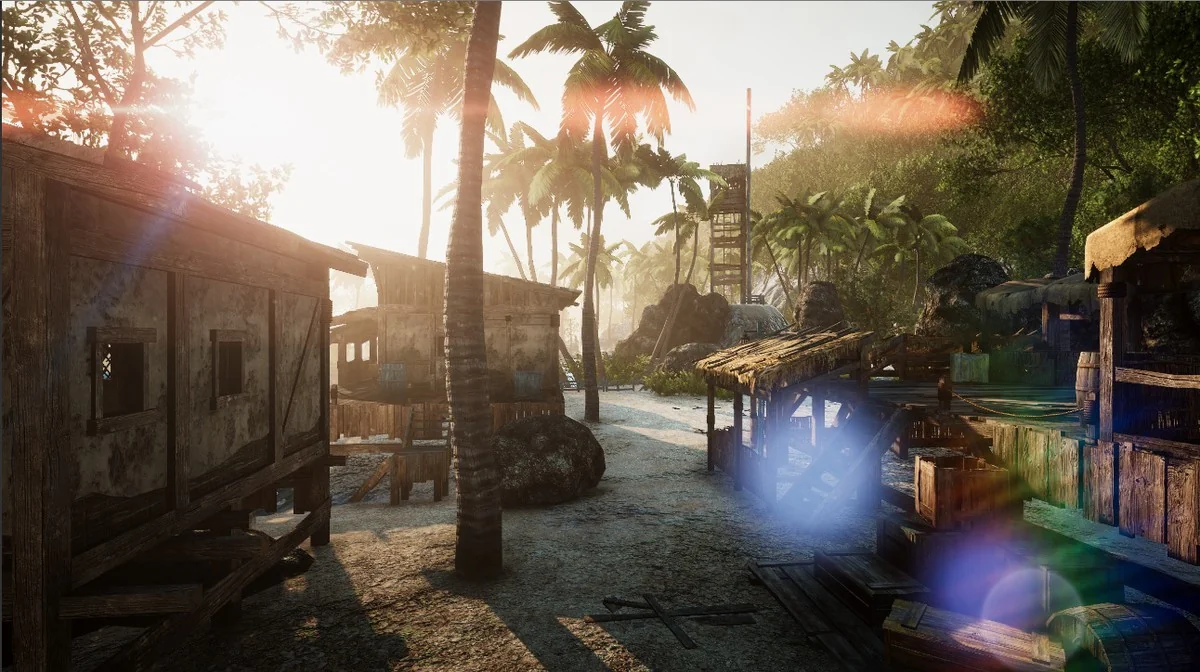


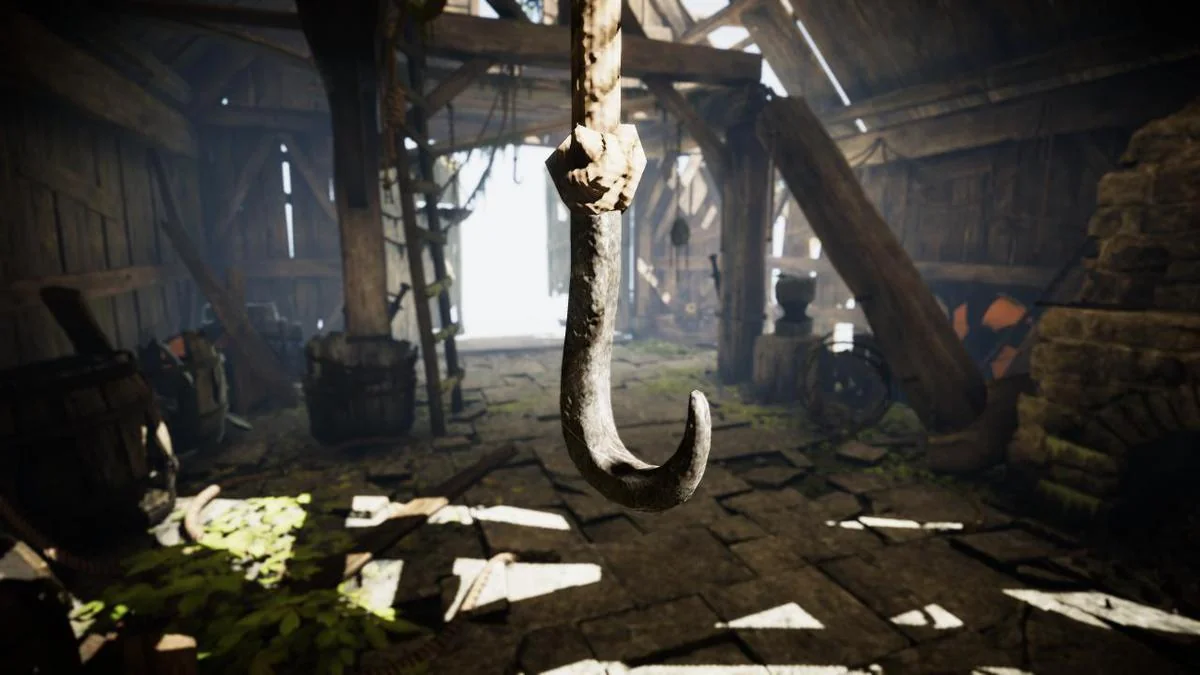
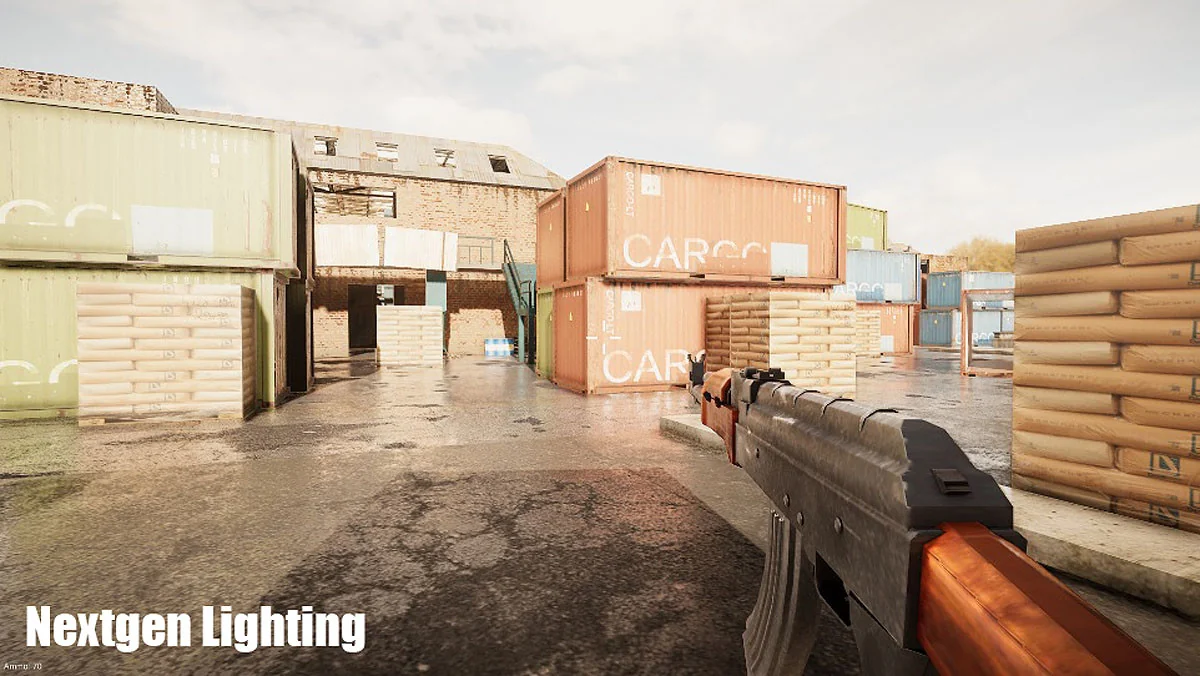
Protected download
Access this resource
All resources are 100% manually reviewed to eliminate all risks.