High-Quality Animated Volcanic Surfaces
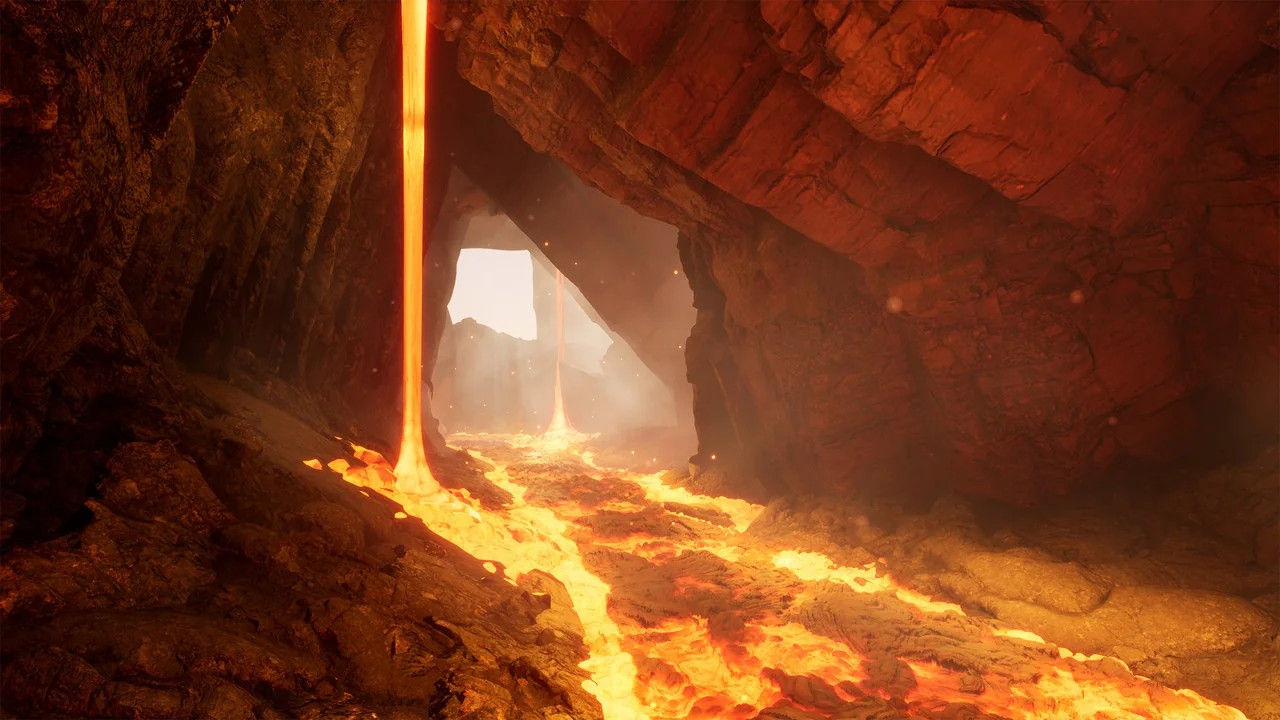
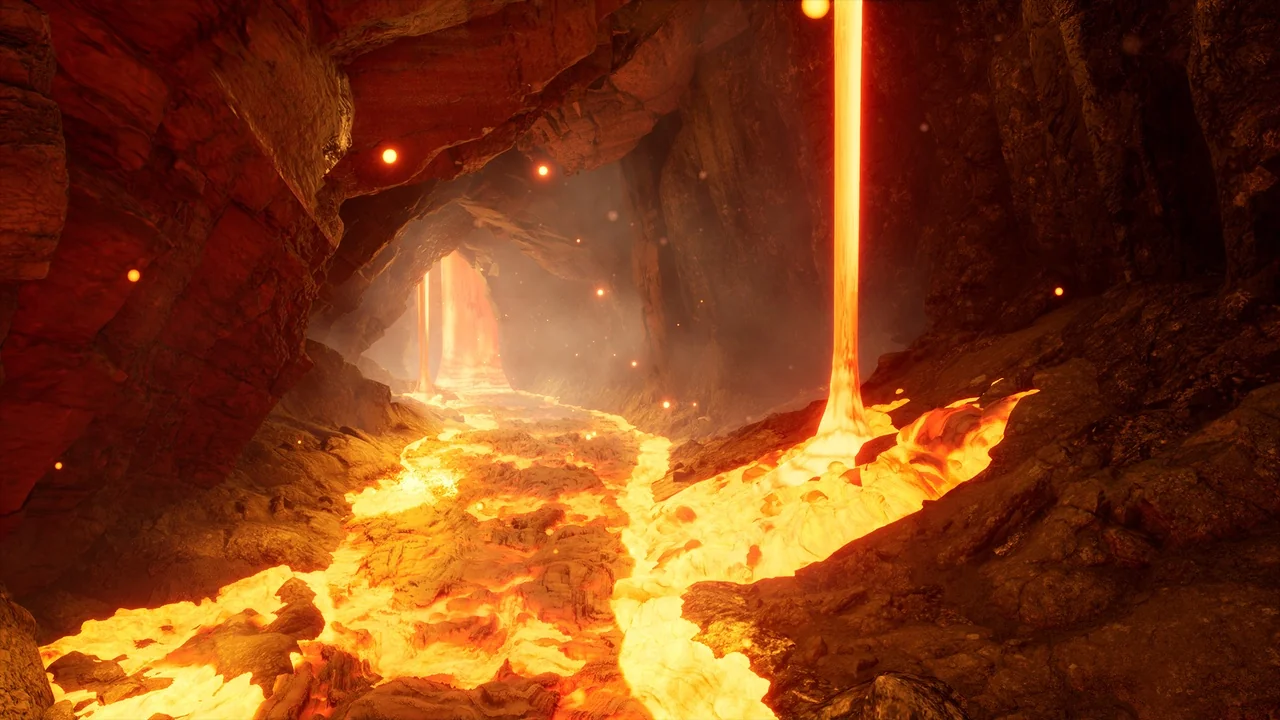
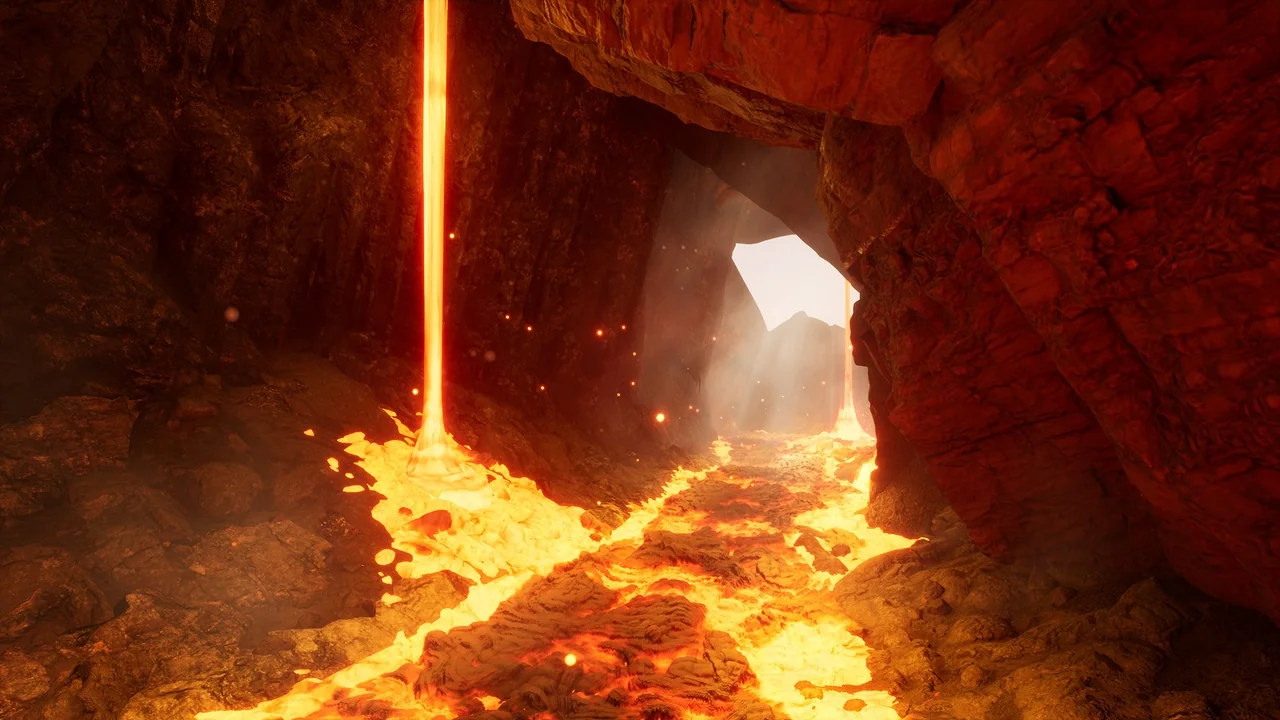
The Lava Shader pack provides a complete solution for developers looking to add realistic molten surfaces to their projects. This asset collection focuses on high customizability and performance across different engine versions. Consequently, it includes game-ready assets that are ready for immediate implementation in various environments.
Comprehensive Material Customization
The core of this pack consists of four highly customizable animated lava shaders. Furthermore, the developer included 14 material instances to help you get started quickly. These master materials offer a wide range of parameters. You can adjust the color, lava glow, and UV tiling to suit your artistic vision.
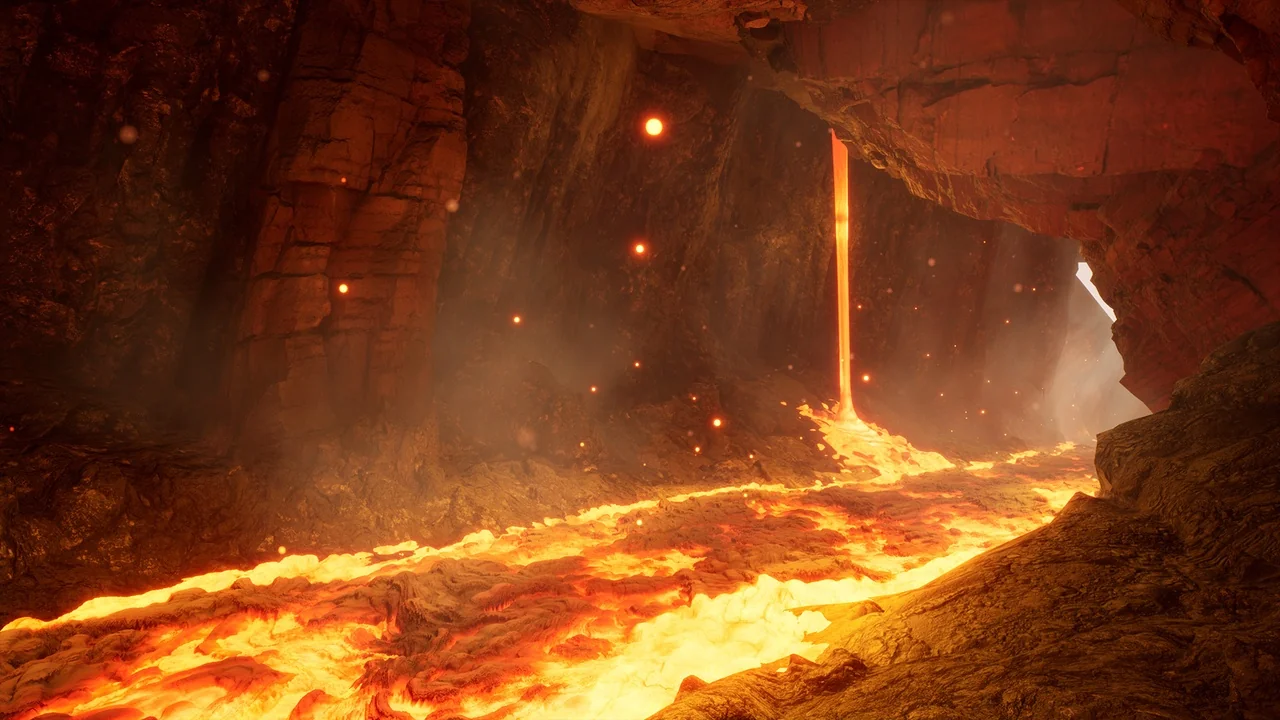
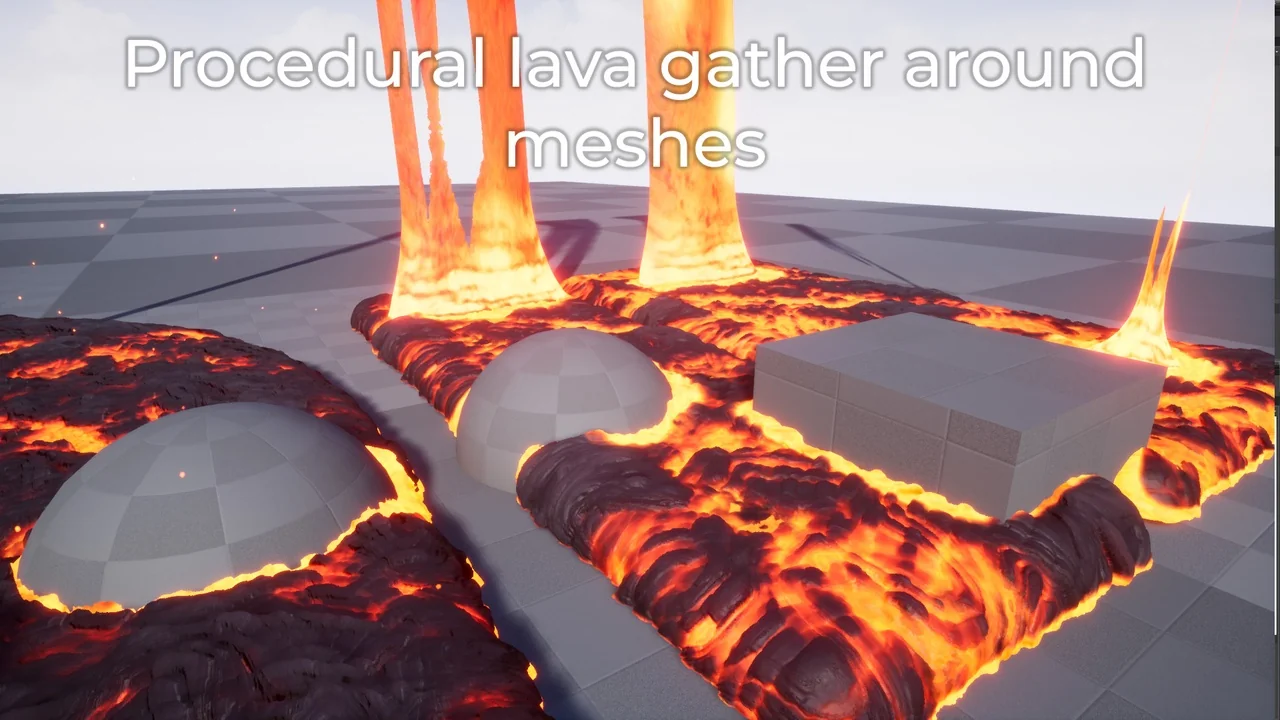
Additionally, users can control the lava speed and utilize flow map controls. These features allow you to break up movement patterns effectively. The Lava Shader also includes procedural logic to gather hot, glowing lava at the edges of meshes. You can specifically tune the contrast, distance, and amount of this edge glow to achieve the perfect look.
Dynamic Flow and Particle Effects
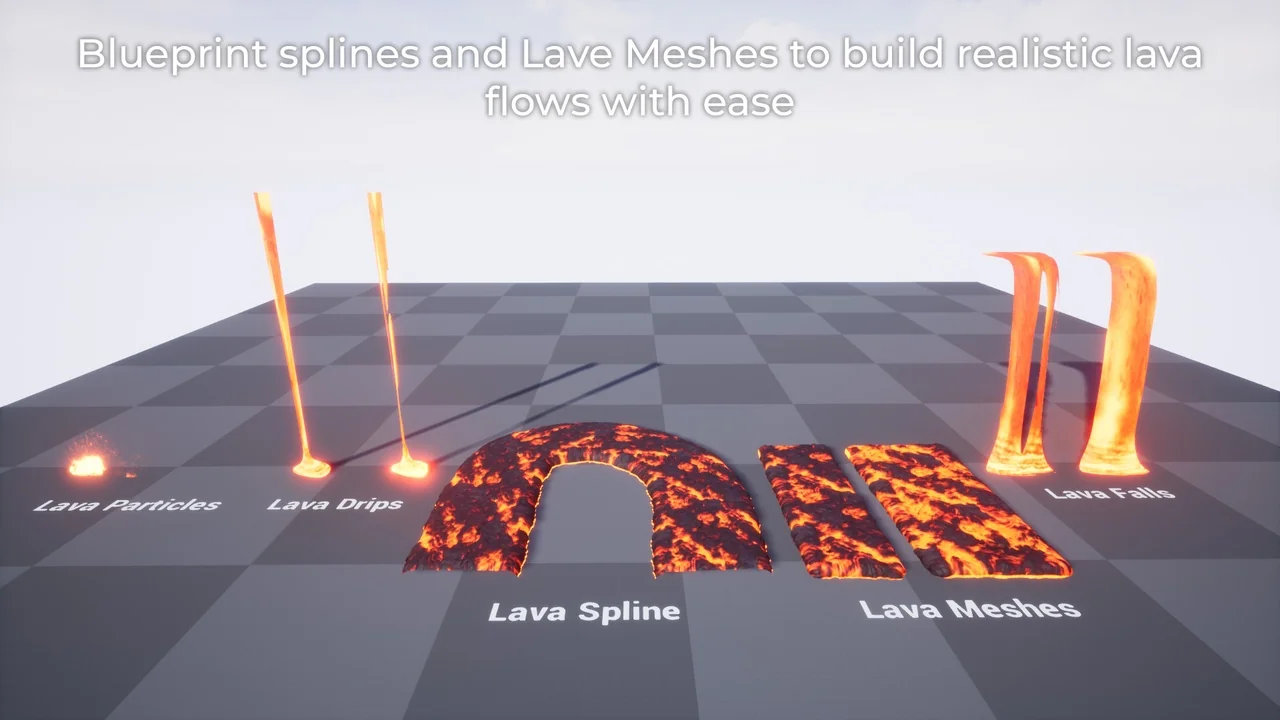
Creating complex environments is easier with the included Blueprint Splines. These tools allow you to create your own custom lava flows throughout a level. To add more variety, the pack provides two dripping lava-falls meshes. These meshes are fully customizable to fit your specific terrain needs. Moreover, the pack includes five molten lava texture variants to provide visual diversity.
Visual fidelity is further enhanced by specific particle systems. The pack includes two lava-splash effects and one ember particle effect. These elements work together to create a more immersive and dangerous atmosphere. This Lava Shader uses World Position Offset (WPO) and displacement to create a realistic 3D fullness.
Technical Optimization and Nanite Support
This resource is designed to work efficiently in both UE4 and UE5. In Unreal Engine 4, the shader utilizes displacement and tessellation. Users can tweak these settings to balance performance and visual quality. However, the workflow evolves for Unreal Engine 5 users to take advantage of newer technologies.
The pack includes high, medium, and low-resolution meshes. Therefore, you can choose the best mesh for your optimization needs. For those using version 5.4, the developer updated the Lava Shader to support Nanite Tessellation. This update includes more controls and general optimizations for better performance.
To ensure the displacement works correctly in 5.4, specific configuration steps are required. You must enable the Nanite Displacement Mesh plugin and enable Tessellation in your materials. Furthermore, you should update your project’s configuration files with the following lines:
- r.Nanite.AllowTessellation=1
- r.Nanite.Tessellation=1
Using the default mesh with these settings enabled provides the best results in the latest engine versions.
Conclusion
The Lava Shader pack is a robust toolkit for any environment artist. It combines realistic 3D depth with easy-to-use Blueprint tools. While the demo map is not included, the provided documentation and material instances offer a clear path to creating stunning volcanic landscapes. The combination of animated textures and procedural edge effects ensures your magma looks hot and dynamic.
Screenshots & Gallery