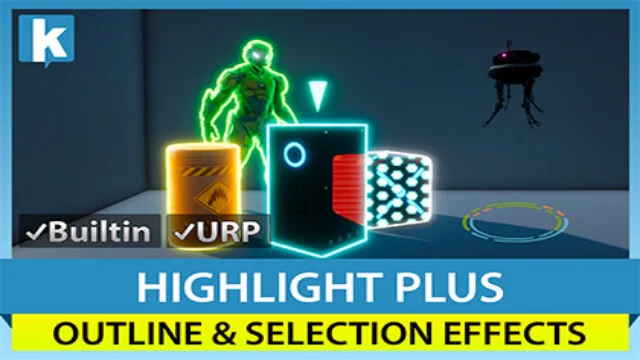
Highlight Plus adds outline, glow, overlay, see-through and other effects to objects and characters in your scene.
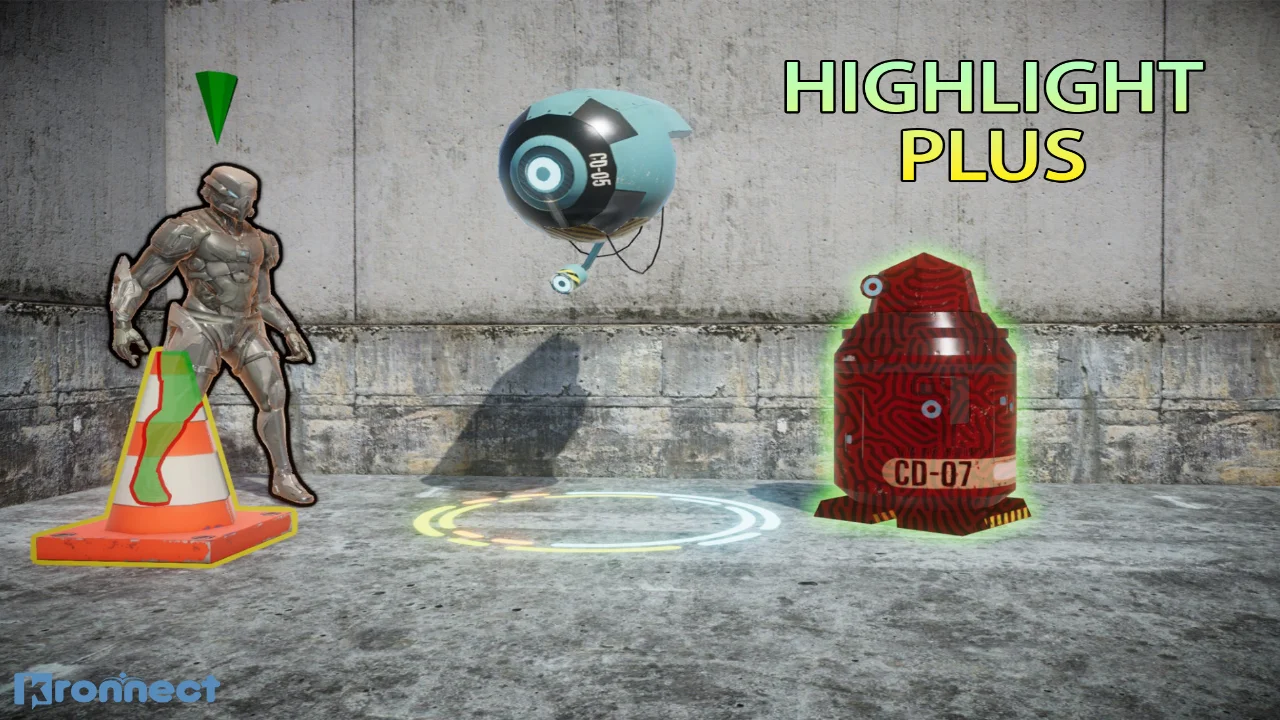
Highlight Plus is a powerful and versatile asset for adding outline, glow, overlay, see-through, and other highlight effects to objects and characters in your scene.
Designed with platform compatibility and performance in mind, Highlight Plus is the go-to choice for developers seeking high-quality visual enhancements that are both easy to implement and efficient.
** Visual Effects **
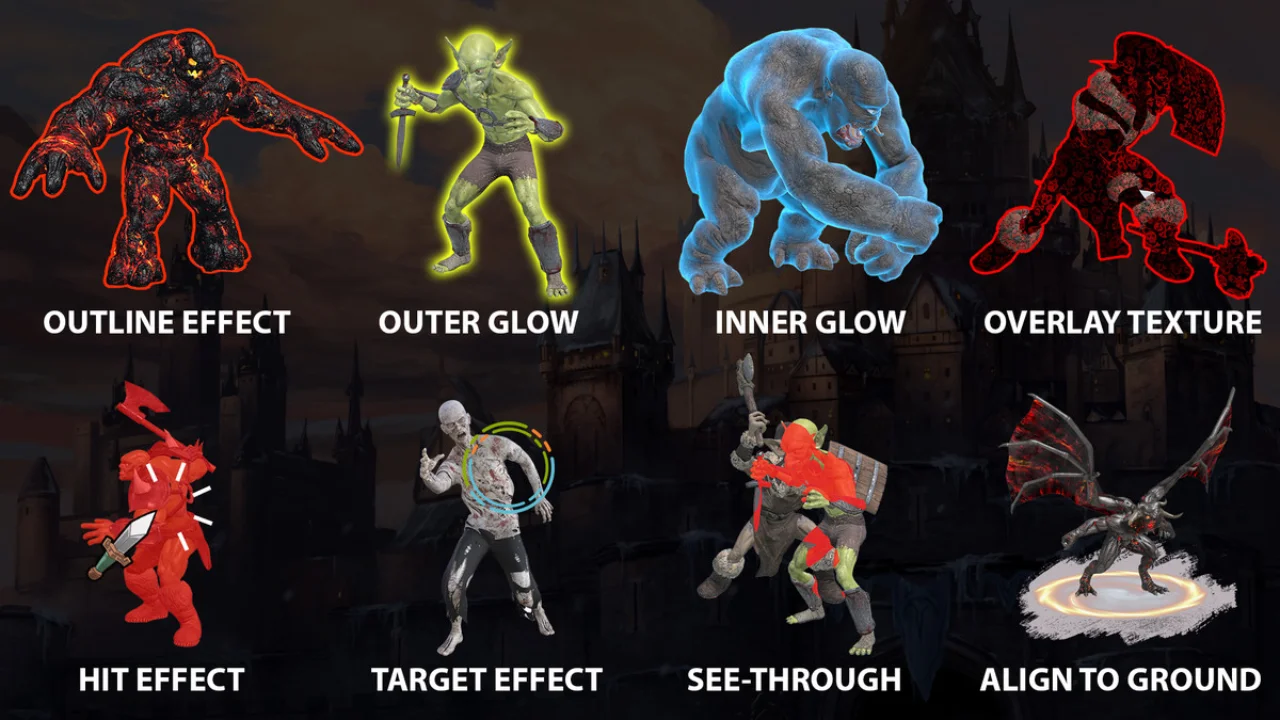
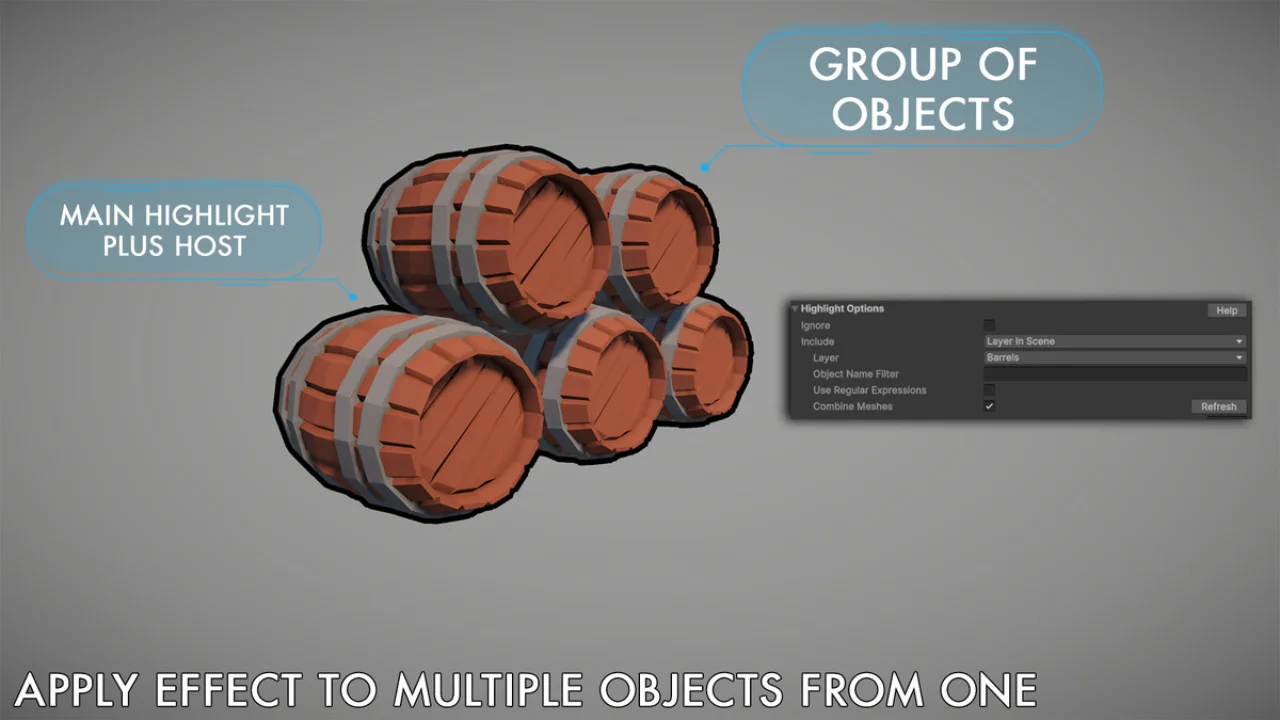
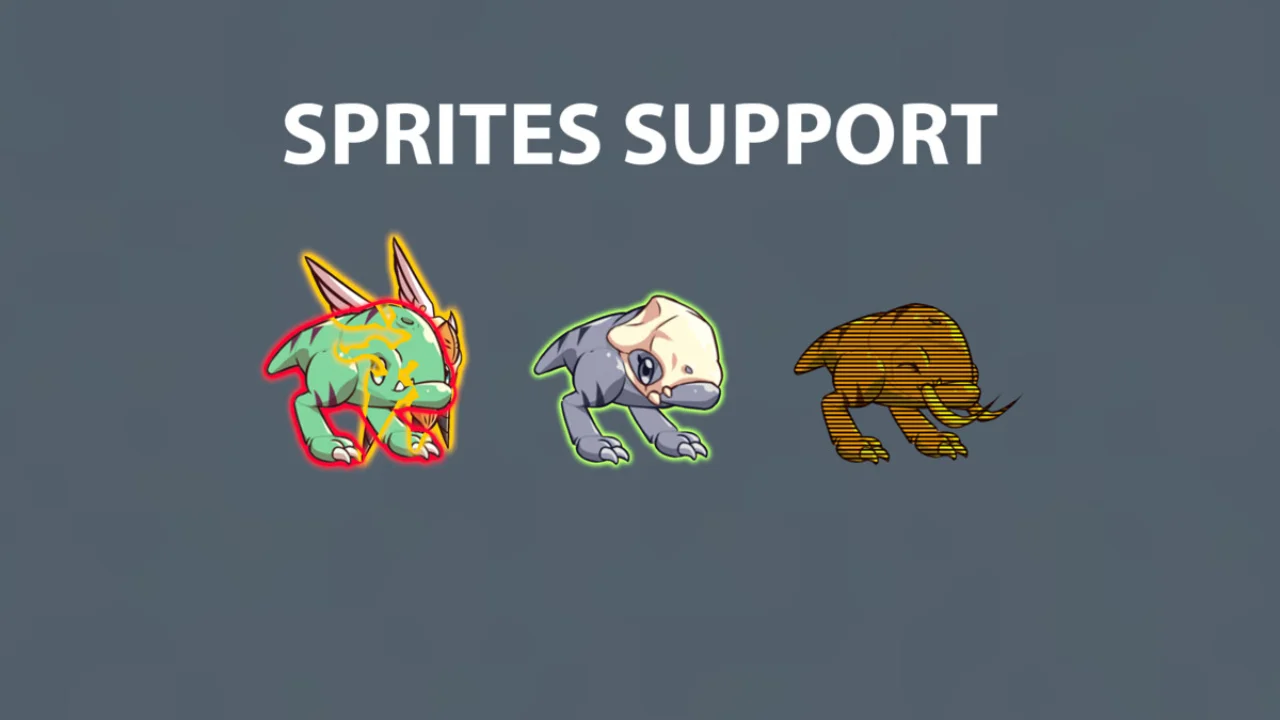
Combine any number of effects on single or multiple objects from a single script:
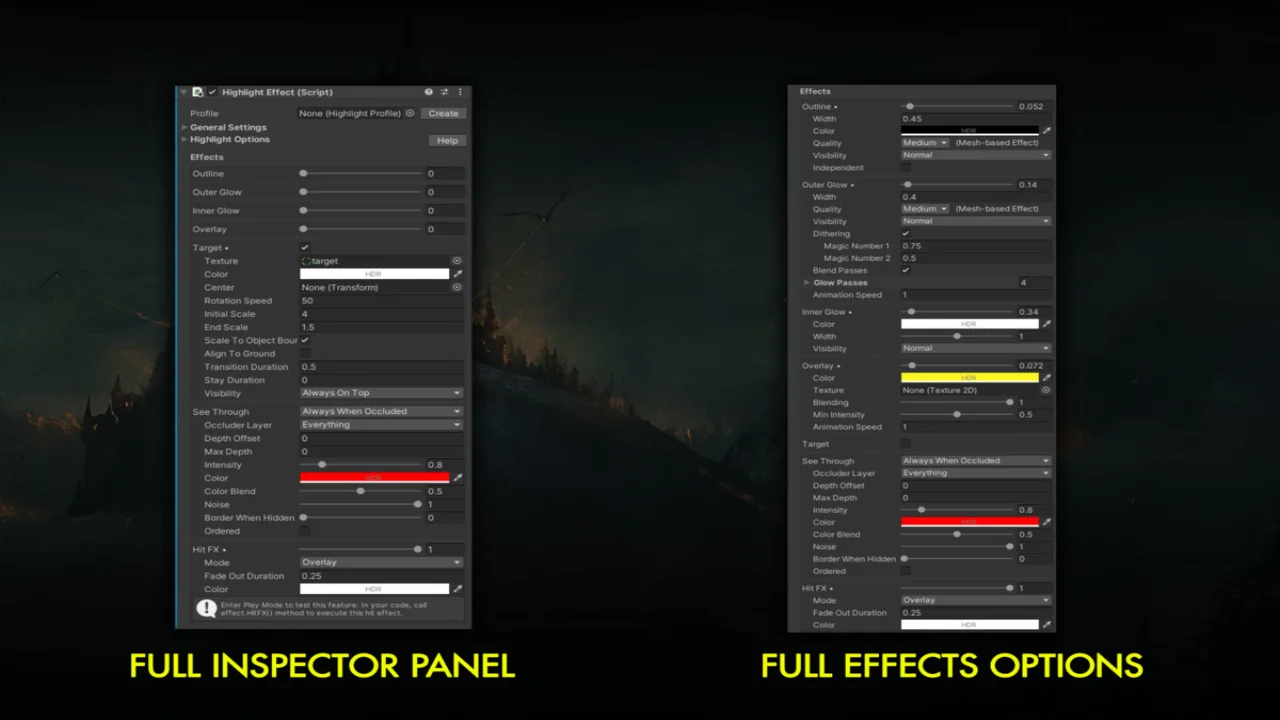
– Outline: 4 quality levels including mesh-based instancing rendering and screen-space with optimal blit region. Customizable color, alpha, width, gradient, visibility options (normal, always in front, behind) and more.
– Outer Glow: great for per-object bloom and aura effects. 4 quality levels, also mesh-based instanced rendering and screen-space with fully customizable controls including visibility, smooth or noise/dither effect, animation, blending, mask and more.
– Inner/Rim Glow: with customizable color, width, blend modes, intensity and visibility.
– Overlay: color or textured overlay with different uv mapping options, alpha and animation speed, custom blending options.
– Target: add aiming or special indicators on specific parts of any gameobject with fully control of animation and appearance details, like colors, texture, transitions, etc.
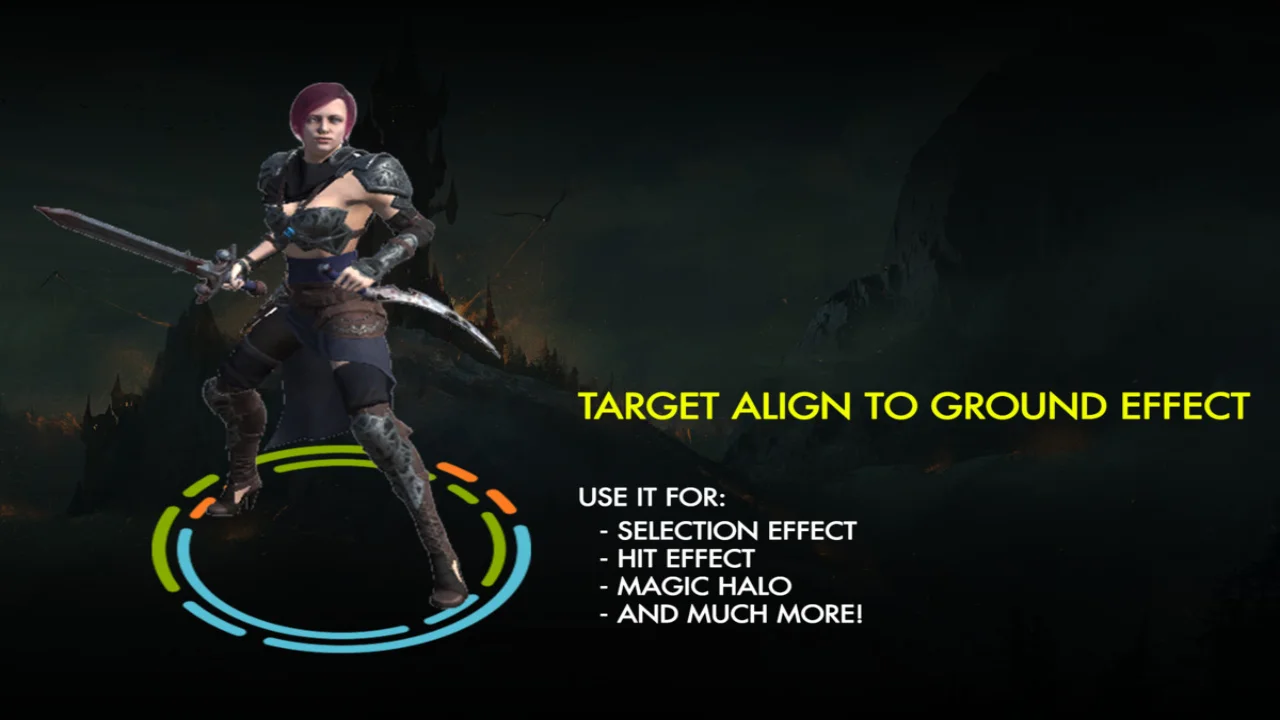
– Area of effect: target effect option which adds an aligned to ground animated graphic under a gameobject or character (similar to decals).
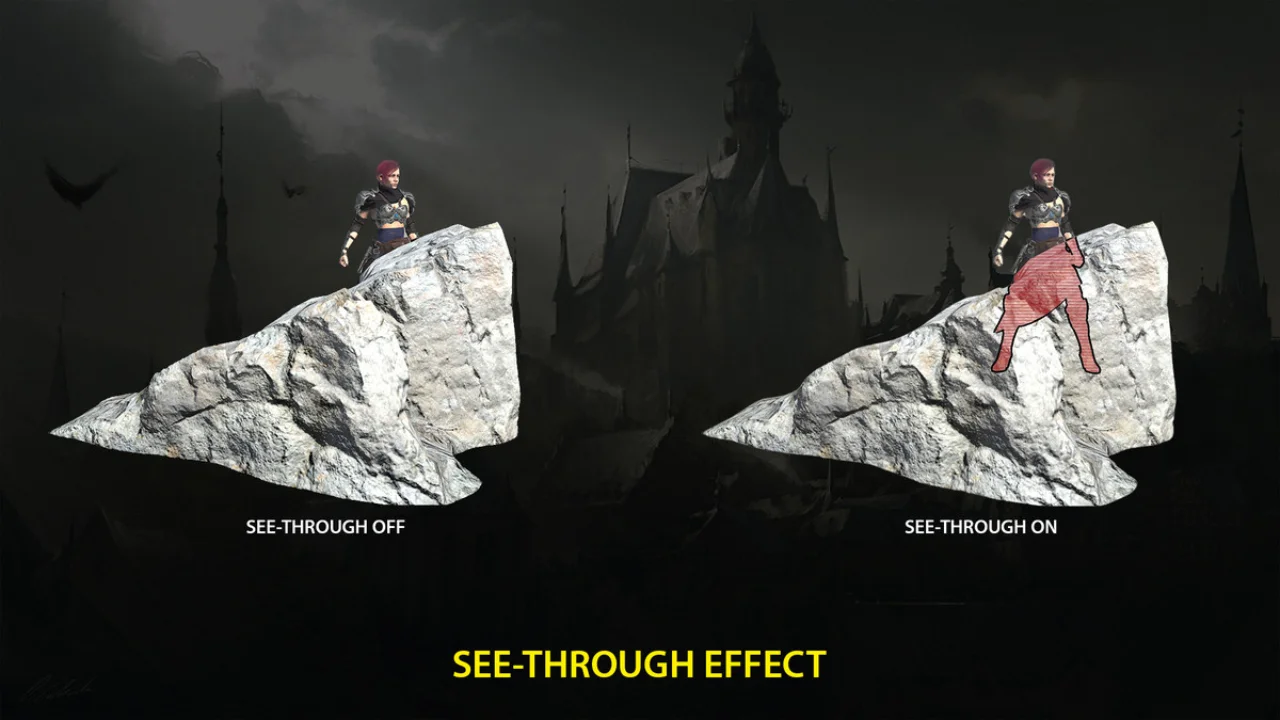
– See-Through: reveal objects or characters behind solid occluders. Customize intensity, tint color and alpha. Occluded objects keep their correct depth. Plus additional colored border option.
– Icon: adds a floating/bouncing icon above the highlighted object with customizable gradient and rotation.
– Hit/Flash effect with 3 variations, customizable color, intensity and fade out duration.
Click here to view the full details of the resource.:URL
Click the button below to download.
Download: