Versatile UI with the Gaming Health Widget
The Gaming Health Widget is a versatile solution designed for developers who need a robust system to manage character stats. This tool is compatible with a wide range of project types, including first-person, third-person, top-down, and 2D games. It provides a comprehensive Health Component that tracks essential metrics like health, mana, and shields.
Comprehensive Dual Widget System
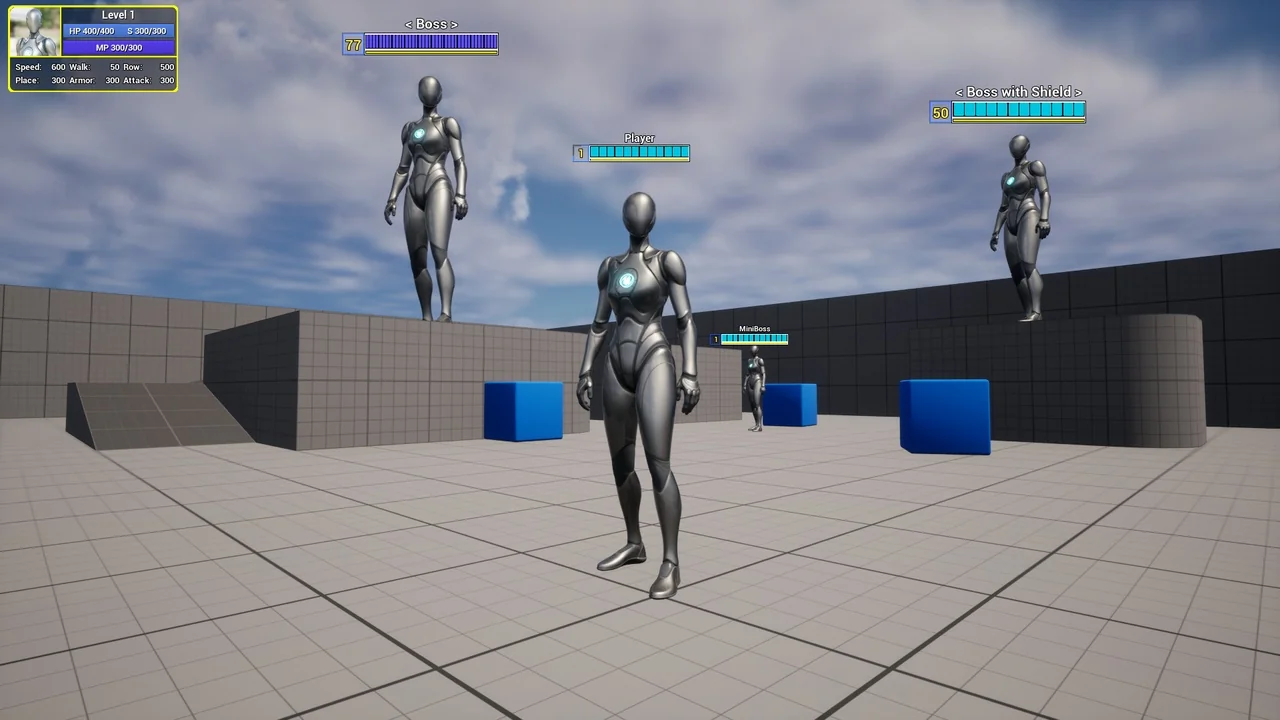
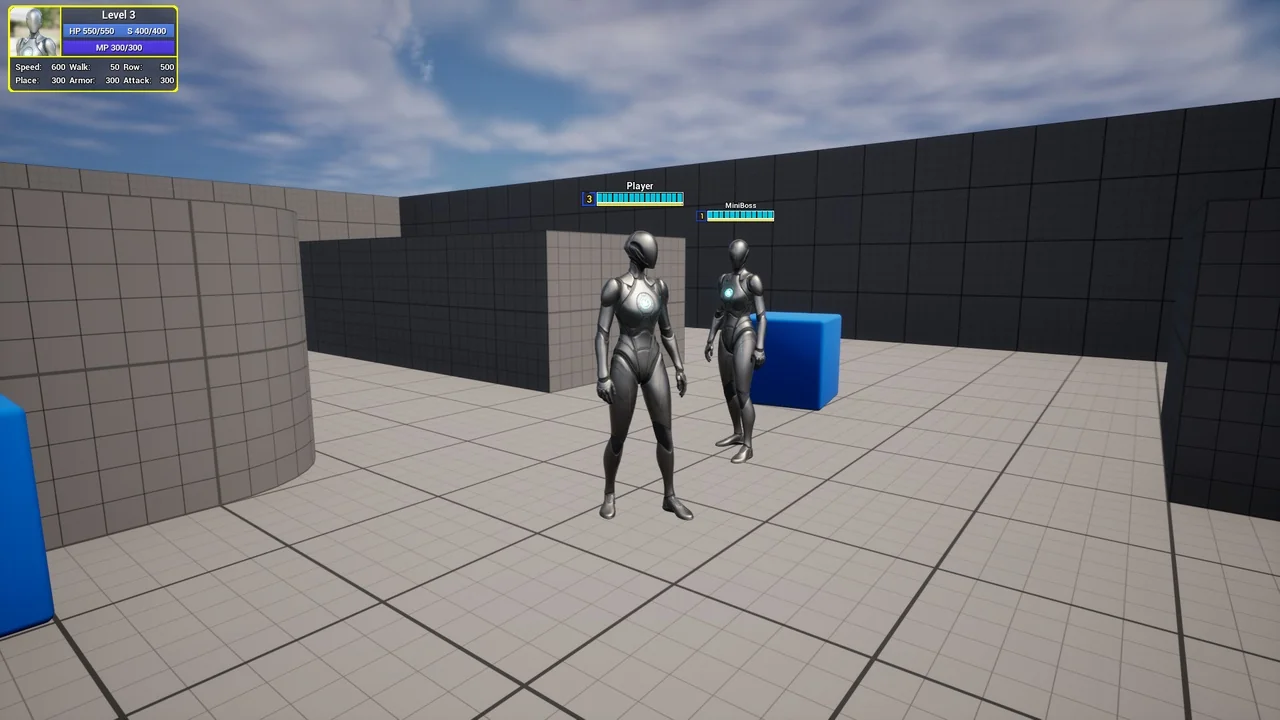
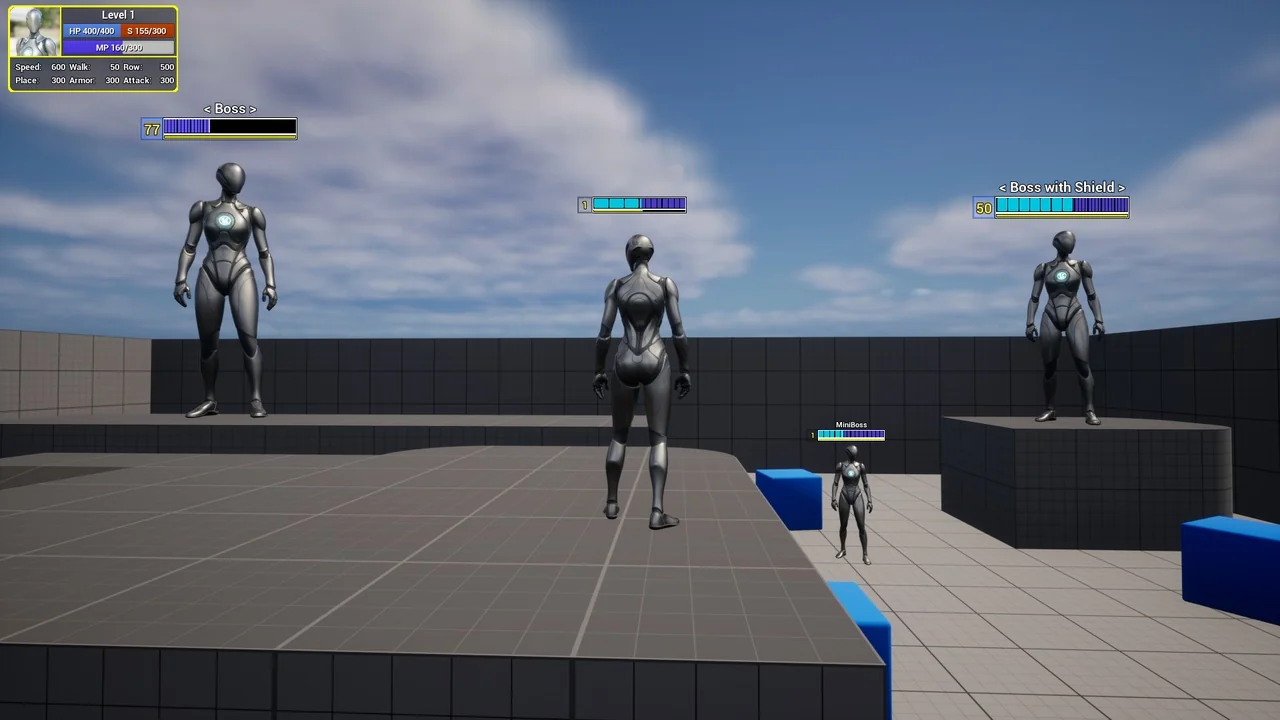
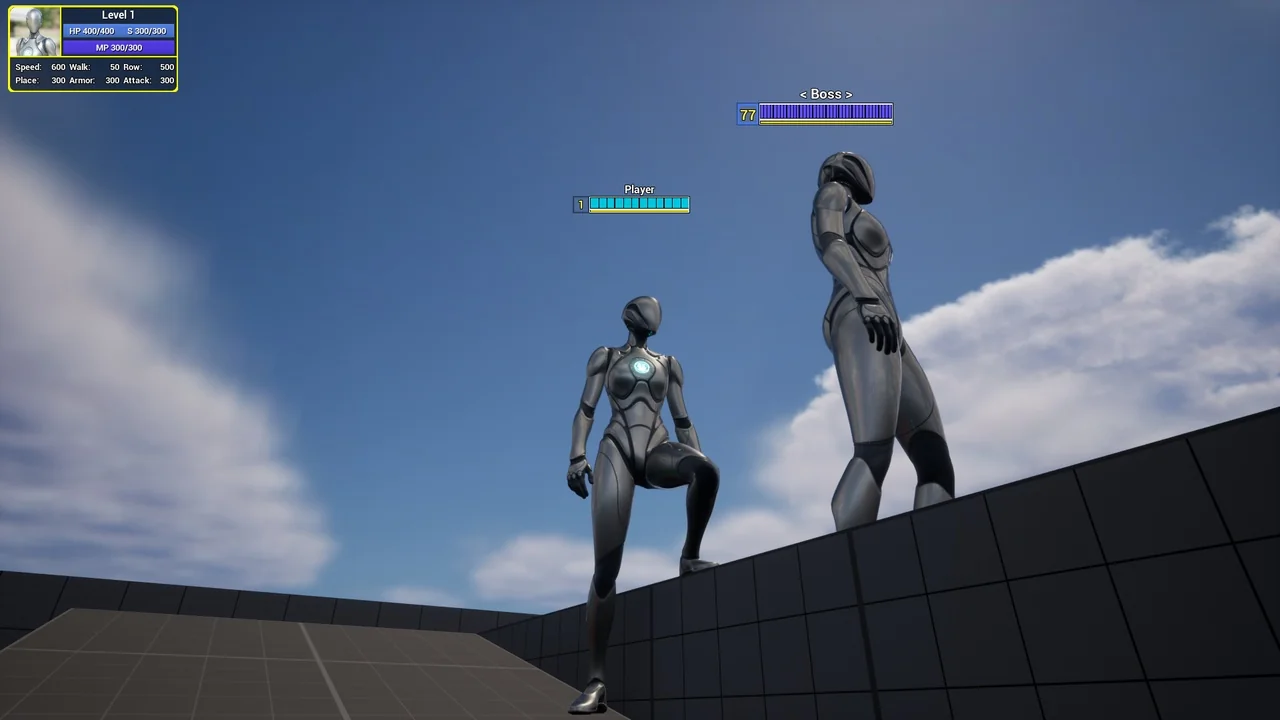
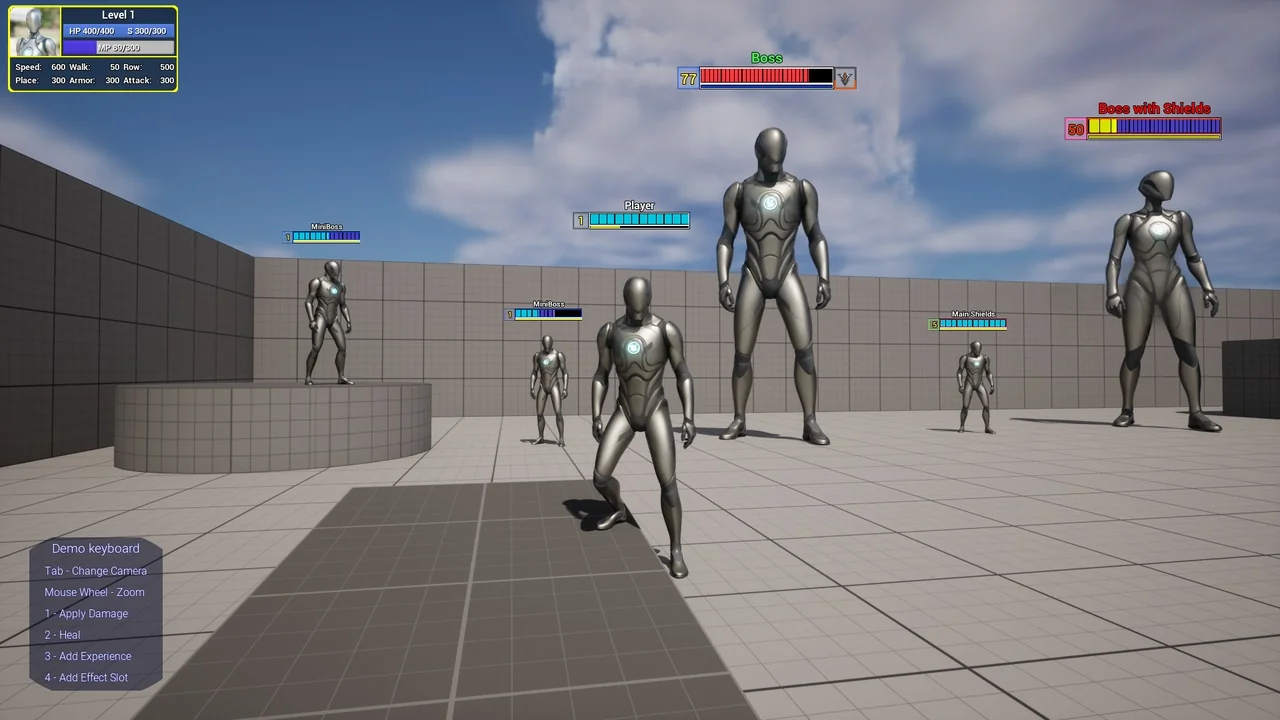
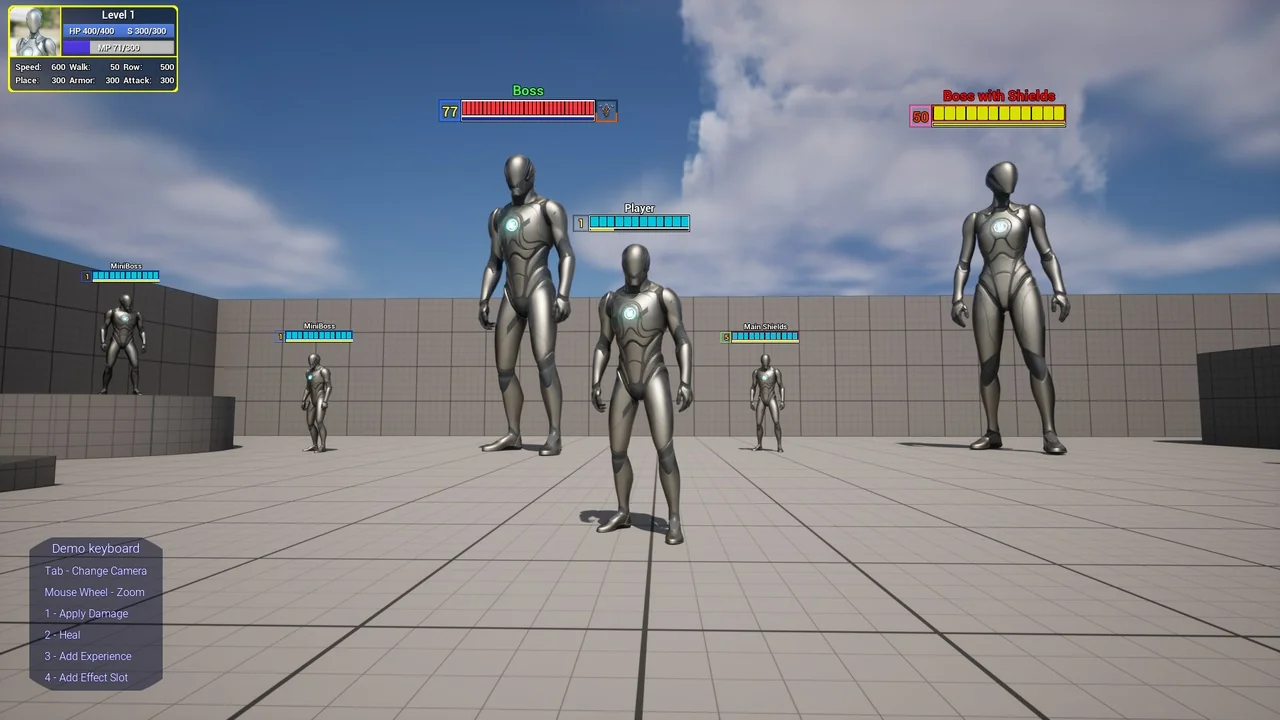
The product features two distinct widgets to enhance the user interface. One widget is designed to appear directly above the character, providing immediate visual feedback during gameplay. The second widget functions as a general information display on the screen.
This screen-based widget includes a character picture and displays HP, MP, and optional shield stats. Furthermore, it offers editable stat slots where developers can input up to six custom parameters by default. This flexibility allows for a more personalized interface tailored to specific gameplay needs.
Advanced Health and Experience Mechanics
At its core, the Gaming Health Widget includes a fully customizable Health Component. This system manages HP, MP, and Shields, with built-in regeneration features. Developers can even set a delay for regeneration to add a layer of challenge to the game. Consequently, the gameplay feels more dynamic and responsive.
In addition to health management, the asset features a level-up and experience system. The level display is optional, meaning you can disable the level box if it does not fit your game’s design. Moreover, the widget includes damage animations to provide clear visual cues when a character takes a hit.
Visual Customization and Flexibility
One of the standout features is the ability to resize the widget without losing its visual quality. Therefore, it can fit various screen resolutions and UI layouts seamlessly. The creator has also included configurable slots and modules for deeper integration into your specific project architecture.
Following recent updates, the Gaming Health Widget offers even more visual control. You can now individually change materials and colors for various elements, including text, for every character. This update ensures that the UI can match the unique aesthetic of different heroes or factions within your project. Additionally, the colors for HP, Shields, and Experience bars are fully customizable.
Conclusion
The Gaming Health Widget provides a professional and flexible way to handle character data and player feedback. With its customizable components and dual-widget display, it is an excellent resource for various game genres. Whether you are building a complex RPG or a simple 2D platformer, this system offers the tools needed to manage player stats effectively.
Screenshots & Gallery